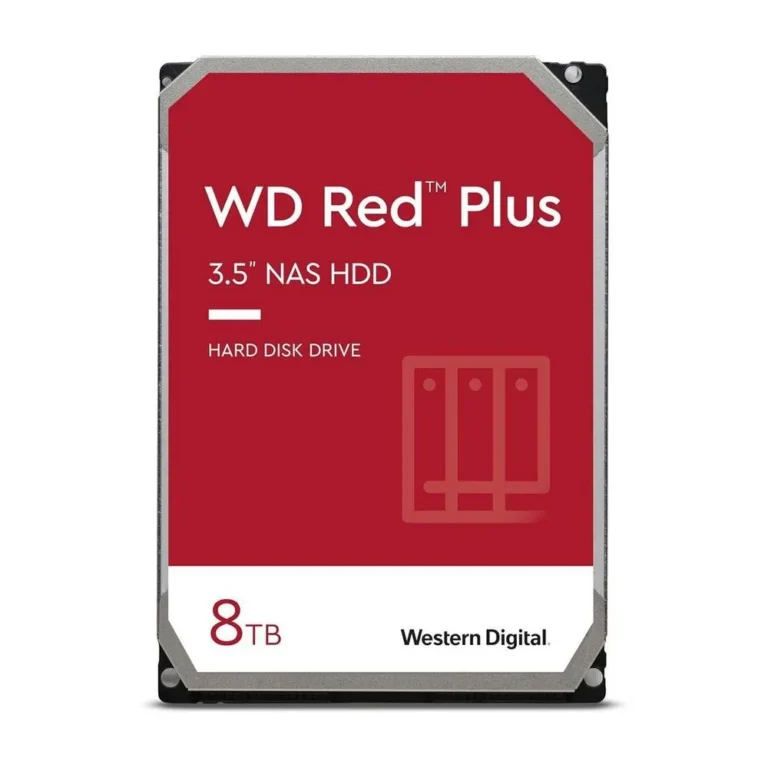
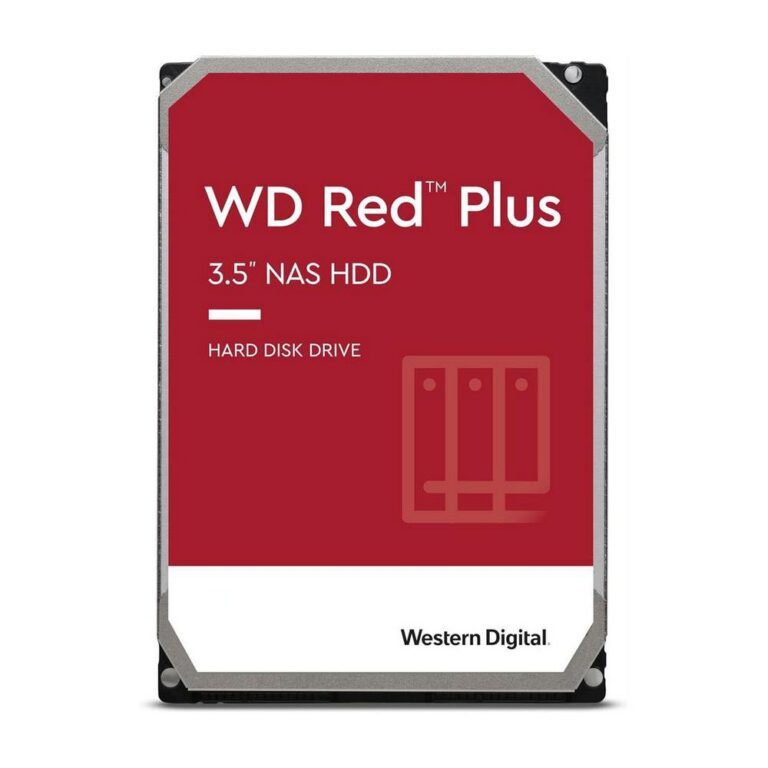
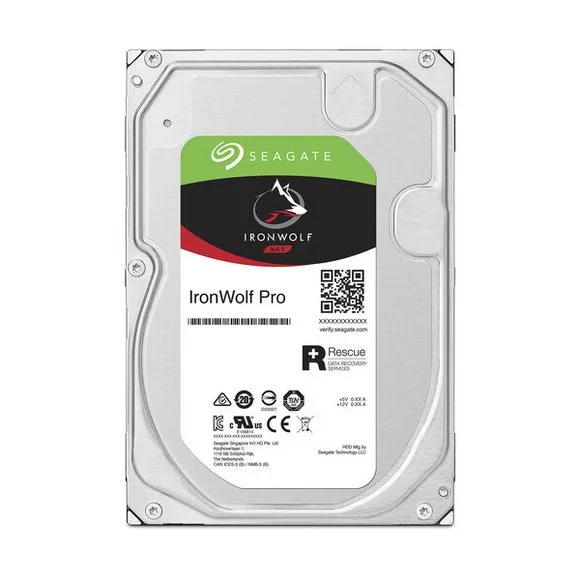
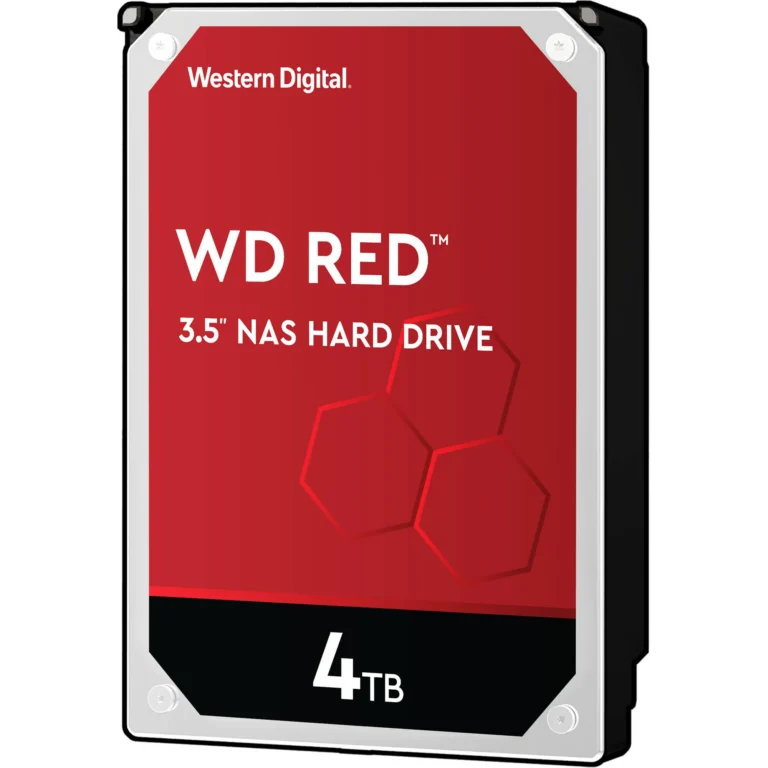
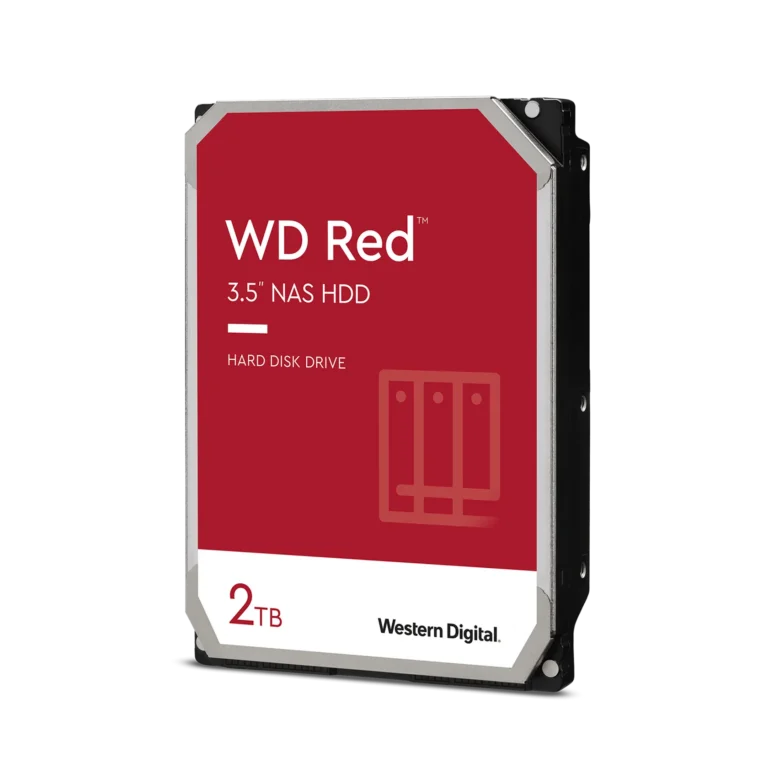
NAS hard drives from Seagate and Western Digital in 6TB, 8TB and 10TB capacities for home servers, office file shares and multi bay backup builds.
NAS Hard Drives for Always On Enclosures
NAS hard drives in Pakistan go into network attached enclosures that stay powered every hour of the week, which is a harder duty cycle than the drive inside a desktop tower ever sees. The buyers are households pulling scattered photo and video libraries onto one box, small offices running a shared file server for a team, and studios keeping a second copy of every shoot. These drives also sit beside three or four other spinning disks in the same chassis, so they are built to cope with the vibration their neighbours create.
Two families carry this category. Western Digital supplies the Red Plus line, stocked at 6TB and 8TB, and WD also lists a 10TB Red drive for people filling larger bays. Seagate covers the same ground with IronWolf, stocked at 8TB. The price spread is wide, from entry level capacities that suit a first two bay build through to premium drives for a full array, so a buyer can start small and scale the same shelf later.
The first decision is capacity per bay against the number of bays you plan to fill. A pair of 6TB drives and a single 10TB drive can land in similar territory on usable space, but the pair gives you redundancy while the single disk gives you room to grow without opening the case again. The second decision is whether to buy all drives at once. An array rebuilds faster and behaves better when every disk in it shares a family and a capacity, so mixing an 8TB IronWolf with an 8TB Red Plus in the same volume works, though matching them makes the set simpler to replace. Capacity you buy today sets the ceiling for the whole array, because most enclosures size a volume to the smallest drive in it.
Matching the Drive to the Build
Someone archiving raw video or camera footage runs out of room first, and 10TB per bay buys the most headroom before another purchase. A household consolidating phone backups, documents and a media library rarely needs that much, and two 6TB drives in mirror give them a copy of everything with a spare disk standing by. A small office running accounts and shared project folders sits between the two, where 8TB drives leave space for years of file growth and daily version history. Anyone replacing a failed disk in a running array should buy the same capacity that array was built around.
Mega Computer stocks these drives at the Karachi showroom and ships nationwide across Pakistan, with cash on delivery and online payment both available at checkout. Seagate and Western Digital drives carry manufacturer warranty cover, and the showroom team can walk you through the claim process for a specific drive before you commit. Call ahead if you need several matched disks for one array, since a full set is a larger order than a single replacement.
One practical note on setup: an enclosure will accept these drives, but the array you create is fixed by the capacity you start with, so plan the target size before you build rather than after. Buyers who expect to add bays later find it cheaper to standardise on one capacity across the whole unit.