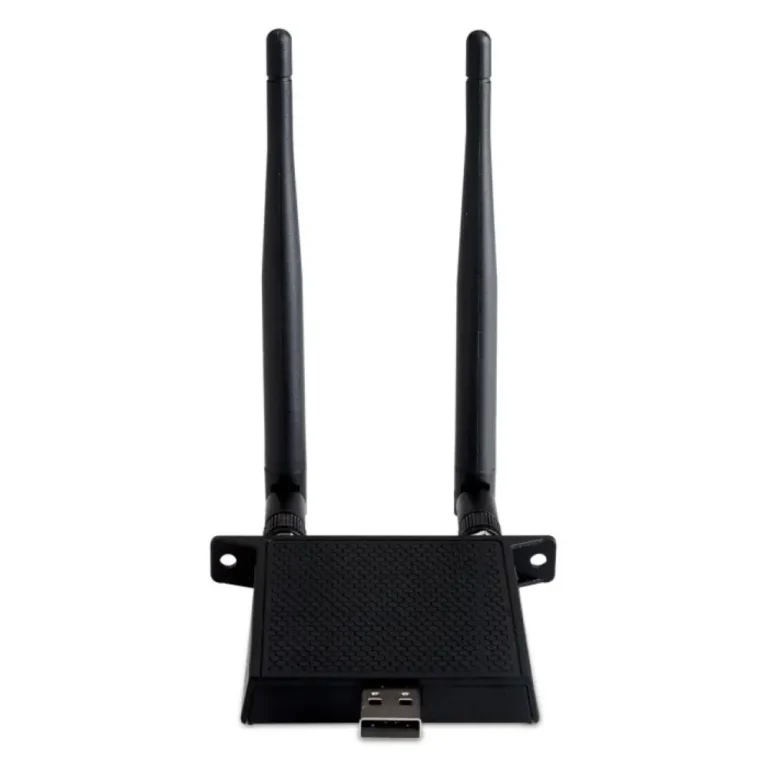
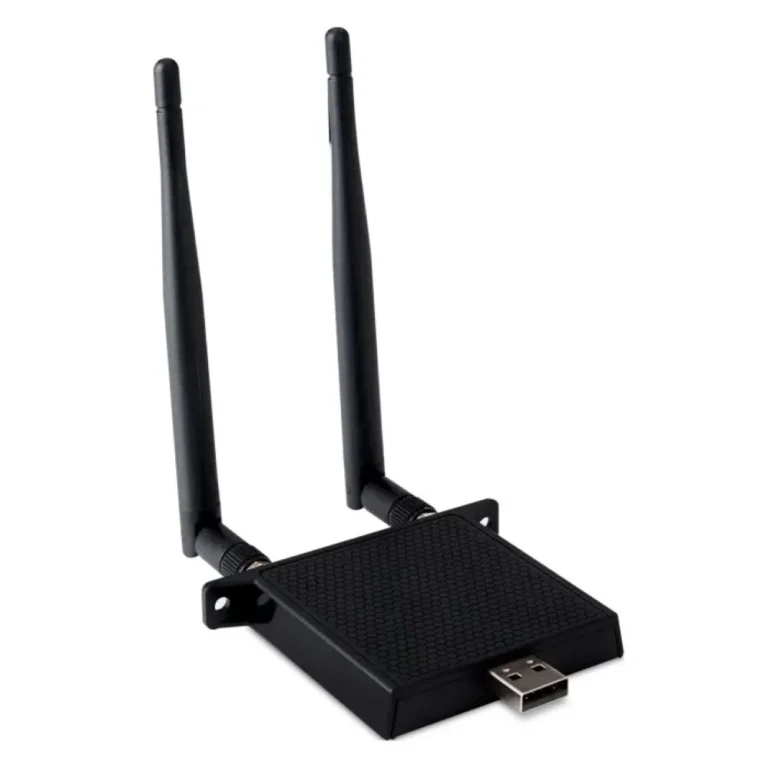
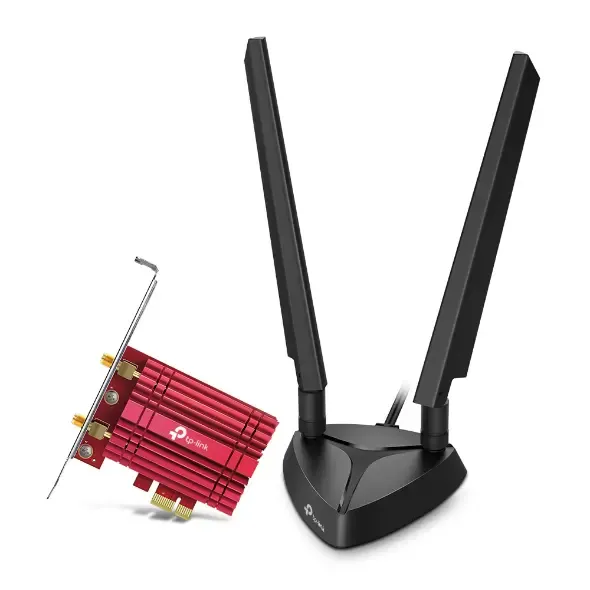
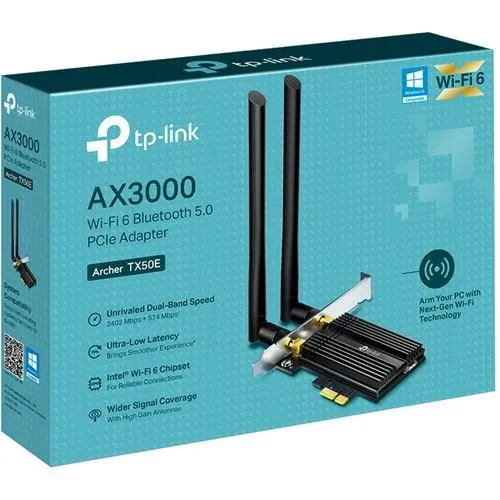
USB and PCIe wireless adapters from TP-Link, UGREEN and ViewSonic, covering Wi-Fi 6, Bluetooth and dual band models for desktops and laptops.
Wireless Adapters for Desktops and Laptops
Wireless adapters give a desktop or laptop a WiFi connection when the machine shipped without one, or when the radio inside it struggles to hold a signal from across the house. Home users add one to an older tower that only has an Ethernet port. Office buyers fit them across a room of desktops to avoid pulling cable through walls and ceilings.
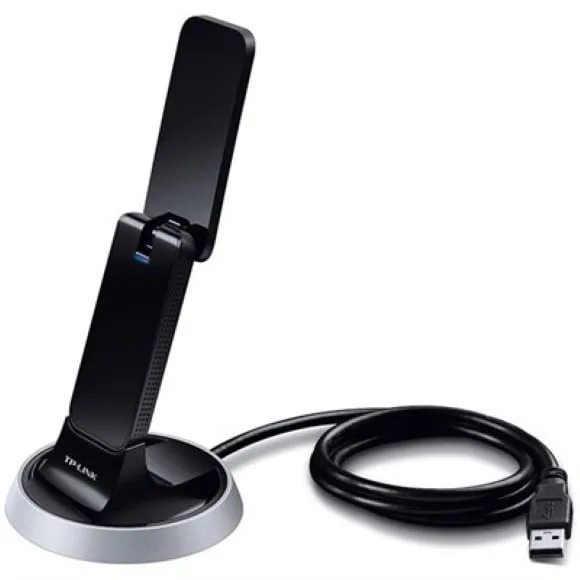
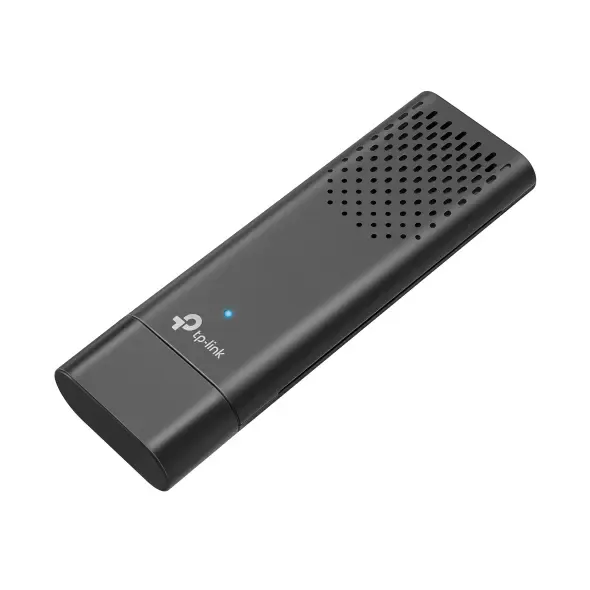
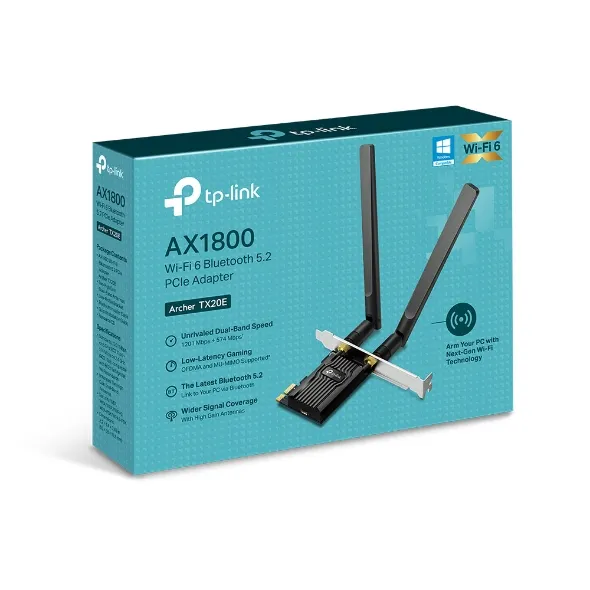
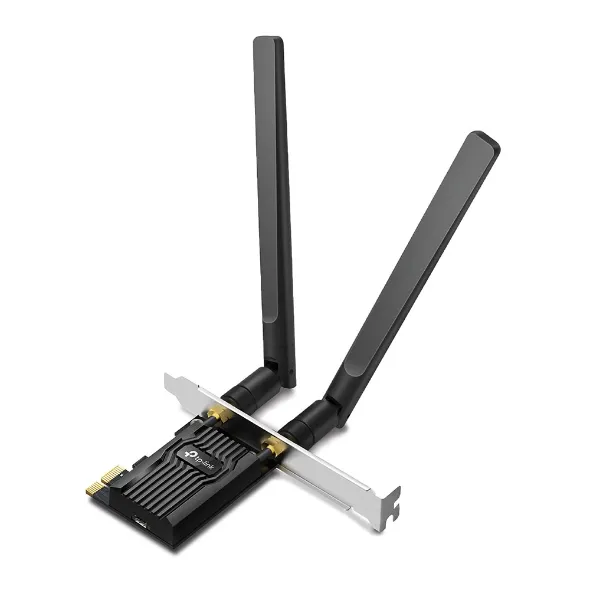
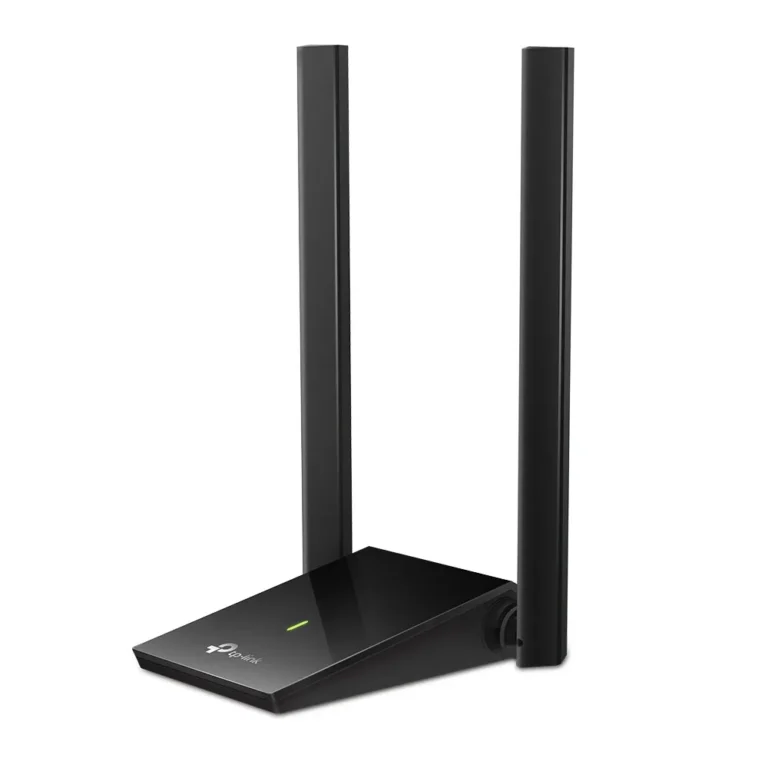
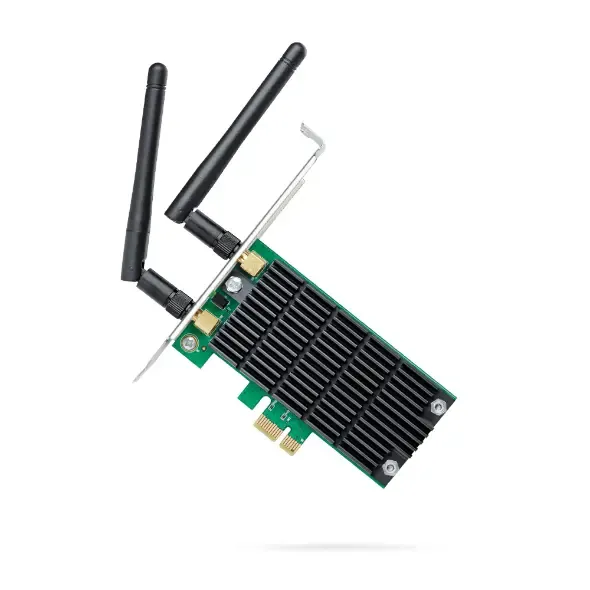
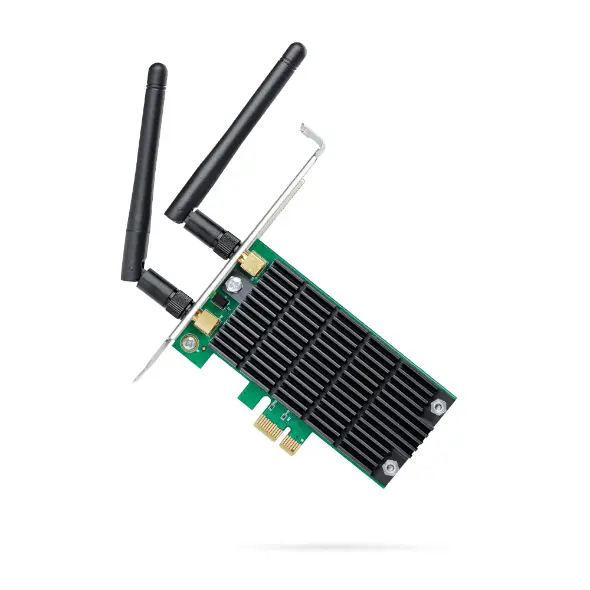
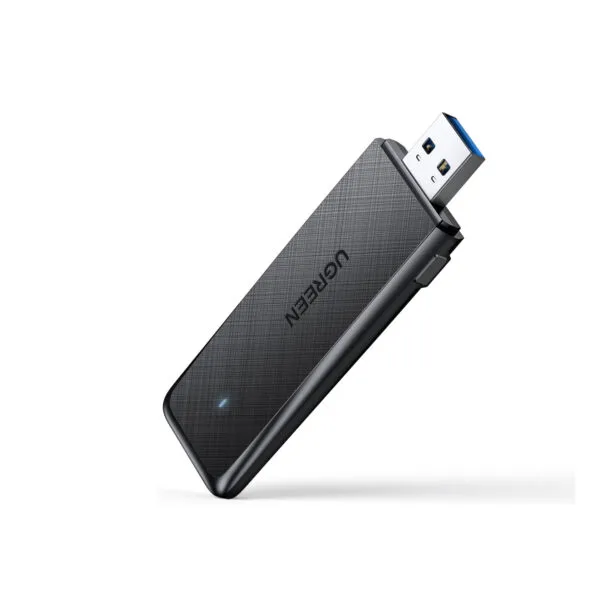
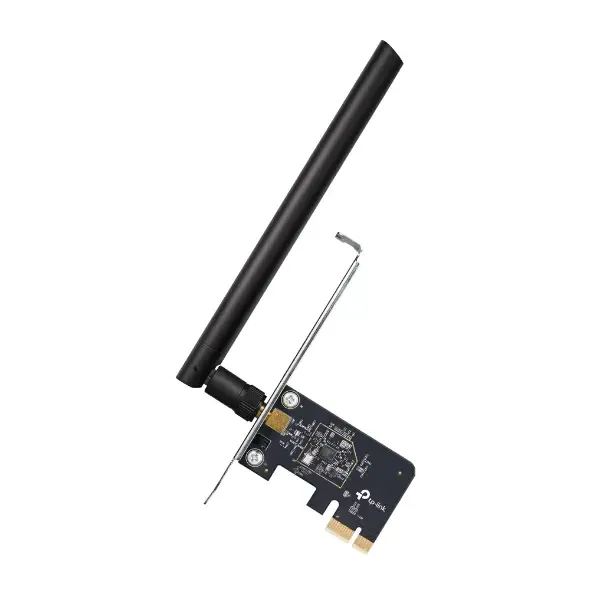
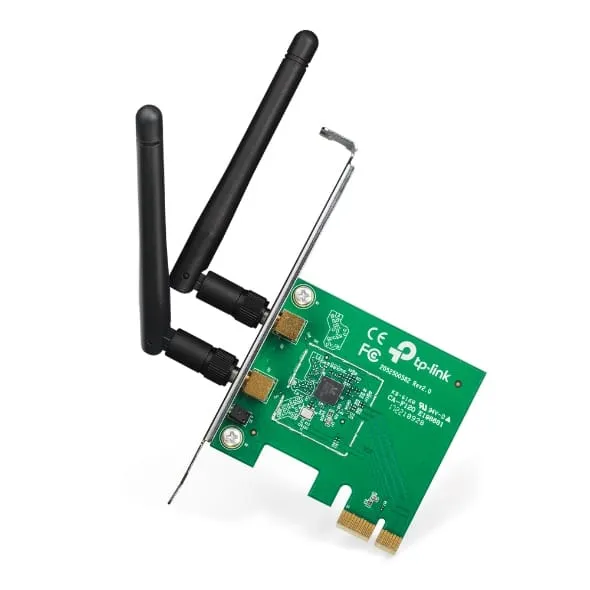
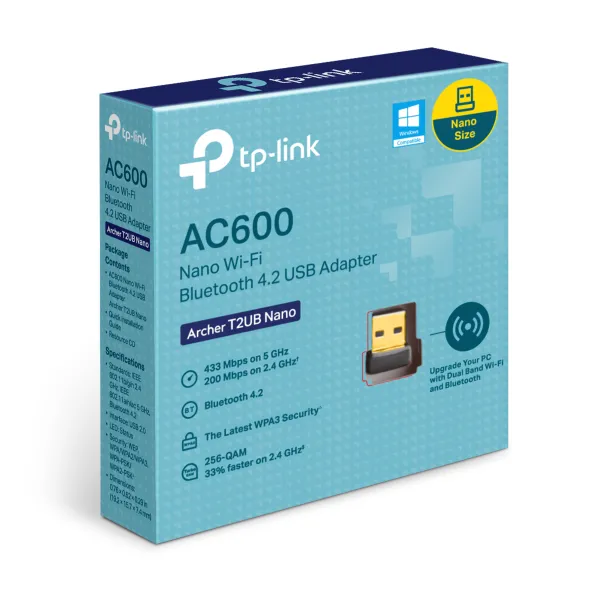
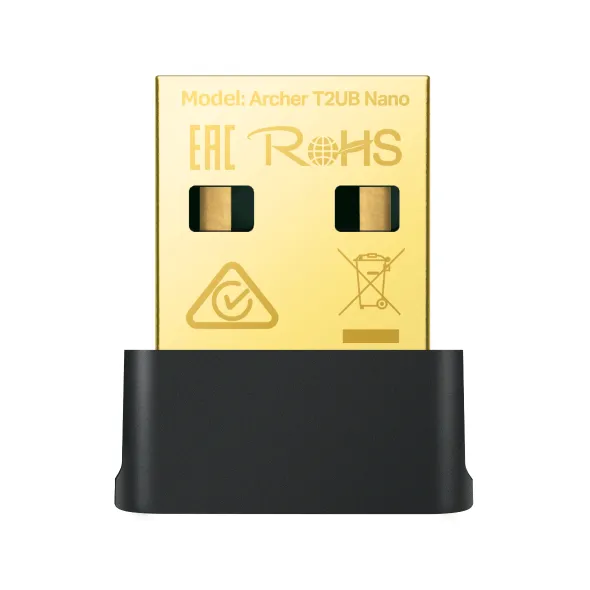
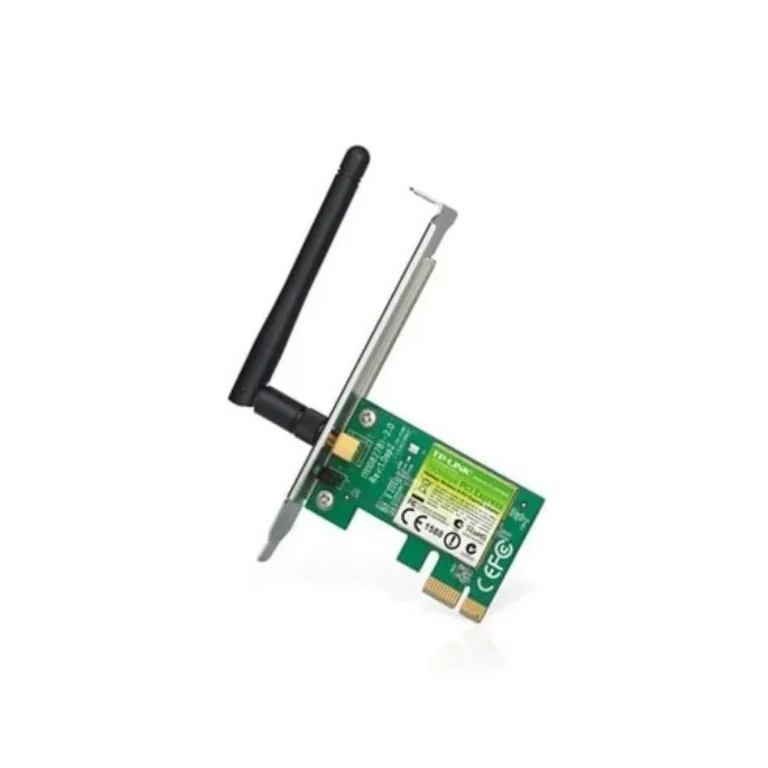
The shelf here splits between two form factors. TP-Link covers both, with USB adapters that plug into a spare port and PCIe cards that seat inside a desktop, and its range runs from dual band wireless models through to Wi-Fi 6 cards that also carry Bluetooth. UGREEN sits on the USB side with dual band WiFi 6 dongles sized for a PC or a laptop. ViewSonic supplies a dual band WiFi USB module. Prices start at entry level dongles and climb to premium PCIe cards, so the same category serves a spare-parts fix and a considered upgrade.
Three decisions settle the choice.
- First, interface: a USB adapter moves between machines and suits a laptop or a desktop with no free slot, while a PCIe card claims an internal slot and stays with one tower.
- Second, Wi-Fi 6 against older wireless standards, which matters when the router already supports Wi-Fi 6 and the connection is shared by several devices at once.
- Third, whether you want Bluetooth on the same card, because some TP-Link PCIe adapters combine Wi-Fi 6 and Bluetooth and save you a second dongle for a headset or controller.
Matching the Adapter to the Machine
A laptop with a failing internal card takes a USB dongle, since opening the chassis is rarely worth it. A desktop that sits far from the router benefits from a PCIe card with external antennas, which you can angle towards the room the router is in. Shared desks and reception counters usually take small USB adapters that stay in place. For a build where the motherboard has no wireless and no Bluetooth, one combined PCIe card handles both.
All stock is new and carries the warranty stated on each product page, with terms set by the brand. Mega Computer sells from its Karachi showroom and ships nationwide across Pakistan. Payment is cash on delivery or online payment, and the team can confirm which adapter fits your motherboard or laptop before you order.
One setup note worth knowing: a Wi-Fi 6 adapter only reaches its full benefit when the router on the other end also runs Wi-Fi 6, so check the router first if you are buying for speed rather than to replace a dead card. Dual band models let you park slower devices on one band and keep the faster band free for the machine you care about.