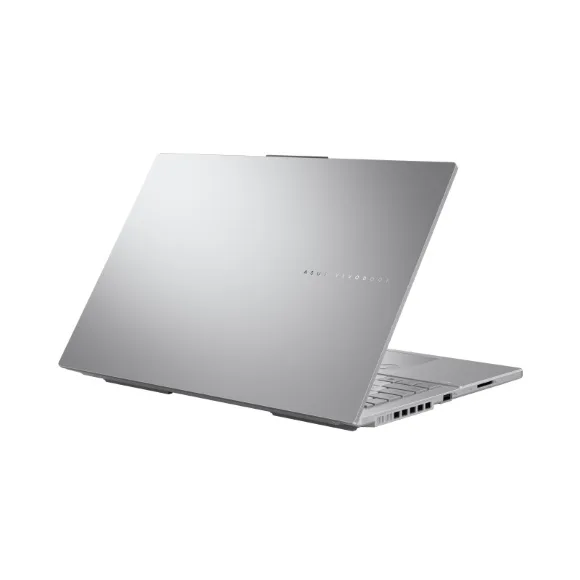
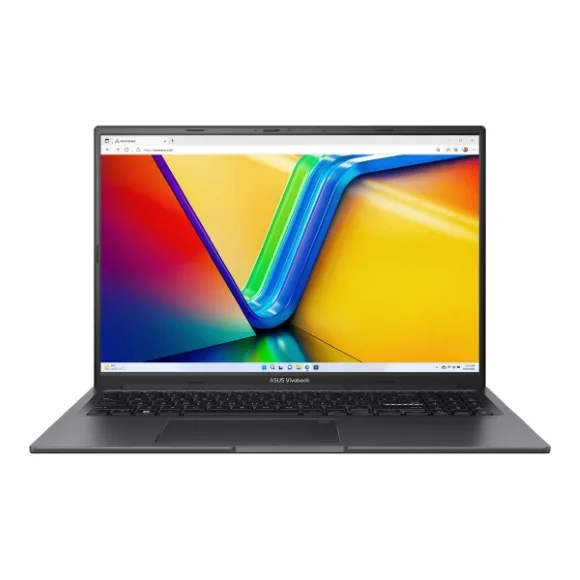
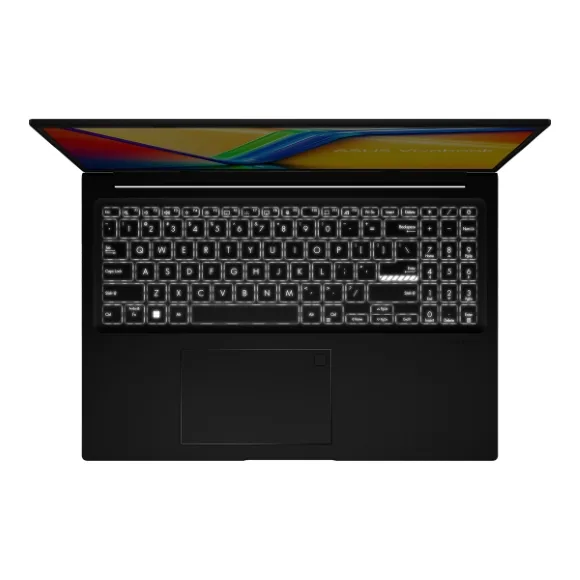
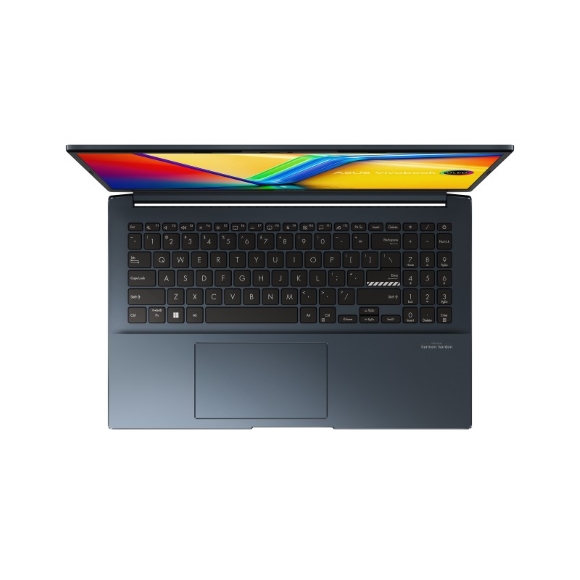
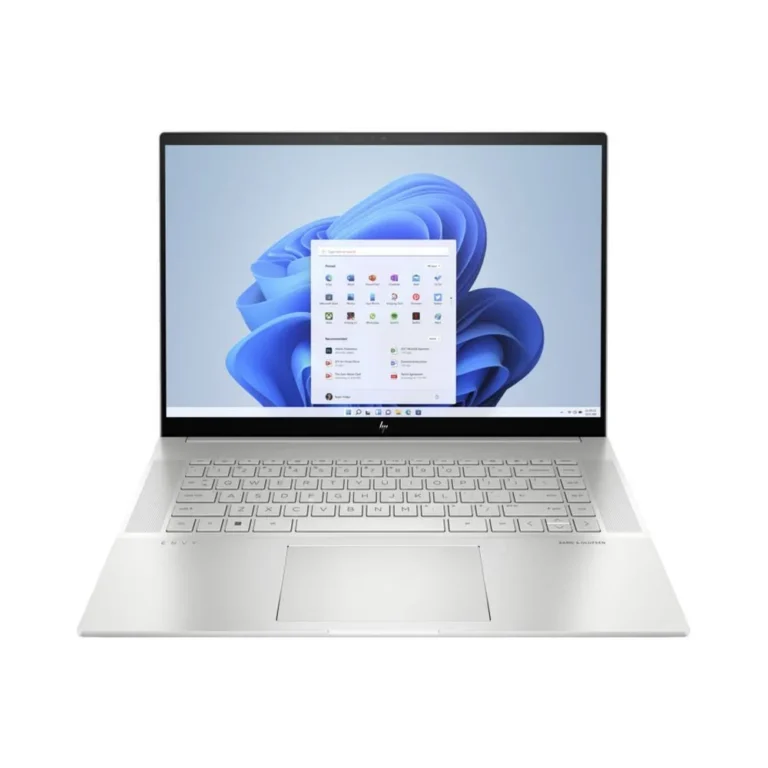
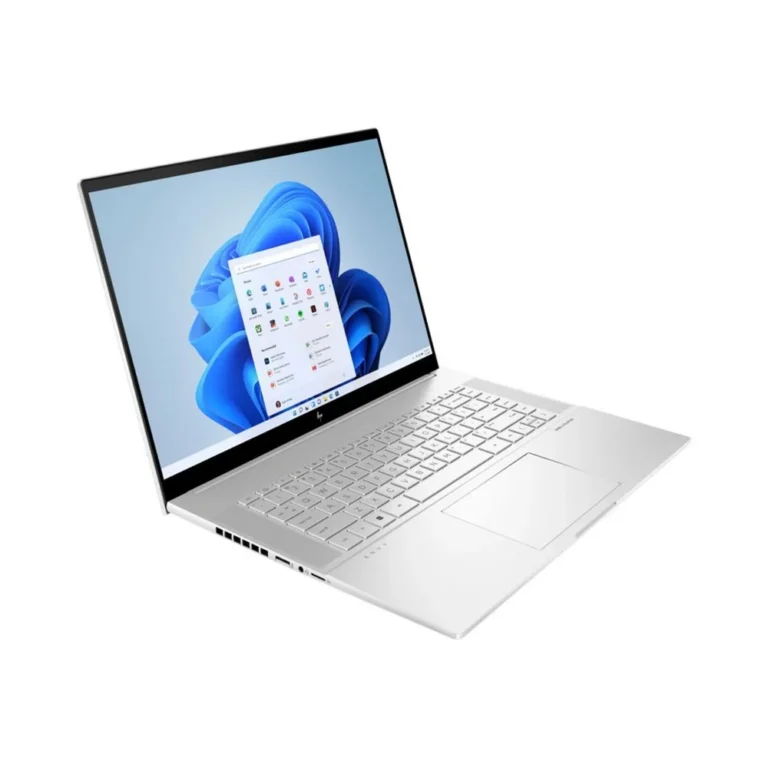
Colour-accurate OLED and IPS notebooks from Lenovo, Asus and Microsoft Surface, built for photo, video, 3D and illustration work away from the desk.
Creative & Design Laptops
Creative design laptops sit between a thin ultraportable and a desk-bound workstation, and they are bought by people who retouch photographs, cut video timelines, model in 3D or draw straight onto the screen. The shortlist here is narrower than the general laptop shelf. What matters is the panel in front of you, the amount of memory the software can hold onto, and whether the machine has a discrete GPU doing the rendering work.
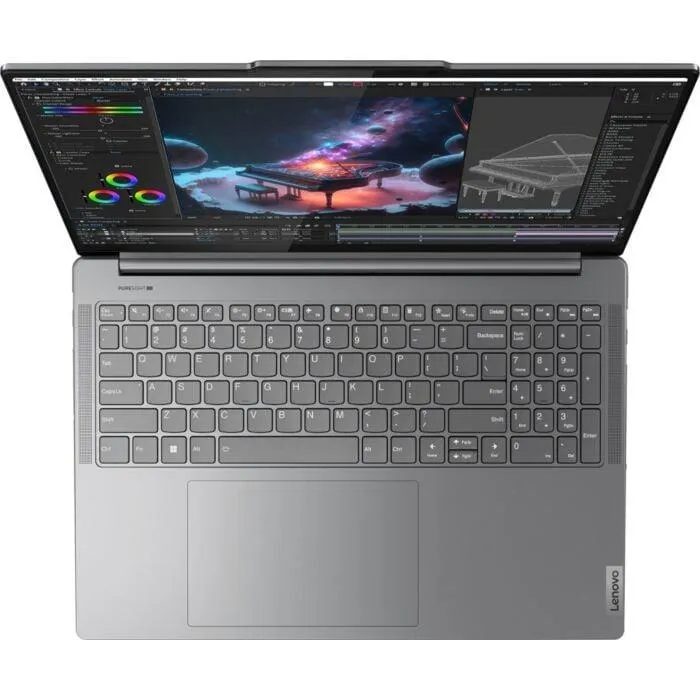
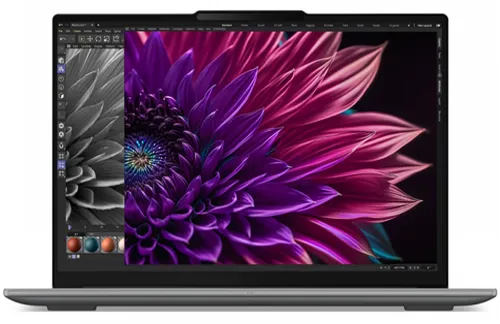
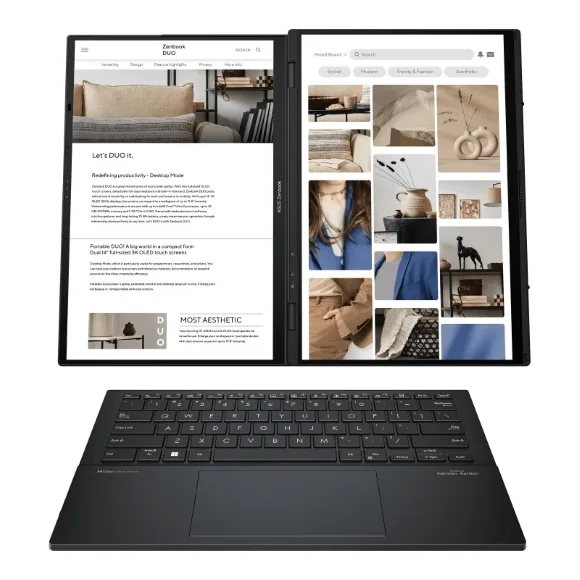
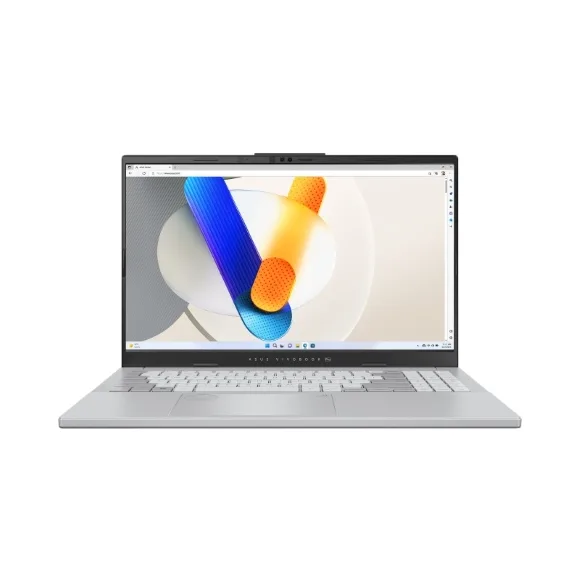
Three brands carry this range: Lenovo, Asus and Microsoft Surface. Lenovo spans both ends of it, from a Yoga Pro 9 with 16GB of memory, a 1TB NVMe SSD on PCIe 4 and a 6GB discrete GPU behind an IPS panel, up to a Legion Pro 5 configuration with 32 GB of DDR5, a 1 TB PCIe Gen4 SSD, a 12GB GPU and a 16-inch OLED screen running at 165Hz. Asus covers the OLED middle with the Zenbook Duo at 16GB and 1TB, and the Vivobook Pro 15 pairing an OLED panel with an 8GB GPU. Microsoft Surface adds the Laptop Studio, a touch machine with 16GB of memory, a 512GB SSD and a 4GB GPU. Prices run from entry-level up to premium, so the range holds a first design laptop as well as a main production machine.
Start with the panel. OLED gives you deep blacks and strong colour separation for grading and retouching, while IPS holds up well for layout, illustration and long editing sessions. A 165Hz OLED helps if the same machine also handles motion work or gaming. Memory is the second call: 16GB handles photo work and single-stream video, and 32 GB of DDR5 is what large layered files and 3D scenes want. Third is graphics memory, which sets your ceiling on effects and viewport work. 4GB and 6GB GPUs suit 2D and light 3D, 8GB and 12GB cards carry heavier renders. Storage follows the same logic: a 512GB SSD works if your library lives on external drives, a 1TB NVMe drive keeps active projects on the machine.
Matching the machine to your work
A designer working in Illustrator and InDesign, or a student building a portfolio, gets what they need from a 16GB machine with a 4GB or 6GB GPU. Photographers and colourists benefit most from the OLED options. Video editors running multi-layer timelines should look at 32 GB of DDR5 with a 12GB GPU and a 1 TB PCIe Gen4 SSD. Illustrators and anyone sketching by hand want the touch screen on the Microsoft Surface Laptop Studio, and people who keep reference material open beside their canvas should look at the dual-screen Asus Zenbook Duo.
Mega Computer stocks this range at its Karachi showroom, where you can compare an OLED and an IPS panel side by side before deciding. Orders ship nationwide across Pakistan, with cash on delivery and online payment both accepted. Machines are sold new and carry the brand warranty that applies to the configuration you buy, so ask about warranty terms for the exact model when you order.