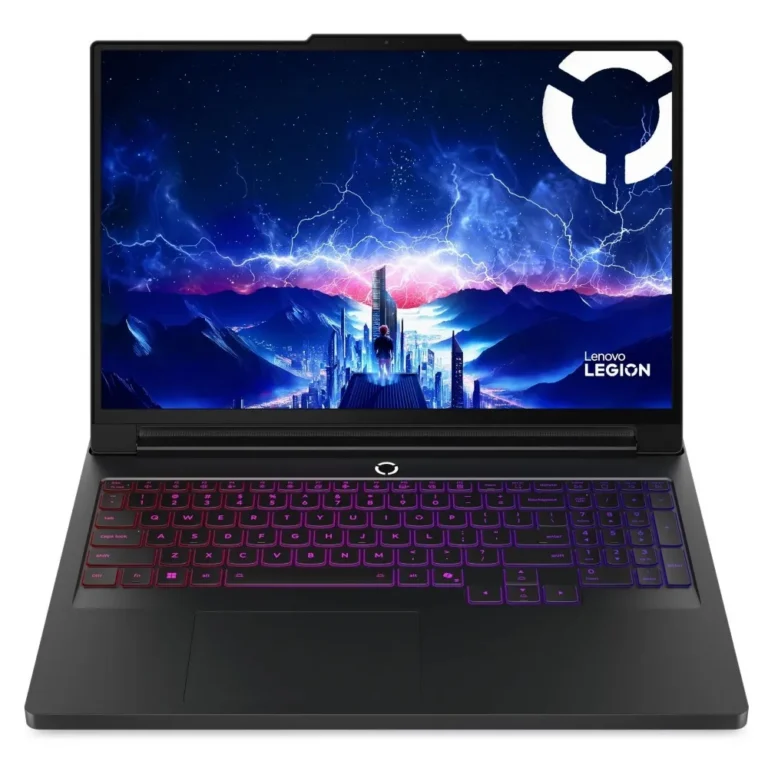
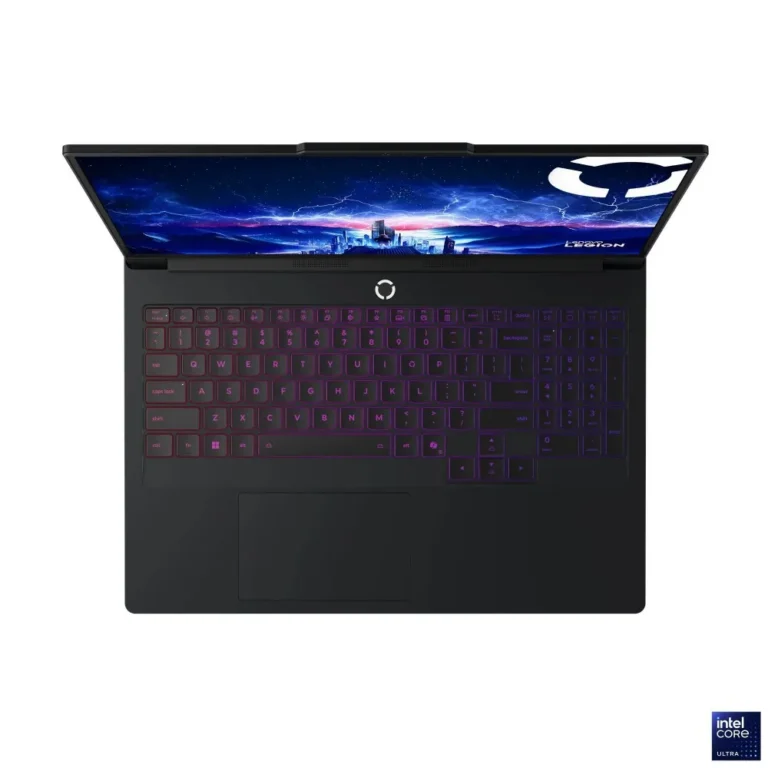
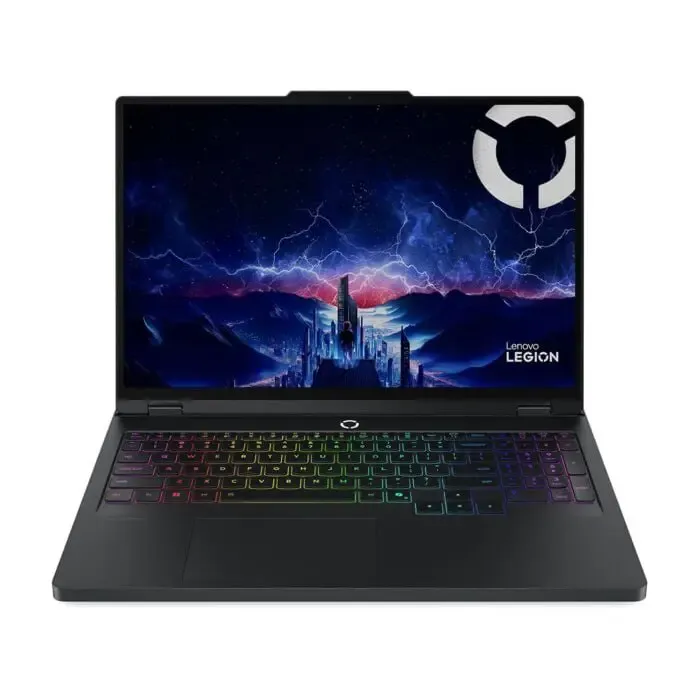
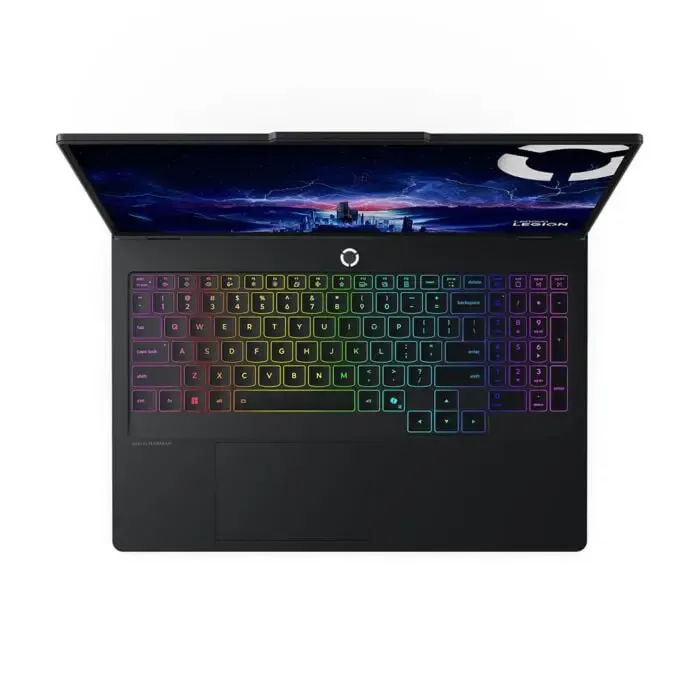
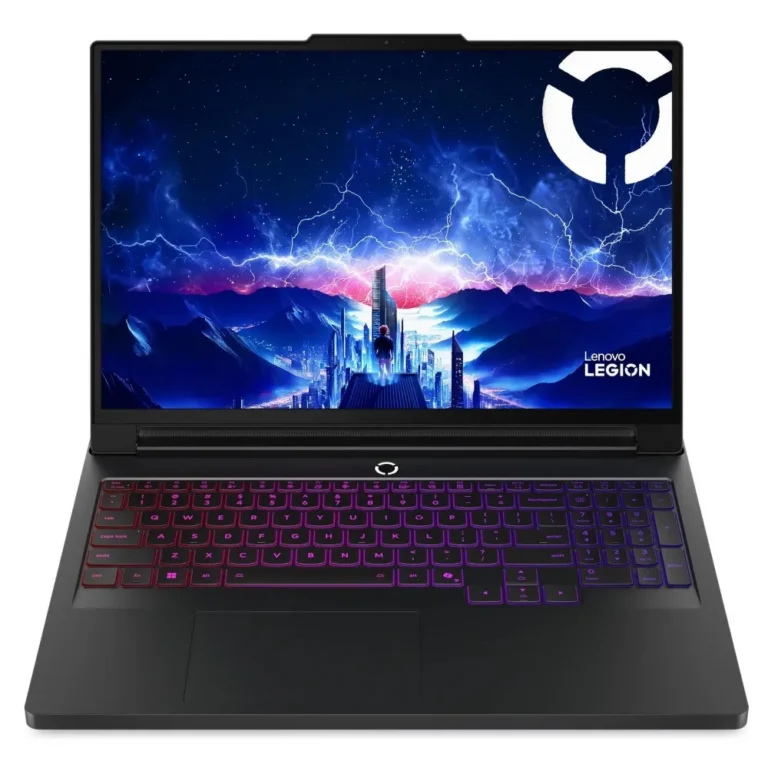
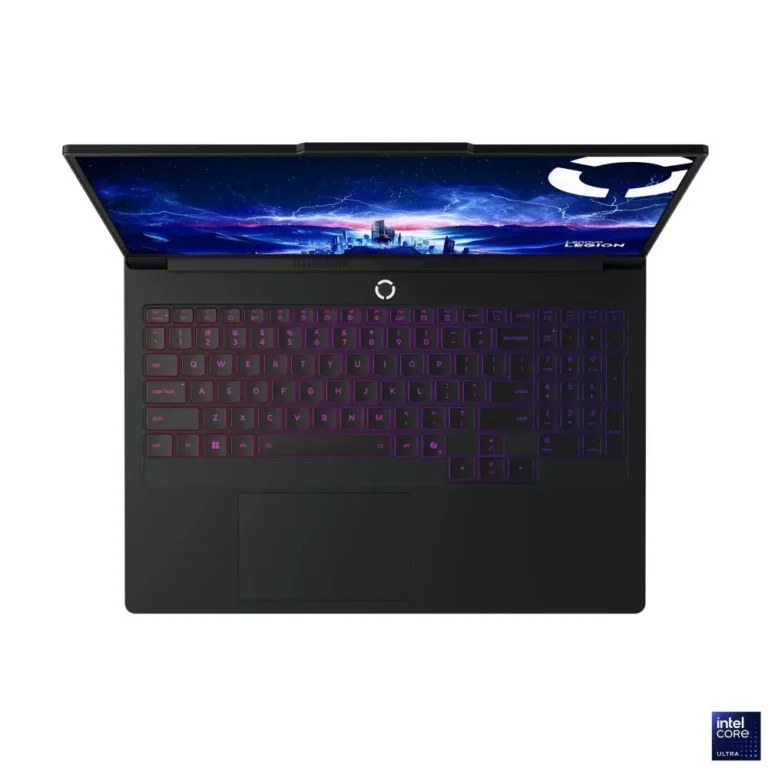
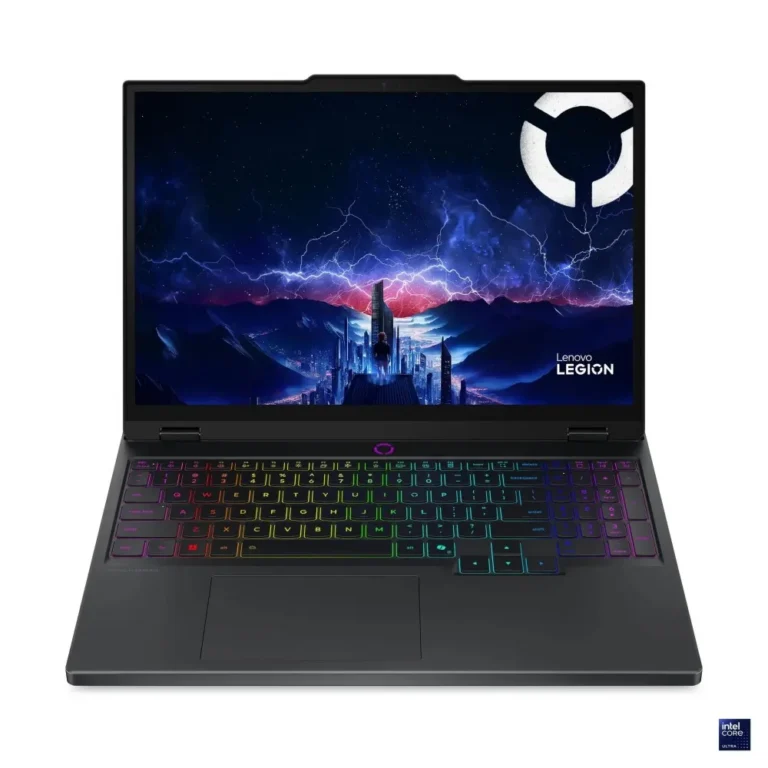
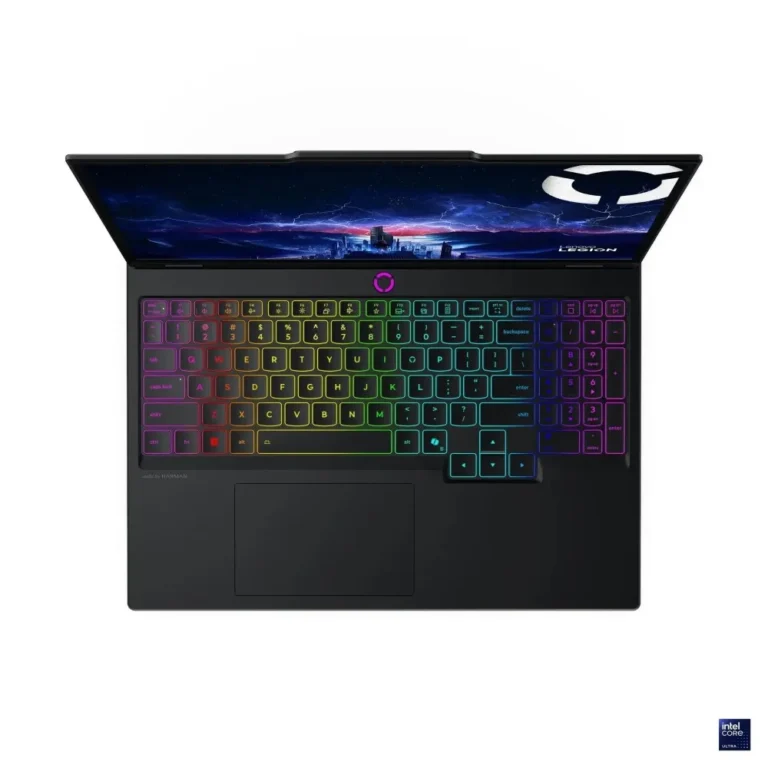
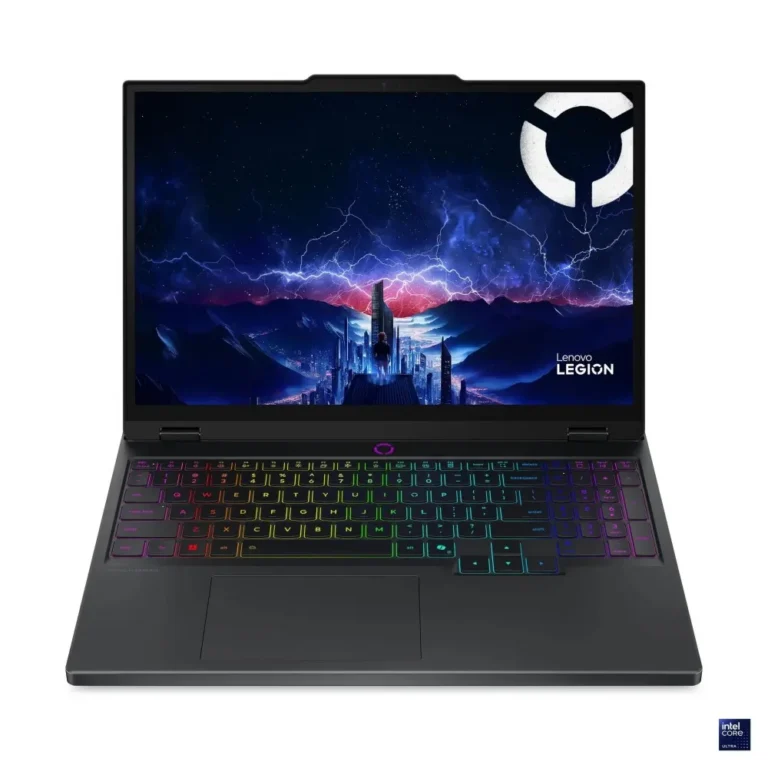
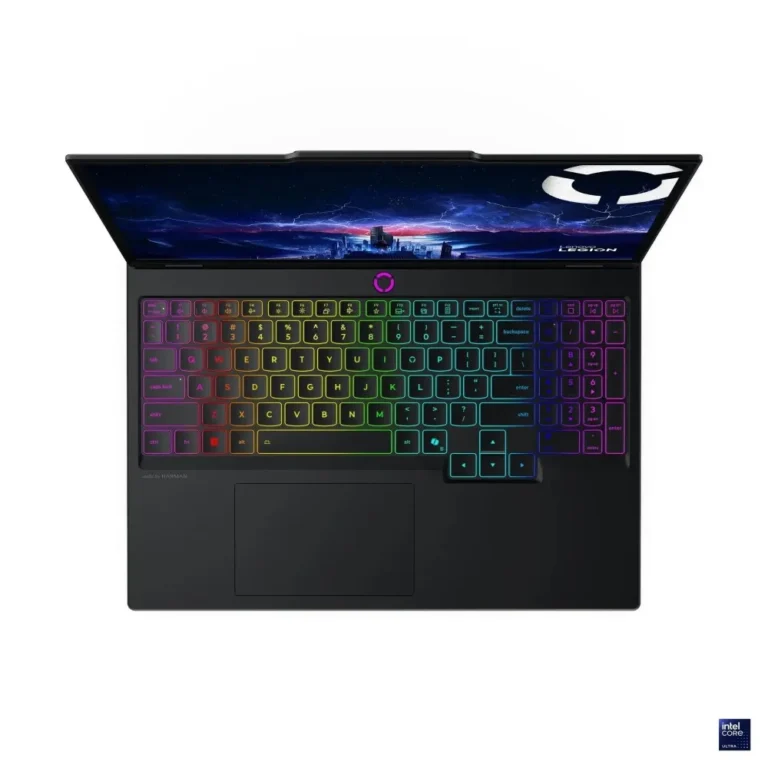
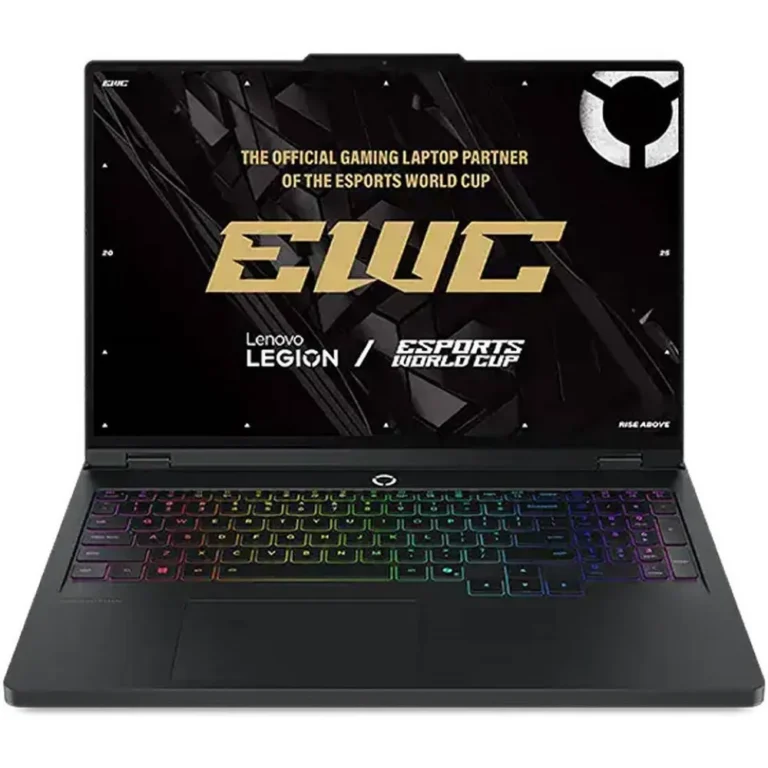
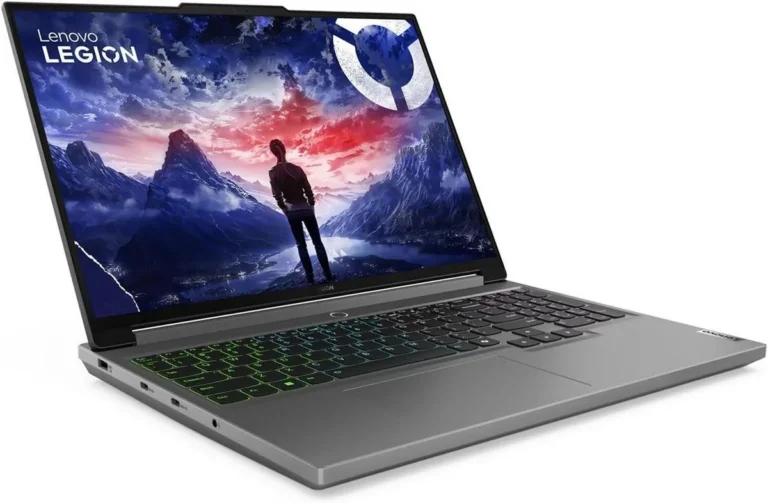
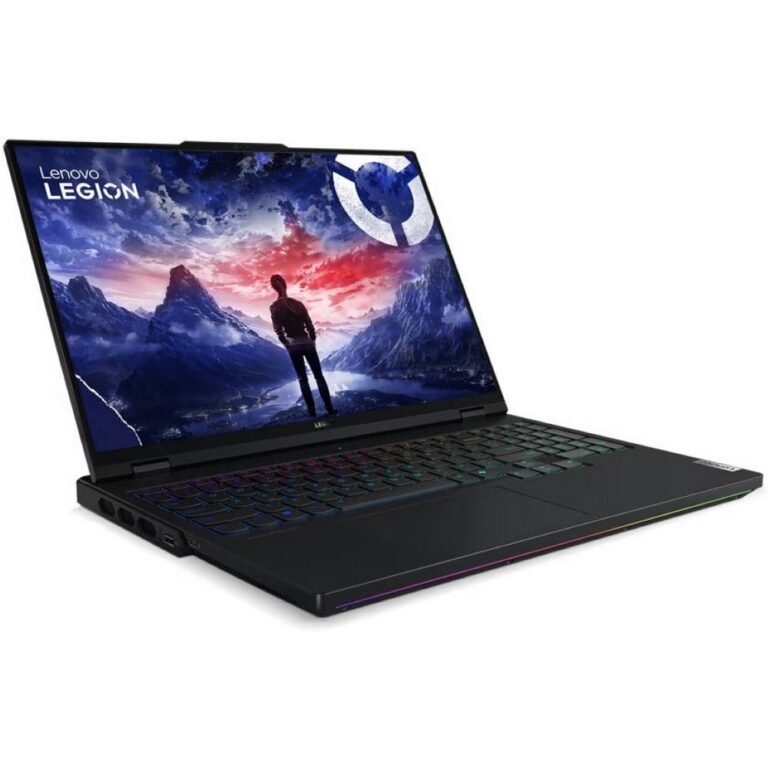
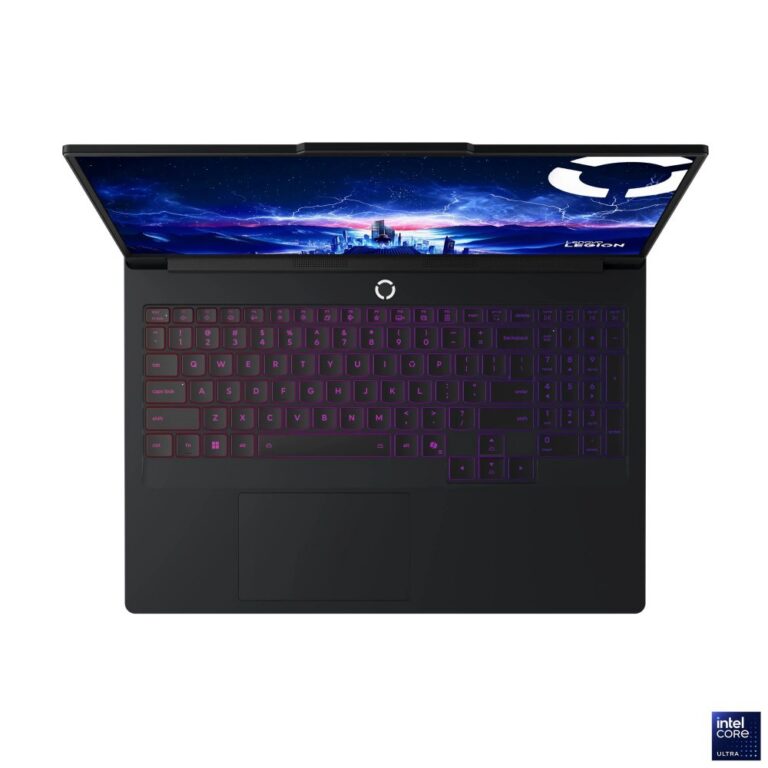
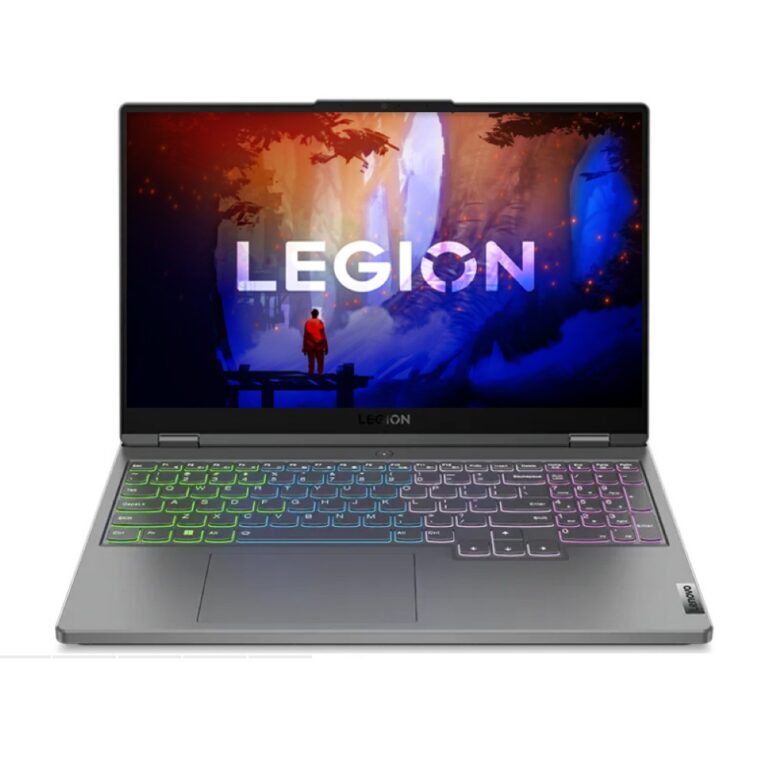
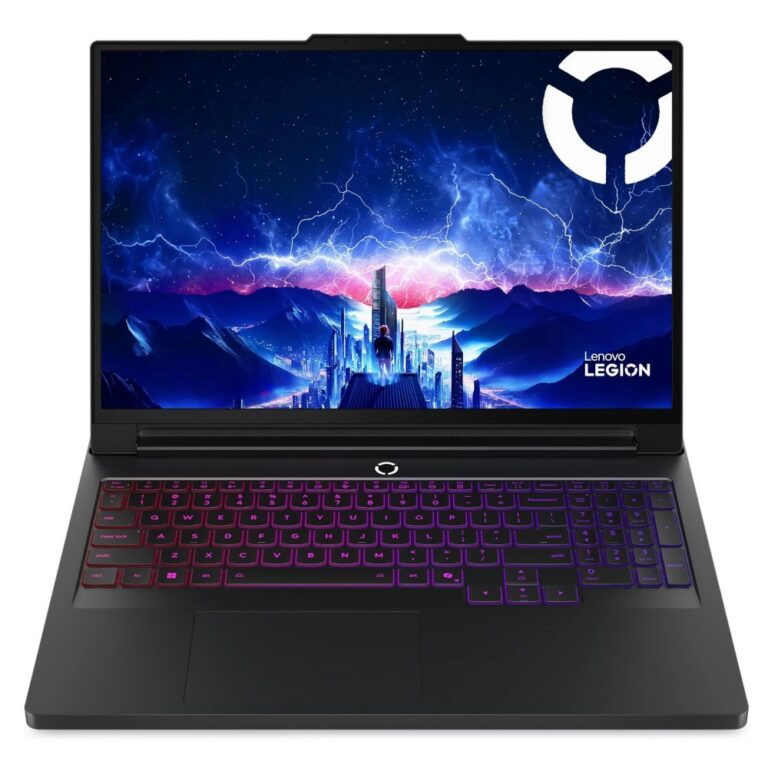
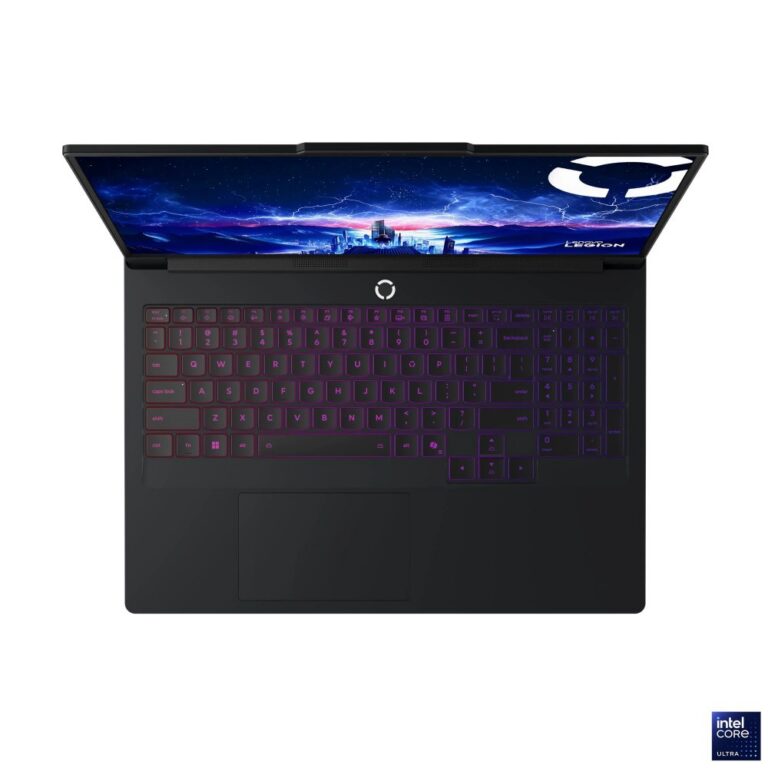
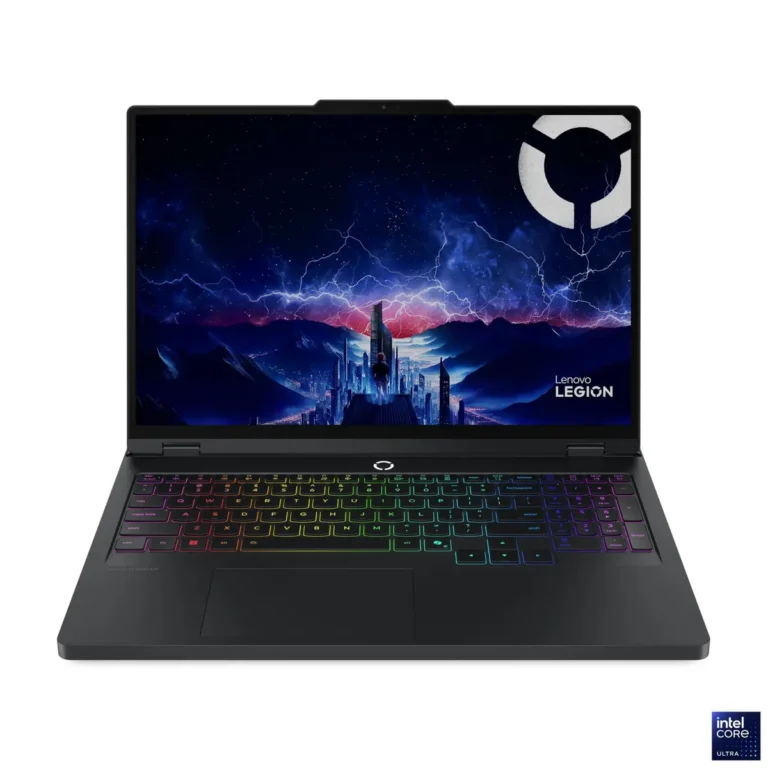
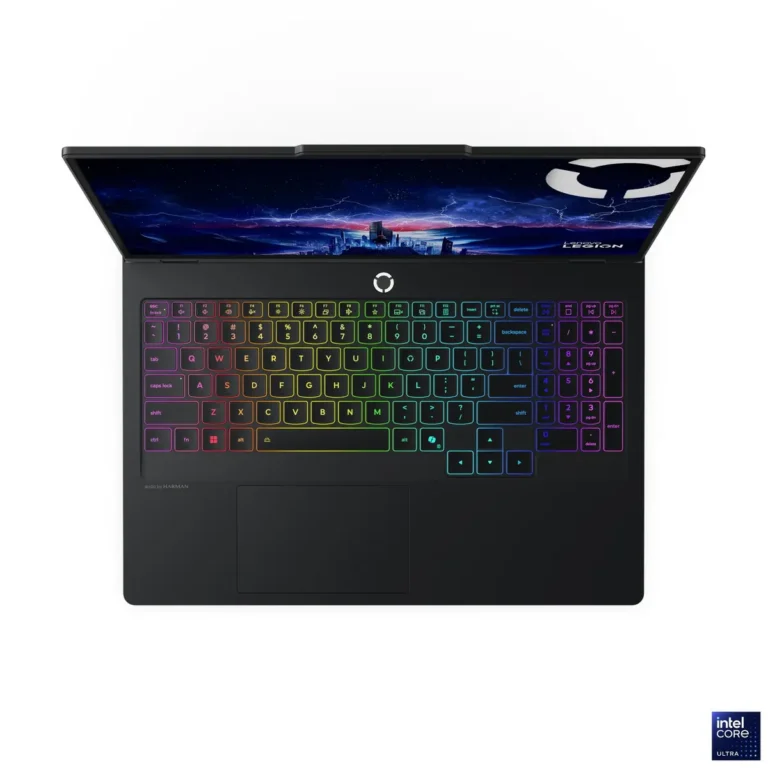
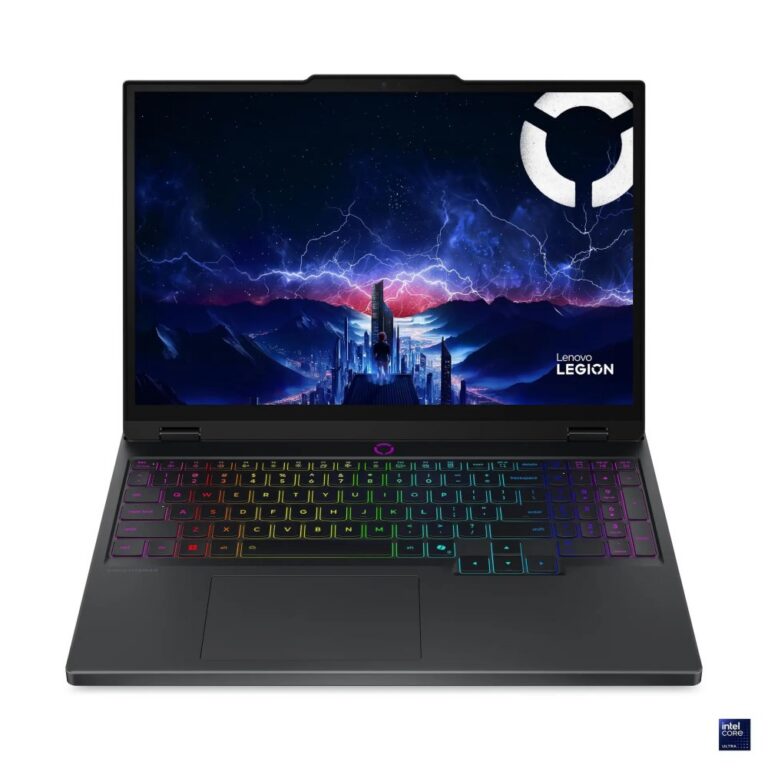
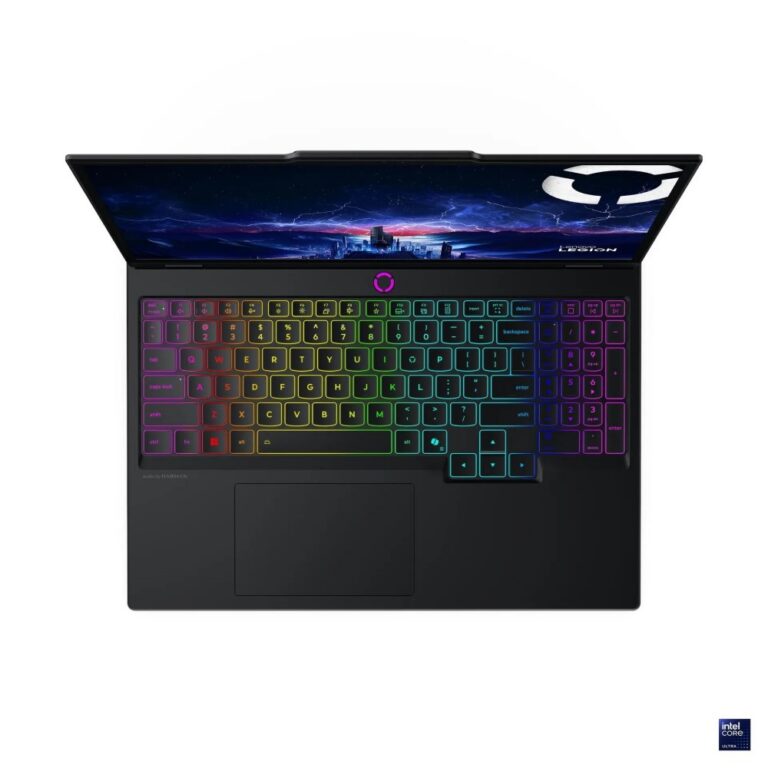
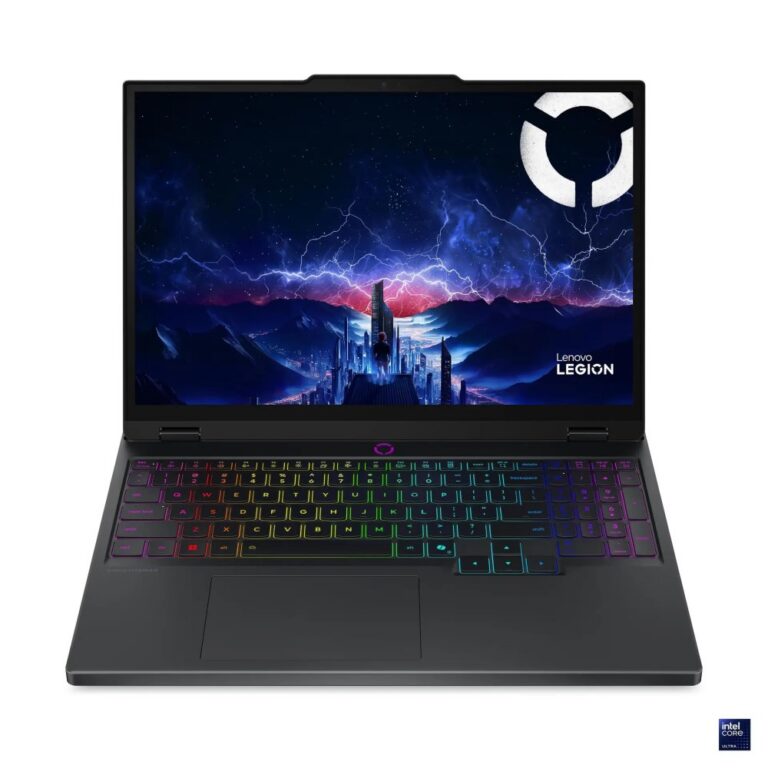
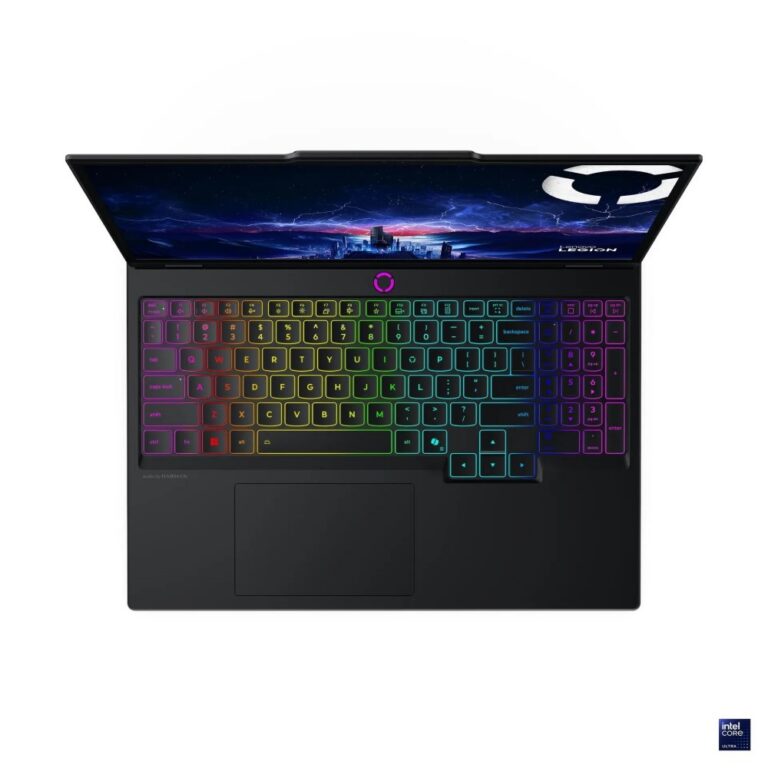
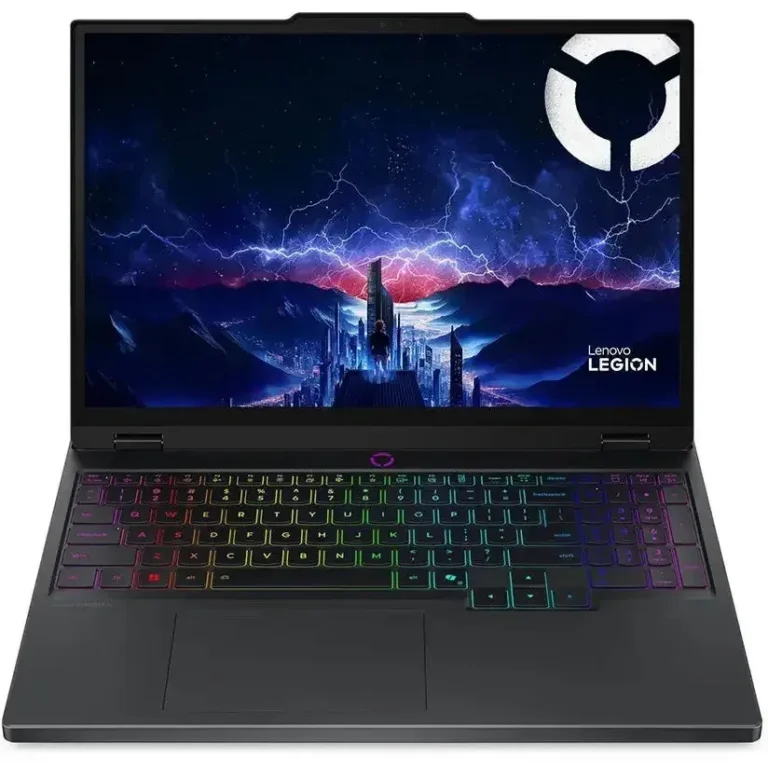
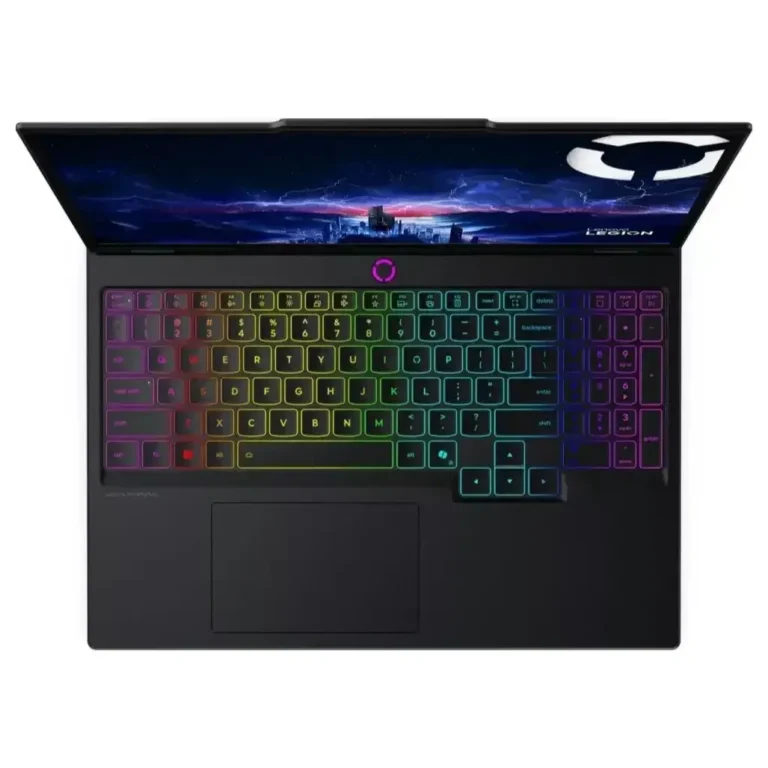
Legion is Lenovo's gaming line: 240Hz IPS and OLED panels, DDR5 memory up to 64GB and NVMe storage, stocked in Karachi with delivery across Pakistan.
Lenovo Legion Gaming Laptops
Lenovo Legion sits at the performance end of the Lenovo notebook range, built for gaming, streaming and creative work that loads a machine for hours at a stretch. The stock in this category is drawn from the Legion Pro chassis, a large screen body with per key RGB backlit keyboards and cooling sized for sustained load rather than short bursts.
Memory across these configurations runs from 16GB through 32GB and up to 64GB, using DDR5 modules, with several builds filling two slots using a pair of 32GB sticks. Storage sits on M.2 NVMe drives, 1TB on the common configurations and 2TB on the larger ones, some wired over PCIe 4 lanes and others over PCIe 5. Screens split two ways at 240Hz, IPS on one set of models and OLED on the other. Graphics memory across the range spans 12GB, 16GB and 24GB. The price spread here is wide, from entry level Legion configurations up to premium builds.
Three decisions separate these models.
- The panel choice comes first: IPS holds up better under bright room lighting and costs less at the same 240Hz refresh, while OLED gives deeper blacks for dark scenes and colour grading.
- Memory comes second, since 16GB covers gaming alone but 32GB and 64GB matter once you stream, render or keep a browser stack open beside a game.
- Storage is the third call, and it splits between one large 2TB drive and two 1TB drives in separate slots, the second of which lets you keep games apart from project files. If you move large video or asset libraries, check whether the drive runs on PCIe 4 or PCIe 5.
Matching a Legion to your work
Competitive shooter players get the most from the 240Hz panels and can stay at 16GB of RAM without losing frames. Editors and 3D artists should go the other way and start at 32GB or 64GB of DDR5 with a 2TB NVMe drive, since project files fill a smaller disk within months. Anyone who plays and creates on one machine, or who wants headroom to add a second drive later, is better served by a dual slot configuration than by a single sealed one. Students on a fixed budget can take an entry level Legion configuration and add memory afterwards.
Mega Computer stocks these models at its Karachi showroom, where you can see the IPS and OLED panels side by side before you commit to one. Orders ship with nationwide delivery across Pakistan, and you can pay cash on delivery or online. Warranty terms are listed against each model on its product page, so check the entry for the exact configuration you want rather than assuming the line is uniform.
One practical note on upgrades. The configurations that use two DDR5 slots and two M.2 slots can be raised later, so a buyer who starts at 32GB and 1TB is not locked in. Configurations that already carry 64GB of memory or a 2TB drive leave less room to grow, which makes them the better pick if you would rather buy the capacity once. Ask which layout a given model uses before you order.

 LenovoLenovo 44