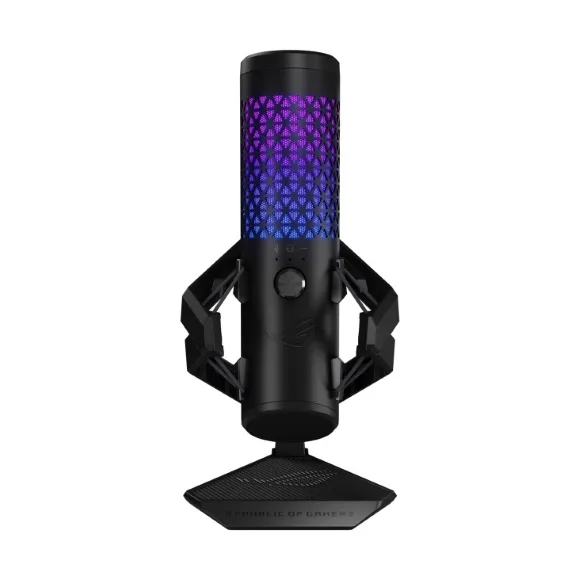
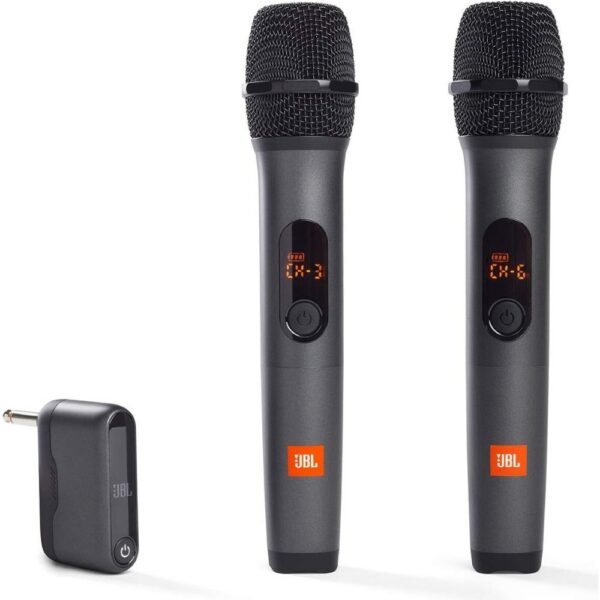
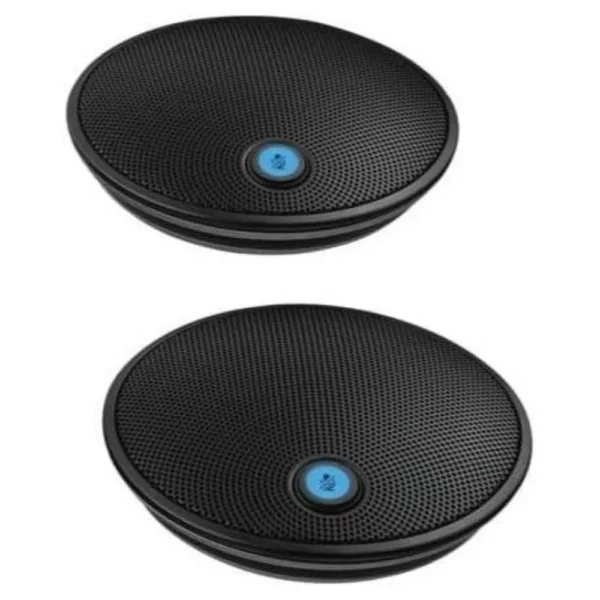
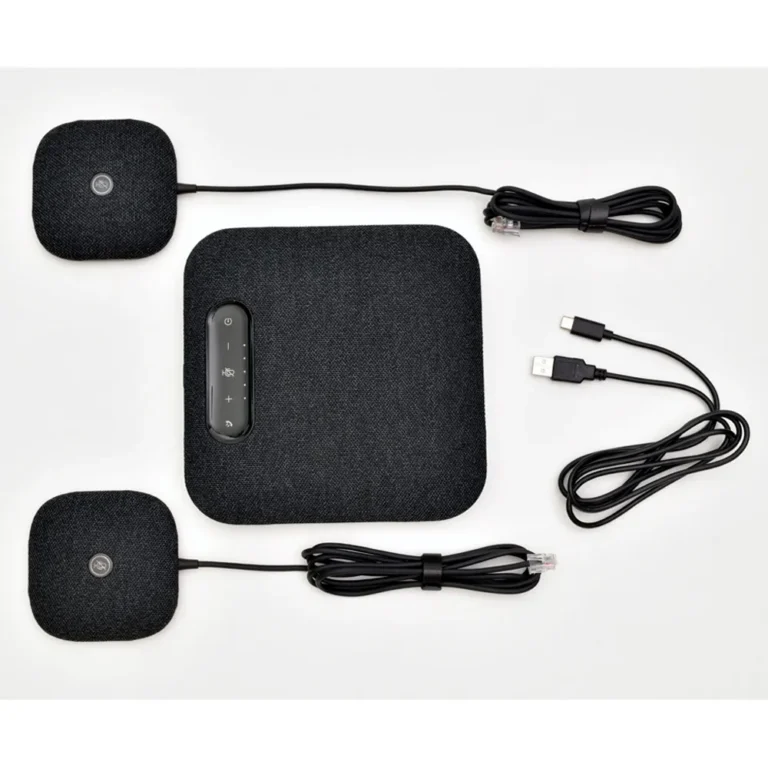
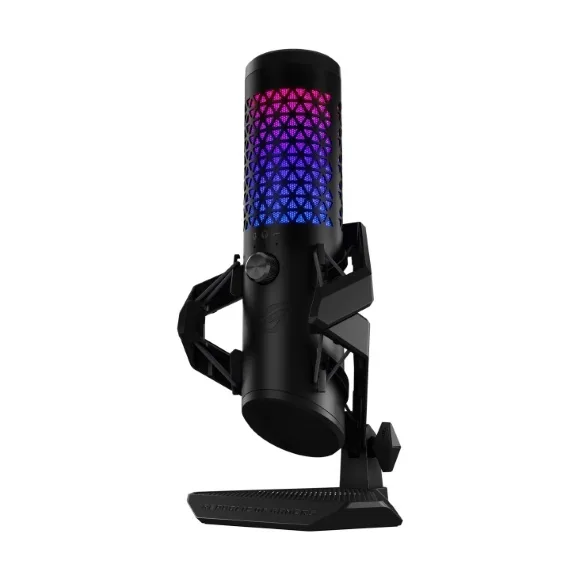
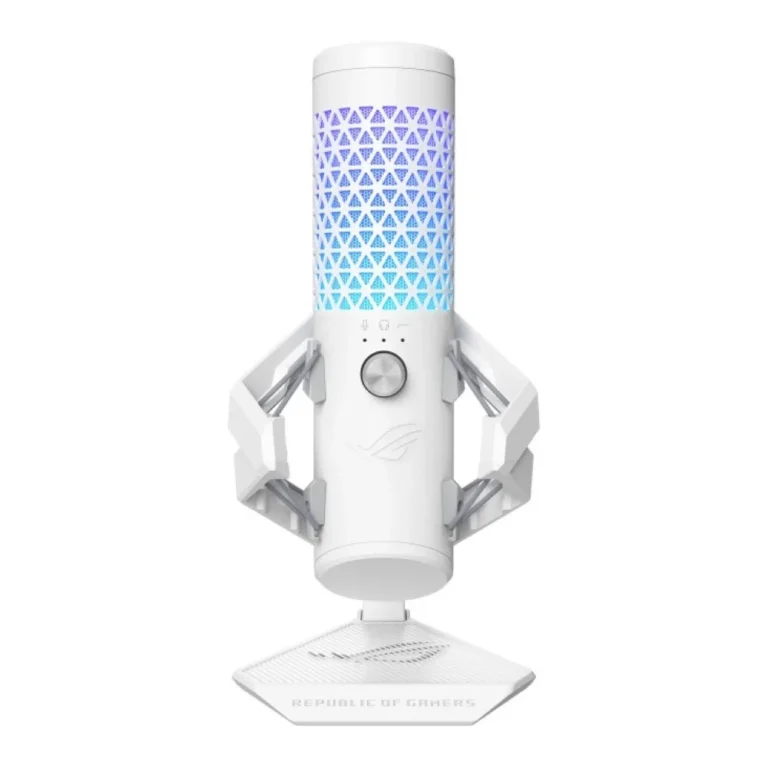
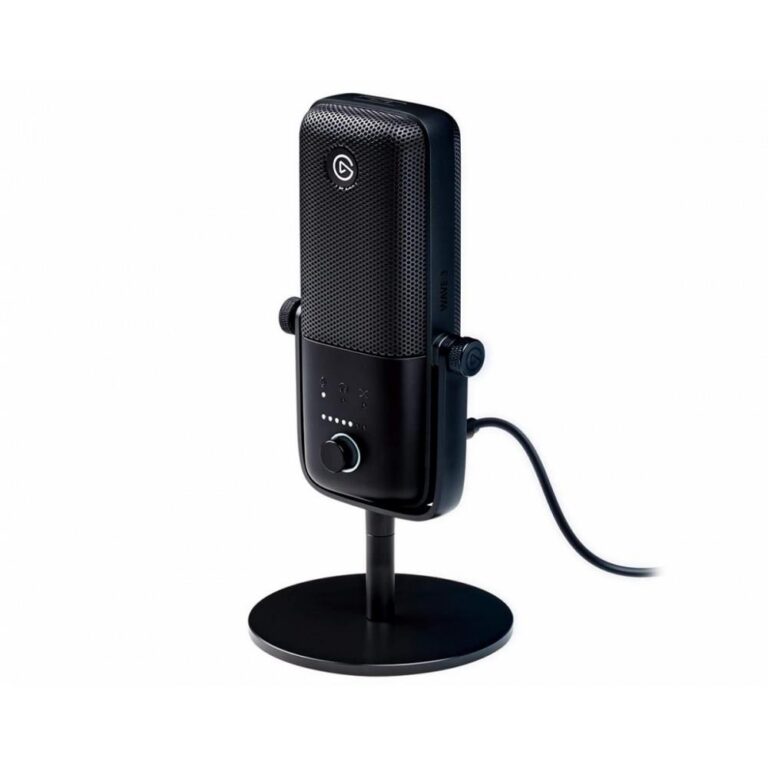
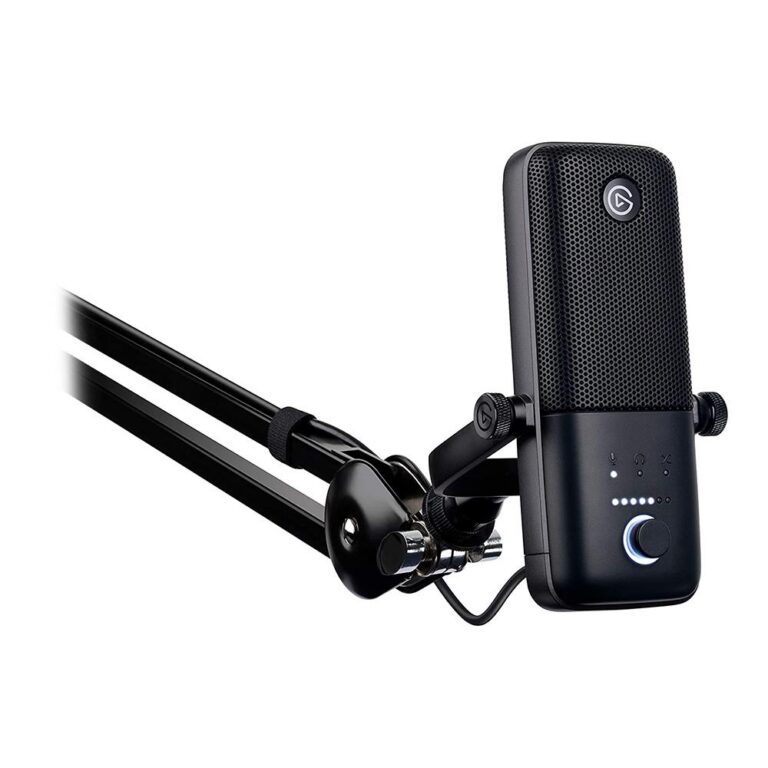
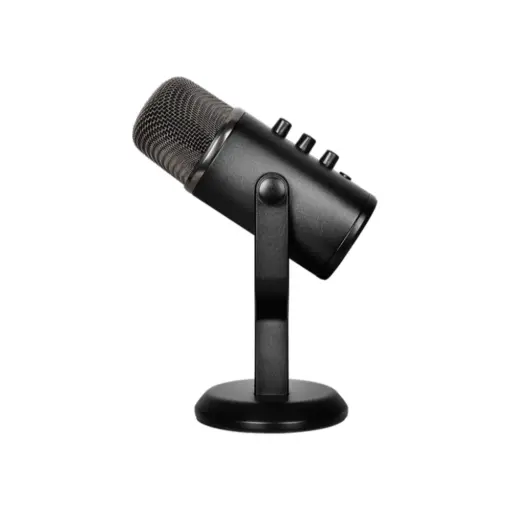
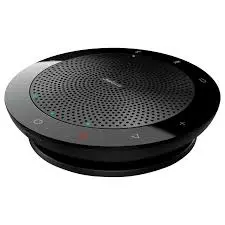
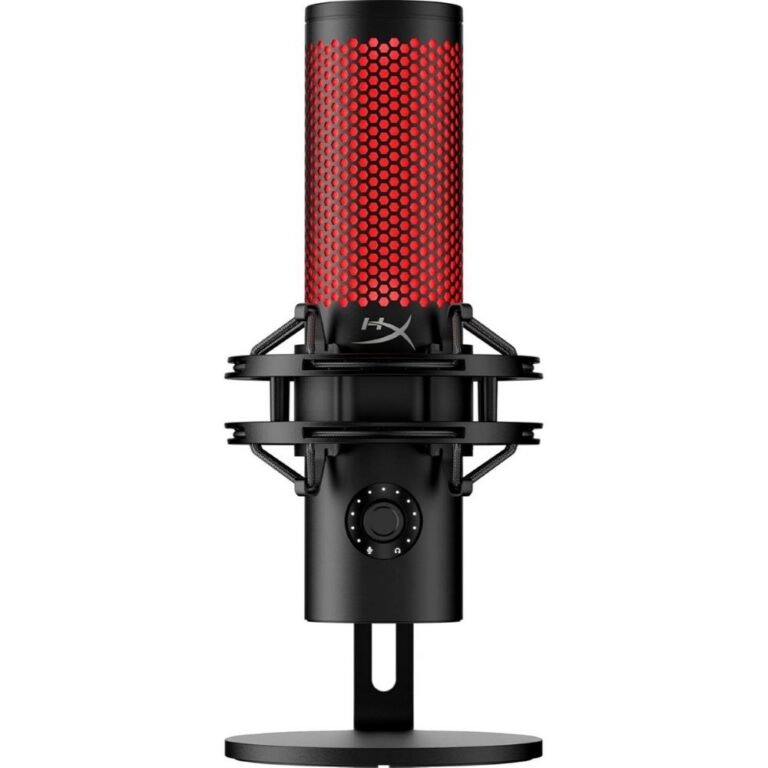
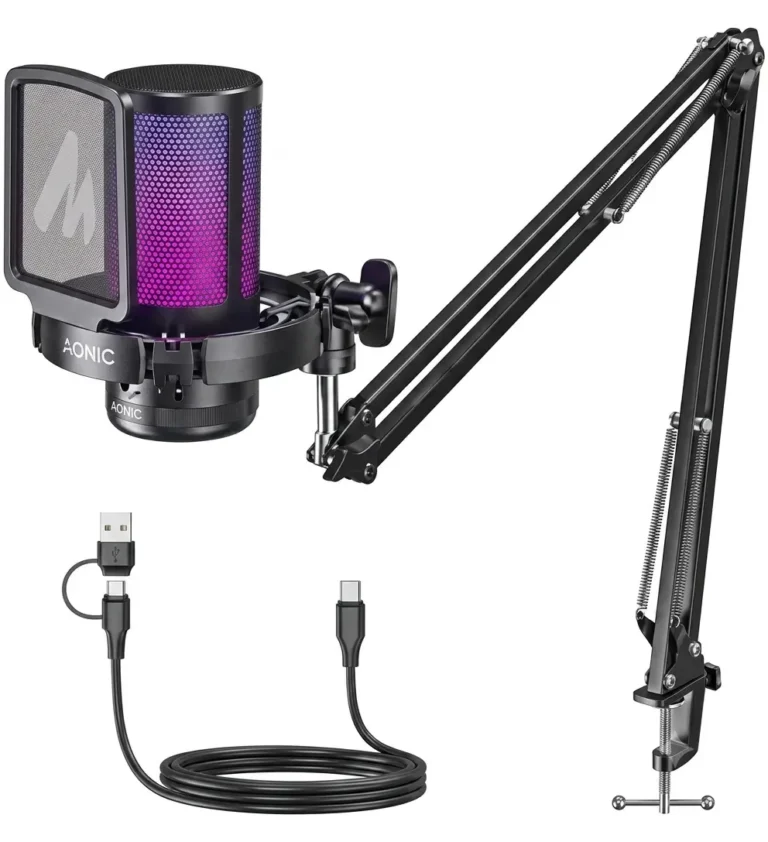
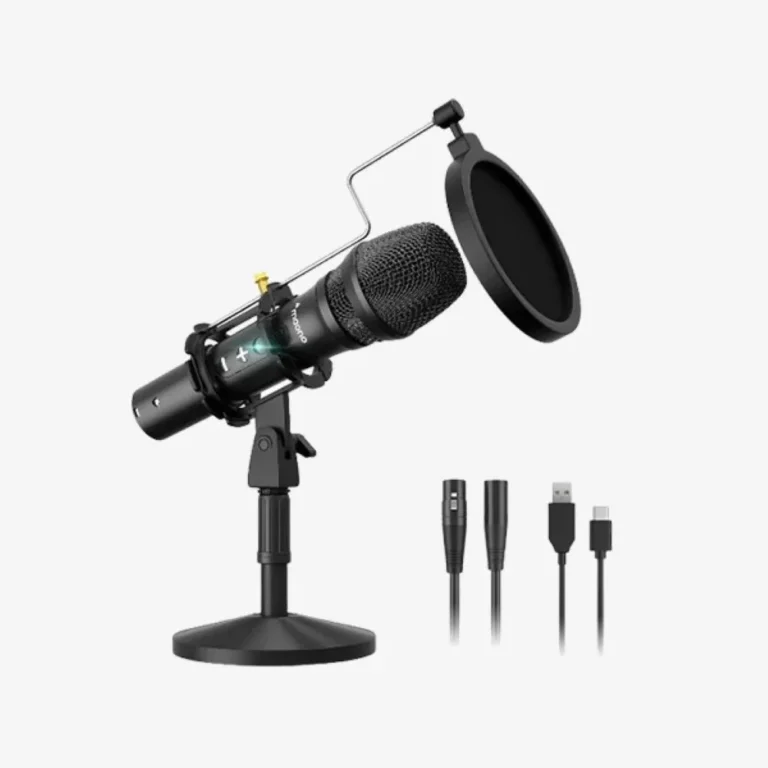
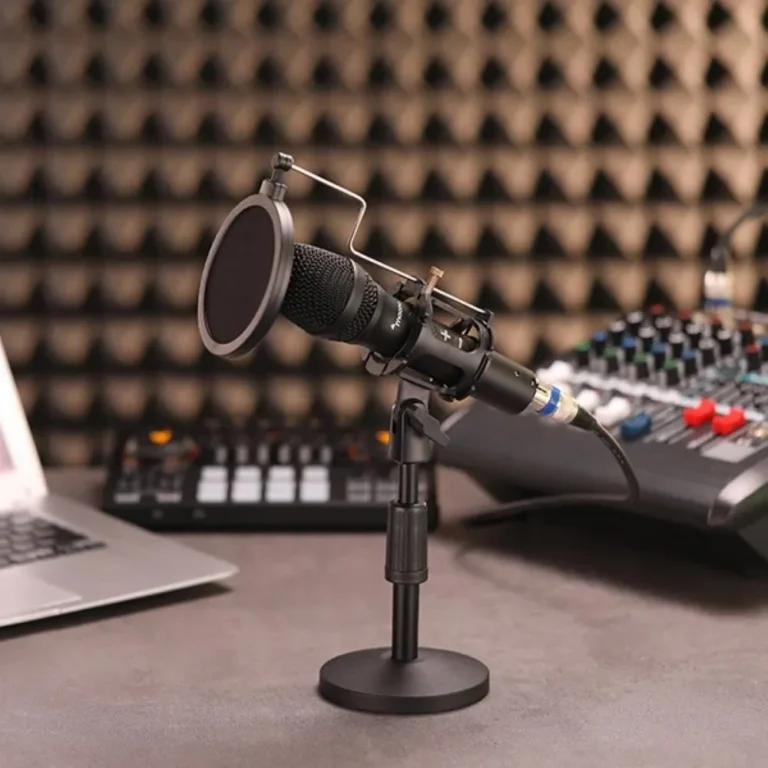
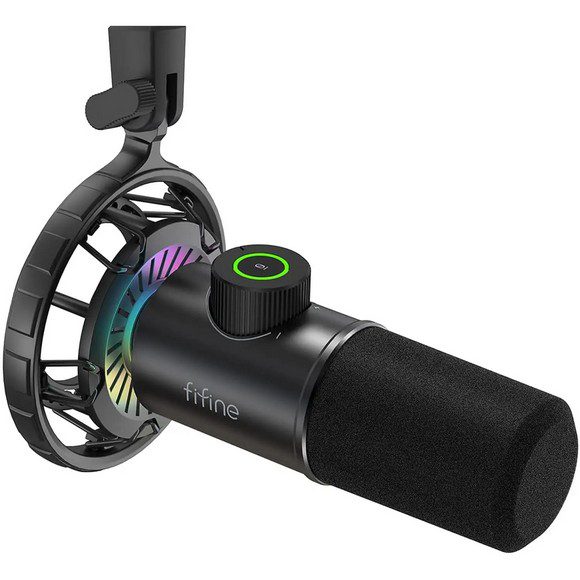
Desk, wireless and conference microphones plus the arms and mounts that hold them, split into subcategories so you can go straight to the right type.
Microphones
Microphones for streaming, podcasting, video calls and meeting rooms sit across the three subcategories linked from this page, along with the mounting hardware that holds a mic where a speaker wants it. Buyers who land here split into two groups. One is setting up a single recording position at a desk. The other is fitting out a room where several people talk at once, and the two need different hardware.
What this page holds itself is mounting hardware, the NZXT Low Noise Microphone Boom Arm in black, which takes the mic off the desk surface and swings it into position. The microphones themselves are one level down. USB and podcast models plug into a computer and stay in one spot. Wireless and lavalier sets pair a body-worn mic with a receiver. Conference models sit in the middle of a table and pick up voices from around it. Pricing across the subcategories runs from affordable units for occasional calls through to premium recording hardware, so a first mic and a serious studio purchase both have options.
Three decisions settle most microphone buys.
- The first is how it connects. A USB mic runs a single cable to the computer, while a wireless set adds a receiver that needs a spot and a power source.
- The second is how much of the room should be captured. A mic aimed at one mouth on an arm ignores the keyboard clatter and case fan noise that a table mic in a boardroom is built to catch, so pick the wrong one and the recording works against you.
- The third is mounting. A mic on a short desk stand sits at keyboard height and records every key press, which is why an arm often changes a recording more than upgrading the mic would.
Matching a microphone to the room
Someone recording voiceovers or streaming from a fixed desk should start in USB and podcast microphones and add a boom arm so the mic reaches the mouth rather than the tabletop. A trainer, presenter or videographer who moves while talking needs wireless and lavalier microphones, since a cable ties the speaker to one position. A meeting room with people spread around a table is conference microphone territory, where one unit covers several seats instead of each person leaning toward a headset.
Mega Computer sells microphones and mounts through the Karachi showroom, and buyers outside the city can order for nationwide delivery across Pakistan. Payment is by cash on delivery or online payment. Brand warranty terms vary by manufacturer, so confirm the cover on a specific model with the sales team before you place the order, and ask about it again if you plan to mount the mic on an arm rather than the stand it ships with.

 FifineFifine 11
 HavitHavit 1
 HOCOHOCO 1
 JabraJabra 1
 Kingston HyperXKingston HyperX 4
 MaonoMaono 15
 MeetionMeetion 2
 NZXTNZXT 3
 Twisted MindTwisted Mind 1
 UGREENUGREEN 1
 A4TechA4Tech 2
 ArozziArozzi 8
 AsusAsus 2
 BloodyBloody 2
 CorsairCorsair 2
 EaseEase 3
 HPHP 1
 JBLJBL 1
 LogitechLogitech 4
 RazerRazer 3
 RedragonRedragon 6