HDMI and USB video capture cards from UGREEN and Corsair Elgato, including 4K models with 60Hz input, for game streaming, lesson recording and video calls.
Video Capture Cards
Video capture cards take the HDMI output of a console, camera or second computer and turn it into a signal a PC can record or stream. The people who buy them are game streamers, teachers recording lessons, and offices that want a real camera feeding a video call instead of a built in webcam.
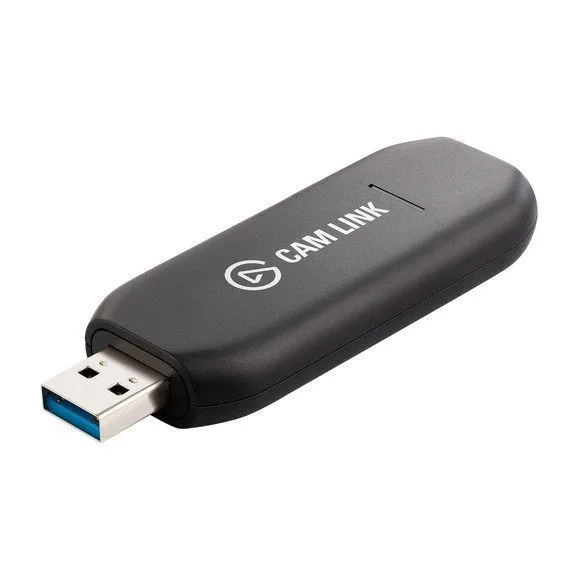
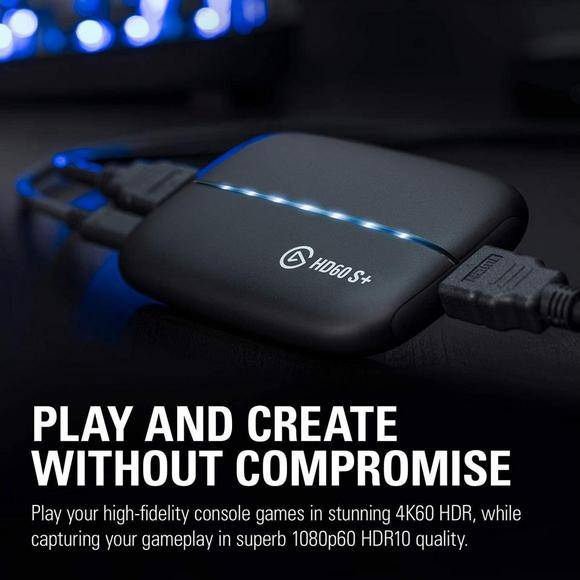
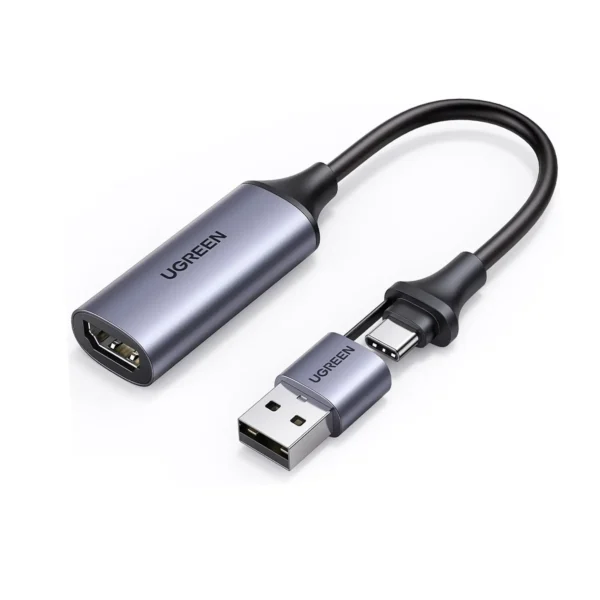
Two brands carry this range. UGREEN supplies HDMI and USB capture cards, including models rated for 4K input at 60Hz as well as plainer HD USB units. Corsair sells the Elgato line of game capture and camera link hardware, including a 4K camera model with a plug and play design. Prices run from entry-level USB units through to premium capture hardware built for a full time streaming desk.
Three decisions shape the choice.
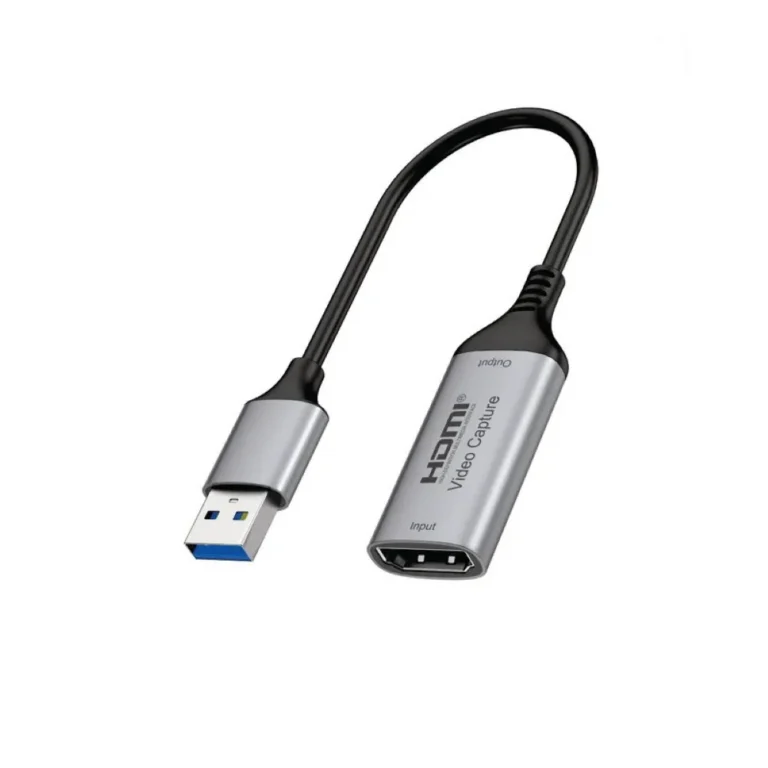
- The input ceiling comes first: a card rated for 4K at 60Hz leaves headroom if your console or camera outputs at that level, while an HD USB card costs less and suits one fixed source.
- Passthrough comes second. A card with an HDMI output sends the same picture on to a monitor or TV, so you play on the big screen while the PC records.
- The source device decides the rest. A console wants an HDMI capture input, and a mirrorless or DSLR camera going into a meeting is better served by a camera link style USB device.
Console streamers who play on a TV while recording should hold out for HDMI passthrough. Trainers capturing a lesson from a camera or a second laptop can work with a straightforward USB capture card and free recording software. Anyone who joins video conferences from a proper camera wants the camera link type of device, which the operating system treats as an ordinary video source with no driver work.
Buying in Pakistan
You can inspect capture hardware at the Karachi showroom before you commit, or order it for nationwide delivery across Pakistan. Payment goes through cash on delivery or online payment. Ask the sales team to confirm warranty cover on the model you pick, because terms differ between brands.
Setup asks little of the host machine. The recording PC needs a free USB port with the bandwidth for the card, and the source has to permit HDMI output, which some cameras block while they record to their own memory card. Use a short HDMI cable rated for the resolution you plan to capture, since a marginal cable shows up as dropouts rather than a clean failure.