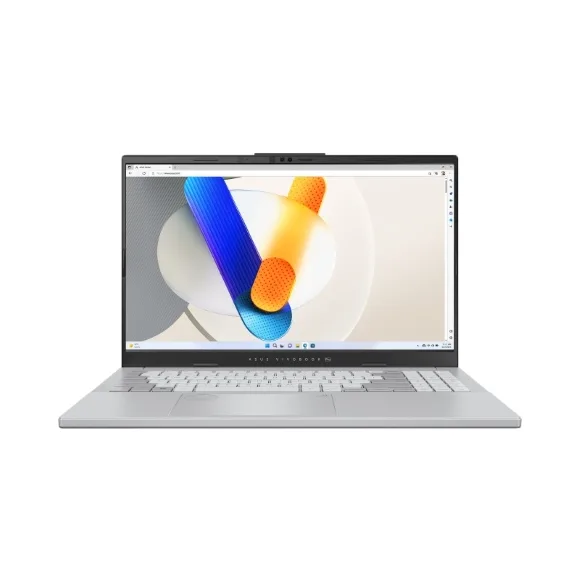
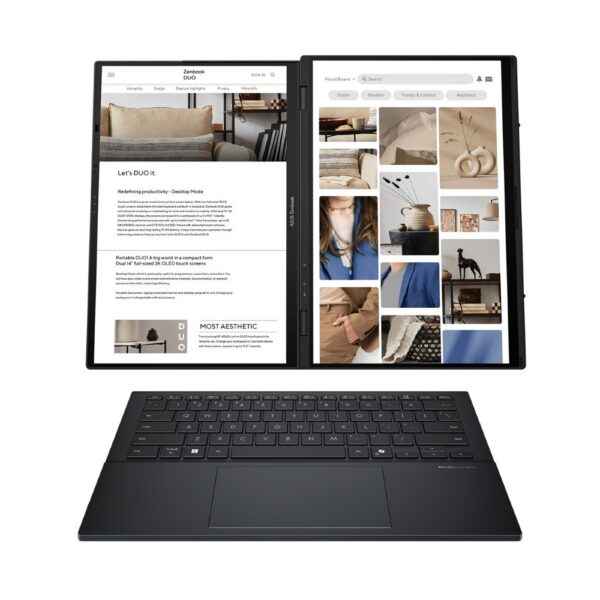
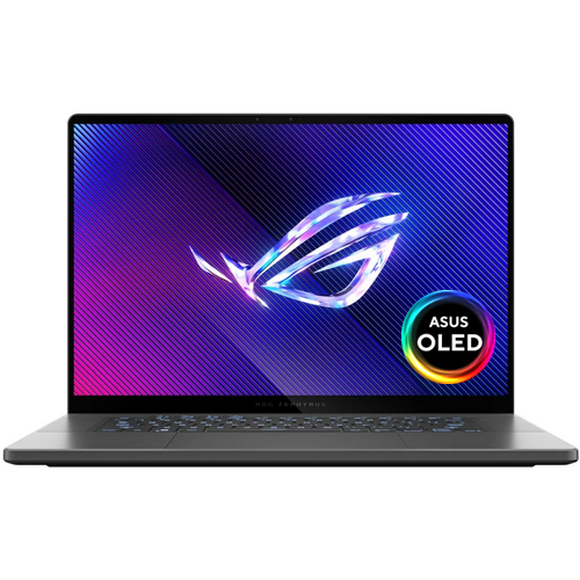
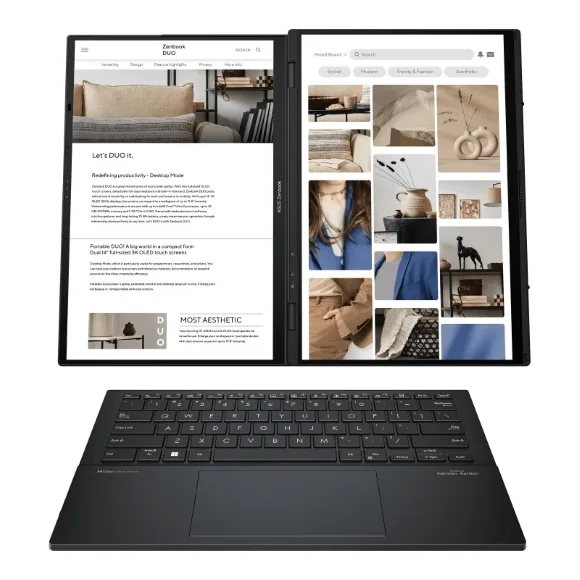
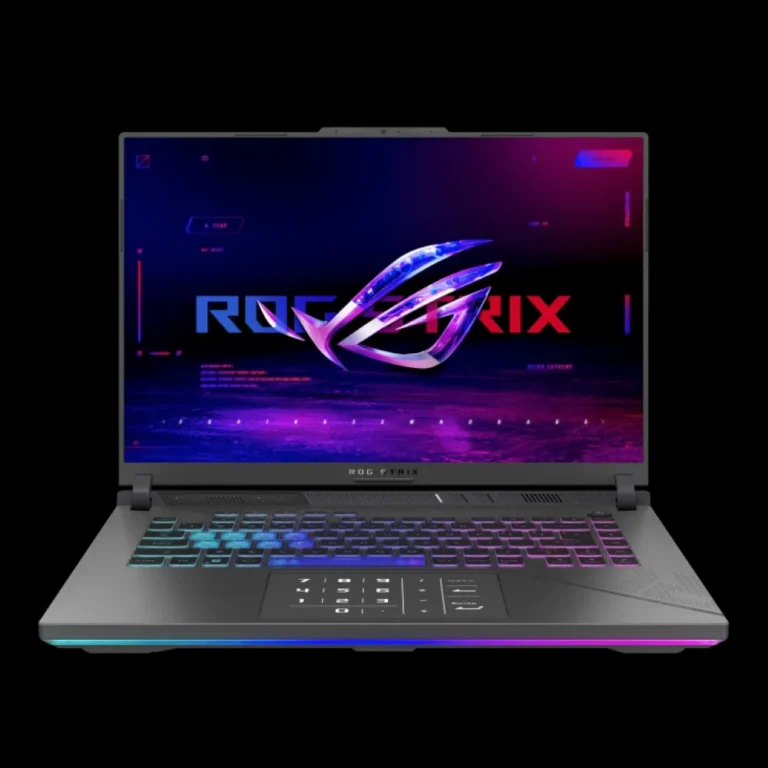
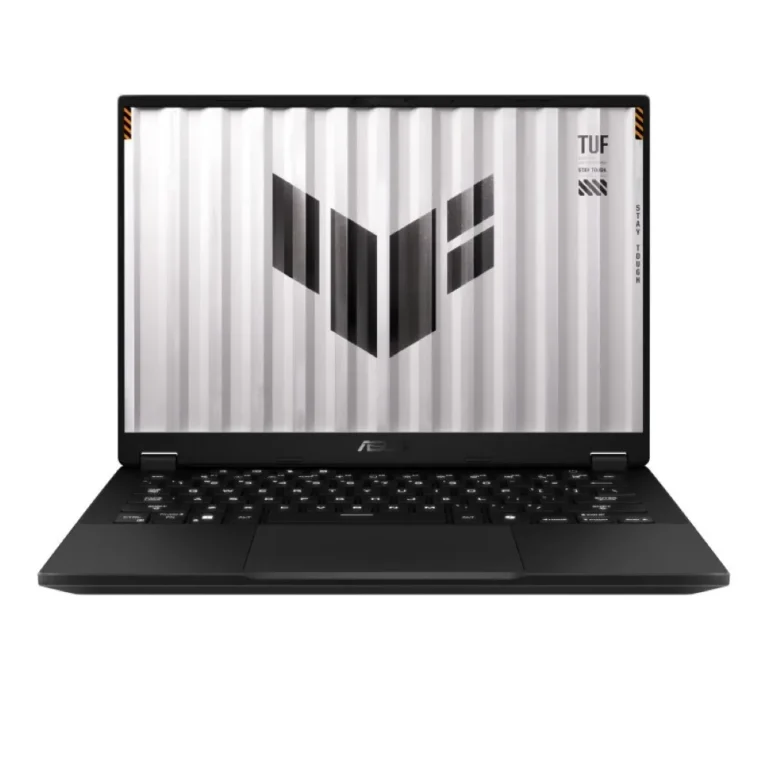
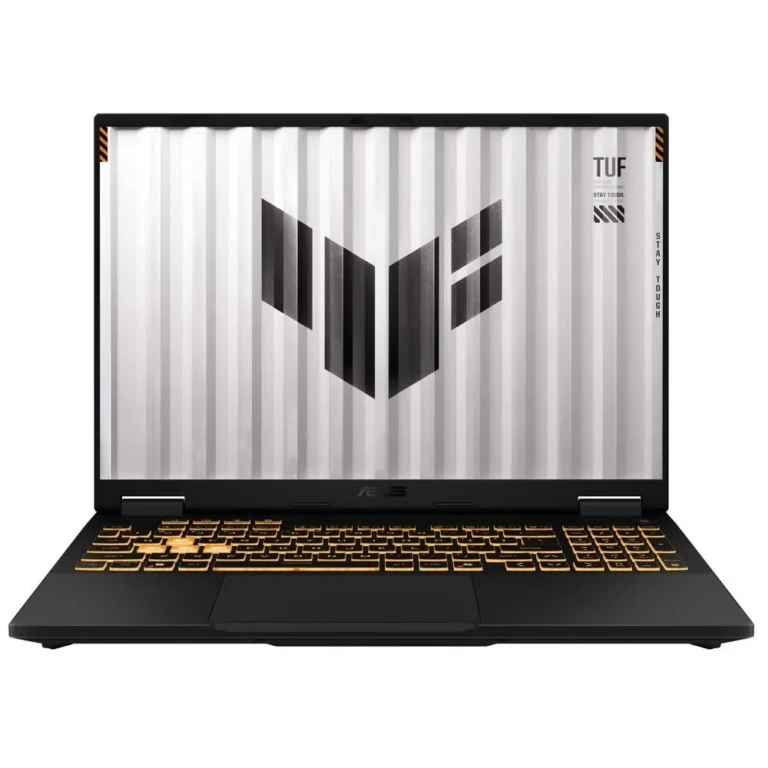
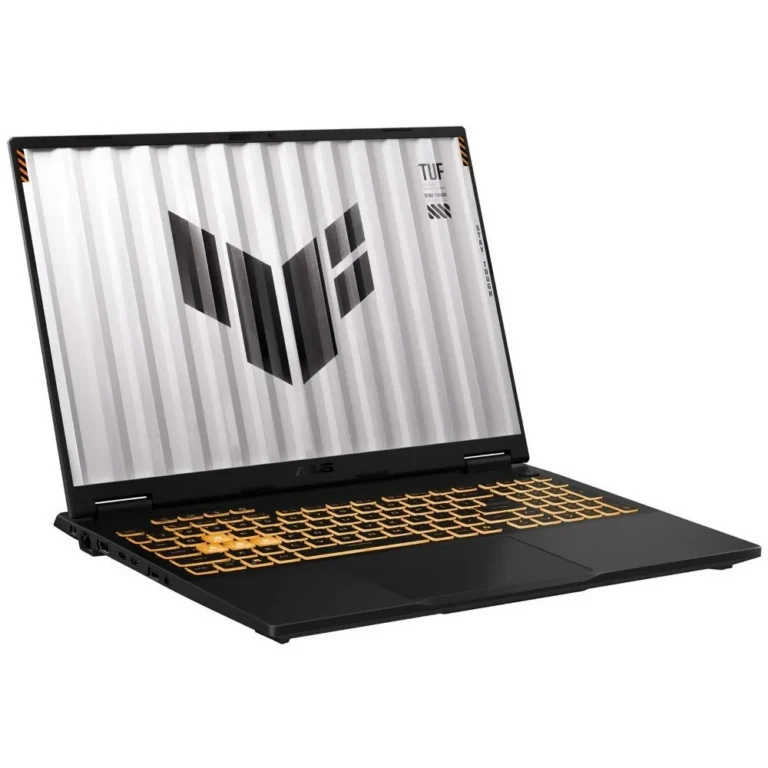
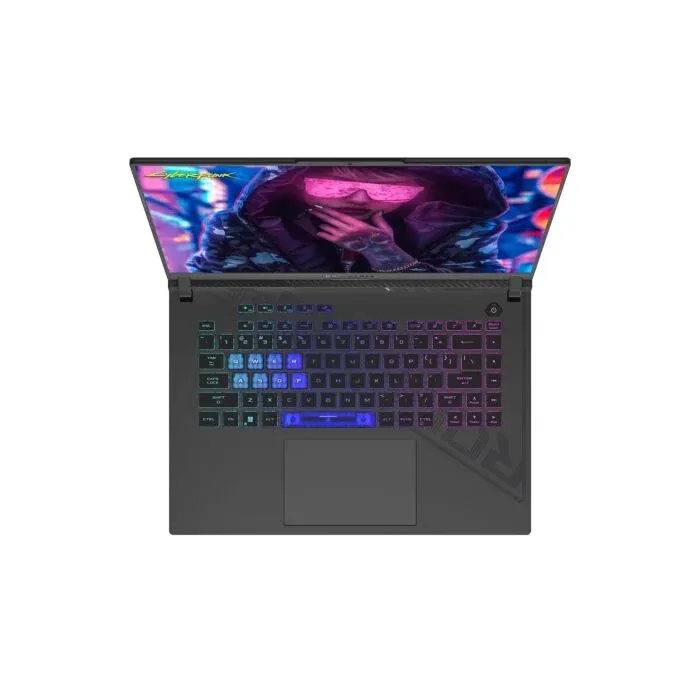
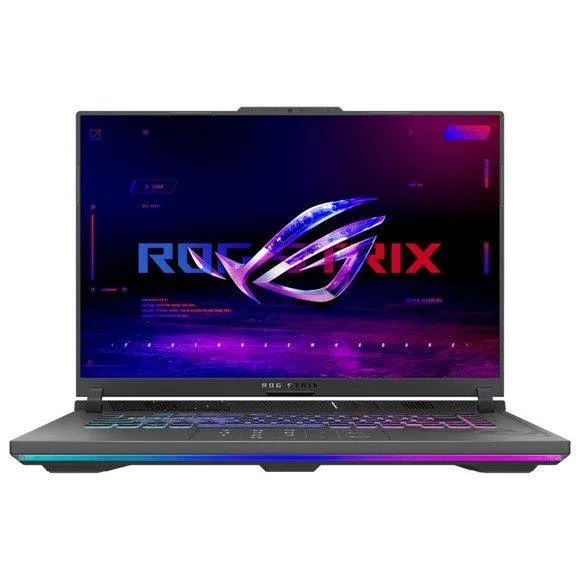
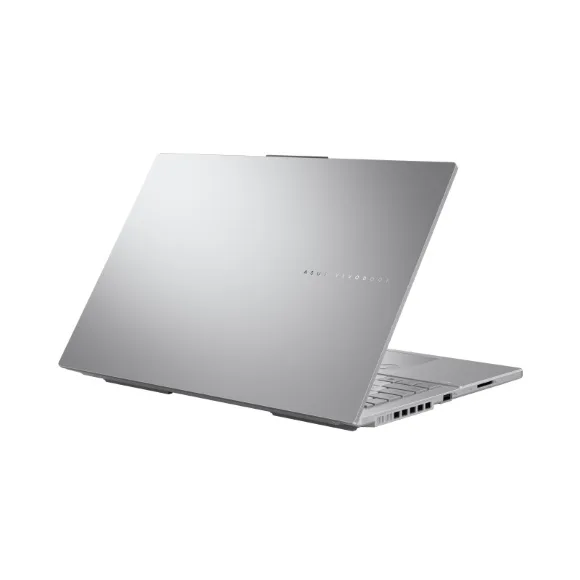
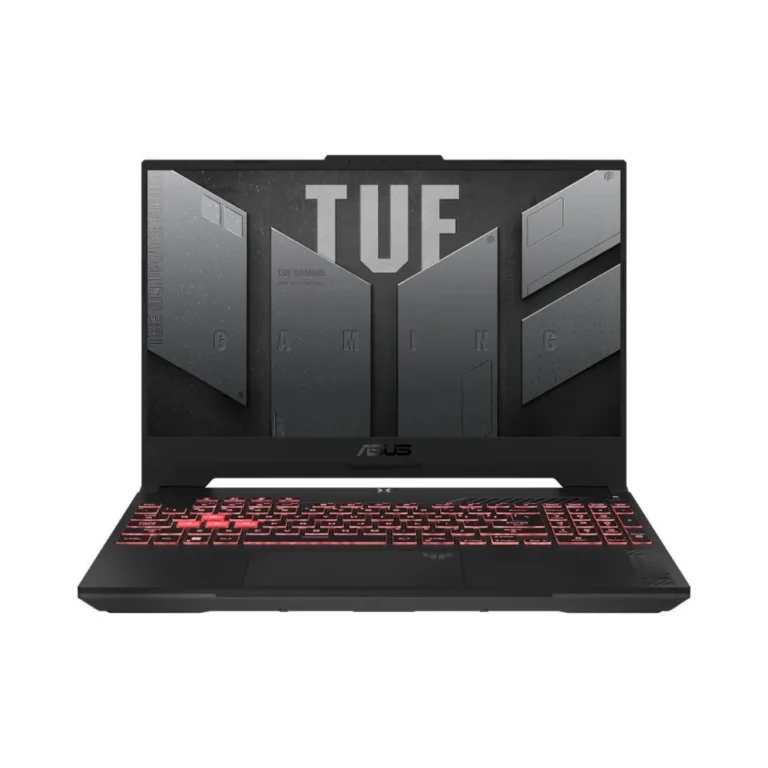
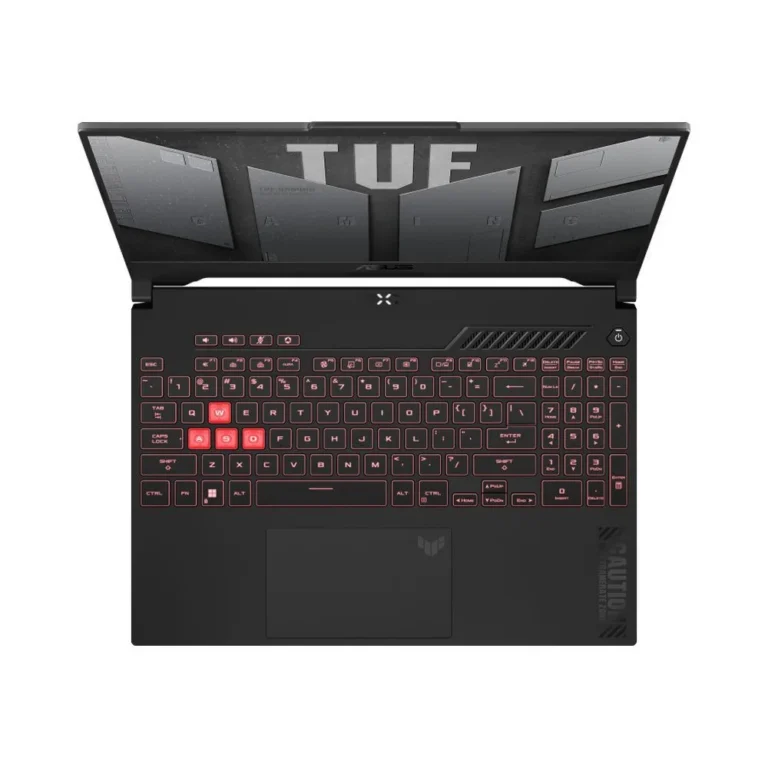
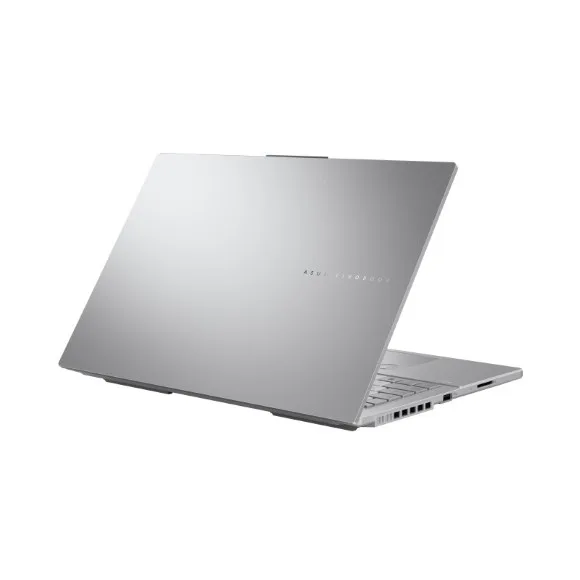
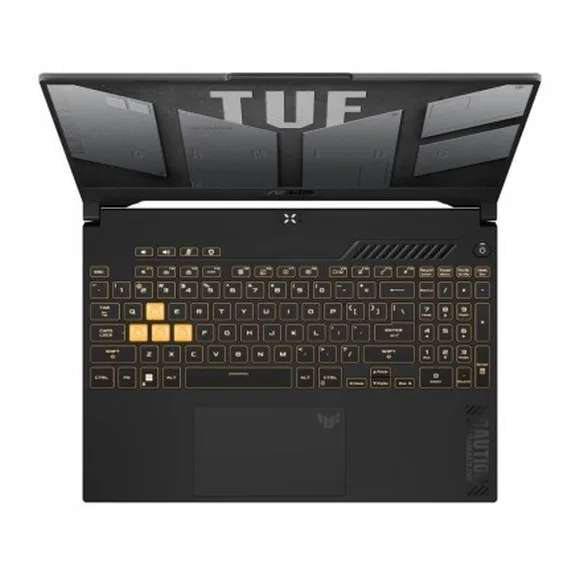
ASUS laptops across six ranges, from VivoBook and Zenbook to TUF, ROG, ExpertBook and ProArt, with nationwide delivery and cash on delivery.
ASUS Laptops in Pakistan
ASUS laptops split into six lines on this page, and each line targets a different kind of work. VivoBook and Zenbook cover everyday computing and travel. TUF and ROG cover gaming. ExpertBook covers office fleets, and ProArt covers colour work. Buyers land here to compare across those lines before narrowing to one range.
The range runs entry level through to premium. Common configurations pair 16GB of RAM with a 512GB SSD, which carries Windows, an office suite and a working set of files without an upgrade on day one. Panels are FHD, and the creator and thin models add OLED versions of that panel. Machines built with discrete graphics carry 6GB of GPU memory, and that is the split between a notebook that runs browsers and documents and one that renders, edits and plays games.
Three decisions do most of the work.
- The panel comes first, since an FHD OLED screen holds deeper blacks and separates colour for photo and video grading, while a standard FHD panel costs less and reads fine for spreadsheets, code and browsers.
- Storage is second: 512GB suits documents, applications and a small game library, and it fills fast once video projects live on the machine.
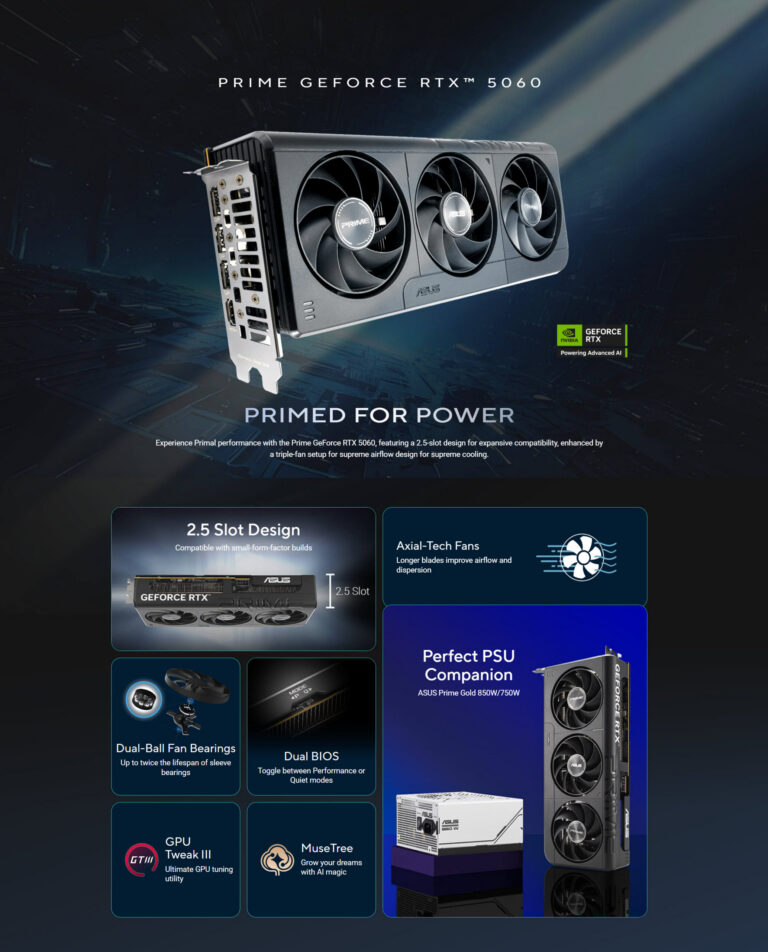
- Graphics is third. The 6GB GPU option adds rendering and gaming capability, and it also adds weight, heat and cost that browser work never repays.
Matching the range to your use
Students and home buyers moving between a browser, documents and streaming should start in VivoBook. Anyone carrying a machine between campus, office and home each day gets more from Zenbook, where the chassis is thinner and the OLED options sit. Gamers and people running simulation or CAD workloads belong in TUF or ROG. IT teams buying in quantity for staff go to ExpertBook. Photographers, video editors and designers who grade colour go to ProArt.
You can handle these machines at our Karachi showroom before you commit. We ship nationwide across Pakistan and accept cash on delivery as well as online payment. Warranty terms differ by configuration, and some units carry international warranty cover, so read the warranty line on the product page for the exact configuration you want.
Plan for storage headroom before you buy. A 512GB SSD holds Windows, your applications and a working library, and anyone recording video or keeping large photo sets fills it inside a project or two. Buyers in that position either specify more internal storage at purchase or budget for an external drive at the same time.

 AsusAsus 113