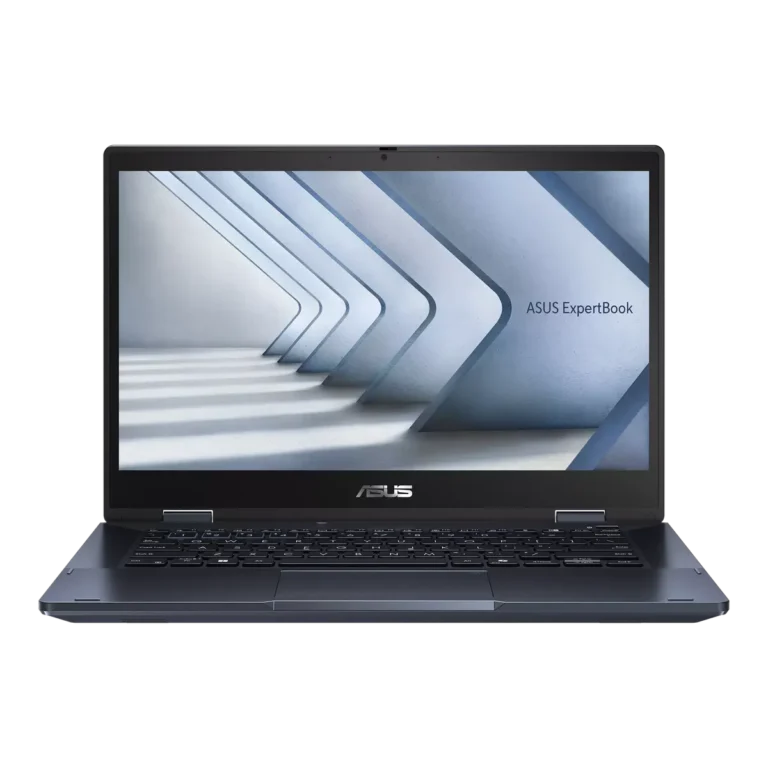
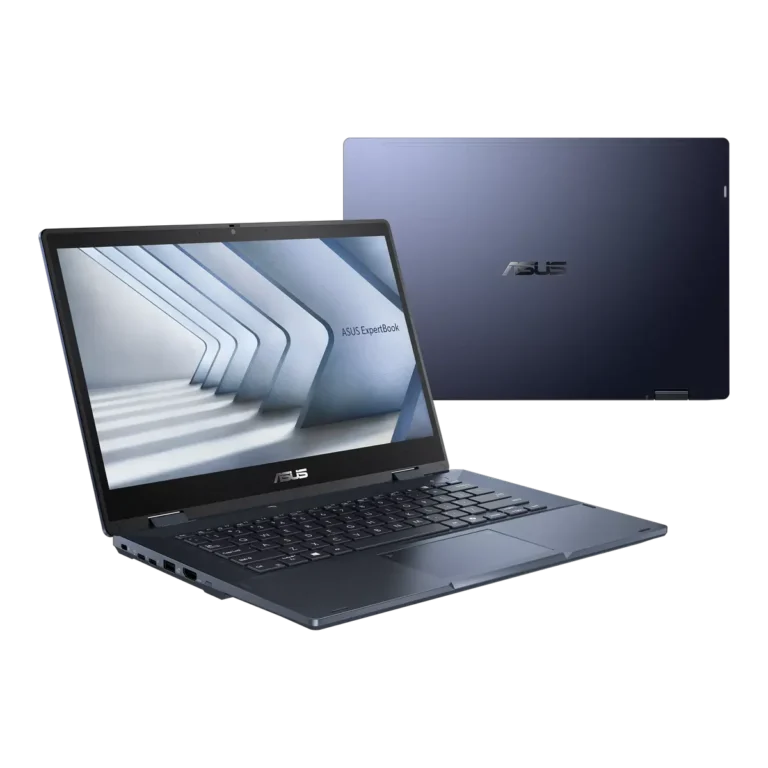
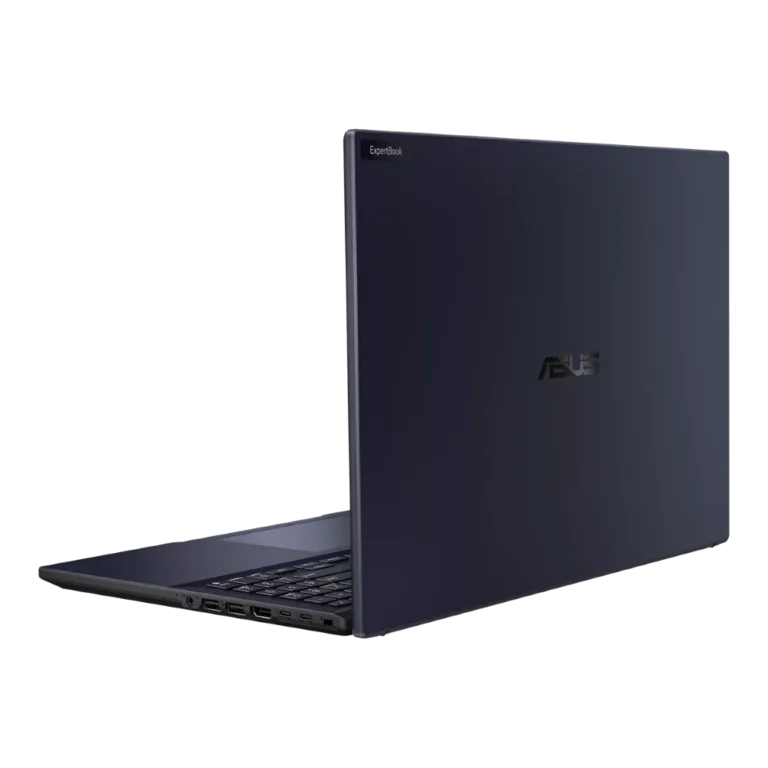
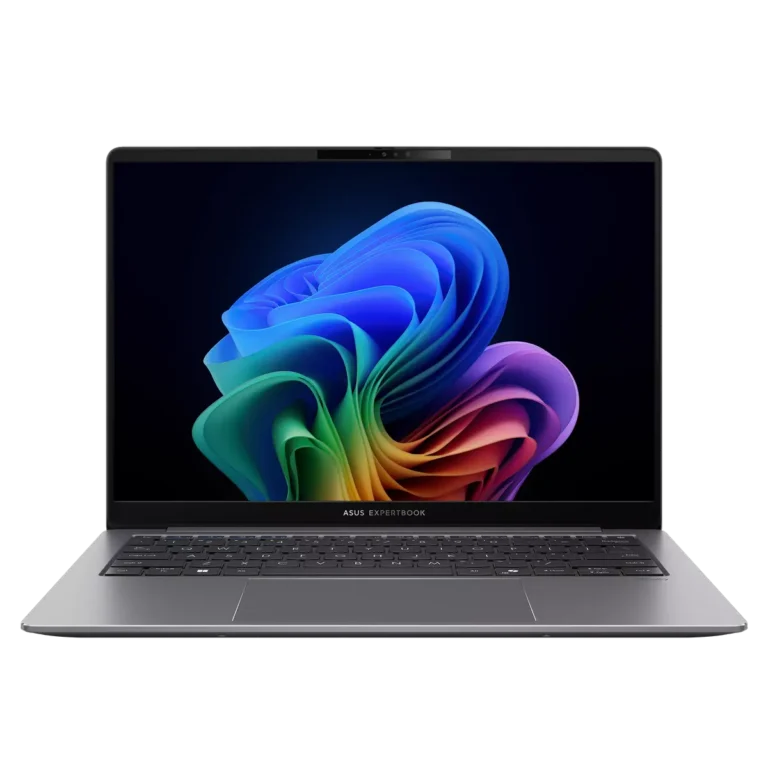
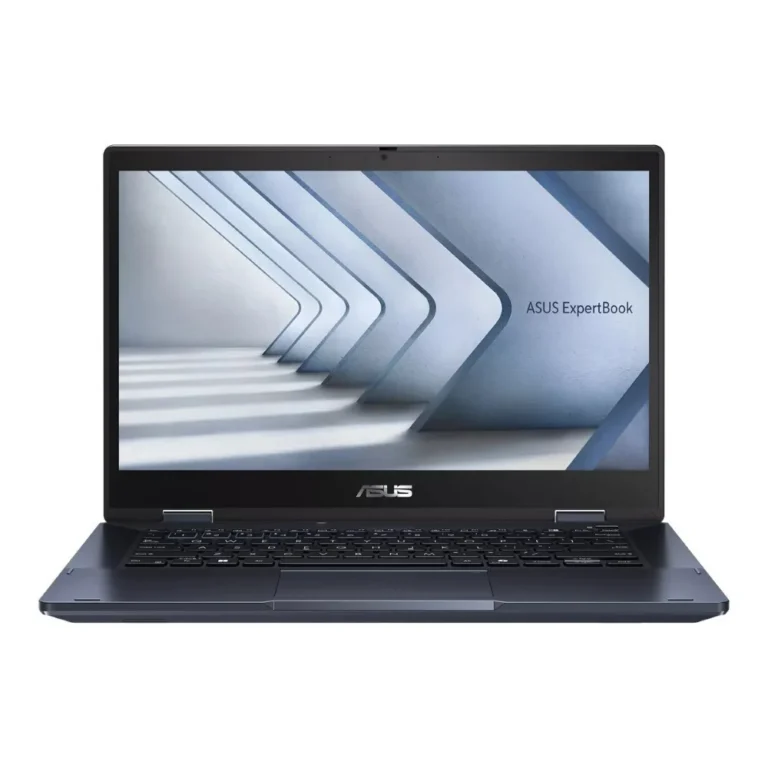
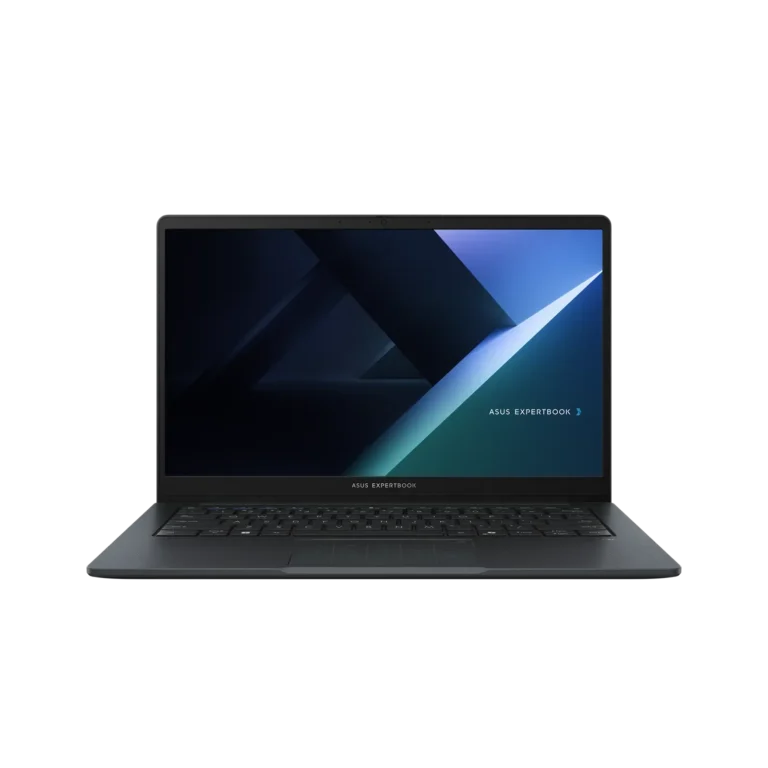
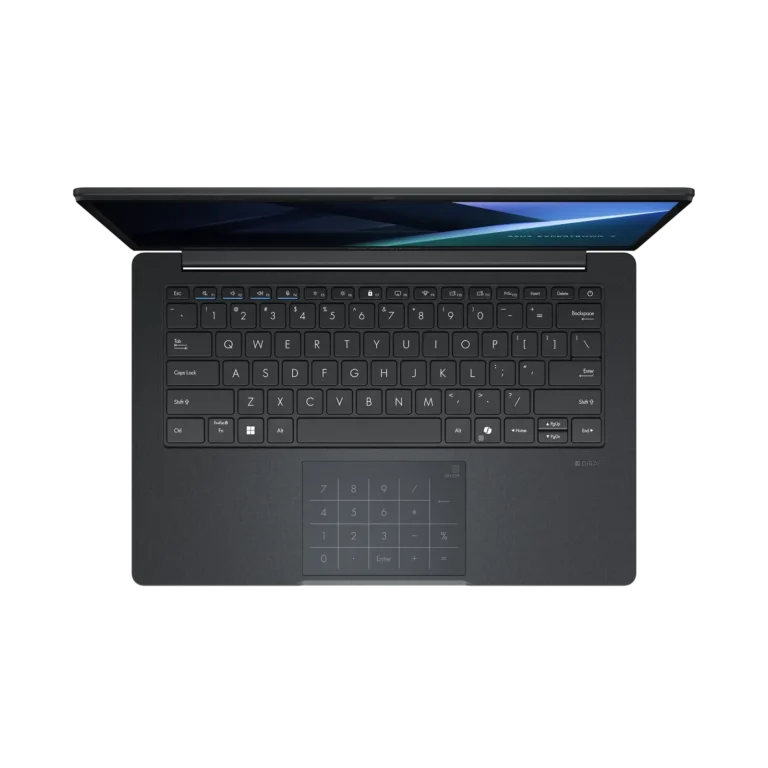
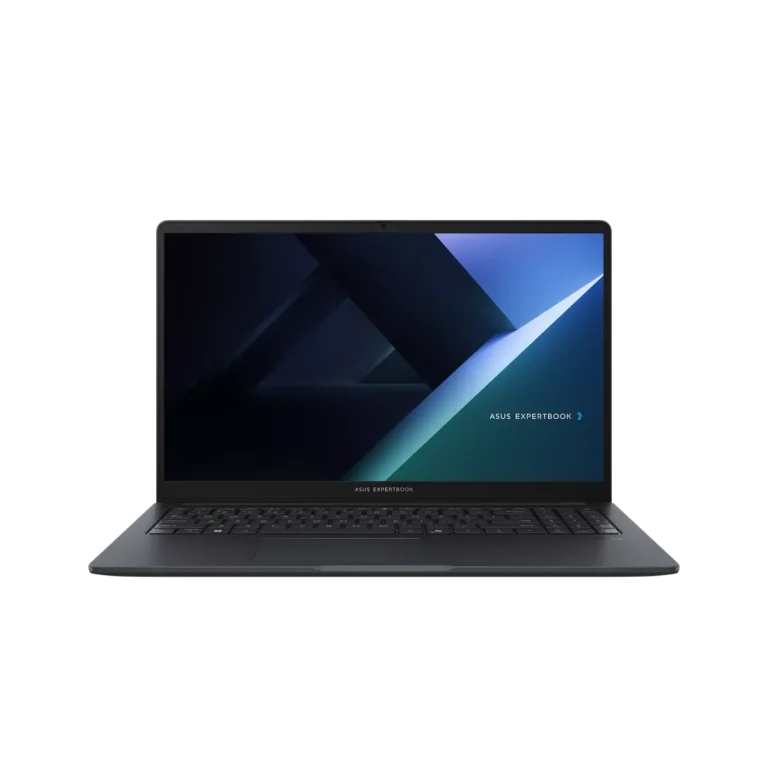
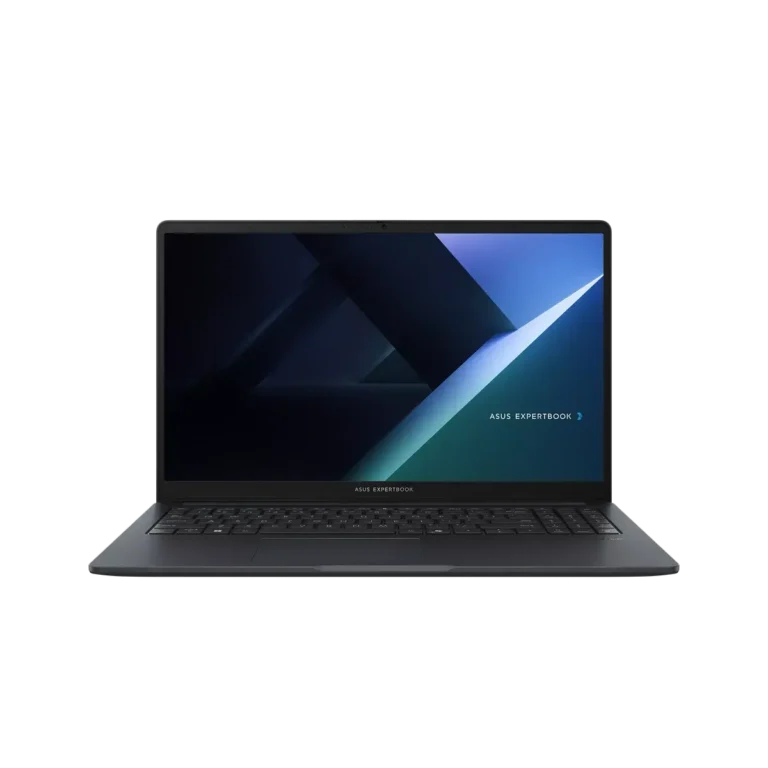
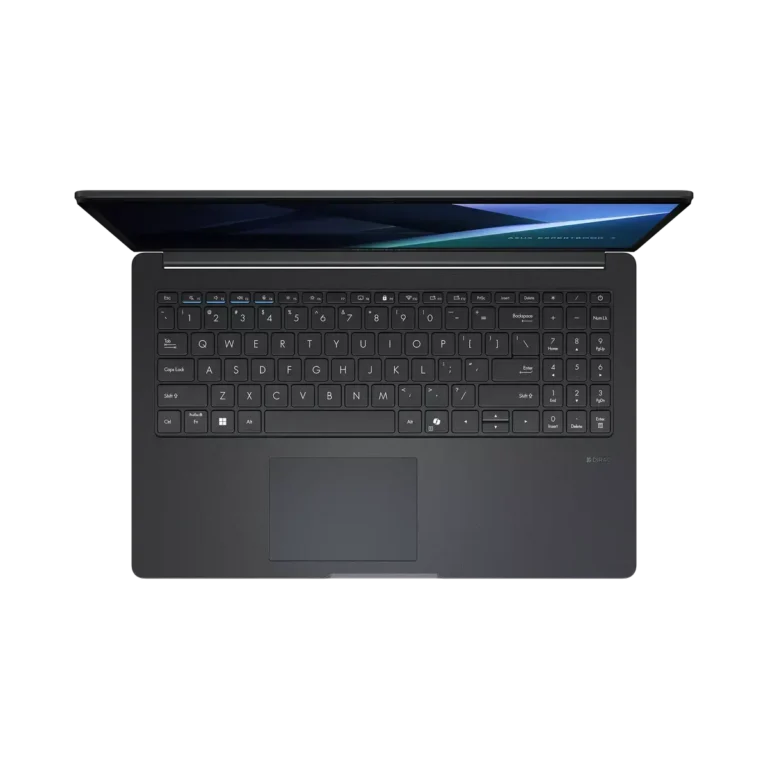
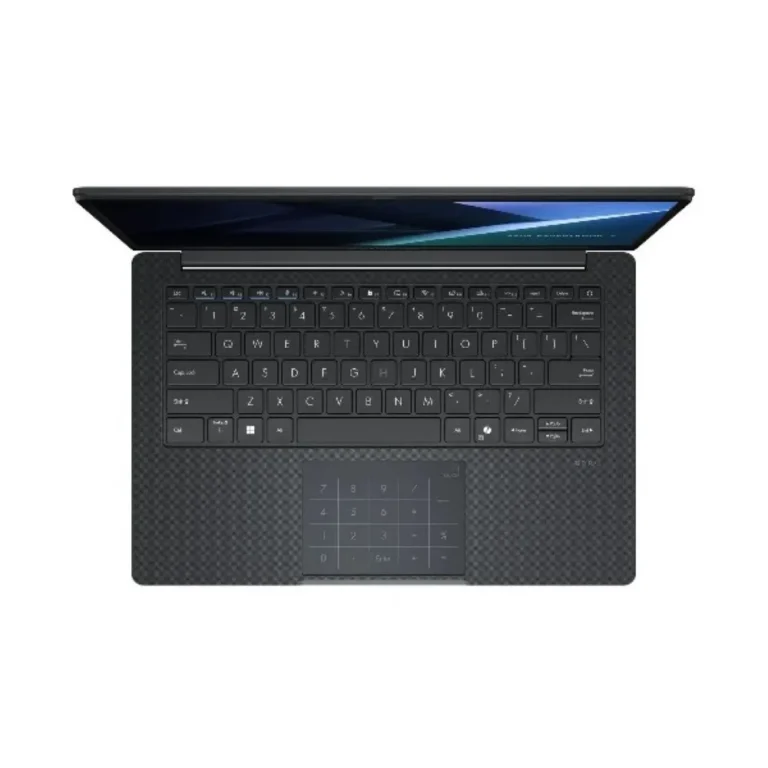
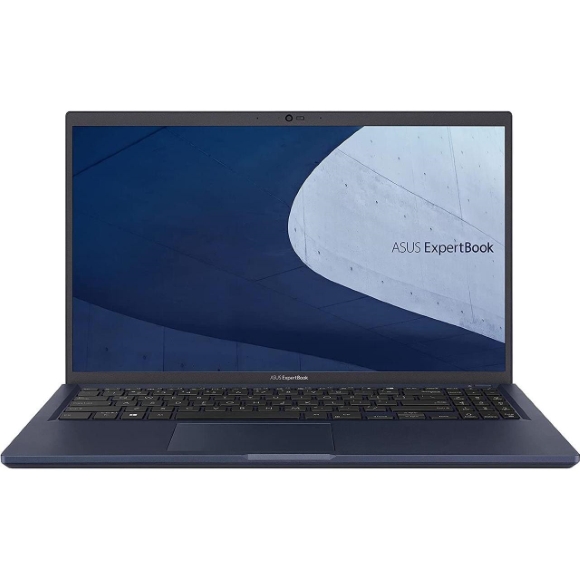
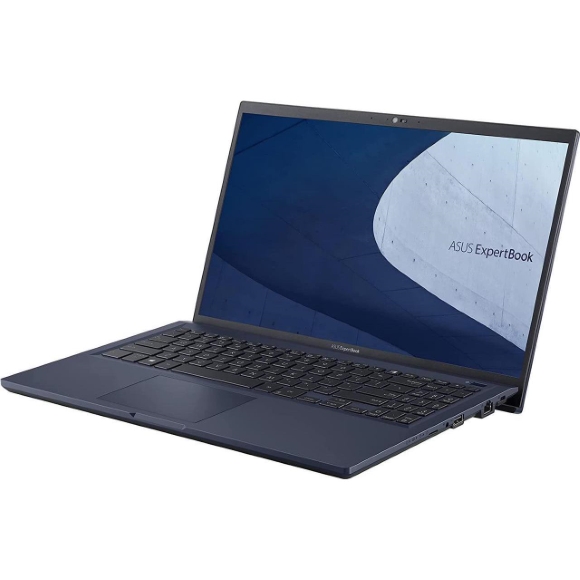
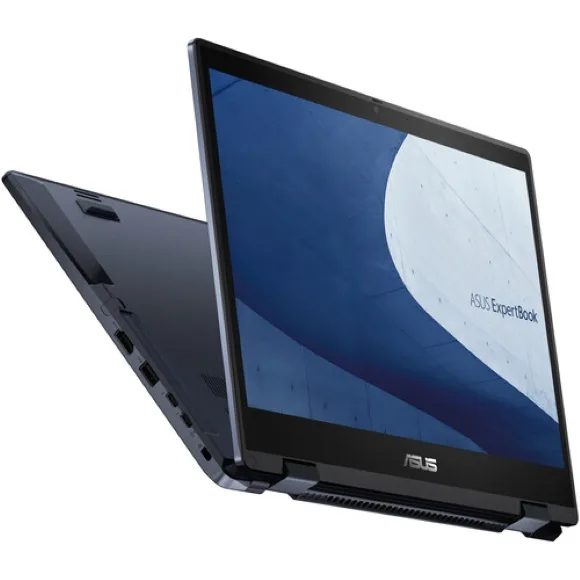
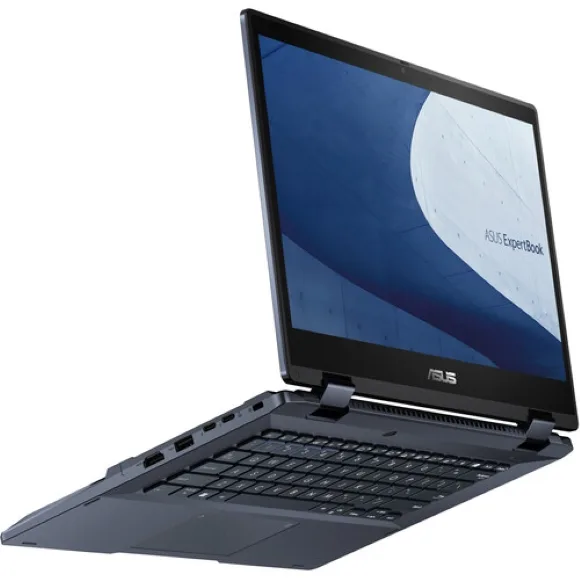
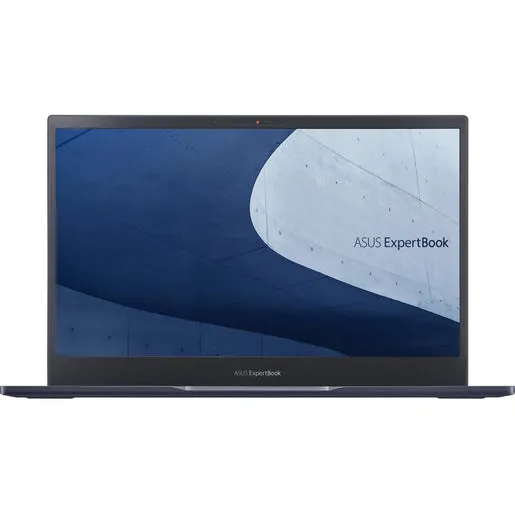
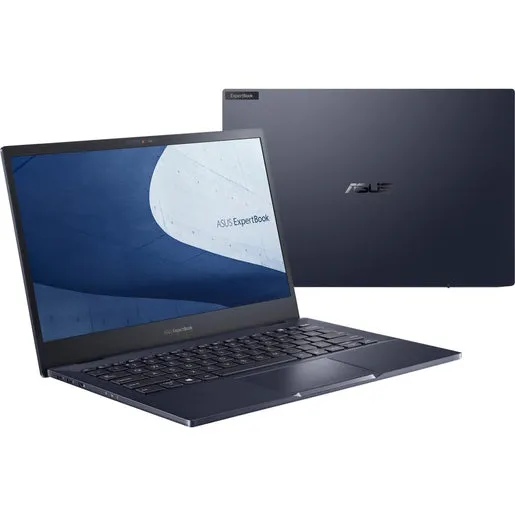
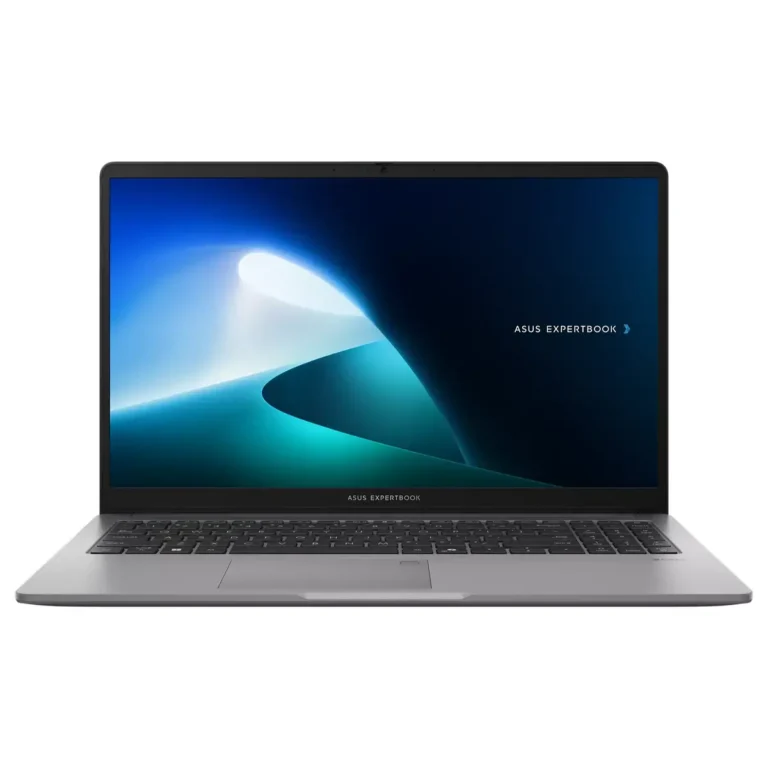
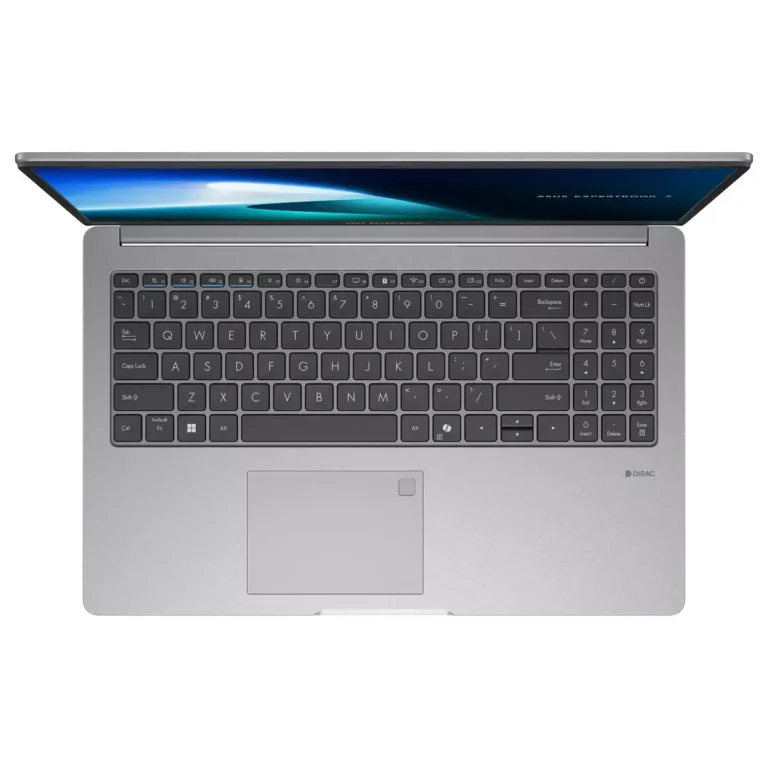
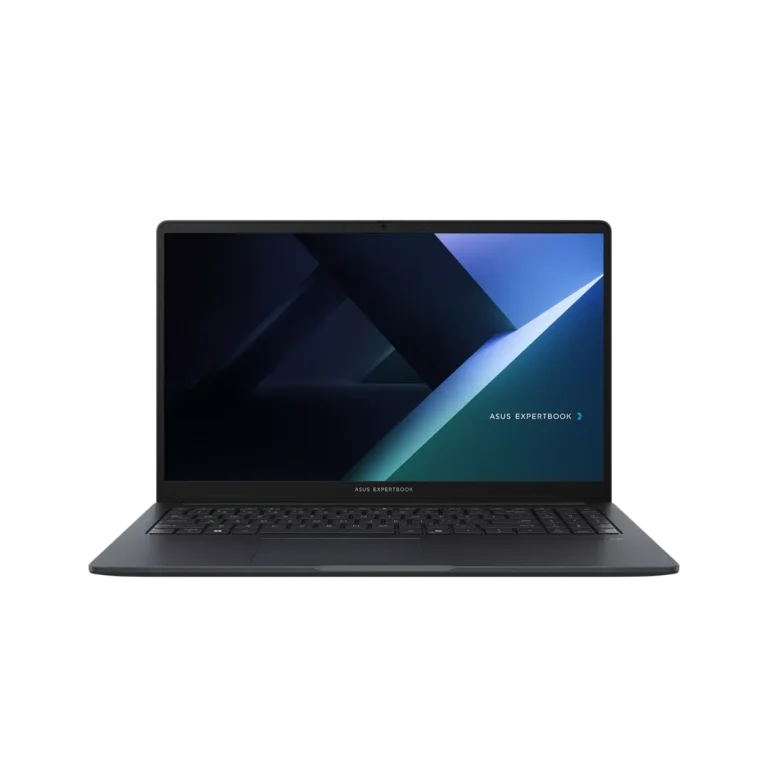
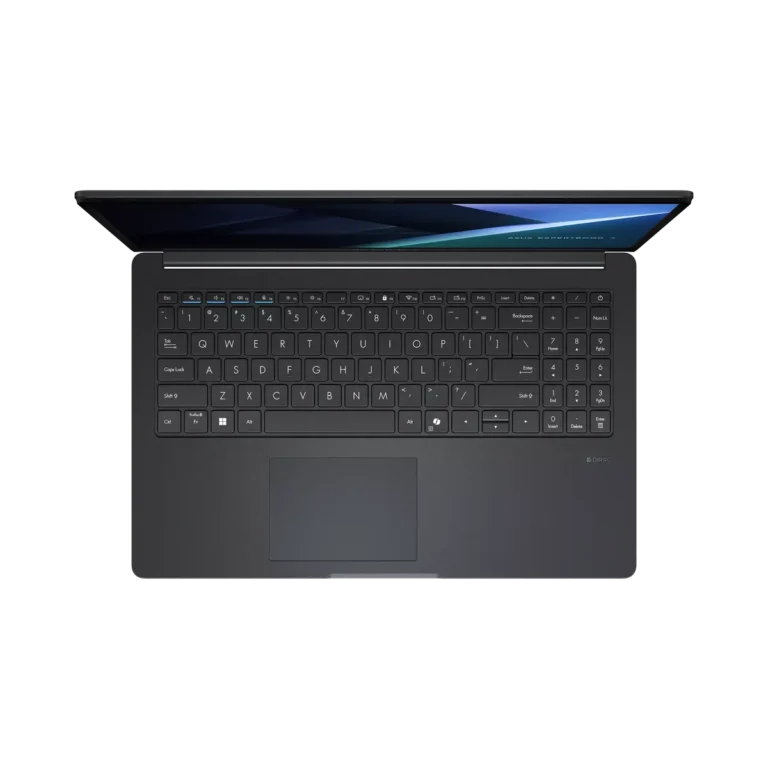
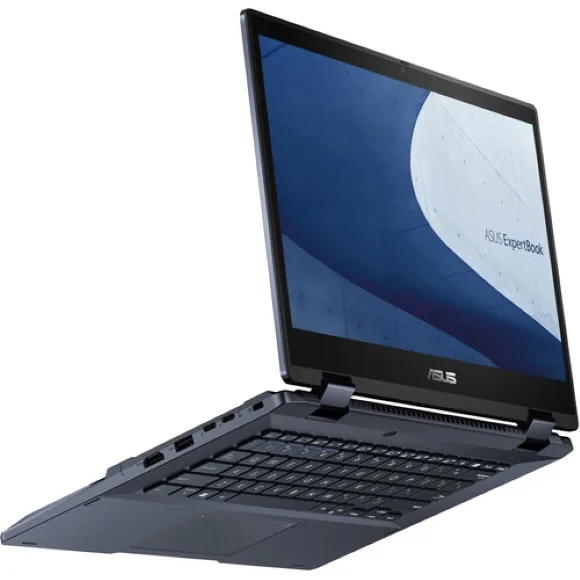
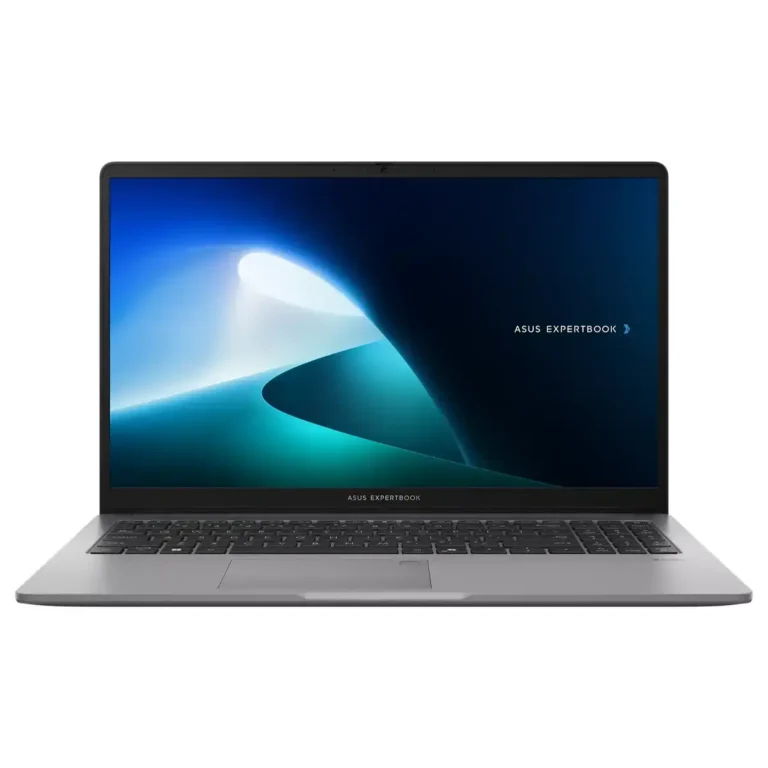
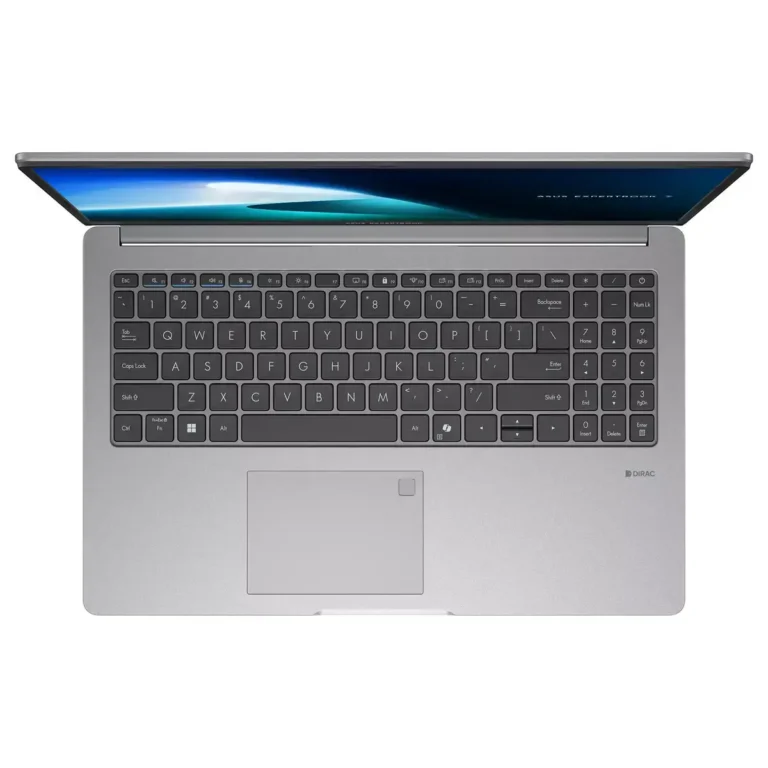
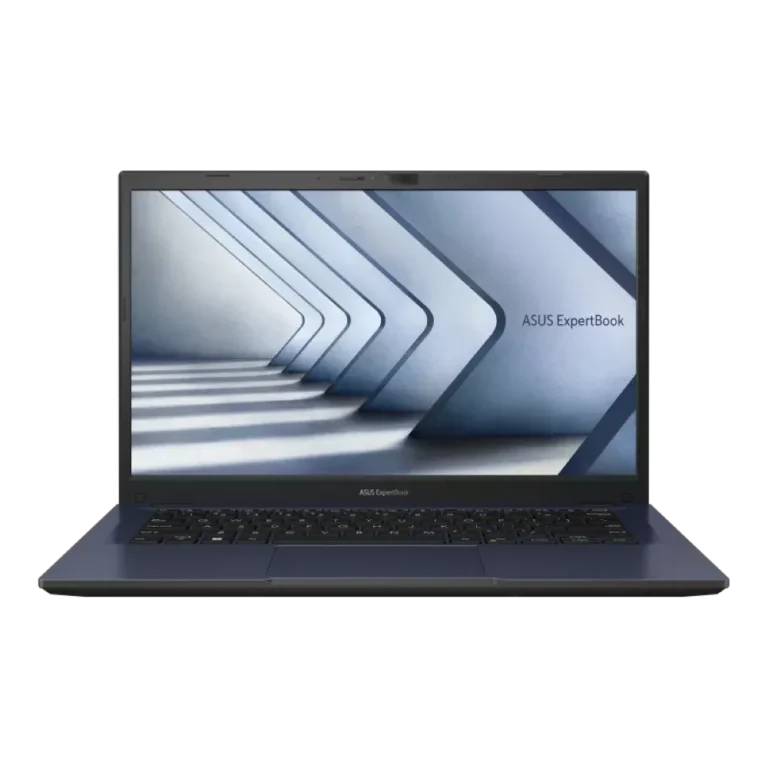
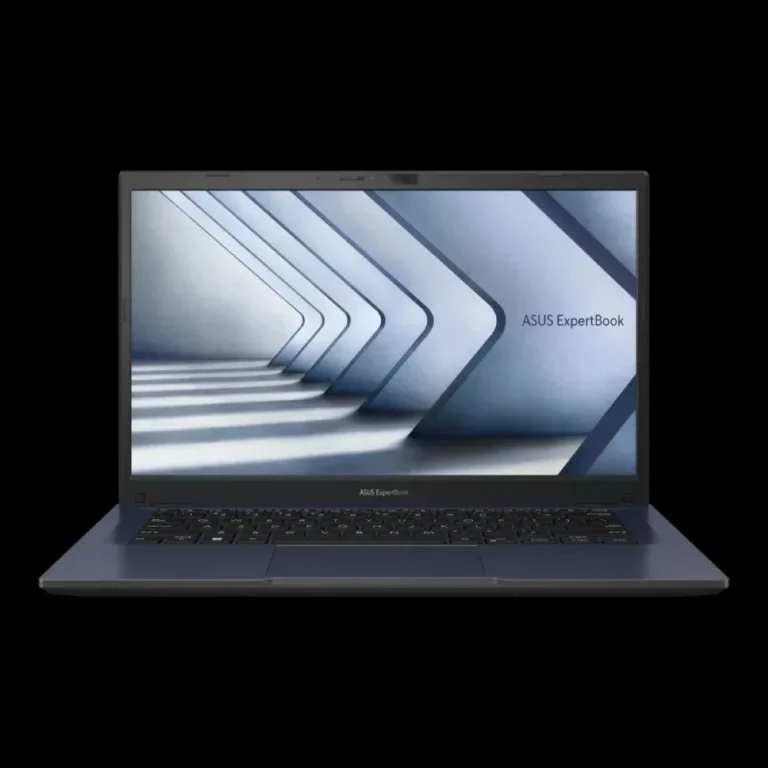
Asus business notebooks with 16GB or 32GB memory, 512GB and 1TB SSD storage, FHD panels, and clamshell or convertible touch chassis for office work.
ASUS ExpertBook Business Laptops
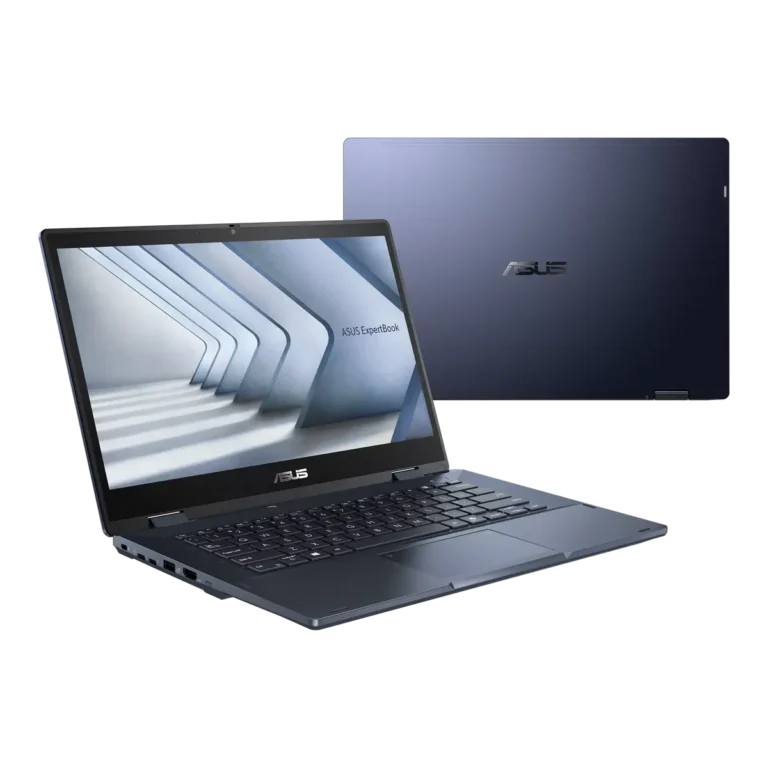
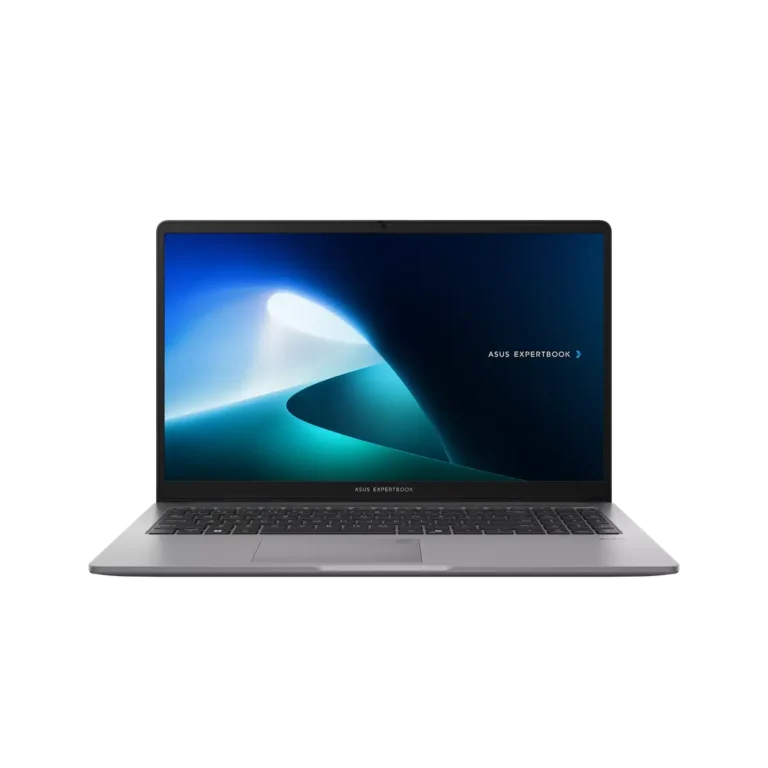
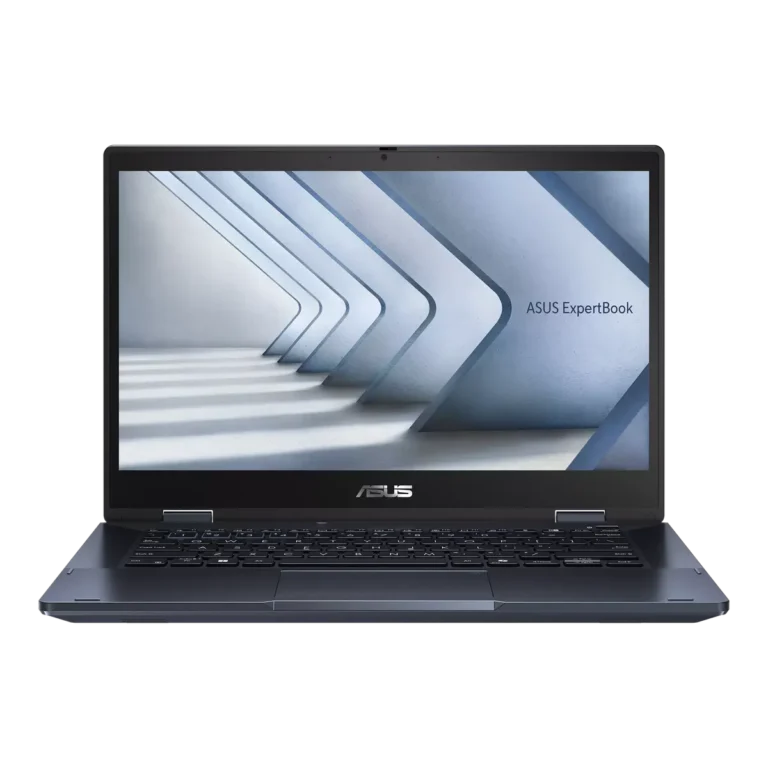
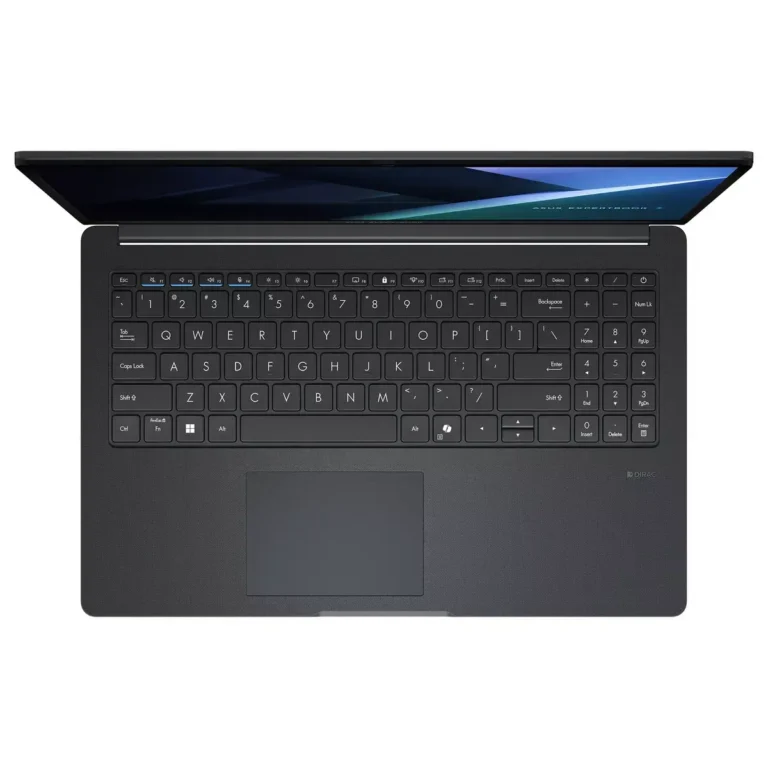
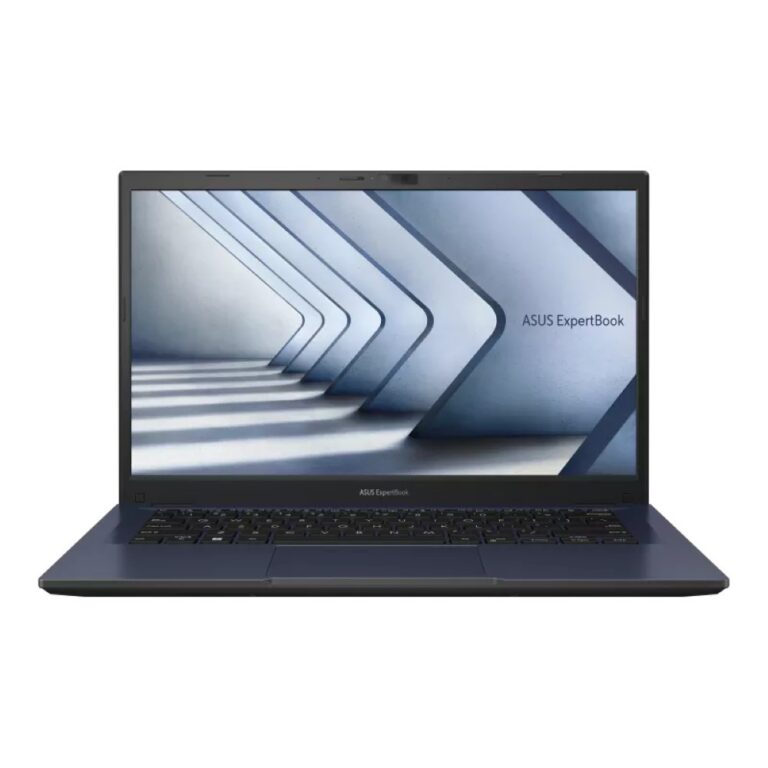
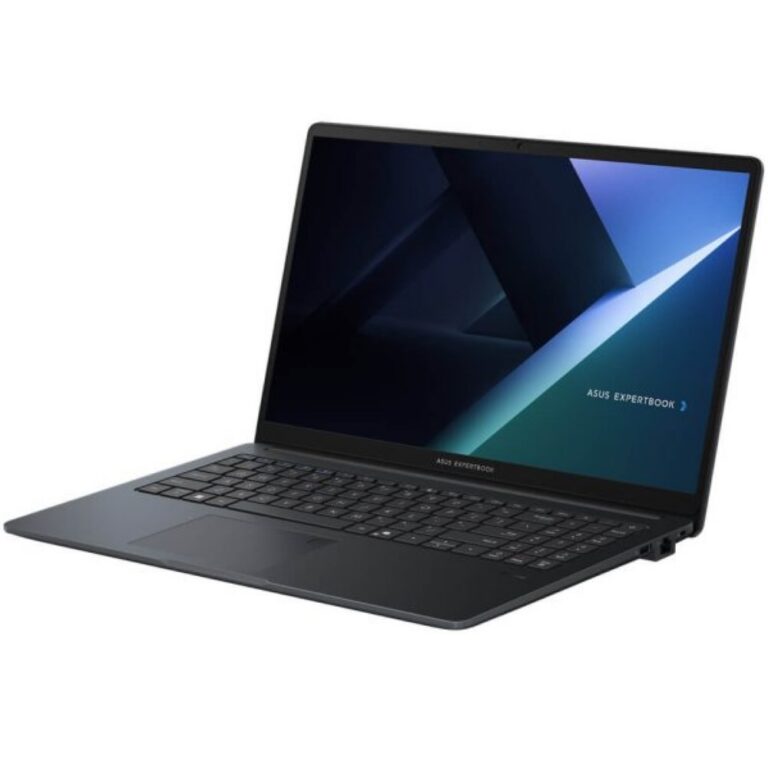
ASUS ExpertBook laptops sit on the business side of the Asus range, built for staff who move a machine between a desk, a meeting room and home. The buyers here are IT managers ordering in small batches, accountants and consultants who need a keyboard they can type on all day, and students who want a work chassis instead of a gaming shell. The line covers plain clamshell models and convertible touch models that fold flat for writing on the screen.
Every unit in this category carries the Asus badge, so the comparison is between ExpertBook configurations rather than between vendors. Memory starts at 16GB on most builds and reaches 32GB at the top of the range. Storage runs from a 512GB SSD to a 1TB SSD. Displays are FHD across much of the line. A small number of builds add a discrete GPU with 4GB of video memory for CAD drawings and light rendering. The price band stays narrow from entry level through to premium, which means moving up one configuration costs less than moving to a different product family.
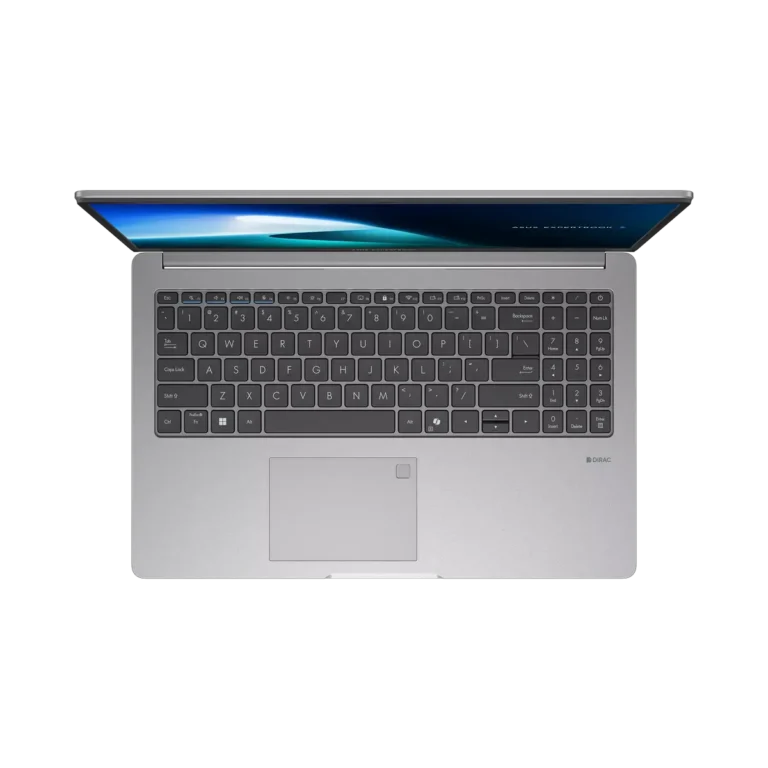
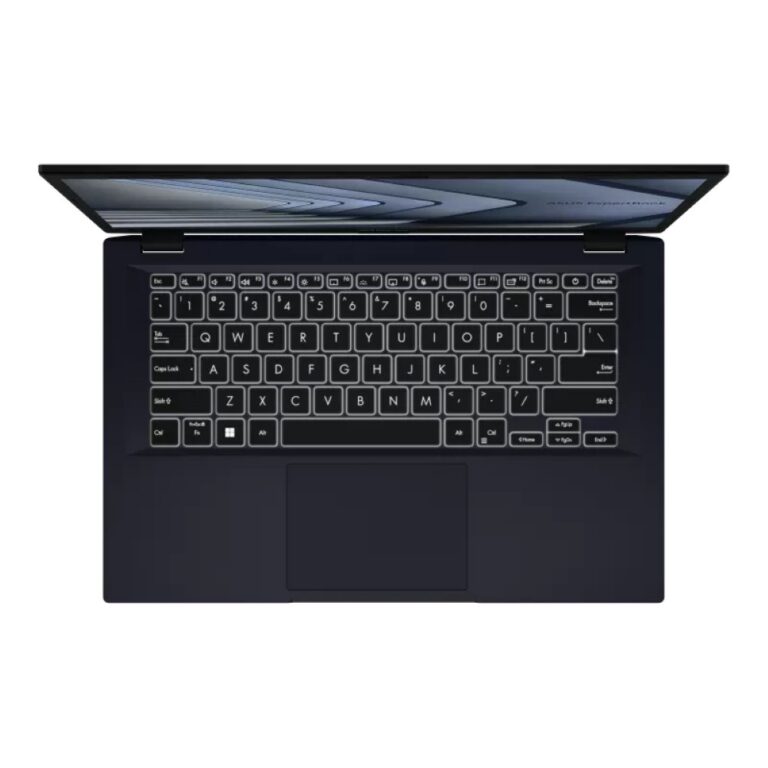
Three decisions shape the choice. Memory is the first: 16GB handles spreadsheets, browser tabs and video calls at the same time, while 32GB earns its cost when you run virtual machines, large datasets or design software. Storage is the second: a 512GB SSD suits a user whose files live on a server or in cloud storage, and a 1TB SSD suits anyone holding project archives, media or client libraries on the machine itself. The third is the chassis. A convertible touch model folds into tablet form for annotating documents and signing off drawings, while a fixed clamshell keeps the hinge simpler and the weight lower. If your work touches 3D or CAD, the 4GB discrete GPU builds are the ones to shortlist.
Who each configuration suits
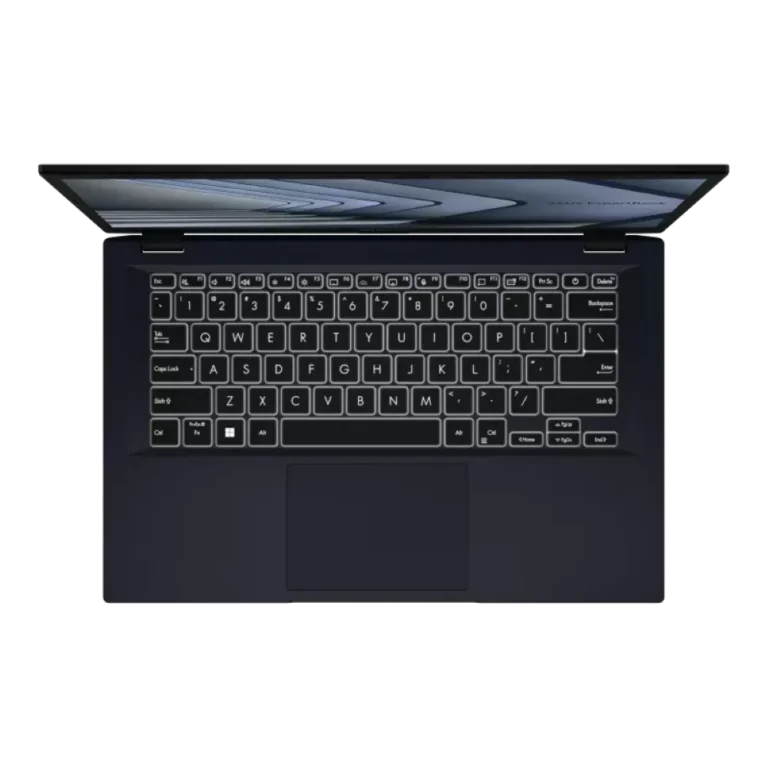
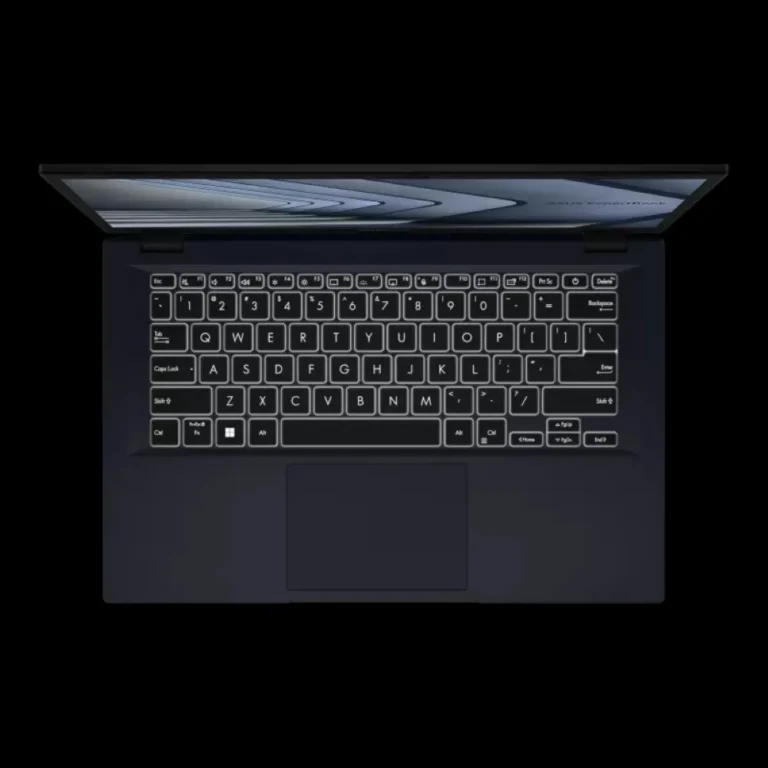
An office rolling out machines for finance or admin staff gets the most from a 16GB and 512GB build with an FHD panel, since the workload is documents, mail and browser software. A field consultant who signs contracts on site benefits from the convertible touch chassis and a backlit keyboard for work in cars and hotel rooms. Architects, engineers and design students should look at 32GB with a 1TB SSD, or at the discrete GPU builds when the software calls for one. A student on a tight budget can take the entry configuration and add memory or storage later.
Mega Computer stocks ASUS ExpertBook models with official warranty, and the showroom in Karachi lets you handle the keyboard and hinge before you commit. Orders ship with nationwide delivery across Pakistan. You can pay cash on delivery or settle online, and the team can talk through which configuration matches your workload before the order goes out.
One setup note that catches buyers out. Many ExpertBook units ship with DOS rather than a preinstalled operating system, which keeps the purchase price down but means you install Windows or a Linux distribution yourself and budget for the licence. Ask about this at the point of order so the machine reaches you ready for the work you bought it for.

 AsusAsus 28