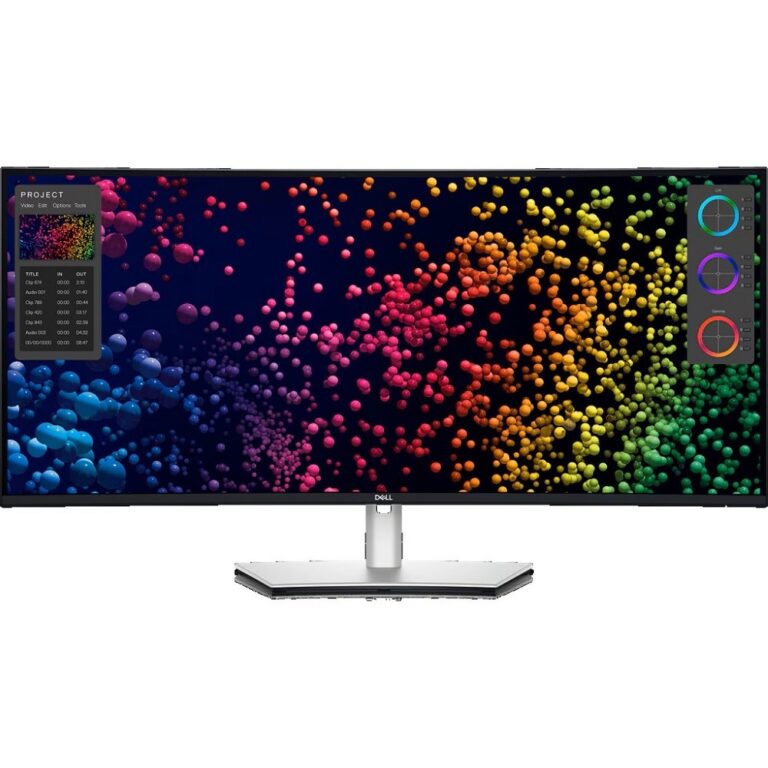
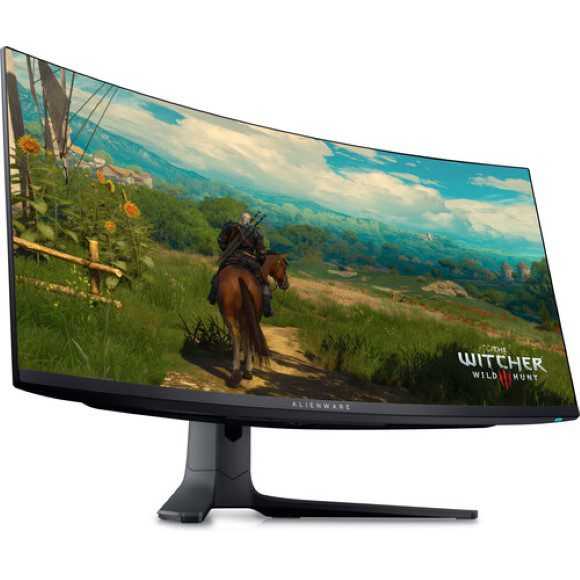
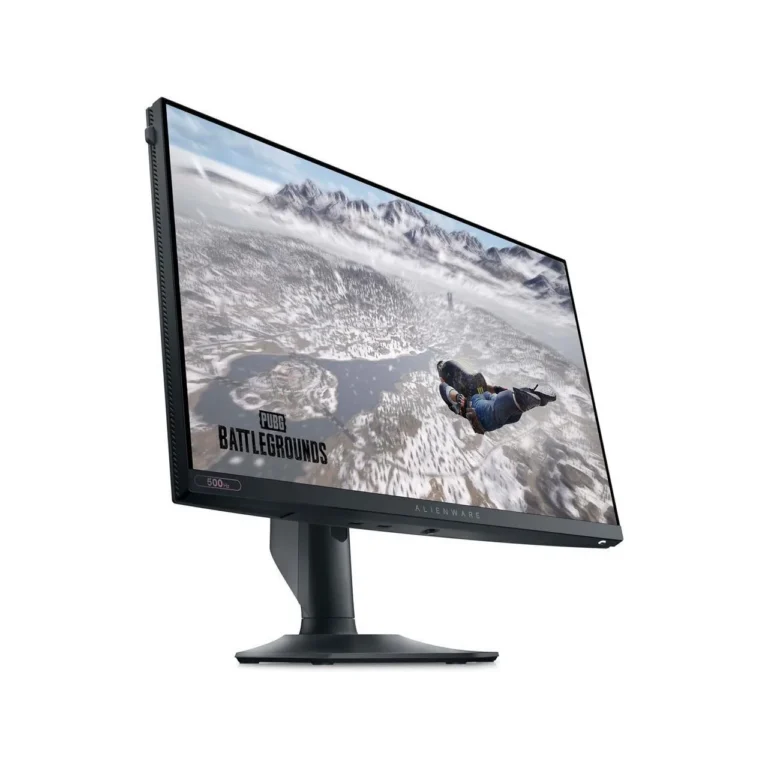
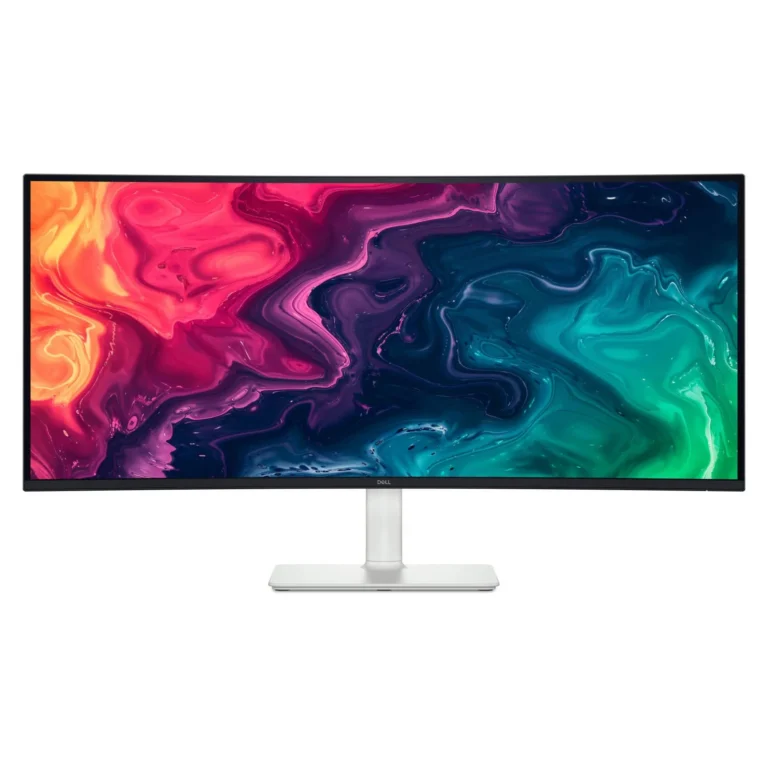
Dell screens spanning 60Hz office panels to 34 inch 144Hz ultrawides, in VA and IPS, WQHD and 4K UHD, with nationwide delivery from our Karachi showroom.
Dell Monitors
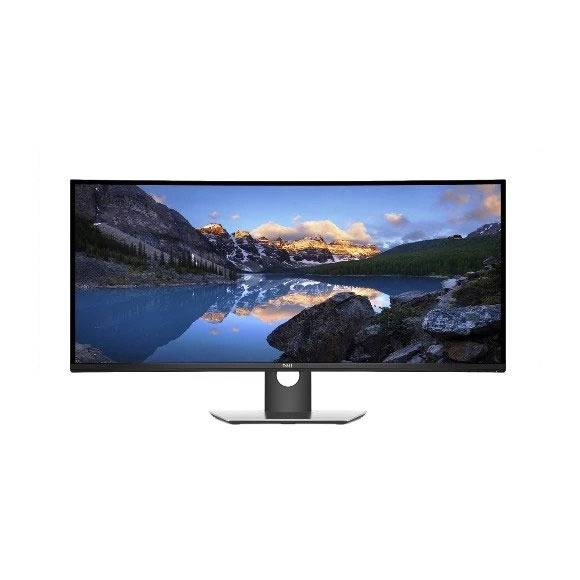
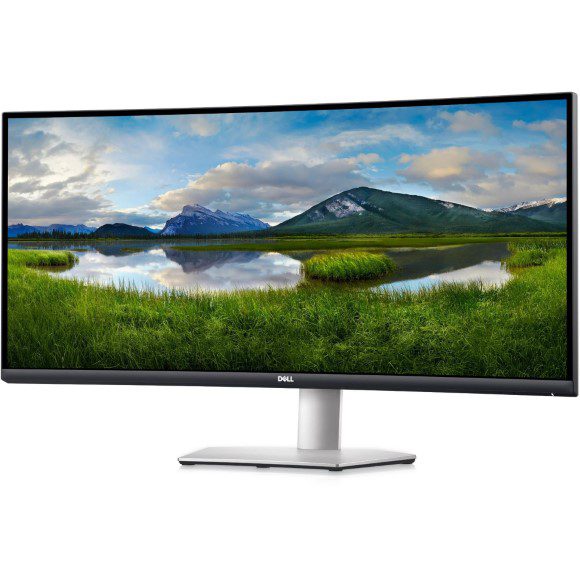
Dell monitors run from a plain desk screen for daily paperwork up to a 34 inch curved ultrawide that stands in for two smaller displays. The buyers who shop this section are picking one screen that will hold its place on a desk for years, so the choice comes down to panel type, refresh rate and resolution.
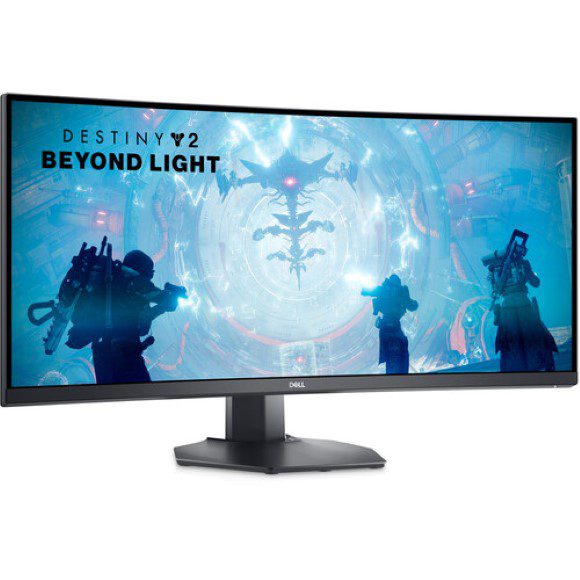
The range spreads across both speed and sharpness. Refresh rates begin at 60Hz for standard desktop work and climb through 100Hz and 120Hz to 144Hz on the gaming models. Resolutions cover WQHD across the wider 34 inch panels and 4K UHD at the top of the range. Panels split between VA, which carries most of the curved ultrawide models, and IPS. Response times reach 1ms on the quicker VA units. Pricing spans entry level through to premium, so a first monitor and a full ultrawide upgrade both sit on the same shelf.
Three decisions shape the purchase. Panel type comes first: VA holds deeper blacks and suits a curved gaming screen, while IPS keeps colour steady when you view the panel from an angle, which matters on a shared desk or in a meeting room. Refresh rate comes second: 60Hz handles documents, browsers and video, while 120Hz and 144Hz smooth fast motion and make a cursor easier to track. Resolution comes third: WQHD stretched across a 34 inch width gives you two readable document columns side by side, while 4K UHD packs more pixels into a smaller frame and asks more of the GPU driving it. A 1ms response figure matters if you play competitive shooters and matters little if you do not.
Matching the screen to the work
Someone working through spreadsheets, email and browser tabs gets what they need from a 60Hz panel and can put the saving elsewhere. A home office that runs video calls most days suits the IPS models, because colour stays consistent when two people share the view of one screen. Gamers pairing a mid range GPU with an ultrawide are the audience for the 144Hz VA panels, where the extra frames show. Anyone cutting video or retouching photos should look at the 4K UHD end, where the pixel density pays for itself in fine detail.
Each Dell monitor here is sold new and carries the manufacturer warranty that applies to that model, with the terms confirmed at the counter or at checkout. Our Karachi showroom lets you stand in front of a curved panel before you buy, which is worth the trip for a 34 inch ultrawide because the curve is hard to judge from photographs. We ship nationwide across Pakistan and take cash on delivery as well as online payment.
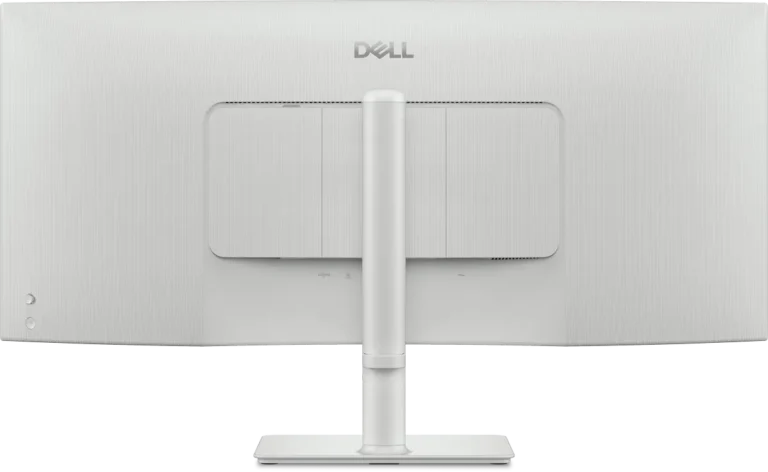
Desk depth catches people out. A 34 inch curved panel wants more front to back room than the stand alone suggests, and a shallow desk pushes the screen closer than your eyes want. Check the USB-C models if you dock a laptop, since a single cable can carry the picture and charge the machine, which cuts the clutter behind the desk.