Internal and external sound cards from ASUS, EPZ and Maono, covering portable headphone adapters, desktop cards and audio interfaces built for recording.
Sound Cards for Desktops, Laptops and Home Recording
Sound cards in Pakistan replace the audio hardware built into a motherboard or a laptop, and this category holds both the small adapters that hang off a port and the cards that sit inside a desktop tower. Gamers buy them when a headset sounds thin through onboard audio. Streamers and podcasters buy them to get a microphone into the machine. Desktop owners buy them when the onboard chip picks up hiss or interference from the rest of the build.
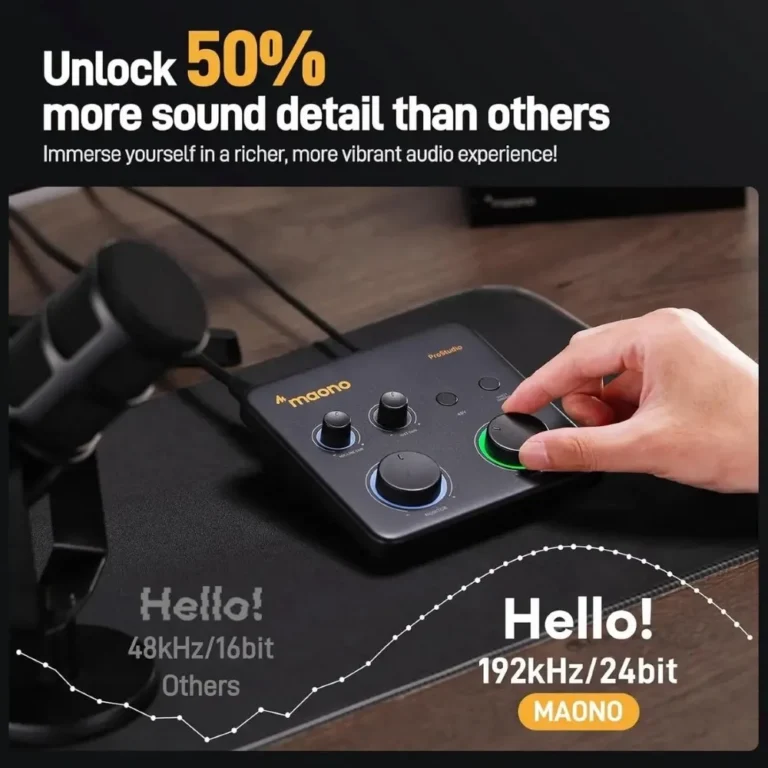
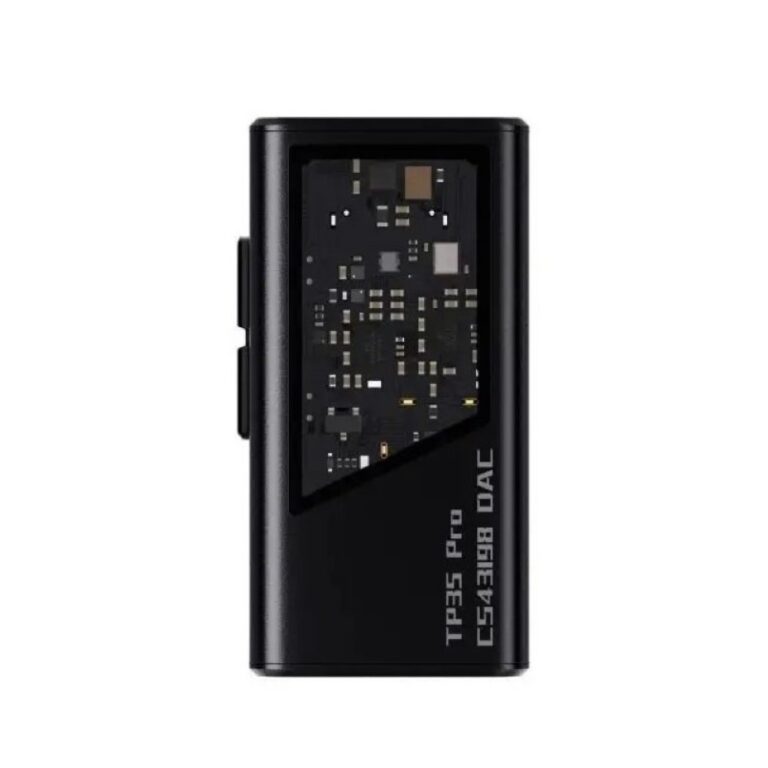
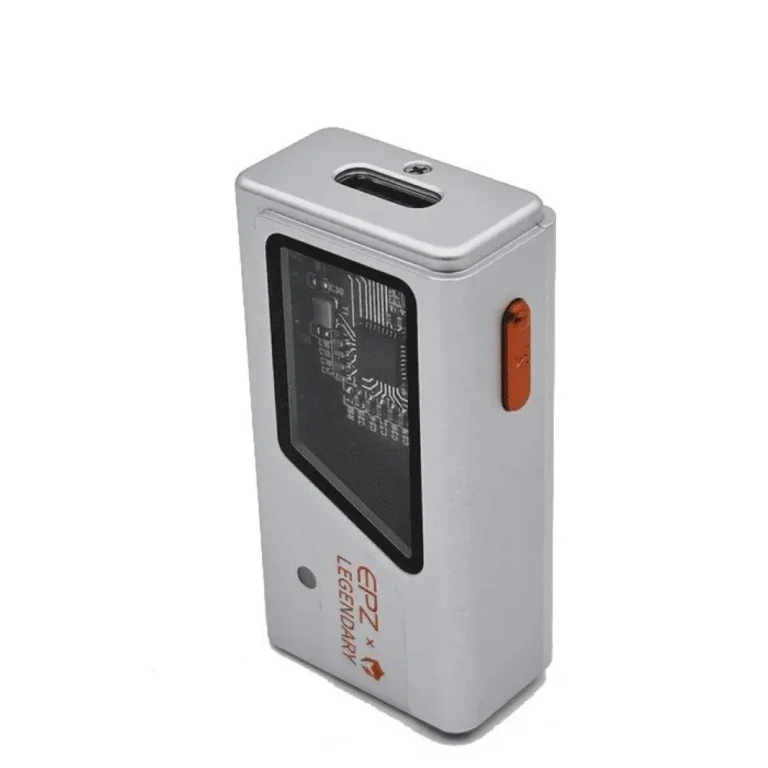
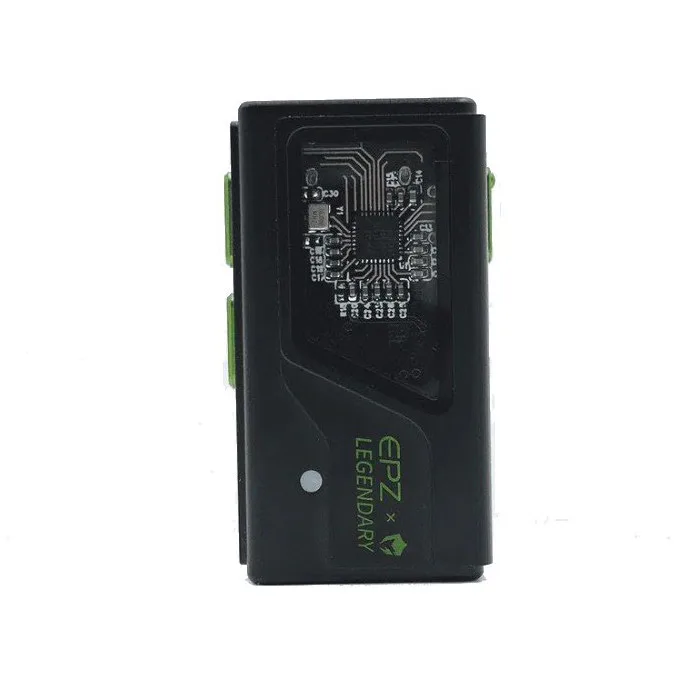
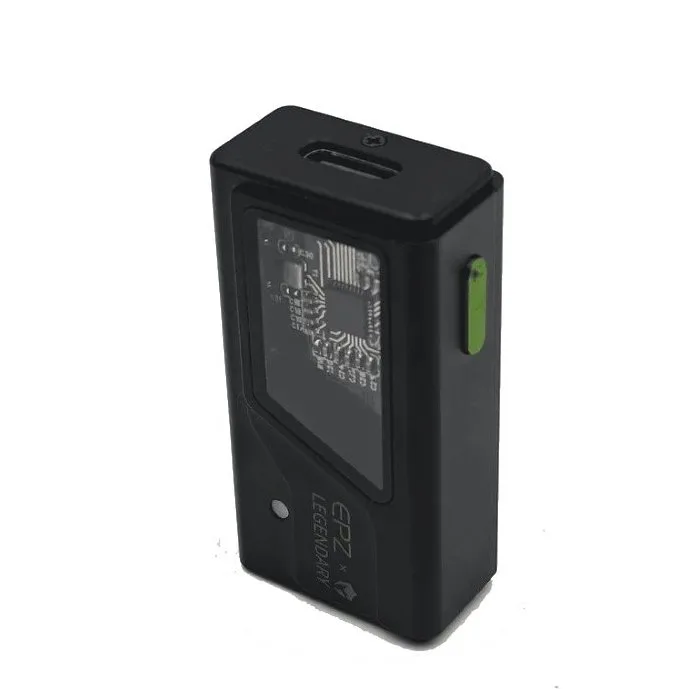
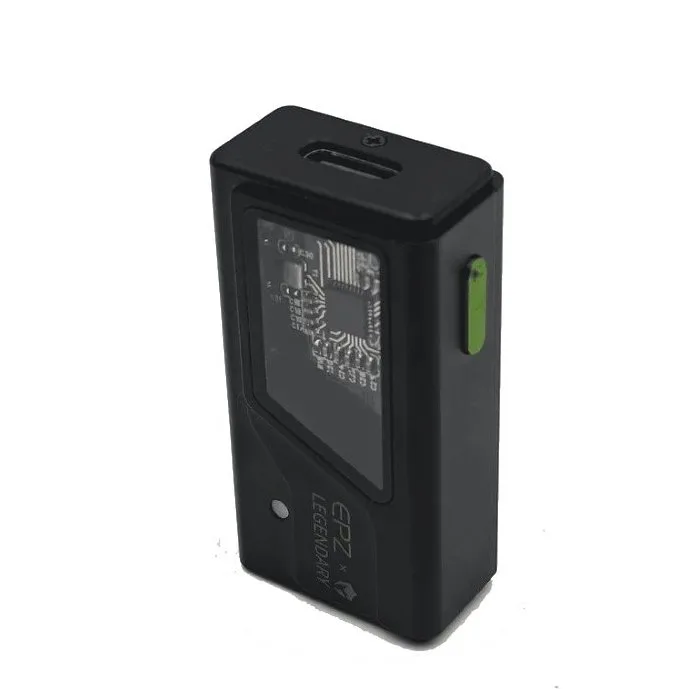
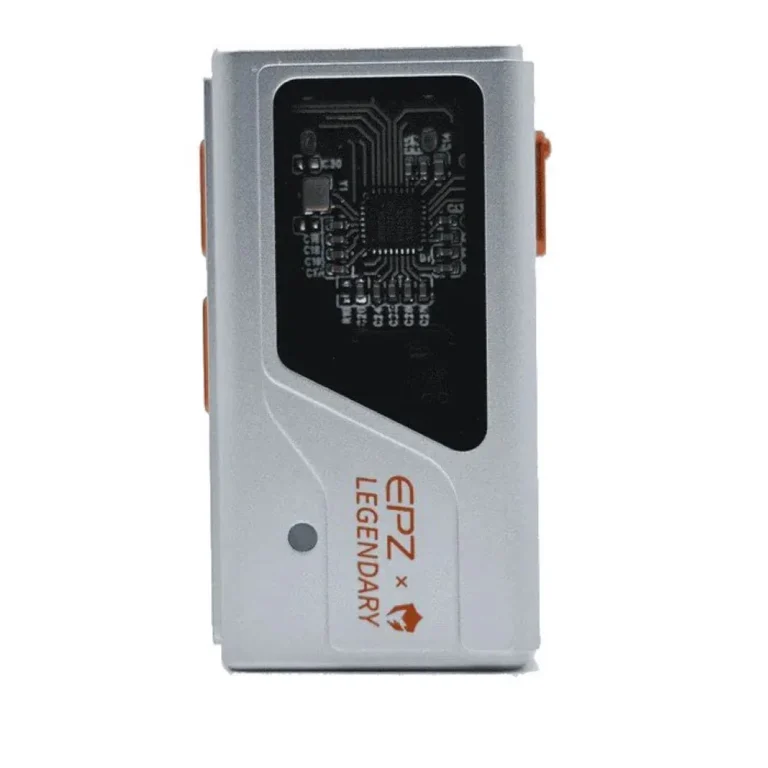
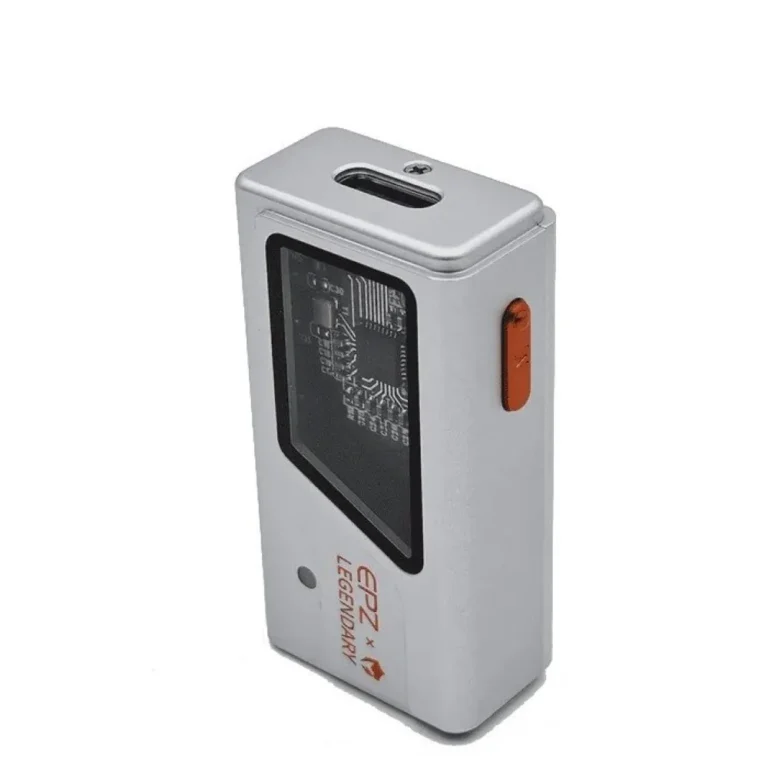
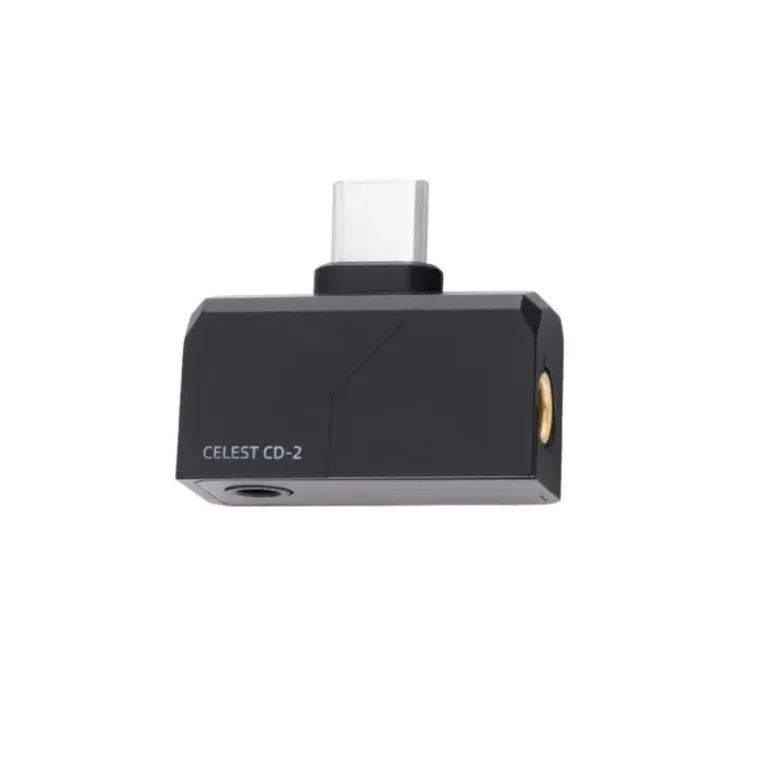
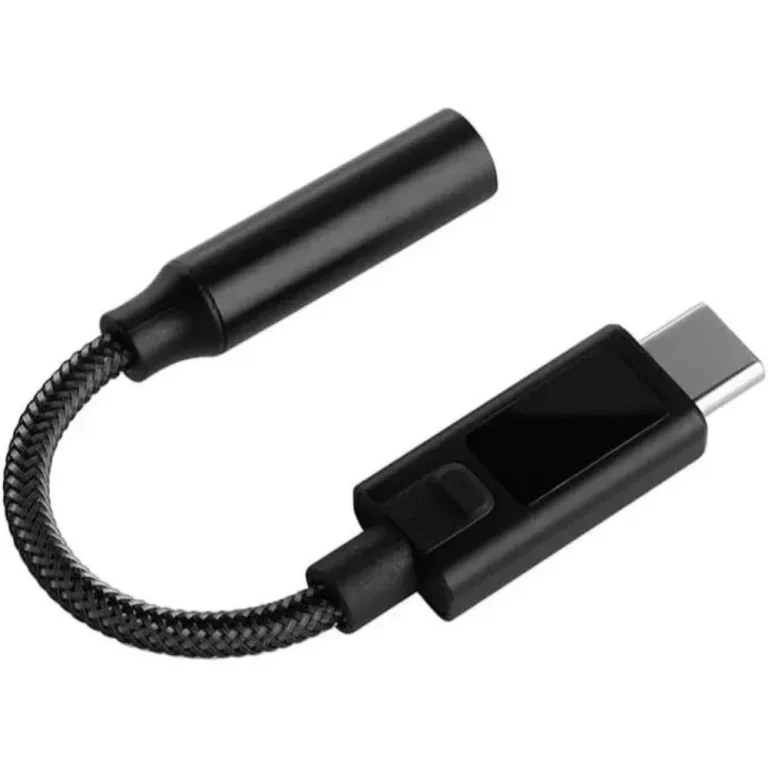
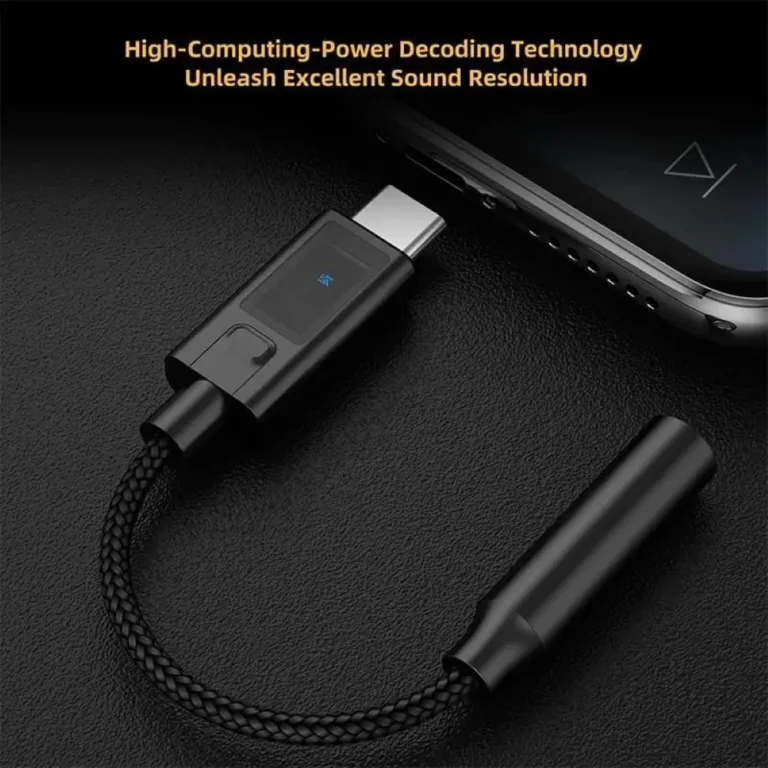
Three brands cover the shelf. ASUS supplies the Xonar line, which includes a card for a desktop expansion slot and an external Xonar U7 MKII unit that pairs conversion with a headphone amplifier. EPZ builds portable pieces, including the TP35 Pro dongle and the TS01 gaming adapter, both sized to travel with a laptop or a phone. Maono covers the recording end with the PS22 Lite audio interface, aimed at music, podcast, guitar and streaming work in a home studio. The price spread runs from entry level portable adapters through to premium desktop and studio hardware.
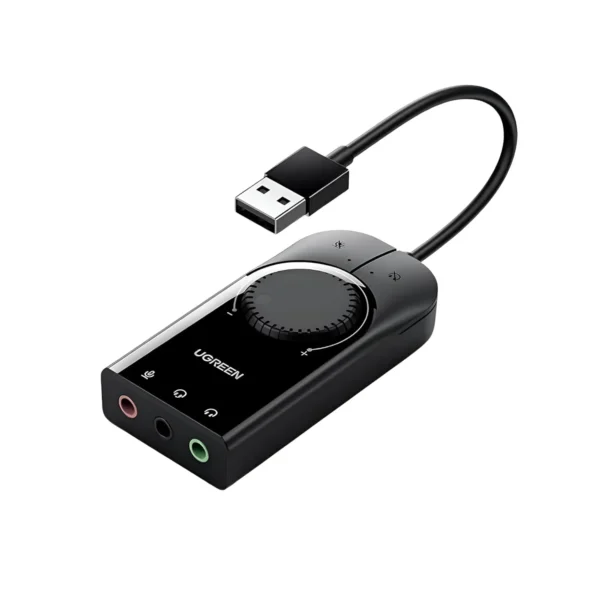
Two or three decisions settle most of these purchases. Start with where the unit lives: an internal card needs a free slot inside a tower and stays with that one machine, while an external unit moves between a laptop, a phone and a desktop. Then ask whether you need a microphone input. A dongle handles playback and a headset, but recording a standalone microphone calls for an interface such as the Maono PS22 Lite. Last, check whether you need amplification. Headphones that sound quiet and flat on a laptop jack want a unit with a built in headphone amplifier, which is what the ASUS Xonar U7 MKII adds.
Matching the Unit to Your Setup
A desktop gamer with a tower that has room to spare gets the most from an ASUS Xonar card, since it stays installed and frees up ports. Someone who games on a laptop and also listens on a phone should take an EPZ dongle, because it travels and works across both. A home studio recording vocals, guitar or a podcast needs the Maono PS22 Lite, since a microphone and instrument have to reach the computer through an interface. If your current audio works and you want more volume for demanding headphones, an external amplifier unit answers that without opening the case.
Mega Computer stocks this range at the Karachi showroom, where you can hear a unit before you commit, and ships nationwide across Pakistan. Orders go out on cash on delivery or online payment. Products carry the warranty terms of the brand concerned, and our team handles claims for you rather than sending you to look for the manufacturer. If you are unsure whether a card suits your motherboard or your headphones, ask before you order.
Setup differs by type. An internal card asks you to open the tower, seat the card in a free slot and install the ASUS driver so Windows routes sound through it instead of the onboard chip. External EPZ units work once you plug them in, which is what makes them the safer pick for a laptop you carry or a machine you do not want to open. An interface like the PS22 Lite sits between the two, since it connects from outside but wants its bundled software configured before your first recording.