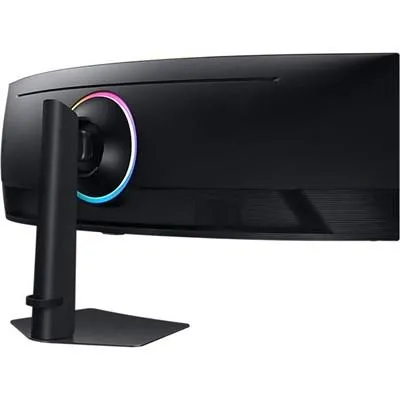
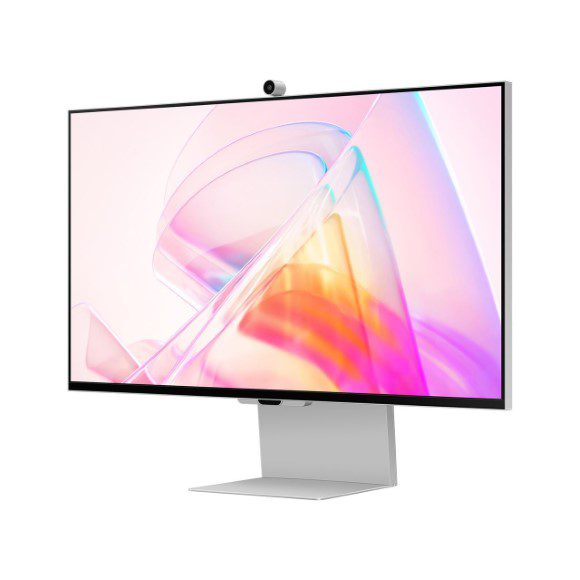
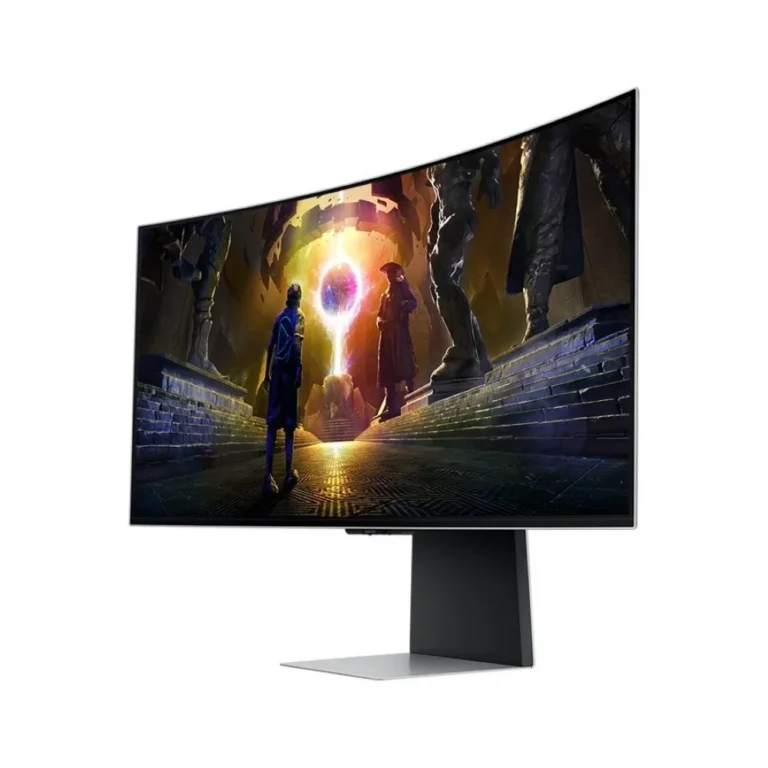
Samsung monitors for home and office desks, from 27 inch IPS panels at 75Hz through to WQHD and UHD screens, with showroom viewing in Karachi and delivery nationwide.
Samsung Monitors in Pakistan
Samsung monitors in this section run from straightforward 27 inch IPS panels for office desks up to WQHD and UHD screens meant for design work and heavy multi-tasking. Office buyers order them in batches to keep every workstation on the same panel. Individual buyers usually arrive with one screen in mind, either replacing a tired display or adding a second one beside an existing setup.
Everything on this page is Samsung, so the panel behaviour and the on-screen menu layout stay the same whether you buy one unit or six. Refresh rates sit at 75Hz on the IPS models and rise to 100Hz on the WQHD models. Resolution climbs the same way, from standard desktop panels through WQHD and on to UHD, which product listings also write as 4K. The price spread is wide, with entry level IPS screens at one end and premium UHD panels at the other, so a department can mix a few high resolution screens into an otherwise modest fleet.
Two decisions settle most of these purchases. The first is resolution against refresh rate. A 75Hz IPS panel handles documents, browsing and video without complaint, while a WQHD panel at 100Hz gives you a steadier pointer and enough width to keep two full windows open at once. The second is resolution against screen size. UHD packed into a 27 inch panel renders text small at native settings, so budget for display scaling in Windows or plan on a larger screen instead. Also confirm your graphics card outputs the resolution you are paying for, since an older card can cap a UHD panel below its rated output.
Matching the panel to the work
For a front desk, an accounts office or a study table, a 27 inch IPS model at 75Hz covers the job and keeps the cost down. Anyone who works across a spreadsheet and a browser at the same time, or who tracks several windows through the day, gets more from a WQHD panel at 100Hz. Photo and video editors, and anyone reviewing detailed drawings, should go to UHD and accept the scaling adjustment that comes with it. If a whole team is being fitted out, order one panel first, live with it for a week, then repeat the order.
Our Karachi showroom lets you see the panels running before you commit, which matters when you are judging text sharpness at a given resolution. Orders ship nationwide across Pakistan. Payment works by cash on delivery or online payment, whichever suits your accounts process. Warranty terms differ by model, so check the warranty stated on the individual product page before you place the order, and keep the invoice for any future claim.

 SamsungSamsung 117