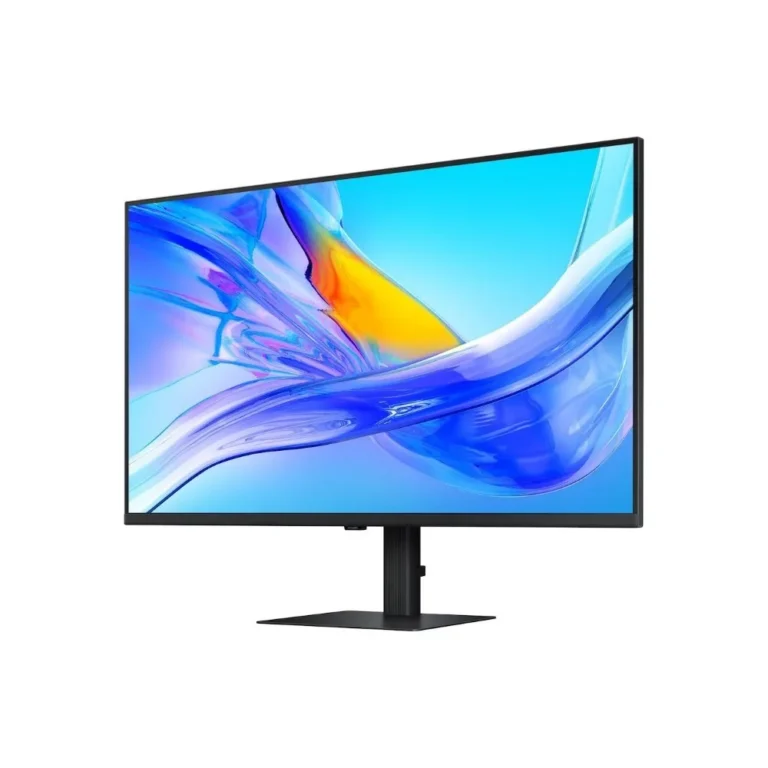
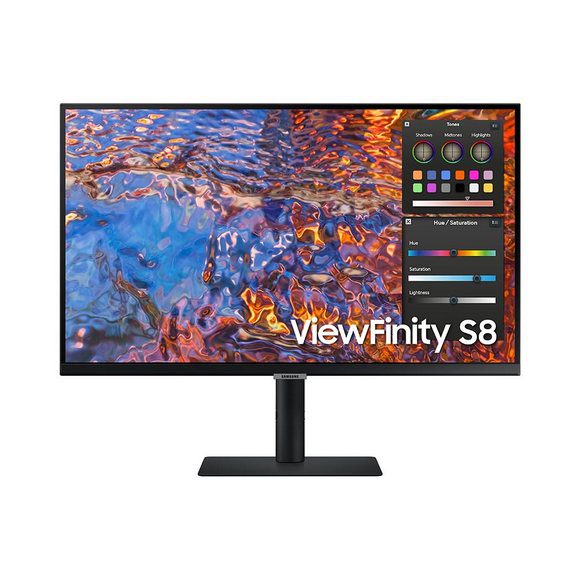
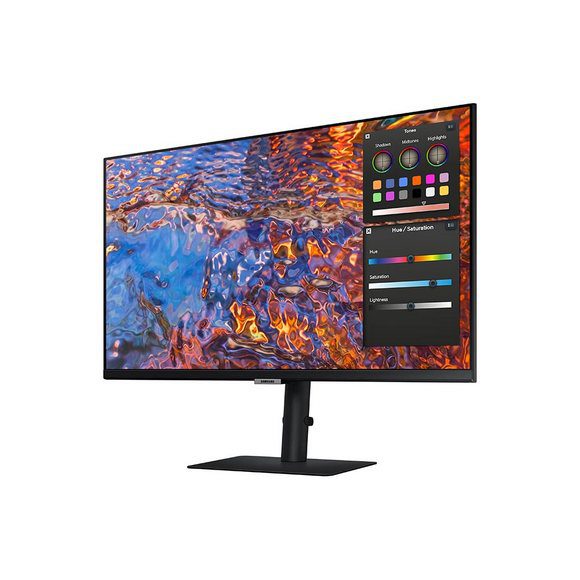
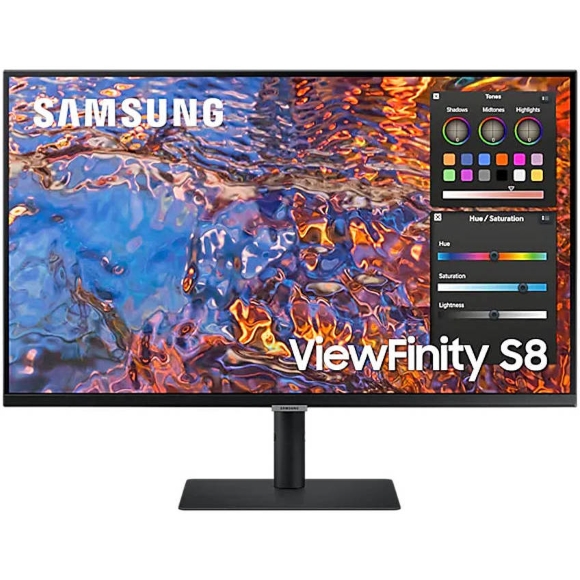
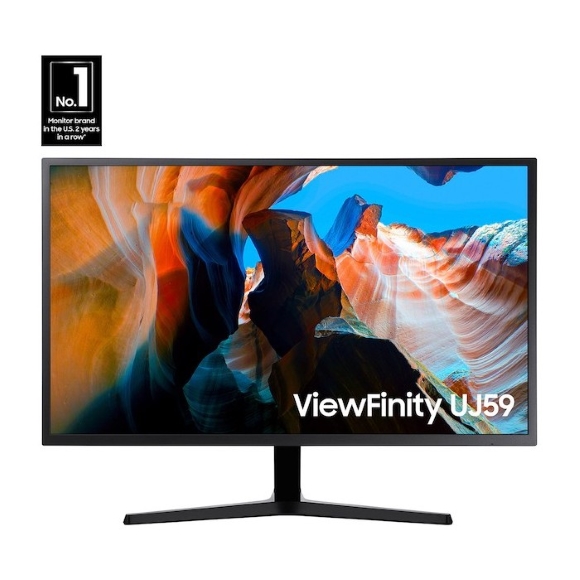
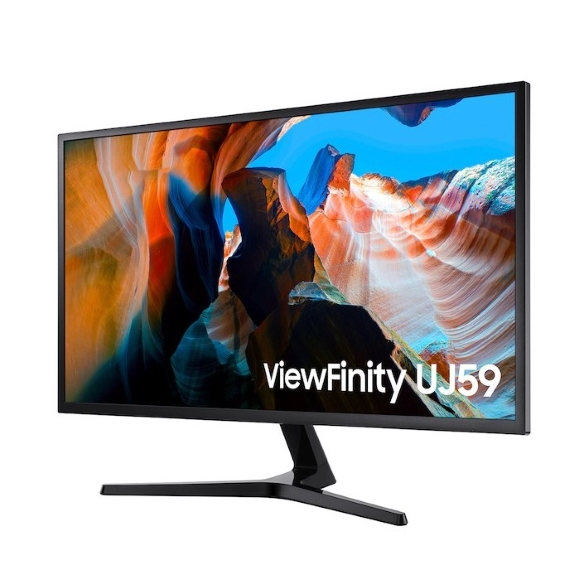
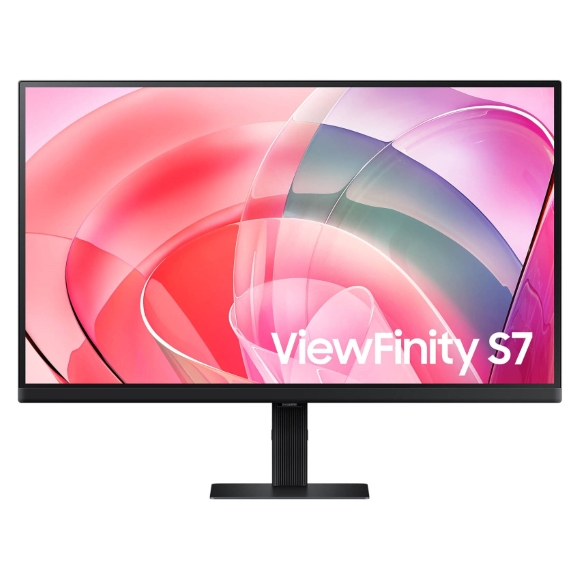
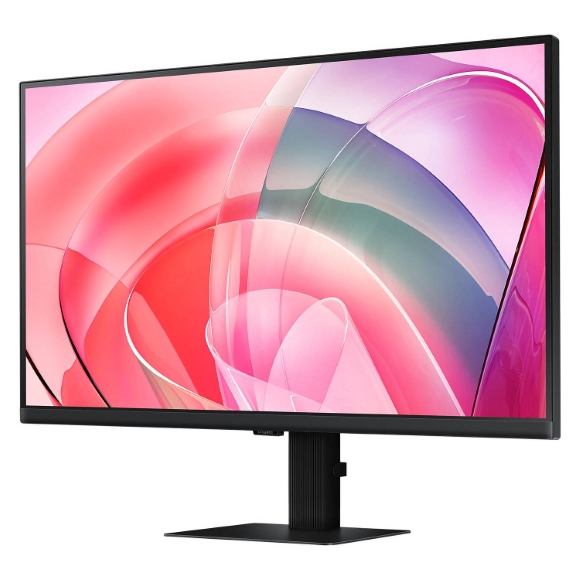
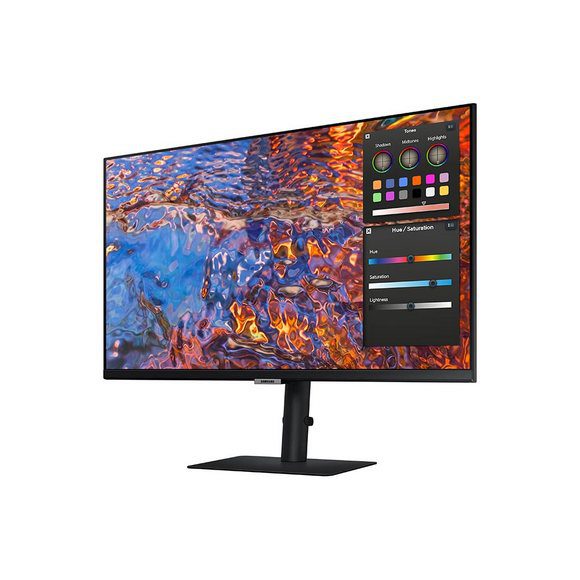
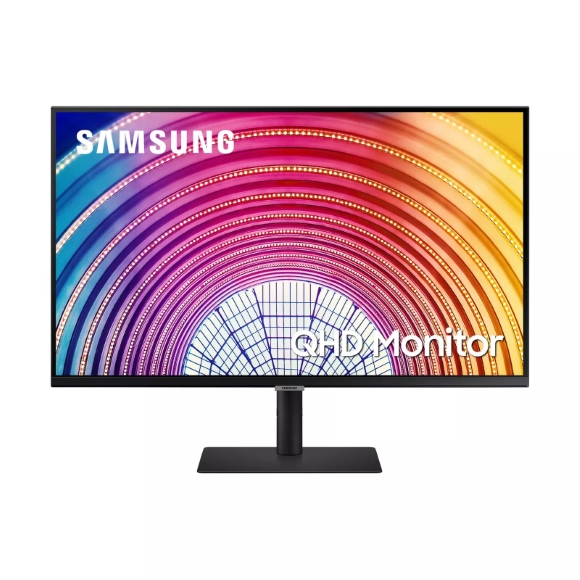
Samsung ViewFinity covers productivity displays from Ultra-WQHD curved panels through to 5K IPS, with USB Type-C docking and KVM switching built in.
Samsung ViewFinity Monitors
Samsung ViewFinity is the work-focused half of Samsung’s desktop display line, aimed at people who spend the day in spreadsheets, code editors, video timelines and retouching software. Buyers here tend to be office and studio users who care about panel resolution, colour depth and cable count on the desk. The gaming-oriented Samsung screens sit elsewhere in the range, so everything on this page is tuned for long sessions of static content rather than fast motion.
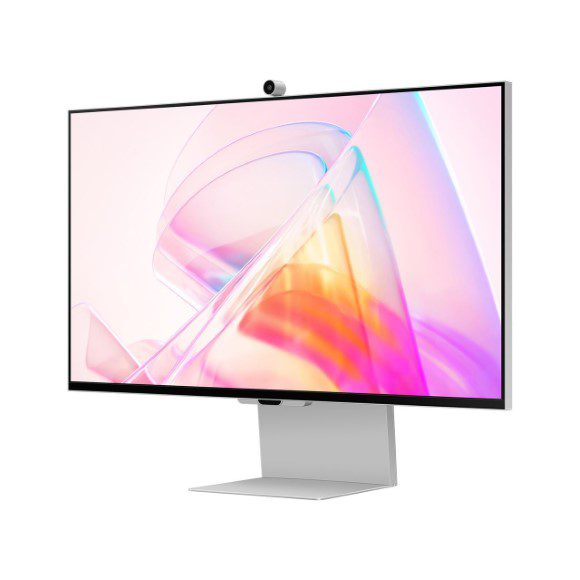
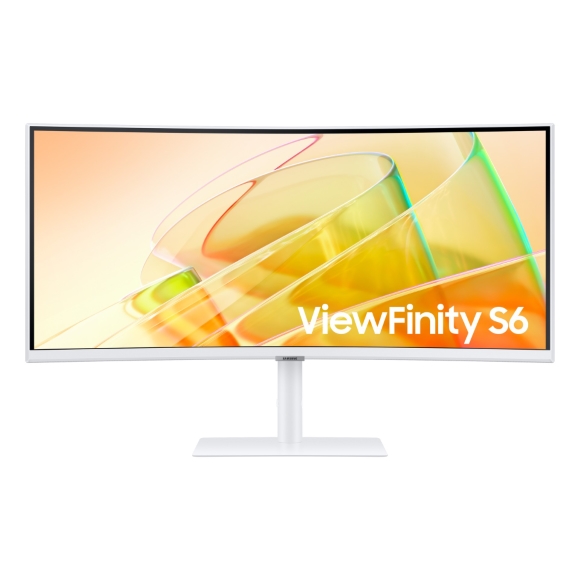
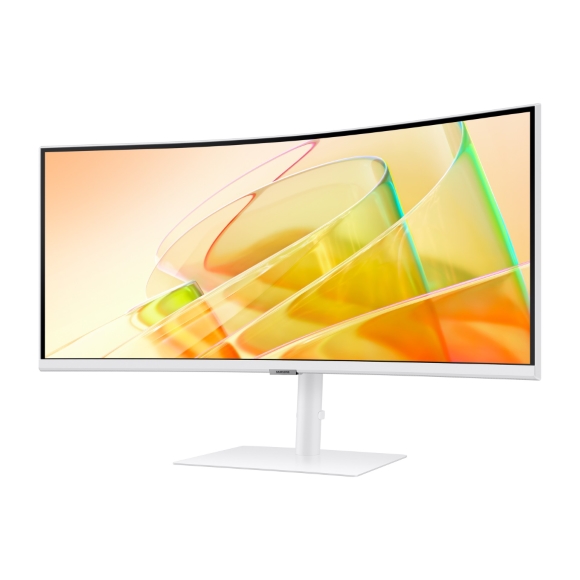
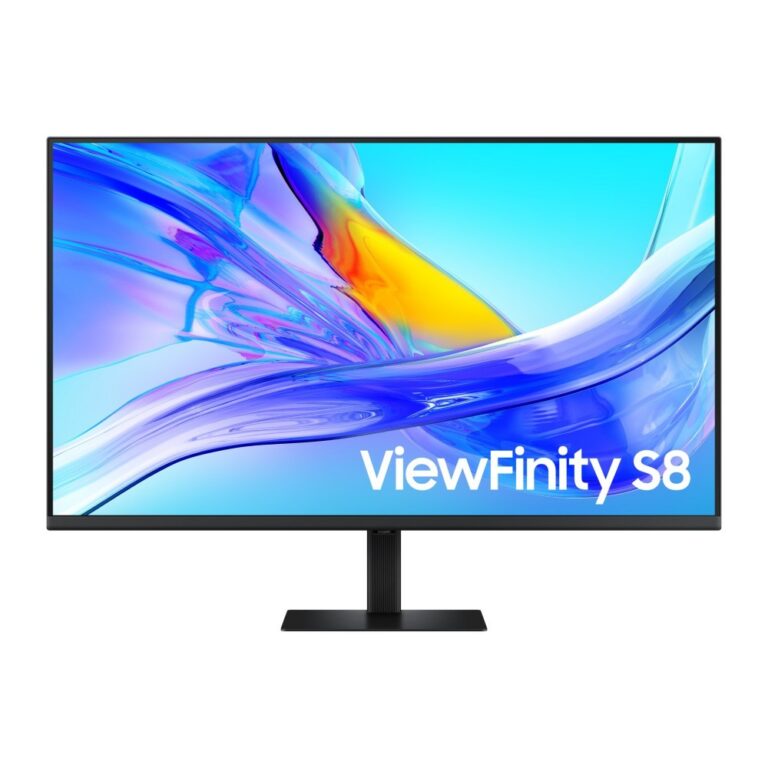
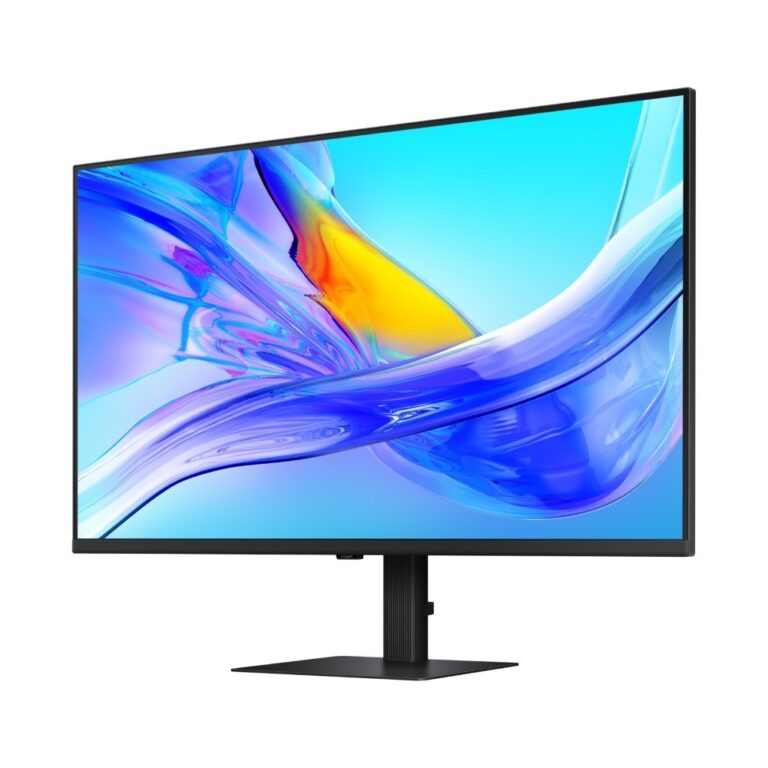
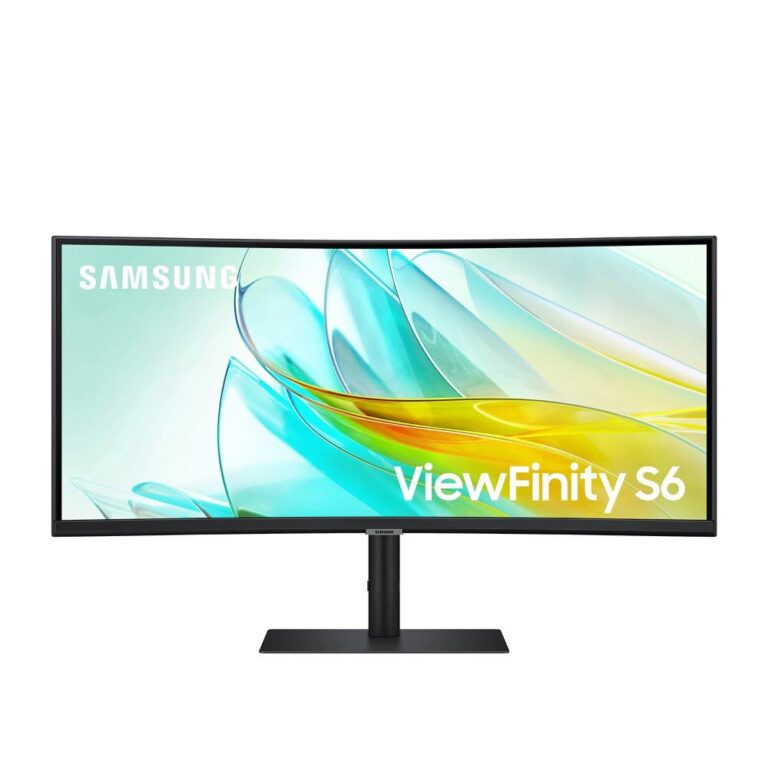
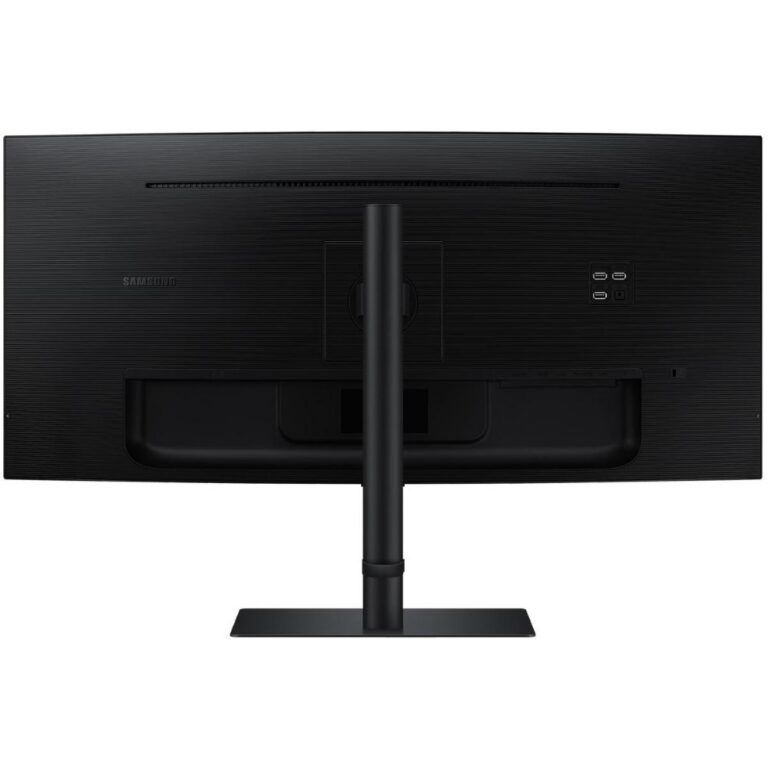
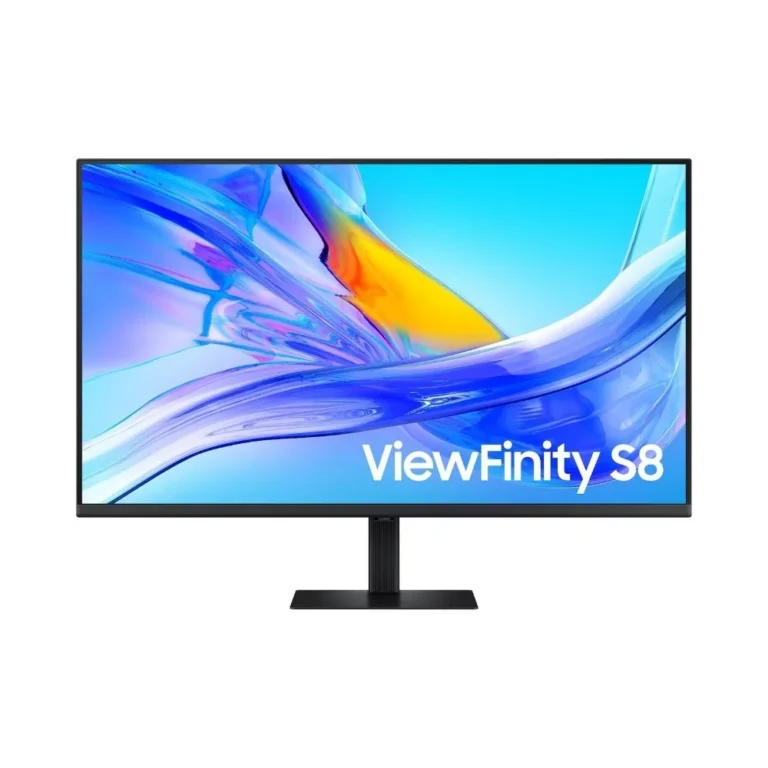
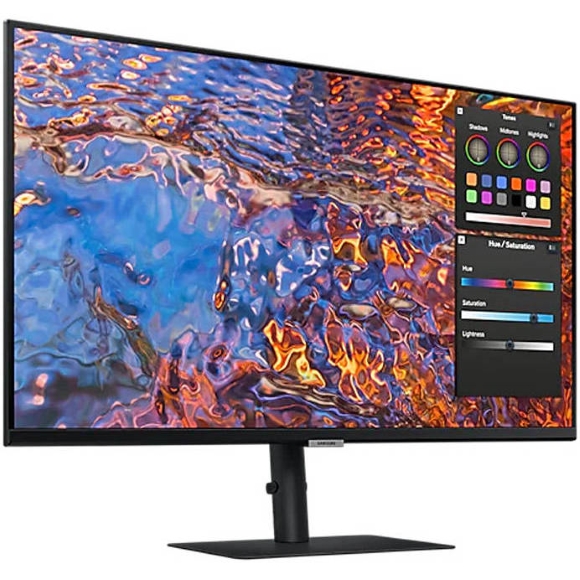
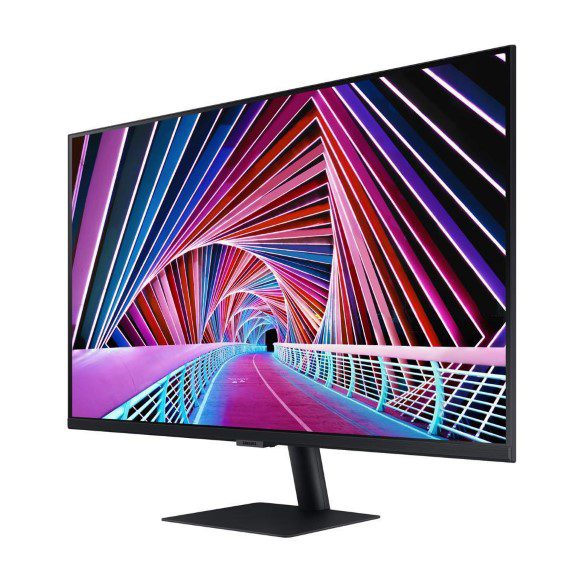
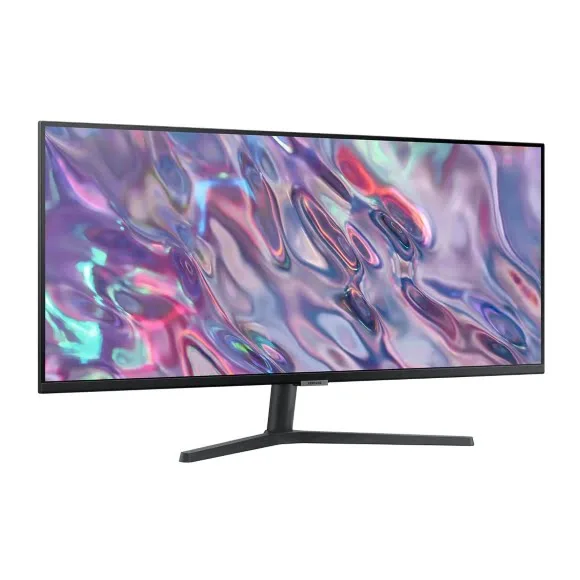
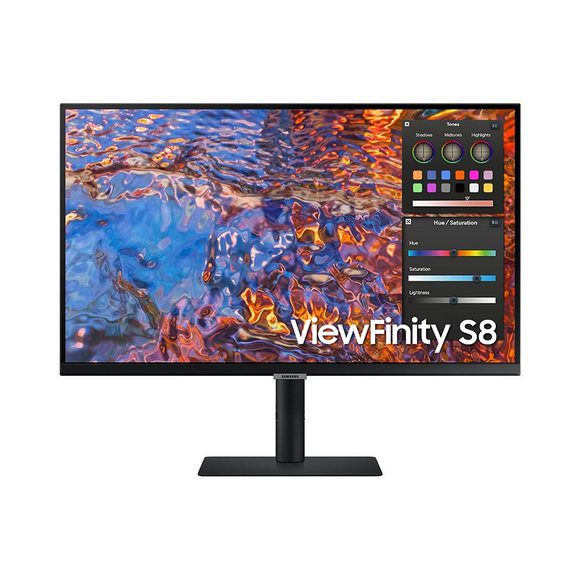
Three tiers make up the range. The S6 models run Ultra-WQHD on a curved VA panel with a 100Hz refresh rate, a 5ms response time, built in speakers and a KVM switch, and several carry a LAN port alongside USB Type-C power delivery at 90 W. The S8 moves up to 4K UHD over USB Type-C with DisplayPort, USB-A, USB-B and a height adjustable stand. At the top, the S9 pairs a 5K IPS panel with a matte finish, an ergonomic stand and a detachable SlimFit camera for video calls. Prices run from affordable business models through to premium 5K, so the spread inside one brand family is wide.
Two decisions shape the choice.
- The first is panel type against resolution: the curved VA models give you a single wide canvas at Ultra-WQHD and a 100Hz refresh rate, while the IPS 5K screen trades that width for pixel density and off-angle colour consistency, which matters when you grade images.
- The second is how the monitor connects. A USB Type-C model with 90 W power delivery carries video, data and laptop charging on one cable, and a built in KVM switch lets one keyboard and mouse drive two machines through the same screen. If your workstation uses DisplayPort and a separate dock, the 4K UHD models cover that path without the extra hardware.
Matching a ViewFinity model to your desk
Finance and analytics users who keep several windows side by side get more from the Ultra-WQHD curved VA models than from a taller 4K panel, and the curve keeps the edges of a wide sheet within reach. Video editors working on 4K footage will want the S8 for a native timeline at 4K UHD. Photographers and retouchers benefit from the 5K IPS panel and its matte coating, which cuts reflections in a bright room. Anyone running a work laptop and a desktop tower from one seat should shortlist the models with a KVM switch and a LAN port, because the monitor then acts as the hub for both.
Mega Computer stocks the ViewFinity line at its Karachi showroom, where you can compare a curved VA panel against a flat IPS one before you commit. Orders ship with nationwide delivery across Pakistan, and you can pay cash on delivery or online. Warranty terms differ by model, so check the coverage listed on the product page or ask our team before you order.
One setup note worth planning for. The higher resolution models push a lot of bandwidth, so confirm that your graphics output supports the resolution you are buying at the refresh rate you want, and use the cable supplied in the box rather than an older spare. Laptop users should check that their USB Type-C port carries video as well as data before relying on single-cable operation at 90 W.