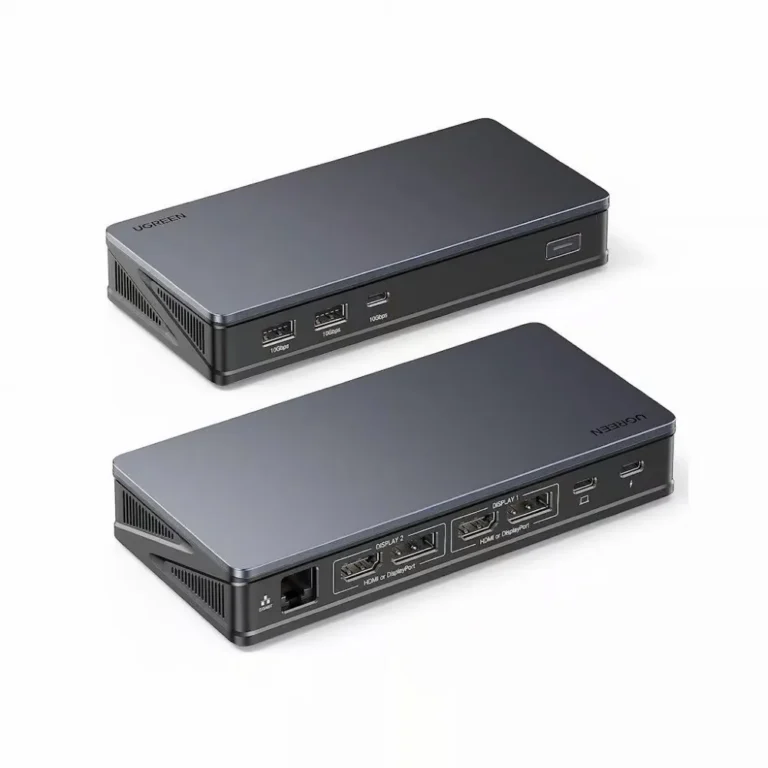
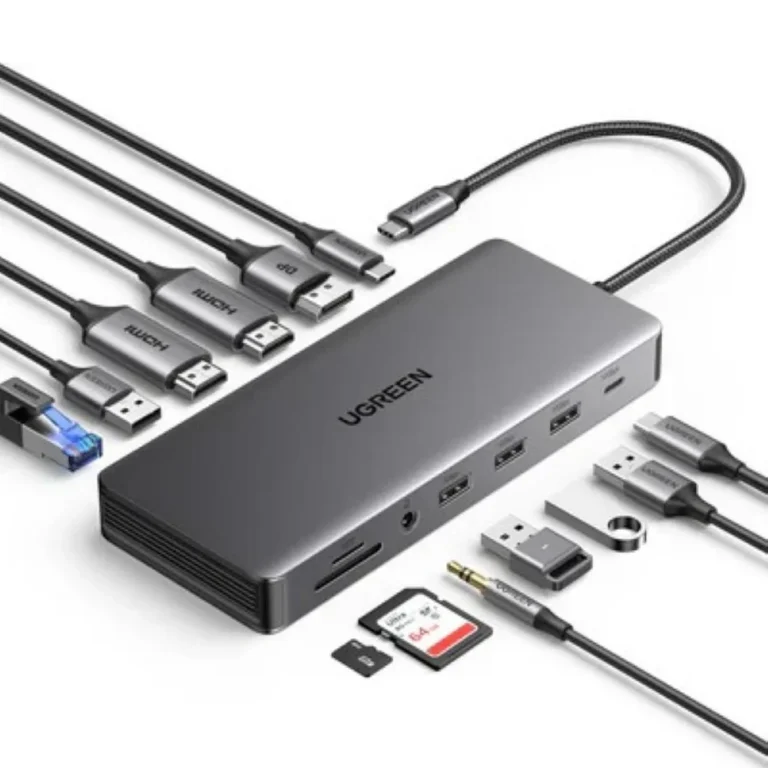
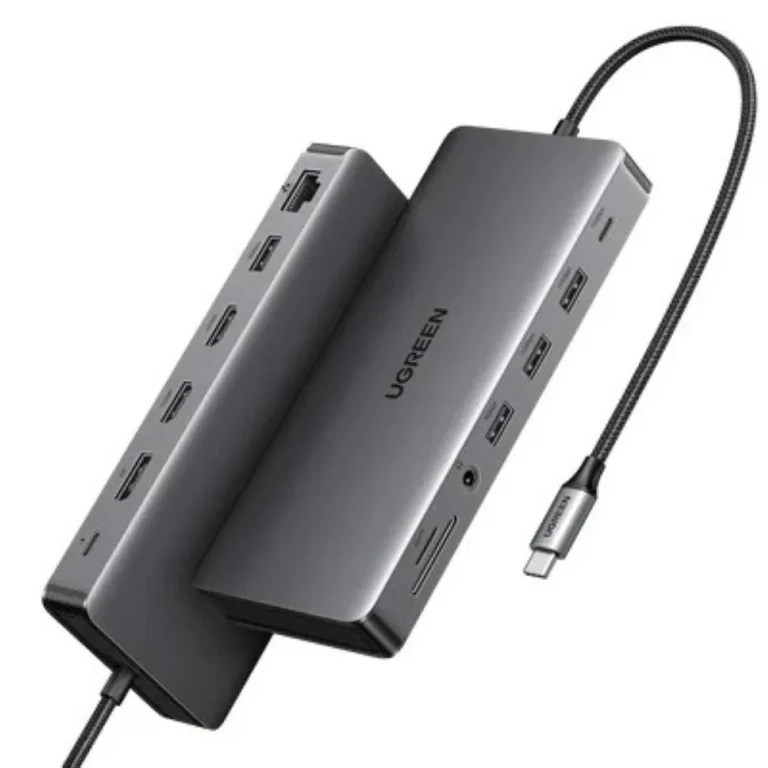
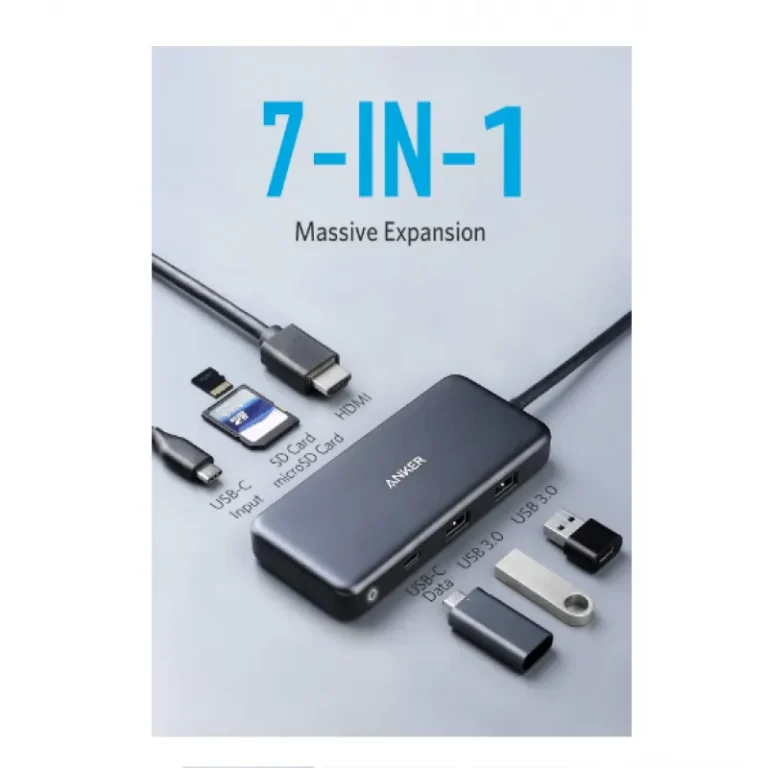
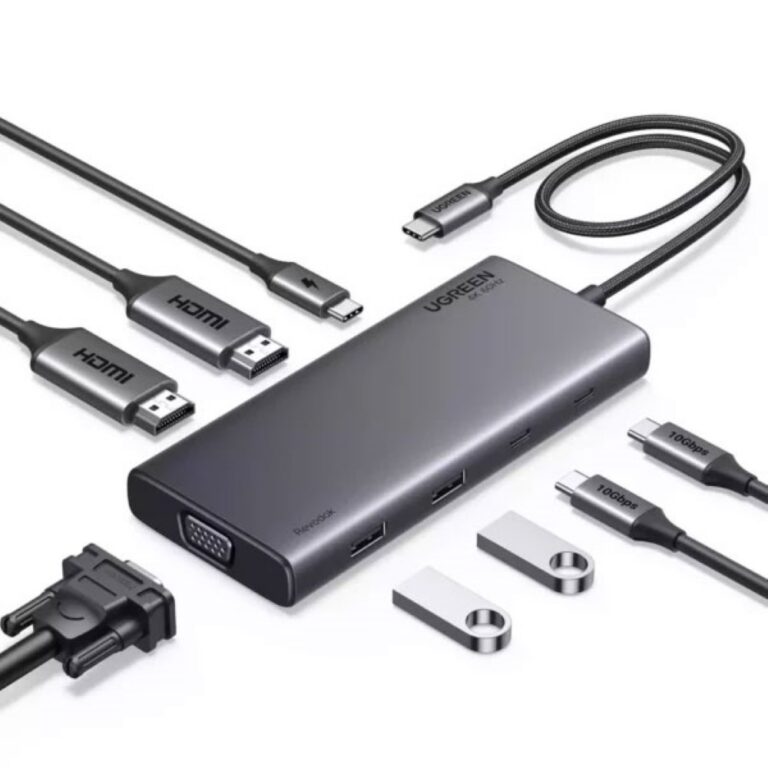
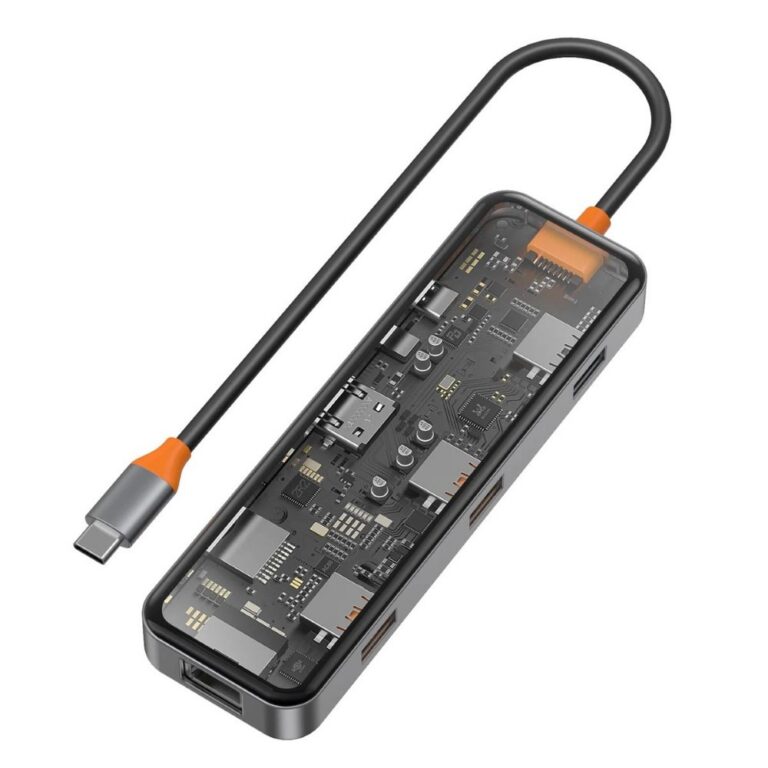
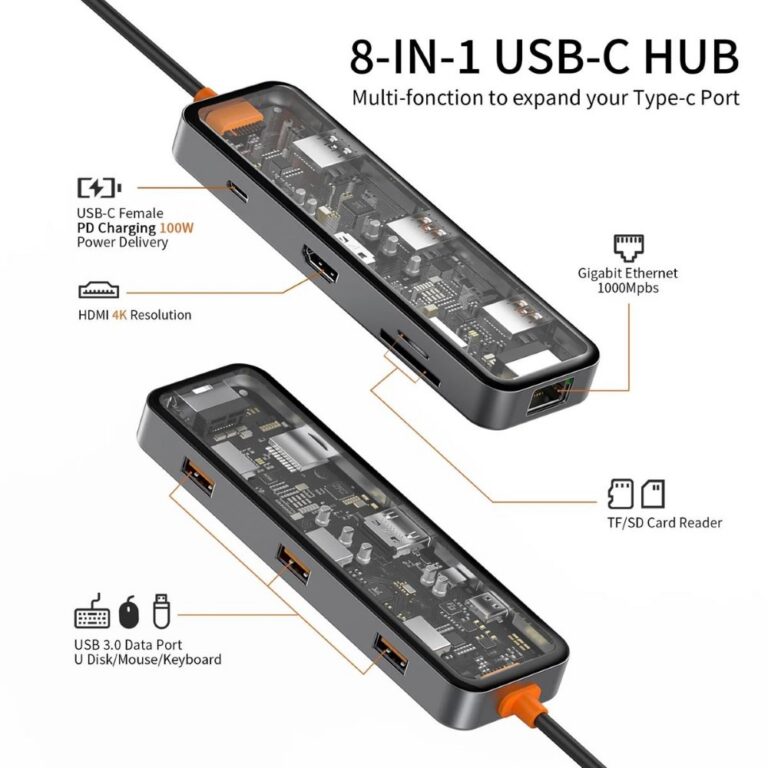
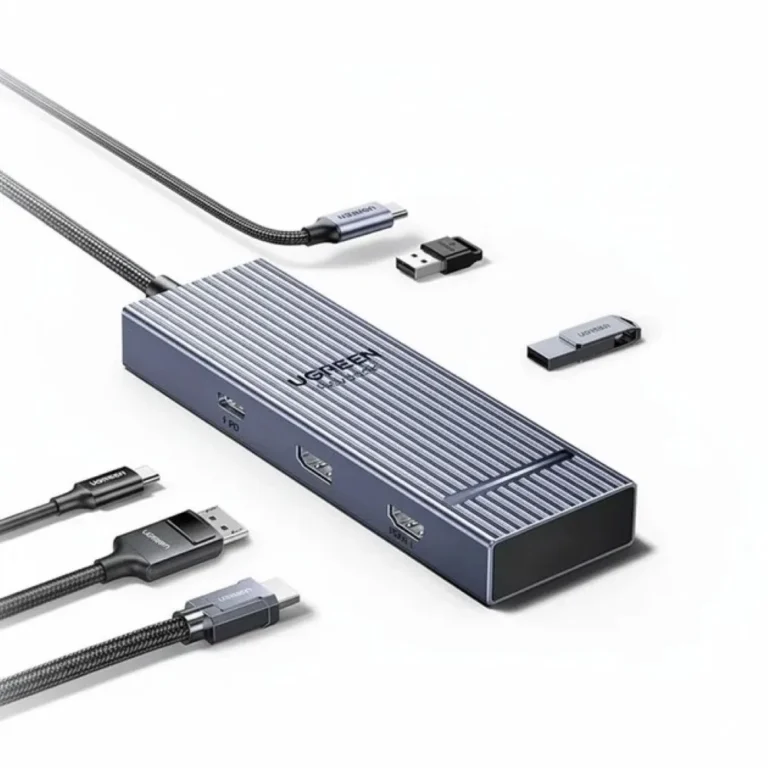
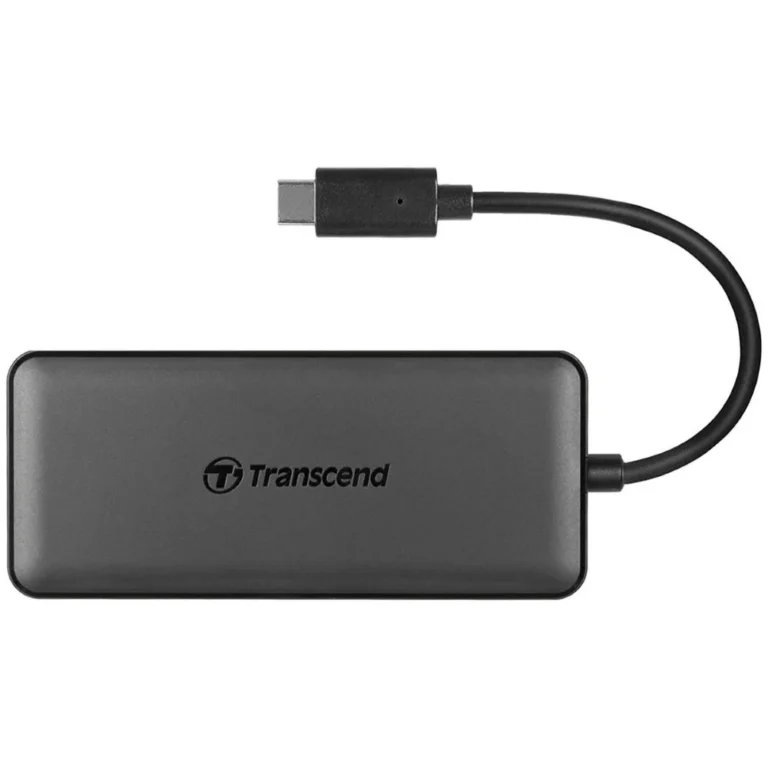
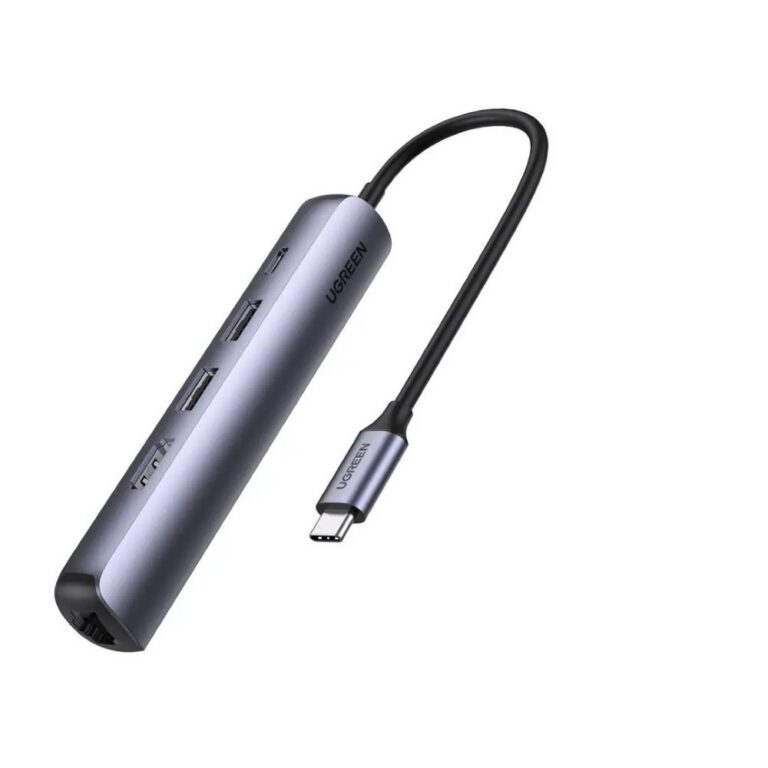
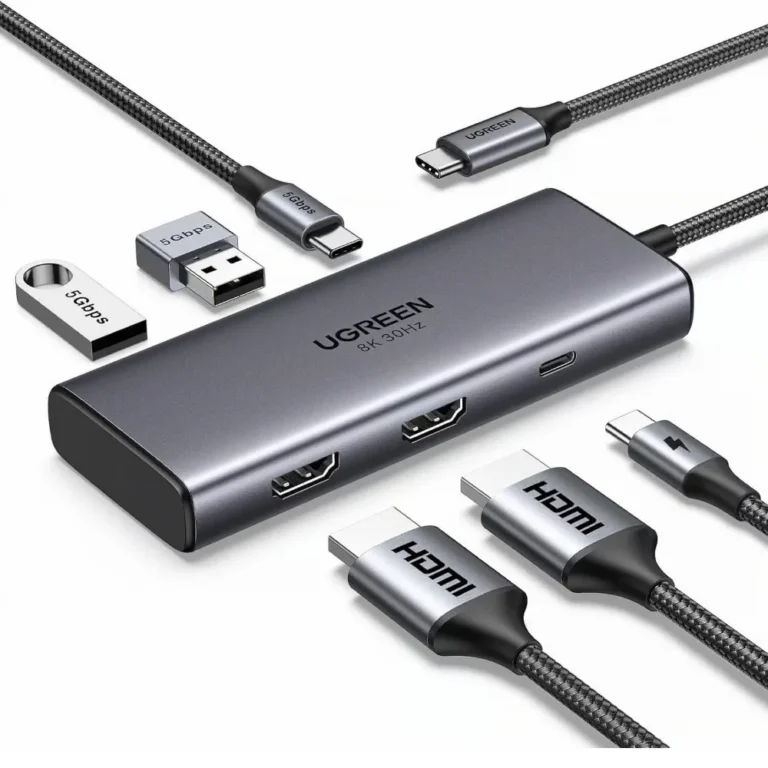
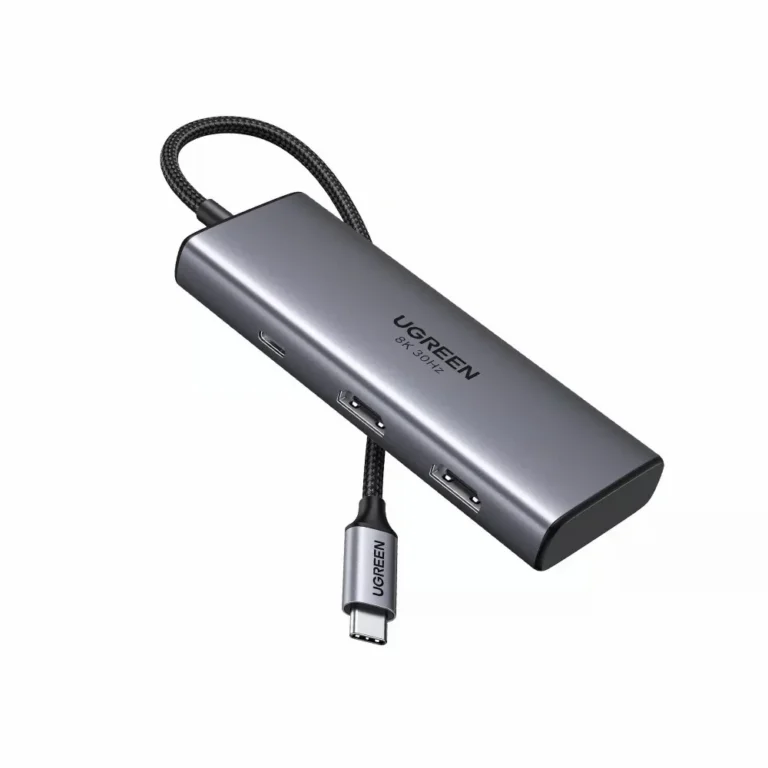
USB-C hubs and docking stations from Anker, HP, UGREEN and WiWU, covering single monitor setups through to multi display desks at home or in the office.
USB Hubs and Docking Stations
USB hubs and docking stations take the one or two ports left on a modern laptop and turn them back into a full desk: monitors, keyboard, mouse, wired network, card reader and storage on a single cable. Buyers here are people whose notebook lost its ports to a thinner chassis, along with office managers fitting out shared desks where one laptop has to dock and undock every day.
The range covers four brands. Anker and HP sit at the sturdier end with universal docks built around a fixed desk position, UGREEN spans compact hubs up to Revodok Pro units including a 13-in-1 model rated for 4K triple display output, and WiWU supplies slim Type-C hubs for people who carry the adapter in a laptop sleeve. Port counts run from a handful of connectors on a travel hub to more than a dozen on a full docking station, and pricing spreads from entry-level hubs through to premium docks. That spread means the same category serves a student adding one screen and a finance team standardising on identical desk setups.
Three decisions settle most purchases. First, how many external displays you need to drive, since a two port hub and a triple display dock are different classes of product at different prices. Second, whether the dock should also charge the laptop over the same cable, which keeps one lead on the desk instead of two. Third, the port mix rather than the raw count: a dock with fifteen ports is no use if none of them is the wired network jack or card slot you plug into every day. Check the connector on your own machine before ordering, because a Type-C hub will not fit a laptop that only offers rectangular USB Type-A.
Who Each Type Suits
People who travel with a laptop and present in meeting rooms tend to want a slim WiWU or UGREEN hub that adds a display output and two or three USB ports and then disappears into a bag. Anyone running a fixed workstation with two or three monitors, a wired keyboard and desk speakers is better served by a larger Anker, HP or UGREEN docking station that stays plugged in. Offices buying in quantity tend to pick one HP or UGREEN model and repeat it, so every desk behaves the same way and support has one device to learn.
Mega Computer stocks this category at the Karachi showroom, where you can compare a hub and a dock side by side before choosing. Nationwide delivery across Pakistan covers orders placed from other cities, with cash on delivery or online payment at checkout. Warranty terms differ between brands and models, so confirm the cover on the exact unit with our team when you order.
One setup note worth knowing: how many displays a dock can drive depends on the laptop as much as the dock. A machine whose graphics chip supports a single external screen will mirror rather than extend, whatever the dock is rated for. Tell us the laptop model and what you plan to connect, and we will point you to a hub or dock that matches it.