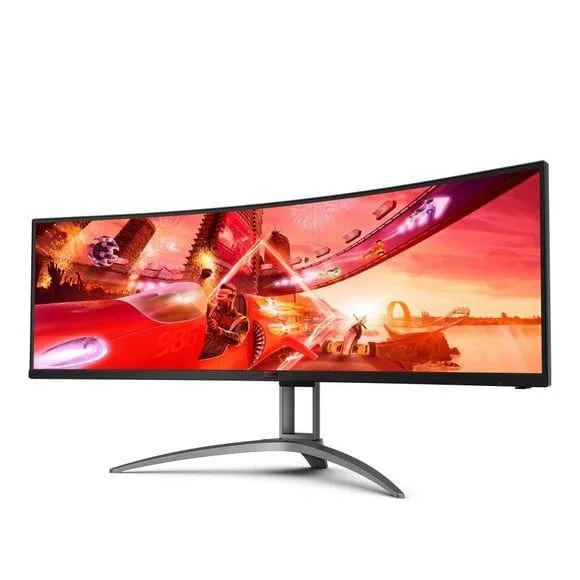
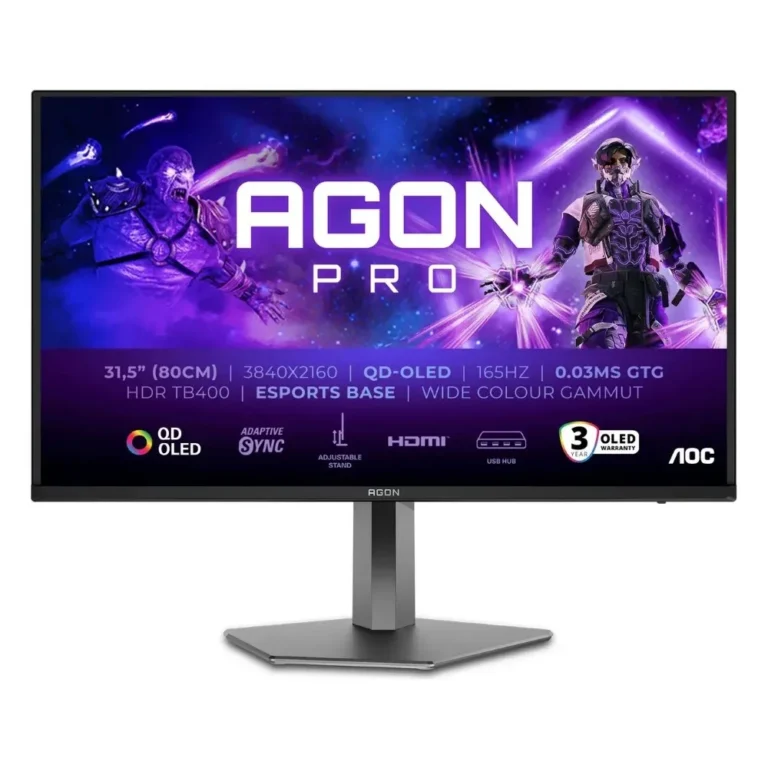
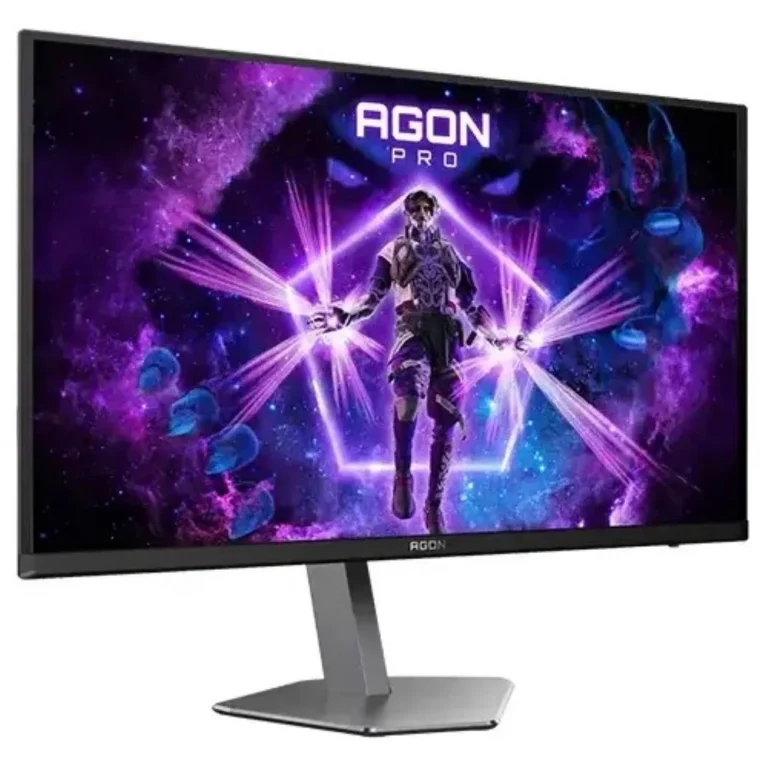
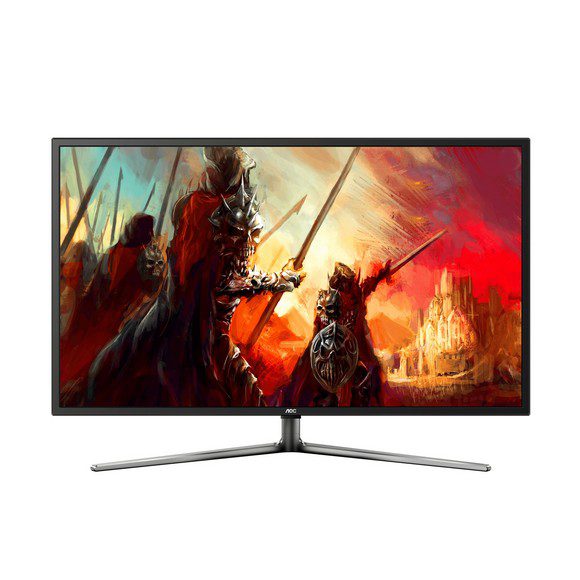
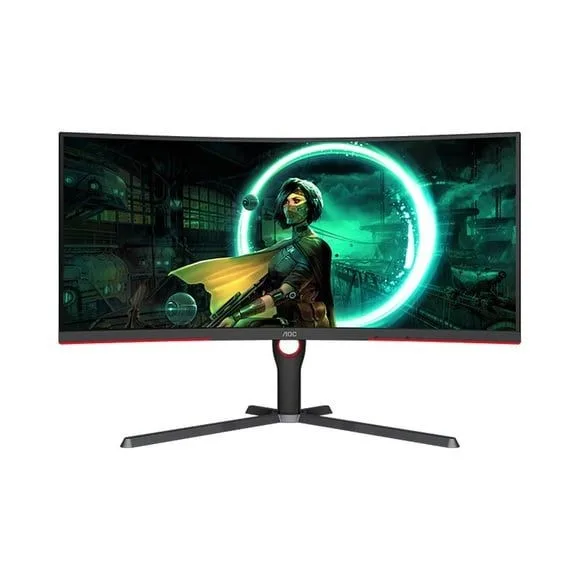
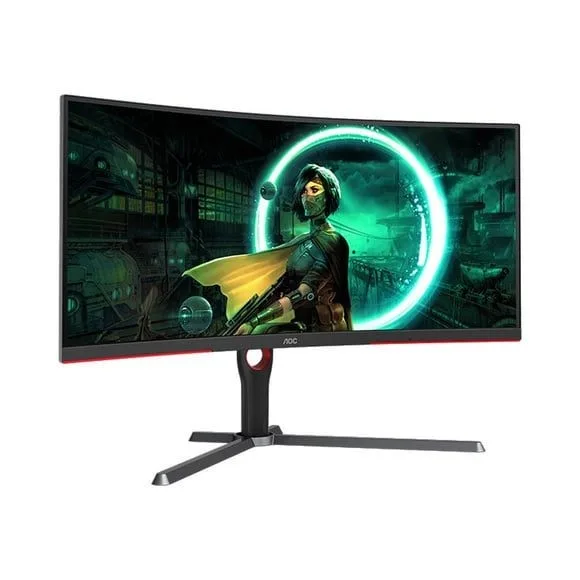
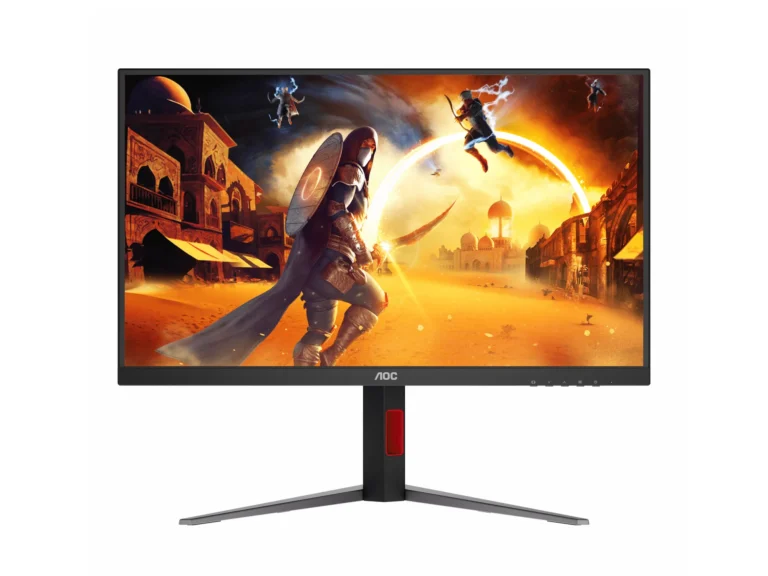
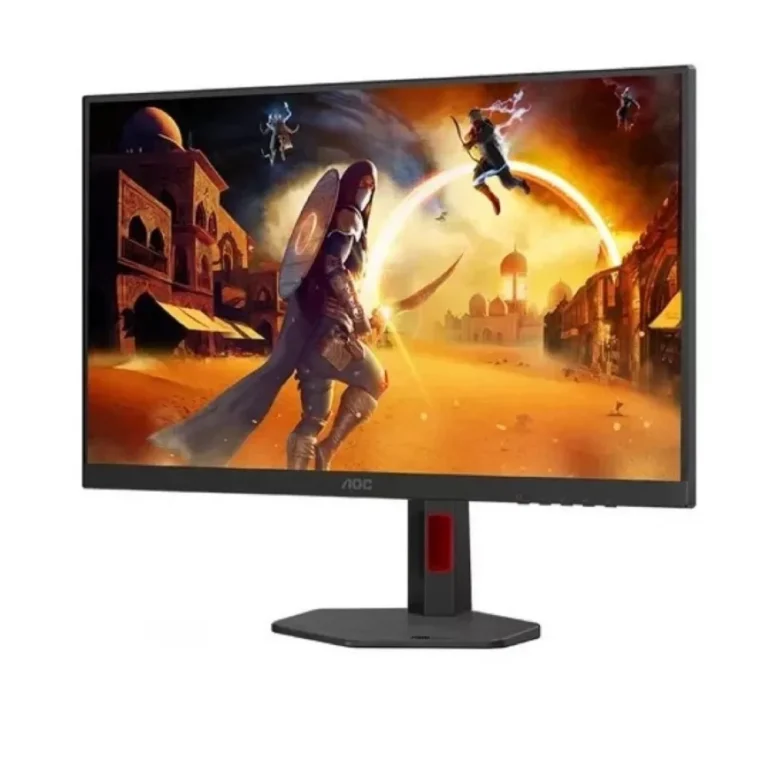
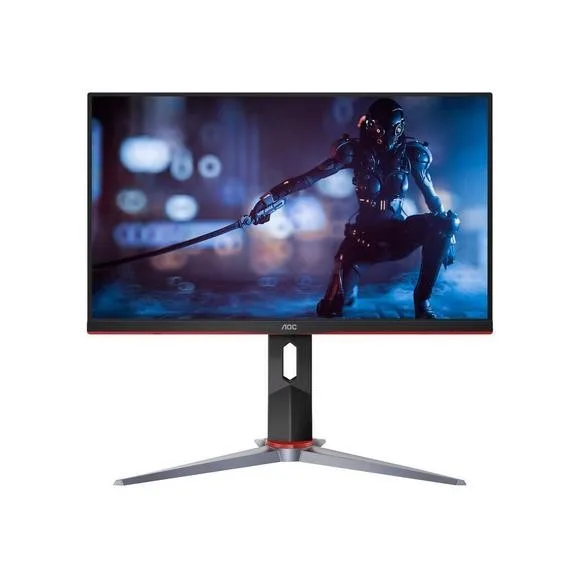
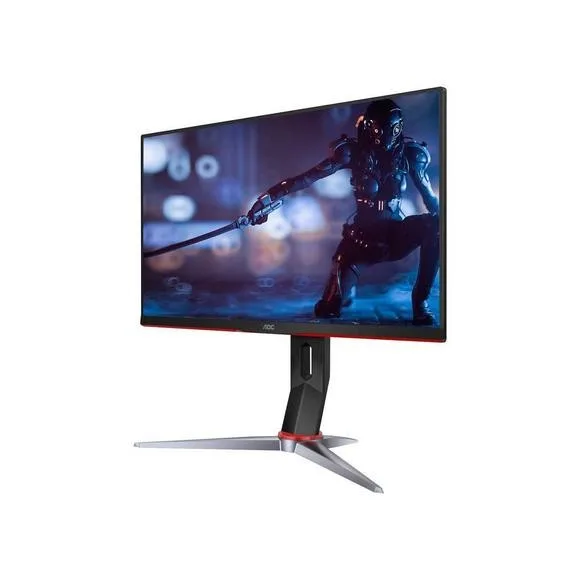
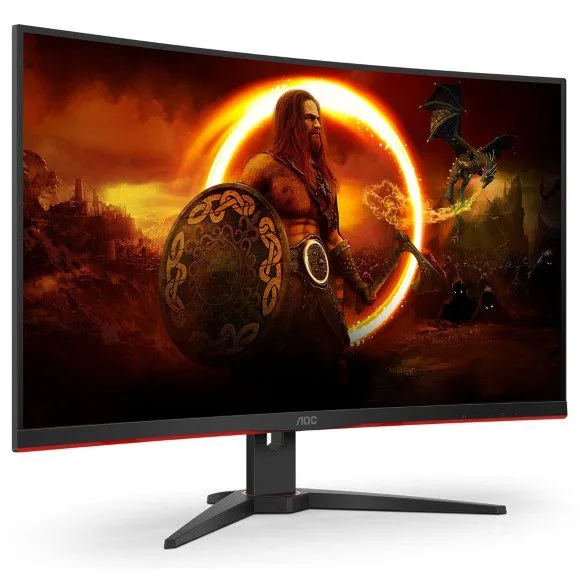
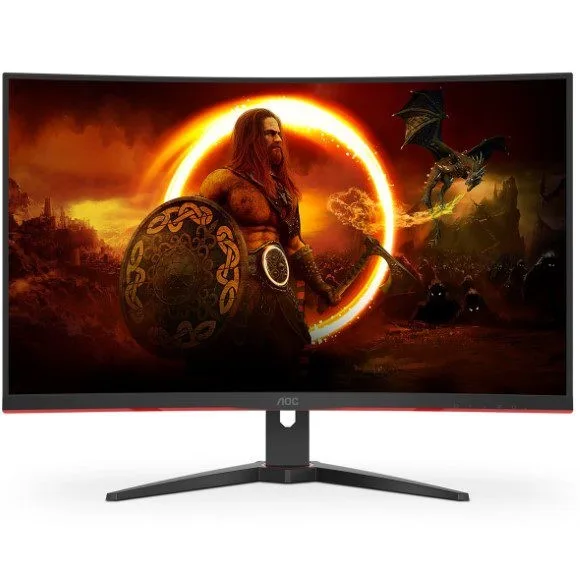
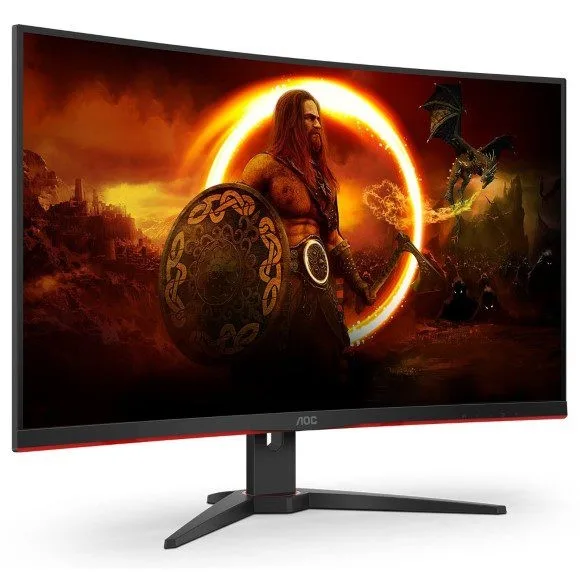
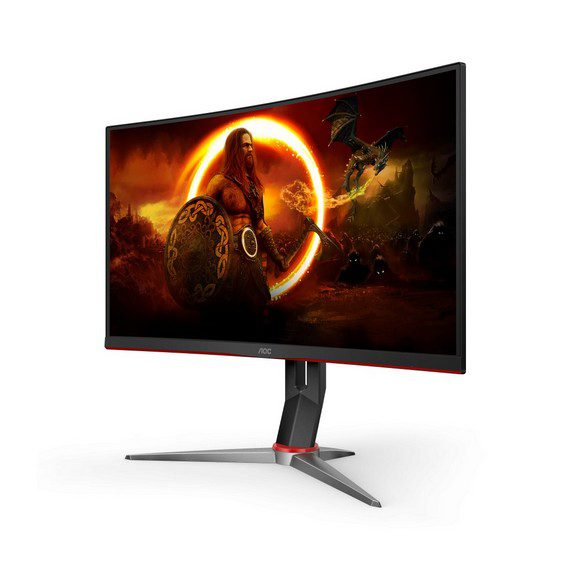
AOC monitors spanning QHD, WQHD and 4K UHD panels in IPS and OLED, with refresh rates up to 240Hz. Karachi showroom and nationwide delivery in Pakistan.
AOC Monitors
AOC monitors here split between fast panels built for gaming and higher resolution screens meant for long desk sessions. Gamers adding a second screen, editors who want pixel density, and offices standardising on one panel all buy from this category. The range covers 144Hz gaming LED models at one end and 4K UHD IPS design monitors at the other.
Every panel in this category carries the AOC name, so the comparison happens on specification instead of badge. Resolutions run QHD, WQHD and 4K UHD. Panel technology covers IPS and OLED. Refresh rates reach 144Hz, 165Hz and 240Hz, with response times down to 0.03ms on the OLED side. Pricing spans entry level through to premium, so a first desk monitor and a tournament grade gaming panel sit on the same page.
Three decisions settle most purchases.
- Panel type comes first, because IPS holds colour across viewing angles and suits design, photo and layout work, while OLED gives the 0.03ms response that competitive players chase.
- Refresh rate comes second: 144Hz and 165Hz cover most gaming, and 240Hz earns its place in fast shooters.
- Resolution comes third. QHD and WQHD ask far less of a graphics card than 4K UHD, so match the panel to the GPU already in the machine rather than buying resolution the system cannot feed.
Matching the panel to the work
A player on a mid range GPU gets more from a WQHD 165Hz panel than from 4K, since frame rates stay where the refresh rate can use them. Anyone grading photos or building print layouts should take the 4K UHD IPS route for pixel density and consistent colour. Ranked shooter players want the 240Hz OLED option and its 0.03ms response. An office replacing a row of desks can fit QHD IPS panels and keep every station identical.
Mega Computer carries this range at its Karachi showroom and ships nationwide across Pakistan. Orders can be settled by cash on delivery or online payment. Warranty cover differs between models, so confirm the terms for the panel you have chosen before you order. Staff can check what is available in the AOC range and quote current pricing over the counter or by phone.

 AOCAOC 64
 LGLG 1
 RedragonRedragon 9