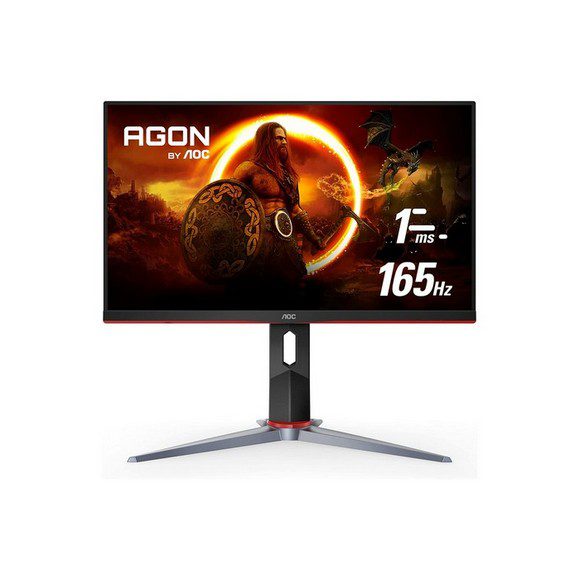
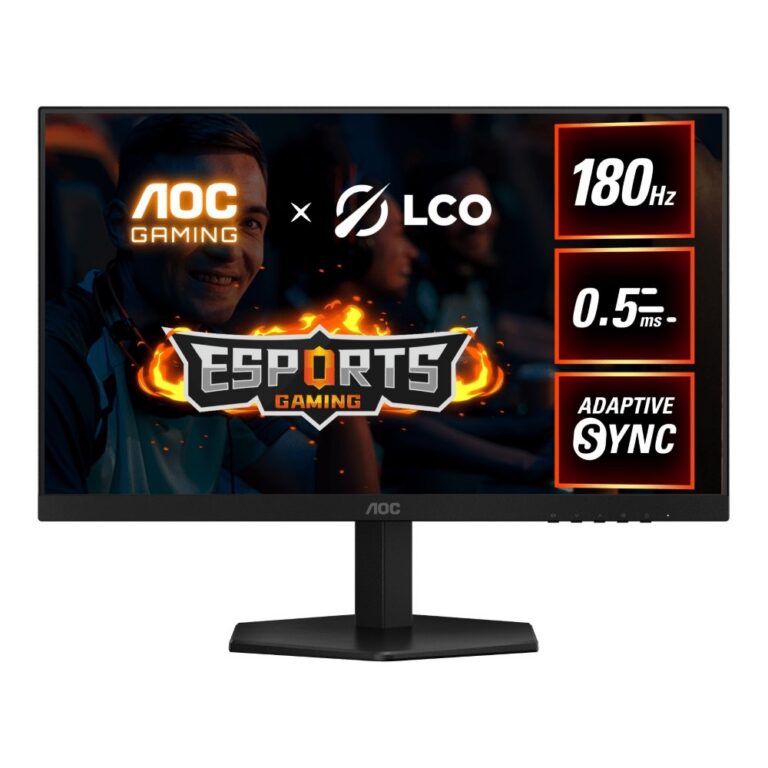
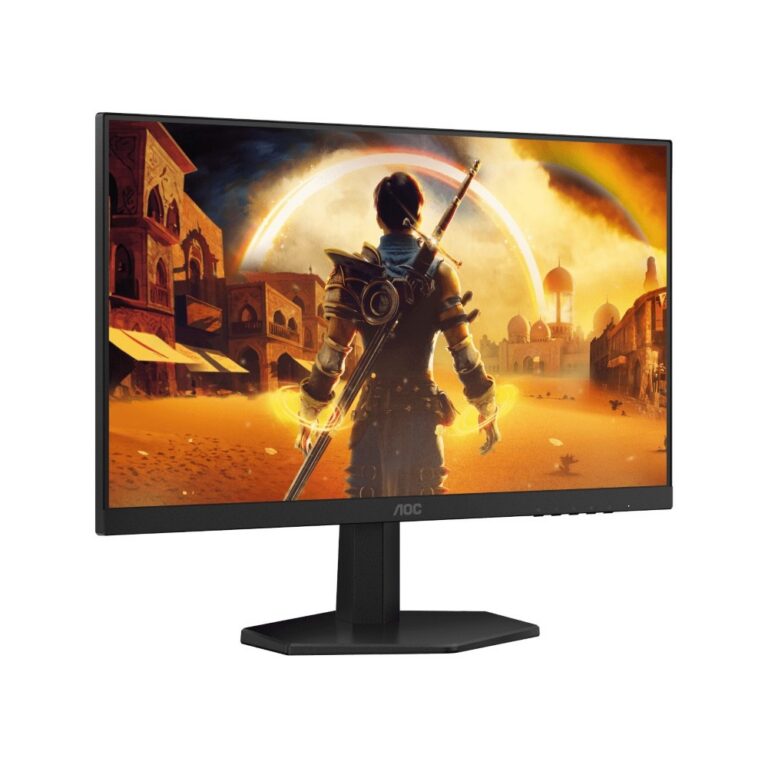
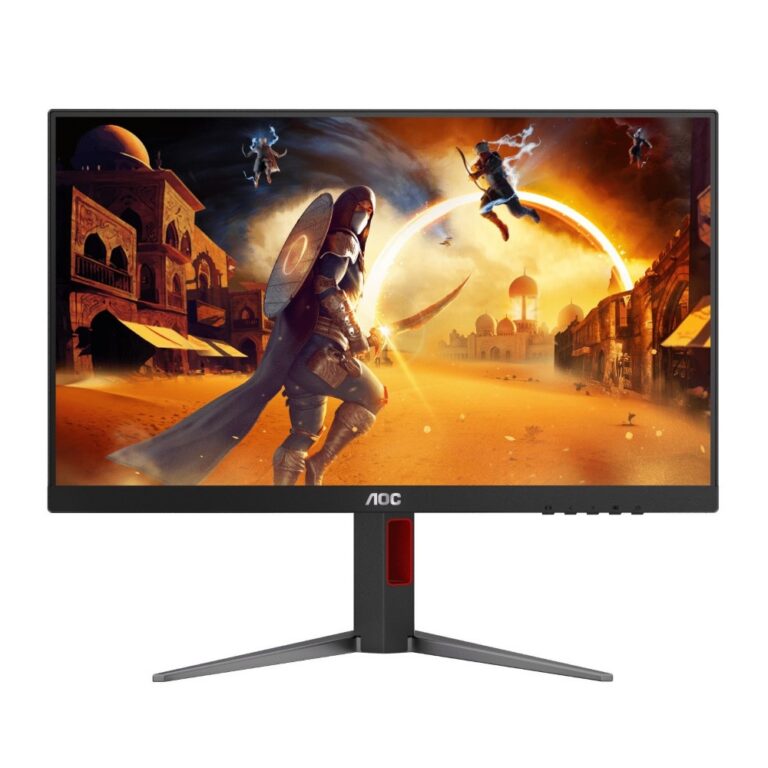
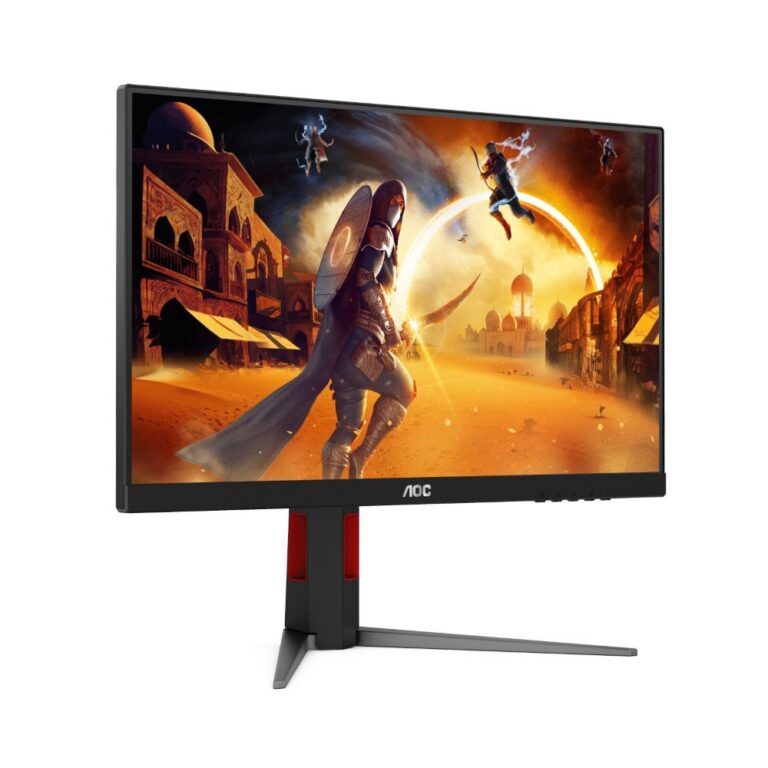
AOC G-Series gaming monitors spanning curved FHD panels at 240Hz and 250Hz through QHD IPS and 4K, with nationwide delivery across Pakistan.
AOC Gaming G-Series Monitors
AOC Gaming G-Series monitors put refresh rate ahead of every other feature on the spec sheet. Players buy from this range when they want motion that holds together during fast play, and the group spans FHD screens built for competitive shooters through to 4K panels for people who want resolution and speed on one screen.
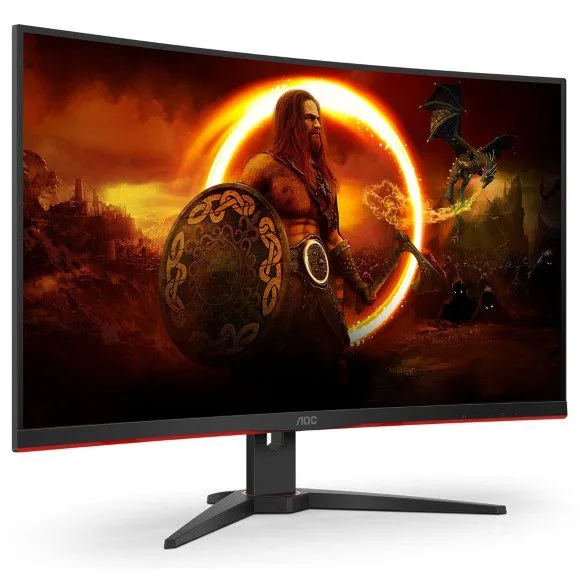
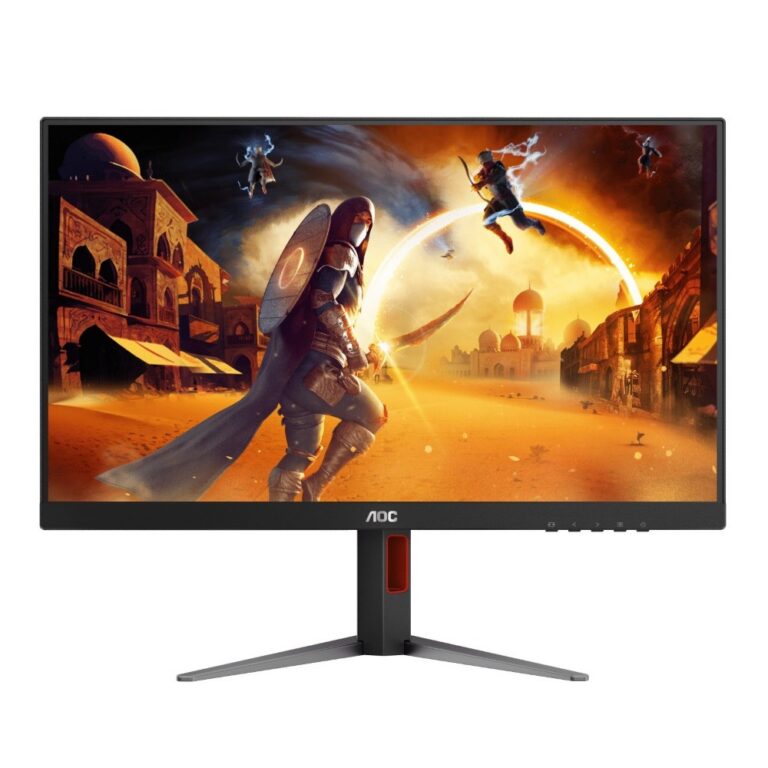
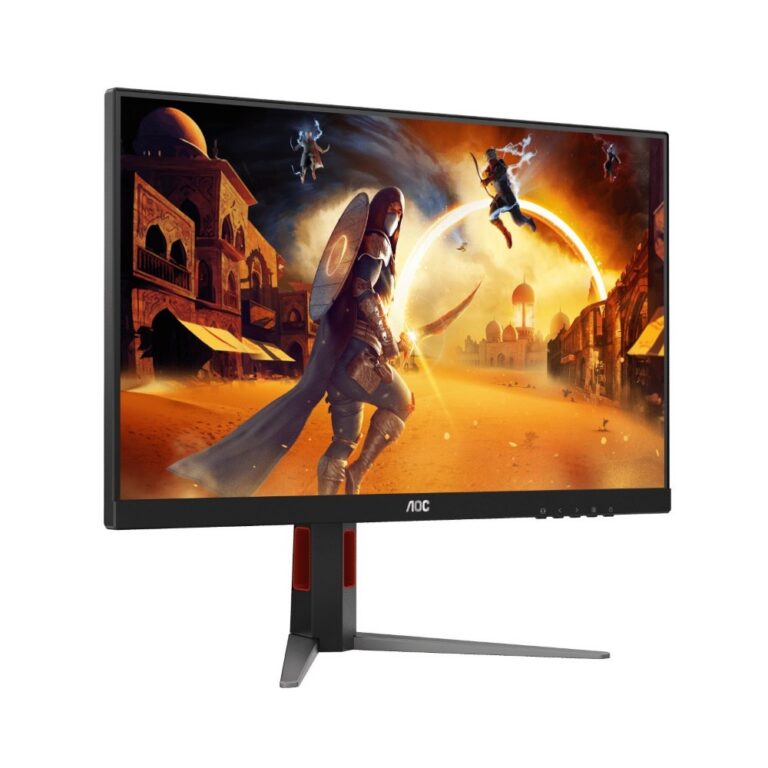
The range runs from entry-level to premium. At the fast end sit curved FHD panels at 240Hz and 250Hz, both VA screens with AMD FreeSync support. The middle of the range holds QHD IPS panels at 180Hz with 1ms response, alongside curved FHD models at 180Hz that also carry AMD FreeSync. The top of the range is a 4K panel at 144Hz, which is the largest step in both resolution and price across the category. Panel types split between VA and IPS, and resolutions cover 1080p, QHD at 2K and 4K.
Two decisions carry most of the weight.
- Panel type comes first. The VA screens here reach the highest refresh rates in the range and hold deeper blacks, while the IPS panels keep colour stable when you look at the screen off axis and sit at QHD.
- The second decision is the trade between resolution and refresh rate. A 250Hz FHD panel asks far less of your GPU than a 4K 144Hz panel, so the FHD models suit competitive play and the QHD or 4K models suit slower games where you study the frame.
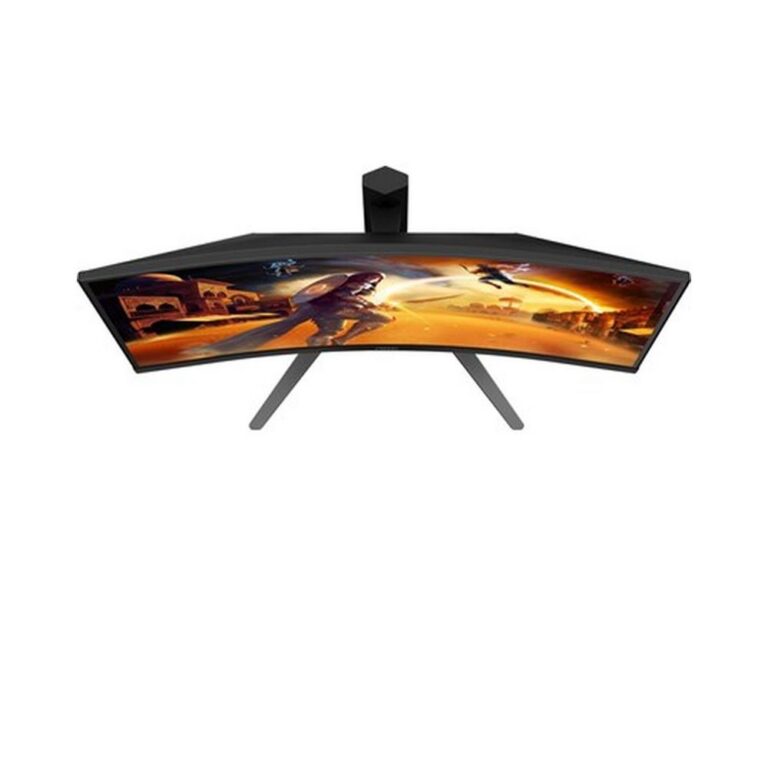
- Curvature is the third call. Curved models wrap the edges toward you, which helps in shooters and bothers some people during desktop work.
Matching a panel to how you play
Players who spend their evenings in shooters should start at 240Hz or 250Hz on a curved FHD VA panel, where the frame rate ceiling is high and a mid range GPU can reach it. Anyone who mixes shooters with story driven games gets a better balance from the 180Hz QHD IPS panels, since 2K sharpens detail without cutting refresh rate to console levels. The 4K 144Hz option fits a desk with room behind it and a GPU that can push 4K. Several models list console compatibility, which matters if one screen has to serve both a PC and a console.
Mega Computer stocks this range at the Karachi showroom, where you can see panels running before you decide between VA and IPS. Orders ship with nationwide delivery across Pakistan. Payment works by cash on delivery or online payment, and brand warranty terms are confirmed at the point of sale rather than assumed from the box.
Check your graphics card outputs before ordering. AMD FreeSync appears on several models in this range and needs a compatible card and cable to lock frame delivery to the panel. Models in the range carry HDMI inputs, so a console or a second PC can share the screen. If you plan to run two monitors, confirm your card has a spare output at the refresh rate you want, because a high refresh panel connected through the wrong port falls back to a lower rate.

 AOCAOC 9