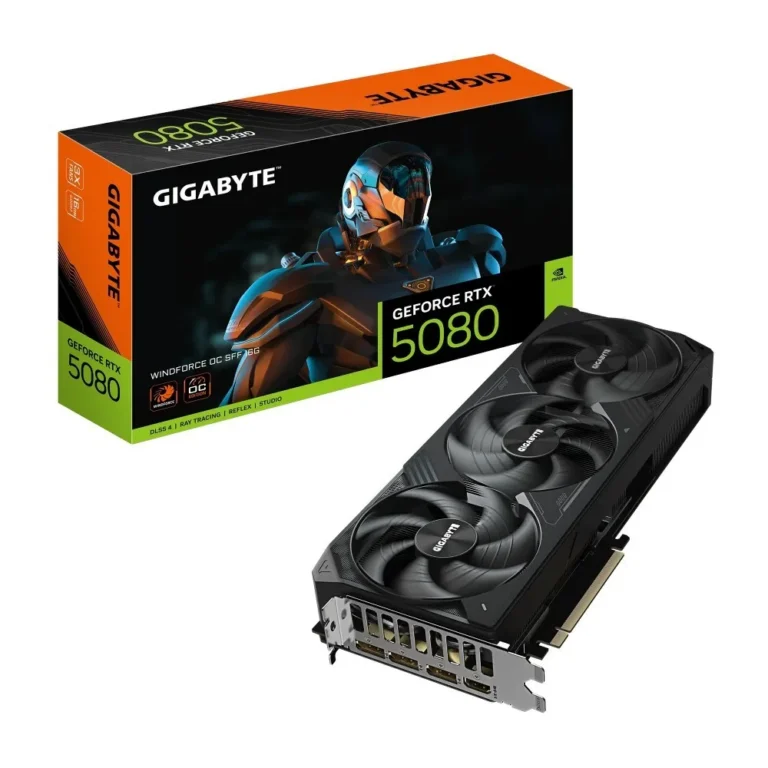
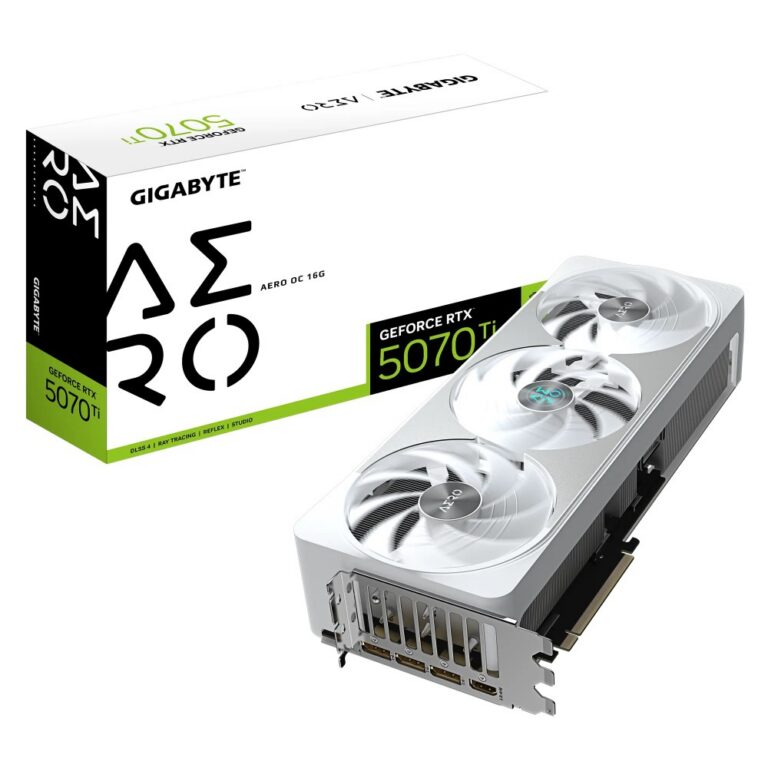
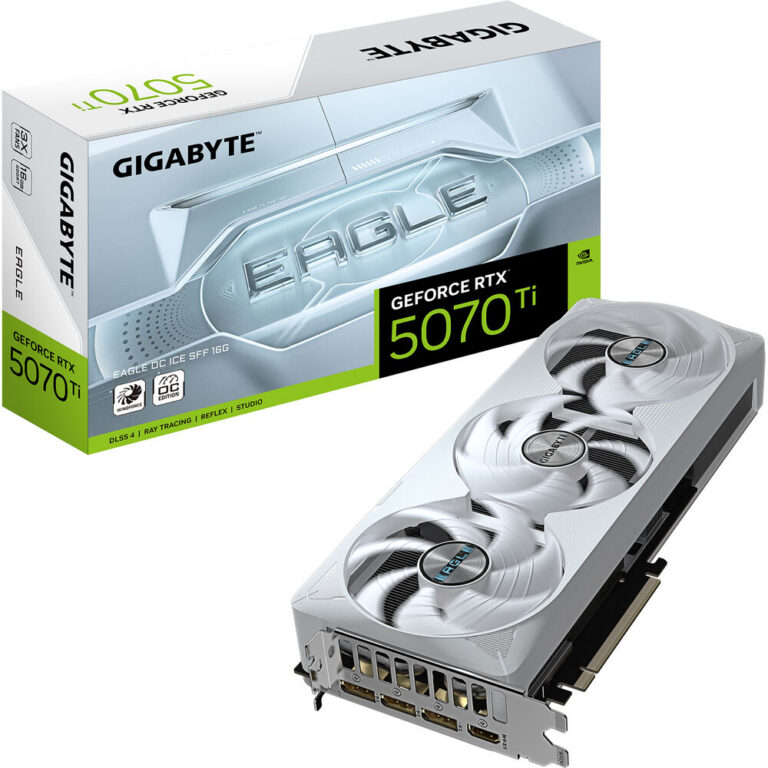
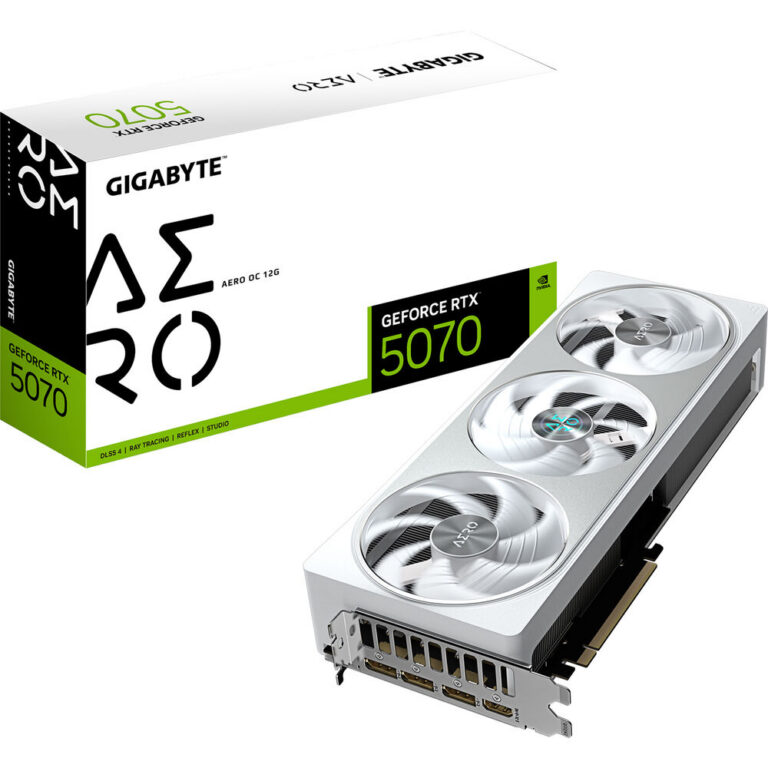
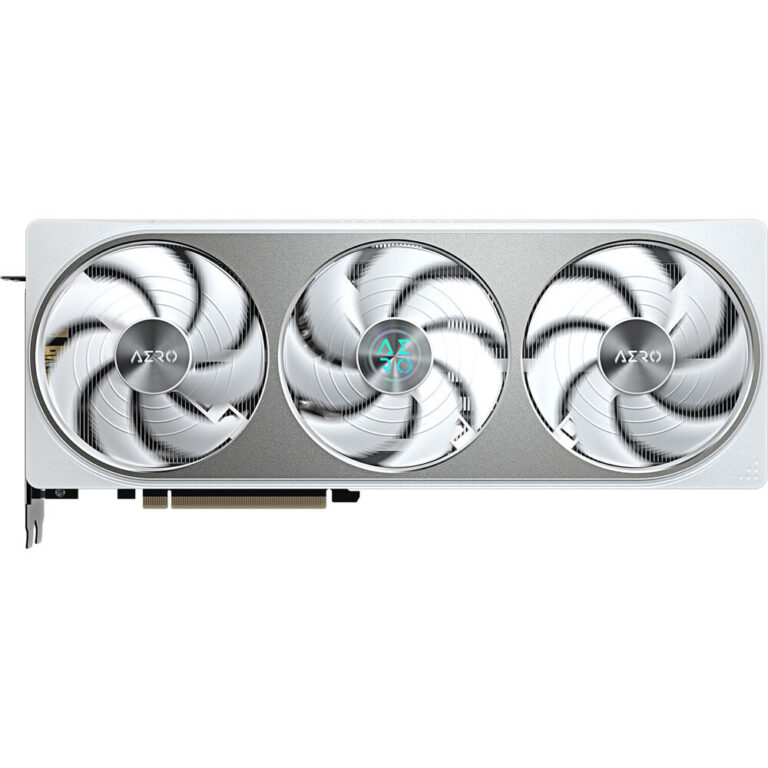
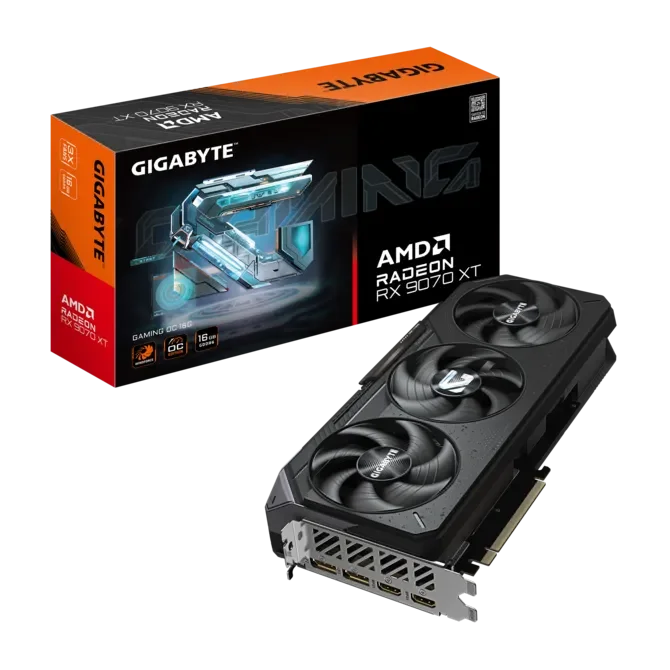
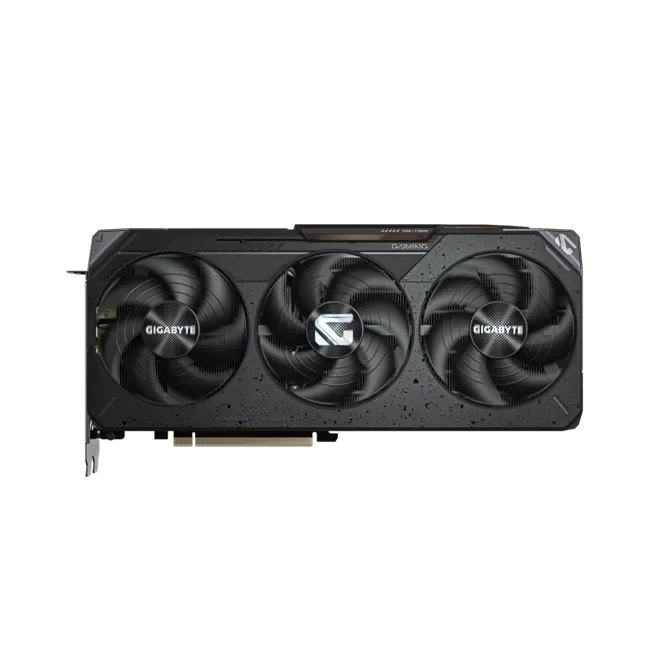
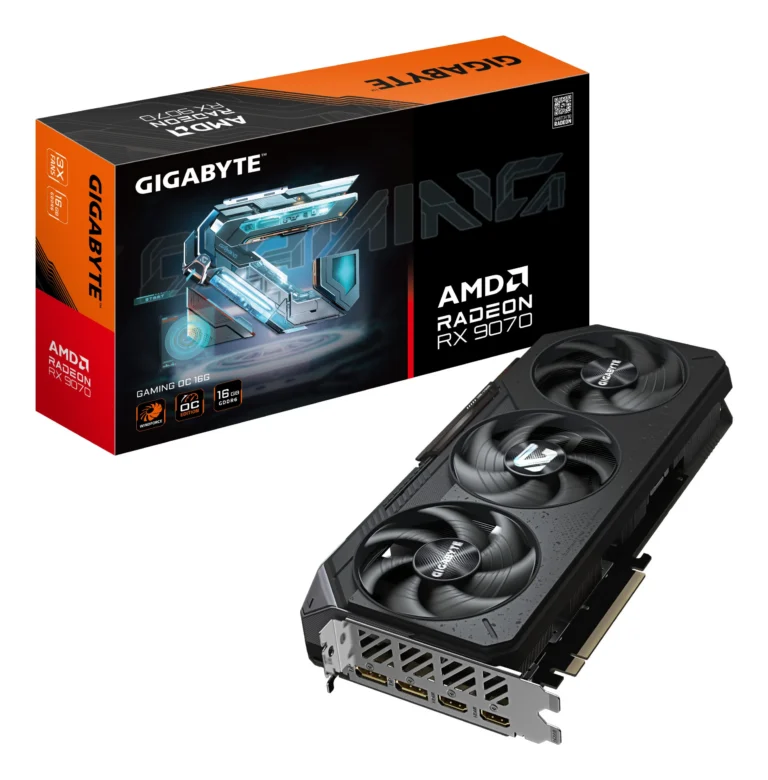
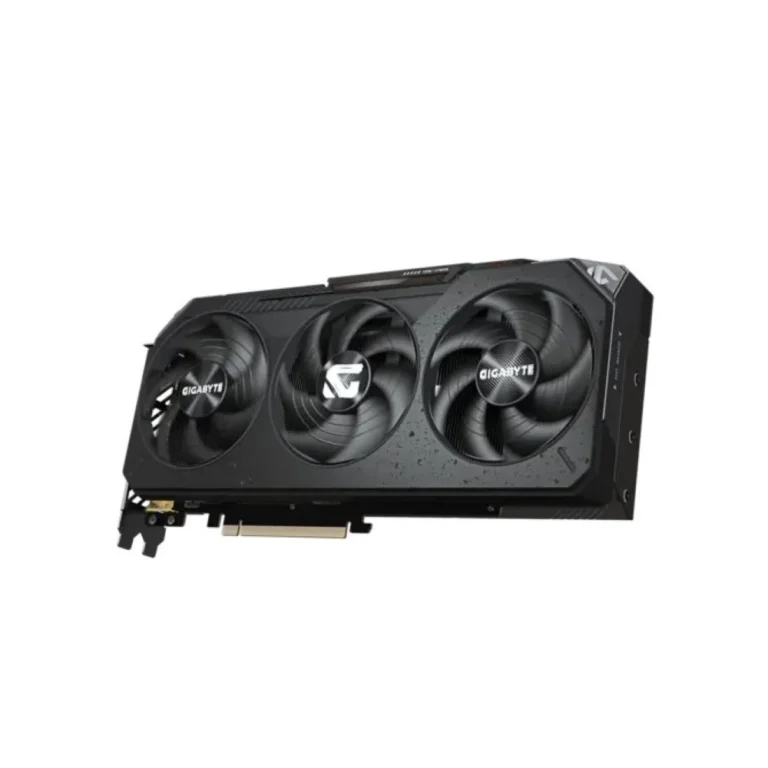
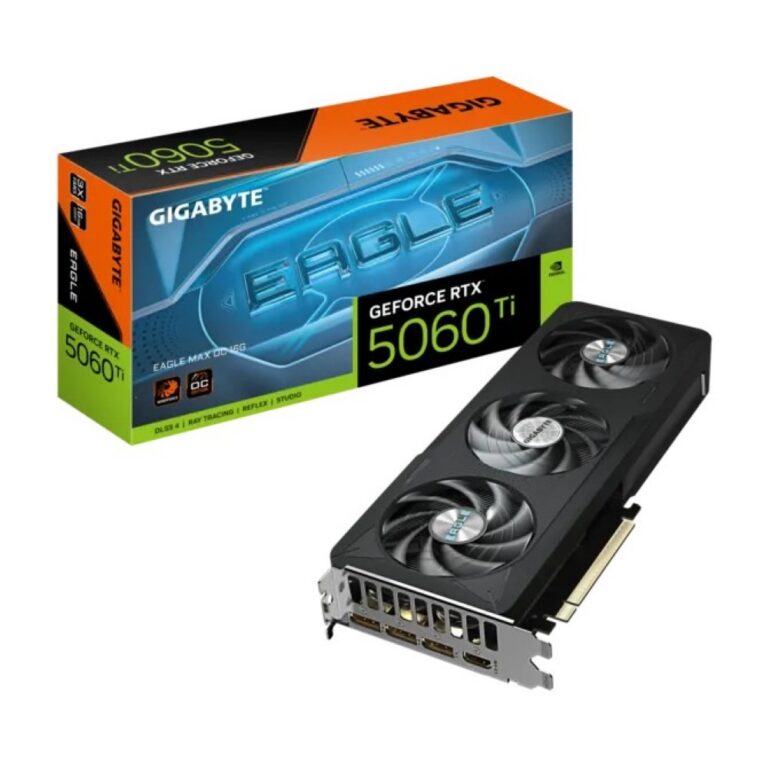
Gigabyte GPUs in 12GB and 16GB configurations with PCIe 5.0 support, stocked from entry level through to premium and delivered across Pakistan.
Gigabyte Graphics Cards
Gigabyte graphics cards form one of the larger single-brand blocks in this GPU range, and buyers here fall into two groups. Gamers assembling a desktop pick a card first and size the rest of the build around it. Editors, 3D artists and engineering students buy on memory capacity, because their software fills VRAM long before the core runs out of work.
Every card in this section carries the Gigabyte name, so the choice is about capacity, interface and cooler size rather than a brand comparison. Memory sits at 12GB on the mid-range boards and 16GB on the heavier ones. Cards on the PCIe 5.0 interface appear across both capacities, in full length designs and in shorter versions built for tight cases. The price spread runs from entry level cards through to premium boards, so the same shelf serves a first build and a workstation refresh.
Three decisions settle most purchases.
- Capacity comes first: 12GB handles mainstream gaming at moderate resolutions, while 16GB gives headroom for higher resolution textures, large timelines and rendering.
- Interface comes second, since a PCIe 5.0 card wants a motherboard slot that matches it if you want the full link.
- Physical fit comes third, and it catches more people than the specs do. Measure the clearance inside your case, count the free expansion slots, and check that your PSU has the connectors and headroom the card asks for before you order.
Matching a card to your build
A first gaming desktop on a 1080p monitor is served by a 12GB card, which leaves budget for the CPU and storage. Someone cutting video, running heavy Photoshop stacks or working in Blender should move to 16GB, where the extra memory stops projects stalling mid-render. Anyone building in a compact chassis needs to read card length before capacity, because a shorter board at 16GB fits where a full length one will not close the side panel. Office and light desktop machines have little need for this section.
Our Karachi showroom keeps this range on the floor, so you can inspect a card in person before you commit. Orders ship nationwide across Pakistan, with cash on delivery and online payment both accepted. Each card is supplied with the warranty terms that come with it, and our staff can confirm those terms for a specific board before you place the order.
One compatibility note is worth a check before checkout: GPU power connectors and PSU capacity change with card tier, and a premium 16GB board asks more of a power supply than a 12GB one. If you are reusing a PSU from an older build, tell us the model when you order and we can flag whether it suits the card you have chosen.