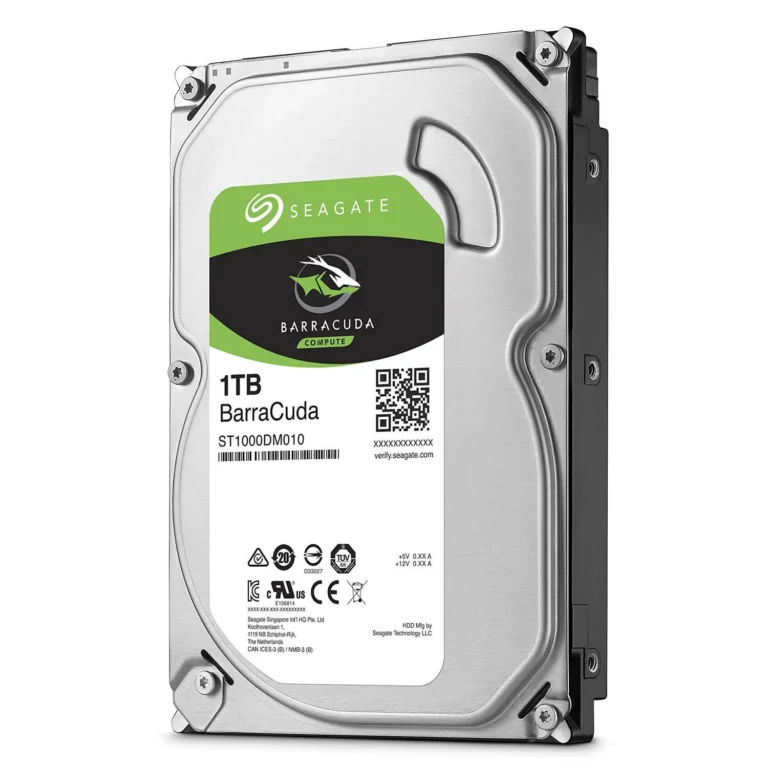
Seagate and Western Digital 3.5 inch desktop hard drives from 6TB to 20TB, covering everyday desktop storage, CCTV recording and high capacity archives.
3.5 Inch Desktop Hard Drives
3.5 inch desktop hard drives carry the bulk storage load in tower PCs, home file servers and CCTV recorders, where capacity per rupee counts for more than raw speed. Buyers here are adding a second drive to a build that already boots from an SSD, replacing a drive that has filled up, or fitting out a recorder that writes video around the clock.
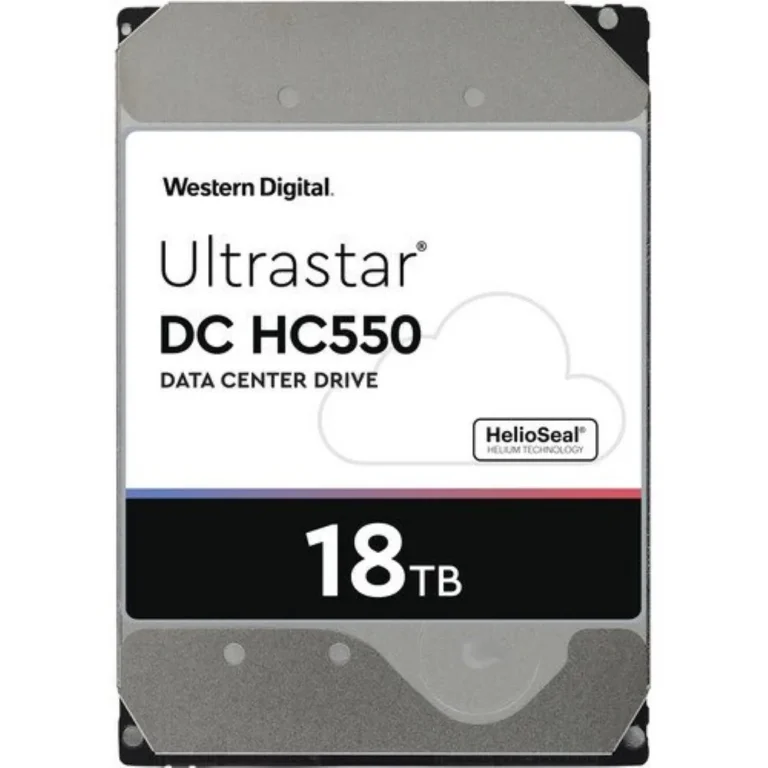
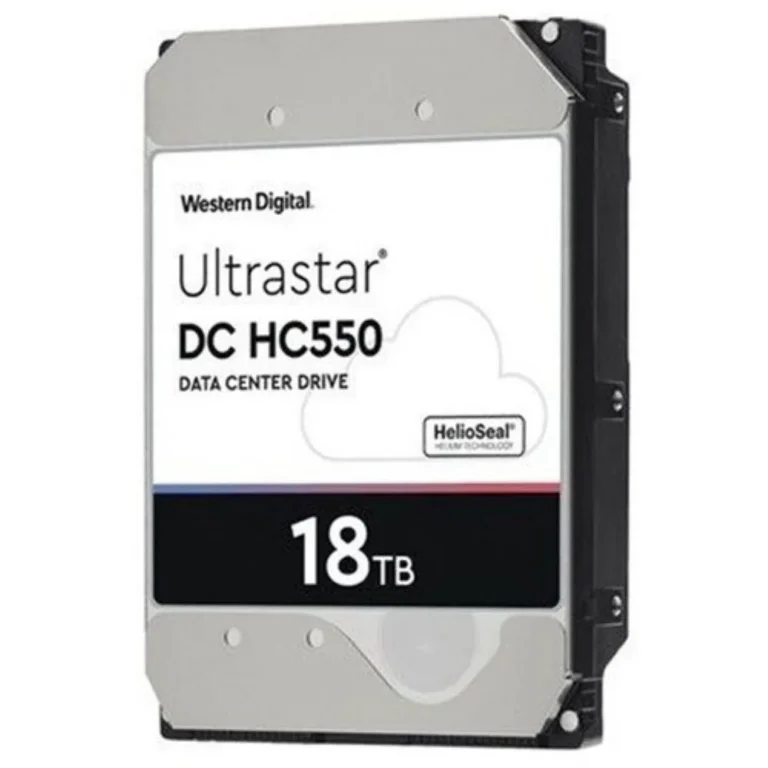
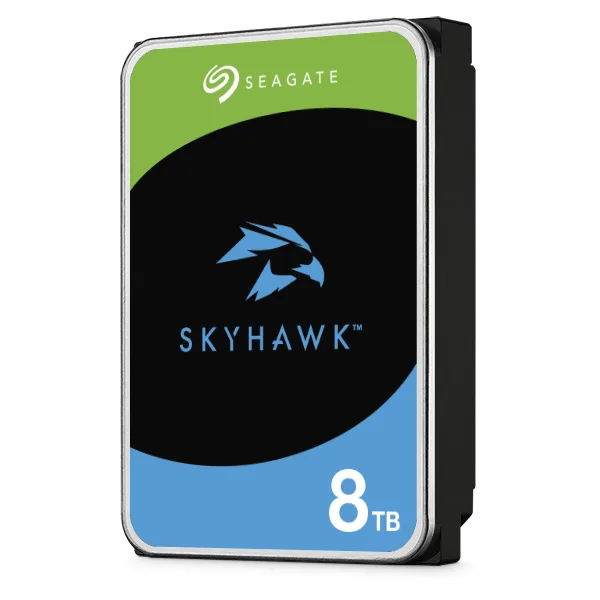
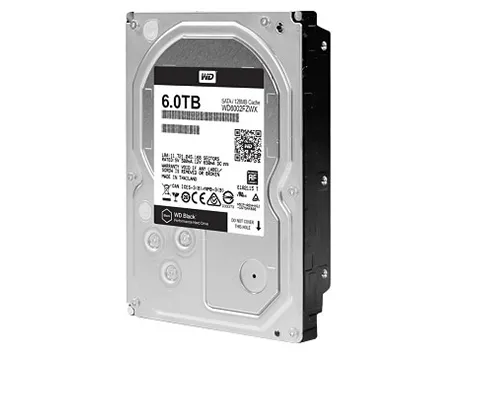
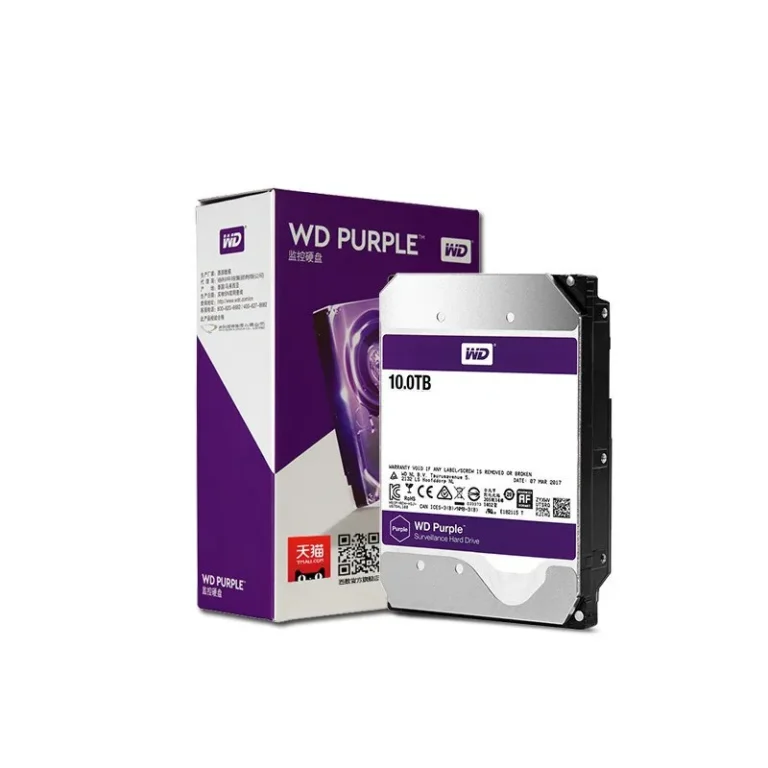
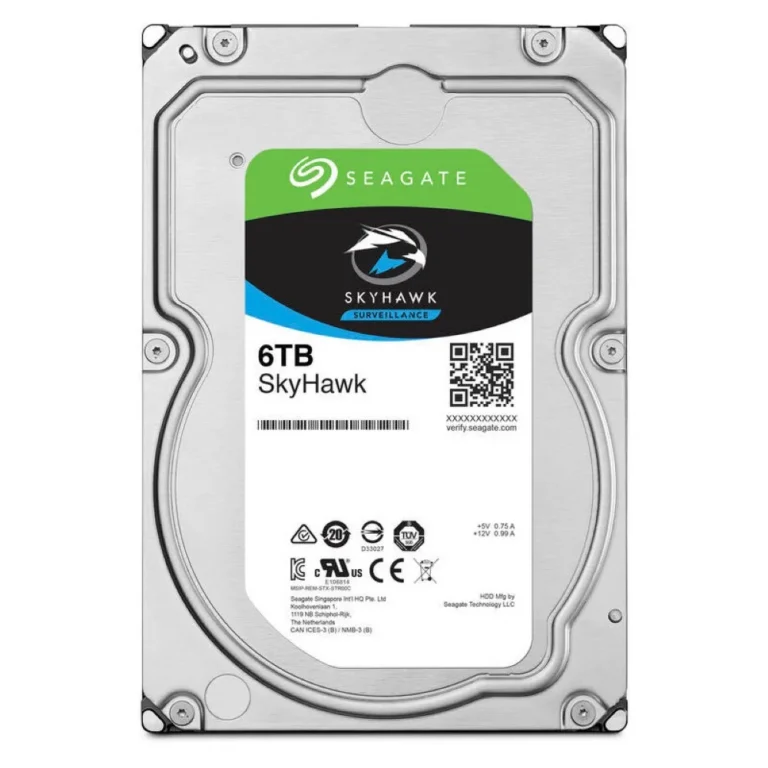
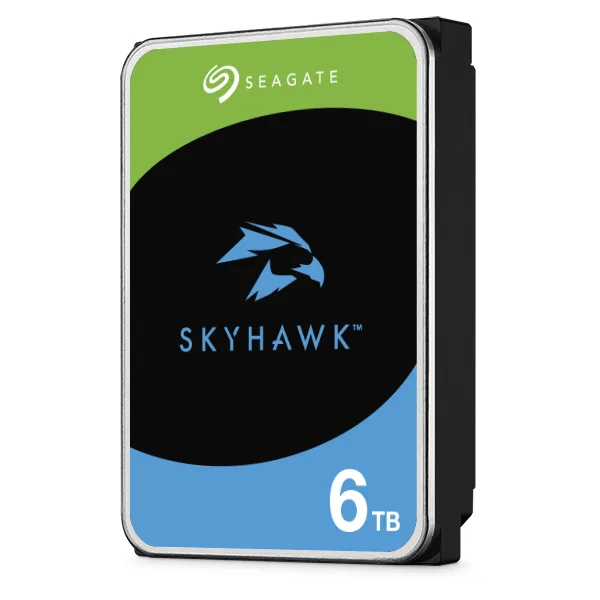
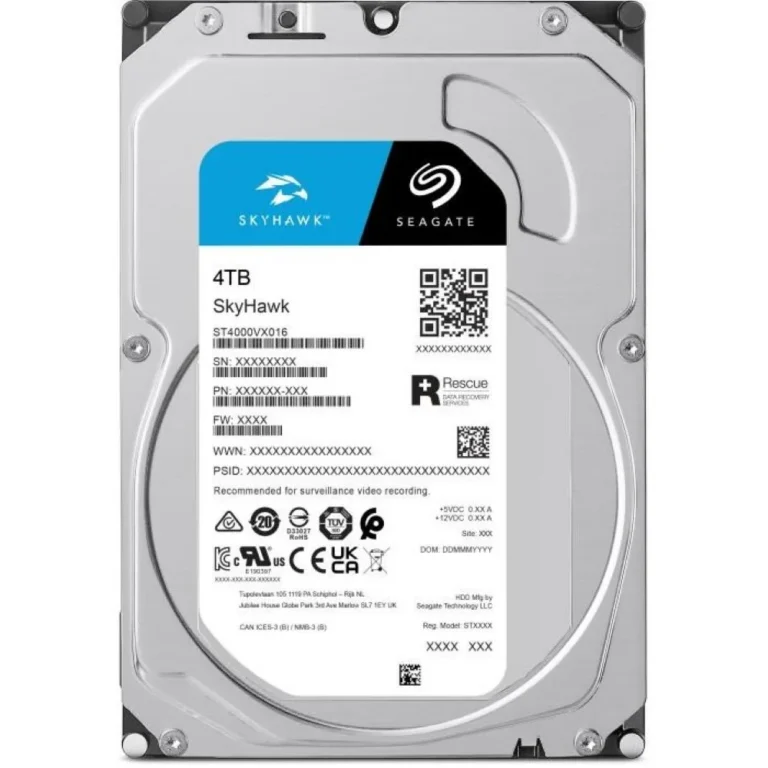
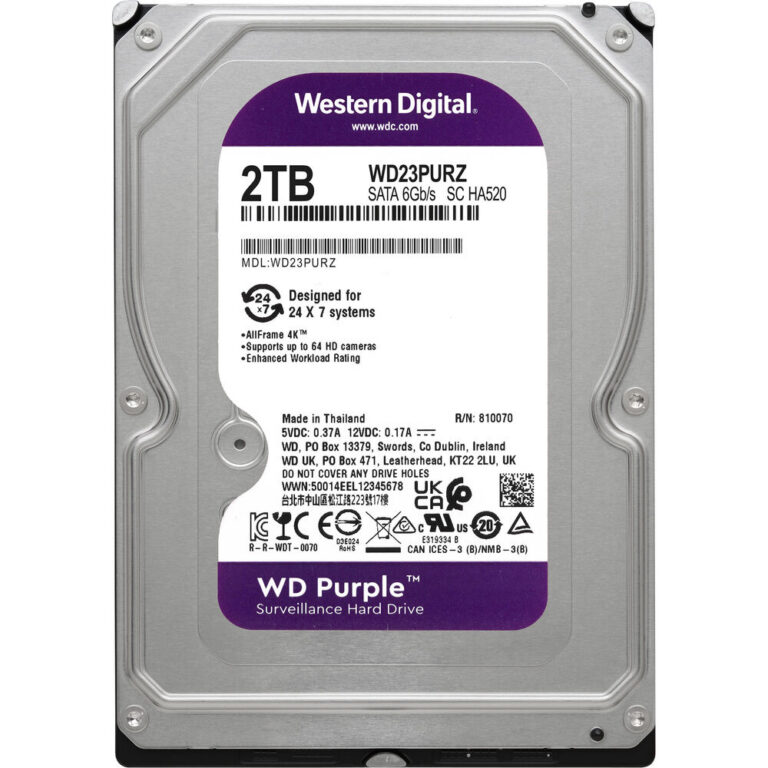
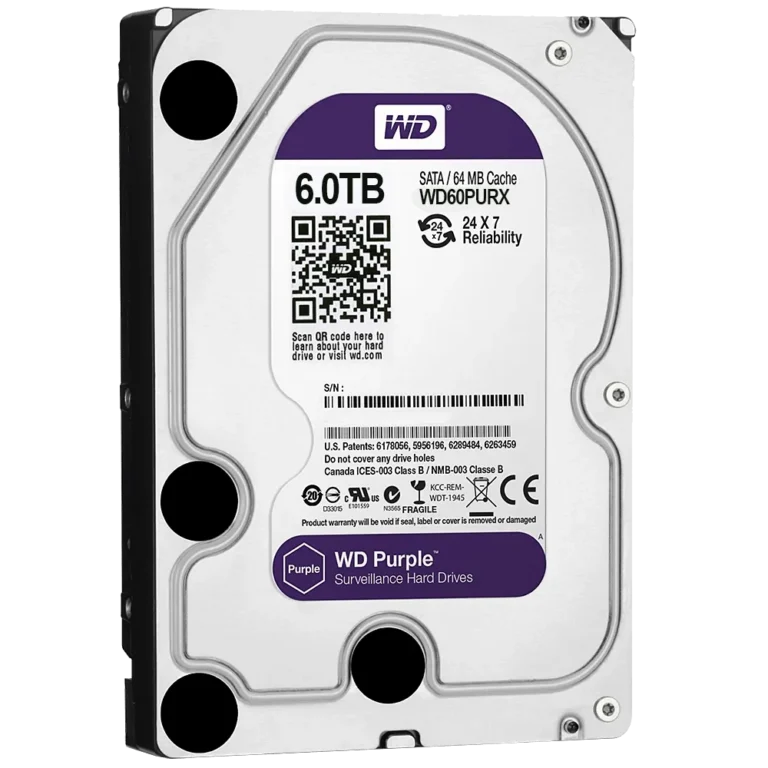
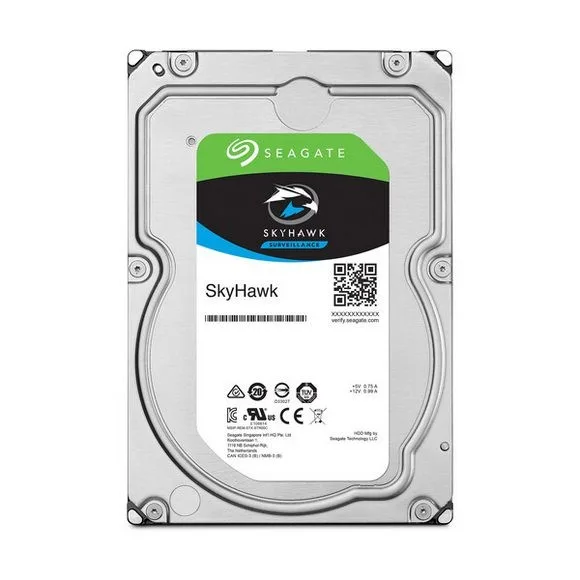
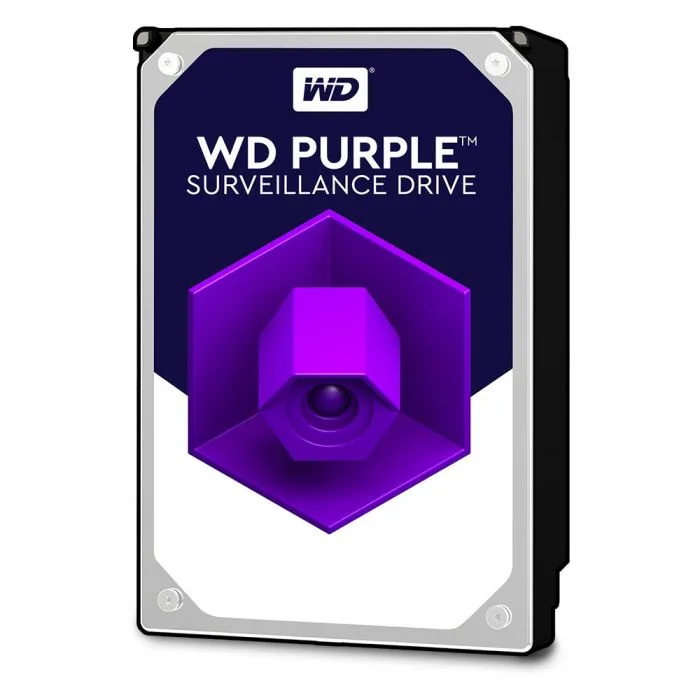
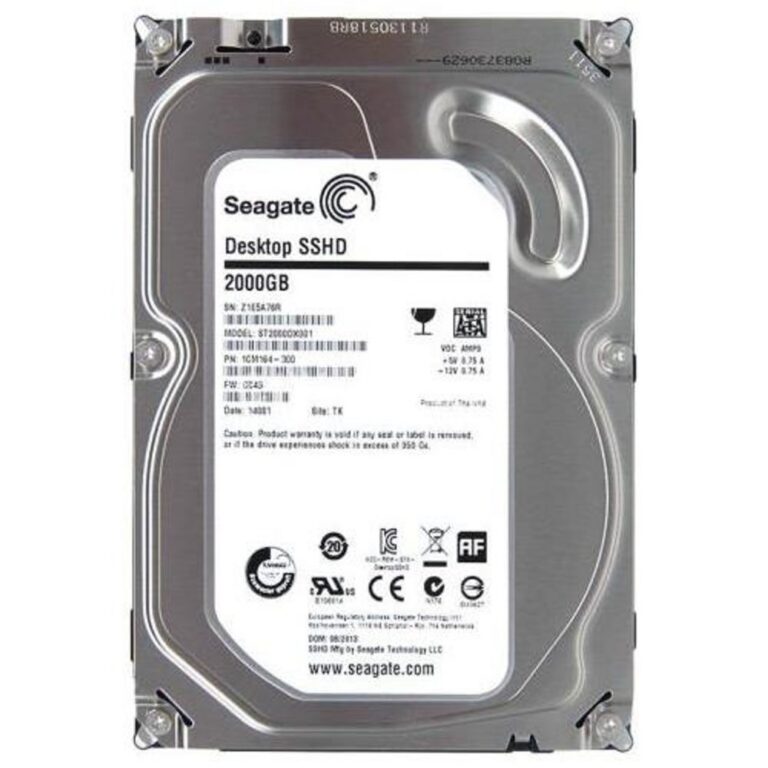
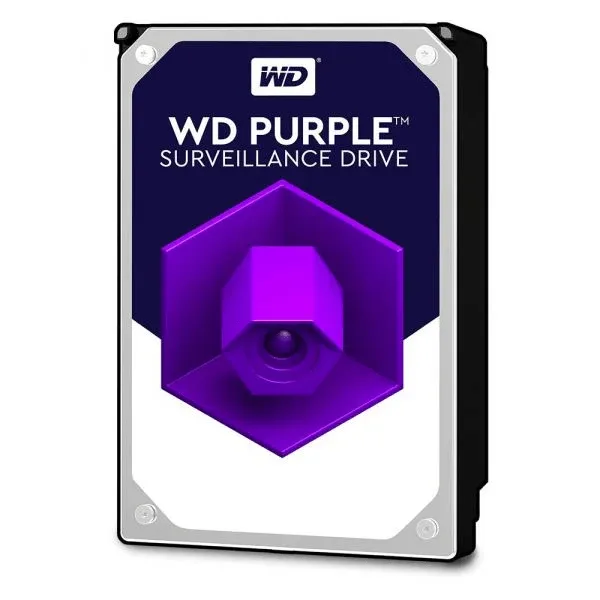
Stock spans Seagate and Western Digital across five capacity points. Seagate covers the top end with the BarraCuda at 20TB and 512MB of cache, and the SkyHawk surveillance line at 6TB and 8TB. Western Digital brings an 18TB Ultrastar for dense builds, a 10TB WD Purple for recorders and a 6TB WD Black. Every drive here uses the 3.5 inch form factor and a SATA connection, and the price spread runs from entry level capacities through to premium high density models.
Two decisions matter more than the rest.
- The first is workload class. SkyHawk and WD Purple are built for the constant sequential writes a CCTV system produces, while BarraCuda and WD Black target desktop read and write patterns that idle between bursts. Put a desktop drive in a recorder that never stops writing and you shorten its working life.
- The second is capacity headroom. Moving from 6TB to 10TB or 18TB costs more per drive, but it saves you filling a second bay later, and a larger cache such as the 512MB on the 20TB BarraCuda helps when the drive fields many small requests at once.
Matching the drive to the machine
A gaming or editing tower that boots from an SSD pairs well with a 6TB or 8TB drive for game libraries and project files. A CCTV installation running several cameras needs a surveillance drive, and the 10TB WD Purple or the 8TB SkyHawk suit multi camera setups that retain weeks of footage. Media libraries and archive boxes are where the 18TB Ultrastar and the 20TB BarraCuda earn their cost, since one drive replaces three smaller ones and frees up bays.
Mega Computer stocks these drives at the Karachi showroom and ships nationwide across Pakistan. You can pay cash on delivery or online. Drives carry the manufacturer warranty, so hold on to your invoice, and confirm the cover on the model you choose because terms differ between the desktop and surveillance lines.
Fitting one takes a free 3.5 inch bay, a SATA data cable to the motherboard and a SATA power lead from the PSU. Some drives are sold as bare units without cables or mounting screws, so check what your case and PSU already provide. Recorders and NAS enclosures list the drive capacities their firmware supports, worth reading before you commit to an 18TB or 20TB drive.