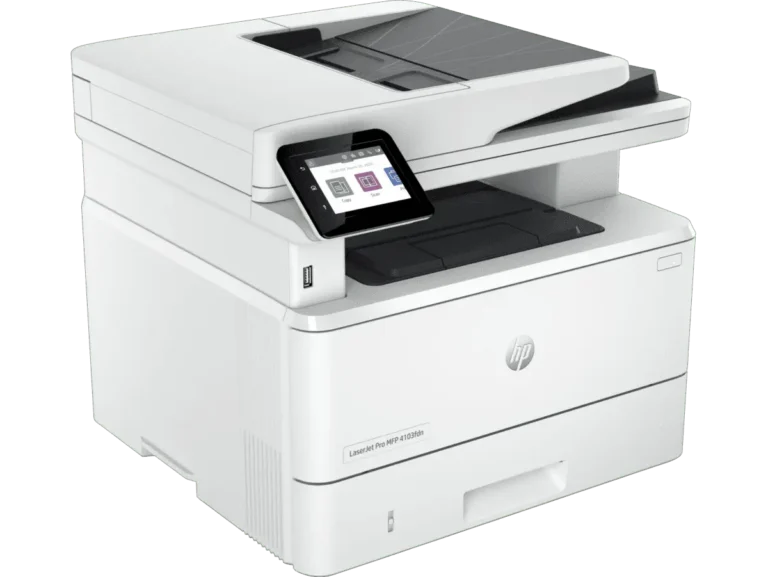
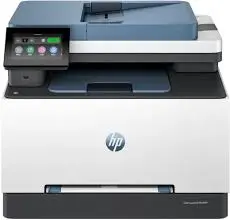
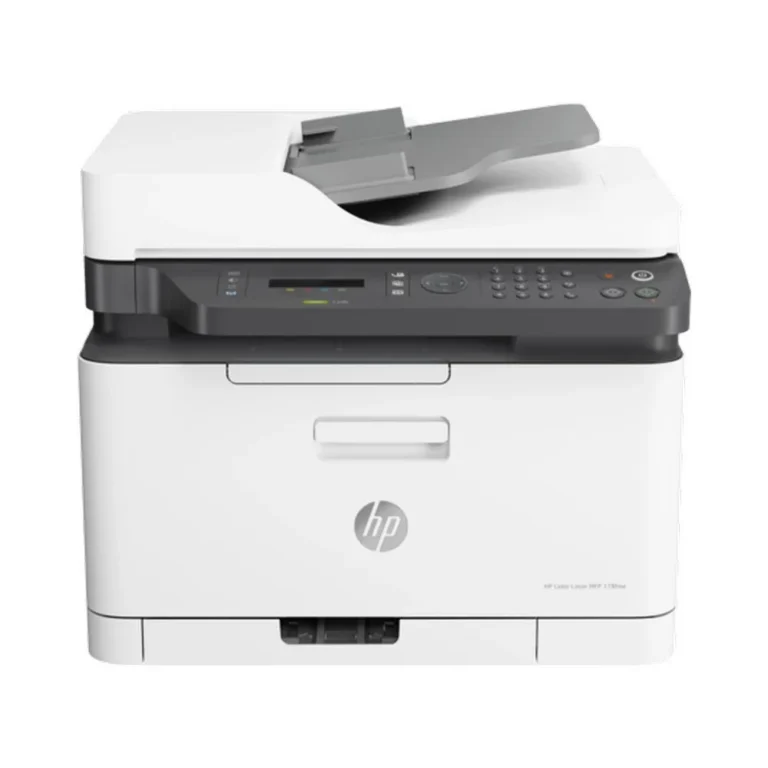
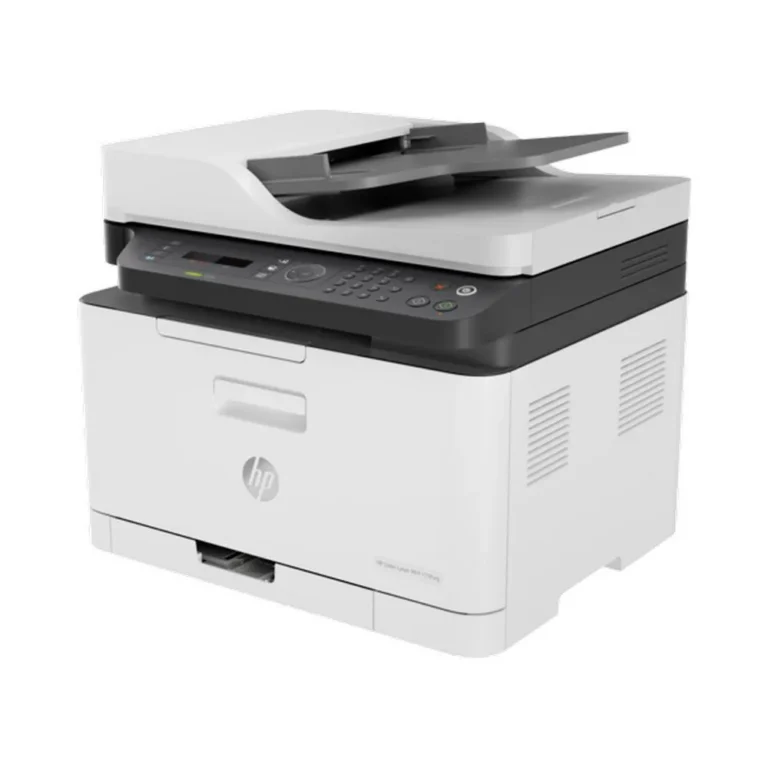
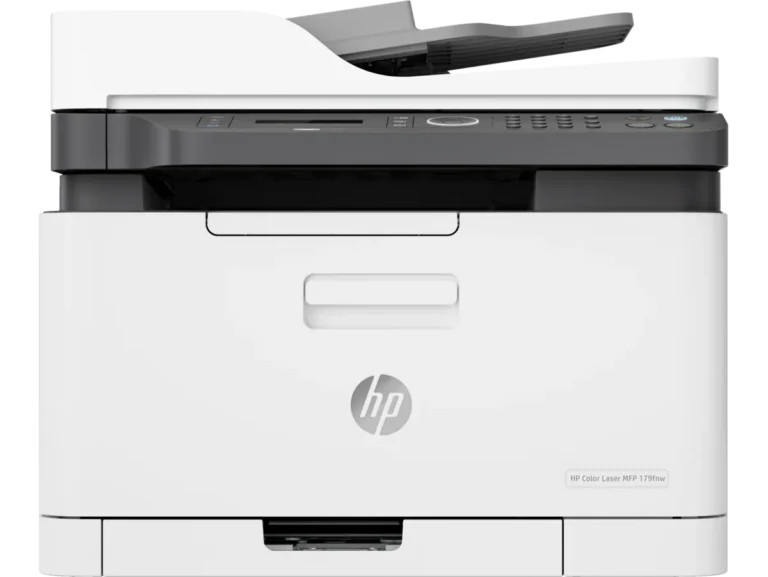
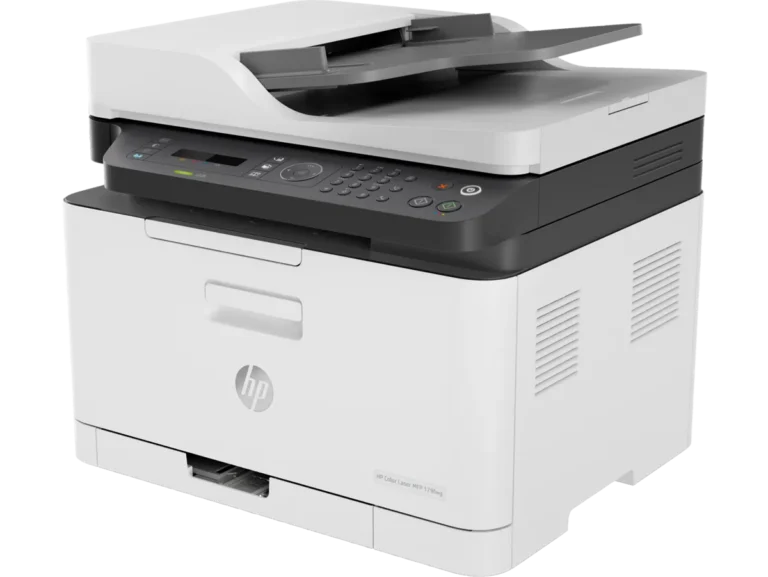
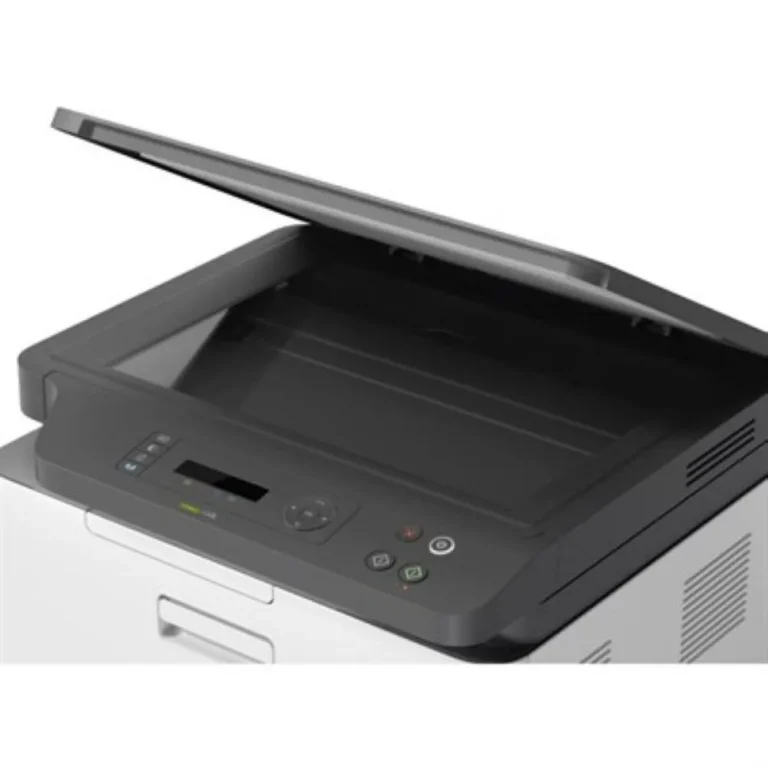
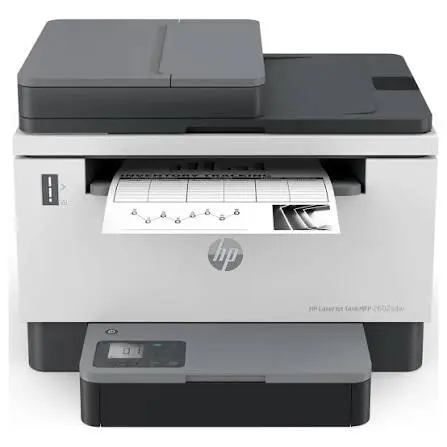
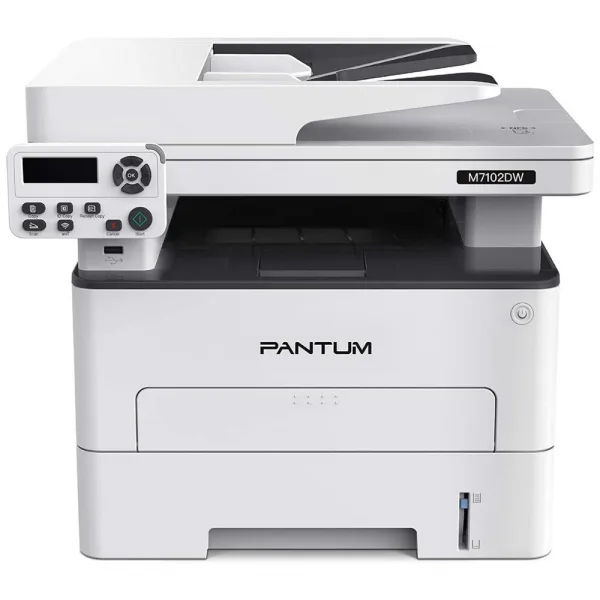
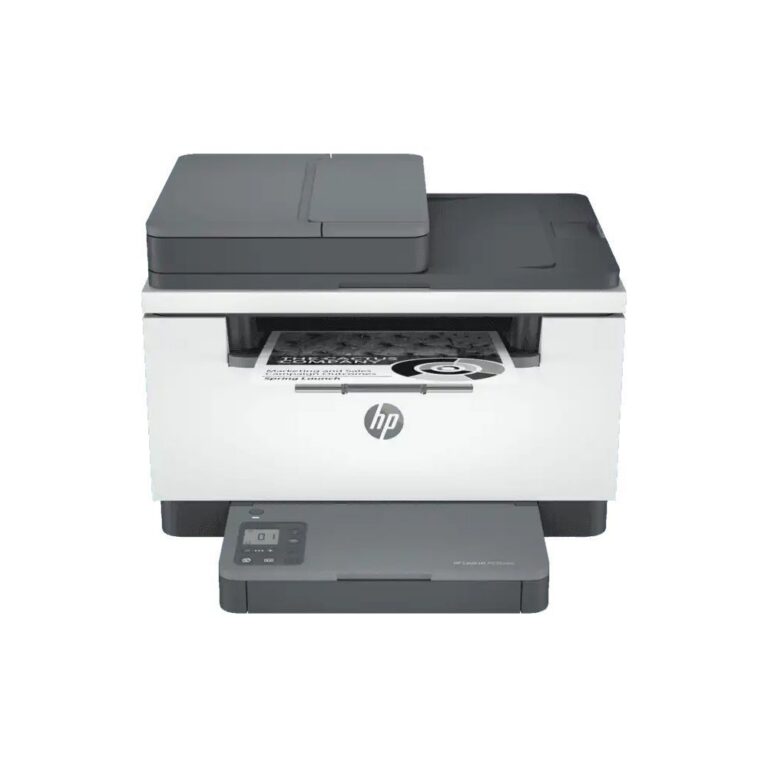
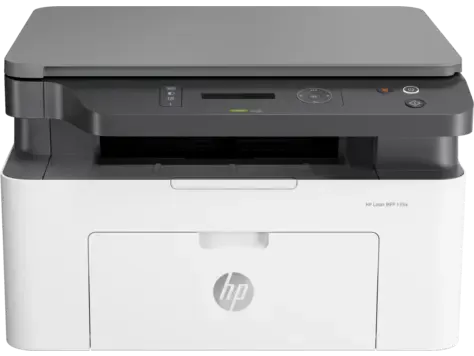
HP multifunction printers that print, scan, copy and fax from one machine, in a range running entry level through to premium, with nationwide delivery.
All-in-One / MFP Printers
All-in-one MFP printers put printing, scanning, copying and faxing into one machine, which is why they replace three separate devices on an office desk. Buyers for this category run from home offices printing a few pages a week to businesses that share one machine across a whole team.
Every unit listed here carries the HP badge, so the driver setup, the consumable supply chain and the service route stay consistent whichever model a buyer picks. The range spans machines built around a single desk through to units meant for shared office duty, and the price spread runs from entry level up to premium. Some models in this section add faxing to the print, scan and copy set, and others stop at the three core functions.
Three decisions settle most purchases in this category.
- The first is output type, since colour work costs more per page in consumables while monochrome output suits invoices, contracts and internal paperwork.
- The second is faxing, because it appears on some machines here and not on others, and it still matters for banks, legal work and government correspondence in Pakistan.
- The third is how the machine gets shared: a printer sitting on the office network serves several staff at once, while a unit tied to one computer serves one person.
Matching the machine to the work
A home office that prints letters and scans documents needs the compact end of this range. An accounts or admin desk pushing high monthly volume in black text gains more from a monochrome machine than from colour, because the running cost stays lower. A shared office where staff send jobs from several computers should look at network capable models, and any business that still sends signed paperwork by fax should filter for the models that list faxing.
Mega Computer has been supplying computer hardware in Pakistan since 1986, with a showroom in Karachi where buyers can see a machine before they commit. Orders ship with nationwide delivery across Pakistan, and payment works by cash on delivery or online payment. Confirm the warranty terms on the model you choose at the time of purchase, since coverage differs from one unit to another.
Running cost for an MFP lives in the consumables rather than the purchase. Check which toner or cartridge your chosen model takes before you order, and budget for replacements, because these machines stay in service for years and the paper path sees far more work than a single function printer.

 HPHP 24
 PantumPantum 3