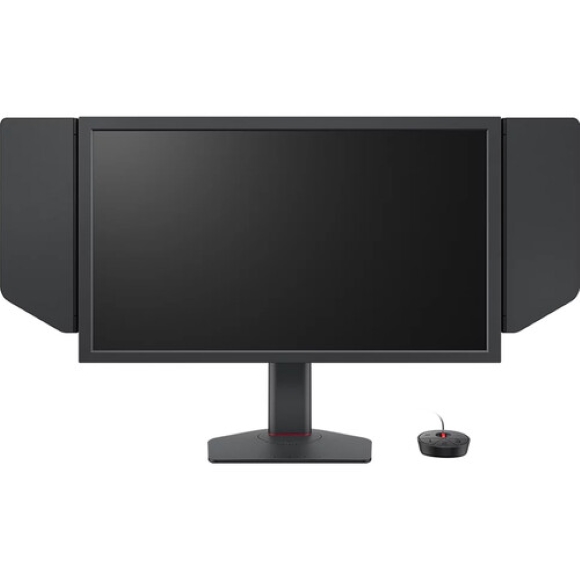
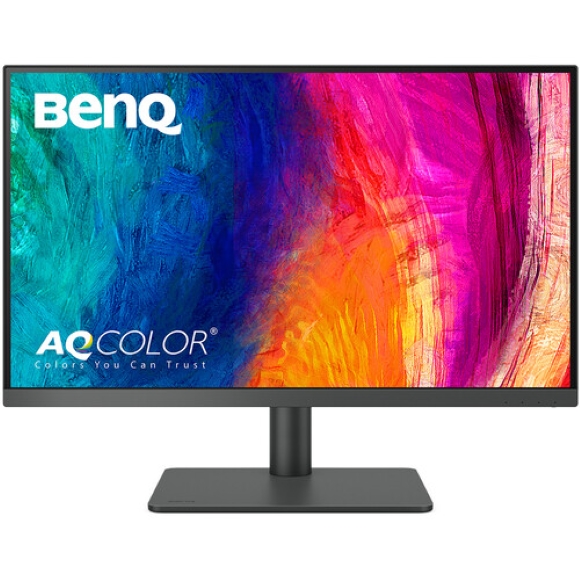
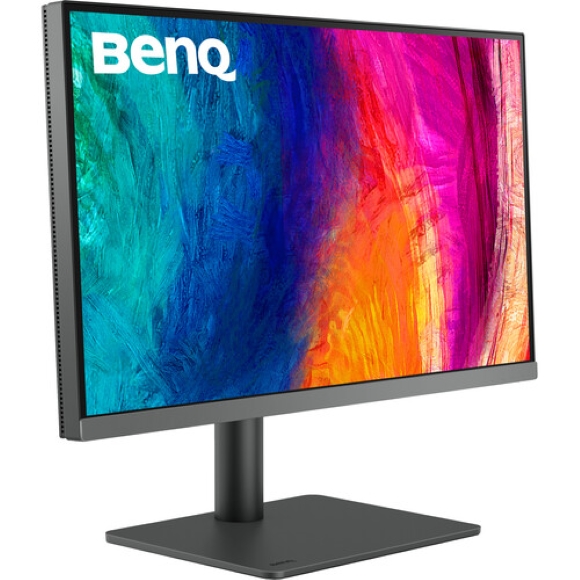
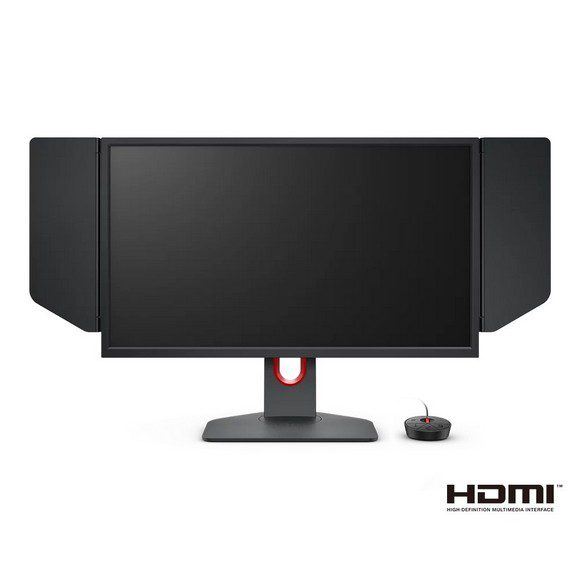
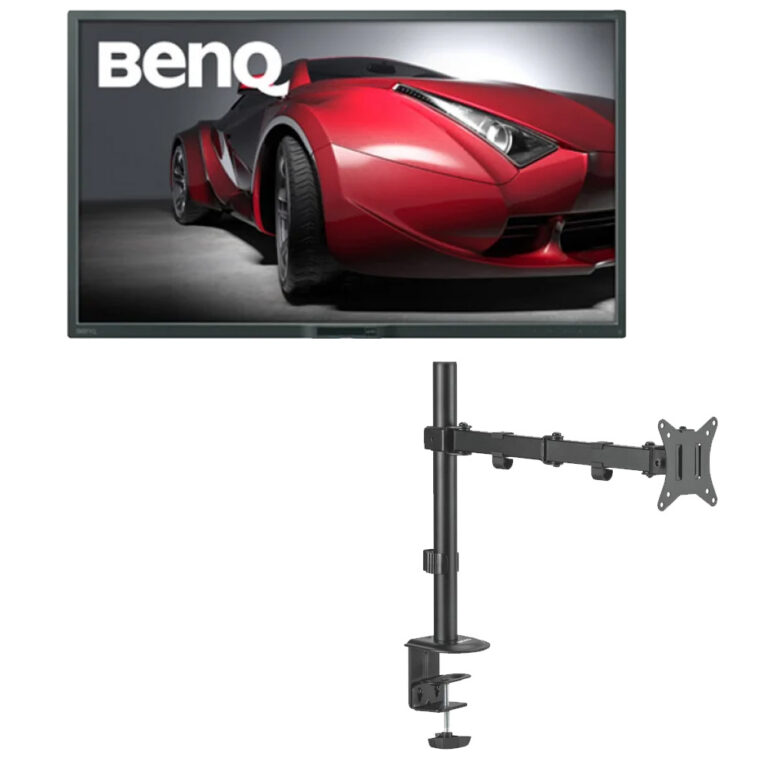
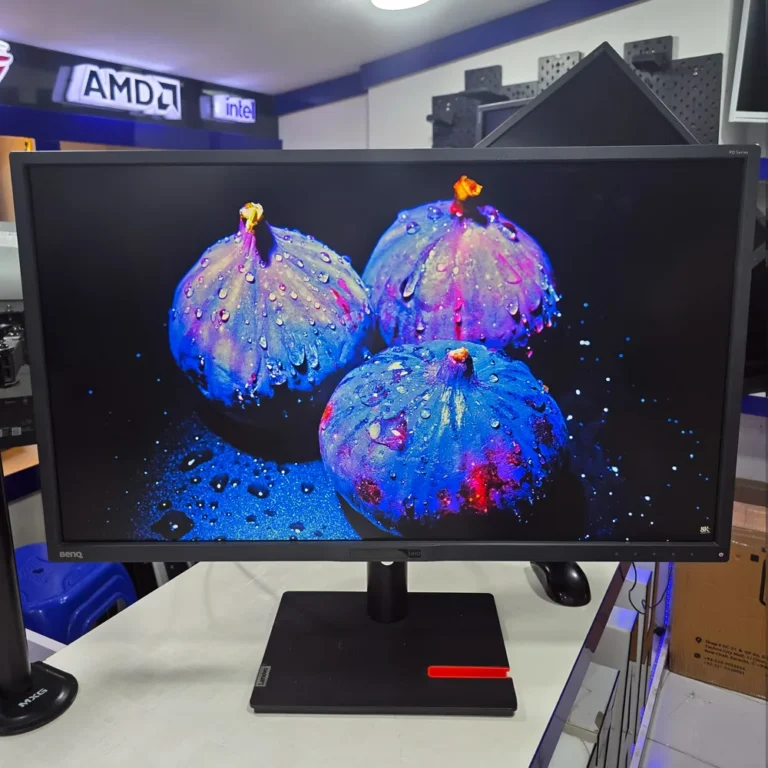
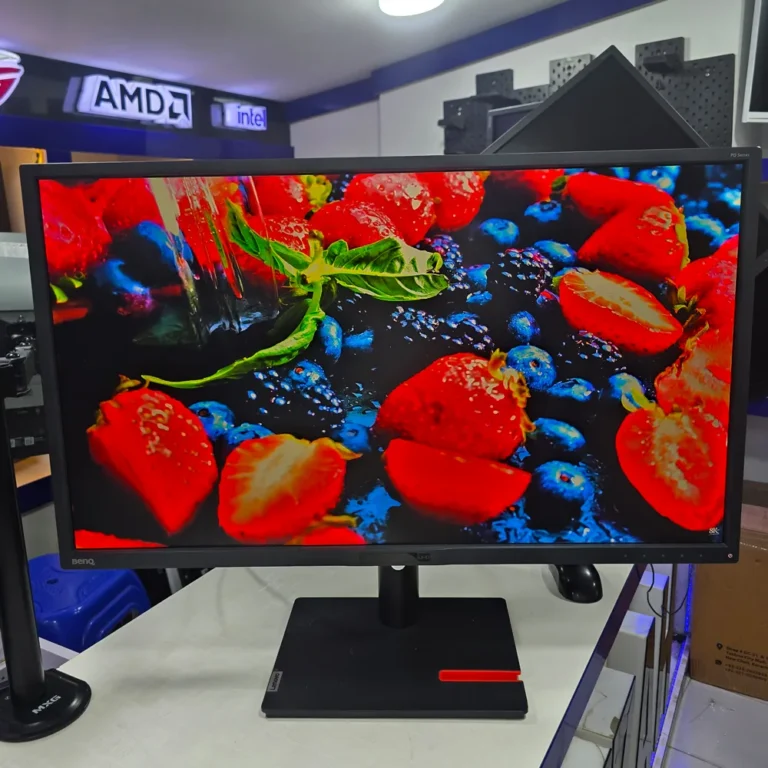
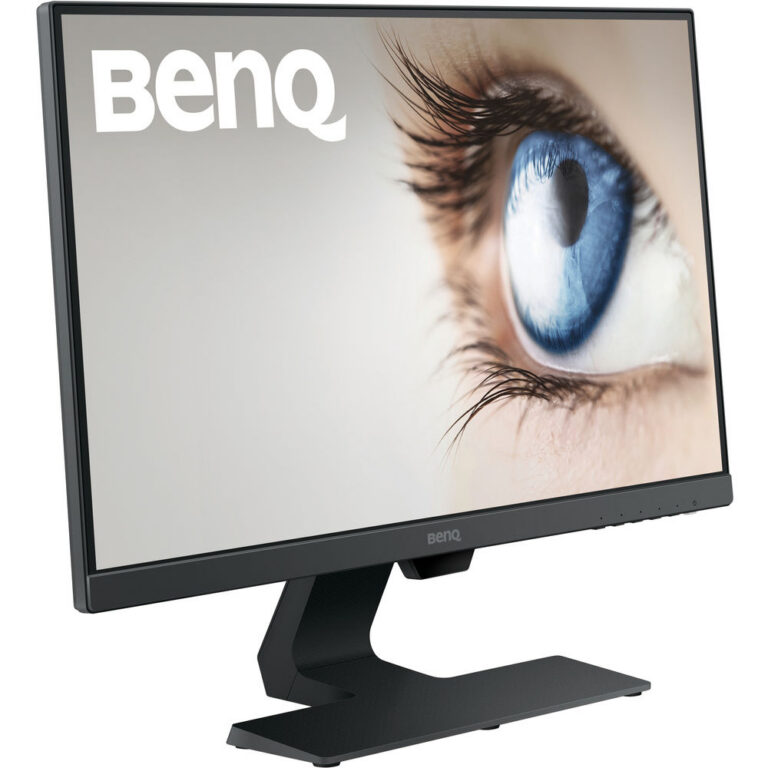
BenQ monitors at Mega Computer span 4K UHD and QHD panels built for colour work plus high refresh esports screens, in both IPS and TN, at several price points.
BenQ Monitors
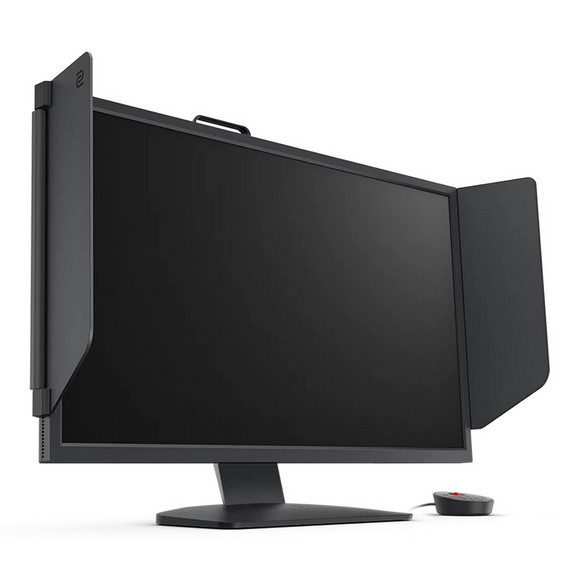
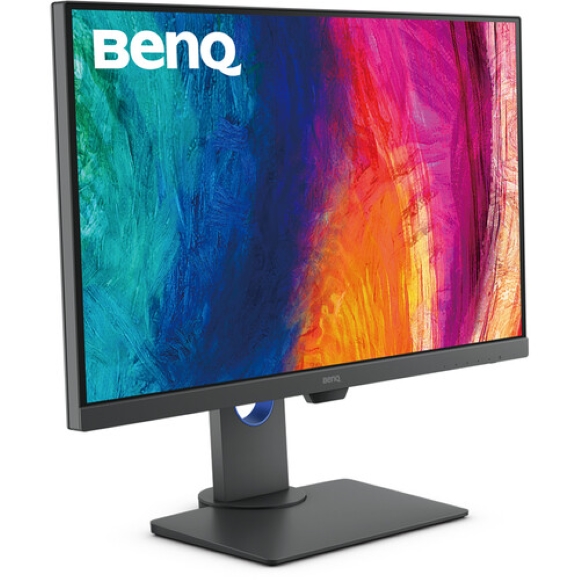
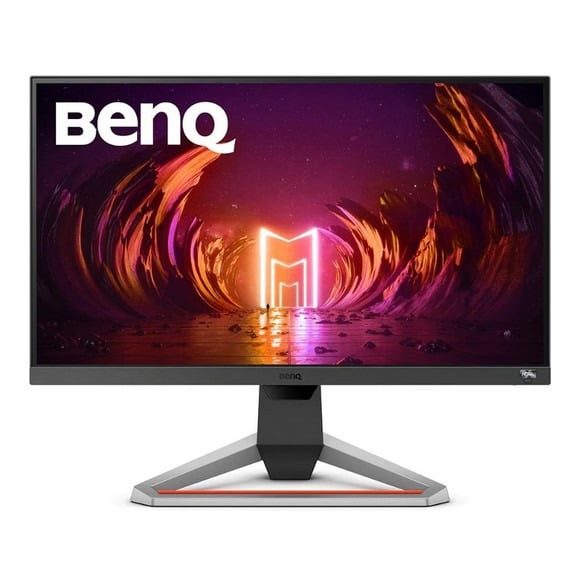
BenQ monitors split into two clear camps in this range. One side holds high resolution screens aimed at design, photo and layout work. The other holds high refresh esports panels tuned for shooters and fighting games. Most people who land on this page already know which of the two they need, and the choice after that comes down to panel type and resolution.
Refresh rates in stock run from 60Hz on the design and office panels up through 360Hz and as high as 540Hz on the competitive gaming side. Resolution covers 4K UHD and QHD, with the largest design screens reaching 32 inch. Panel technology splits between IPS, used where colour and viewing angles matter, and TN, used on the fastest gaming models. The price spread is wide, running from entry level screens through to premium creative panels, so one brand covers a first desk build and a tournament setup.
Panel type is the first decision. IPS holds colour and keeps the image consistent when you look at it off centre, which is what matters if you edit photos or check a print proof. TN gives up some of that colour consistency in exchange for faster pixel response, and that is why the 360Hz and 540Hz models here use it. The second decision is resolution against refresh rate. A 4K UHD panel at 60Hz gives you desktop room and fine detail for timelines and layouts. A high refresh panel gives you cleaner motion, and your GPU has to feed it enough frames for that to count. QHD sits between the two and suits people who want detail without pushing a card as hard.
Which BenQ suits your work
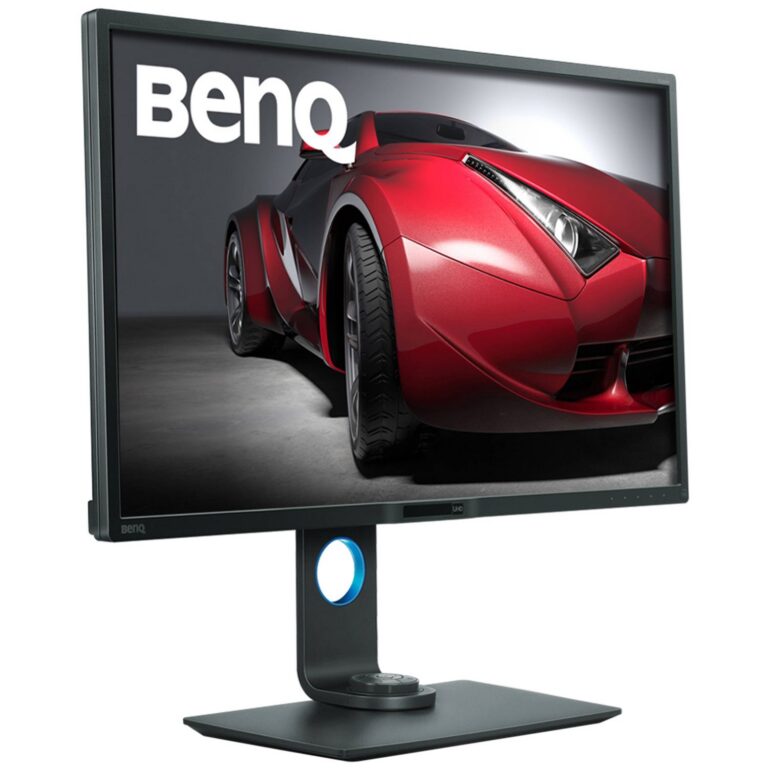
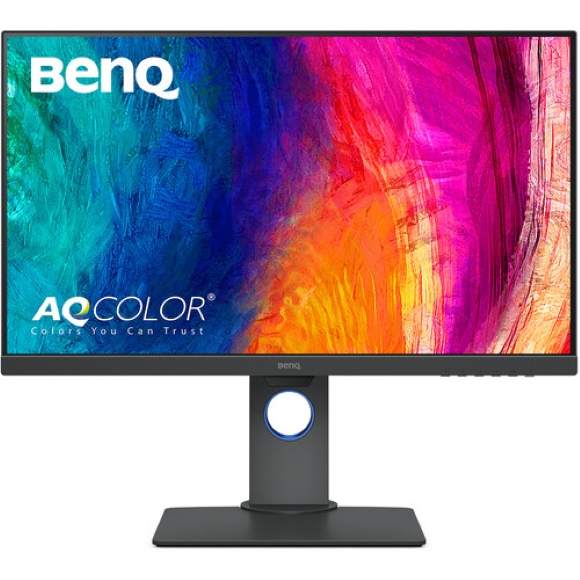
Designers, photographers and video editors want the IPS route, and the 32 inch 4K UHD and QHD IPS panels here fit that job. Someone playing ranked shooters on a strong GPU should look at the TN models with 360Hz or 540Hz refresh, because that is where the motion clarity sits. Office and study desks, accounts work and general home use are covered by the 60Hz screens at the affordable end. If you run two screens, pairing a 4K panel for documents with a fast panel for games is a common setup.
Mega Computer stocks BenQ monitors with a showroom in Karachi and nationwide delivery across Pakistan. You can pay cash on delivery or settle online before dispatch. Warranty cover differs between models, so confirm the terms for the specific screen you want before you place the order. Staff can also check which panel matches the graphics card you already run.
Check what your graphics card can drive before you buy. A 540Hz or 360Hz panel needs a source and a cable that can carry that rate, otherwise the screen runs below what you paid for. Desk depth matters on the 32 inch panels too, since a large screen at close range forces you to move your head rather than your eyes.

 BenqBenq 11