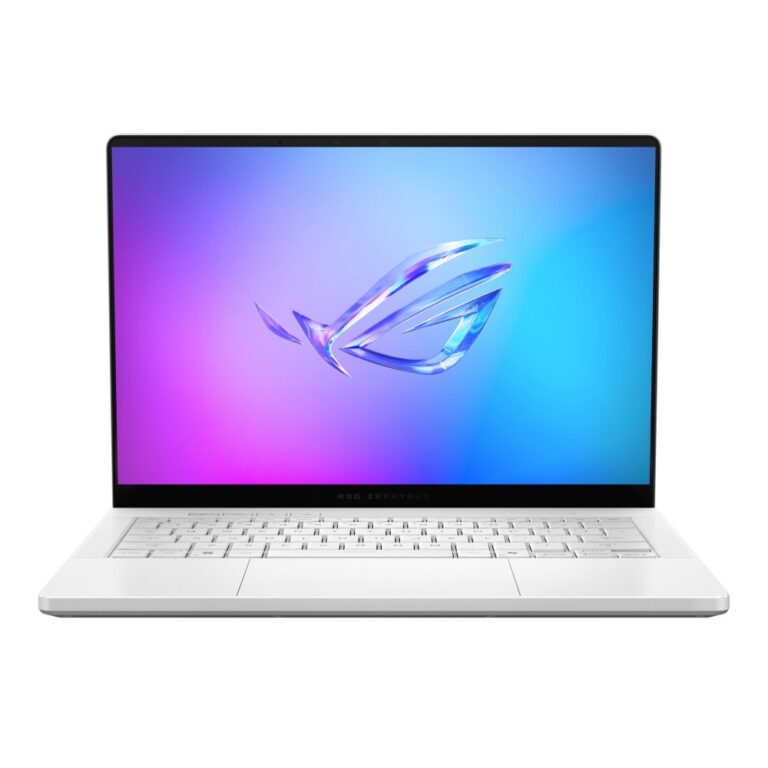
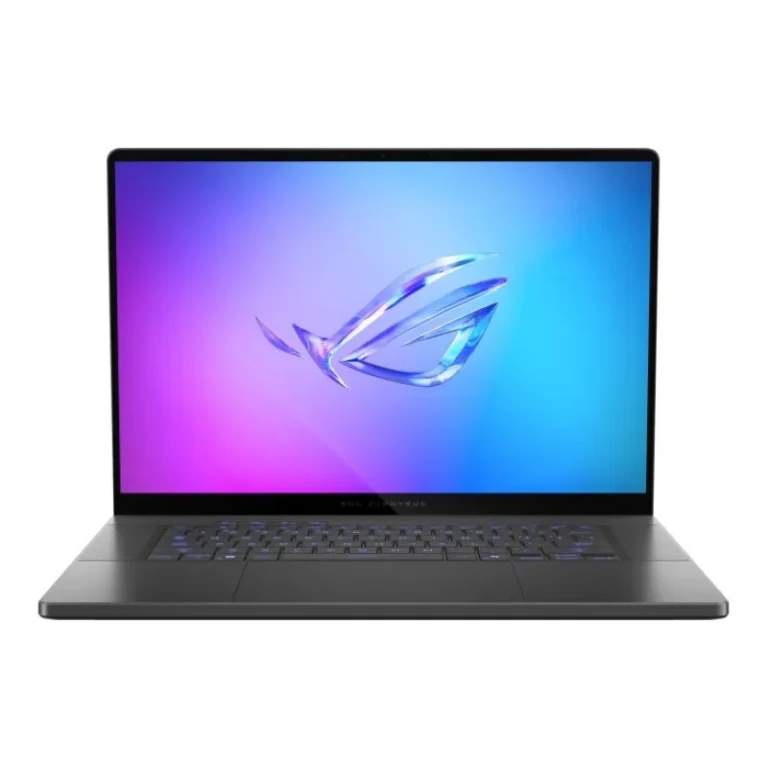
Slim ASUS ROG gaming laptops built around OLED screens at 120Hz or 240Hz, NVIDIA GeForce RTX graphics and a choice of Intel Core Ultra or AMD Ryzen chips.
ASUS ROG Zephyrus Gaming Laptops
ASUS ROG Zephyrus laptops fold gaming hardware into a chassis thin enough to carry between a desk, a class and a client meeting. Gamers who travel buy this line because they refuse to choose between a portable machine and one that runs current titles at high settings. Students on engineering and design programmes pick it for the same reason.
Every unit on this page is an Asus build, and the silicon splits two ways: Intel Core Ultra models on one side, AMD Ryzen AI models on the other. NVIDIA GeForce RTX graphics with 8GB of video memory sit behind both. Panels are OLED, running at either 120Hz or 240Hz. Memory ranges from 16GB up to 32GB, and storage runs from a 512GB PCIe SSD through 1TB and 2TB drives. The price spread is narrow, from the entry point of the line up to premium configurations.
Three decisions shape which one you take home.
- The panel comes first: a 240Hz OLED rewards competitive shooters, while a 120Hz OLED holds colour just as well for editing and single player work and costs less.
- Memory comes second, because 16GB handles games but 32GB is what keeps timelines, virtual machines and large project files from stalling.
- Storage is the third call, and a 512GB SSD fills fast once two or three modern titles land on it, so 1TB or 2TB is worth the step if you keep a library installed.
Between Intel Core Ultra and AMD Ryzen AI parts, both pair with the same class of NVIDIA GPU, so weigh the rest of the configuration rather than the badge.
Which Zephyrus Fits Your Work
Someone playing ranked shooters most evenings should hold out for the 240Hz OLED and the larger SSD. A design or video student running Adobe tools alongside a game library gets more from 32GB of RAM and a 2TB drive than from the higher refresh rate. Anyone whose main load is coursework, code and the occasional weekend session can start at 16GB with a 1TB SSD and spend the difference elsewhere. Note that some units ship with Windows 11 Home and others ship with DOS, so factor an operating system licence into the second case.
Our Karachi showroom carries this range, and you can see a Zephyrus panel in person before you commit, which matters with OLED. We ship nationwide across Pakistan and accept cash on delivery as well as online payment. Warranty cover differs by unit: some carry official local warranty, some carry international warranty, and the term is stated on each product page. Mega Computer has traded in computer hardware since 1986.

 AsusAsus 3