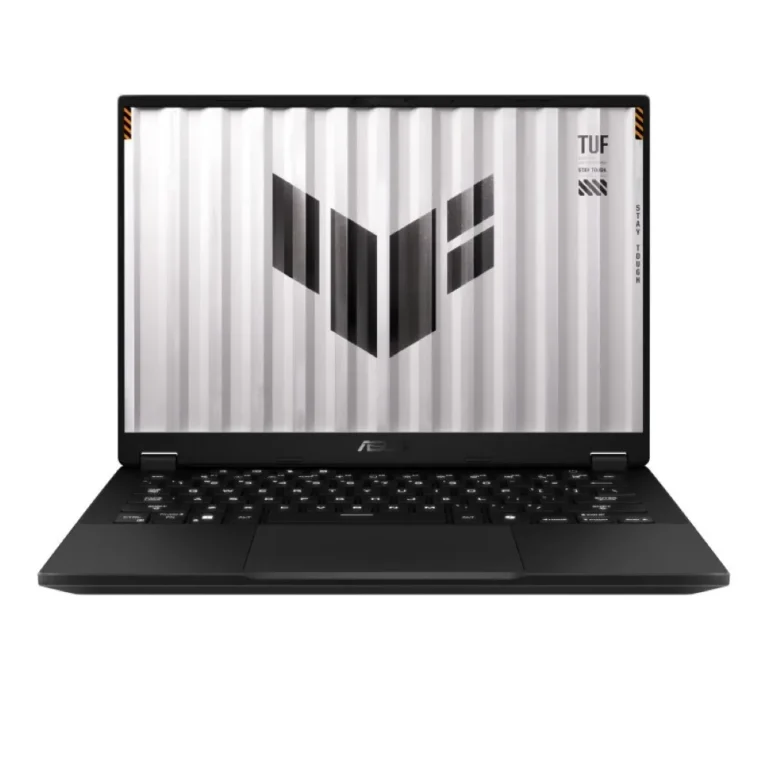
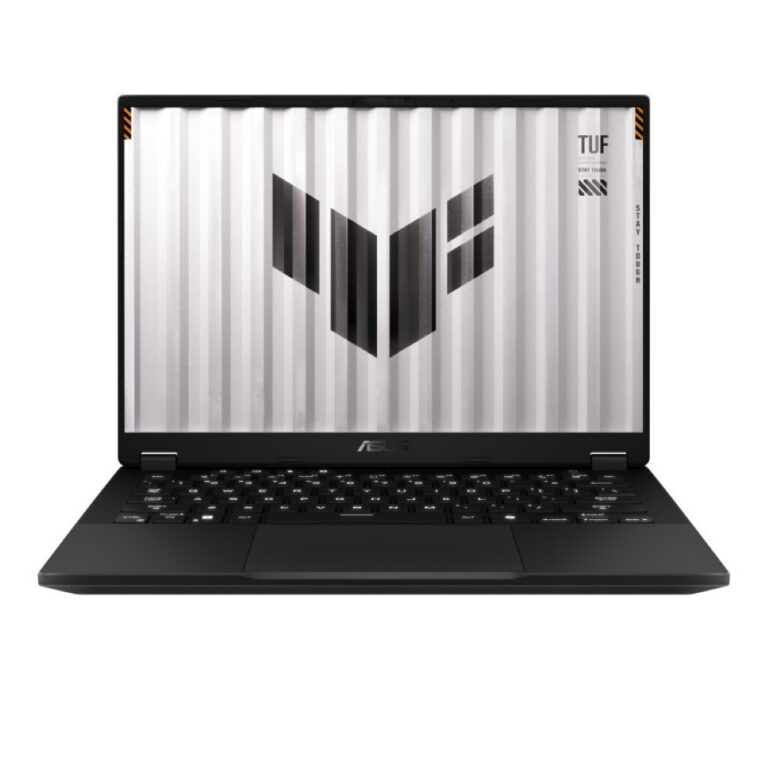
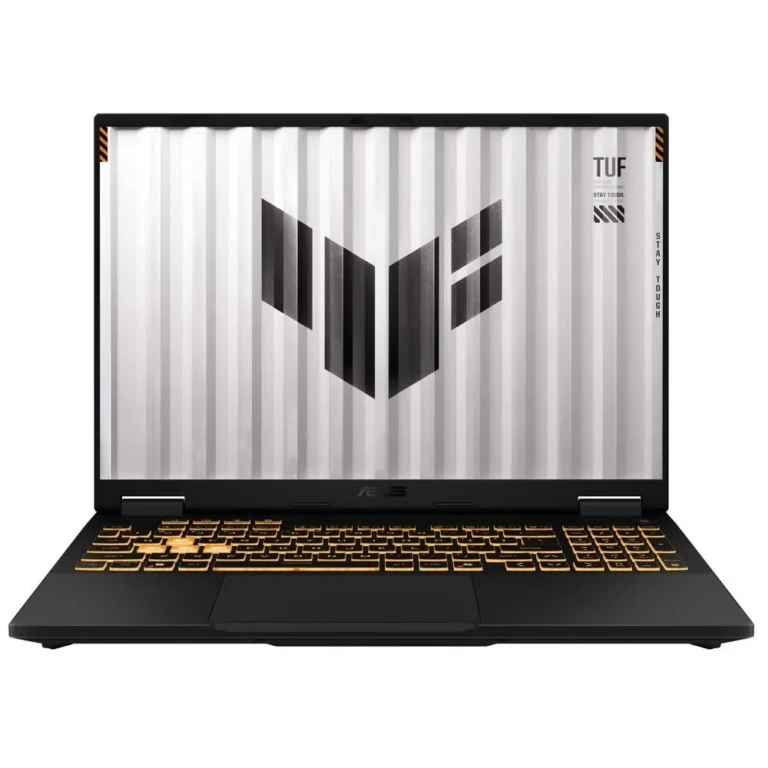
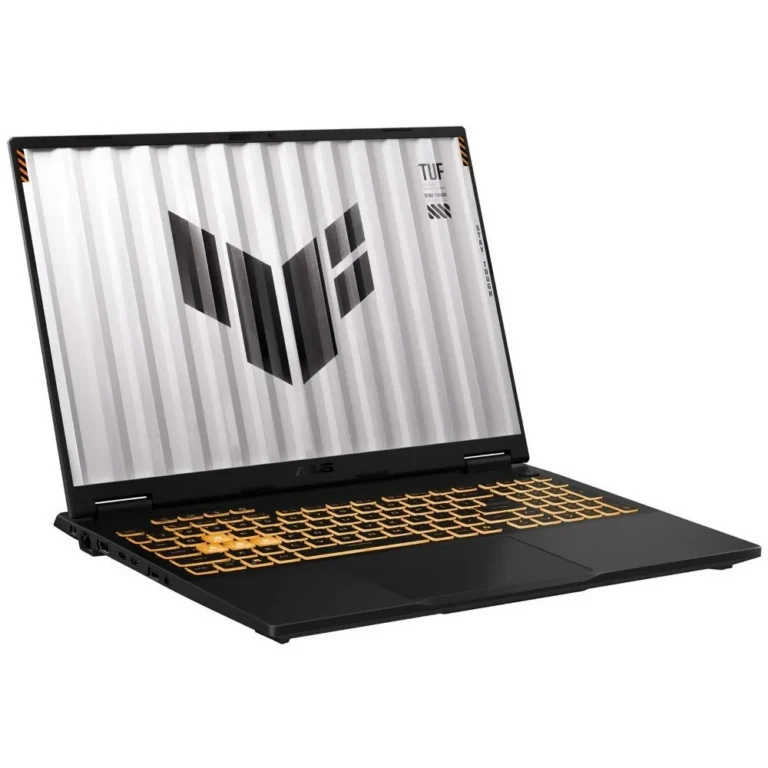
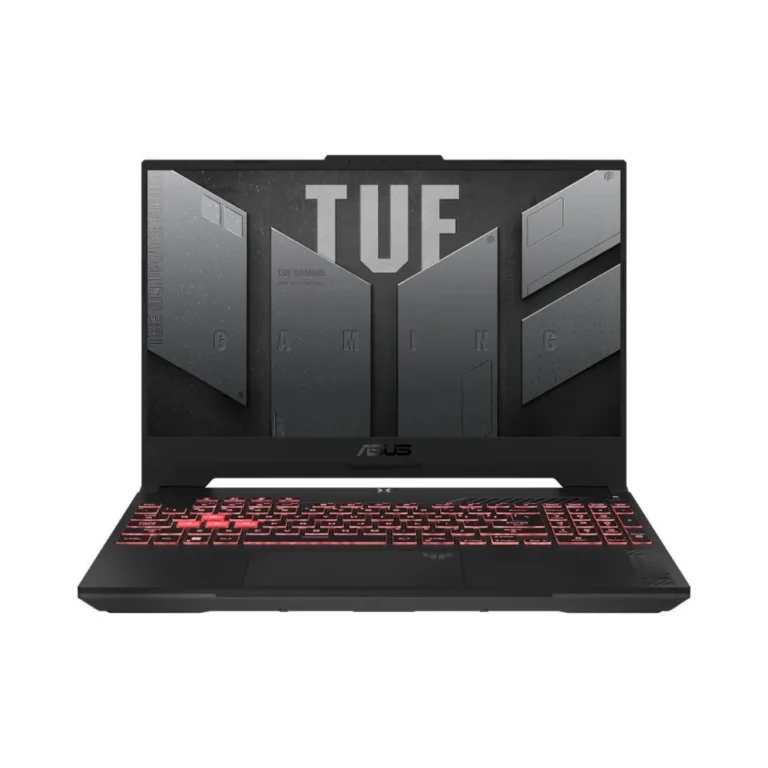
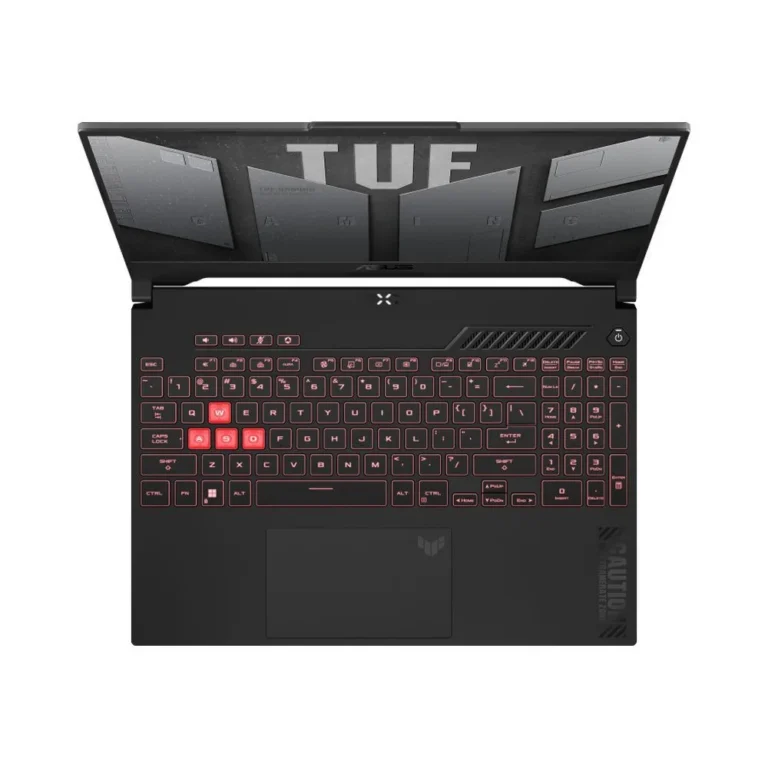
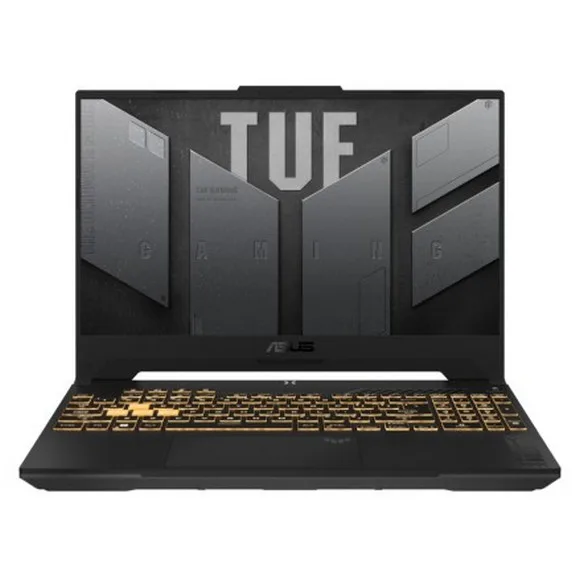
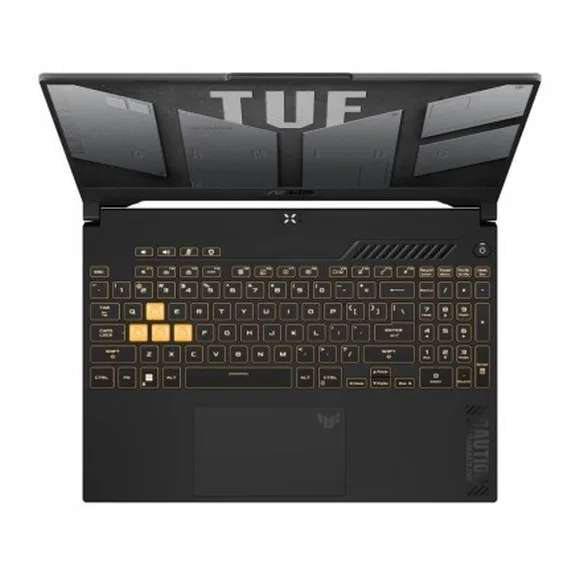
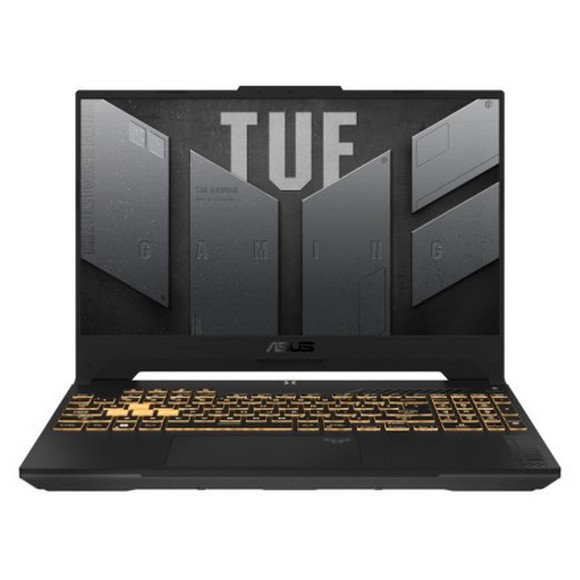
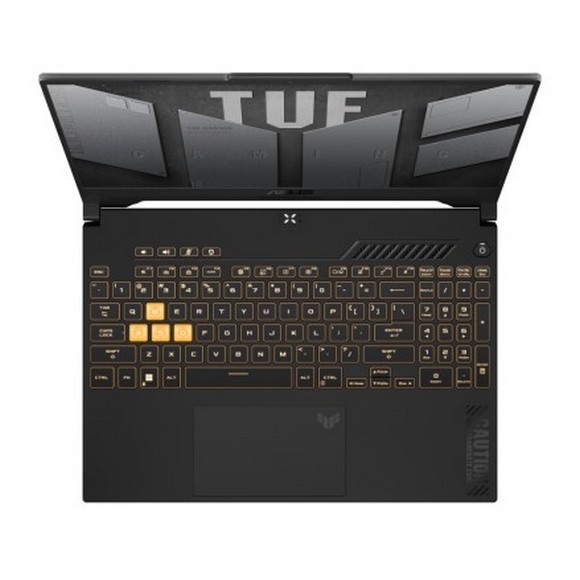
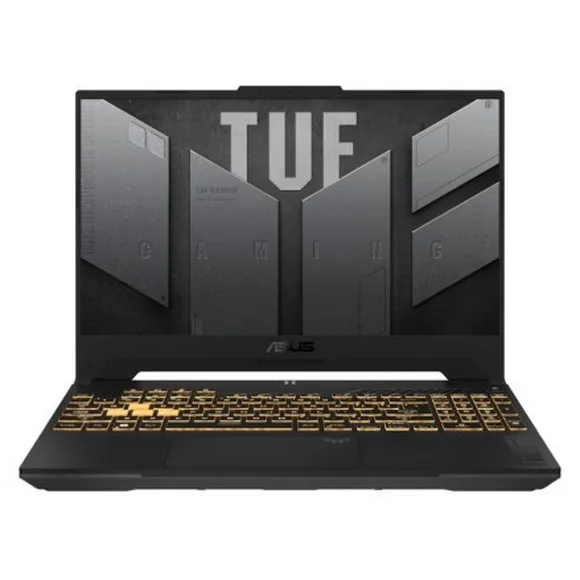
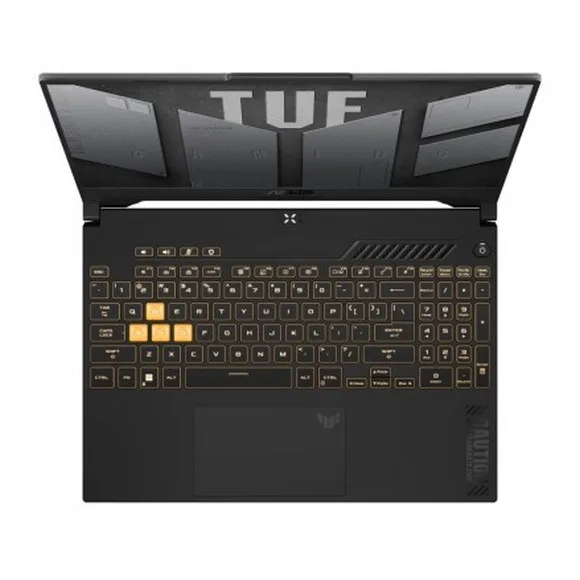
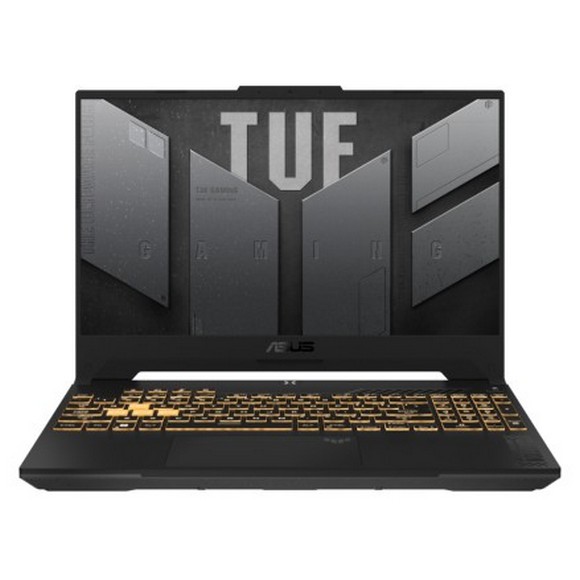
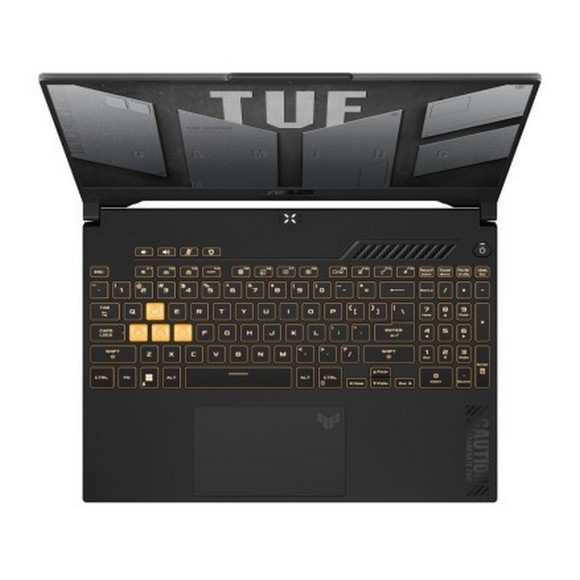
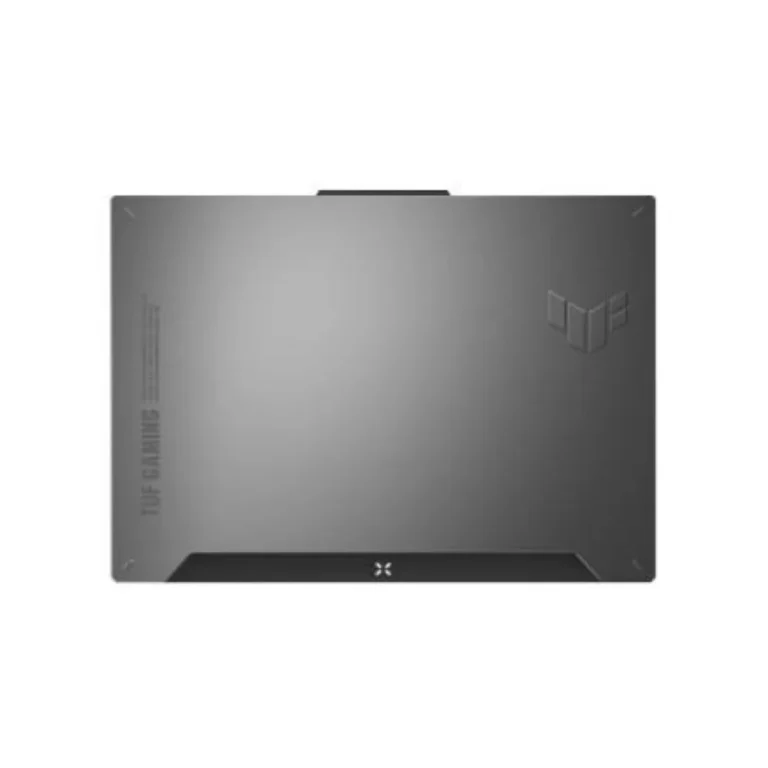
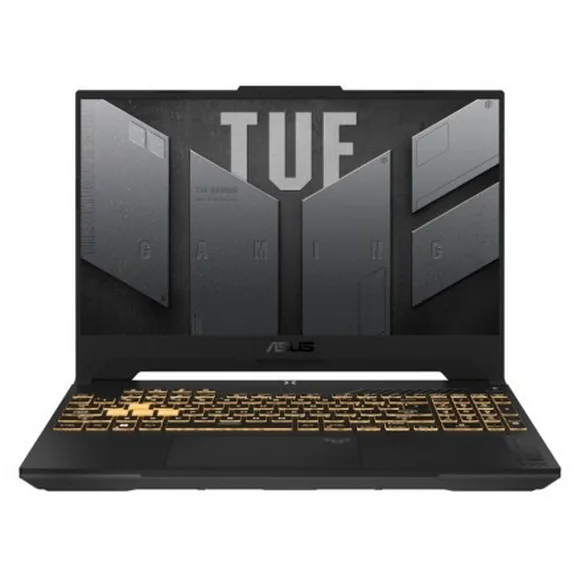
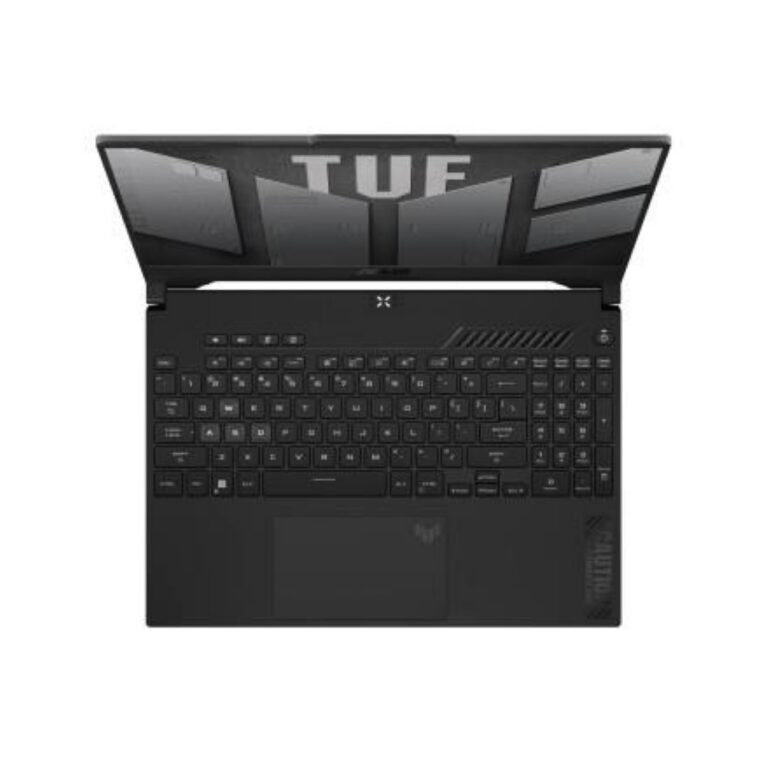
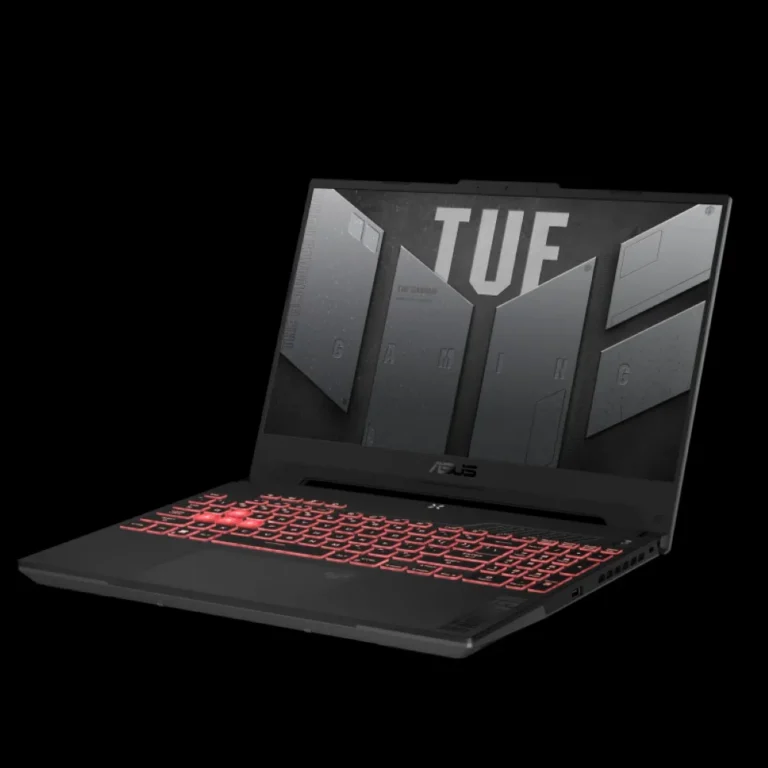
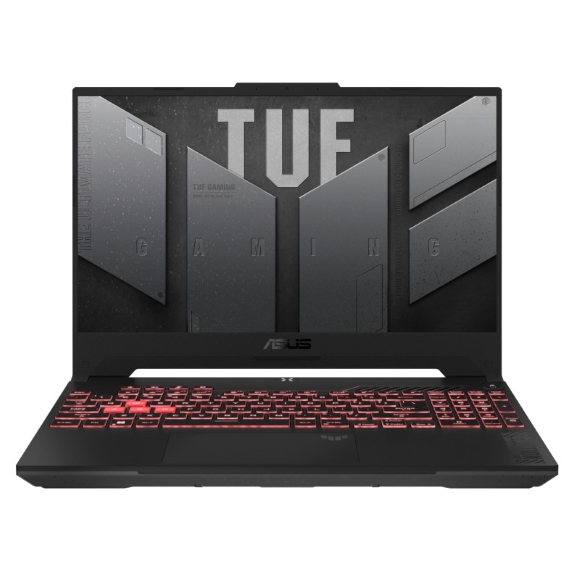
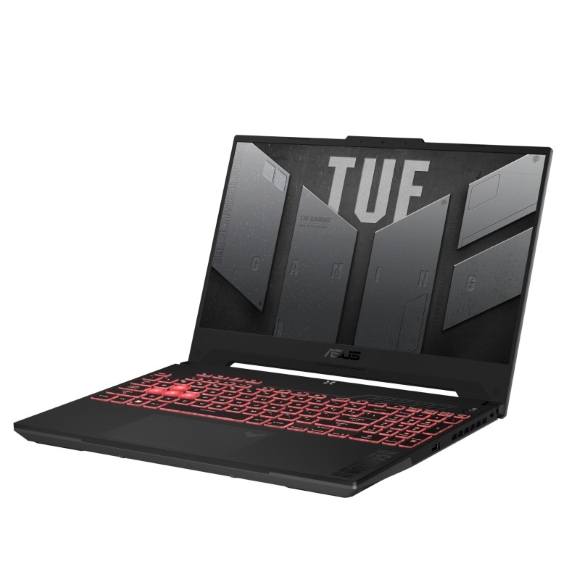
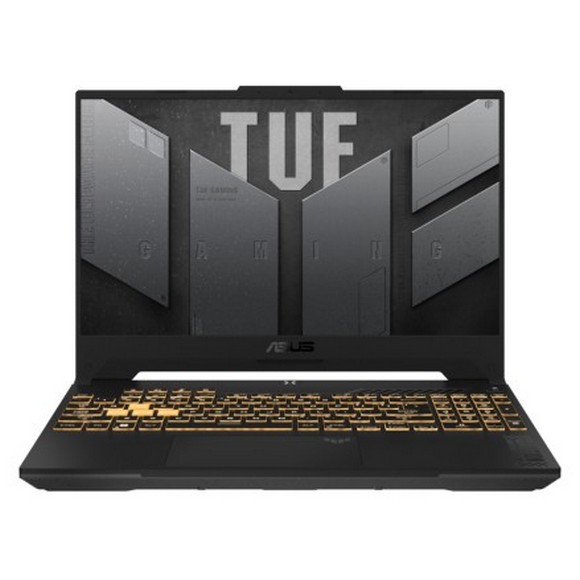
Asus TUF gaming laptops built around fast IPS panels, DDR5 memory and NVMe SSD storage, with a Karachi showroom and nationwide delivery.
ASUS TUF Gaming Laptops
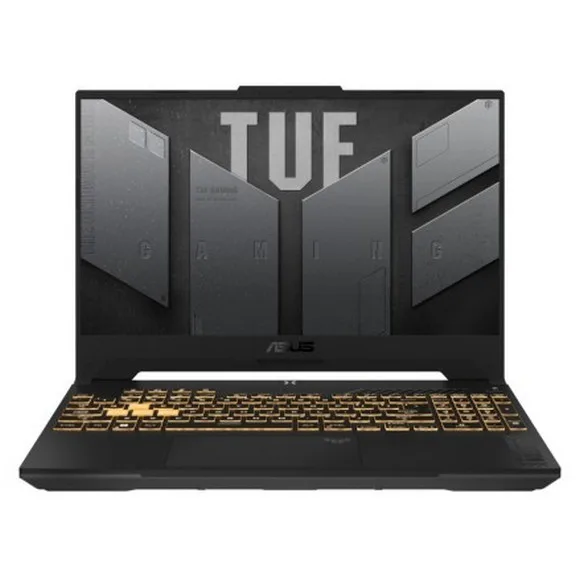
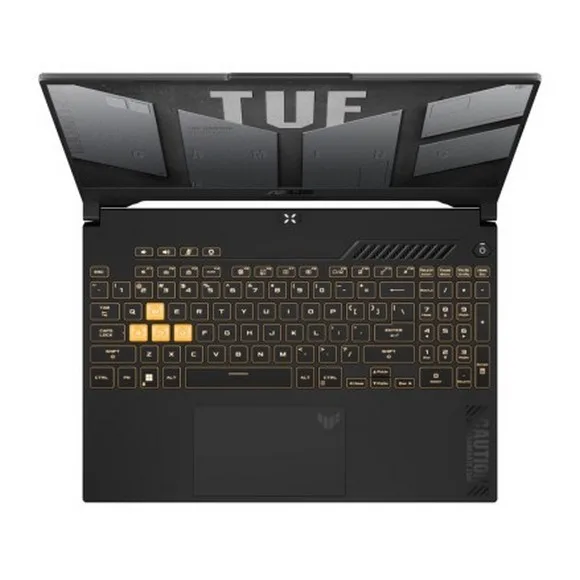
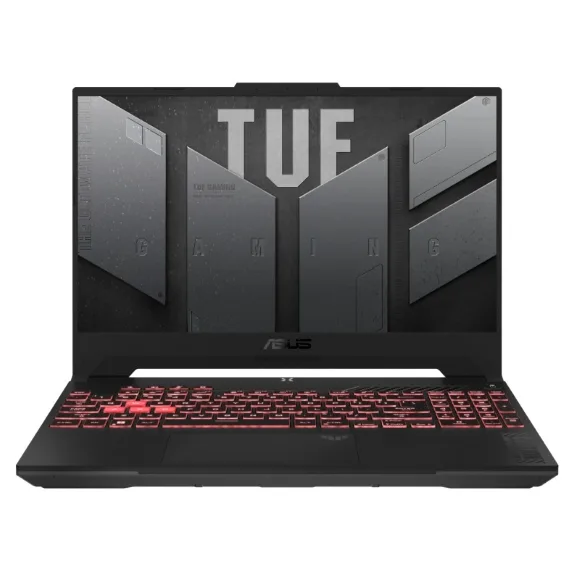
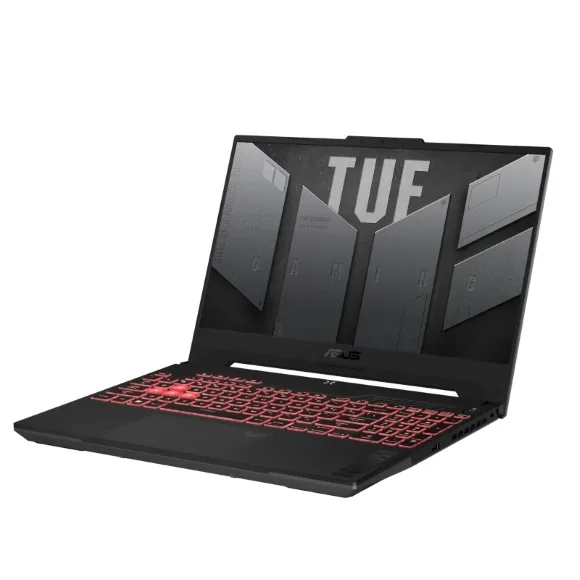
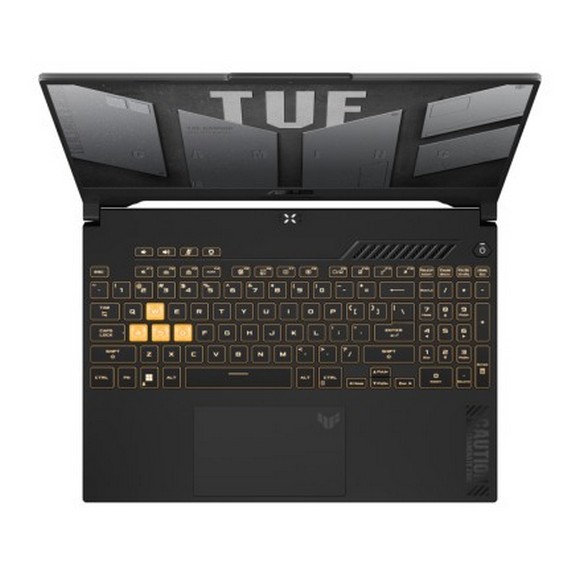
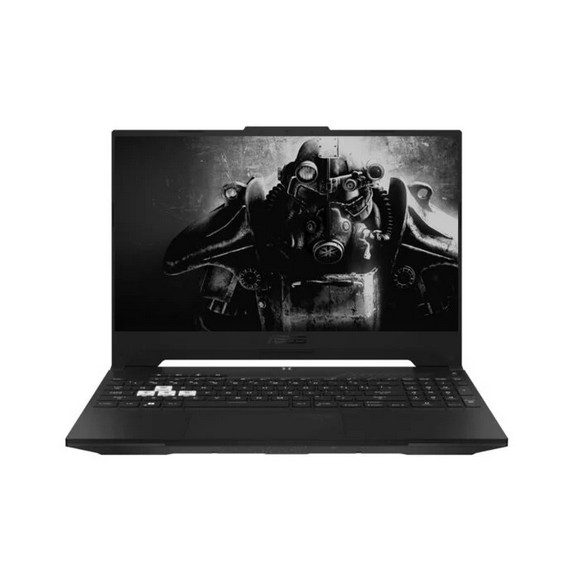
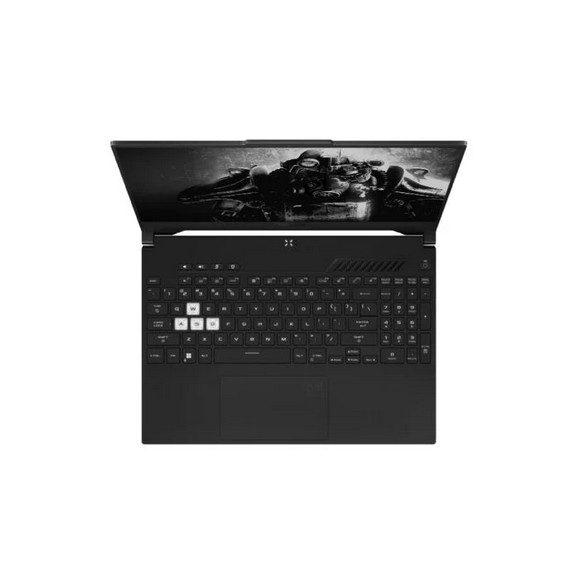
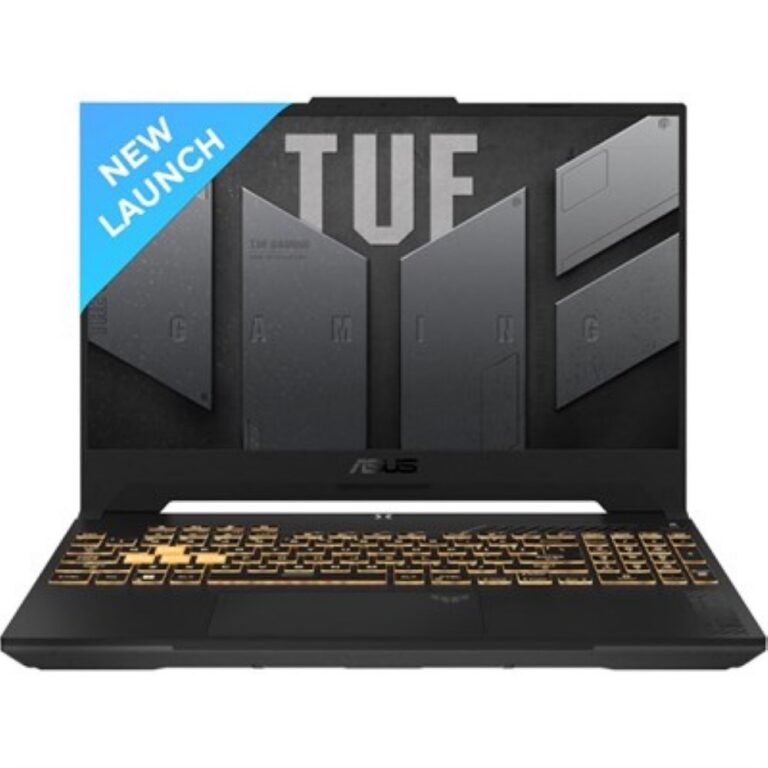
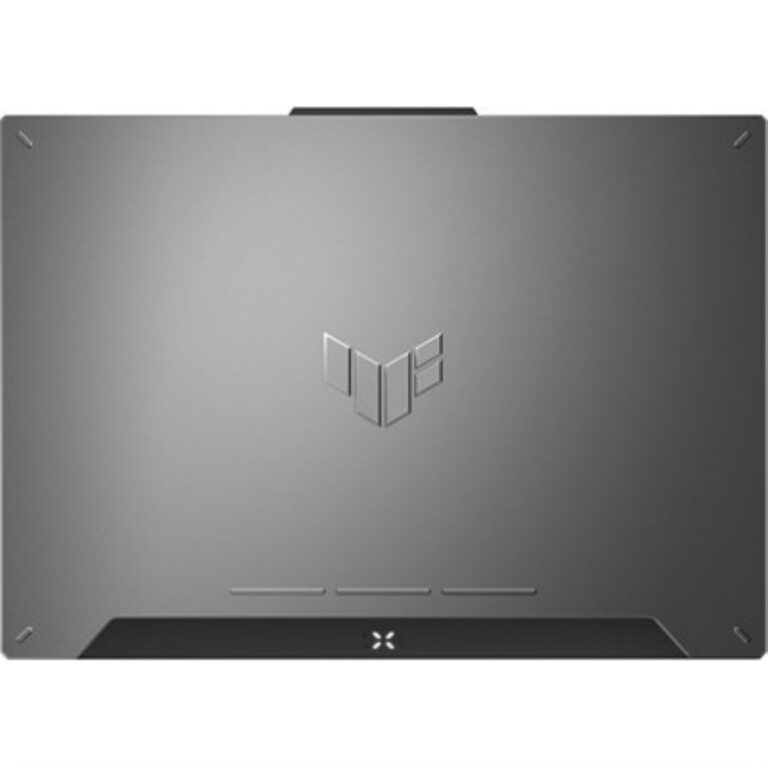
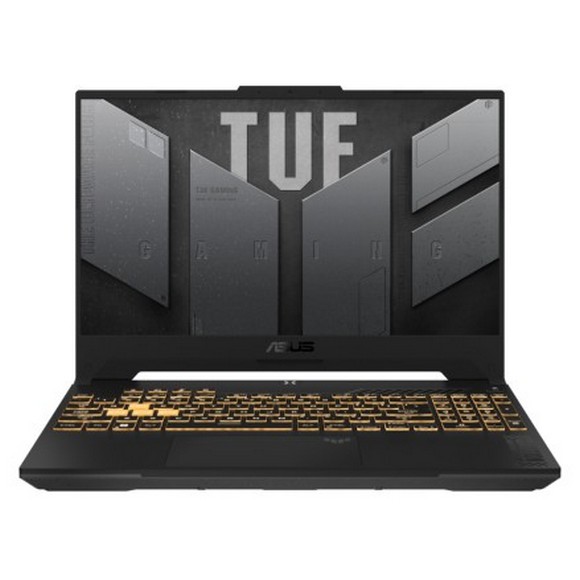
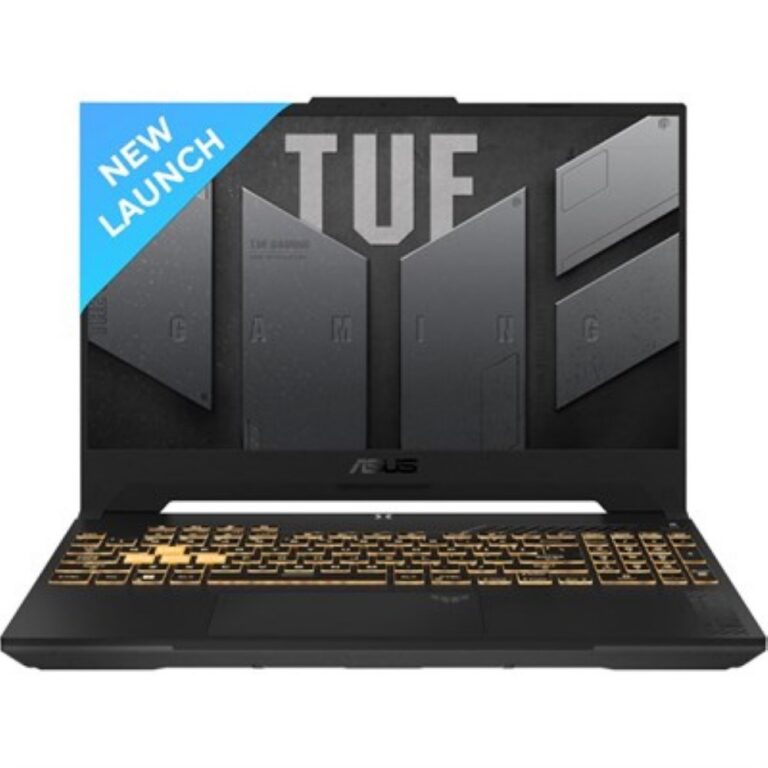
ASUS TUF gaming laptop models take the durability-first position in the Asus portable gaming range, and buyers pick them when they want a machine that runs games at high frame rates but also survives daily transport to a campus, an office or a LAN session. The line spans compact chassis for carrying and larger ones for desk use, so a student and a player who wants more screen shop from the same shelf. Gamers, engineering and design students, and freelancers who render or edit on the same machine they play on make up most of the demand here.
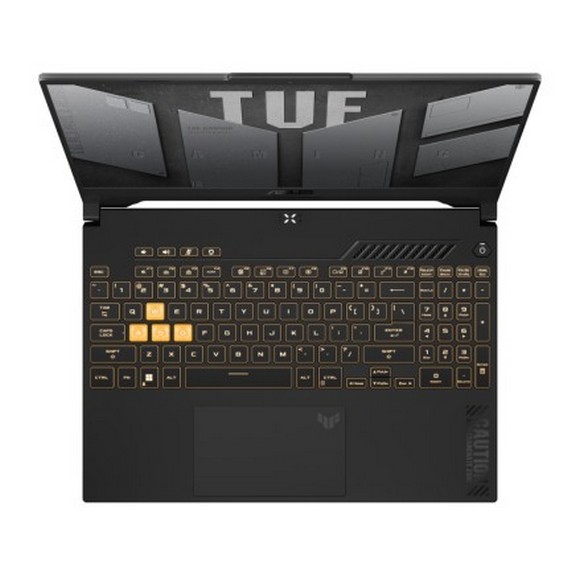
This category holds 38 Asus TUF configurations, and the spec ladder inside it is wide. Memory runs from 16GB up to 32GB of DDR5, storage from a 512GB SSD to a 1TB SSD, and graphics memory from 6GB through 8GB. Panels split into two families: FHD IPS screens at 144Hz, and WQHD IPS screens at 165Hz for buyers who want the sharper 2.5K resolution. Several models carry RGB backlit keyboards. Prices stretch from entry-level configurations through to premium builds, so the range covers a first gaming laptop and a main workstation.
Three decisions settle most TUF purchases.
- The panel comes first: an FHD 144Hz screen pushes frames at a resolution the GPU handles with room to spare, while a WQHD 165Hz screen gives you finer detail and a faster ceiling, at the cost of asking more from the same graphics memory.
- Memory is next, and 16GB DDR5 handles gaming on its own, while 32GB DDR5 matters once you keep a browser, a game and an editing timeline open together.
- Storage is the third call, because a 512GB SSD fills fast once you install a few large titles, and a 1TB SSD saves you reinstalling to make room.
Which ASUS TUF Suits You
A student who carries the laptop between classes and plays in the evening gets the most from a compact model with a 16GB DDR5 and 512GB SSD configuration. Someone playing competitive shooters at a desk should look at the 165Hz panels, since the extra refresh shows up in fast camera movement. Anyone editing video, running CAD or working with large project files wants 32GB DDR5 and a 1TB SSD, and the WQHD IPS panel gives that work more visible screen area. Buyers who mostly play older or lighter titles can stay on an FHD 144Hz configuration with 6GB graphics memory and spend the difference elsewhere.
Mega Computer stocks the Asus TUF range with official warranty, and our team handles the claim process on your behalf rather than sending you to a third party. You can inspect models at our Karachi showroom before you commit, and we ship nationwide across Pakistan. Payment works through cash on delivery or online payment. Call or message us with the configuration you have in mind and we will confirm what is on hand and what a comparable build would cost.

 AsusAsus 30