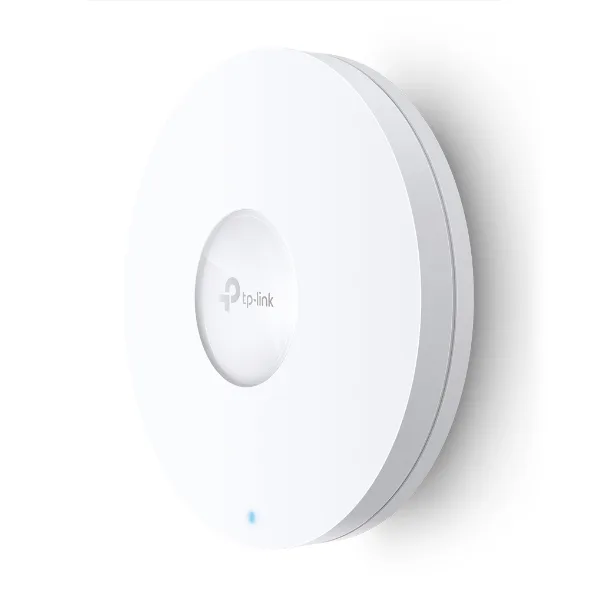
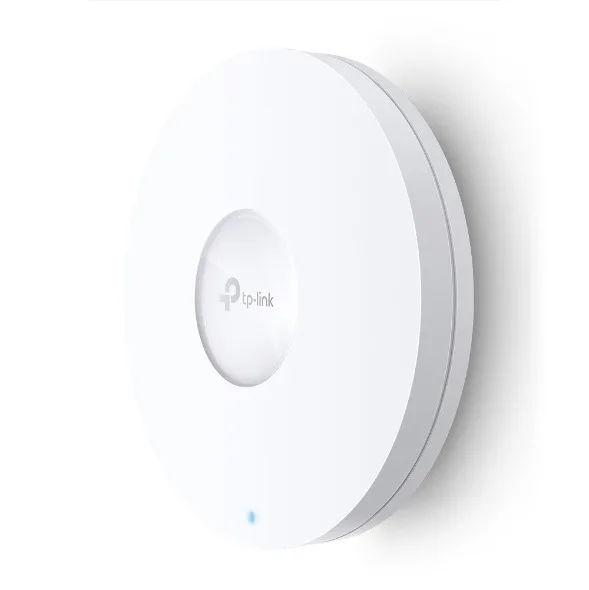
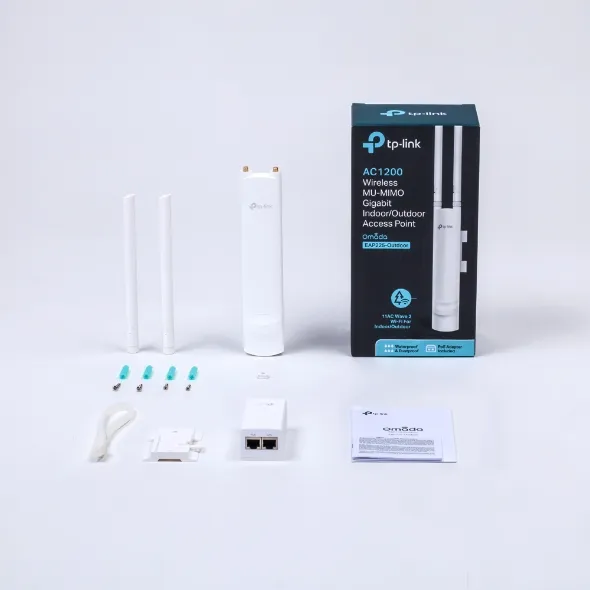
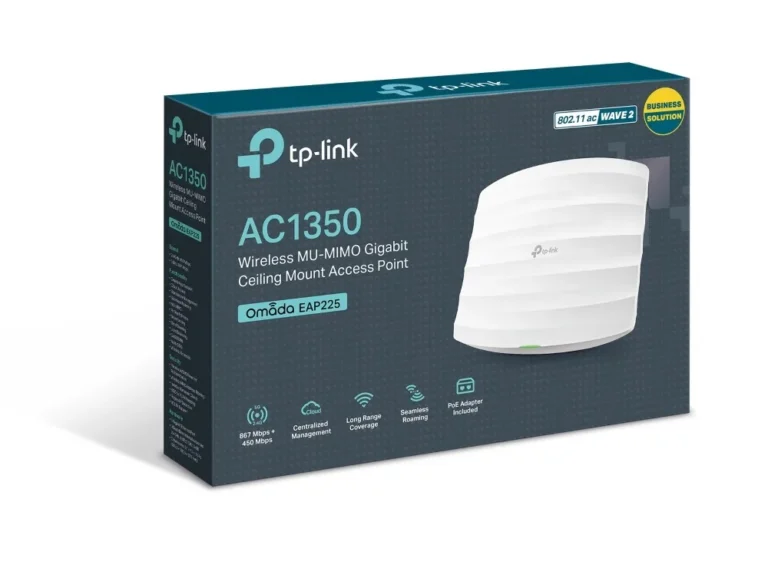
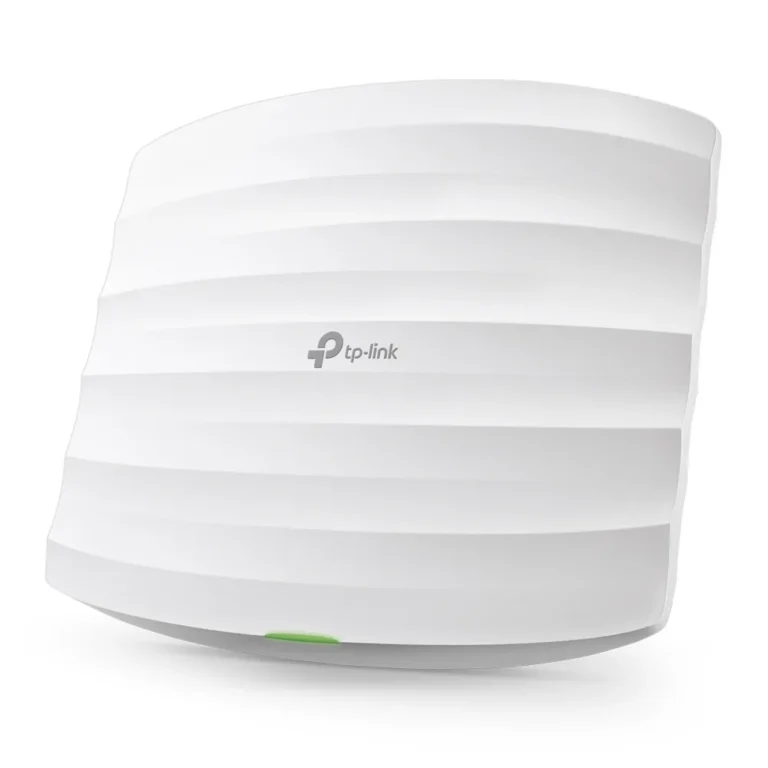
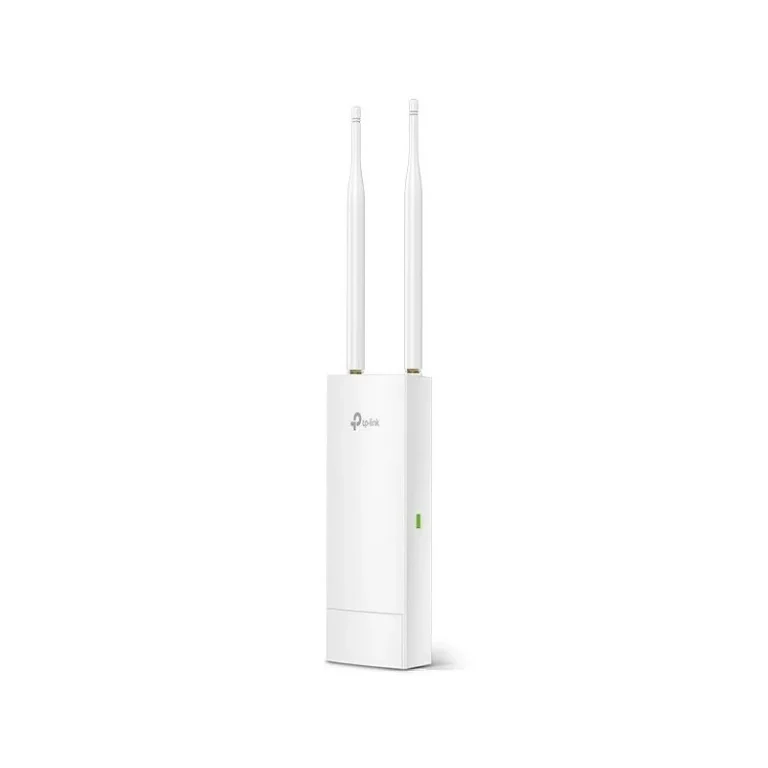
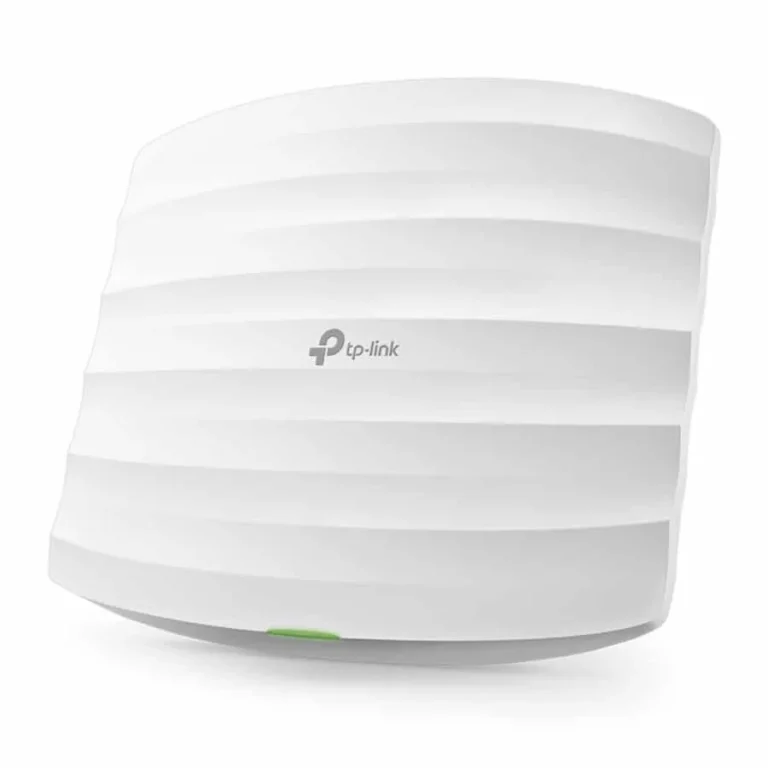
Ceiling mount and outdoor TP-Link access points for offices, shops and homes, spanning entry level dual band units through to premium WiFi 6 models.
TP-Link Access Points
TP-Link access points push a wired connection outward as wireless coverage, which is what you reach for once a single router stops holding a signal across a full floor. Office managers buy them when staff at the far end of the building keep dropping calls. Shop owners buy them to cover a sales area and a stockroom from one network. Households with thick internal walls use them to cover an upper storey without running a second broadband line.
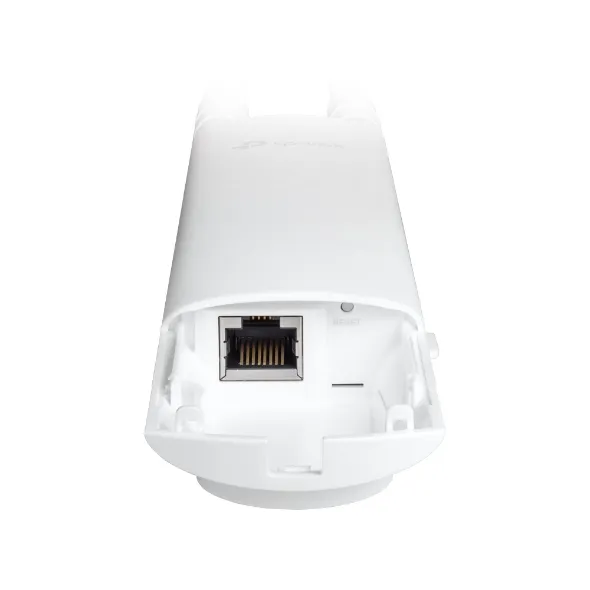
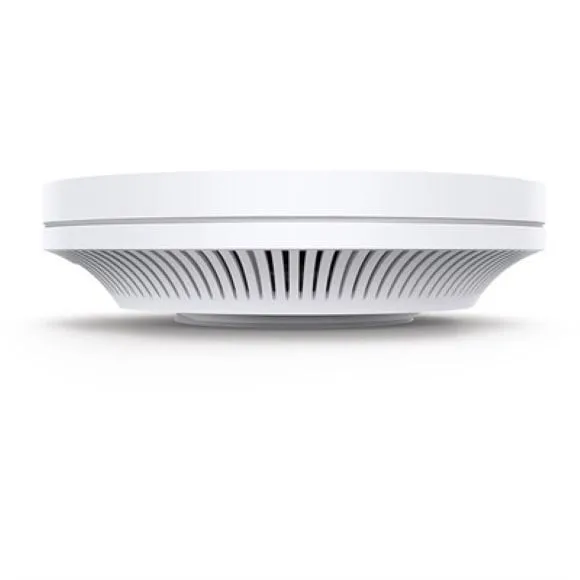
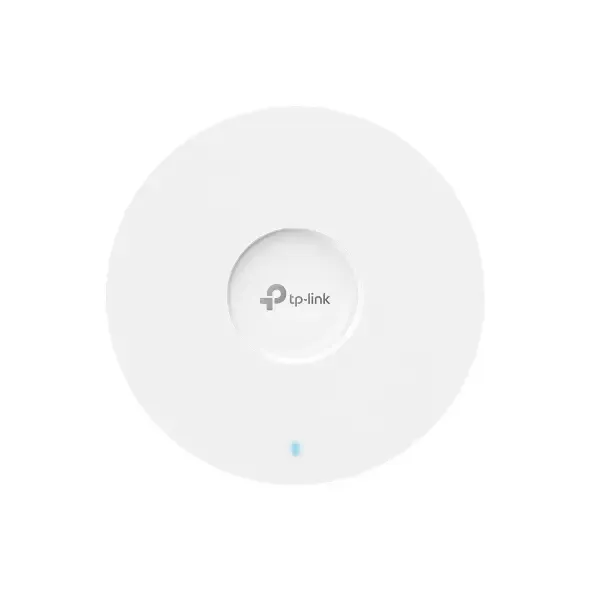
Everything in this category comes from TP-Link, so the choice you make sits between models rather than between vendors. The bulk of the range is ceiling mount hardware built for indoor installation, with outdoor rated units for yards, gates and covered walkways. On the wireless side the range runs from dual band models through to WiFi 6 access points built for busier networks. Prices spread wide, from entry level units suited to a single room up to premium multi gigabit models, so a small office and a multi floor building can both be equipped from this one page.
Three decisions do most of the work.
- Start with mounting: a ceiling mount unit sits above the space it serves and radiates down, while an outdoor unit is the only sensible option once the mounting point is exposed to weather.
- Then decide whether you need WiFi 6. It earns its cost where many devices connect at once, such as an open plan office or a classroom, and matters less where five or six devices share the air.
- Last, count coverage in units rather than in claimed range. Two modest access points placed at opposite ends of a floor hold a steadier signal than one premium unit fighting through a concrete wall.
Matching a model to your site
A single shop floor or a flat with one difficult corner is served by one entry level dual band unit. A busy office with dozens of laptops and phones on the same network wants a WiFi 6 model, and often more than one. A house or compound where coverage has to reach a garden, a gate or a rooftop needs at least one outdoor rated access point alongside the indoor units. Installers wiring a multi floor building tend to standardise on one ceiling mount model per floor, which keeps mounting, cabling and configuration consistent.
Mega Computer stocks this range at the Karachi showroom, where you can see a unit before you commit to a rollout. Orders ship with nationwide delivery across Pakistan. Payment is by cash on delivery or online payment. Every access point sold here is a new retail unit and carries its standard manufacturer warranty, so hold on to the invoice and packaging until the install is signed off.