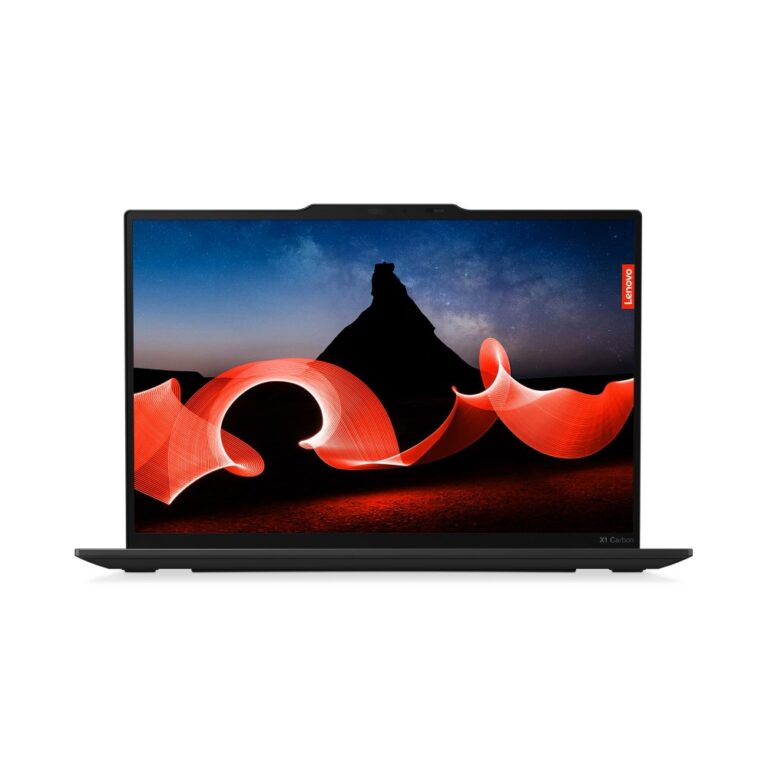
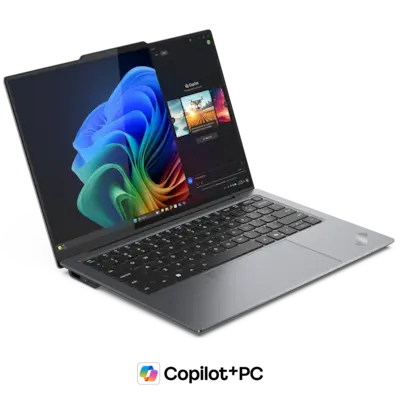
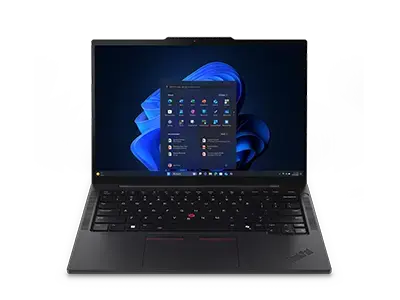
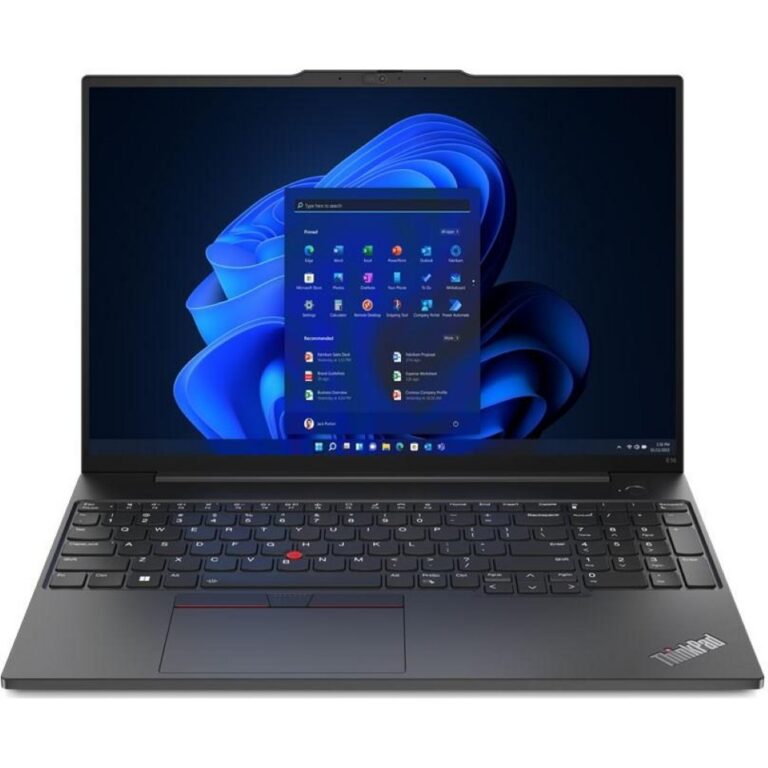
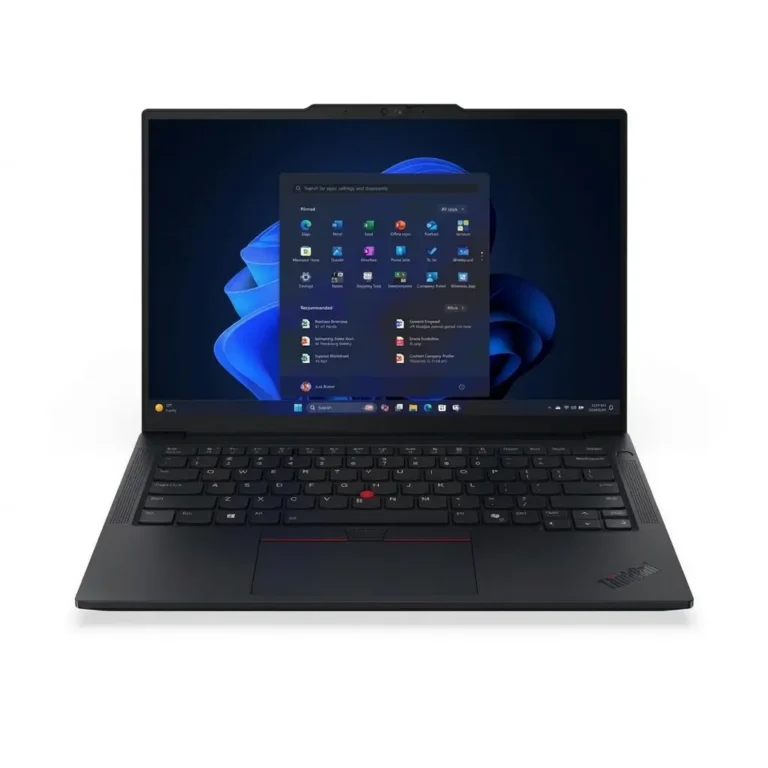
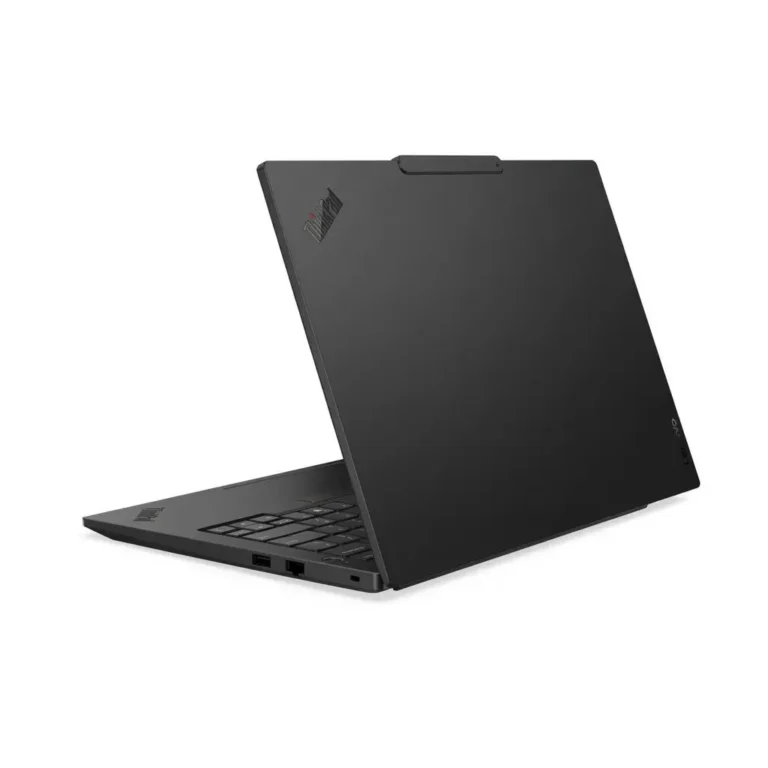
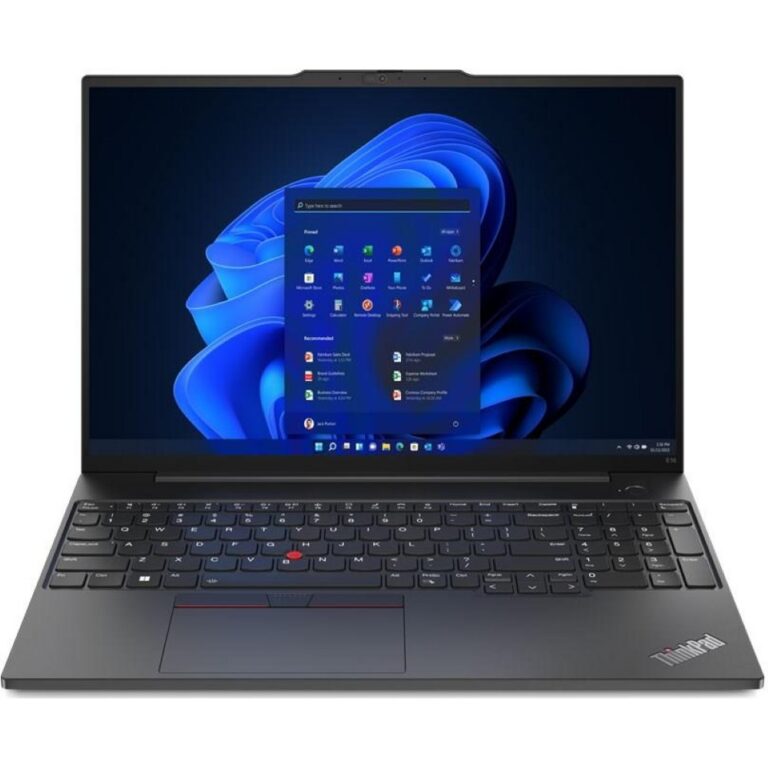
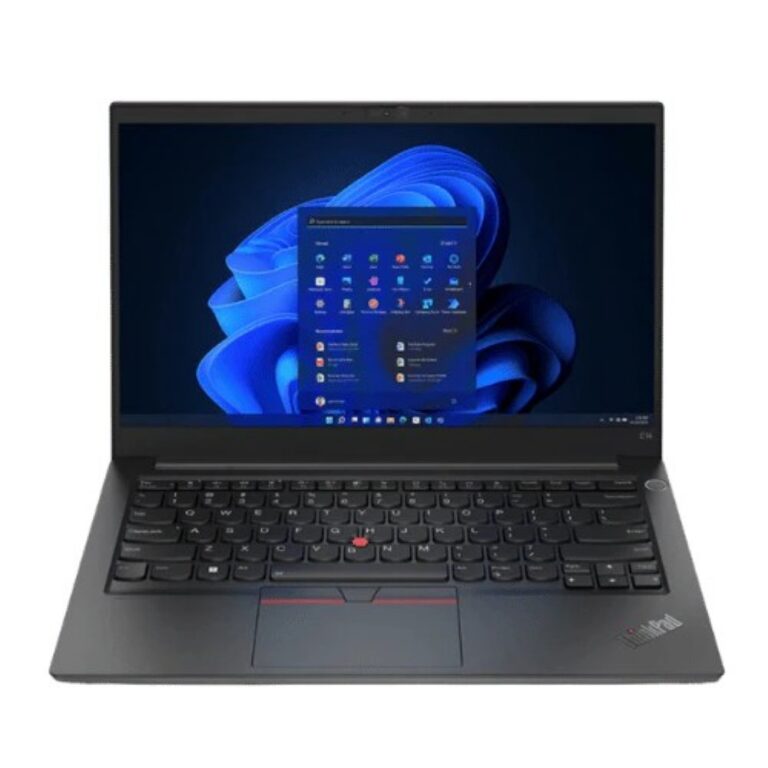
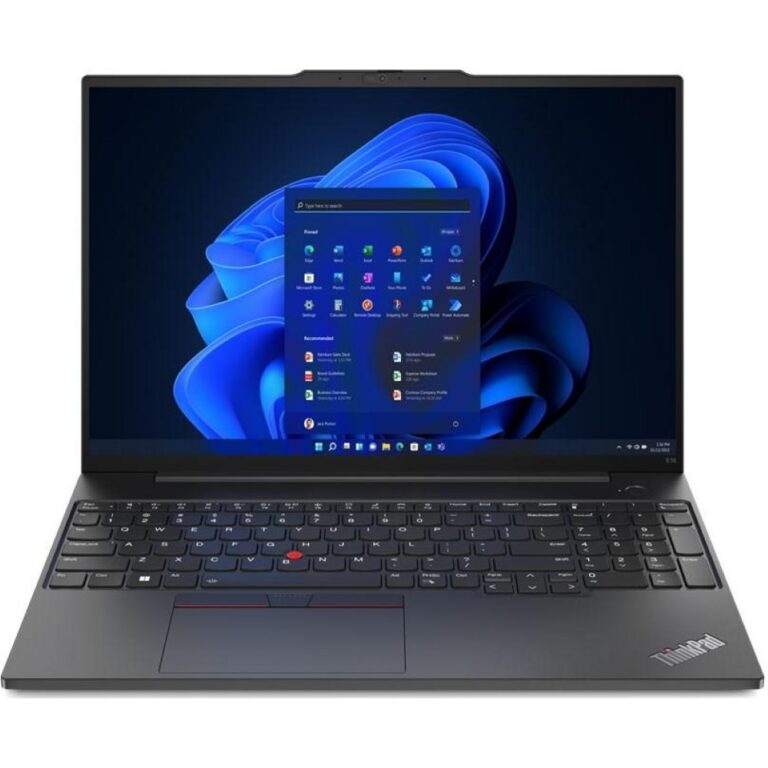
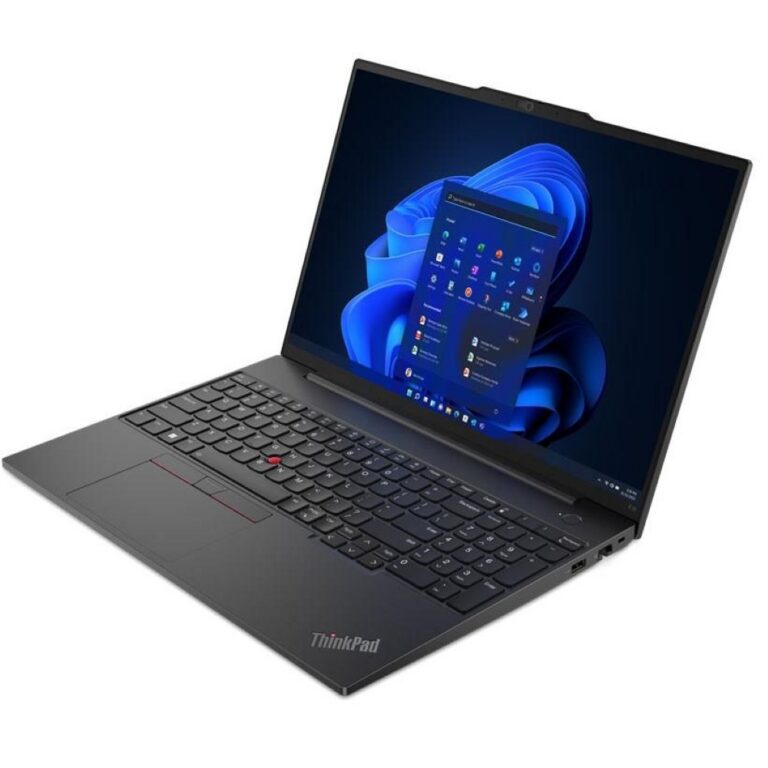
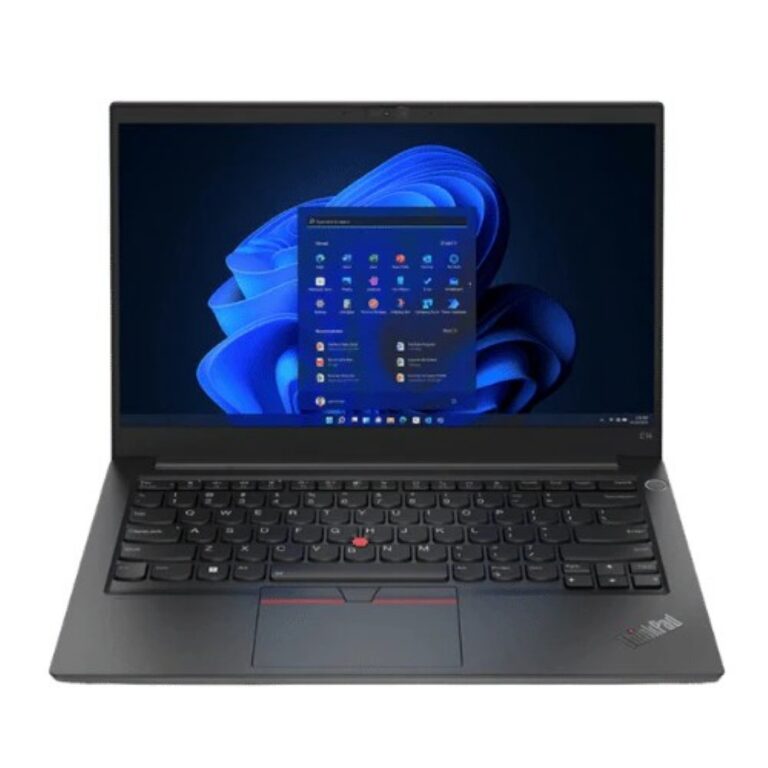
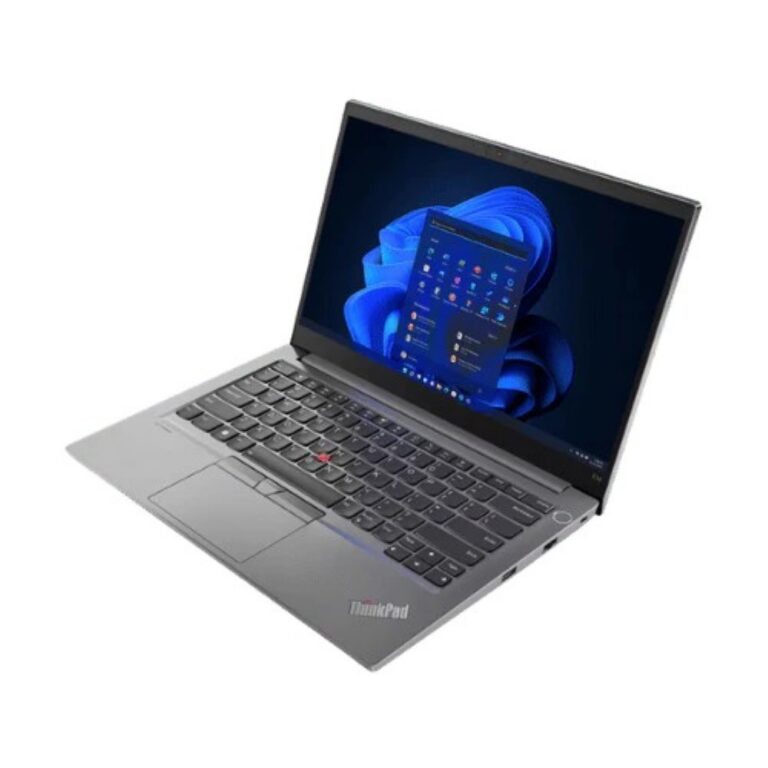
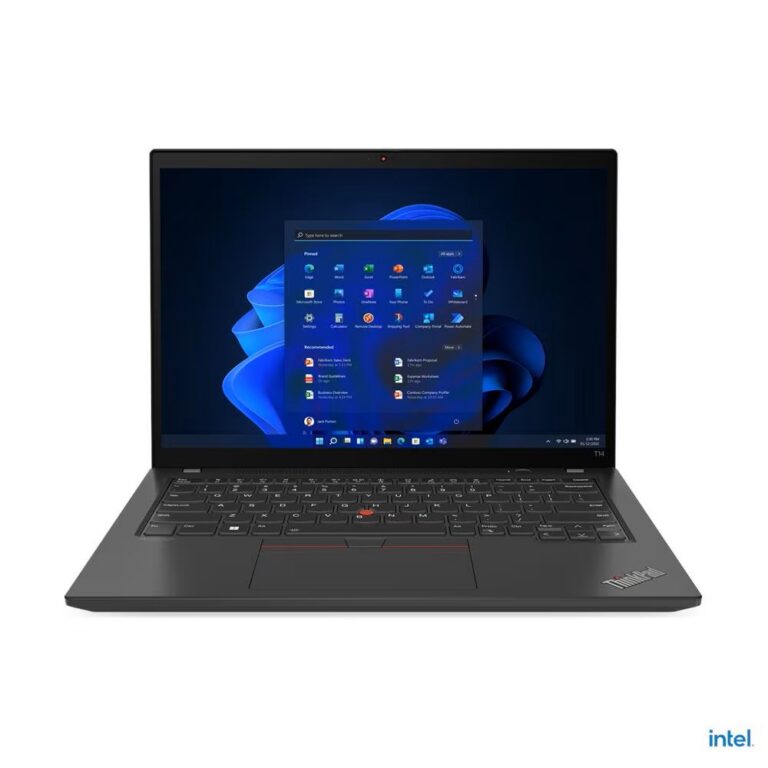
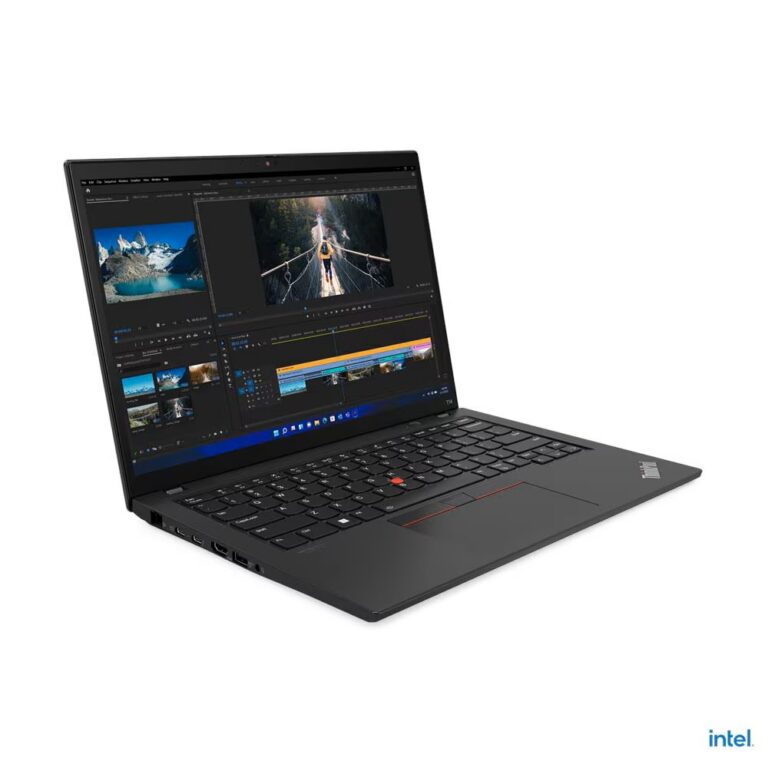
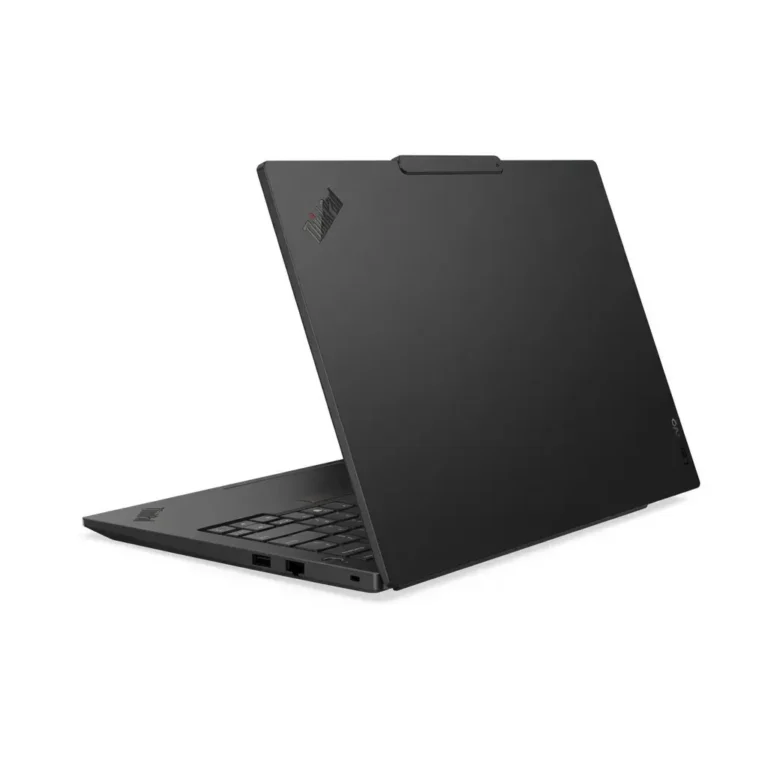
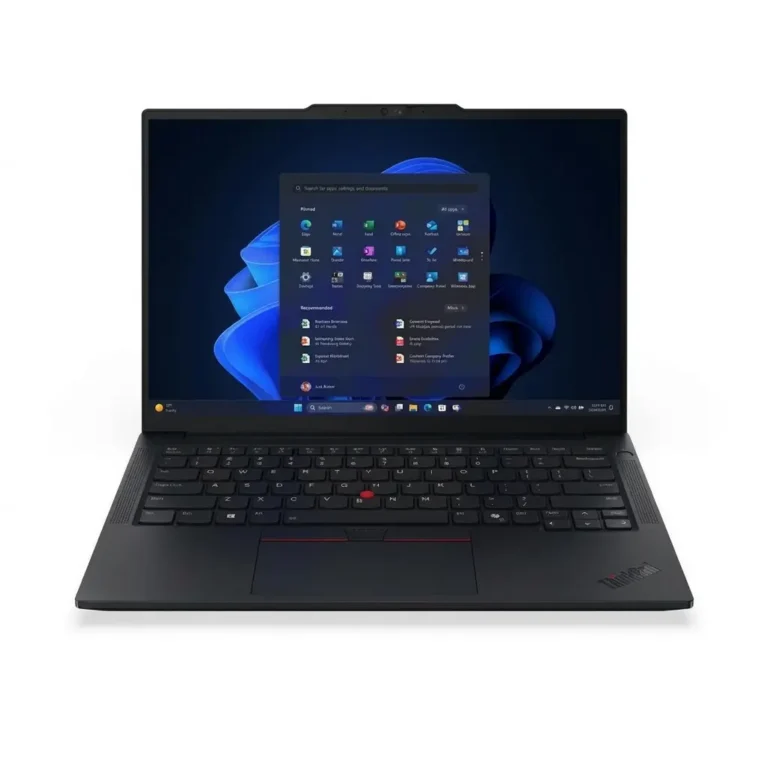
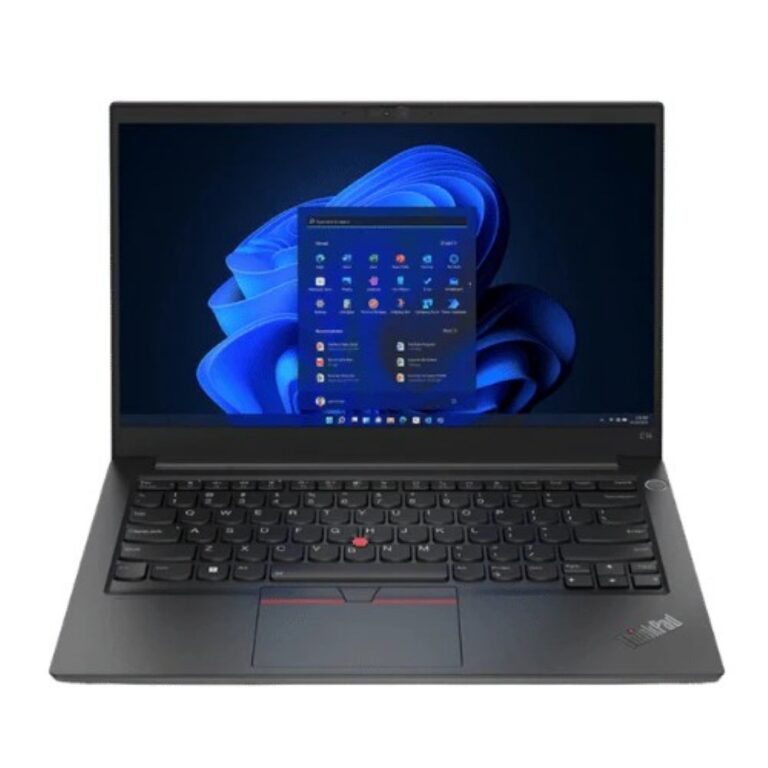
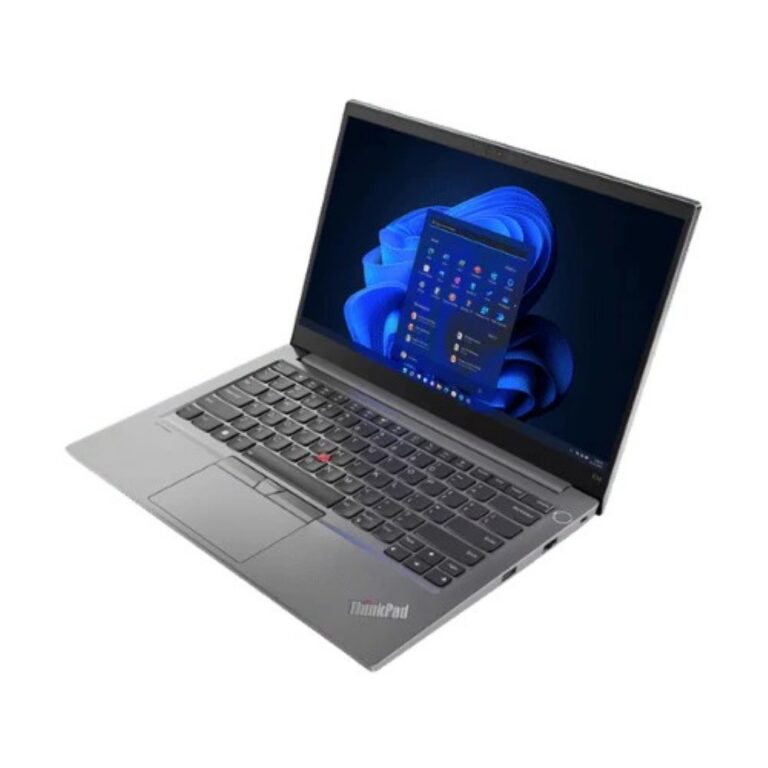
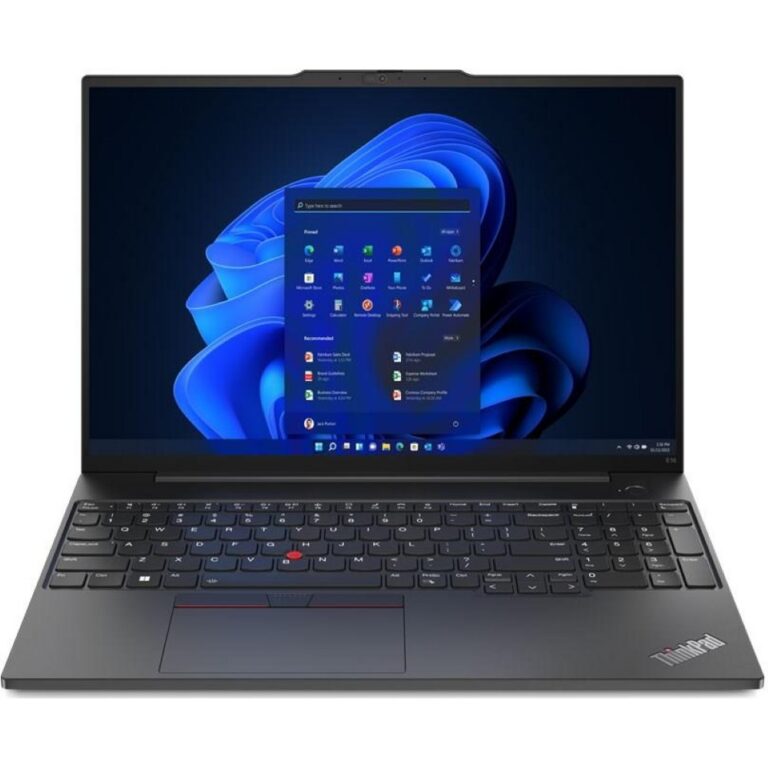
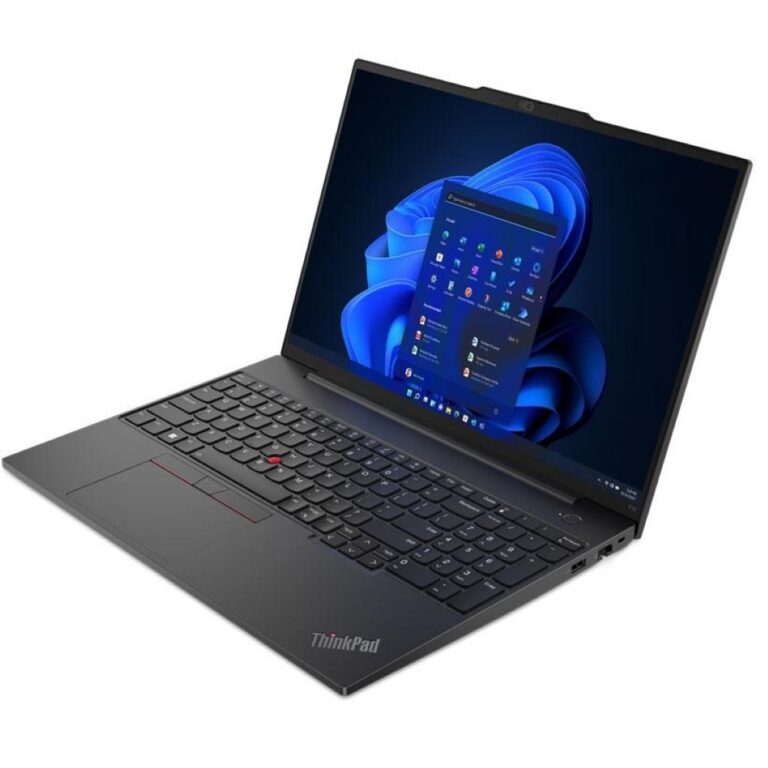
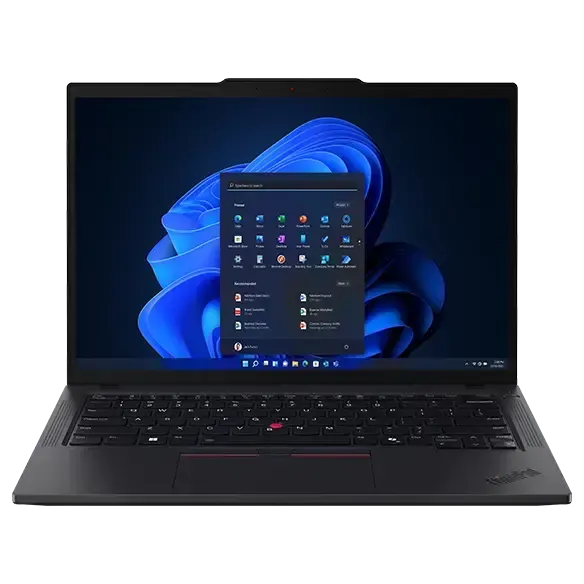
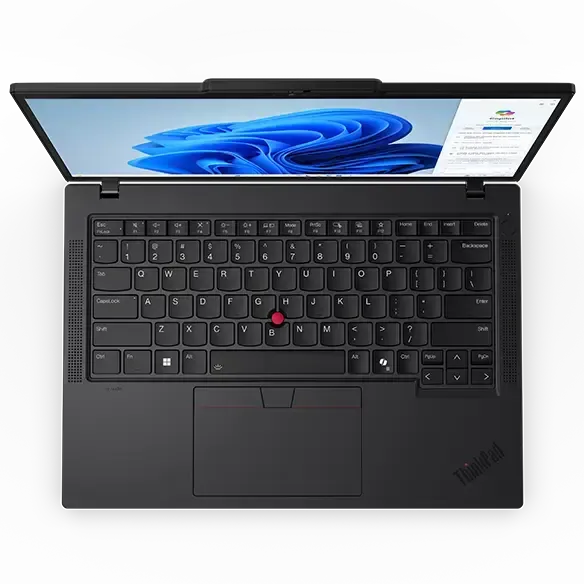
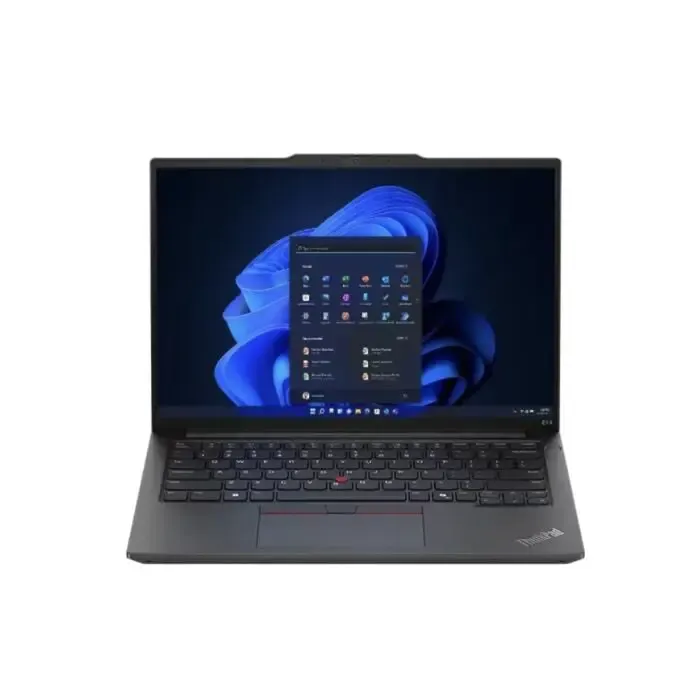
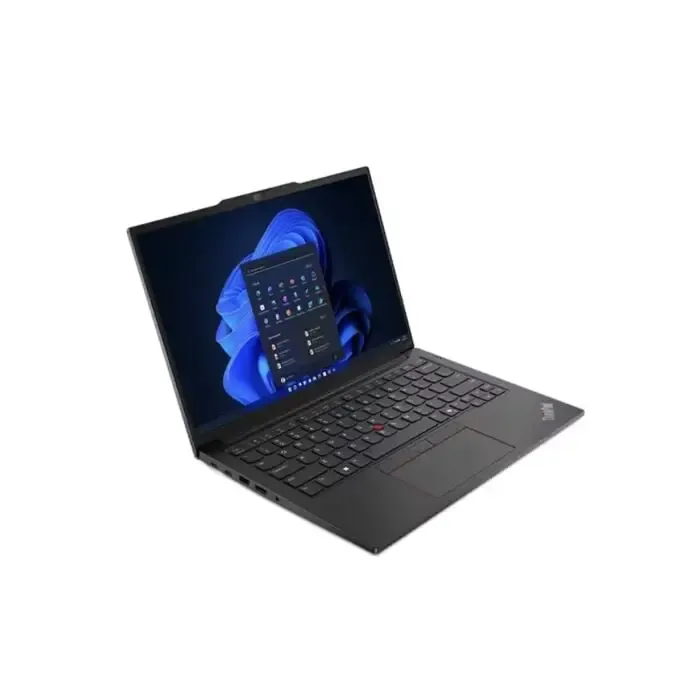
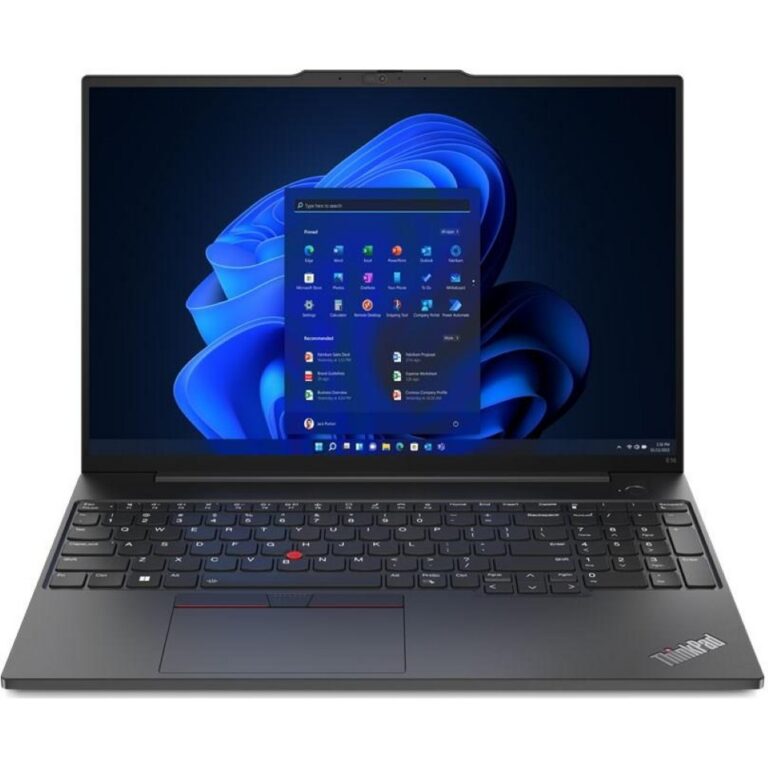
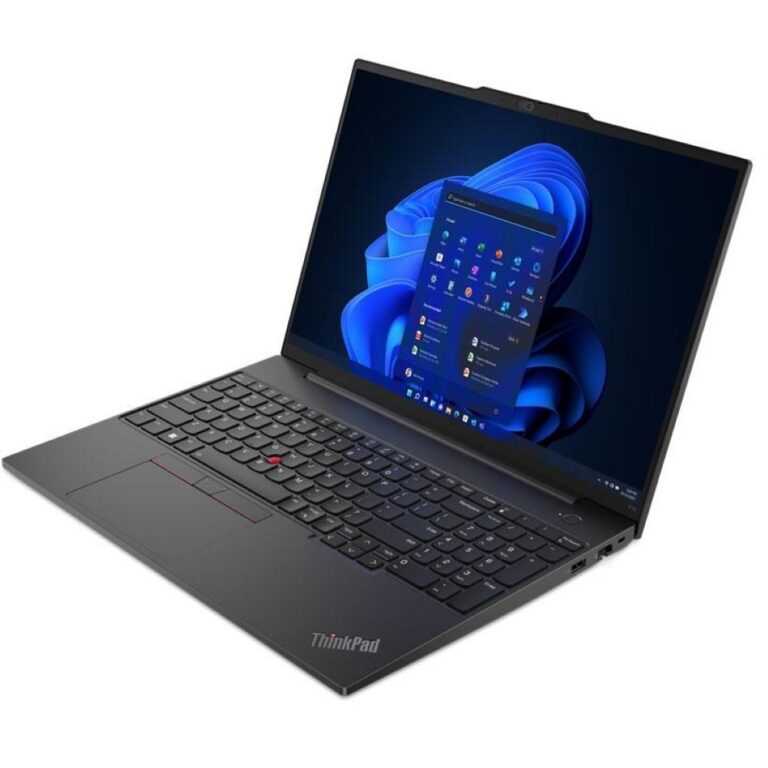
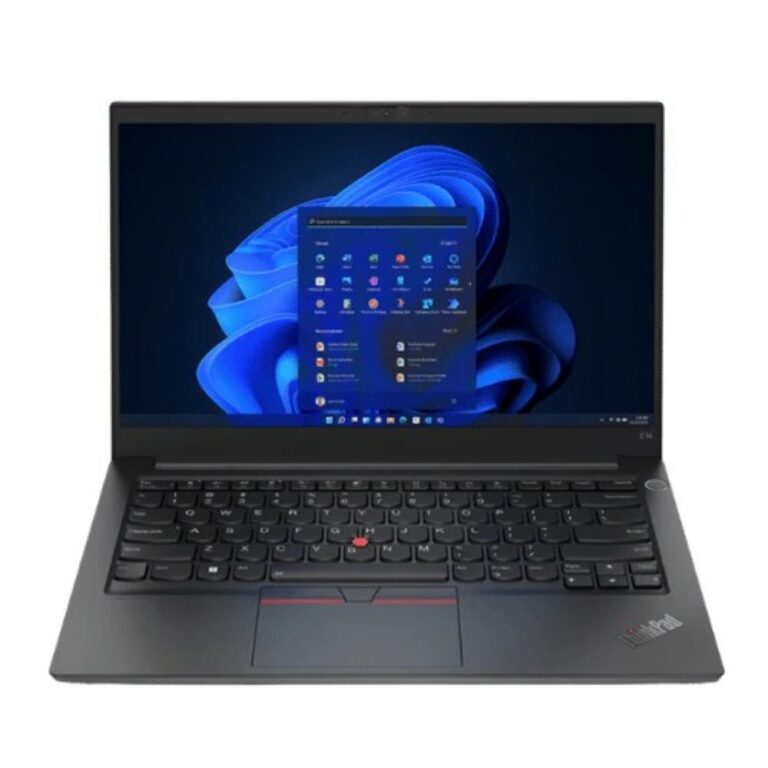
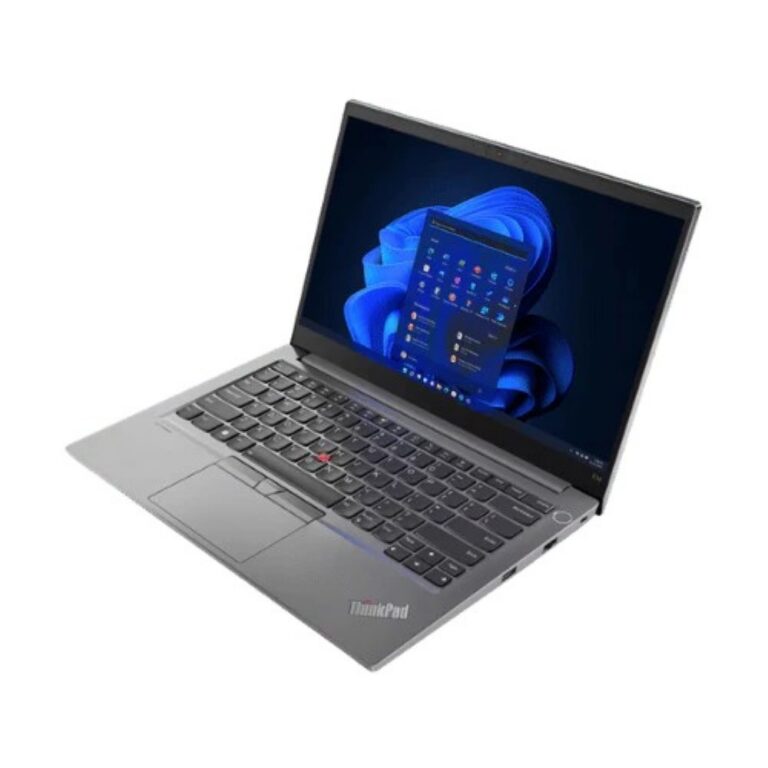
Business class Lenovo notebooks spanning the X1 Carbon, X13 and T14 lines, with IPS displays, NVMe storage and DDR4 or DDR5 memory configurations.
Lenovo ThinkPad Laptops
Lenovo ThinkPad is the business line of the Lenovo range, and this category holds the models built to travel between office, client site and home. Buyers here want a keyboard that survives years of typing, a matte panel that stays readable under office lighting, and a chassis that slides into a slim bag without a fight.
Several ThinkPad families sit side by side here. X1 Carbon is the thin and light choice, pairing 16GB memory with NVMe SSD storage on a PCIe 4.0 link in either 512GB or 1TB. The X13 2-in-1 Gen 5 folds into tablet position and uses an IPS touch panel. T14 covers the mainstream workhorse slot, sold in a Gen 5 build with DDR5 memory and a Gen 3 build with 8GB DDR4, a 720p camera and a touchscreen. Toward the top of the range, the X9-14 Gen 1 carries 32GB memory with a 1TB SSD. Pricing runs from entry level through to premium.
Three decisions separate one ThinkPad from the next.
- Memory comes first. 8GB DDR4 copes with browser work and office documents, while 16GB or 32GB of DDR5 is what you need for large spreadsheets, virtual machines or a stack of open tabs.
- Storage is the second call, because 512GB fills fast once project files and design assets land on it, and 1TB of NVMe leaves room to keep that work on the machine rather than on a server.
- The panel is third. Every unit in this category uses an IPS screen, but only some accept touch, and touch earns its place if you sign documents or mark up drawings. Check the operating system line as well, since part of the range ships with no OS installed and you supply your own licence.
Consultants and sales staff who move between meetings all week gain the most from the X1 Carbon weight with a 16GB configuration. Engineers, developers and finance teams who dock at a desk and load heavy applications should start at 32GB memory with 1TB storage and treat anything less as a compromise. Field staff filling forms on site do better with the X13 2-in-1 and its touch panel. Offices buying several machines for general admin work usually settle on a T14 with 8GB DDR4, then specify more memory at order time rather than after delivery.
Buying a ThinkPad in Pakistan
Mega Computer has traded in computer hardware since 1986 and keeps ThinkPad stock at the Karachi showroom, where you can type on the keyboard and judge the screen before you commit. Orders go out with nationwide delivery across Pakistan. Payment works through cash on delivery or online payment. Warranty terms differ by configuration, so confirm the coverage on the exact unit with our team before you place the order.

 LenovoLenovo 55