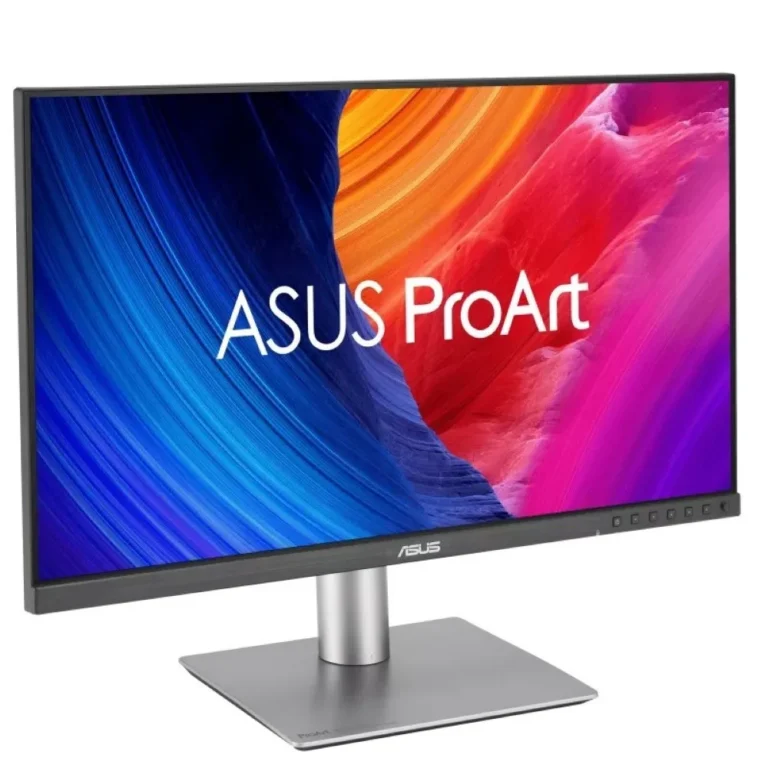
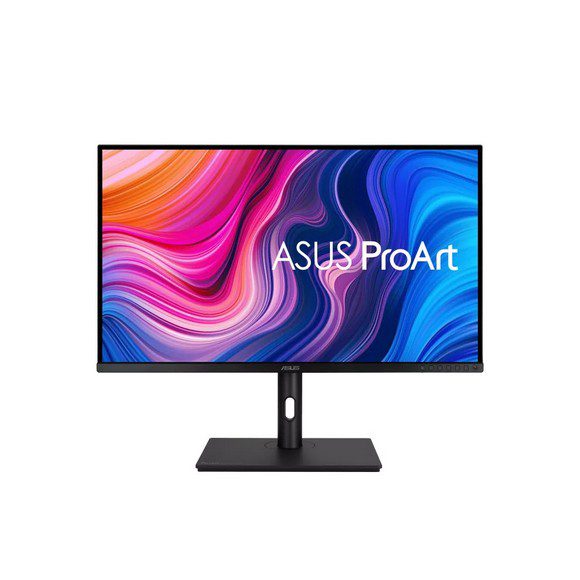
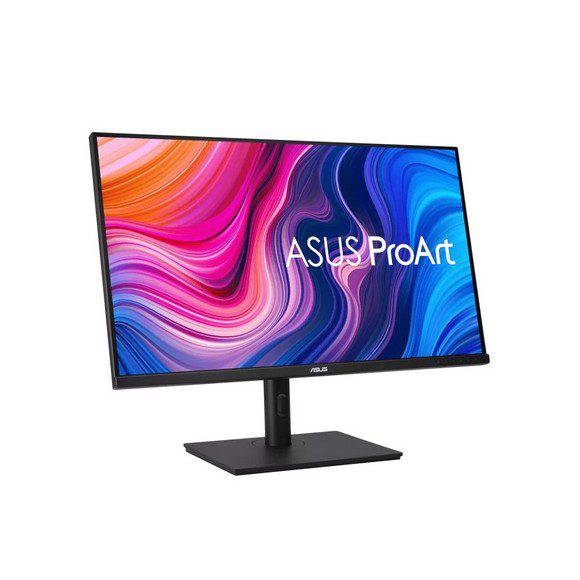
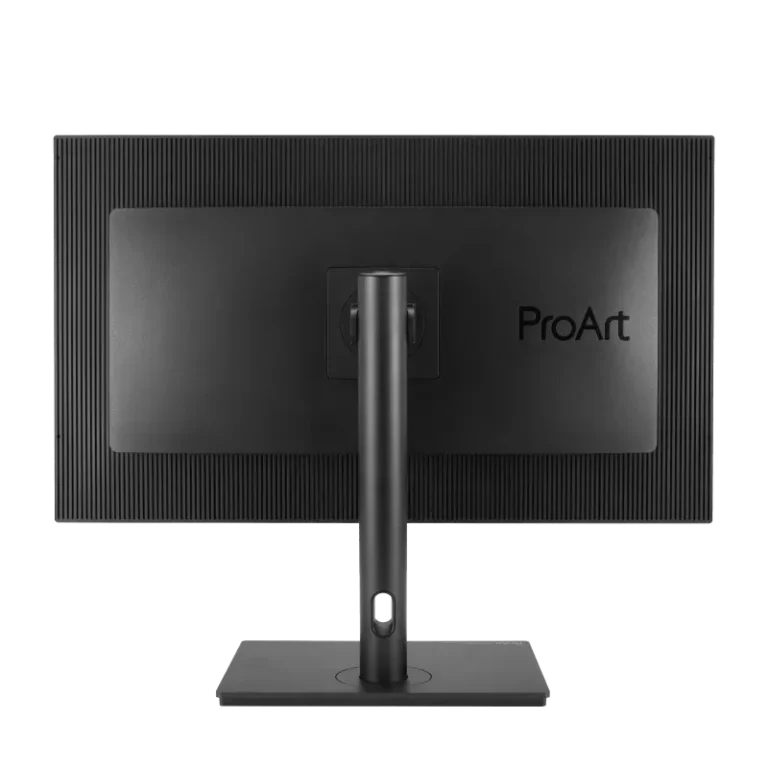
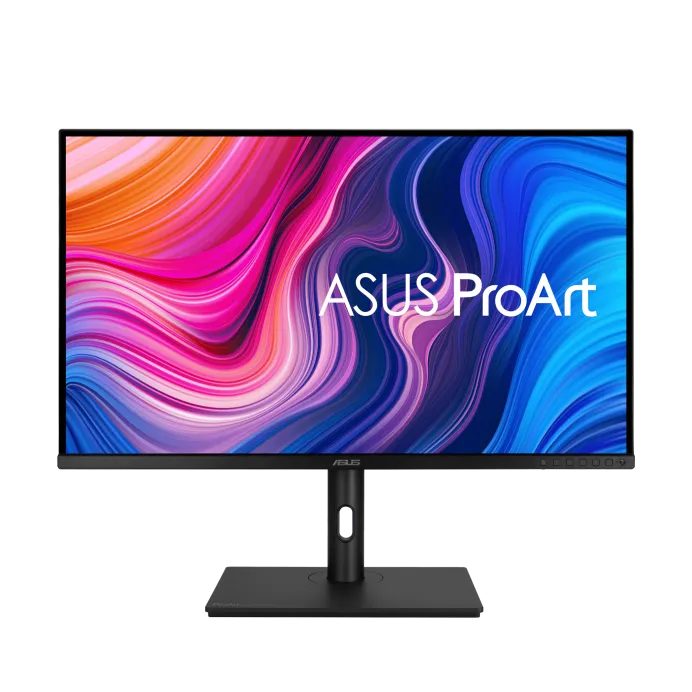
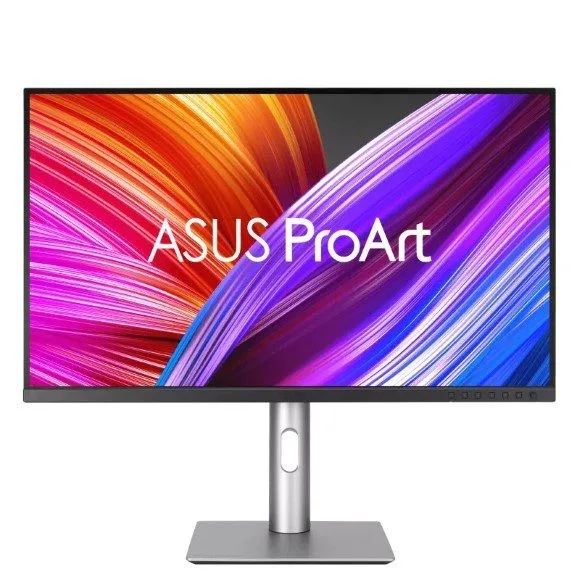
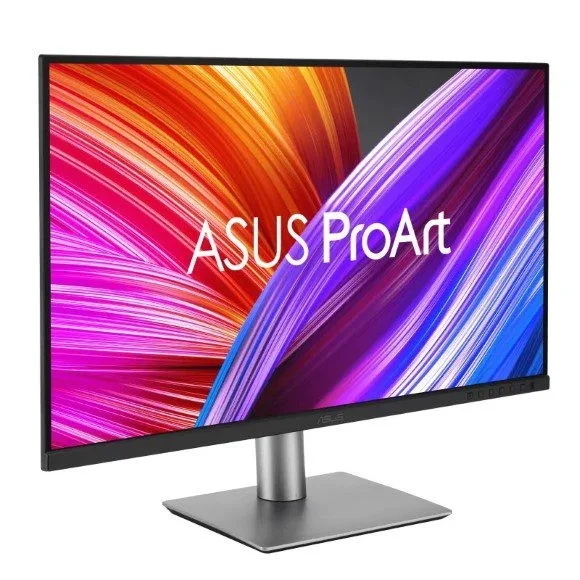
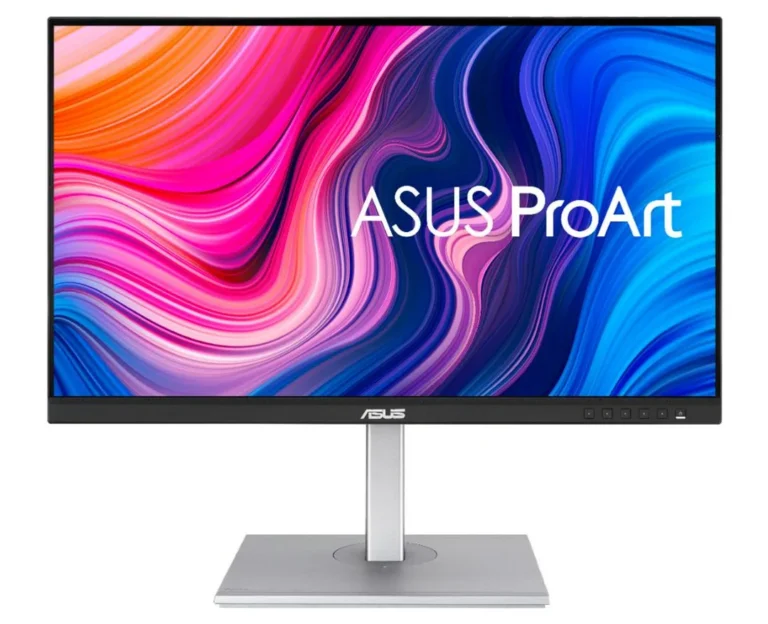
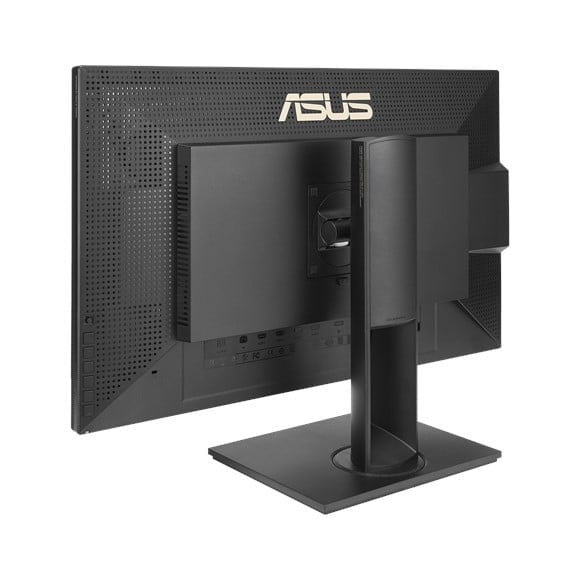
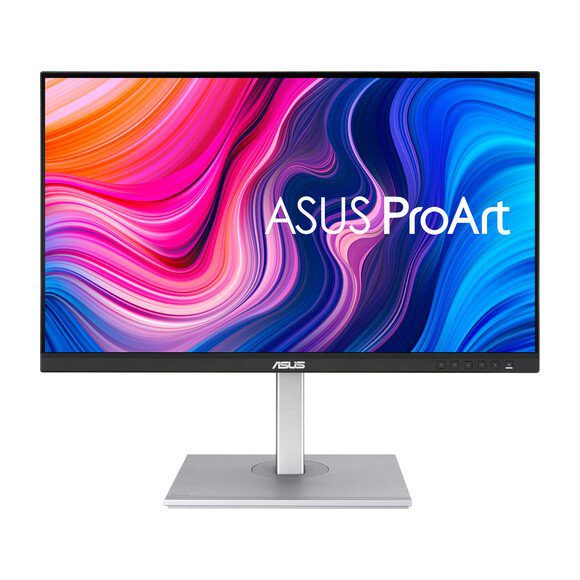
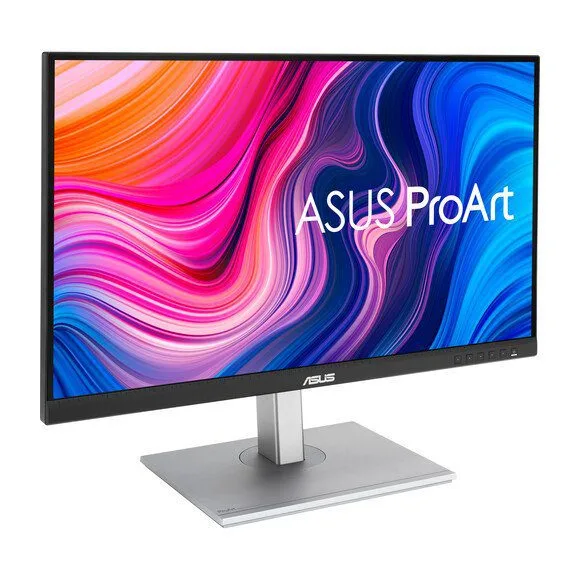
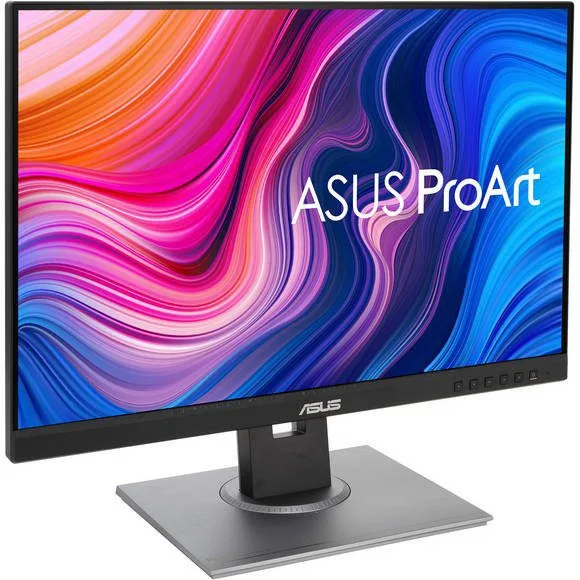
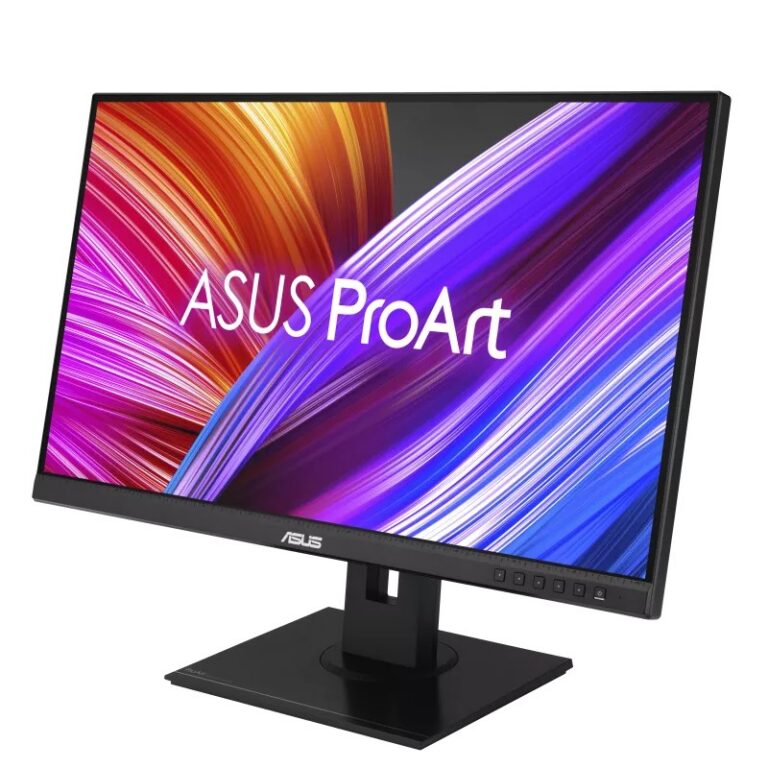
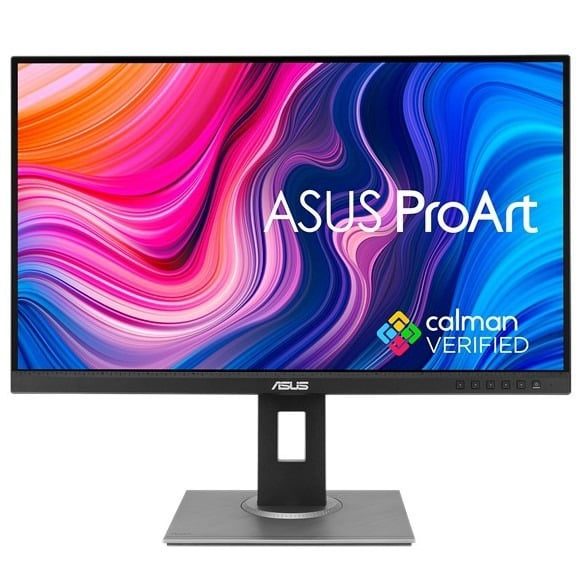
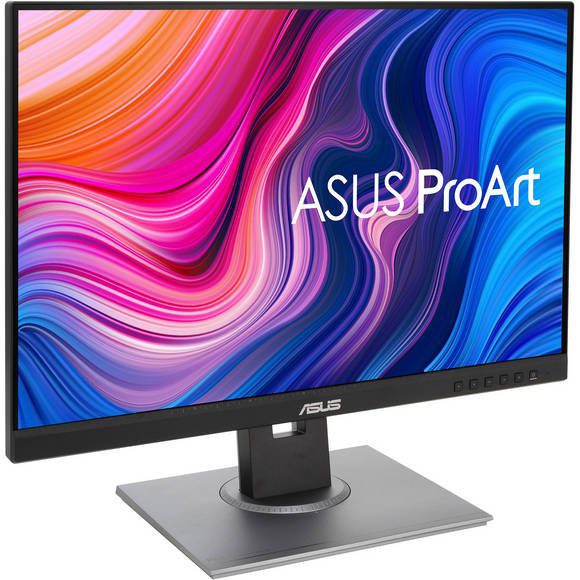
ASUS ProArt displays for colour critical work, from IPS 4K panels to 5K and ultra-wide QHD, many with USB-C PD 96W for single cable laptop setups.
ASUS ProArt Monitors for Colour Critical Work
ProArt monitors are the colour focused part of the ASUS display line, bought by photo editors, video editors, 3D artists and print studios who need the screen to agree with the finished file. The people who shop this section are working to a client brief, so a panel that shifts tone across the day costs them a reprint or a re-export.
Twenty four models sit under this heading. Resolution runs from ultra-wide QHD up through 4K to 5K, and the panels are IPS across the range. Refresh rates cover 100Hz, 120Hz and 160Hz, so the faster ProArt models hold up for animation review as well as still work. Several of them carry USB-C PD 96W, which sends the picture and charges a laptop on one cable. The price spread is wide, from entry level ASUS ProArt panels through to premium ones.
Three decisions do most of the work here.
- Resolution comes first: 5K gives the most pixel density for retouching and fine type, 4K matches video that finishes at UHD, and ultra-wide QHD trades vertical pixels for timeline width.
- Refresh rate comes second: 100Hz covers static design work, while 120Hz and 160Hz suit motion graphics and playback checks.
- Third, look at whether the model lists USB-C PD 96W. On a laptop that one port replaces both the charger and the video cable, and it changes how you lay out the desk.
Matching a ProArt Monitor to Your Work
A photographer grading stills all day gains more from 5K and an IPS panel than from a high refresh number. An editor cutting UHD footage should stay on 4K so the timeline maps to the panel without scaling. Motion designers and 3D artists watching playback want 120Hz or 160Hz. Anyone who keeps a grade and a reference frame open side by side gets more from ultra-wide QHD than from a second monitor and a second stand.
Mega Computer sells ProArt monitors new with manufacturer warranty. You can see them at the Karachi showroom before you buy, and we handle nationwide delivery across Pakistan for orders placed online. Payment is cash on delivery or online payment. Ask our team to confirm which ProArt models are available and what warranty term applies to the unit you want before you place the order.
One practical note before ordering. A USB-C PD 96W link carries video, data and power on the same cable, so check that your laptop port passes a display signal and not charge alone. For a desktop, plan the cable run to the tower before you set the monitor in place. If you calibrate against a print workflow, keep the panel out of direct window light so your viewing conditions stay constant.

 AsusAsus 24