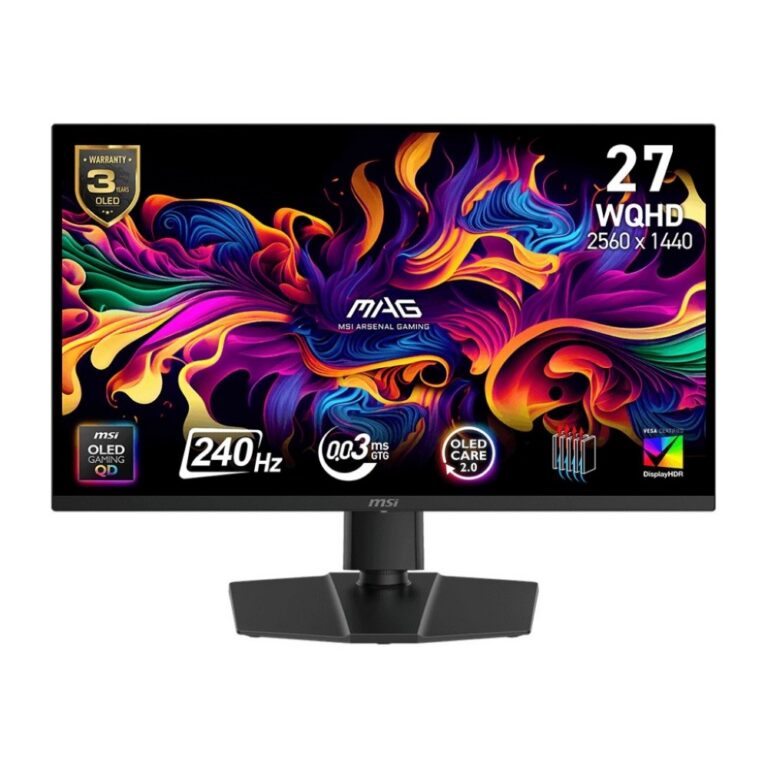
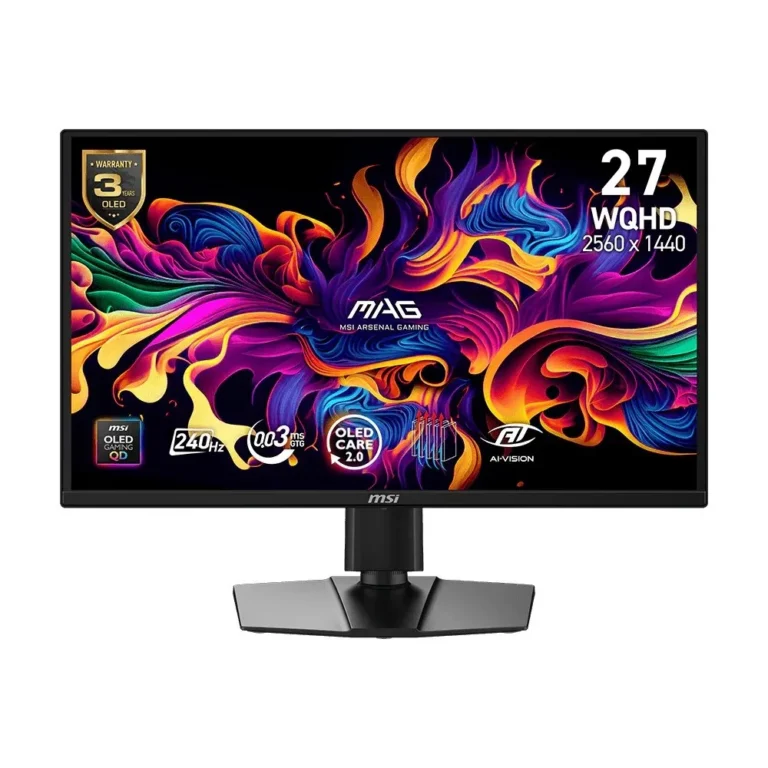
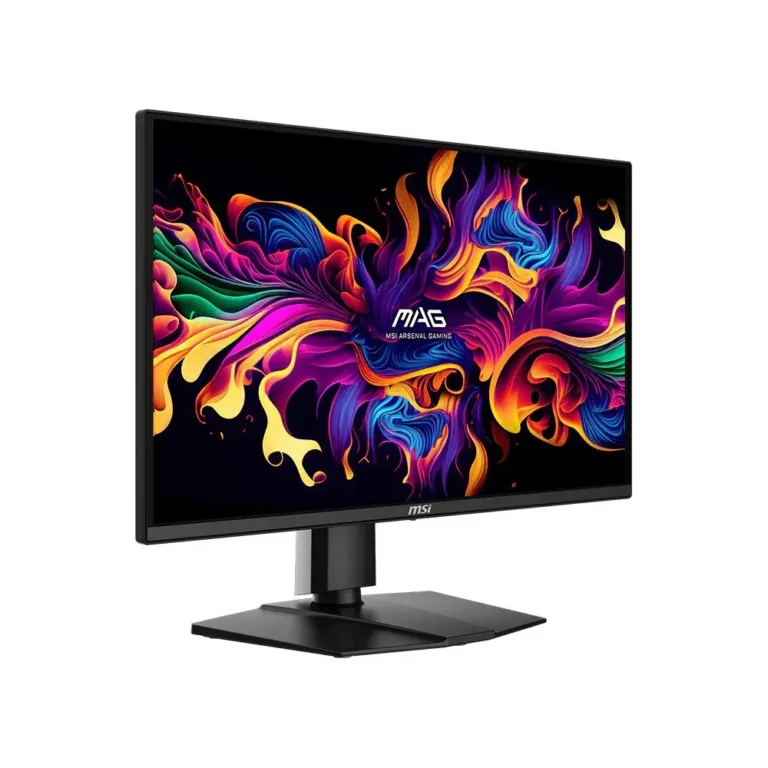
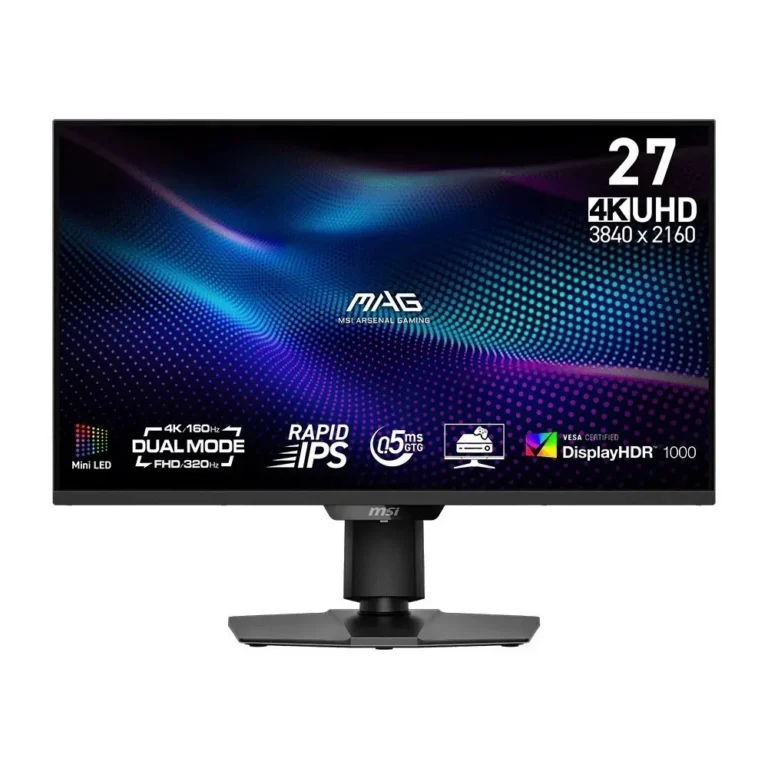
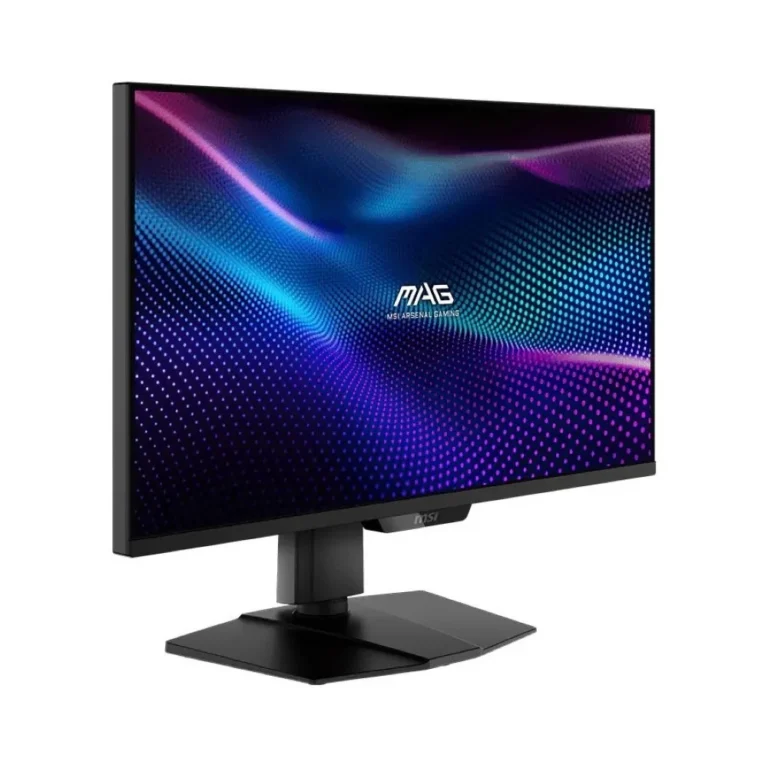
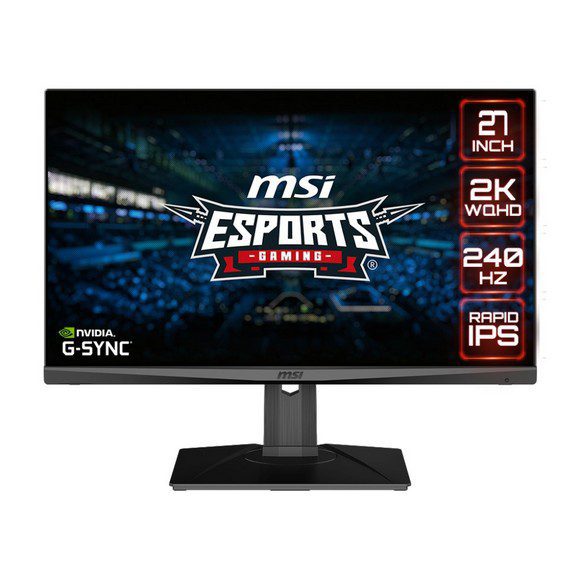
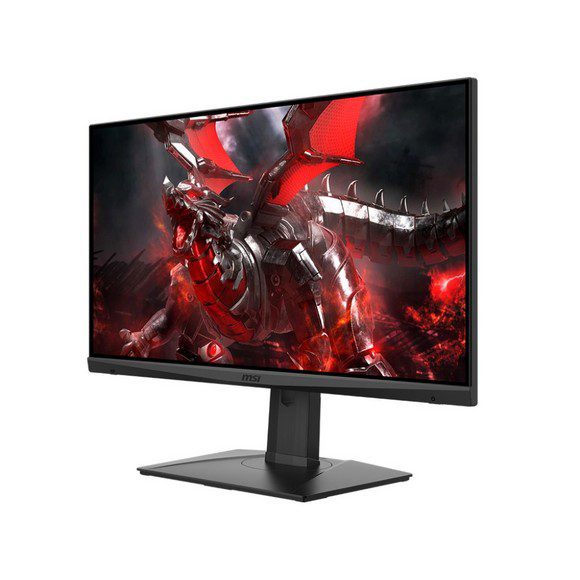
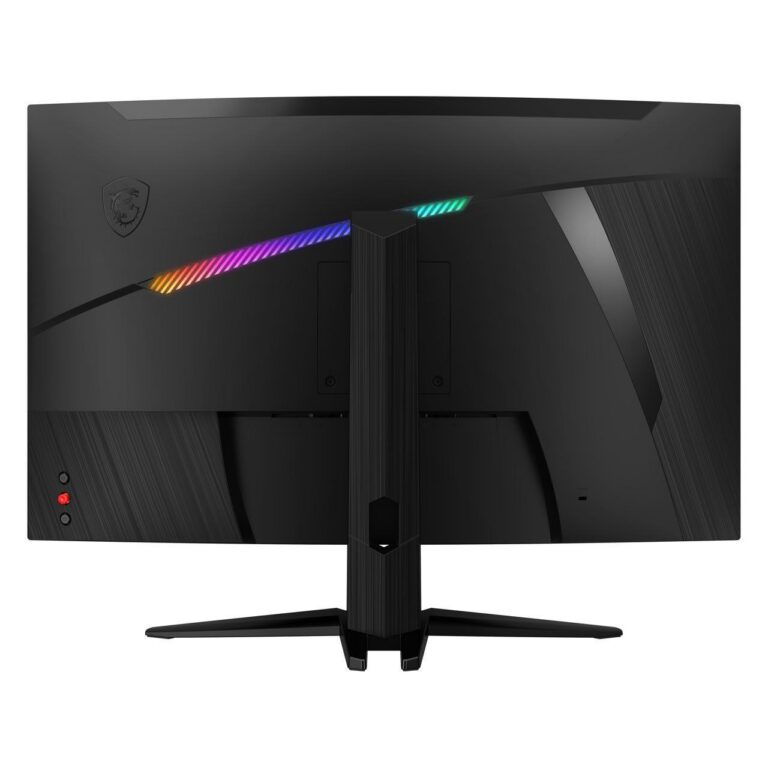
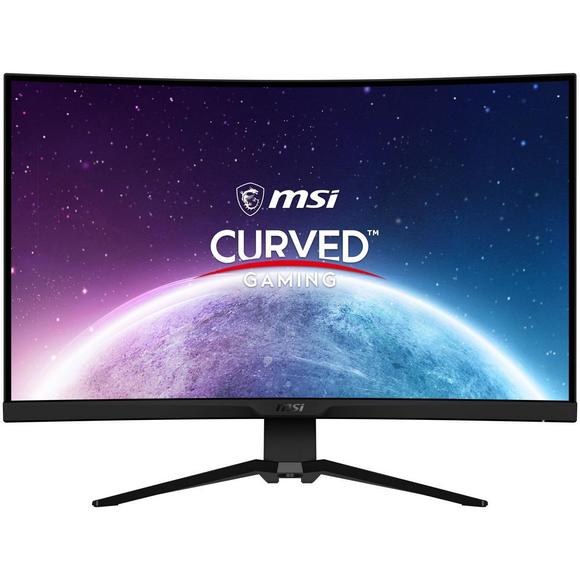
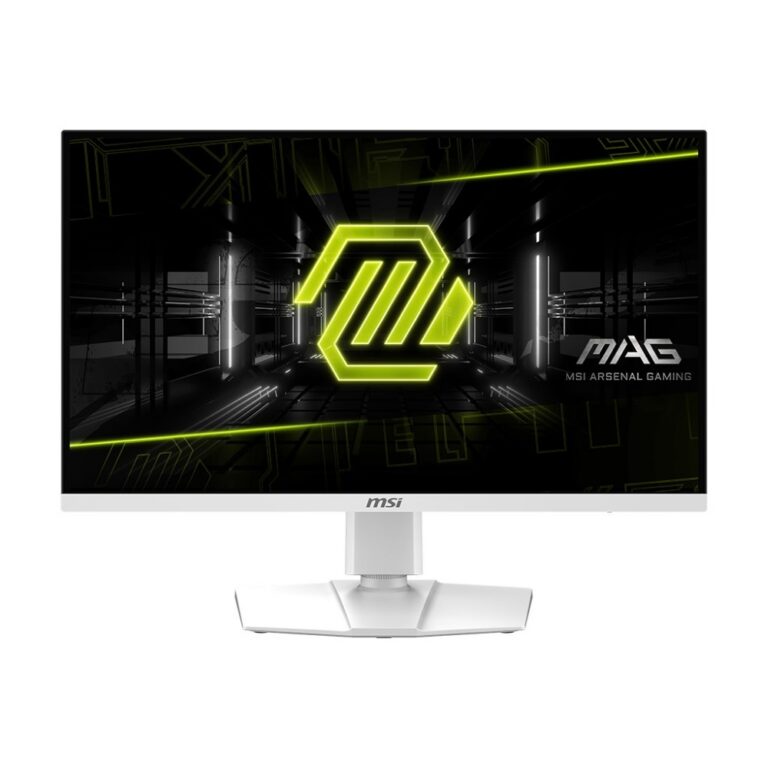
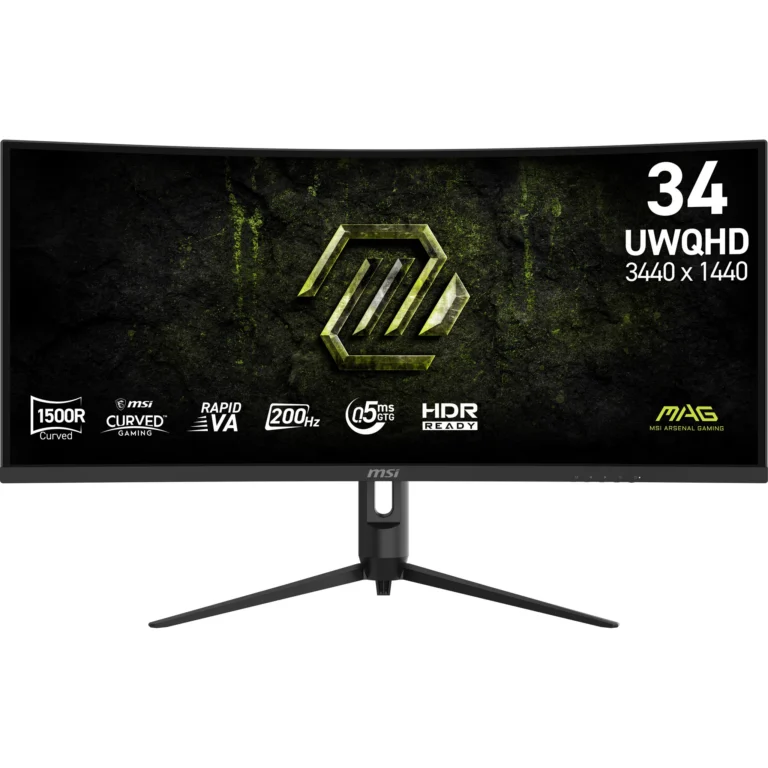
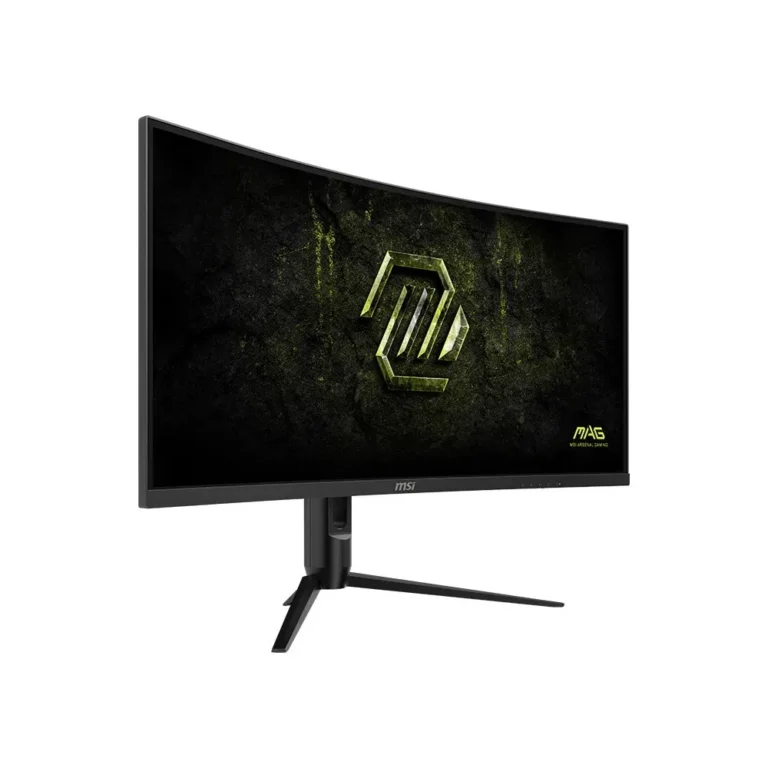
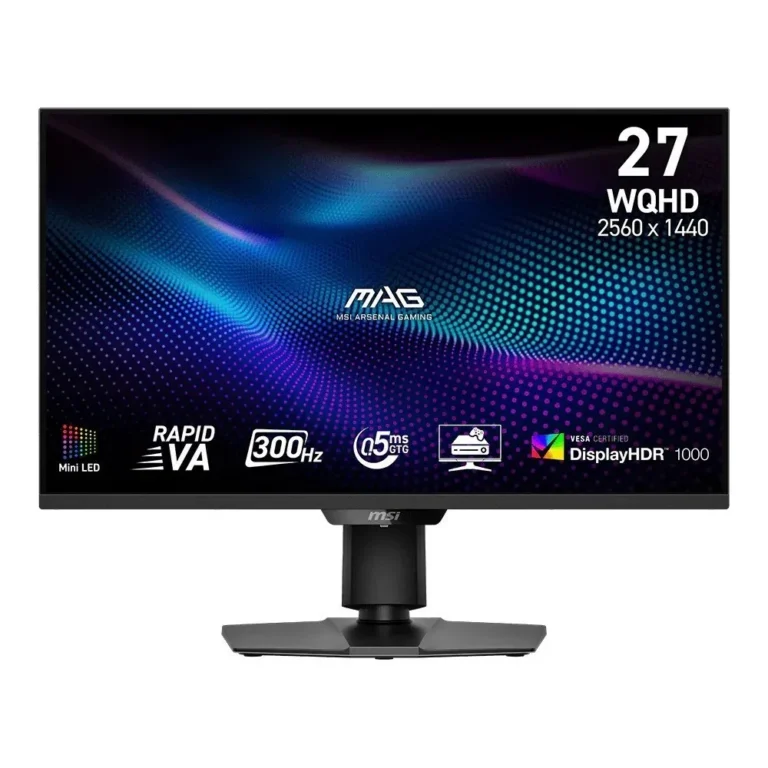
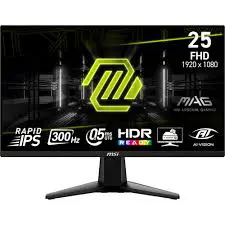
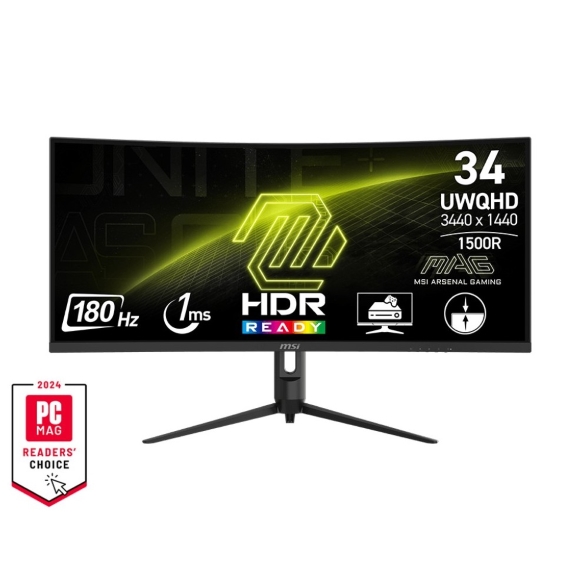
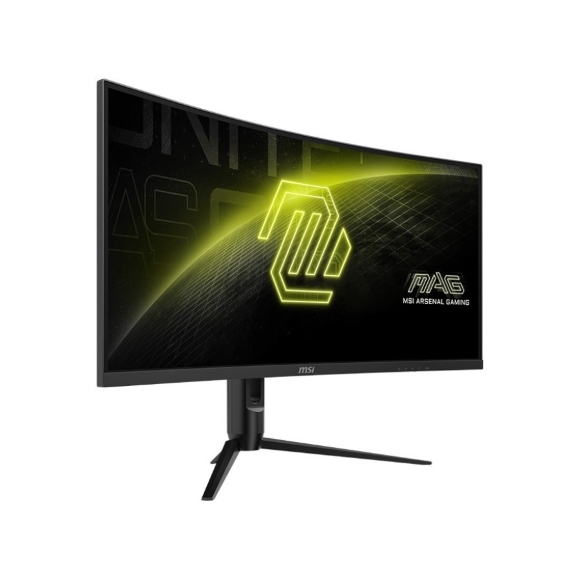
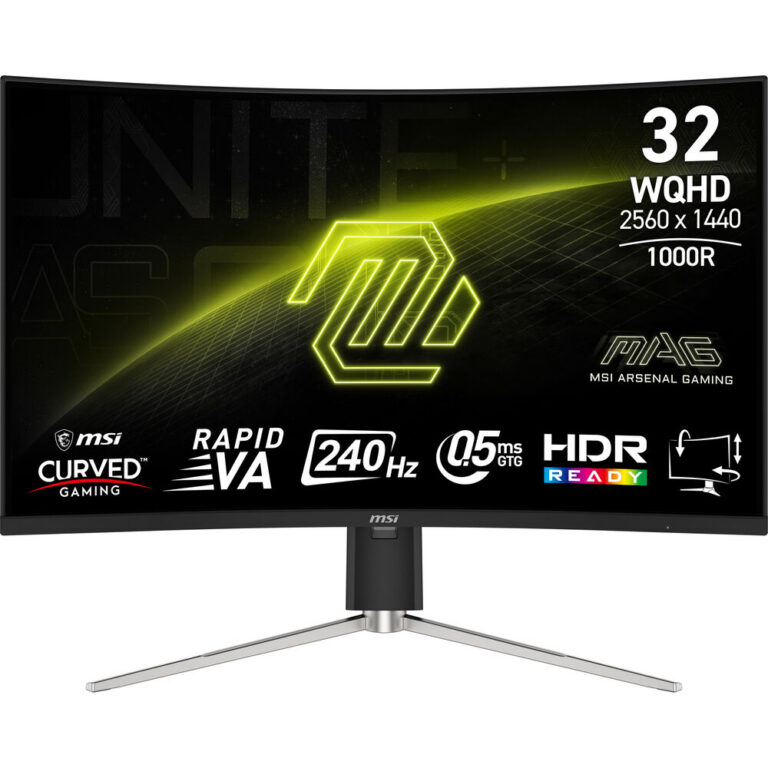
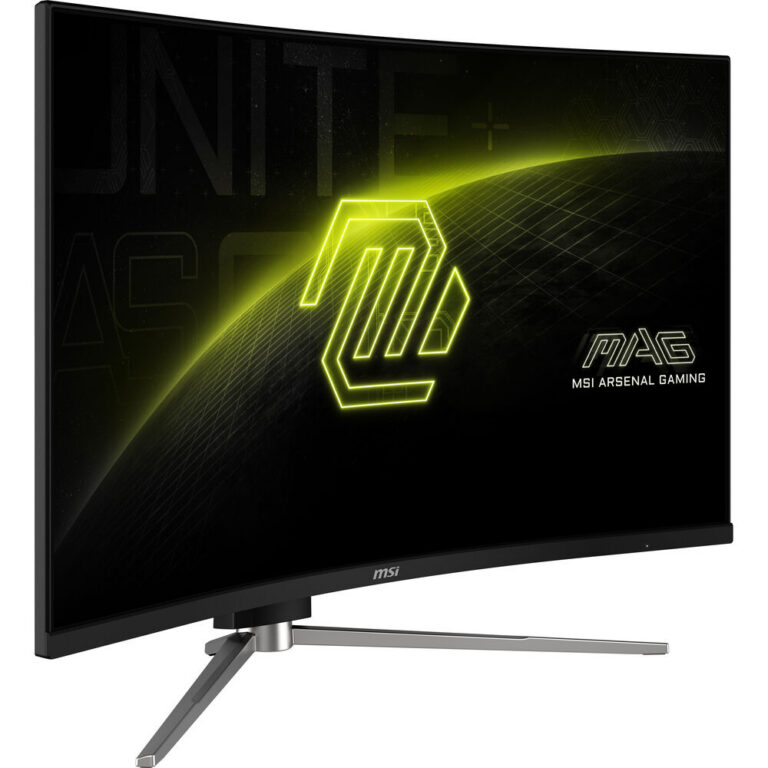
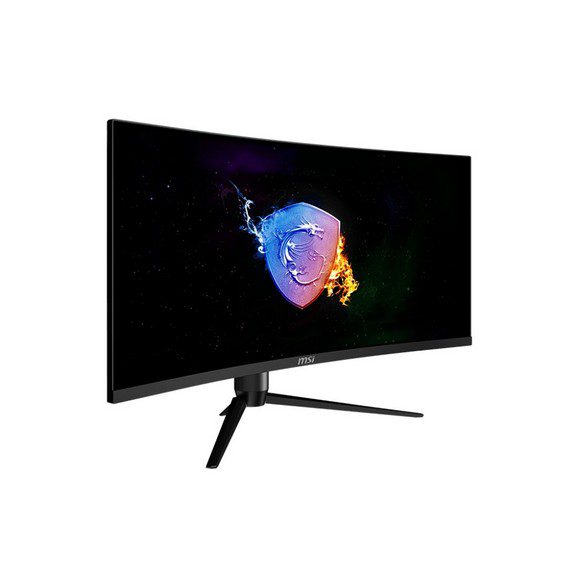
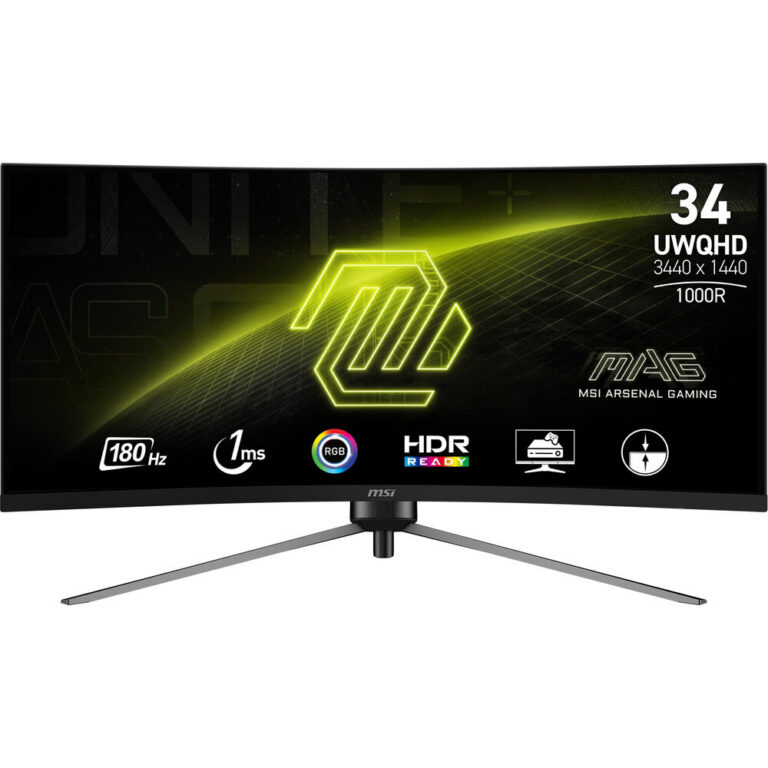
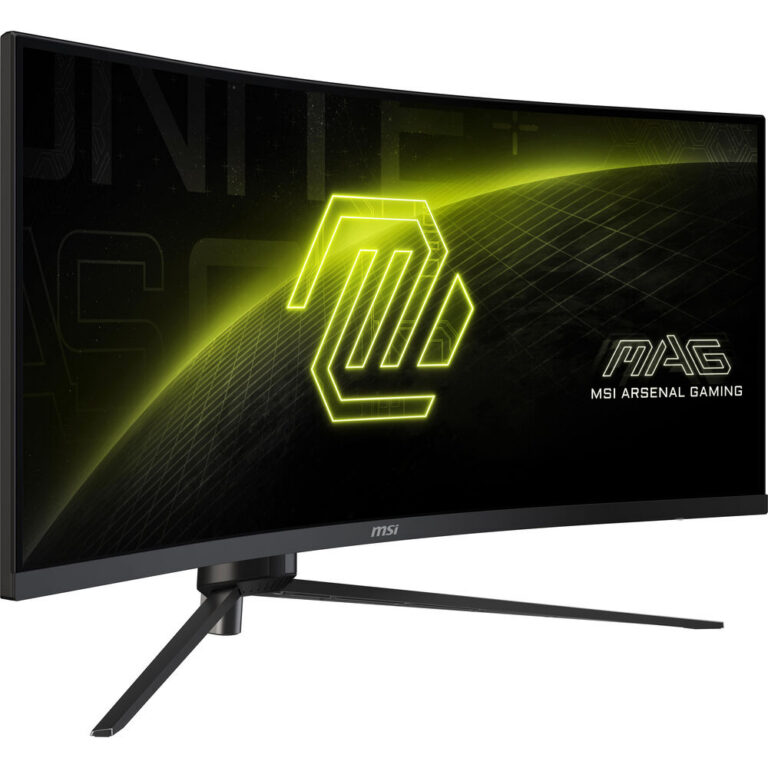
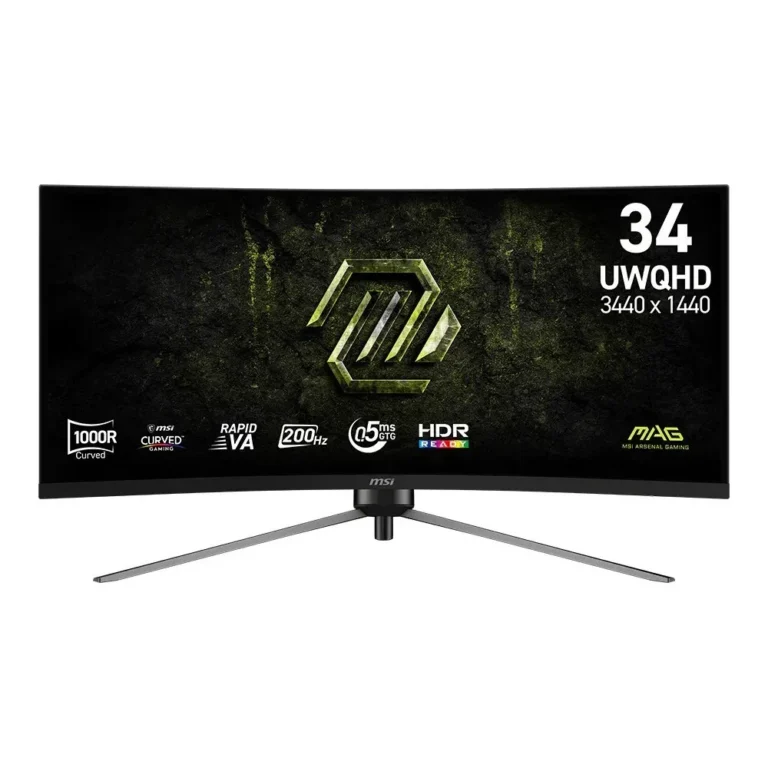
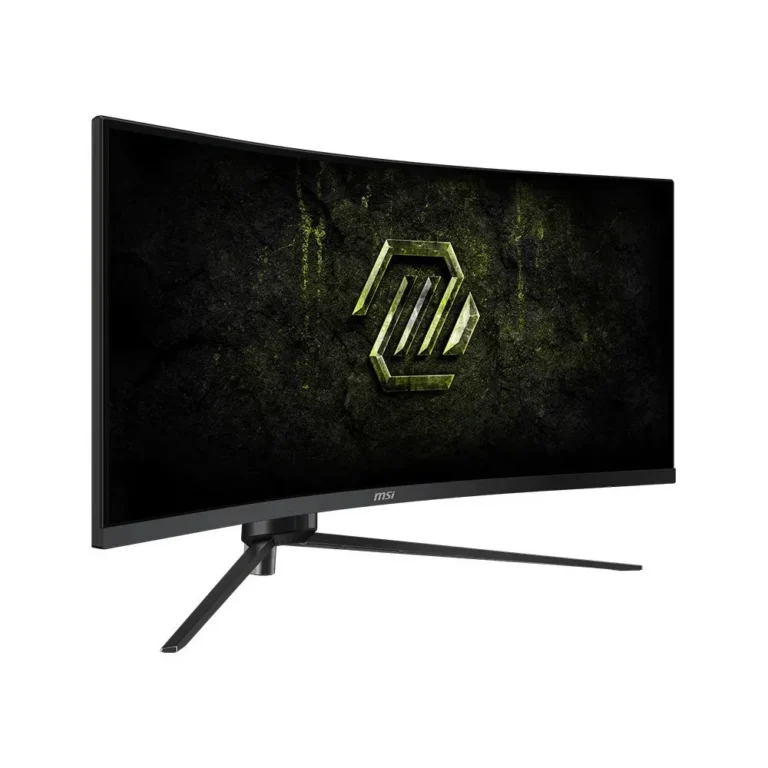
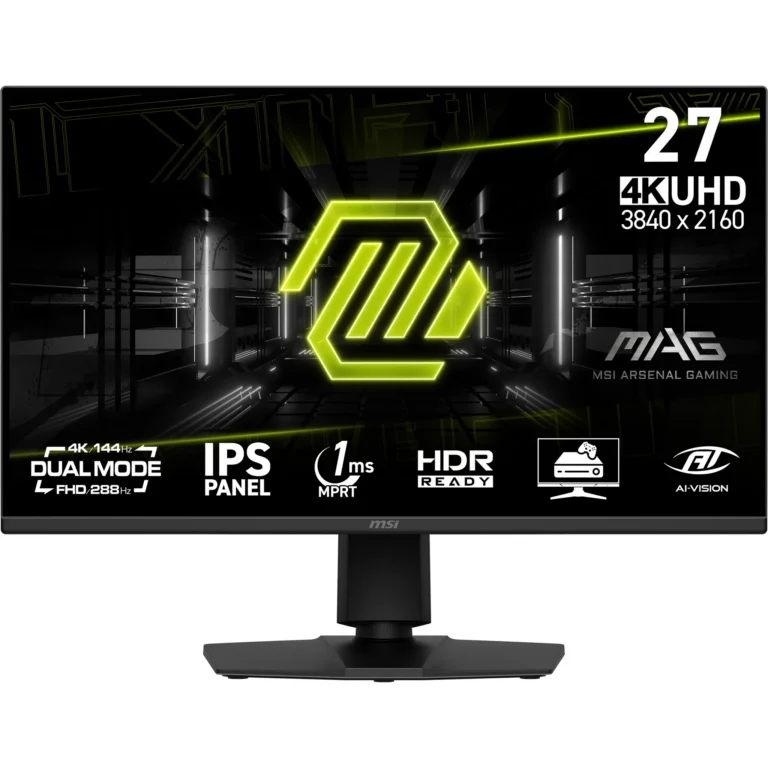
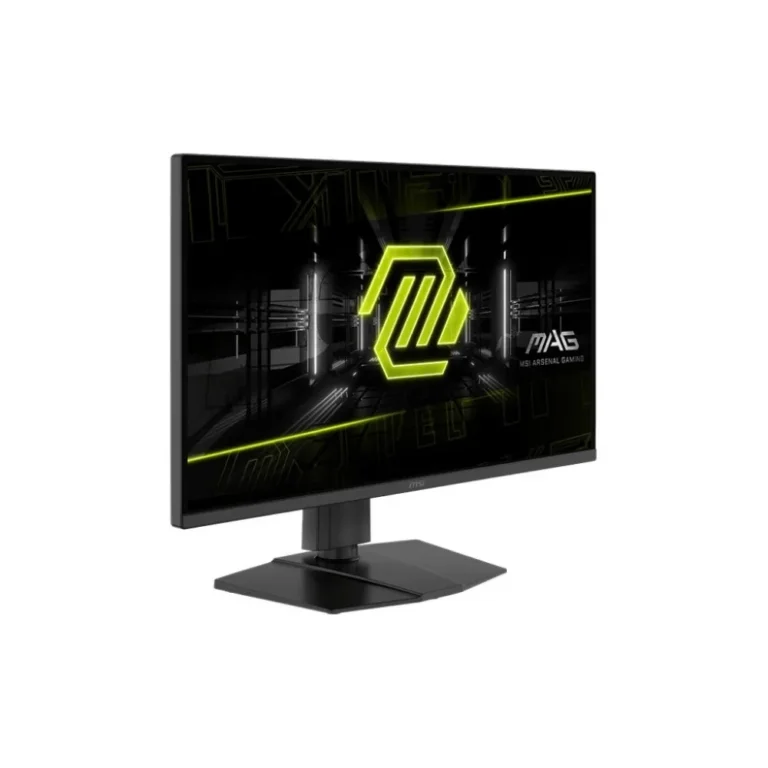
The MSI MAG series covers QHD and 4K UHD panels with refresh rates from 144Hz to 500Hz, in QD-OLED and Rapid IPS, with nationwide delivery in Pakistan.
MSI MAG Gaming Monitors
An MSI MAG gaming monitor is the screen most PC gamers land on once frame rates matter more than desk space. The MAG line sits inside MSI’s monitor range as the fast-panel tier, built around high refresh rates, low response times and Adaptive-Sync. People buying from this section have a graphics card that already pushes past 60 frames per second and want a panel that shows those frames.
Every monitor here carries the MSI badge, so the choice is between panels rather than between brands. Sizes cluster around the 27-inch class, including 26.5-inch models. Resolutions run from QHD and WQHD at 2560 x 1440 up to UHD at 3840 x 2160, which is the 4K tier. Refresh rates start at 144Hz and climb through 240Hz to 500Hz, with QD-OLED models rated at 0.03ms GtG response. Panel technology splits between QD-OLED and Rapid IPS. Prices spread wide, from entry-level QHD units through to premium 4K and 500Hz OLED models.
Three decisions settle most of this range.
- Panel type comes first: QD-OLED gives near-instant pixel transitions at 0.03ms, while Rapid IPS remains the steadier pick for a screen that shows static desktop content for long hours.
- Resolution comes second and should follow the GPU, since a 4K UHD panel asks far more of a card than WQHD at the same refresh rate.
- Refresh rate comes third, and there is a real gap between 144Hz, 240Hz and 500Hz. Above 240Hz the benefit narrows to competitive shooters running at low graphics settings.
Matching a MAG monitor to how you play
A player who spends most of their hours in competitive shooters gains the most from the 500Hz WQHD models, where the frame rate ceiling is the limiting factor rather than pixel count. Someone running a single-GPU build for open-world and story-driven titles gets more from a 4K UHD panel at 144Hz or a QHD panel at 240Hz. If the same machine doubles as a work desktop through the day, the Rapid IPS models suit that mixed pattern better than an OLED panel left showing fixed windows. Buyers upgrading from a 60Hz screen usually feel the jump to 240Hz more than any resolution change.
Mega Computer stocks the MSI MAG range at its Karachi showroom, and customers outside the city order with nationwide delivery across Pakistan. Payment works by cash on delivery or online payment. Monitors carry the warranty terms listed on each product page, so check the individual listing before ordering, and contact the team if you want to compare two models on stock and warranty before committing.

 MSIMSI 50