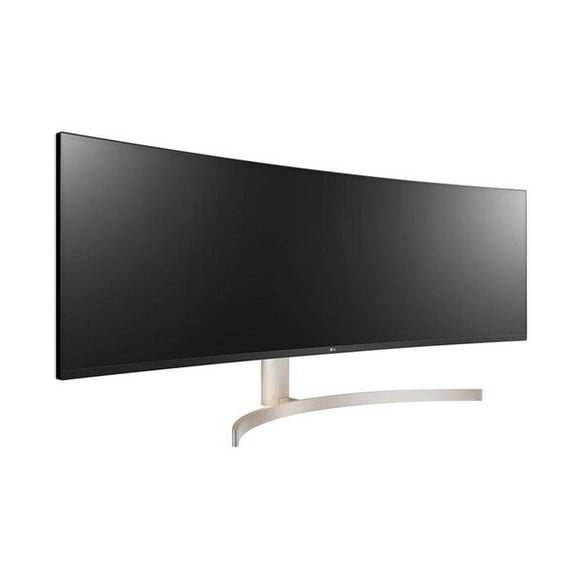
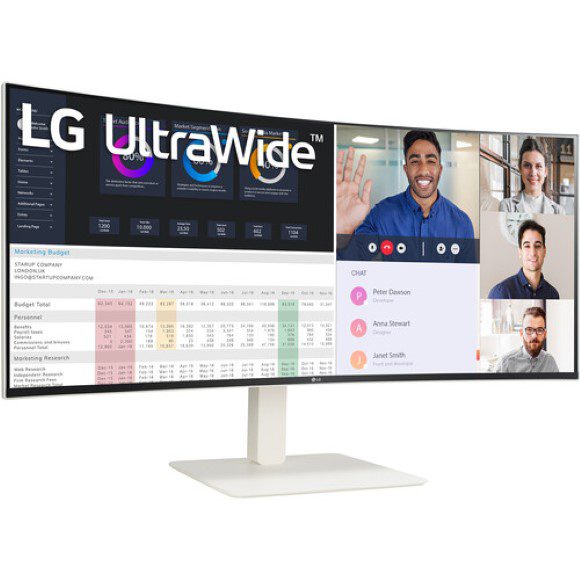
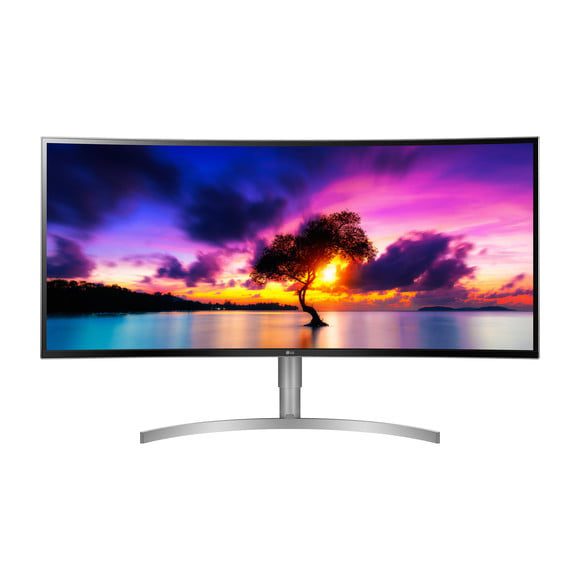
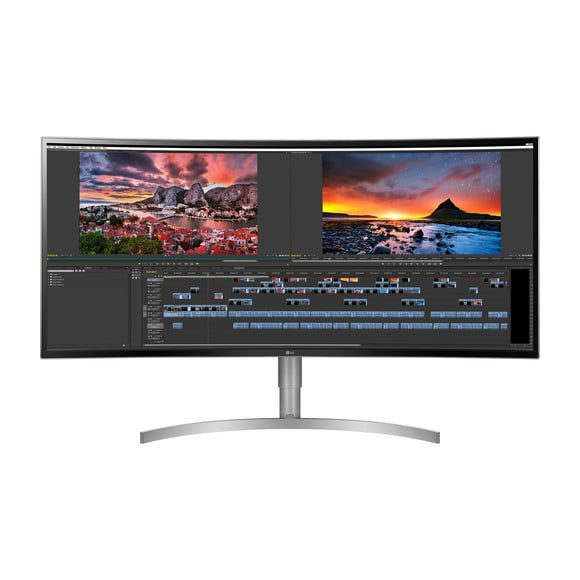
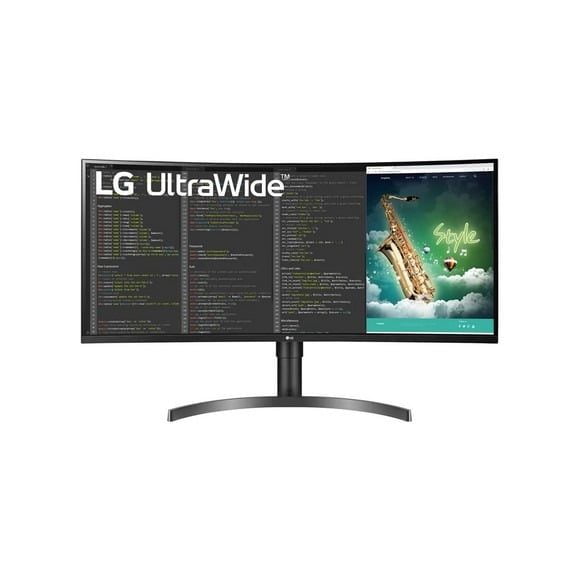
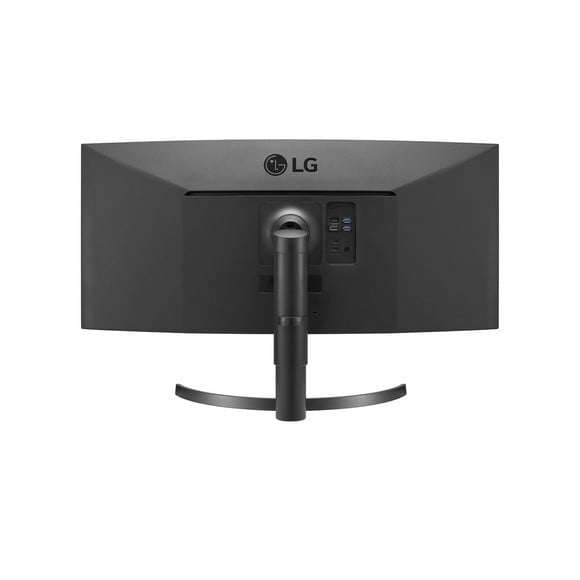
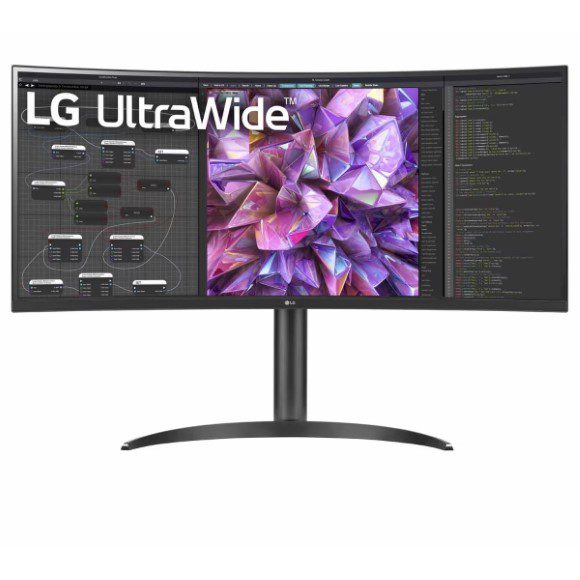
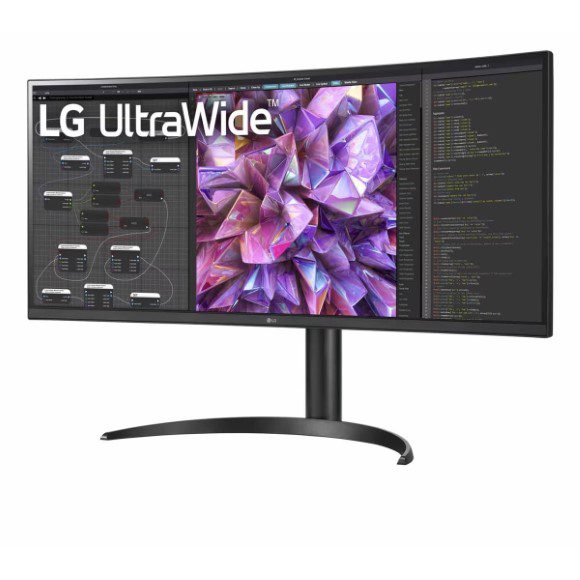
Curved LG UltraWide panels in QHD and WQHD, with IPS screens and 100Hz or 144Hz refresh, for trading desks, editing timelines and wide gaming setups.
LG UltraWide Curved Monitors
LG UltraWide monitors give you one wide panel across the desk in place of two screens pushed together, and this category collects the curved models LG builds for that job. Traders who watch several charts at once buy here, along with editors who want a long timeline in view and office users who keep a browser, a chat window and a spreadsheet open side by side.
Every screen in this range carries the LG badge. Resolutions run from QHD and 1440p through WQHD and up to dual QHD width, and each panel uses IPS. Refresh rates sit at 100Hz on the calmer models and 144Hz on the faster ones. Some models carry 10W stereo speakers in the chassis. The price spread covers entry level through to premium, so a first ultrawide and a large flagship both sit in the same list.
Three choices decide which one suits you.
- Refresh rate comes first, since 100Hz holds up for documents, video and slower games while 144Hz keeps fast motion clean.
- Resolution comes second: a dual QHD panel fits two full application windows across its width, while a 1440p WQHD panel keeps text larger at the same seating distance.
- IPS runs through the whole range, which matters more here than on a standard screen because you sit closer to the centre and view the far edges at a steep angle.
Matching the panel to your work
A trader running six charts and an order book gains most from the widest dual QHD models. Video and photo work leans on the IPS colour behaviour rather than the refresh rate, so a 100Hz WQHD panel covers that desk. Gamers who care about frame pacing should hold out for the 144Hz models. If your desk has no room for separate speakers, the models with 10W stereo speakers save you a set of desktop units.
Mega Computer stocks this range at its Karachi showroom, with nationwide delivery across Pakistan for buyers outside the city. You can pay cash on delivery or online. Warranty terms differ between models, so confirm the cover on the exact monitor before you place the order, and keep the invoice for any later claim.
Check two things before ordering. Measure your desk width and depth, because a curved ultrawide needs more clearance at the edges than a flat screen of the same class. Then confirm your graphics card can drive a 1440p ultrawide at the refresh rate you are paying for, since a card that struggles will hold a 144Hz panel down to a fraction of its rated speed.

 LGLG 5