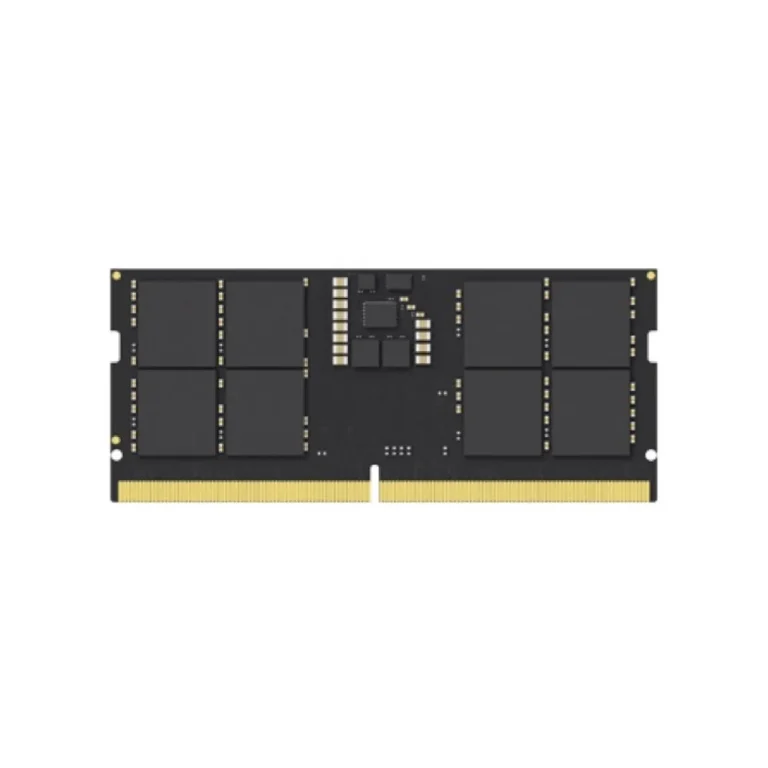
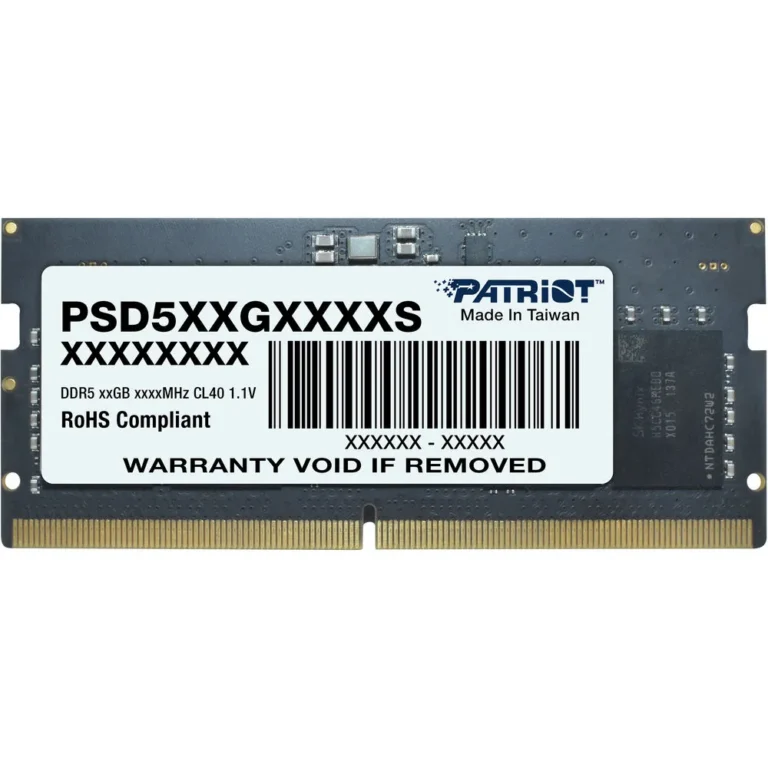
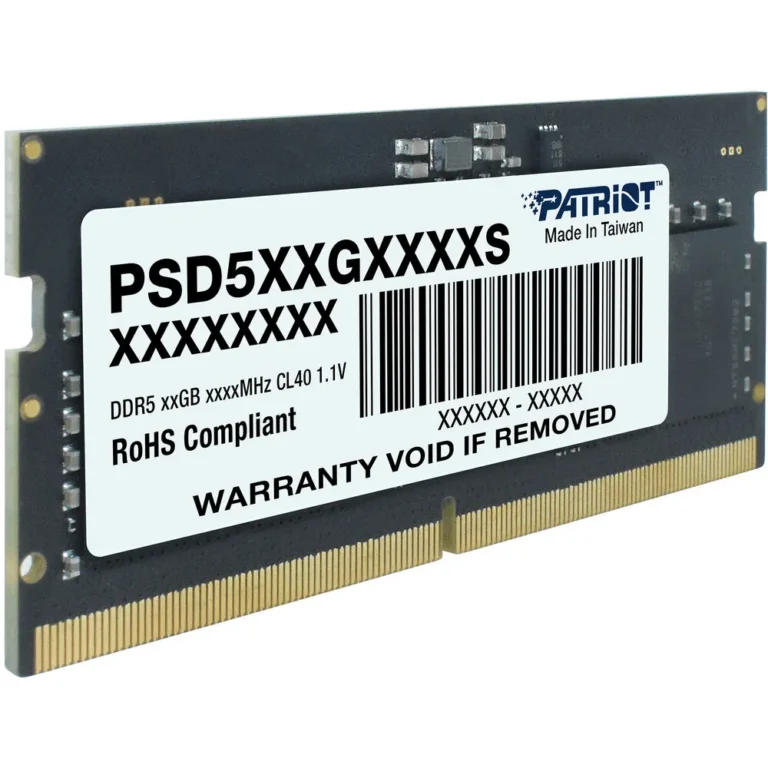
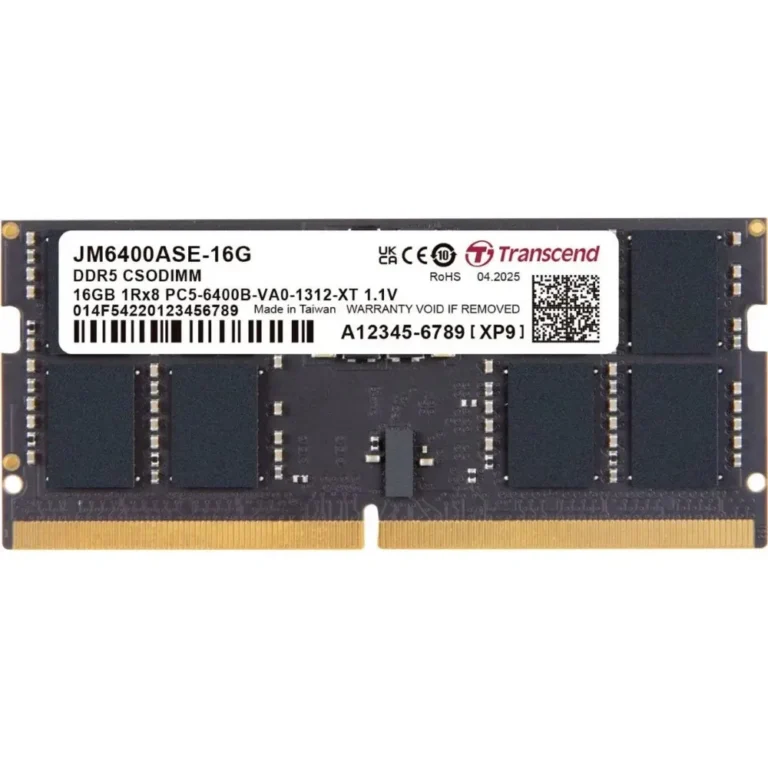
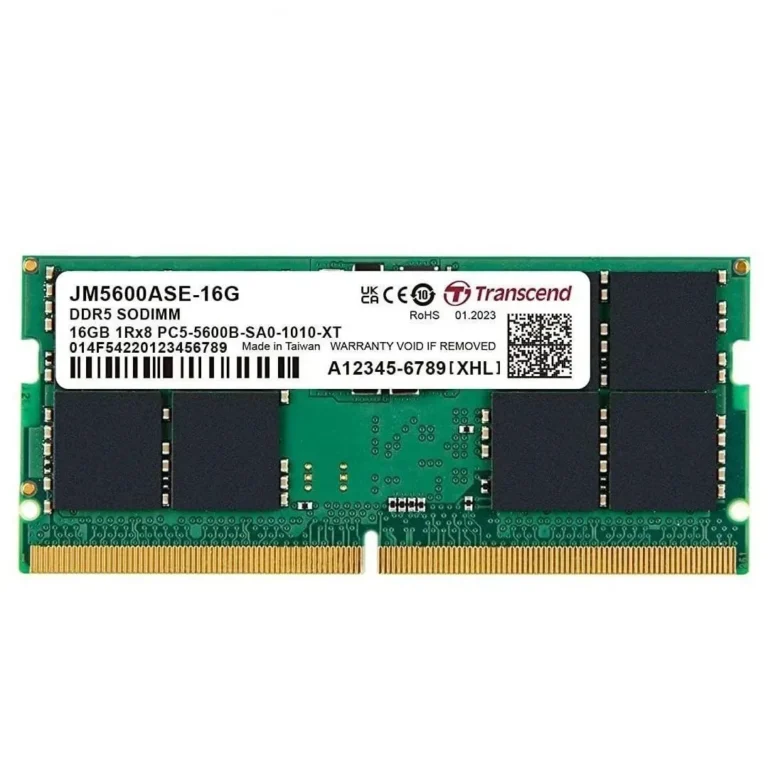
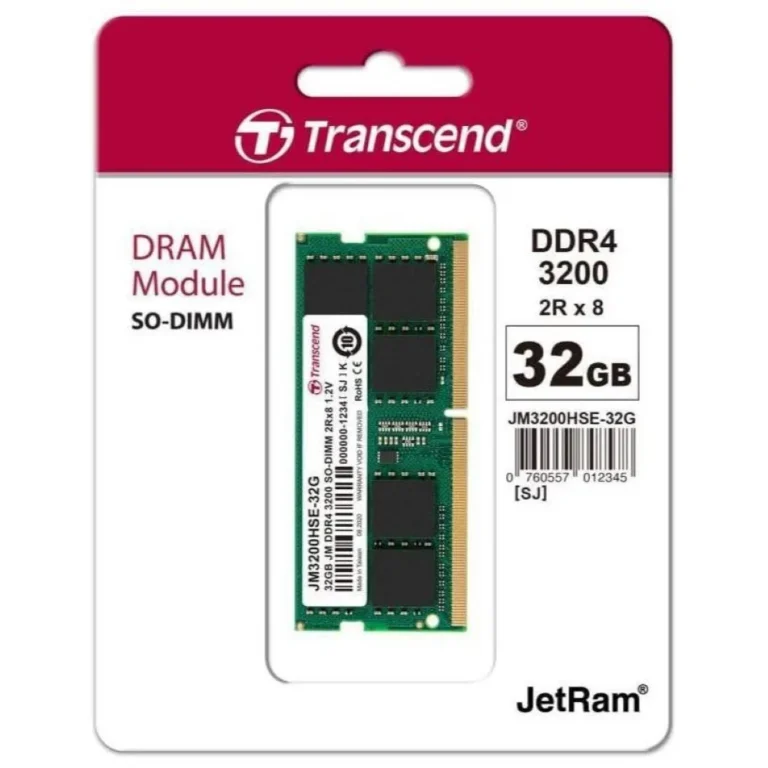
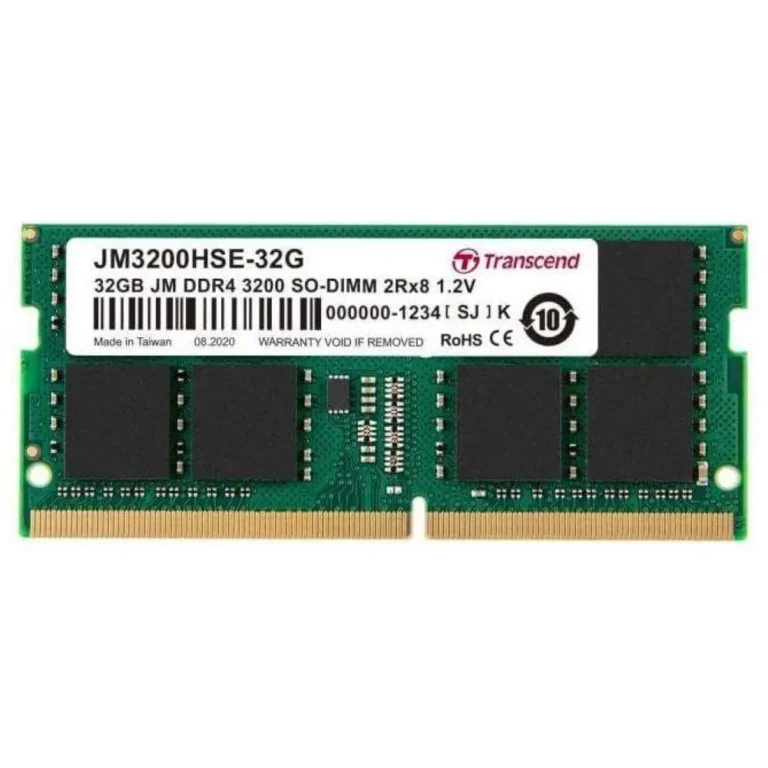
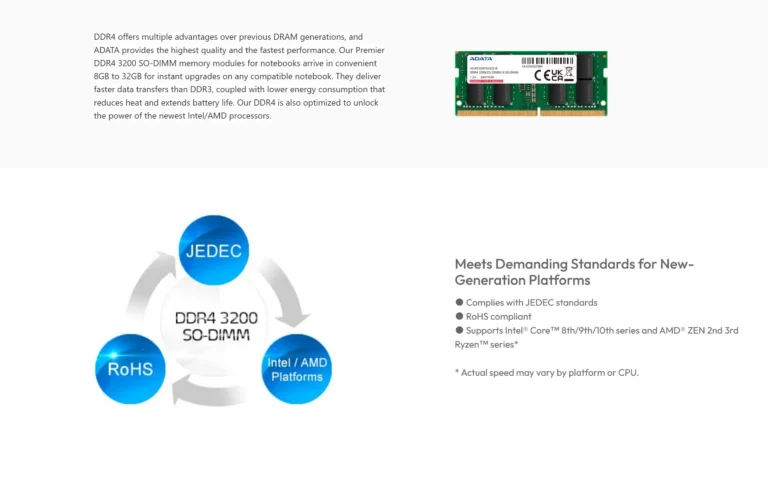
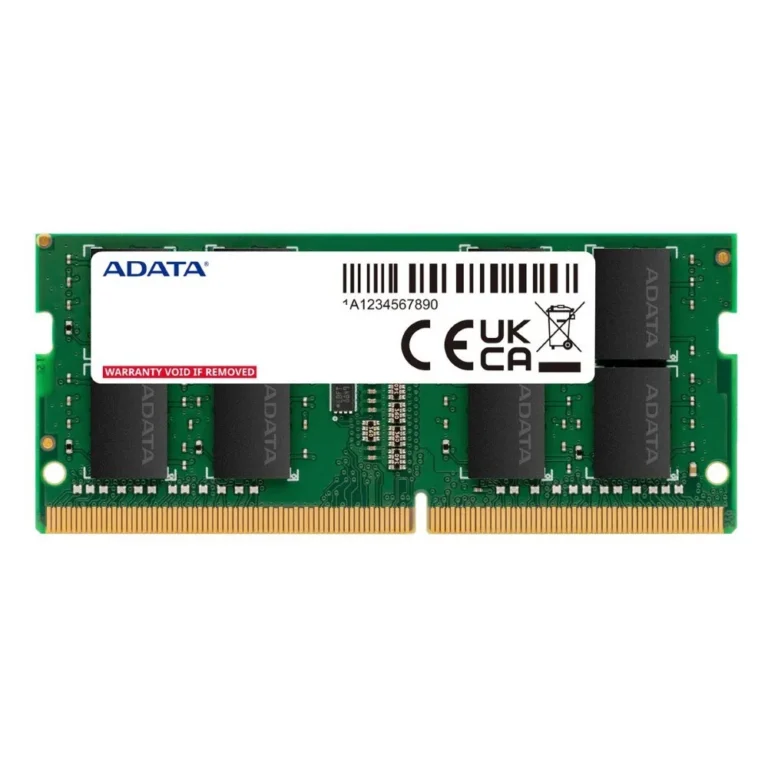
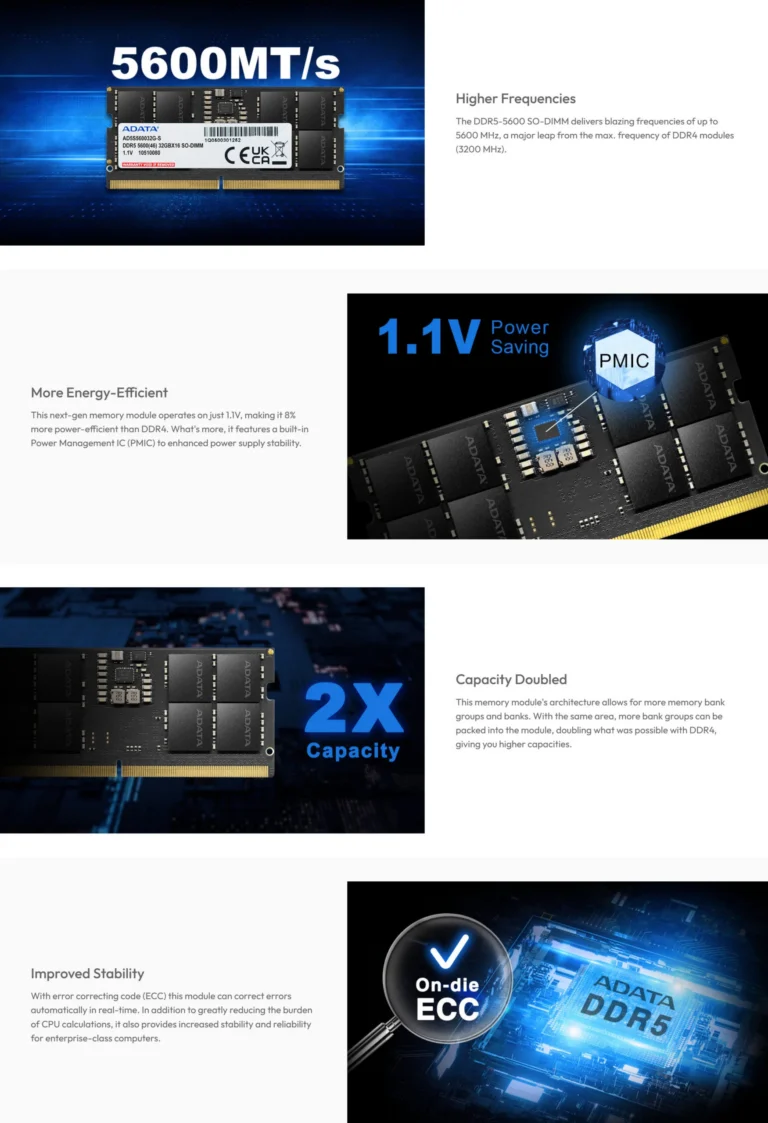
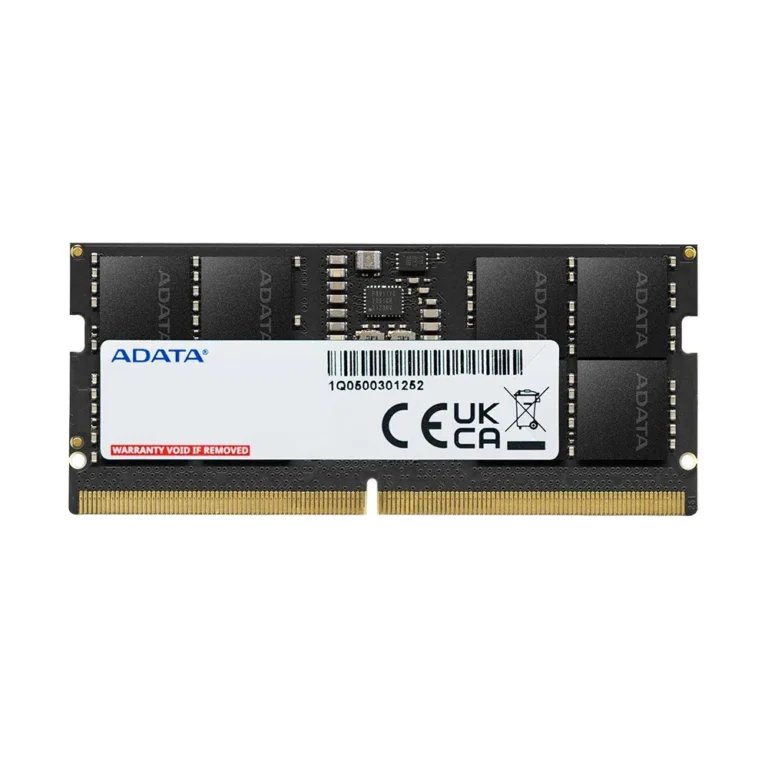
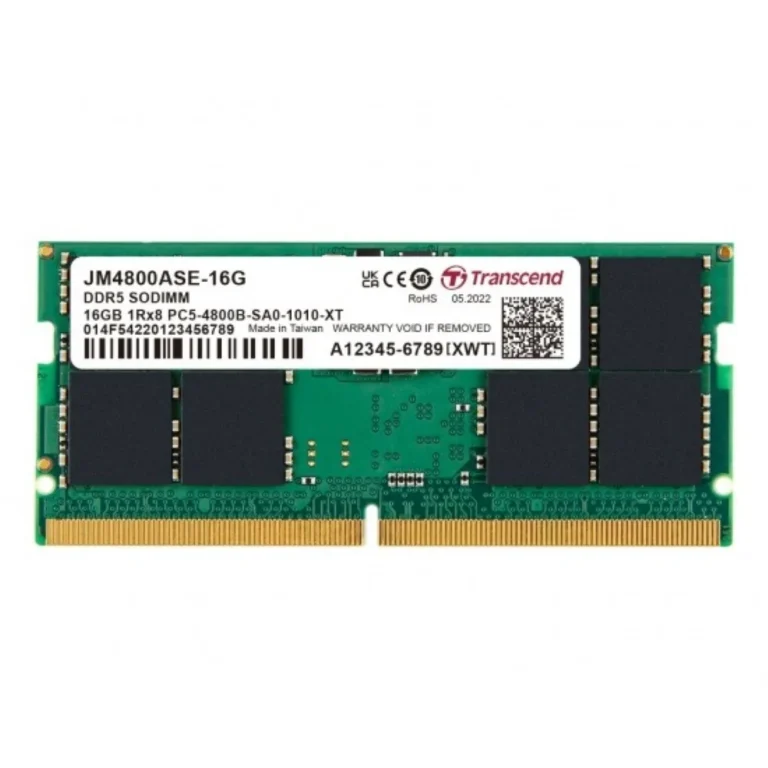
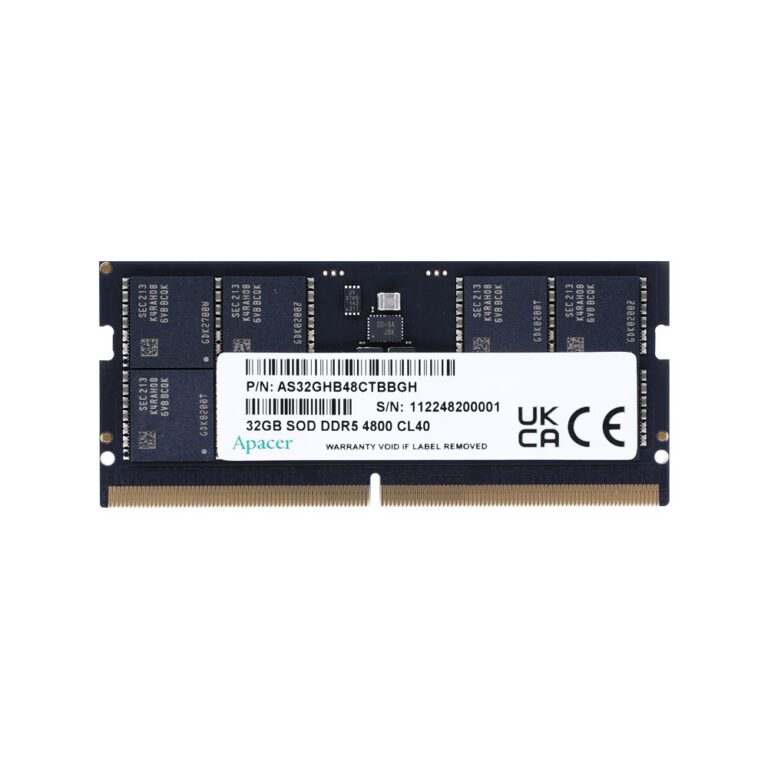
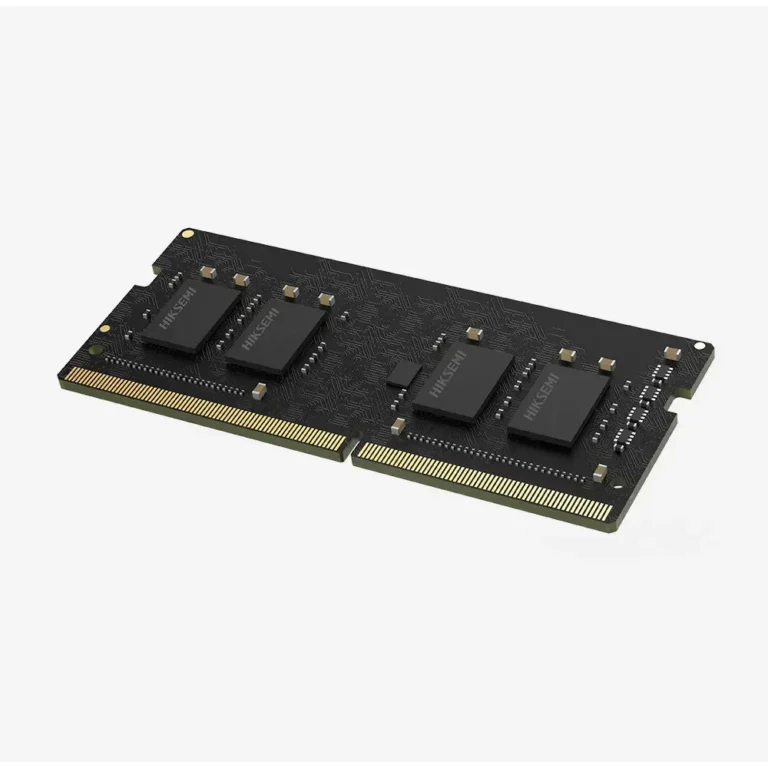
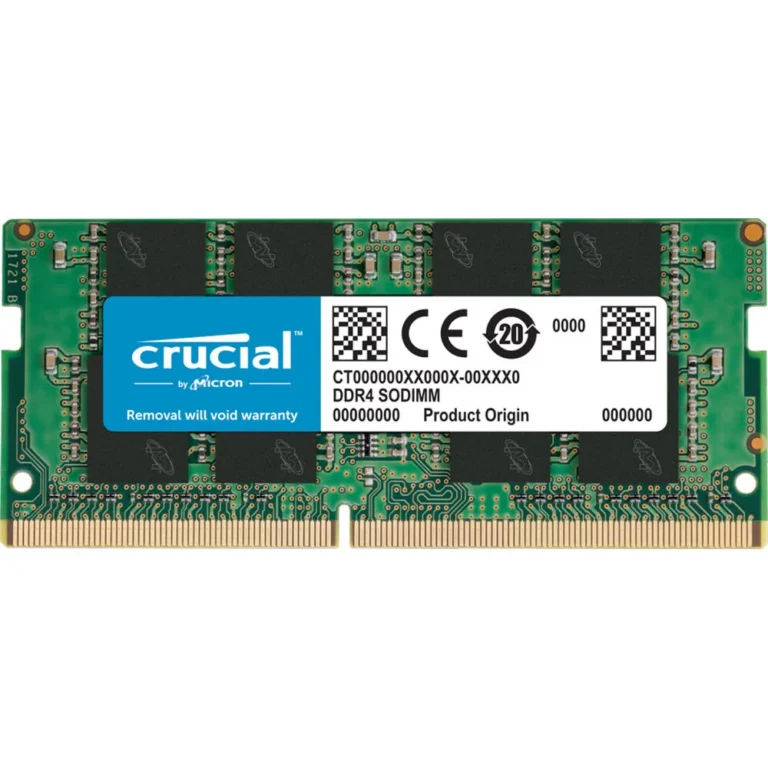
Small form factor DDR5 memory modules for notebooks, mini PCs and all-in-one systems, stocked in 32GB capacities from ADATA, Kingston, Lexar and Transcend.
Laptop RAM SO-DIMM Modules
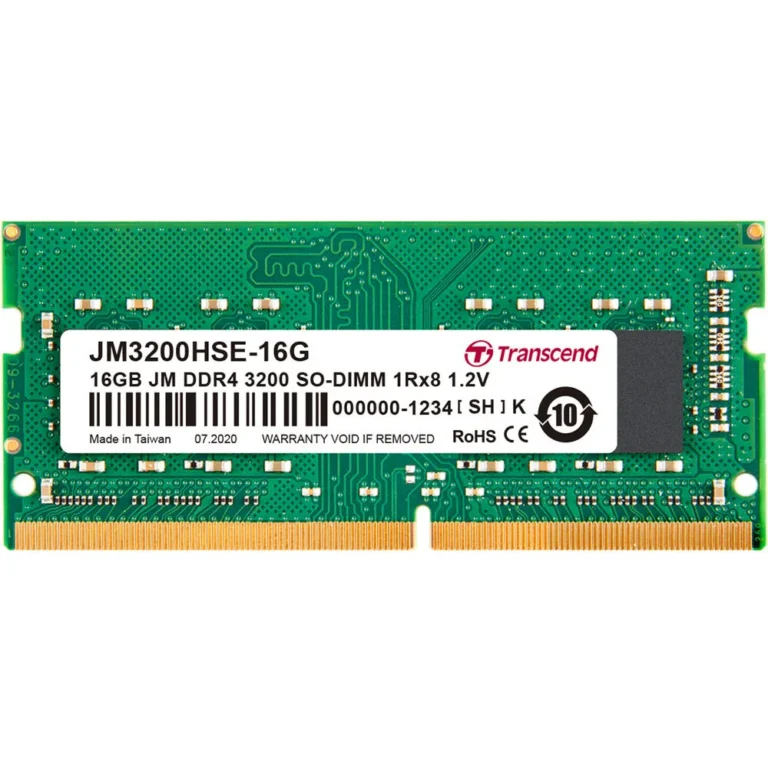
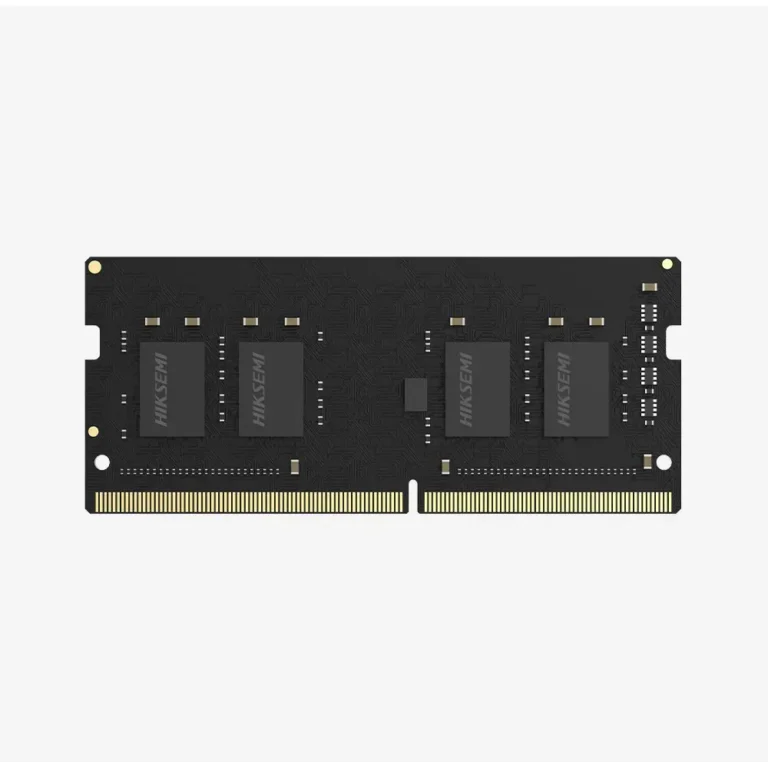
Laptop RAM SO-DIMM sticks are the short memory modules built for notebooks, mini PCs and all-in-one machines, where a full size desktop DIMM has no room to fit. Buyers land here for one of two reasons: a machine that runs out of memory with a browser and an editor open at the same time, or a new laptop that shipped with one socket still empty.
Four brands carry this section: ADATA, Kingston, Lexar and Transcend. The stock centres on 32GB DDR5 modules sold as single sticks, which is how most notebook upgrades happen, since the second socket stays open for a later addition. The price spread is wide, from entry-level modules through to premium ones, so a modest capacity bump and a serious workstation upgrade both have something to choose from.
Three checks decide the purchase.
- Start with the memory generation, because a DDR5 SO-DIMM carries a different notch position from earlier memory and will not seat in an older socket.
- Next, count the sockets. Many thin notebooks solder part of their memory to the board and leave one free slot, which caps the upgrade at whatever that single slot holds.
- Last, weigh capacity per stick against total capacity: one 32GB module takes a machine to 32GB on its own and leaves headroom to double later, while filling both sockets with smaller sticks closes that route.
Who Buys These
A student laptop that stalls with a dozen tabs and a document open gains more from memory than from any other part. Video editors and photographers pushing large project files want capacity above everything else, and a 32GB module answers that in one step. Developers running virtual machines or container stacks hit the same ceiling. Service technicians looking after a floor of office notebooks tend to buy modules one at a time, which suits a range built around single sticks.
Our Karachi showroom stocks this range, and orders go out with nationwide delivery across Pakistan. You can pay cash on delivery or use online payment. Modules from ADATA, Kingston, Lexar and Transcend carry the manufacturer warranty that applies to the specific part, and our staff will confirm those terms with you before you commit to a module.
Fitting a SO-DIMM needs one small screwdriver and a few minutes. The module slides into the socket at an angle, then presses flat until the side clips catch. Read the laptop’s service manual for the maximum capacity each slot accepts, because some boards take less than a module can offer, and back up your data before you open a machine that is still under manufacturer coverage.