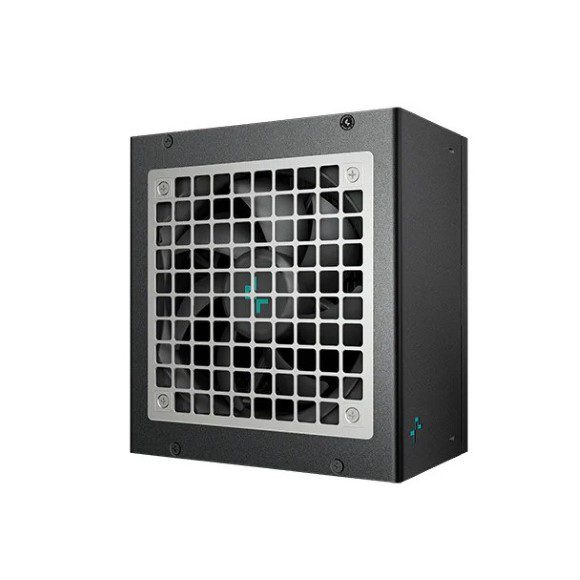
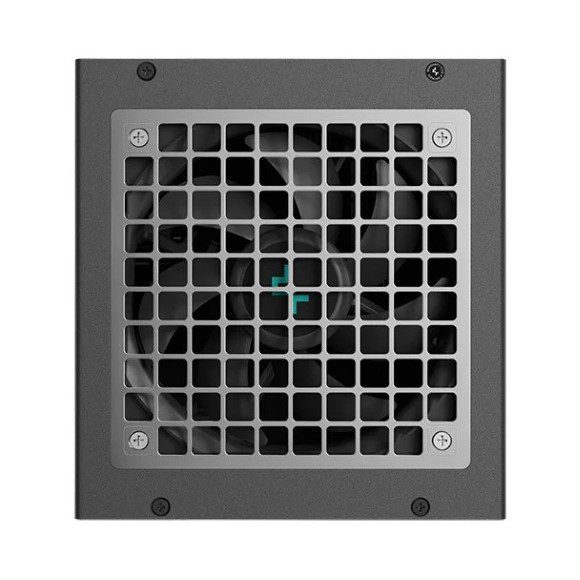
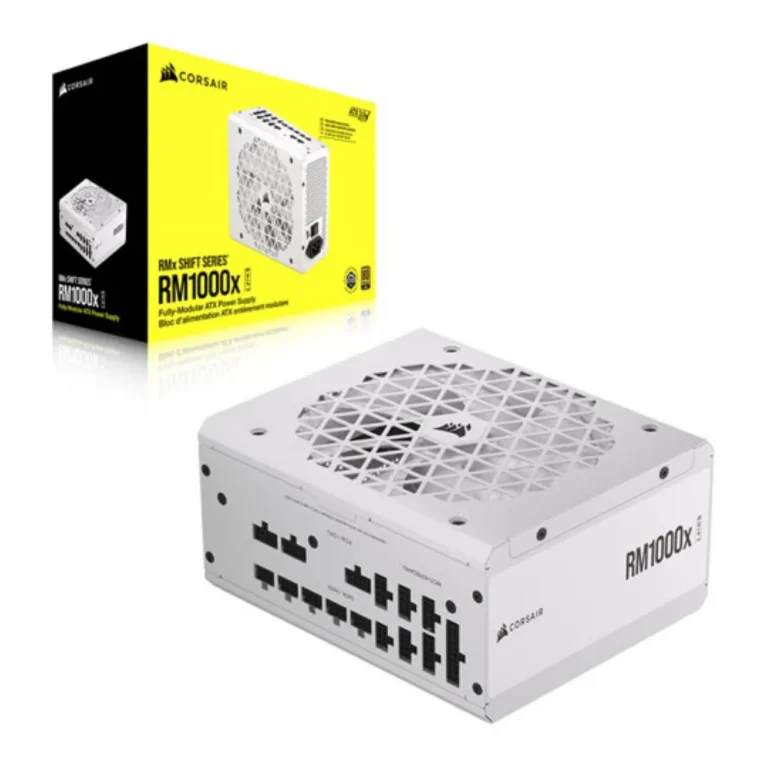
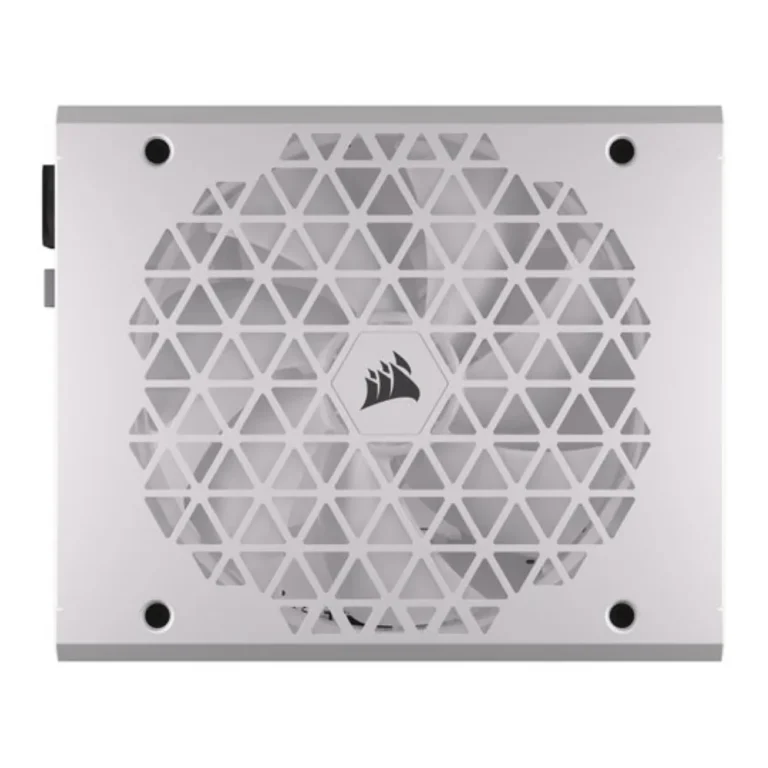
Antec, ASUS, Corsair, EVGA and Thermalright power supplies for demanding builds. The range covers 1000W units, PCIe 5.0 cabling and models with an OLED readout.
800W-1000W PSU Options for High Draw Builds
An 800W-1000W PSU carries the builds that a mid range unit cannot hold steady: a single high end graphics card, a CPU running above stock, and a board full of drives and fans all pulling at once. Buyers who reach this bracket have already picked the parts and now need the rail capacity to feed them. Most arrive here after a GPU upgrade forced the question.
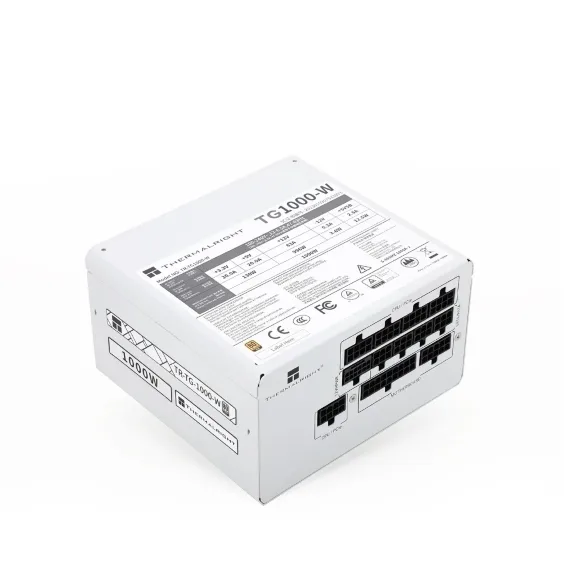
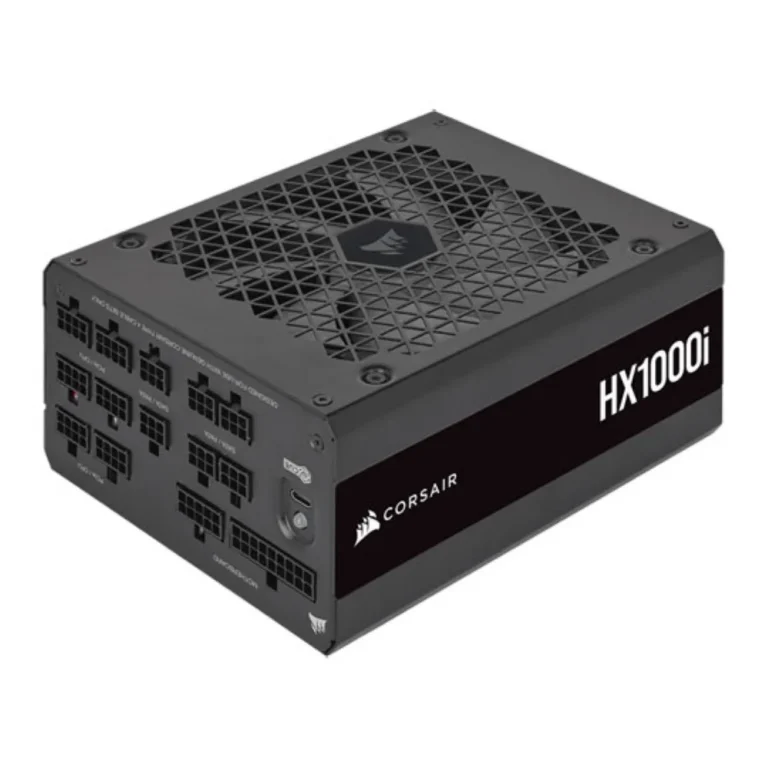
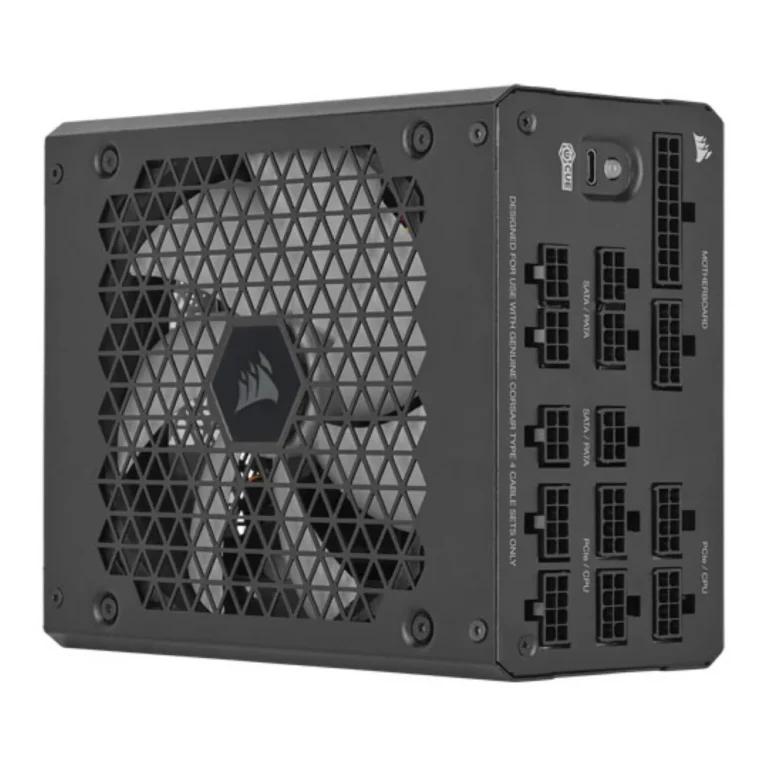
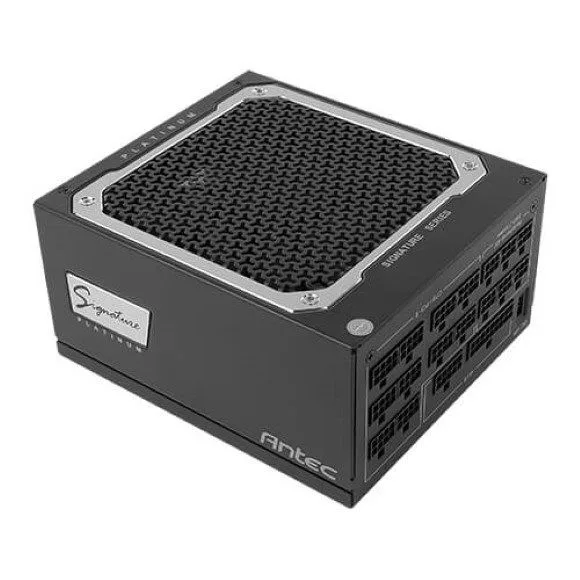
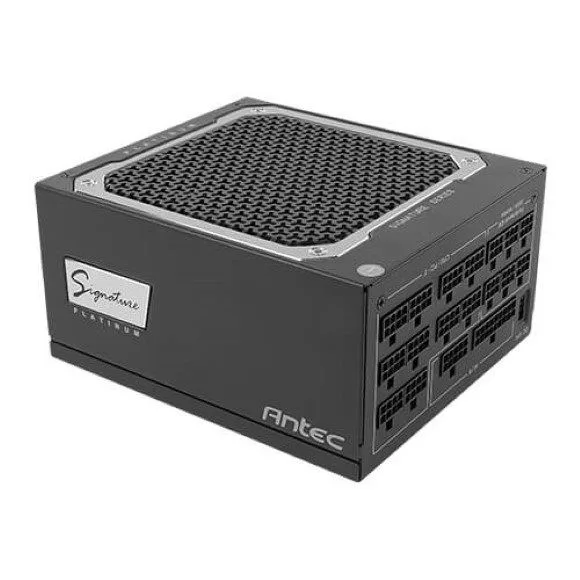
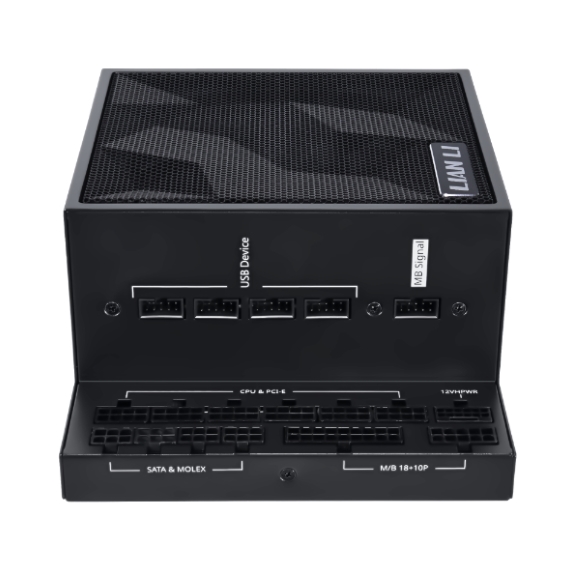
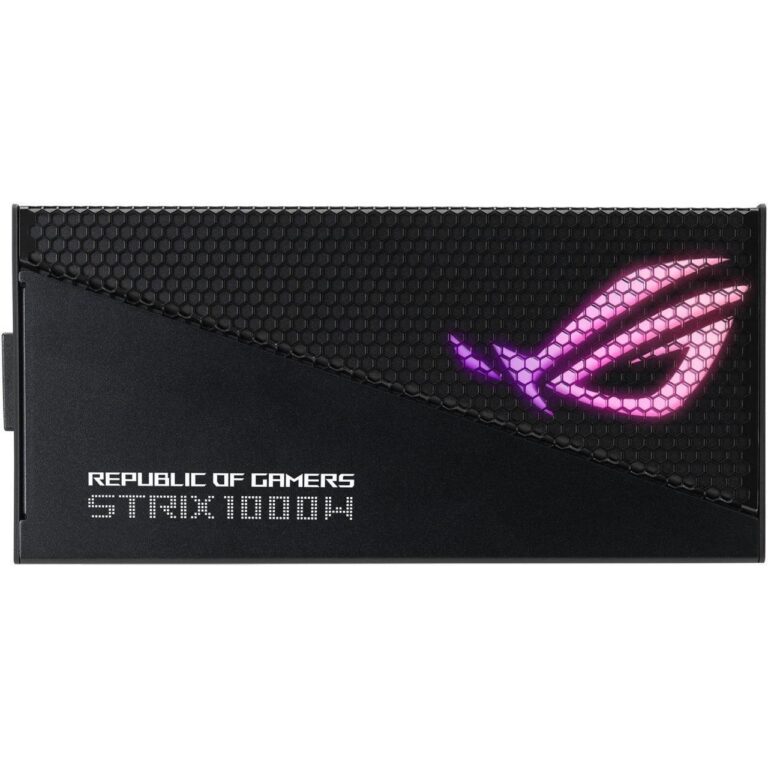
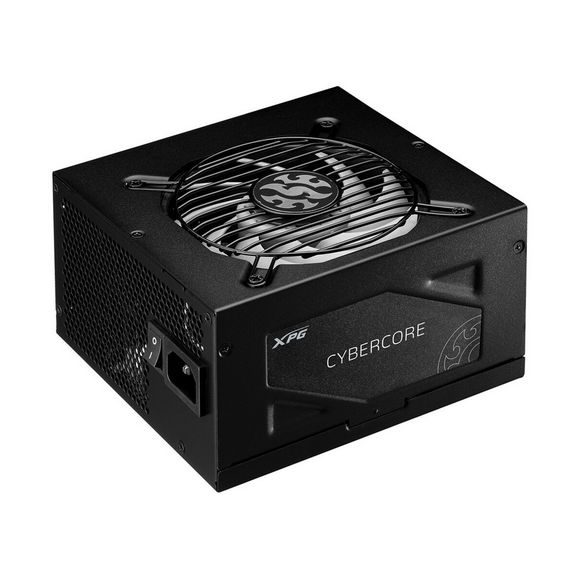
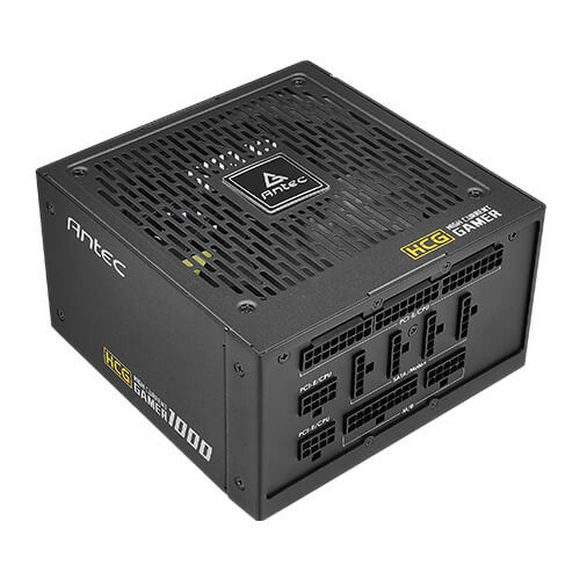
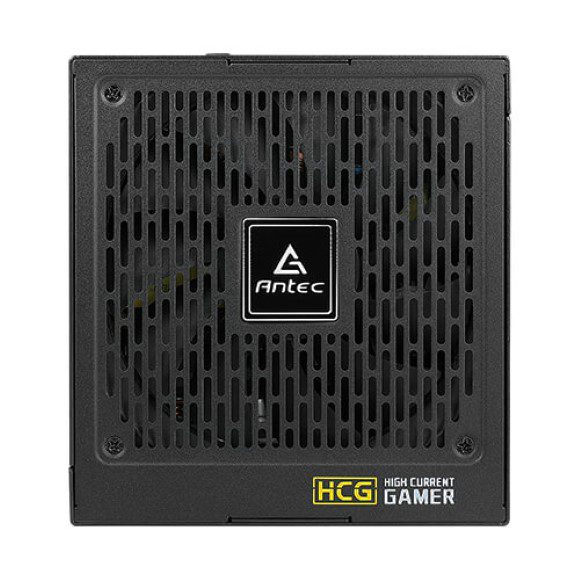
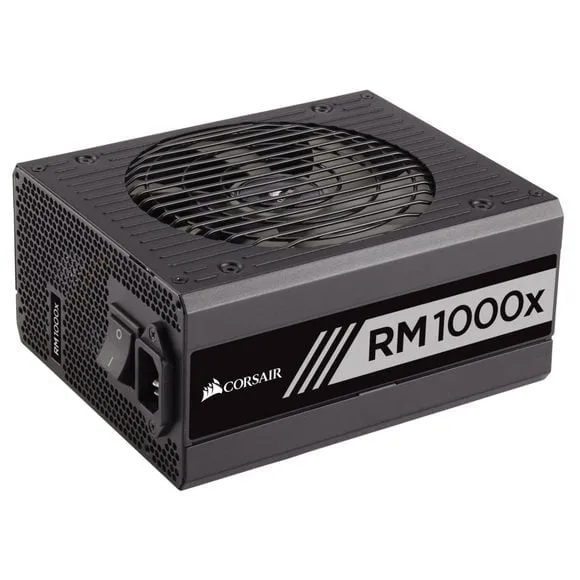
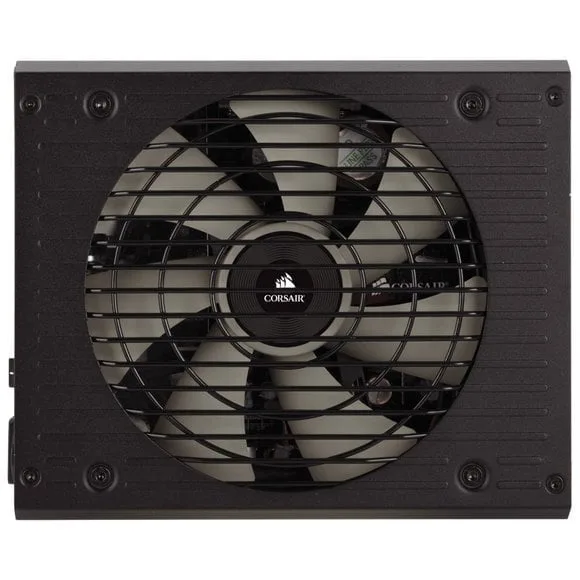
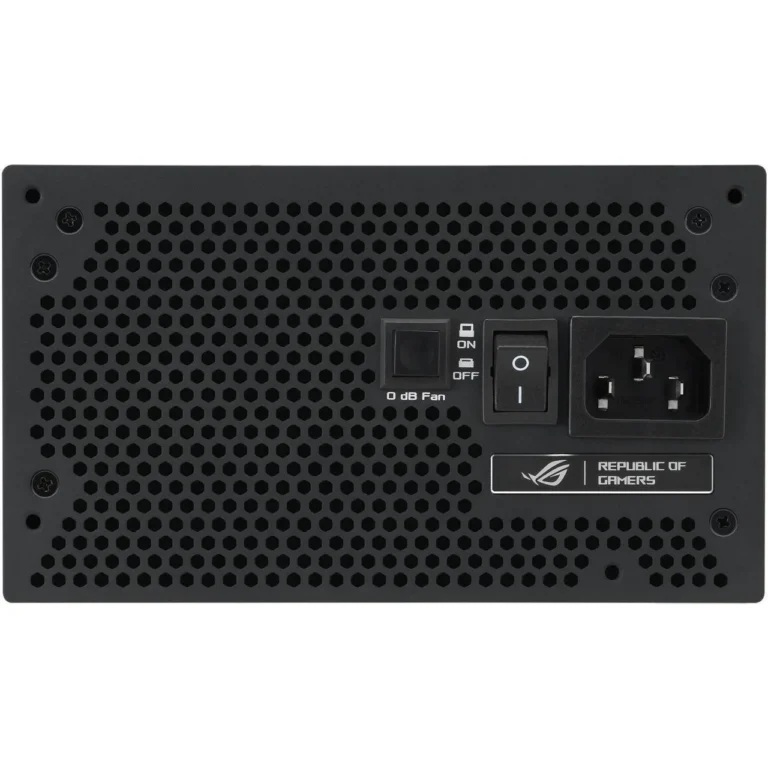
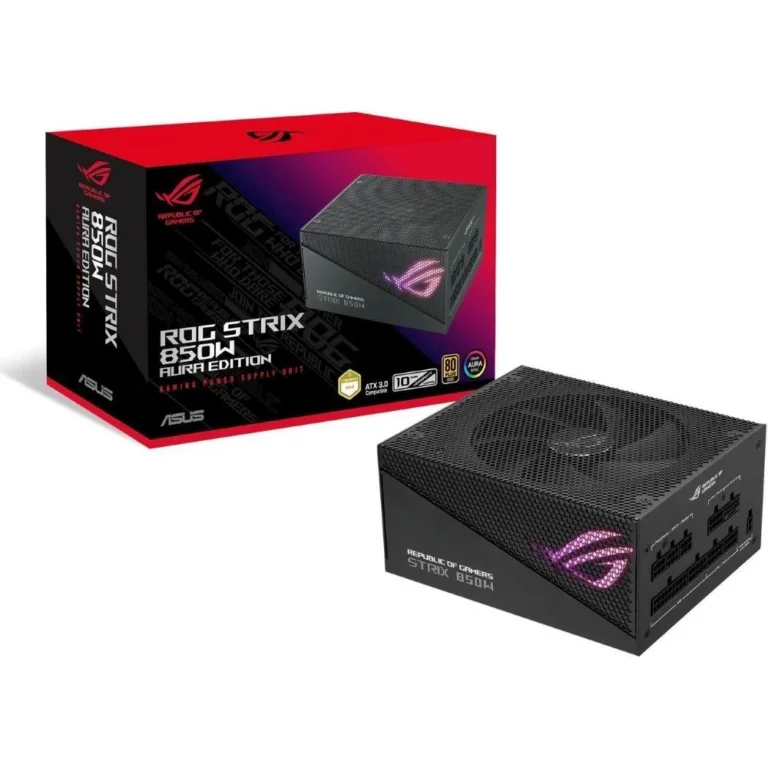
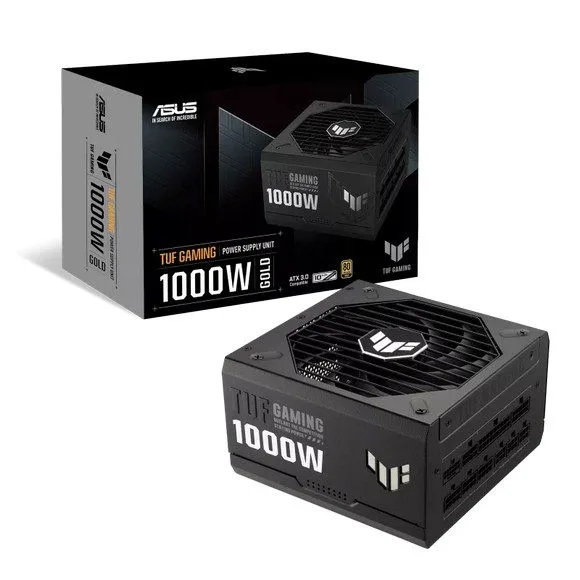
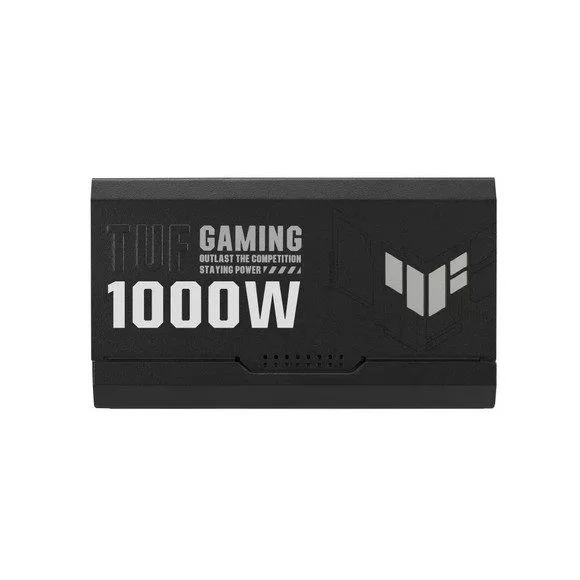
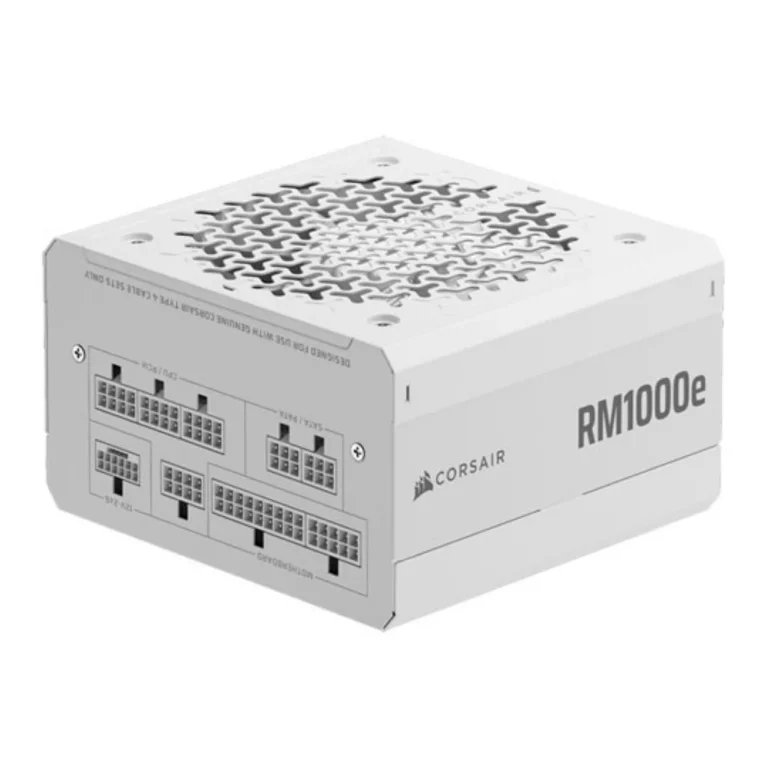
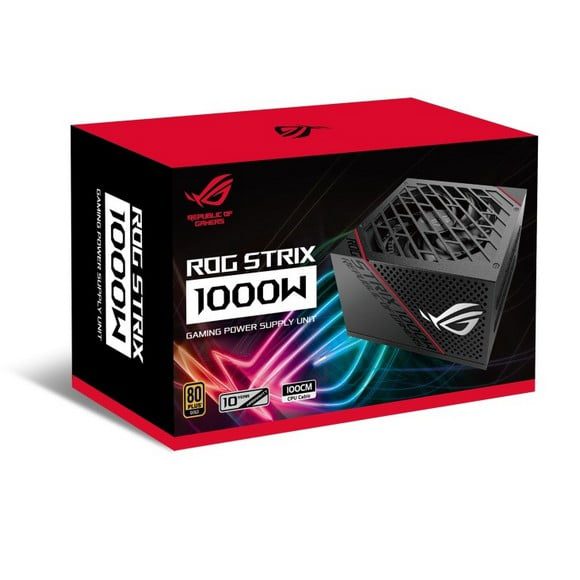
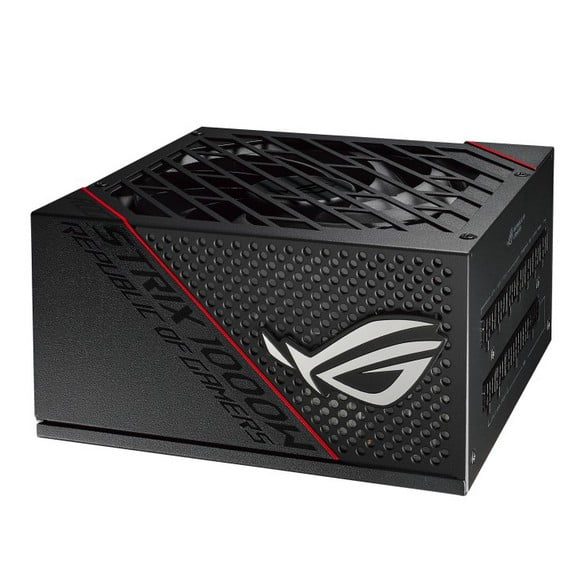
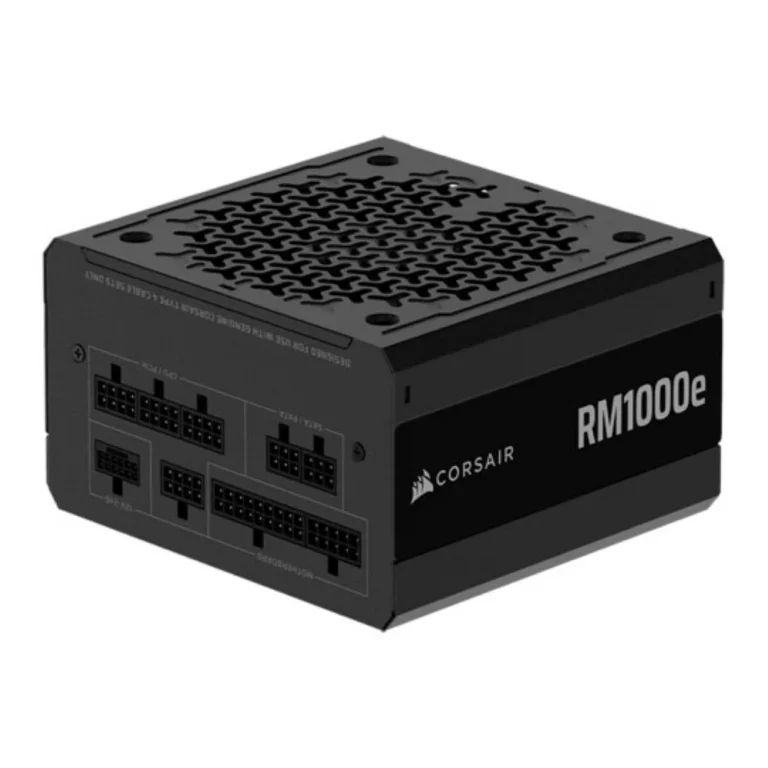
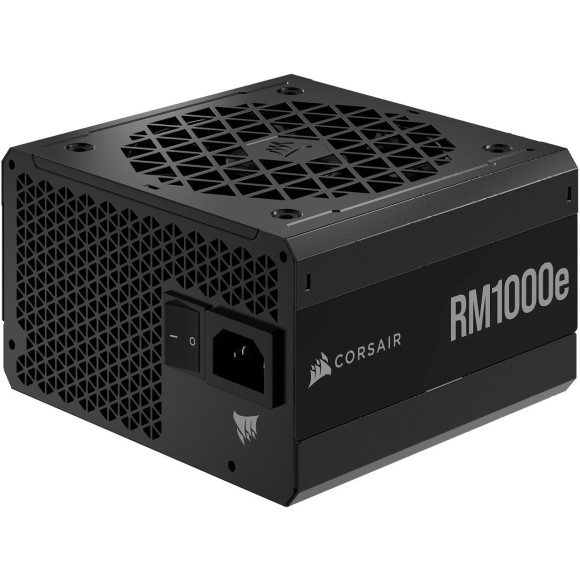
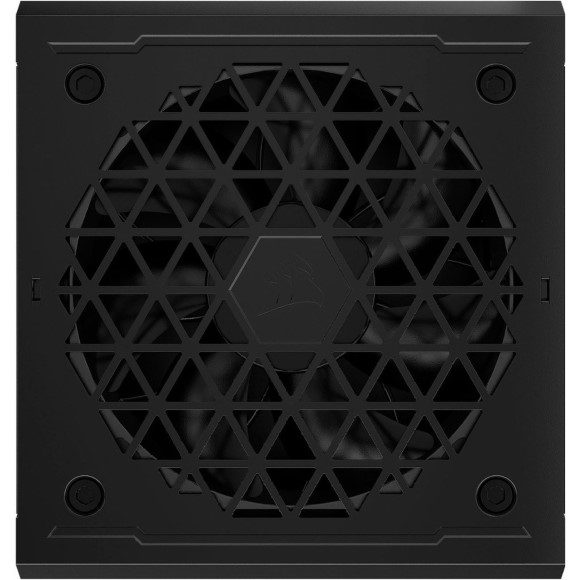
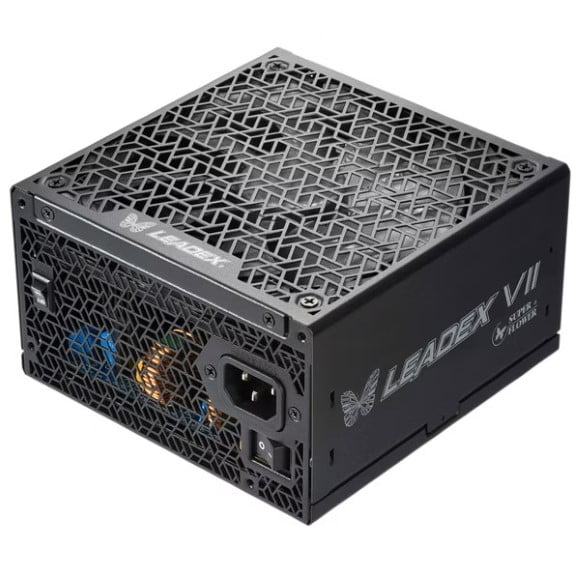
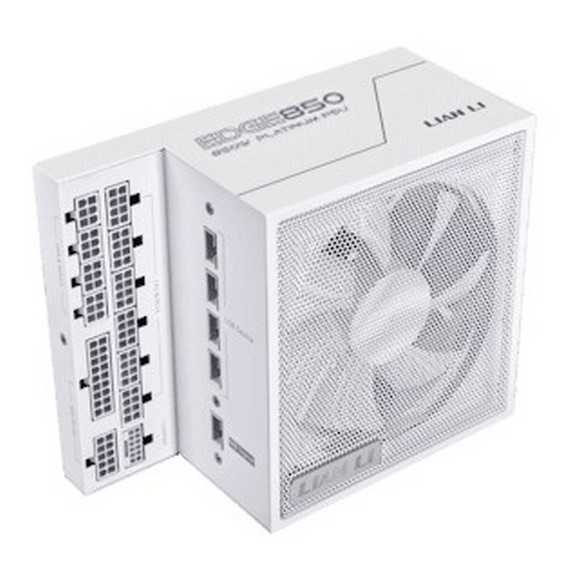
Five brands sit in this bracket. Thermalright supplies an ATX3.0 unit at 1000W with PCIe 5.0 cabling. ASUS covers the ROG Thor line at 1000W, one version of which carries an OLED panel that shows draw on the side of the unit. EVGA lists the SuperNOVA at 1000W, Corsair the HX1000i at 1000 Watt, and Antec the Signature Series at 1000W. The spread runs from affordable units through to premium models, so the same wattage is available at more than one price point.
Three decisions settle most purchases here.
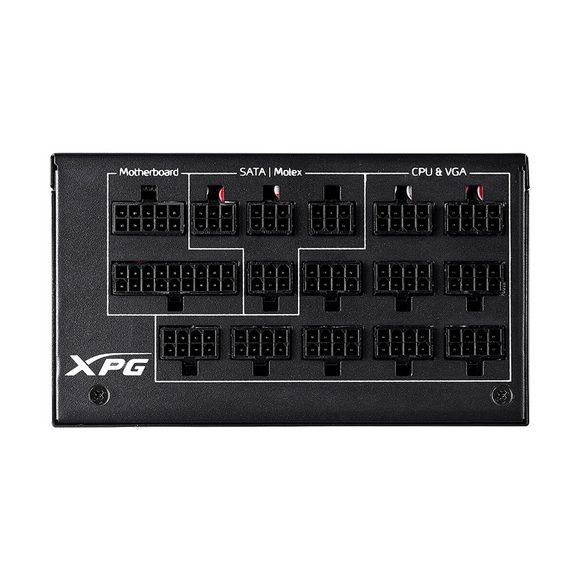
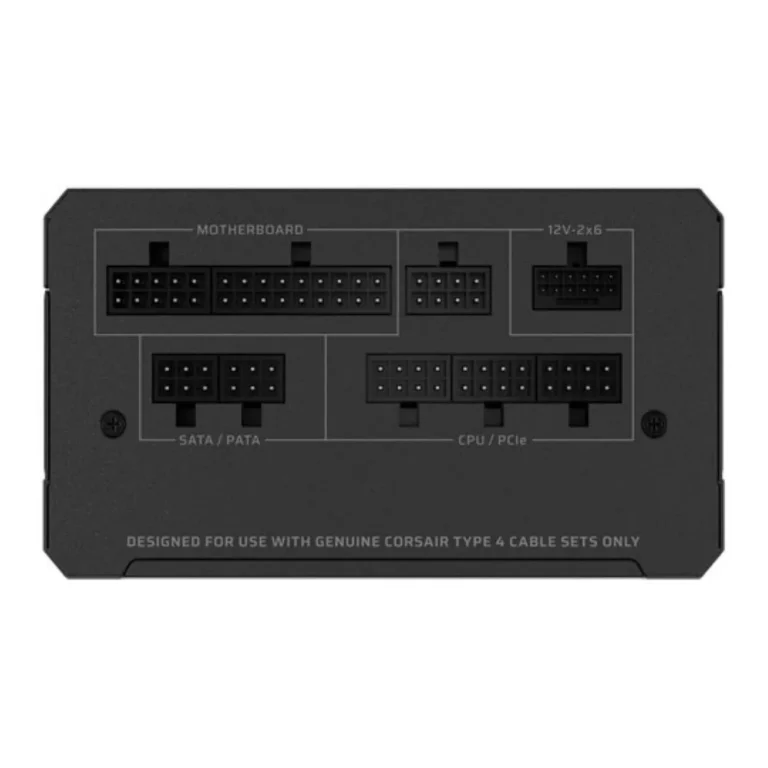
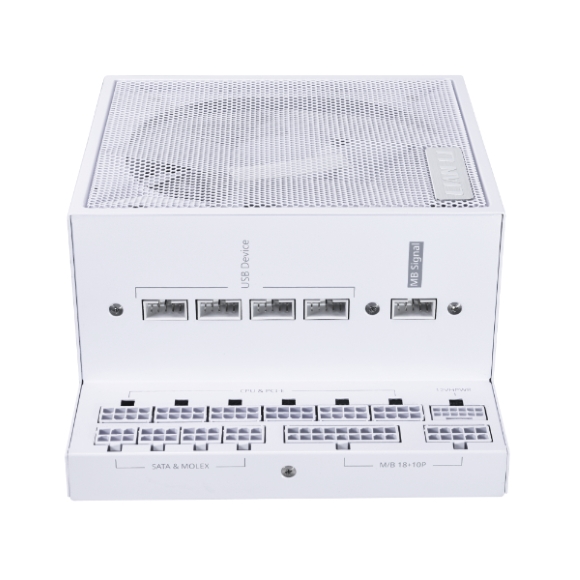
- The first is cabling: a PCIe 5.0 unit ships the connector a current generation graphics card expects, which saves you running an adapter off older leads.
- The second is how much of the 1000W you plan to use, because a build that peaks near the ceiling behaves differently from one that sits at half load.
- The third is whether you want to see the number. An OLED panel reports live draw, which tells you if you bought more capacity than the build ever calls for.
Which Unit Fits Your Build
A gaming build with one flagship GPU and a mid range CPU sits inside this bracket with headroom to spare, and an entry level 1000W unit covers it. Someone running a rendering or compile workstation that holds full load for hours should weight the choice toward the premium end, where the ASUS and Corsair units sit. If your graphics card came with a 12 pin connector in the box, start with the Thermalright PCIe 5.0 unit rather than adapting cables. Builders below this draw should look at the lower wattage brackets under Power Supplies instead of paying for capacity they will not touch.
Our Karachi showroom keeps this bracket on the counter, so you can check connector counts and physical depth against your case before you commit. We ship nationwide across Pakistan. Payment works by cash on delivery or online transfer, whichever suits you. Bring or quote your GPU model when you ask and our staff will point you at the units with the right leads for it.
One compatibility note worth checking before you order: PCIe 5.0 units and older 1000W units differ in how they feed a graphics card, and the difference matters more than the wattage number. Confirm what your card wants, then match the unit to it. Case depth is the other check, since units in this bracket run longer than the 550W class and a compact chassis will not always take one.

 1stplayer1stplayer 3
 AntecAntec 2
 DarkflashDarkflash 1
 DeepcoolDeepcool 10
 FSPFSP 5
 NZXTNZXT 1
 SilverStoneSilverStone 4
 Super FlowerSuper Flower 6
 ThermalrightThermalright 16
 AcerAcer 1
 AigoAigo 1
 Cooler MasterCooler Master 6
 CorsairCorsair 12
 CougarCougar 6
 EaseEase 3
 GigabyteGigabyte 8
 RedragonRedragon 3
 ThermaltakeThermaltake 3
 XPGXPG 8