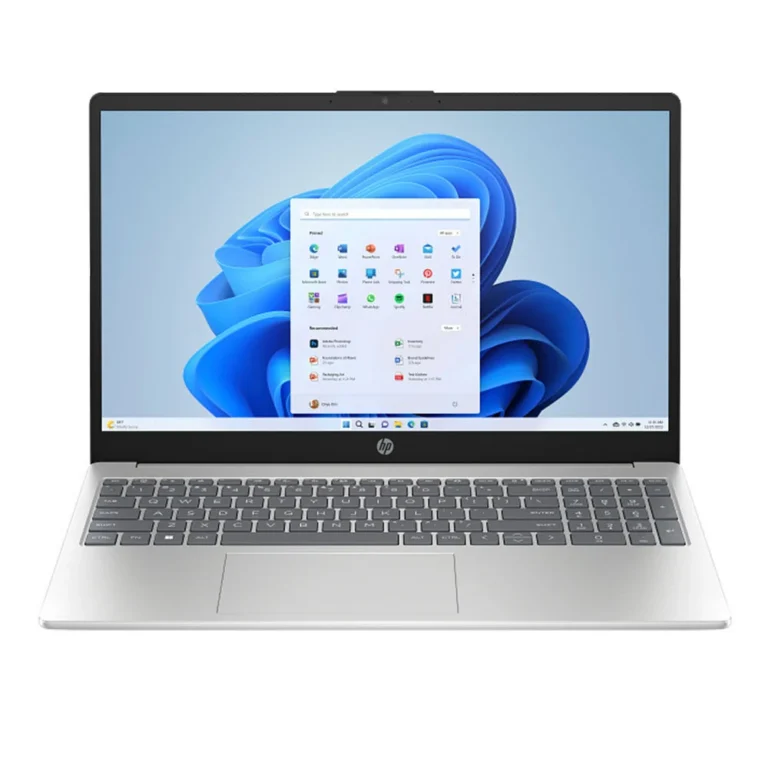
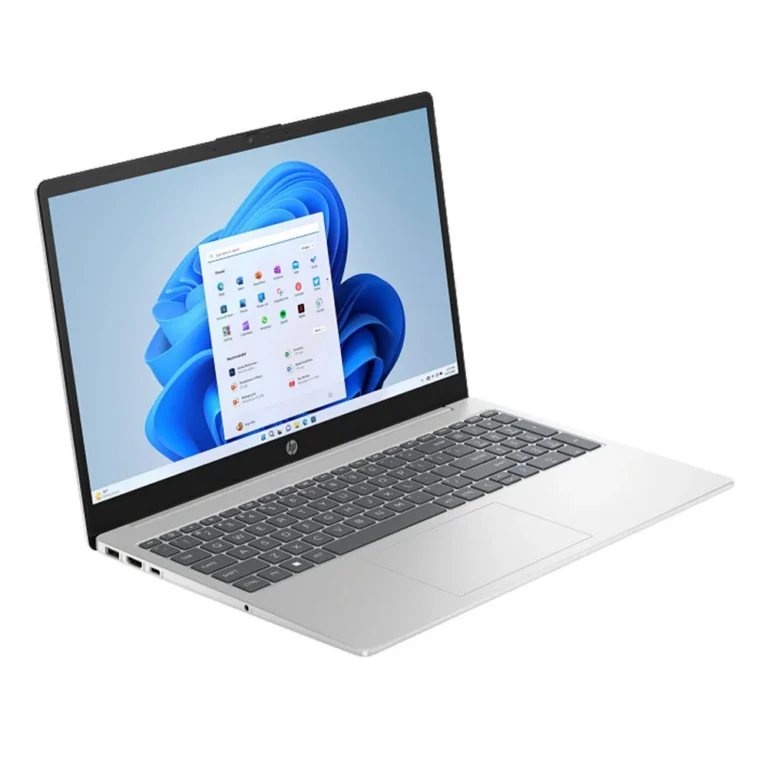
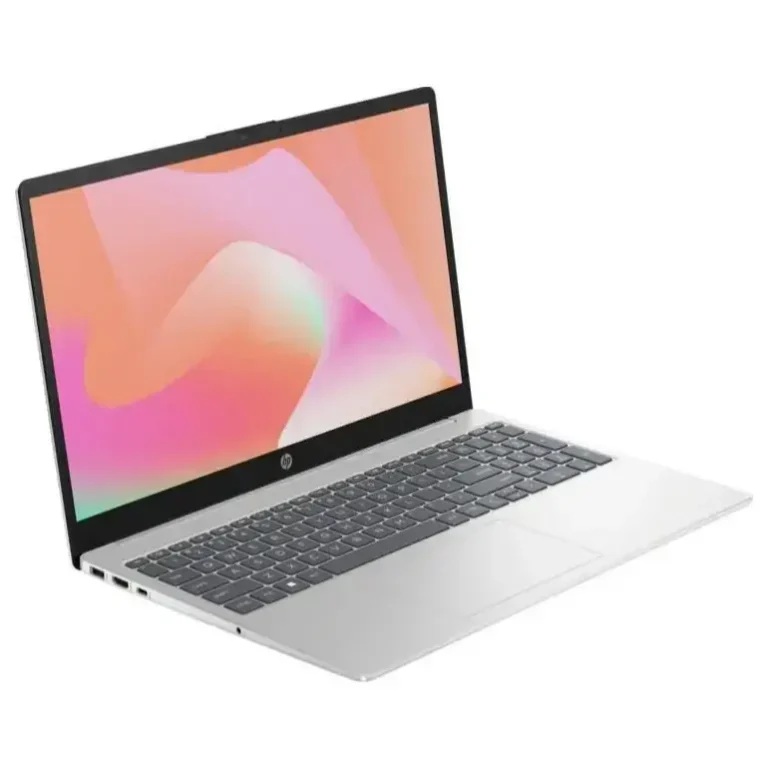
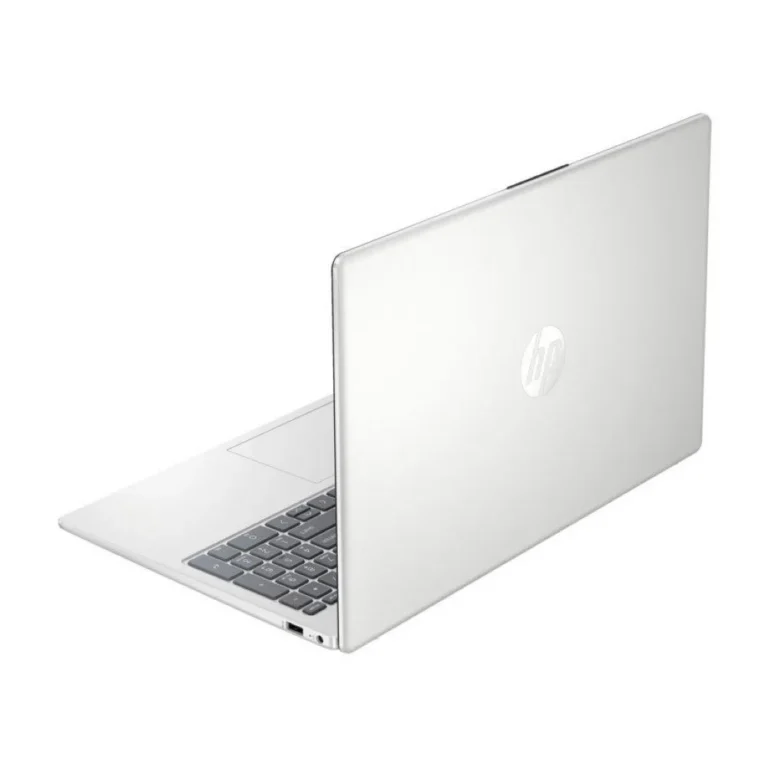
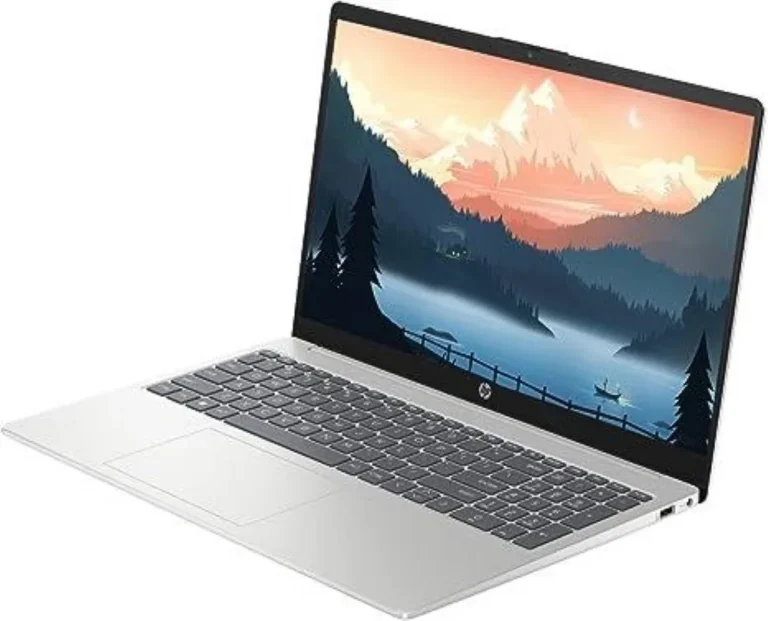
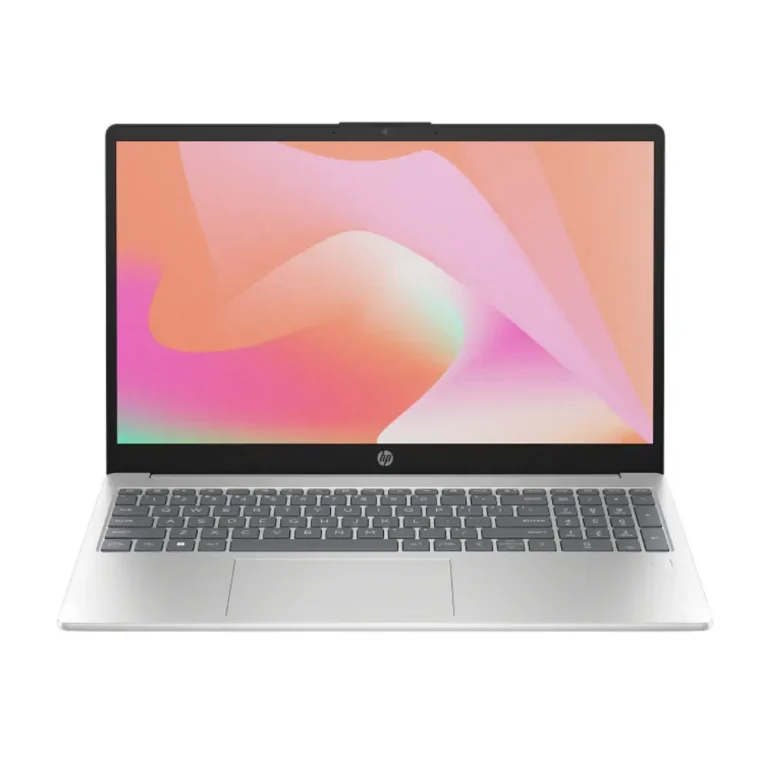
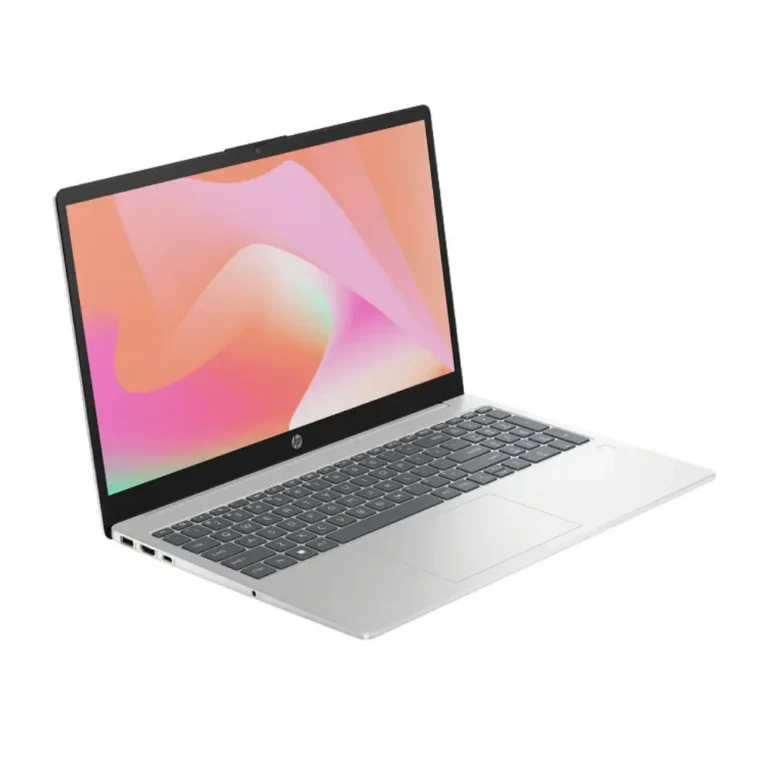
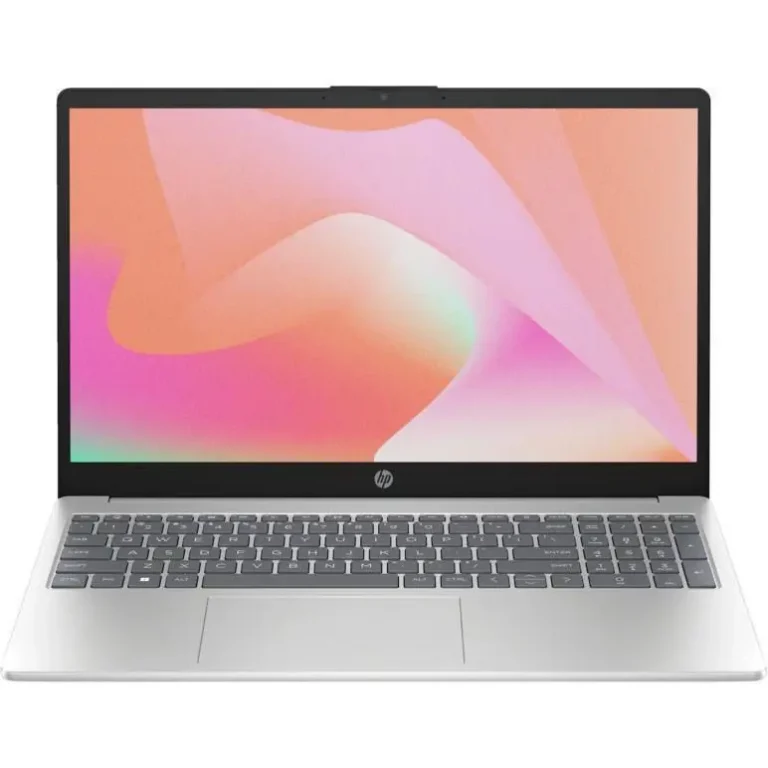
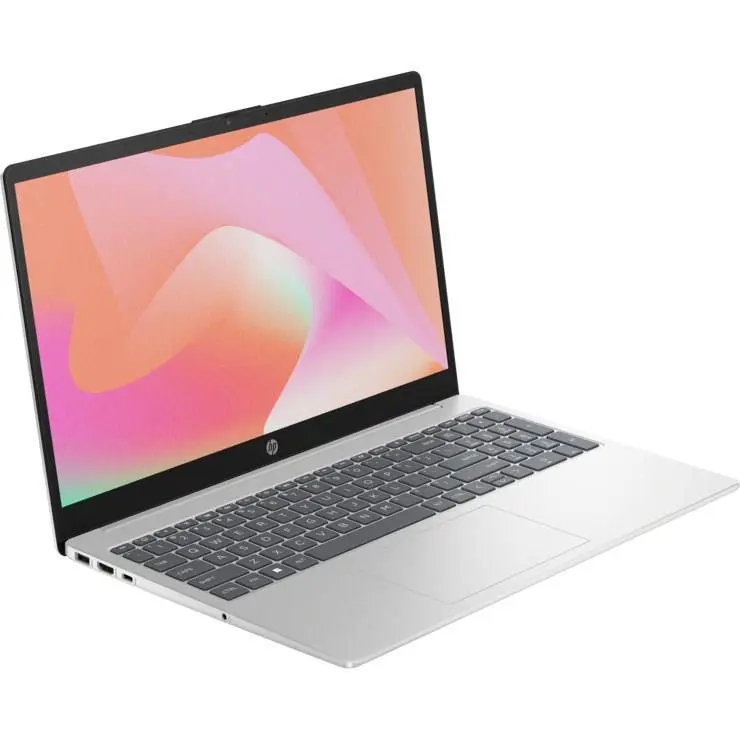
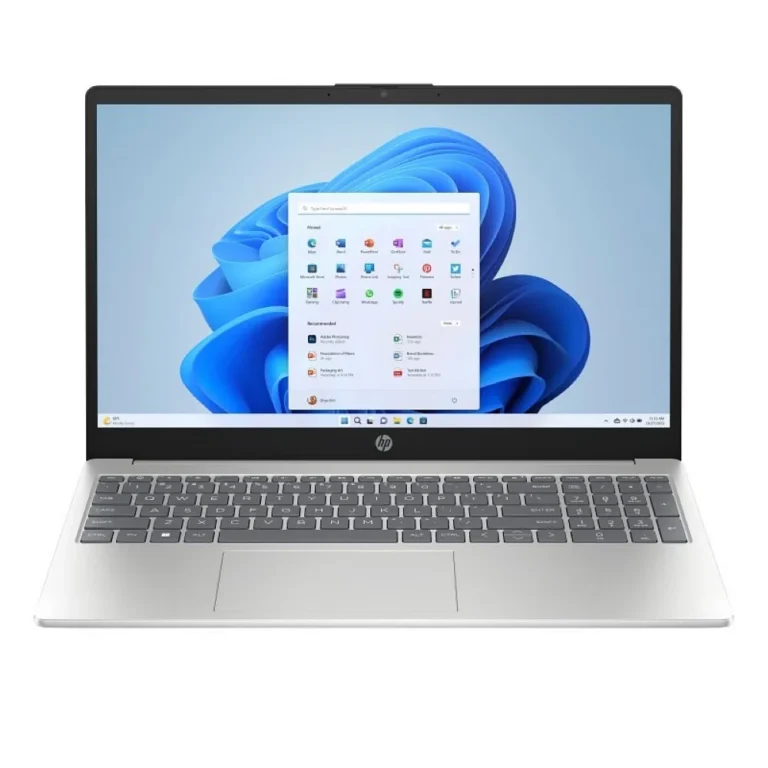
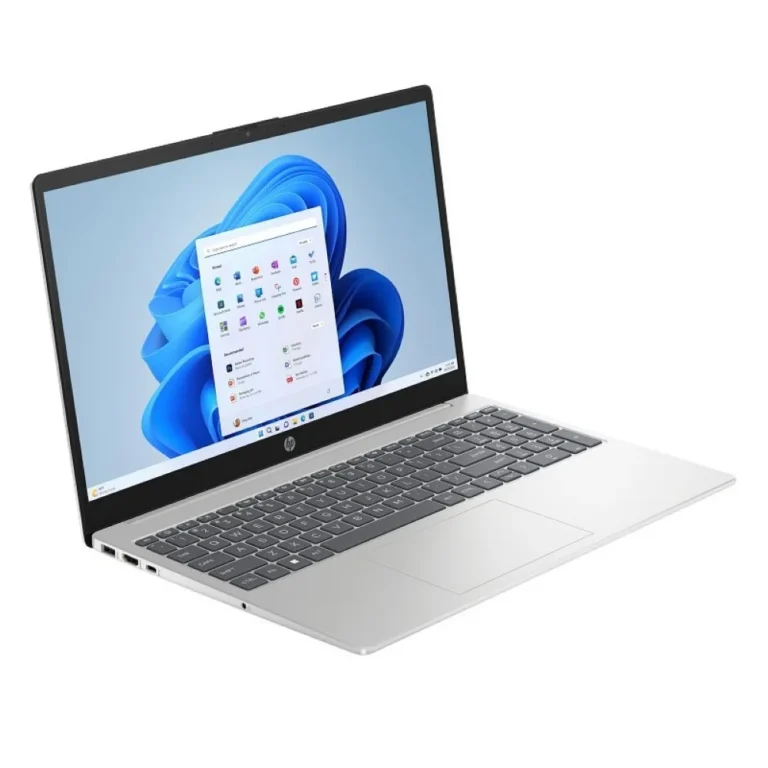
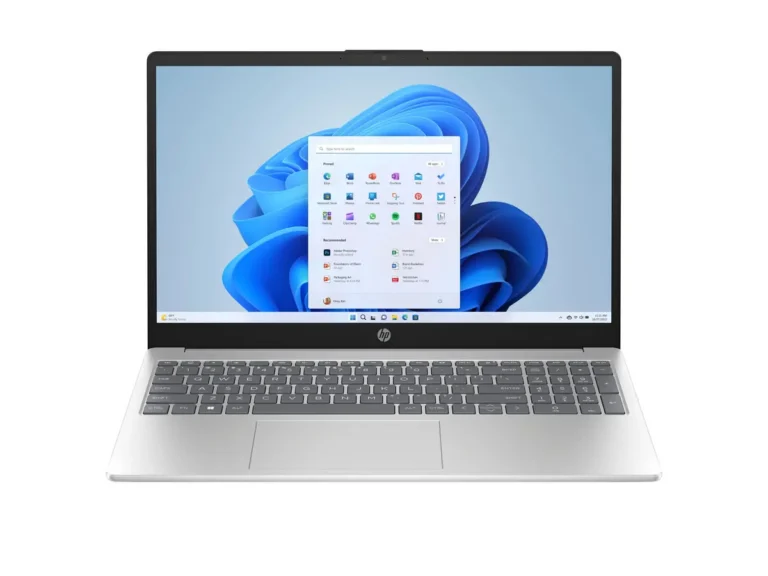
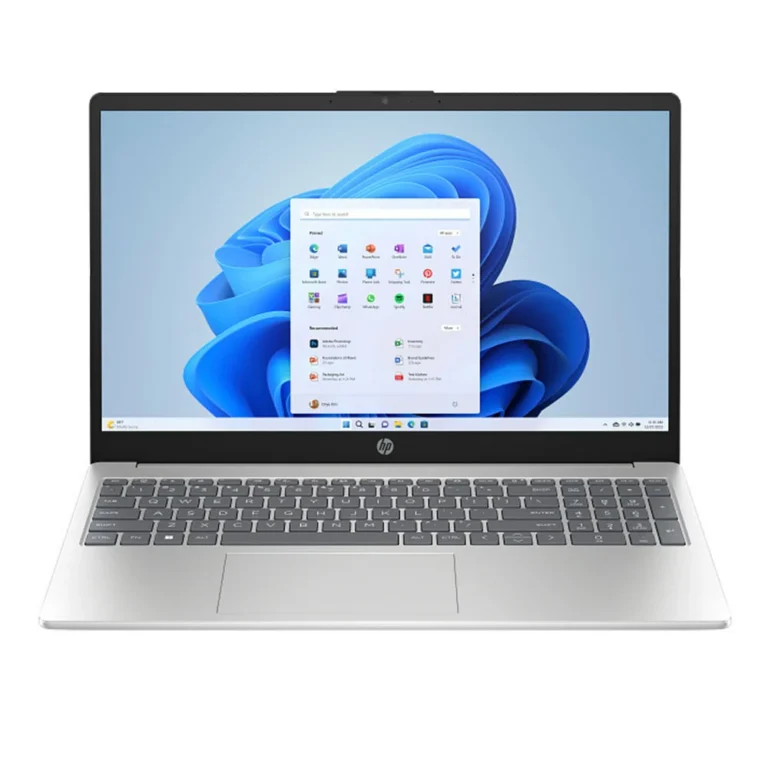
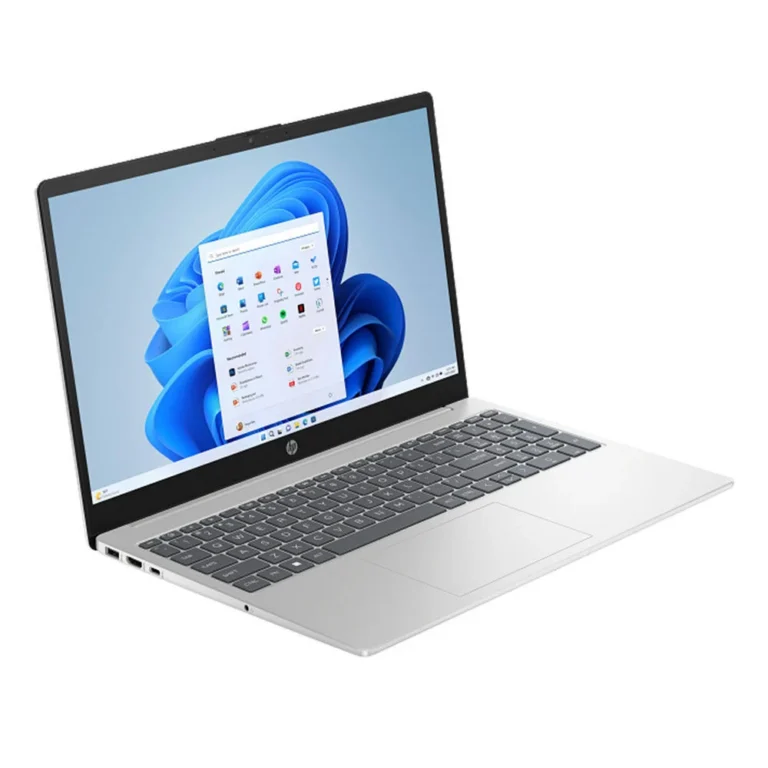
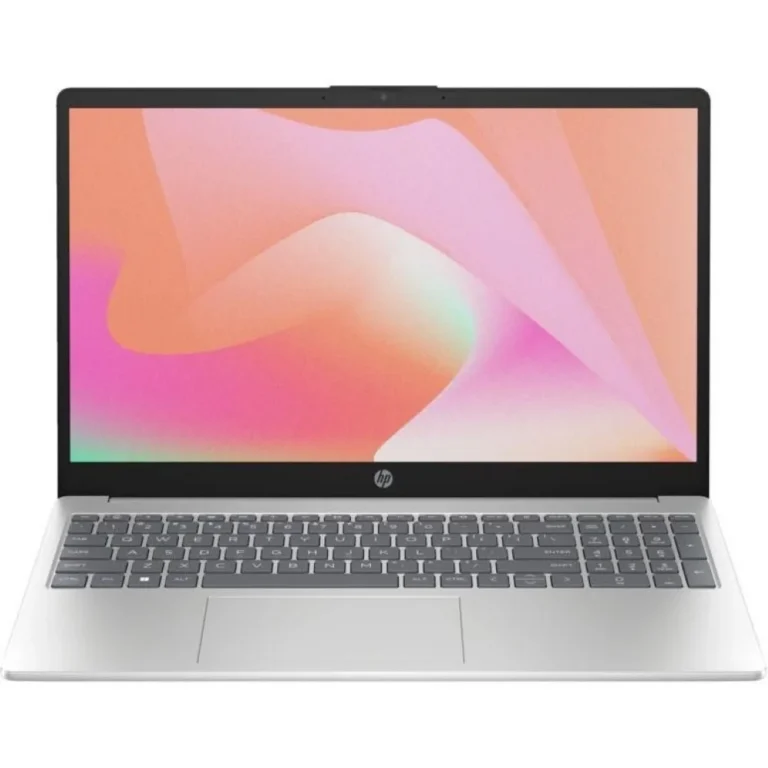
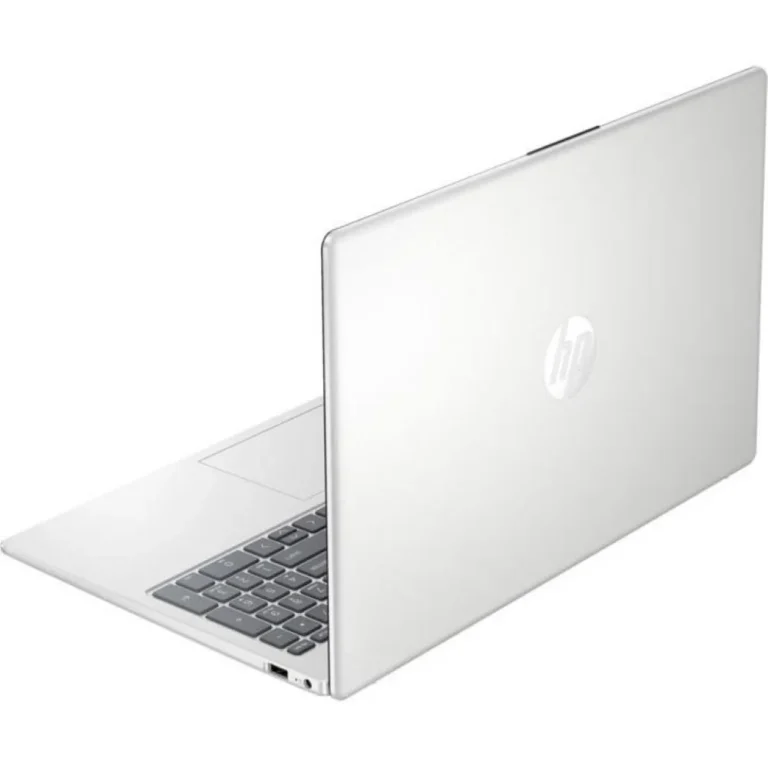
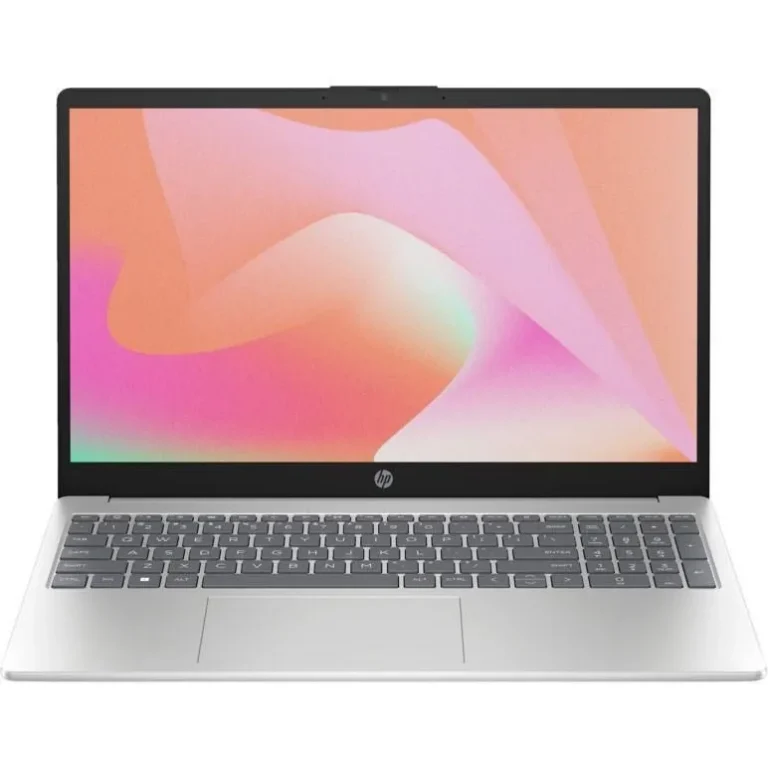
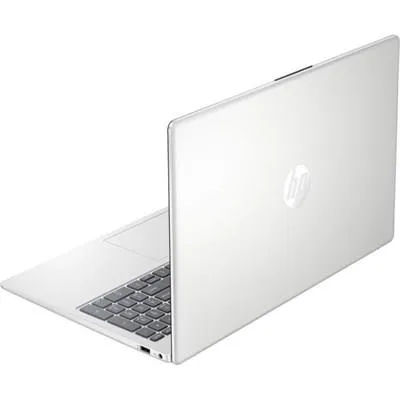
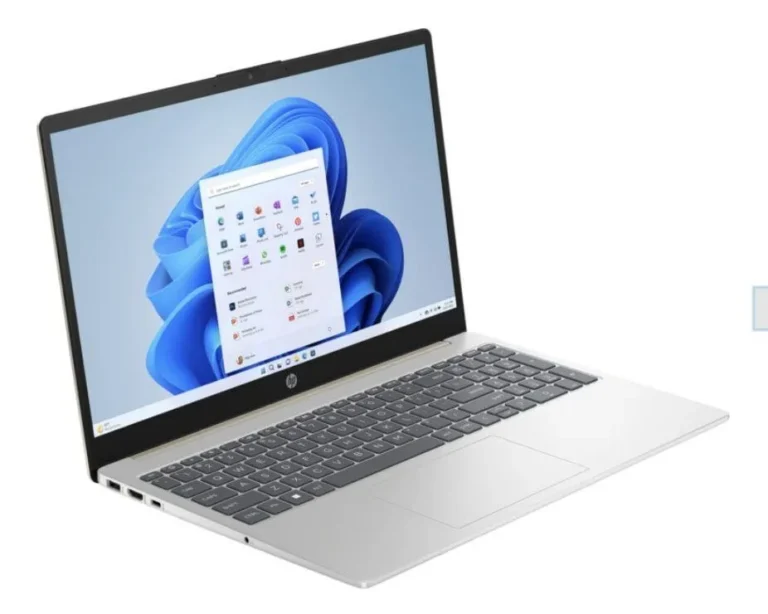
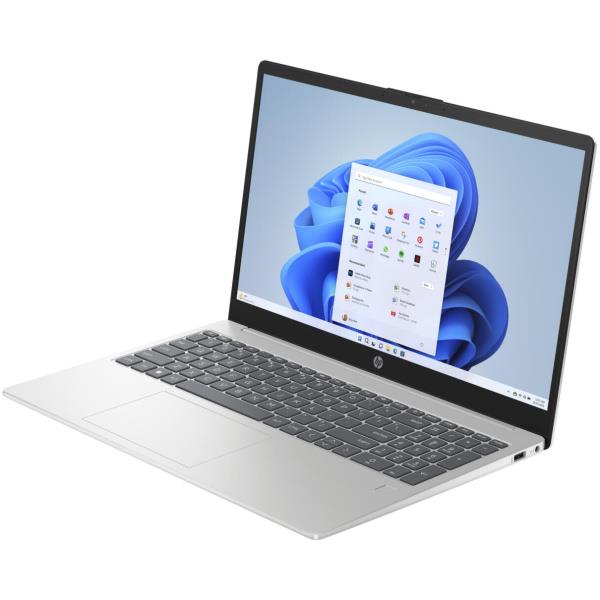
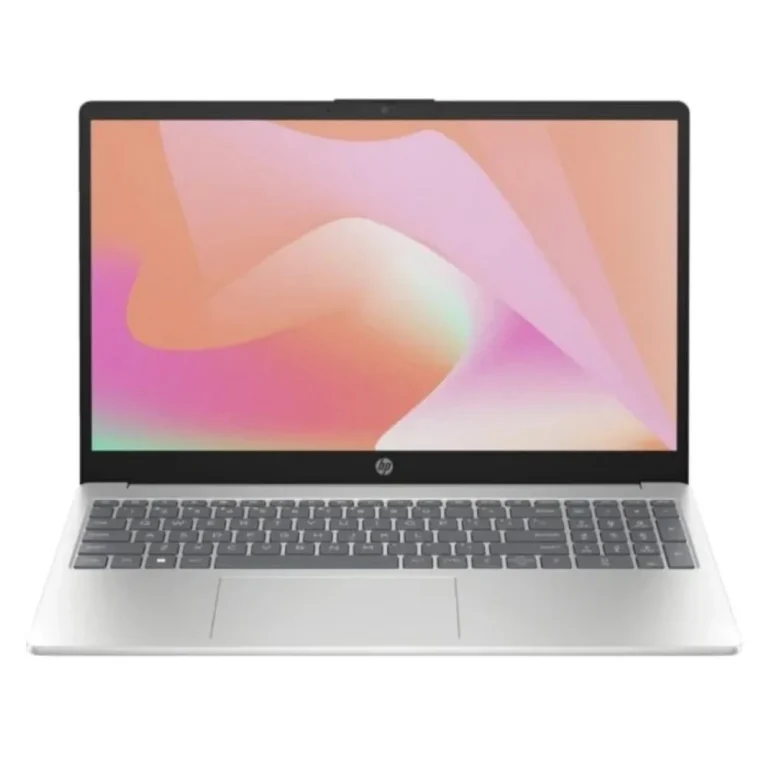
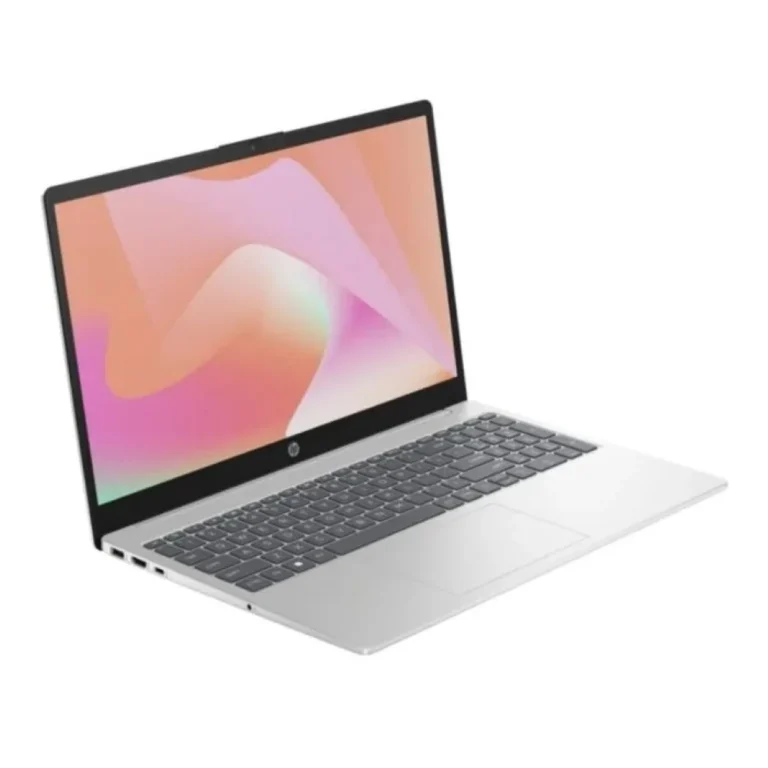
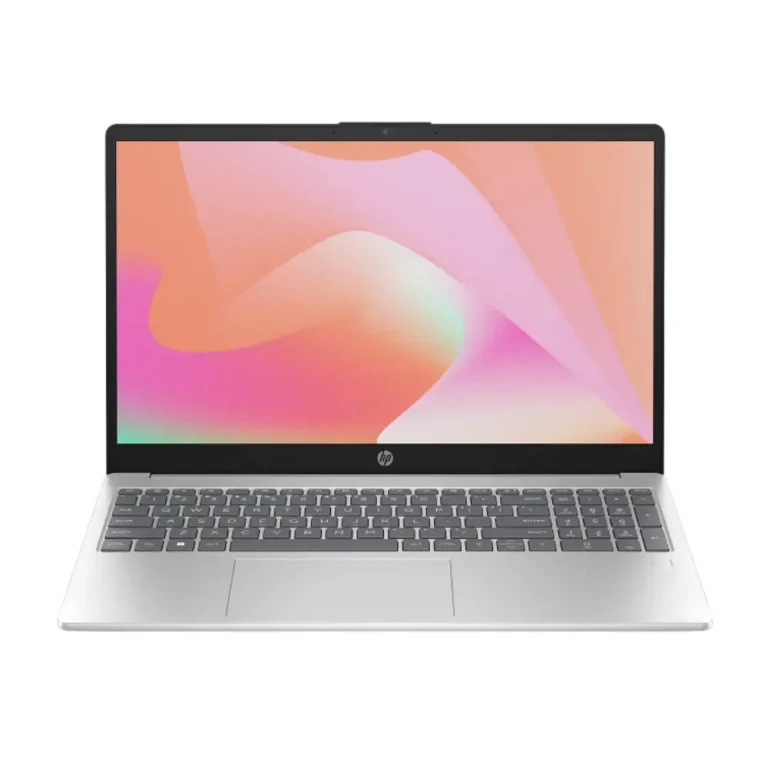
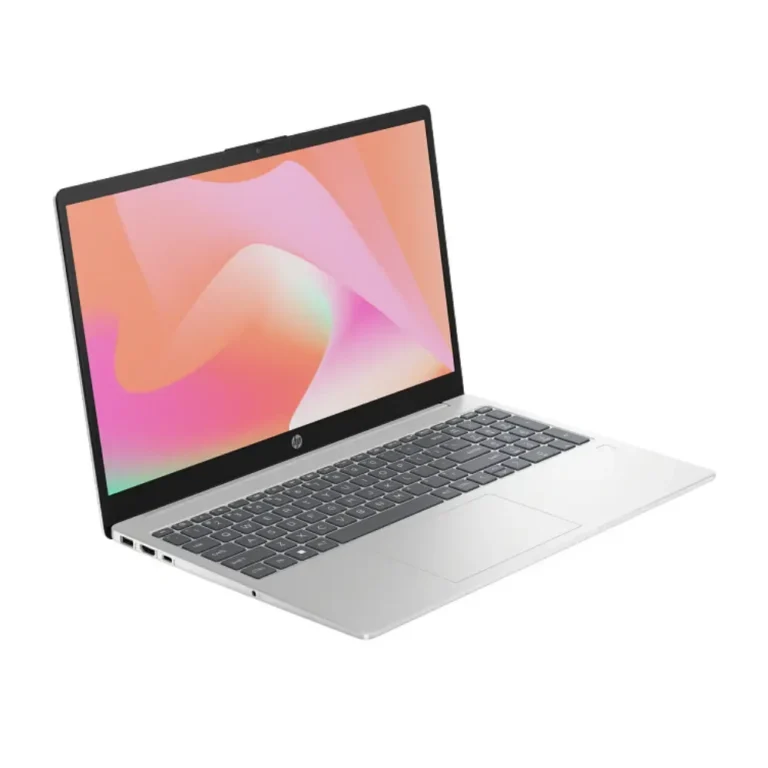
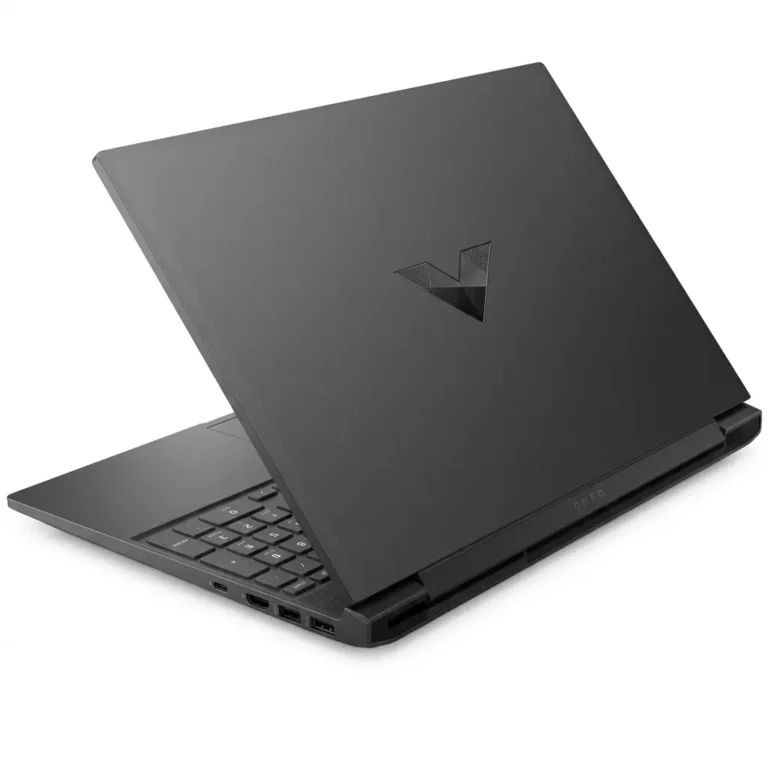
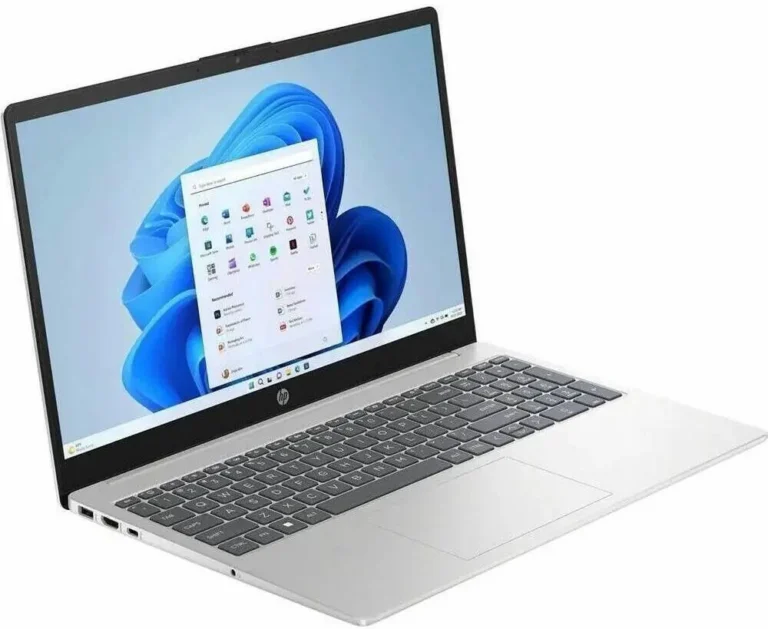
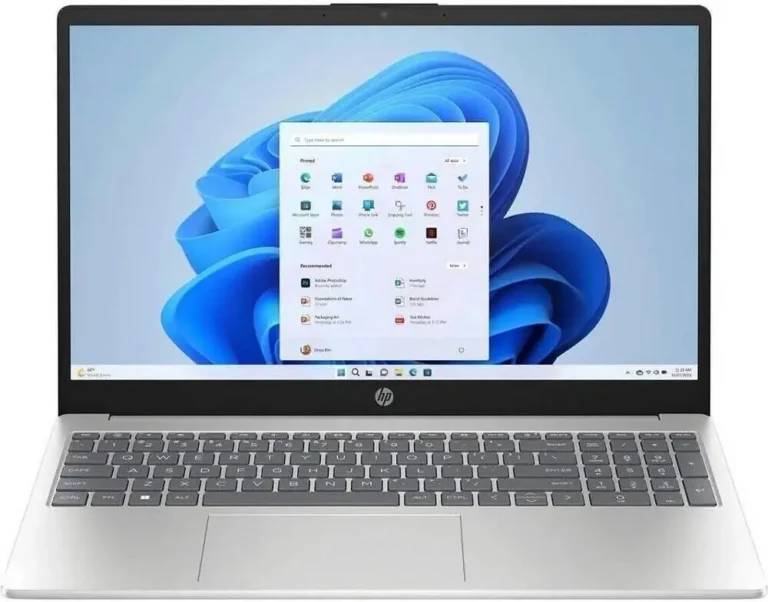
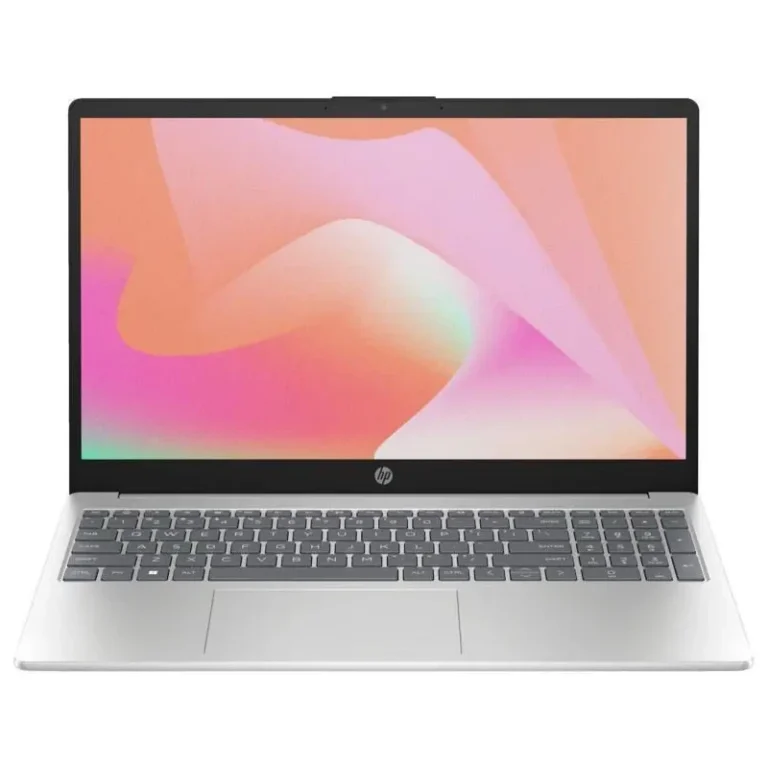
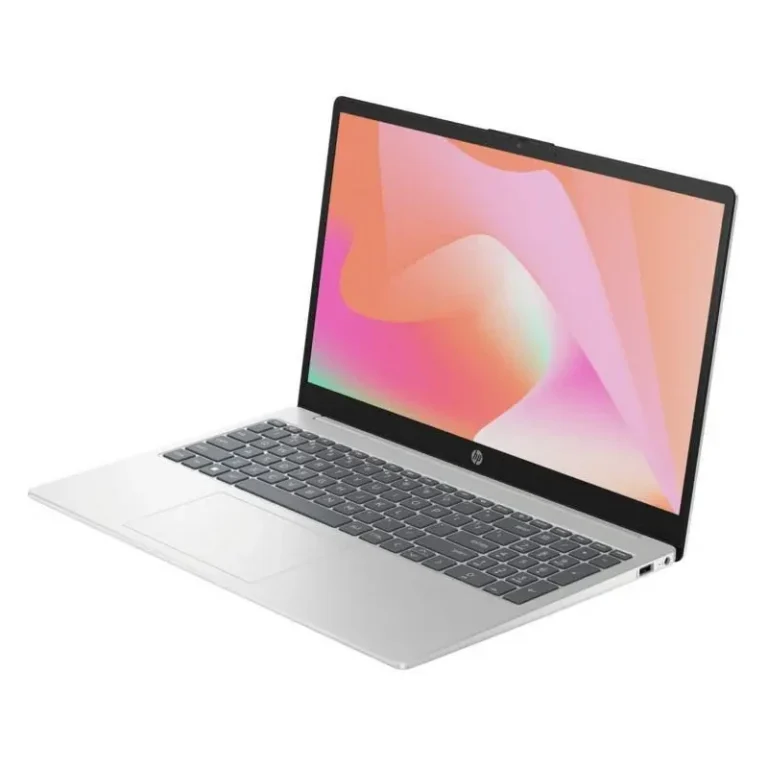
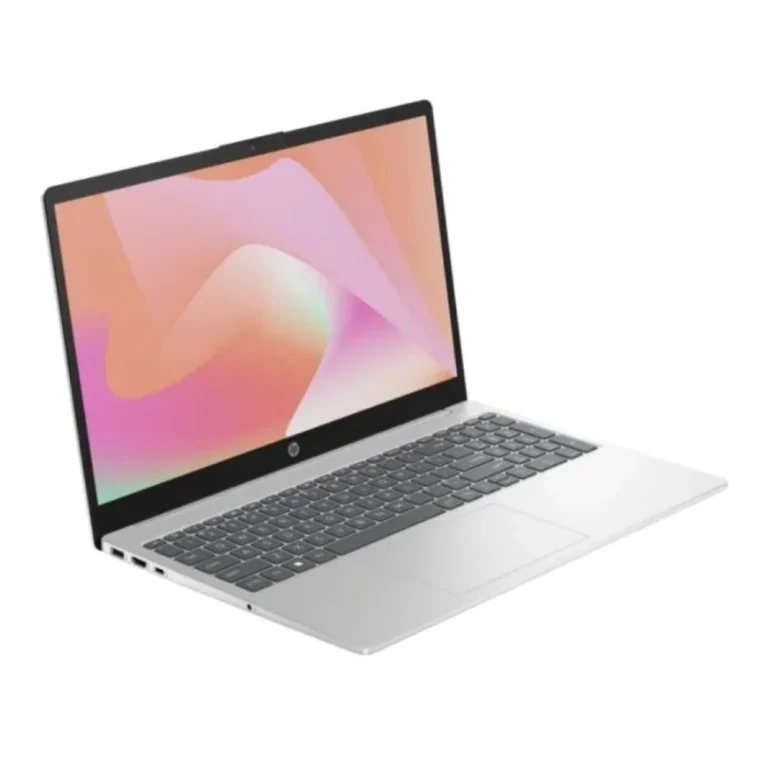
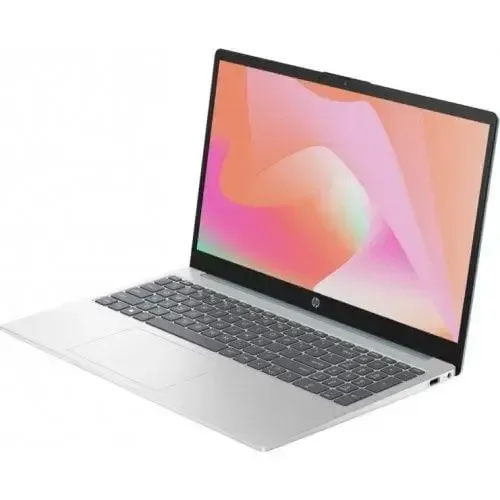
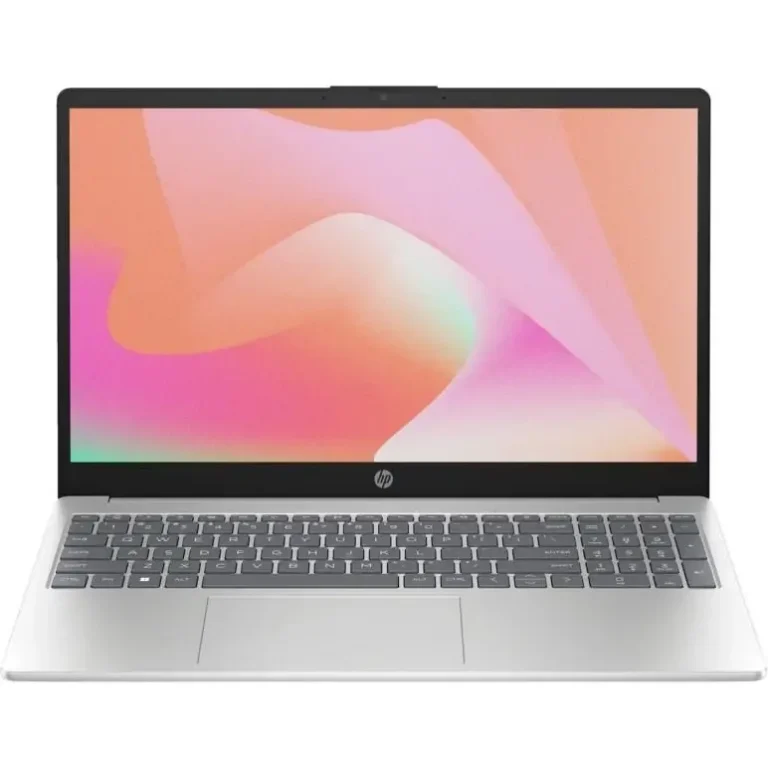
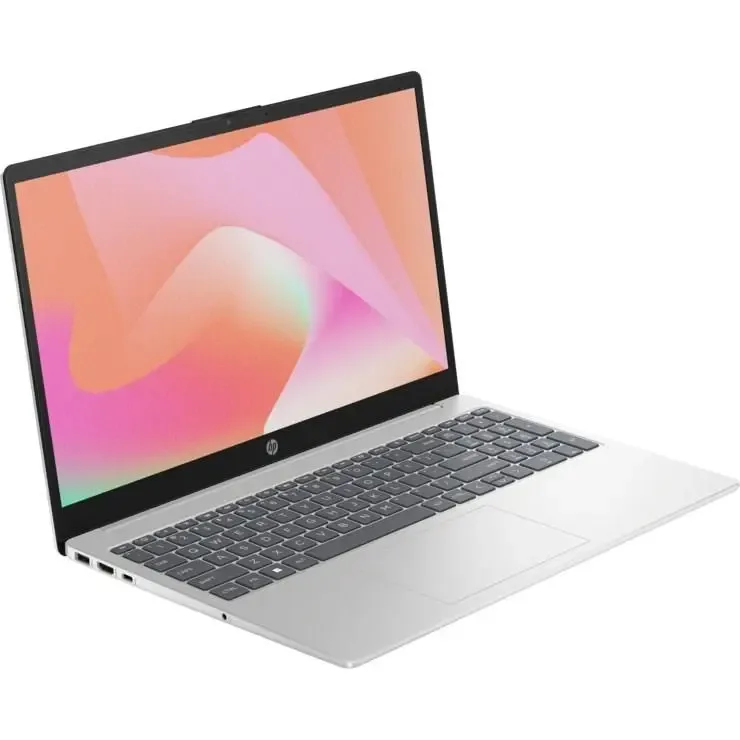
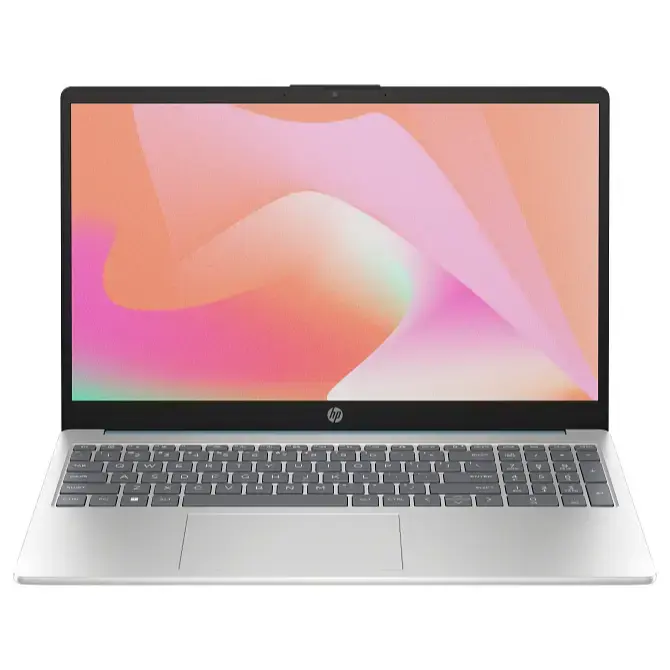
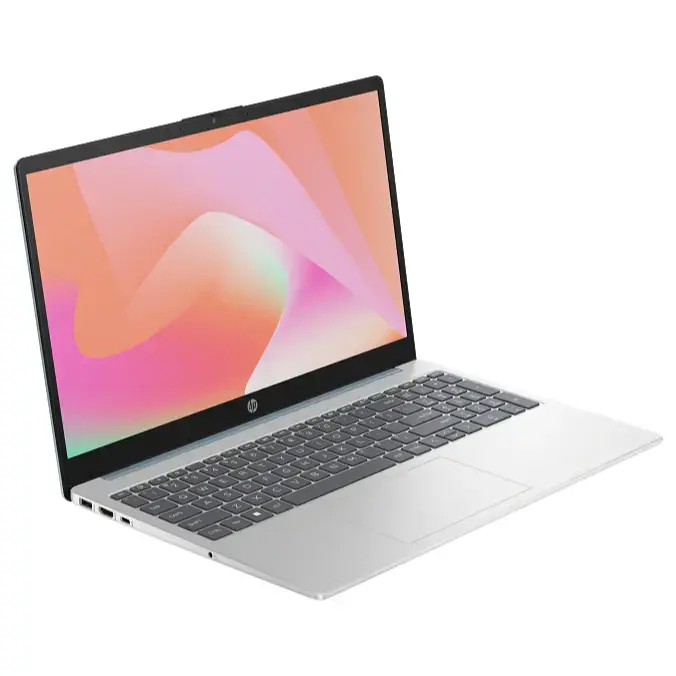
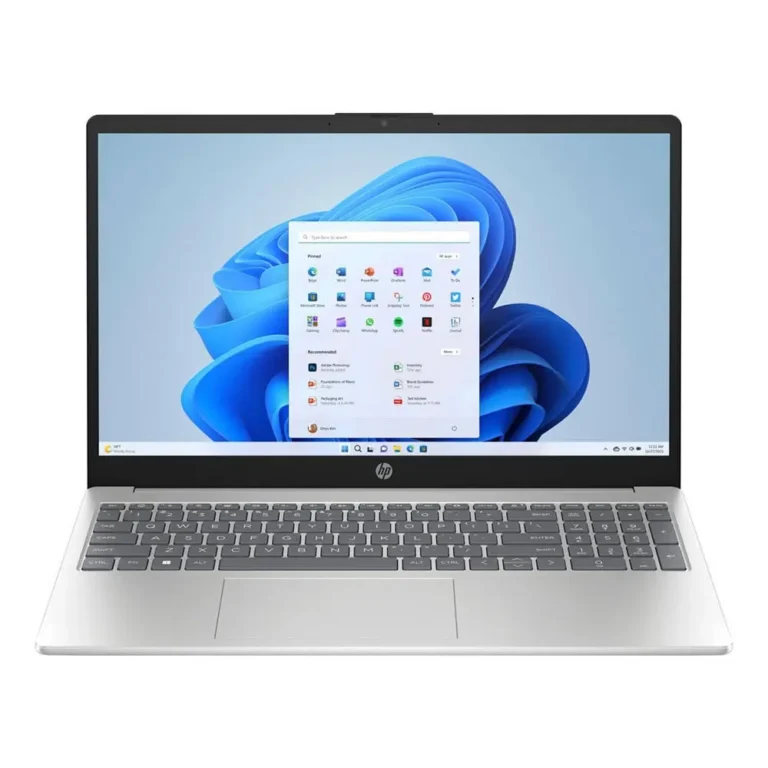
HP's 14 and 15 series covers full size everyday laptops, from 8GB starter builds to 24GB configurations with 1TB SSD storage and FHD screens.
HP 14 and 15 Series Laptops
HP 14 and 15 series laptops sit at the centre of HP’s mainstream range, built around a full size screen and a keyboard you can type on for hours. Students, office staff and home users buy from this series because it handles ordinary computing work without the bulk or cost of a mobile workstation.
Configurations here start at 8GB of memory and run through 16GB to 24GB, with DDR5 memory on several models. Storage begins at a 512GB SSD and reaches 1TB. Every model in the series uses an FHD panel, some as an IPS touch screen and others as a matte anti glare display. Pricing spans entry level machines through to premium builds, so one series can hold a first laptop and a main work machine.
Three decisions separate one model from the next.
- Memory comes first: 8GB copes with documents and browsing, while 16GB and 24GB hold steady when a dozen browser tabs sit alongside a spreadsheet and a video call.
- Storage is second, and the step from 512GB to 1TB changes how much of your photo library or project archive stays on the machine instead of in cloud storage.
- The panel is third. An IPS touch screen suits note taking and presentations, while a matte FHD panel throws back less glare under office tube lighting and costs less.
Some models add a backlit keyboard and a fingerprint reader, which shape daily use more than the spec list suggests.
Who each configuration suits
A student writing assignments and streaming lectures gets what they need from an 8GB model with a 512GB SSD. Someone running accounts software, large spreadsheets and a full browser should start at 16GB. A user who keeps years of files and photo work on the laptop should look at the 24GB configurations with the 1TB SSD. Buyers who want a discrete graphics card for gaming or 3D work should shop the gaming laptop categories rather than this series.
Mega Computer keeps this range at its Karachi showroom and ships nationwide across Pakistan. You can pay cash on delivery or settle online before dispatch. Models listed with official warranty carry the manufacturer’s local cover, so hold on to the invoice in case you need service. If you want to judge the keyboard travel and screen finish yourself, walk into the Karachi counter and compare two configurations side by side.

 HPHP 57