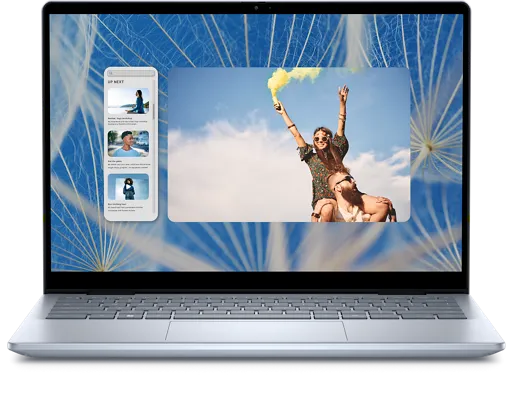
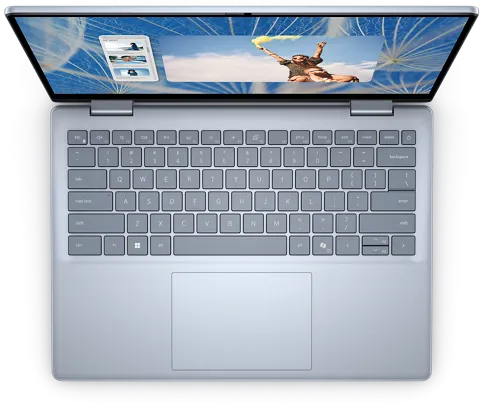
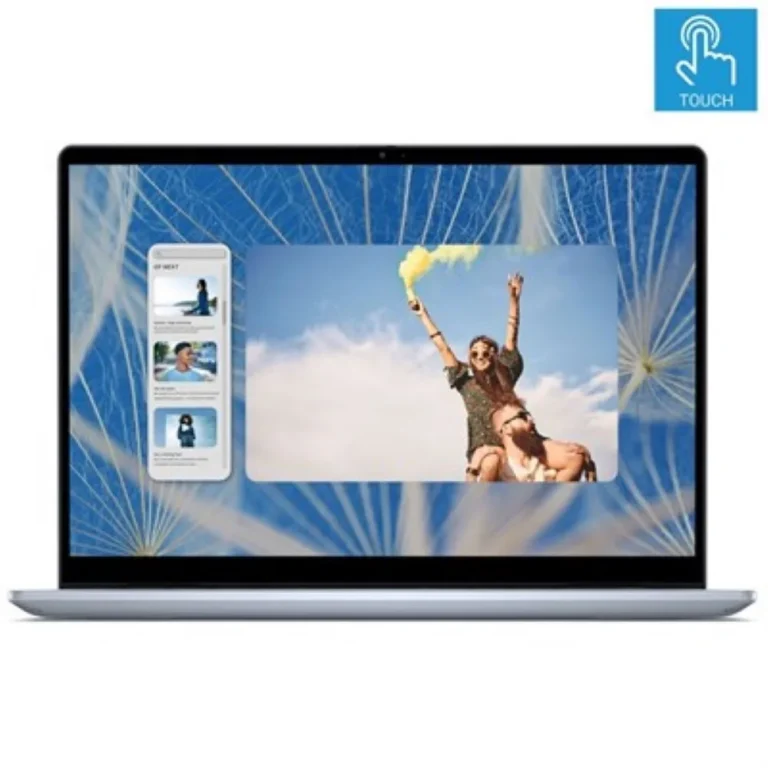
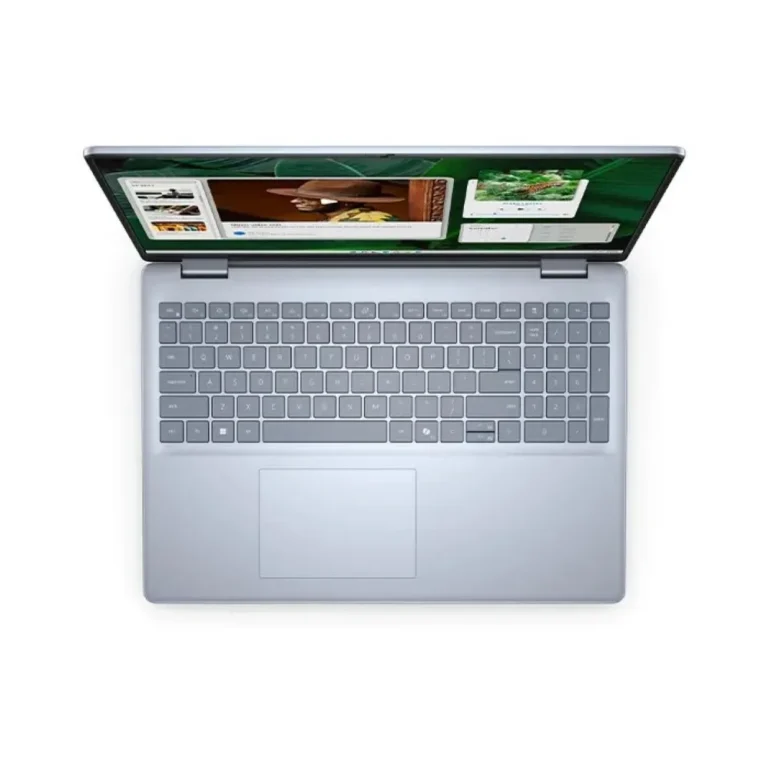
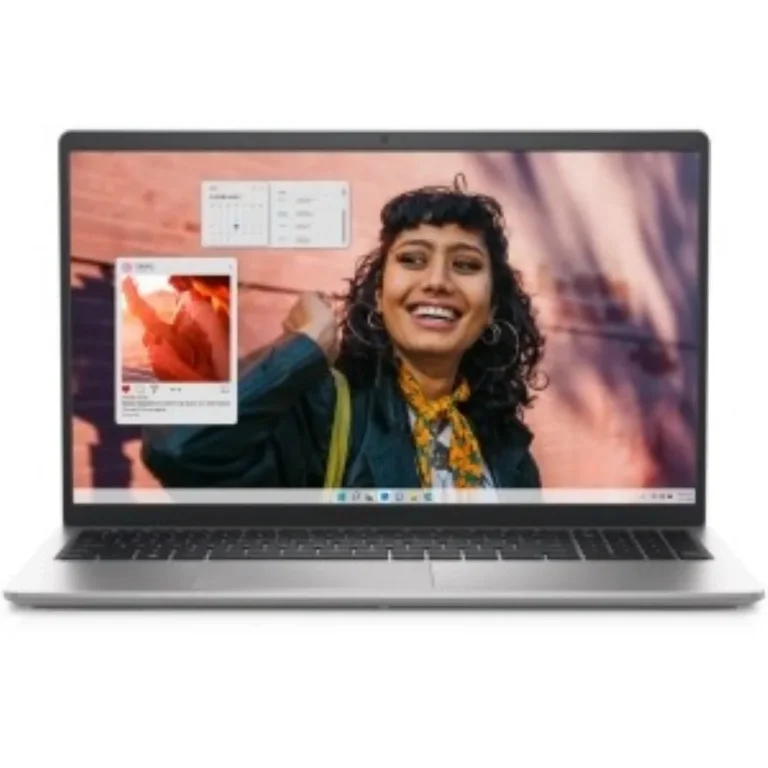
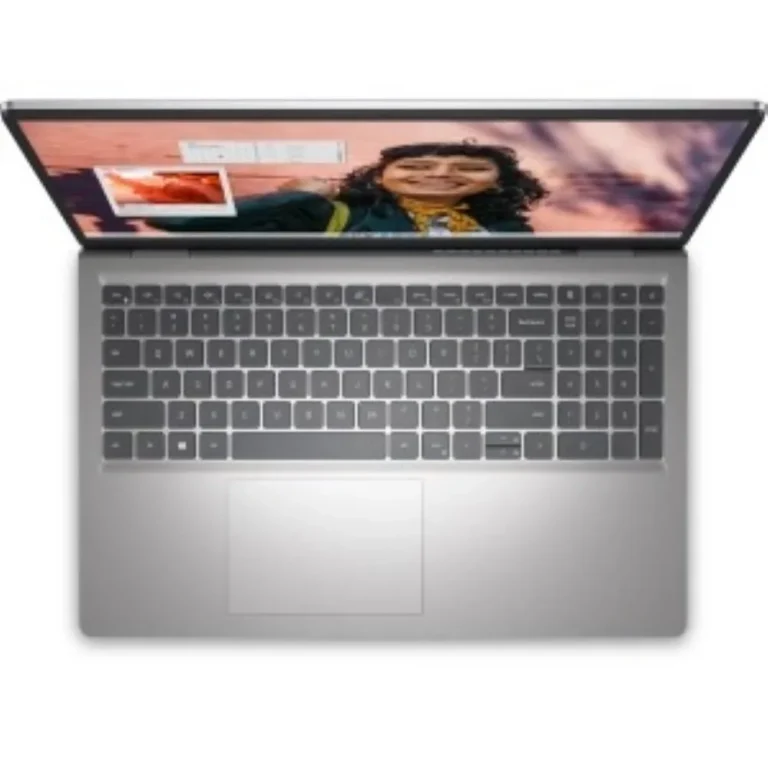
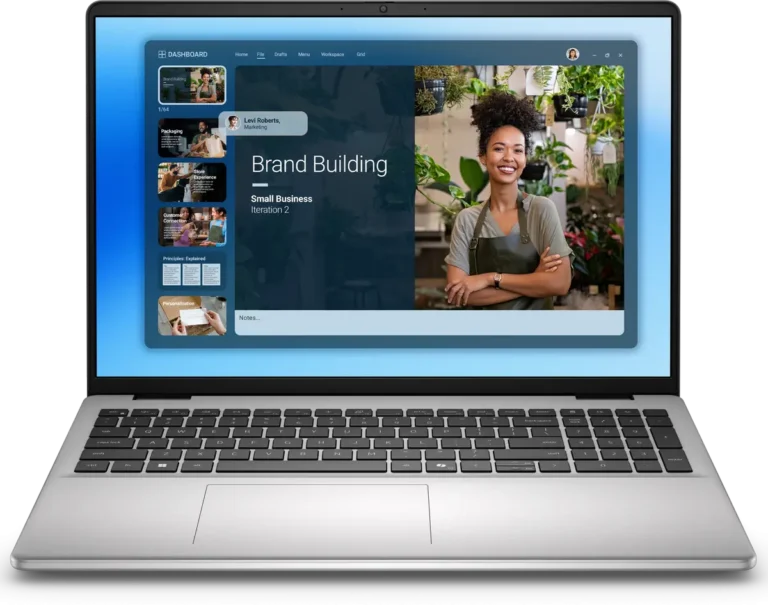
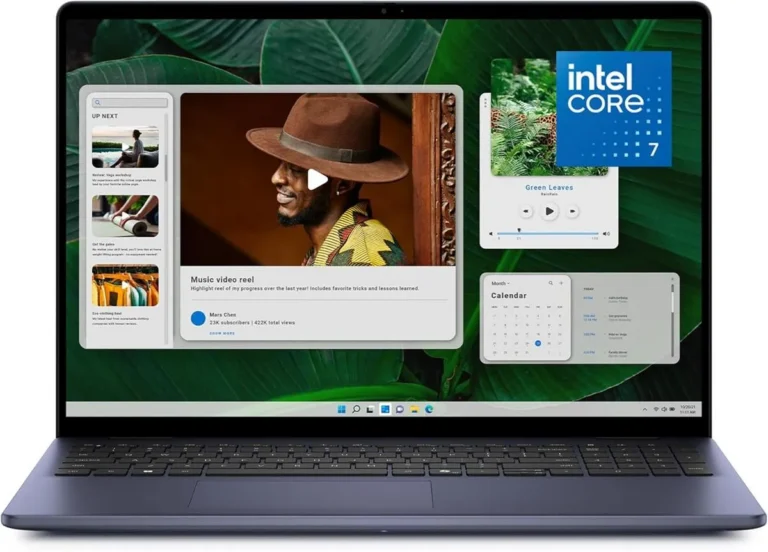
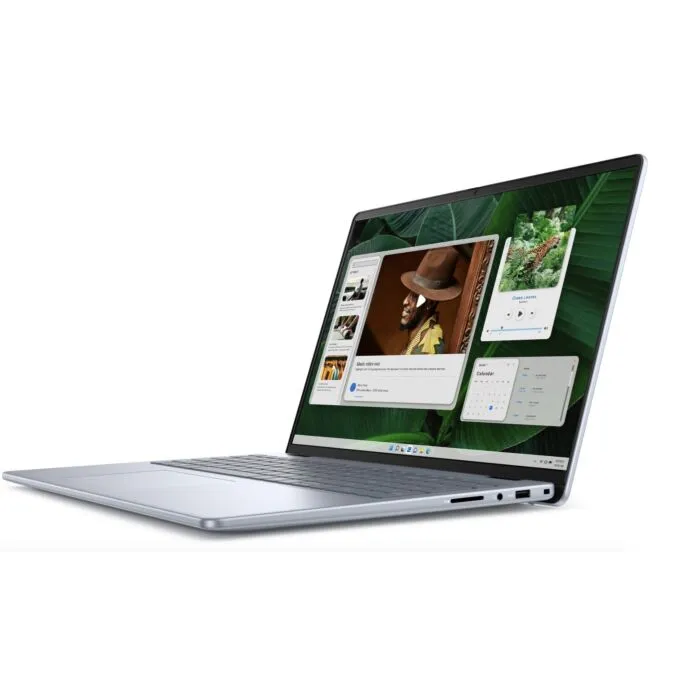
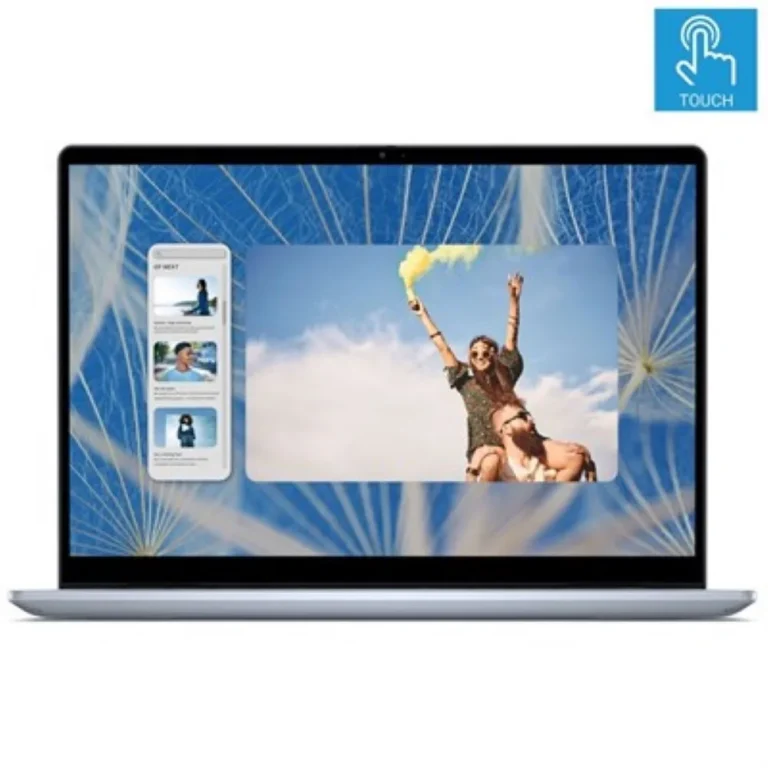
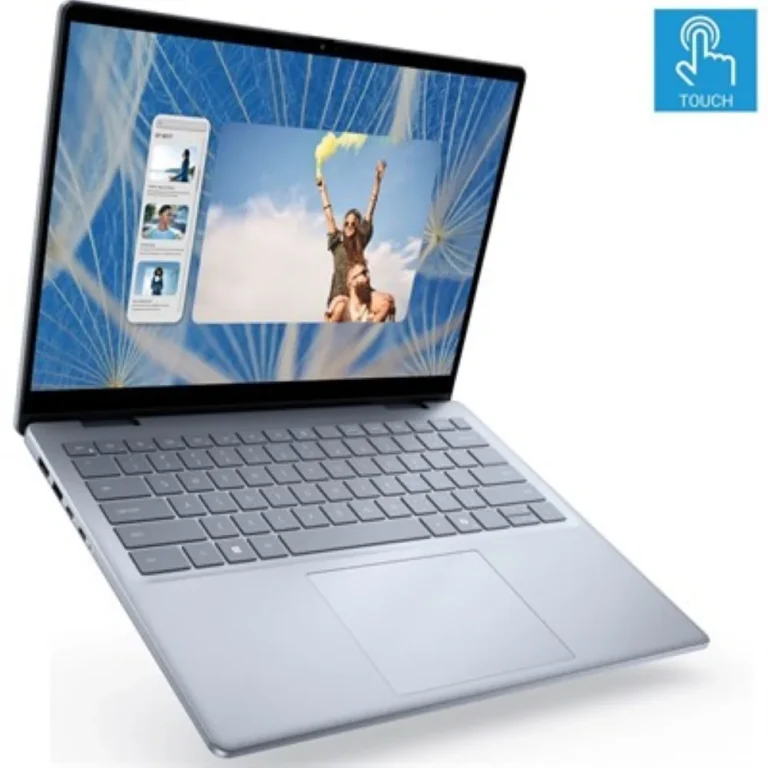
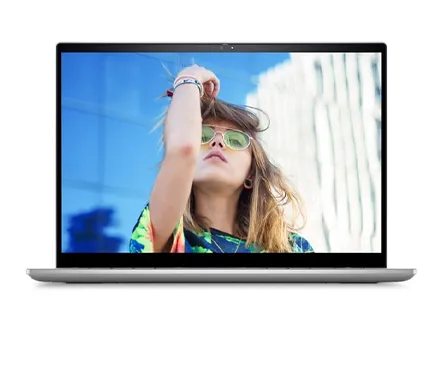
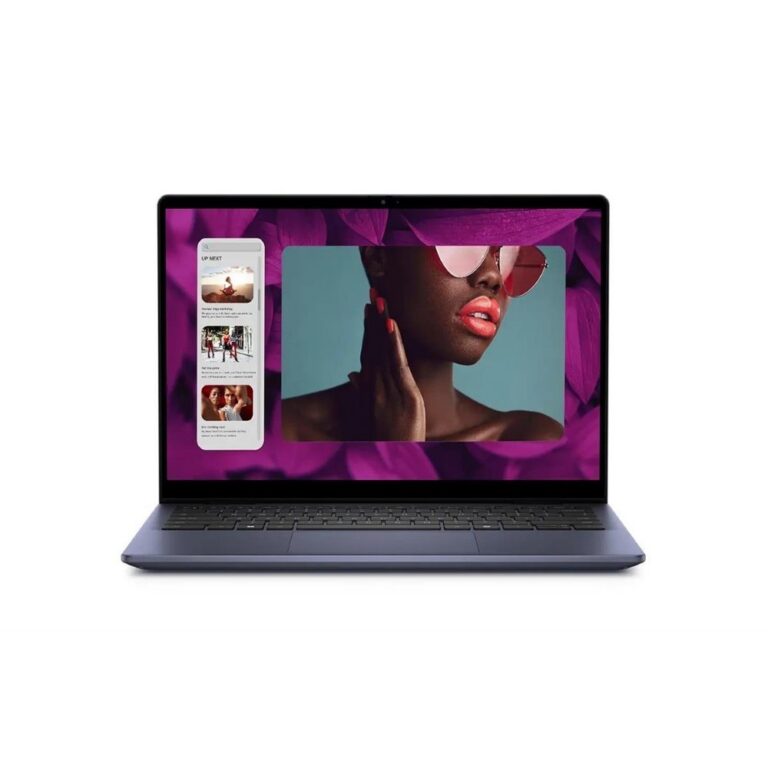
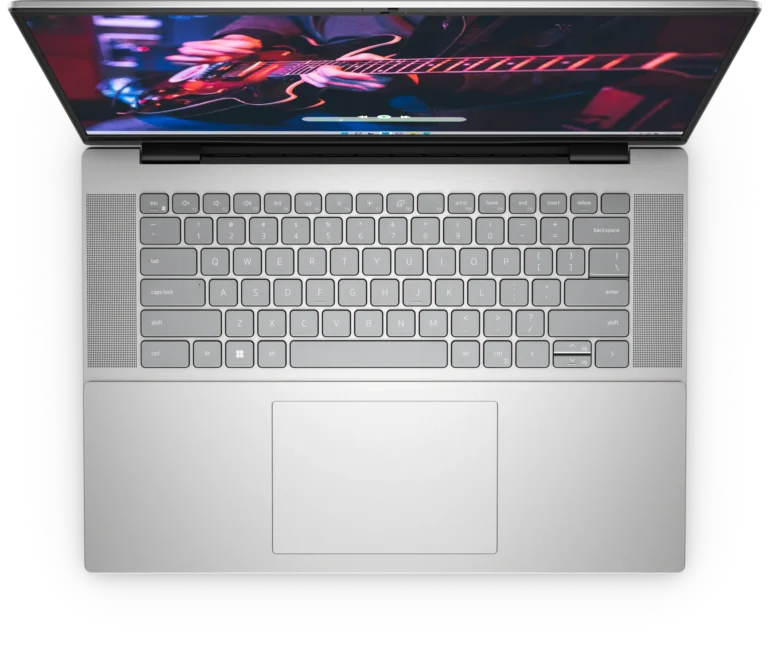
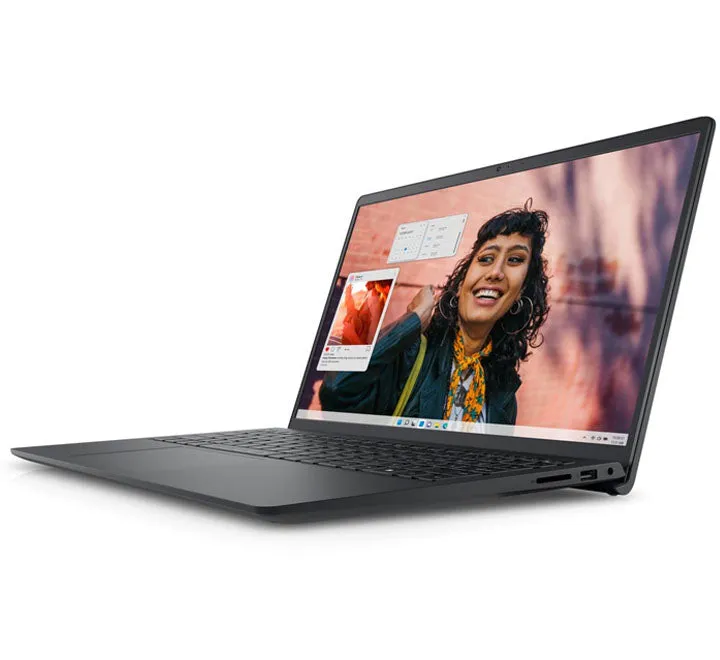
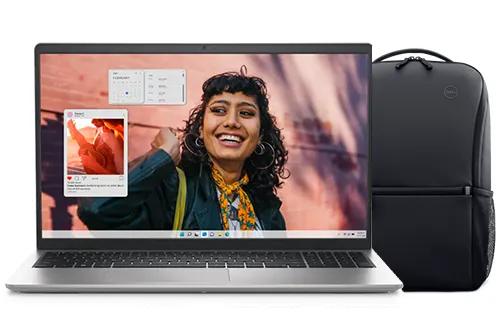
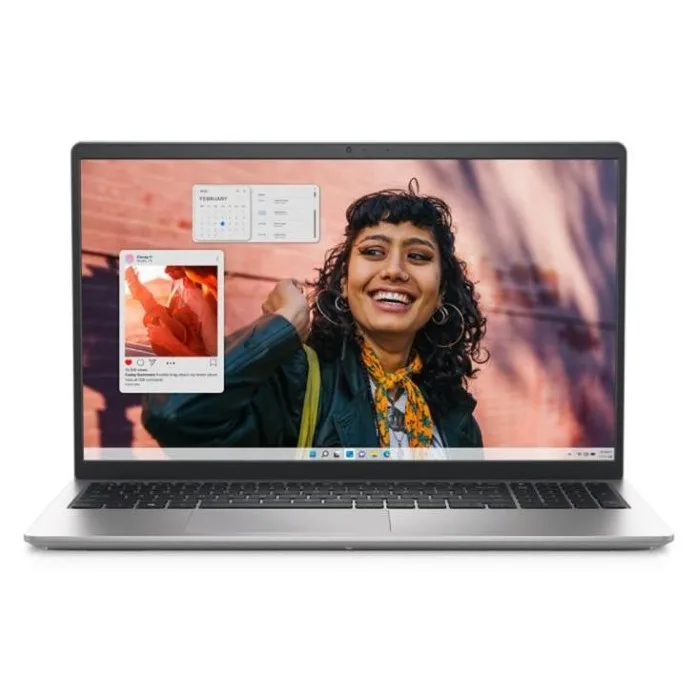
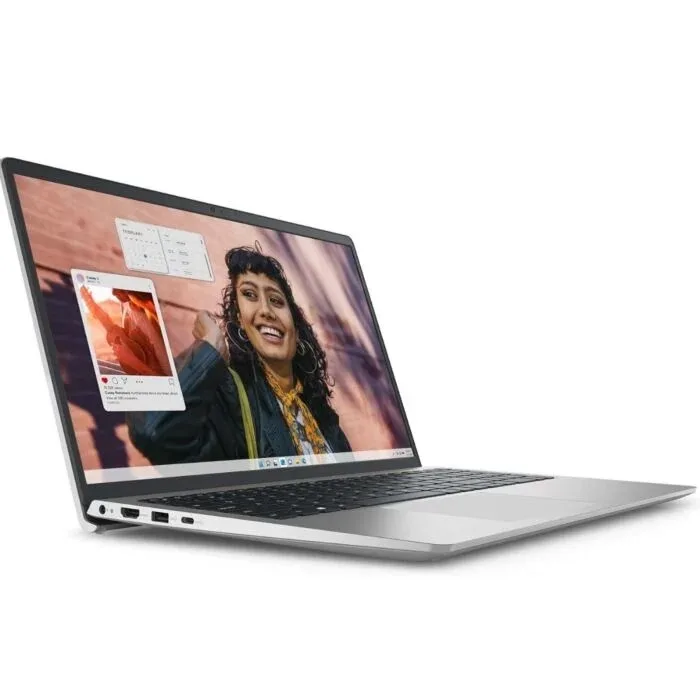
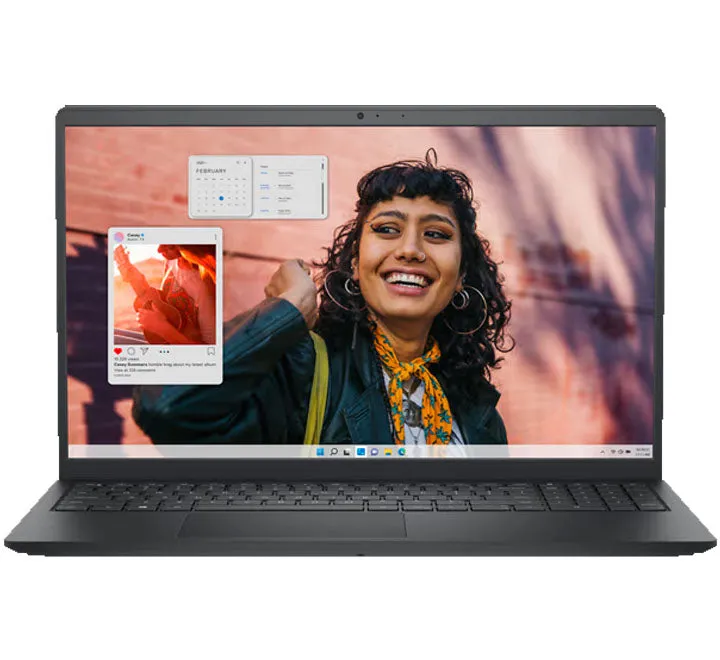
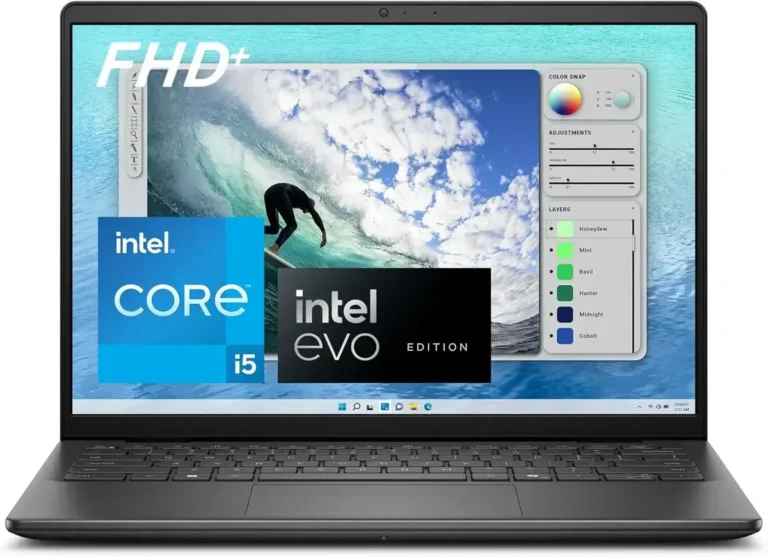
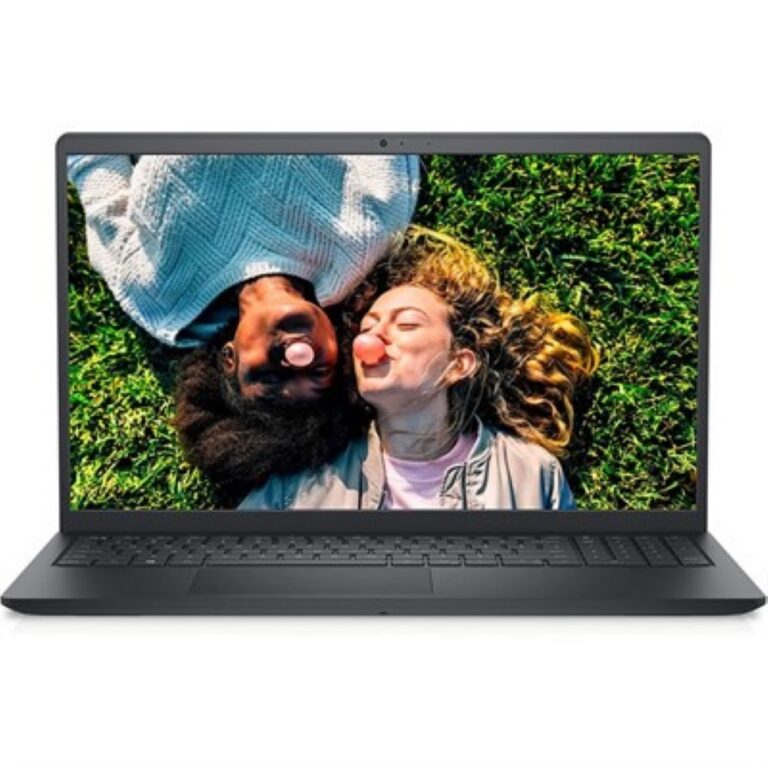
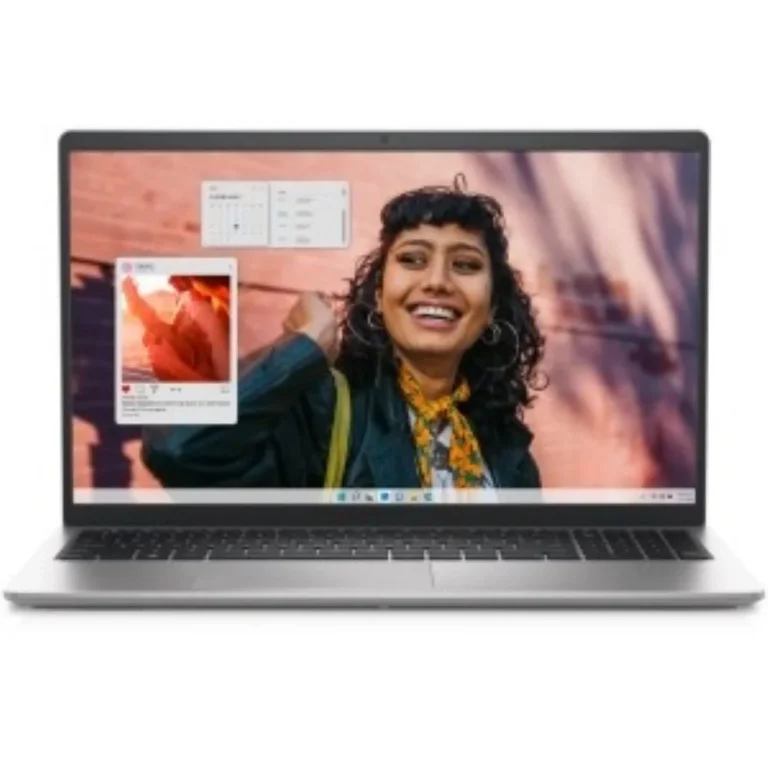
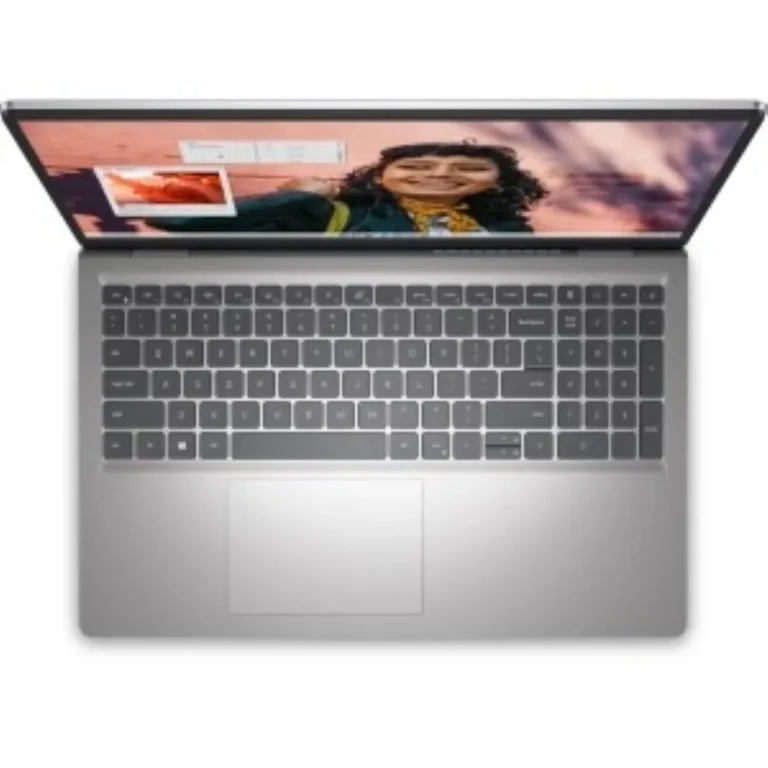
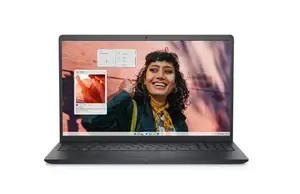
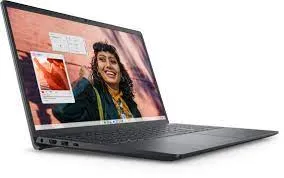
Dell's mainstream consumer range, covering 14 and 16 inch clamshell and x360 touch models with 16GB or 32GB memory and SSD storage from 512GB to 1TB.
Dell Inspiron Laptops in Pakistan
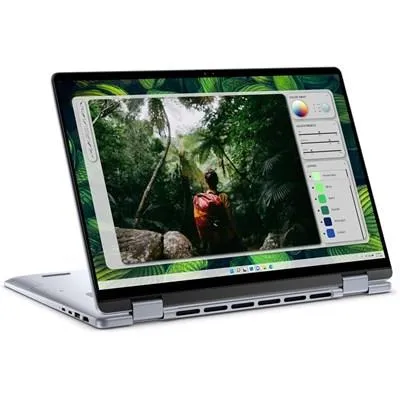
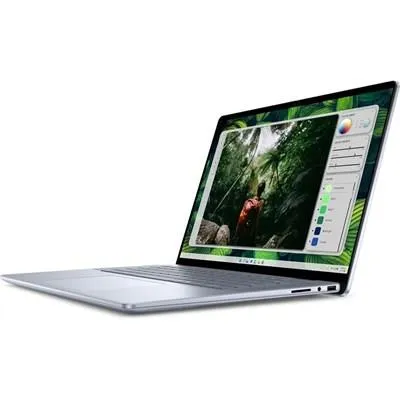
Dell Inspiron machines sit in the middle of Dell’s consumer line, built for students, office staff and home users who want a full size screen and a keyboard they can type on through a long day. The category holds both standard clamshell models and 2-in-1 versions that fold back on an x360 hinge into tablet position.
Every unit here carries the Dell badge, so the variation is in configuration rather than brand. Memory runs from 16GB DDR5 up to 32GB. Storage covers 512GB and 1TB SSD options. Screen sizes are 14 inch and 16 inch, with FHD IPS panels at 60Hz across the mainstream models and a 2K touchscreen at the top of the range. Pricing moves from entry level configurations through to premium builds, which means one category holds a straightforward study machine and a well specified portable work setup.
Three decisions settle most of these purchases.
- The first is the hinge. A fixed clamshell keeps the chassis lighter at the same screen size, while an x360 model lets you fold the display flat against the base and use touch input, at the cost of some weight.
- The second is the panel. FHD IPS at 60Hz covers documents, browsers and video, and a 2K touchscreen earns its price if you crop photos or keep two windows side by side.
- The third is memory. 16GB DDR5 handles office work and a browser full of tabs, while 32GB makes sense for virtual machines, large data sets and design software.
Matching an Inspiron to the work
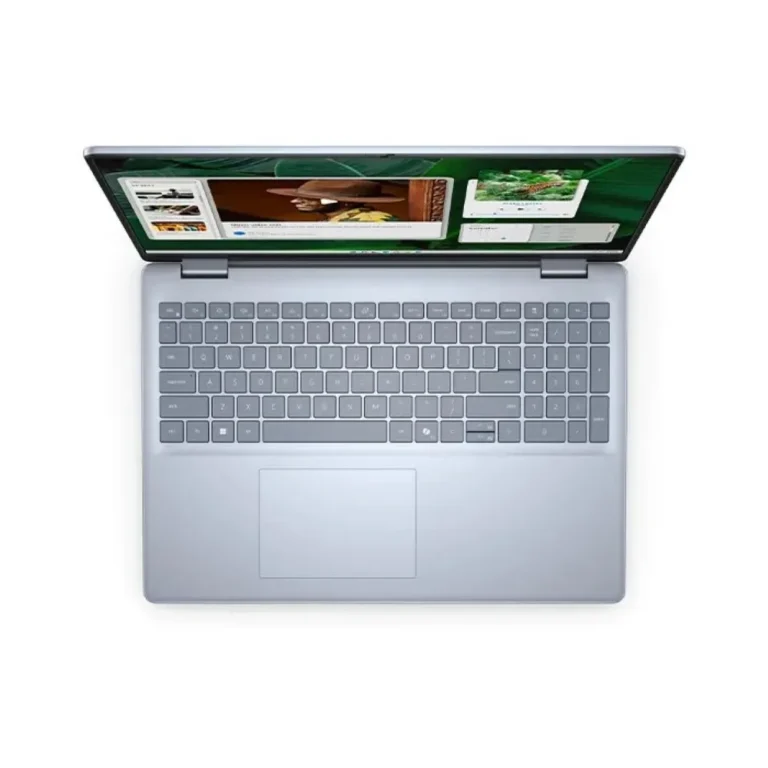
A student writing assignments and joining video classes gets what they need from a 14 inch model with 16GB and a 512GB SSD, and the bag stays light. Accounts and admin staff who live inside spreadsheets gain more from a 16 inch FHD IPS panel, because more rows fit before scrolling starts. Anyone who marks up documents or sketches during meetings should shortlist the x360 touch models. Buyers running design tools or compiling code want the 32GB and 1TB SSD end of the range. Backlit keyboards and fingerprint readers appear across much of the lineup, which matters for late shifts and shared desks.
Buyers in Karachi can visit the showroom, open a lid and test the keyboard and hinge before committing to a configuration. Orders go out with nationwide delivery across Pakistan, and you can settle with cash on delivery or online payment. Warranty cover differs between units. Some Inspiron configurations are sold with local warranty and others with international warranty, so read the warranty line on the individual product page before placing the order.
The installed operating system is worth checking as well. Part of the range ships with Windows 11 Home in place, and a smaller set ships with Ubuntu, which suits buyers who prefer Linux or plan to install their own operating system. DDR5 memory runs across these configurations, so plan any later upgrade around DDR5 modules rather than older ones.

 DellDell 23