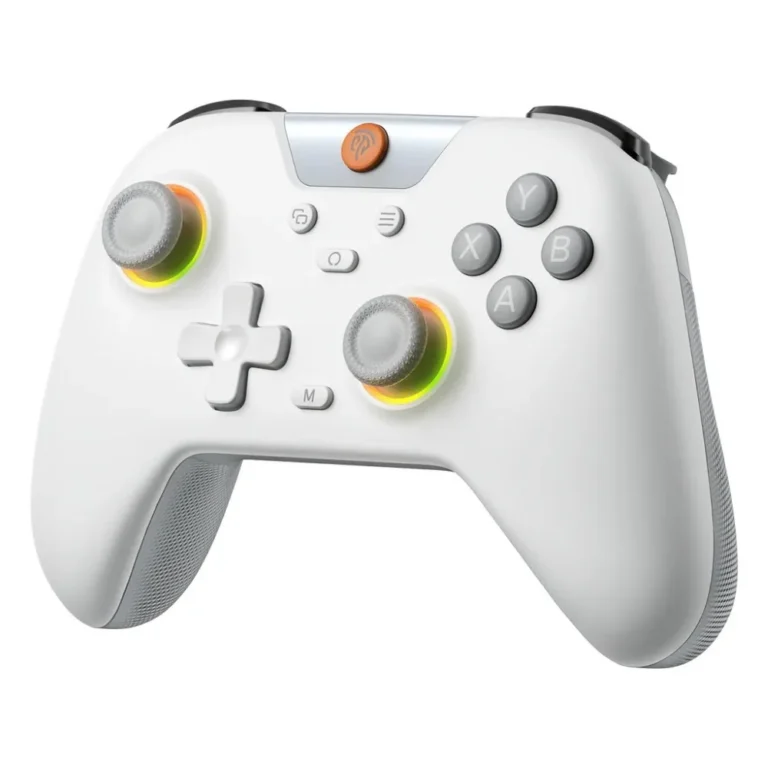
EasySMX gamepads for players who move between a PC and a console, covering wireless models and mechanical button builds at entry level through premium.
EasySMX Controllers
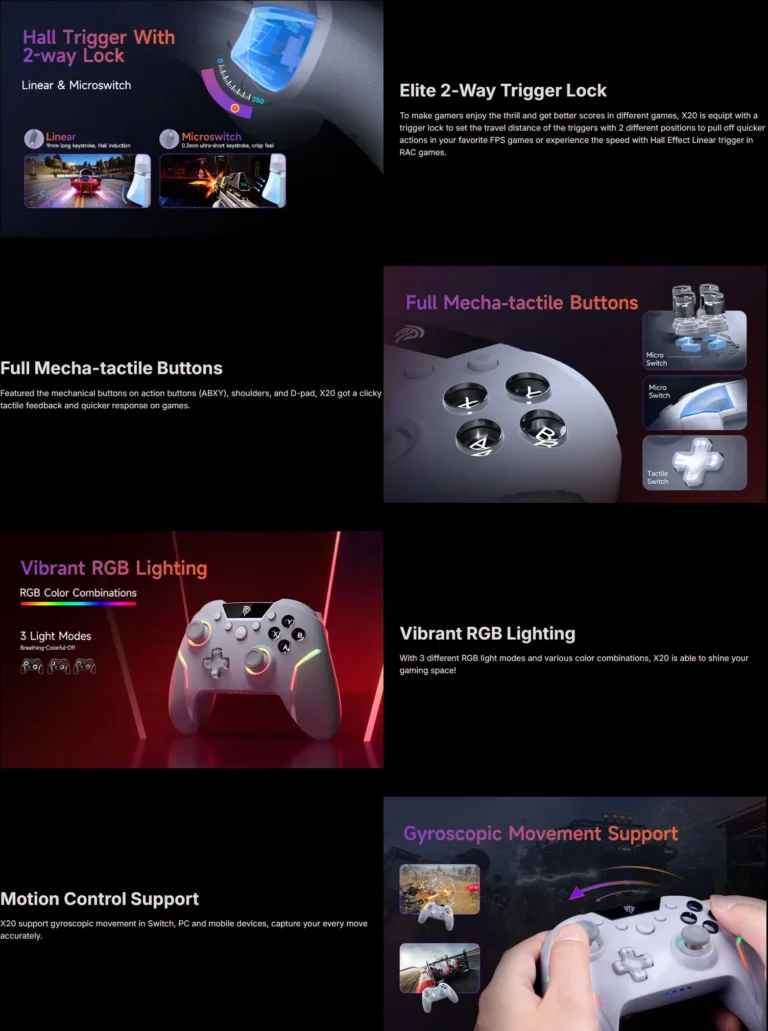
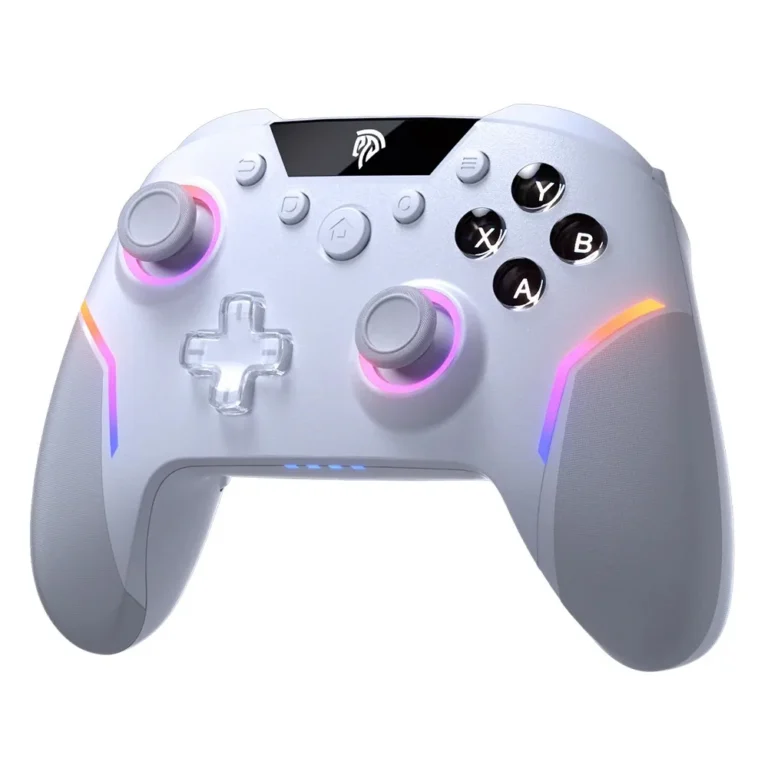
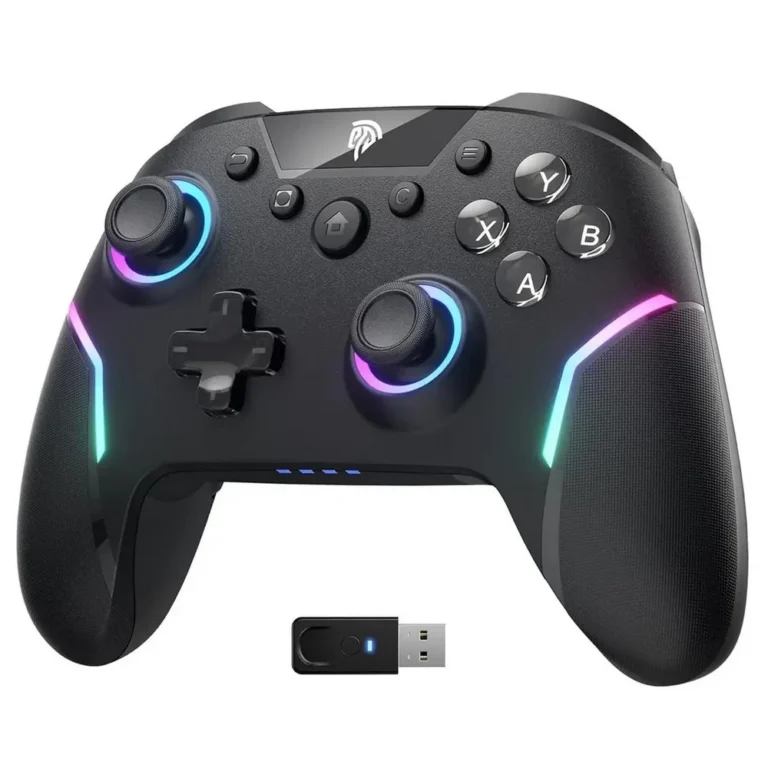
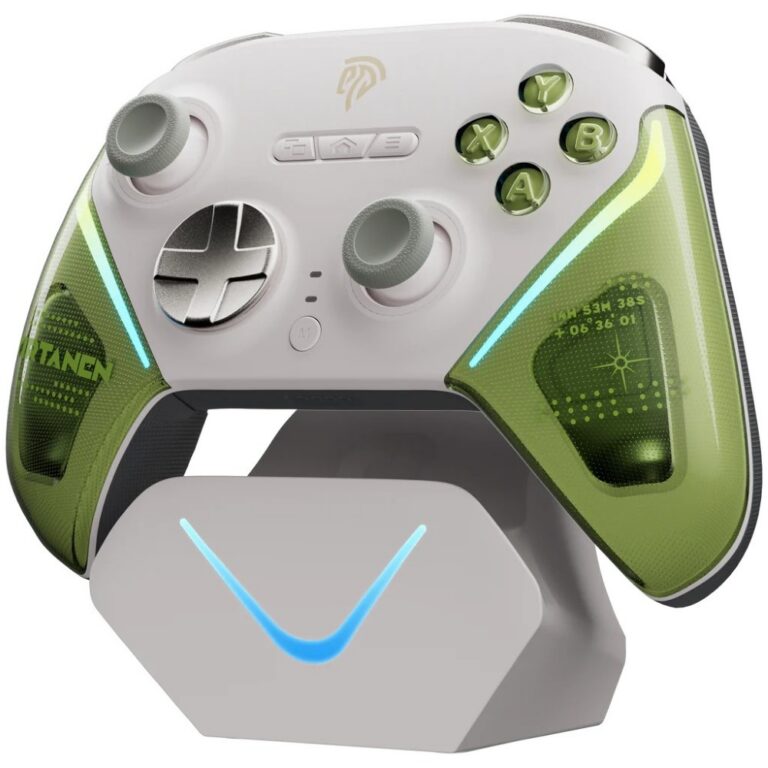
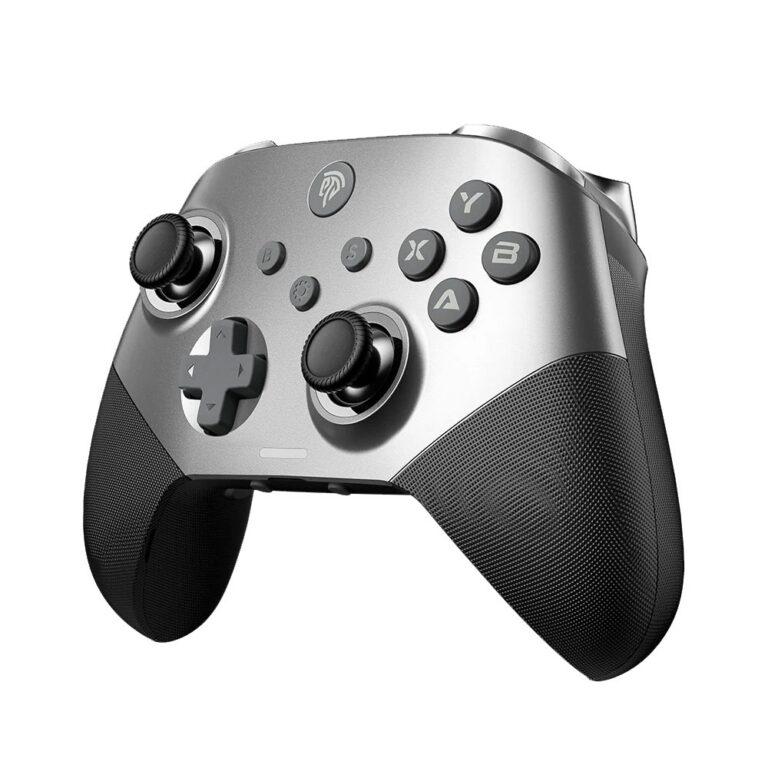
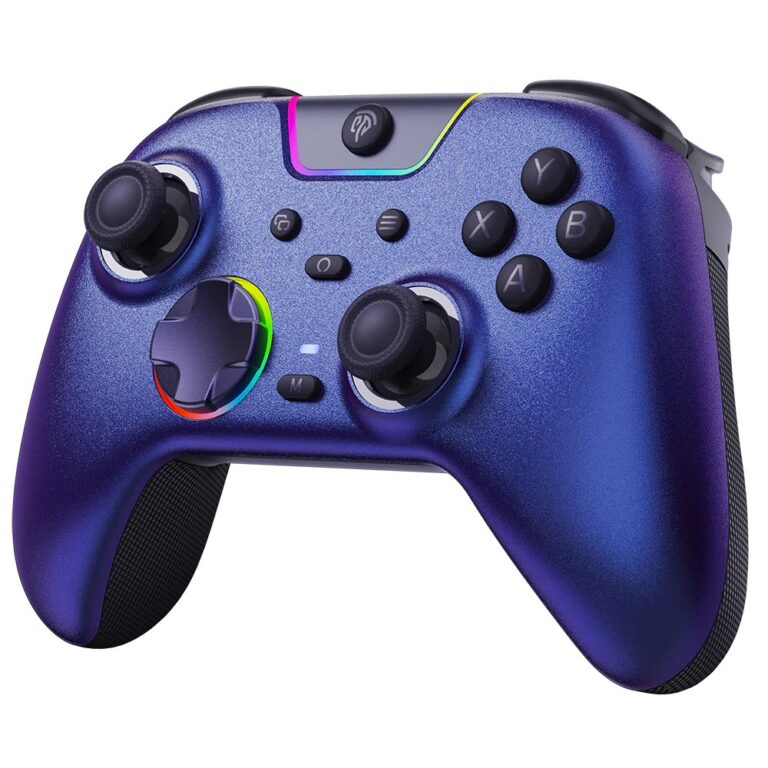
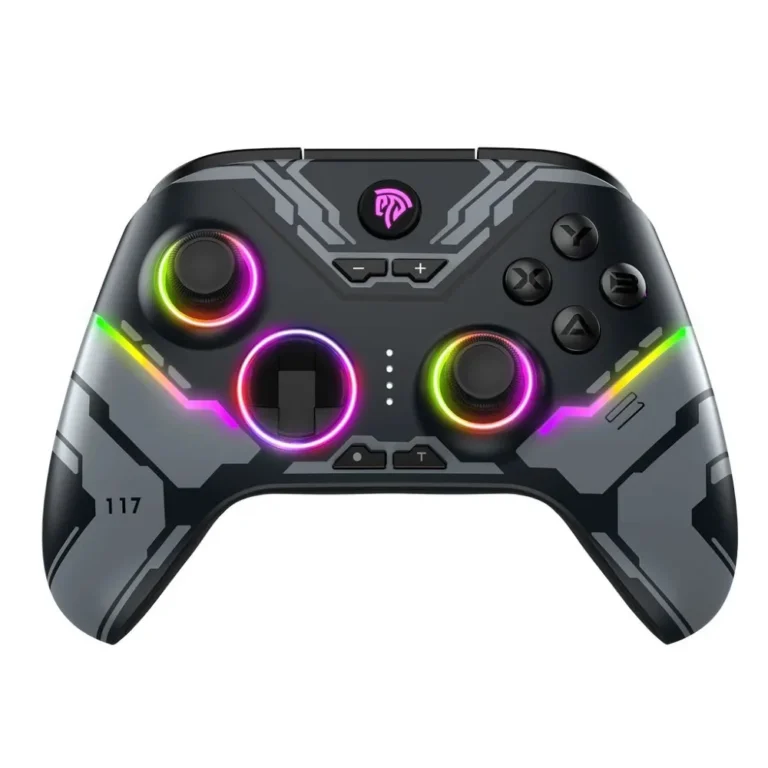
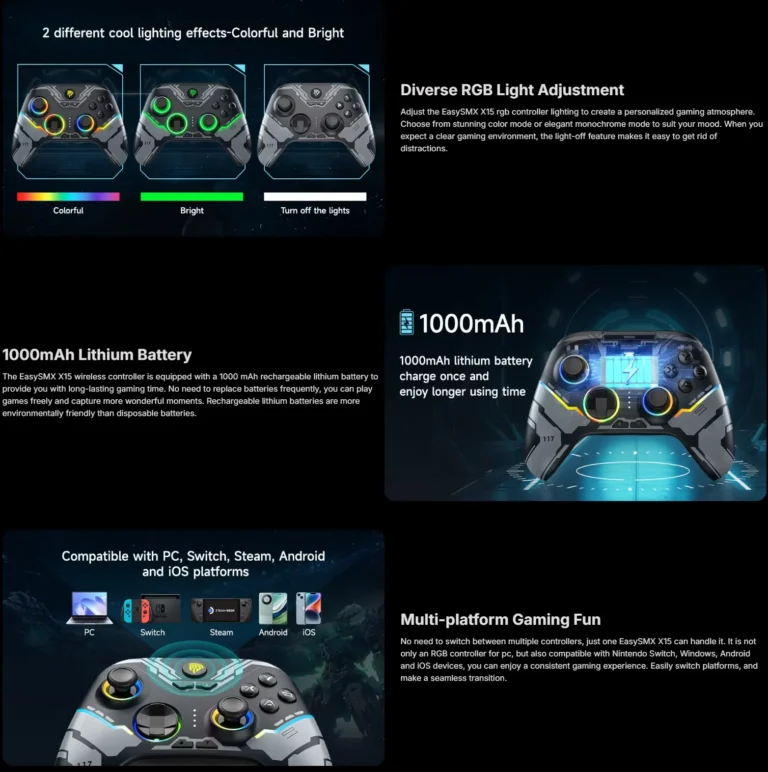
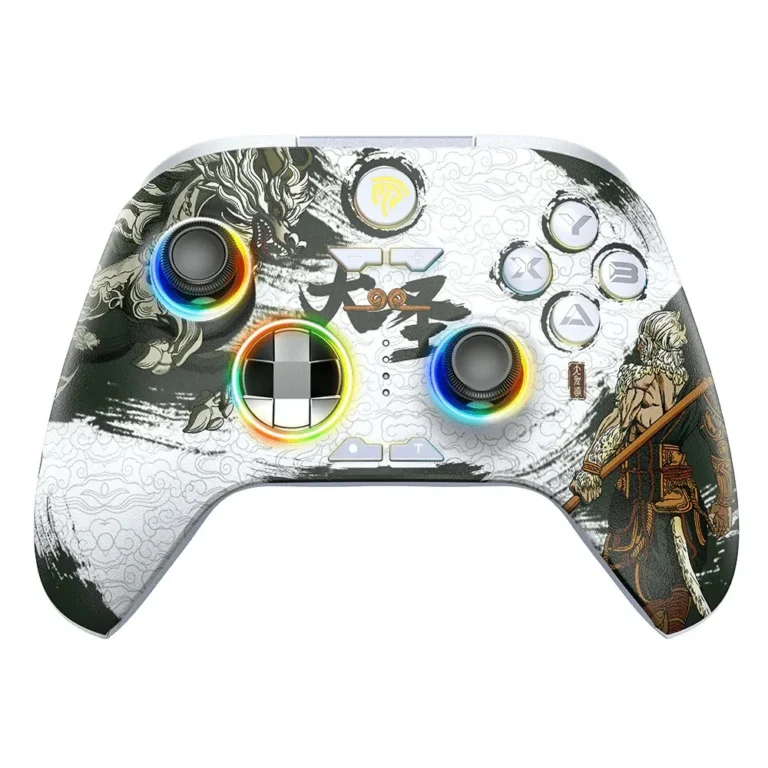
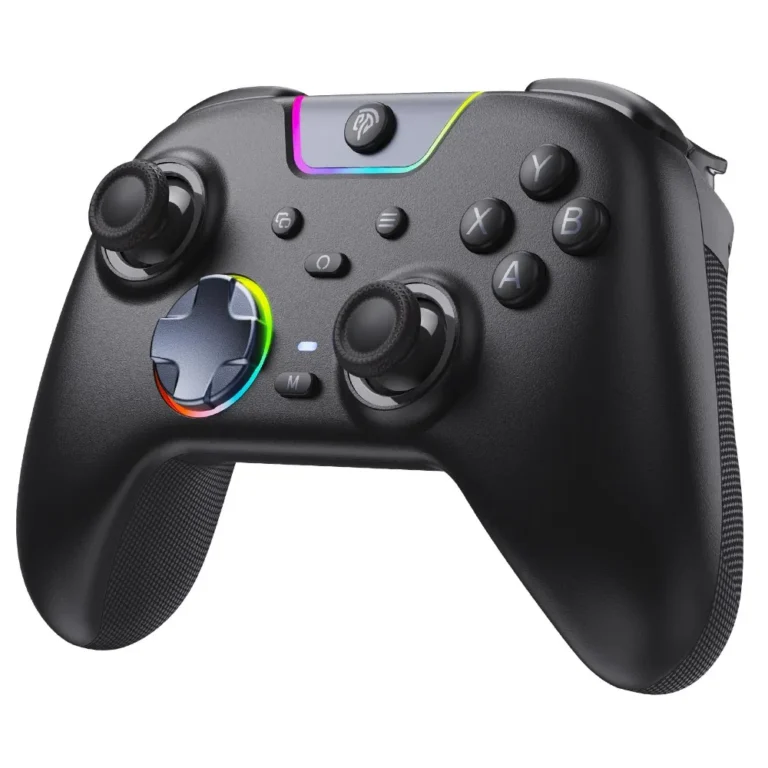
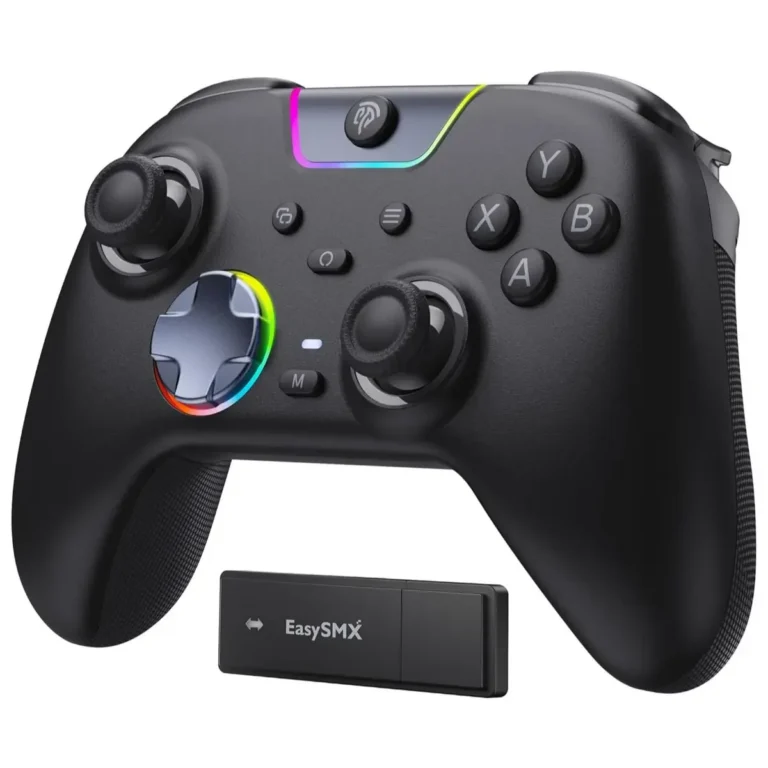
EasySMX controllers are multiplatform gamepads for players who switch between a PC and a console and want one pad that covers both machines. This category gathers the EasySMX pads Mega Computer stocks, from wireless models to versions built around mechanical buttons.
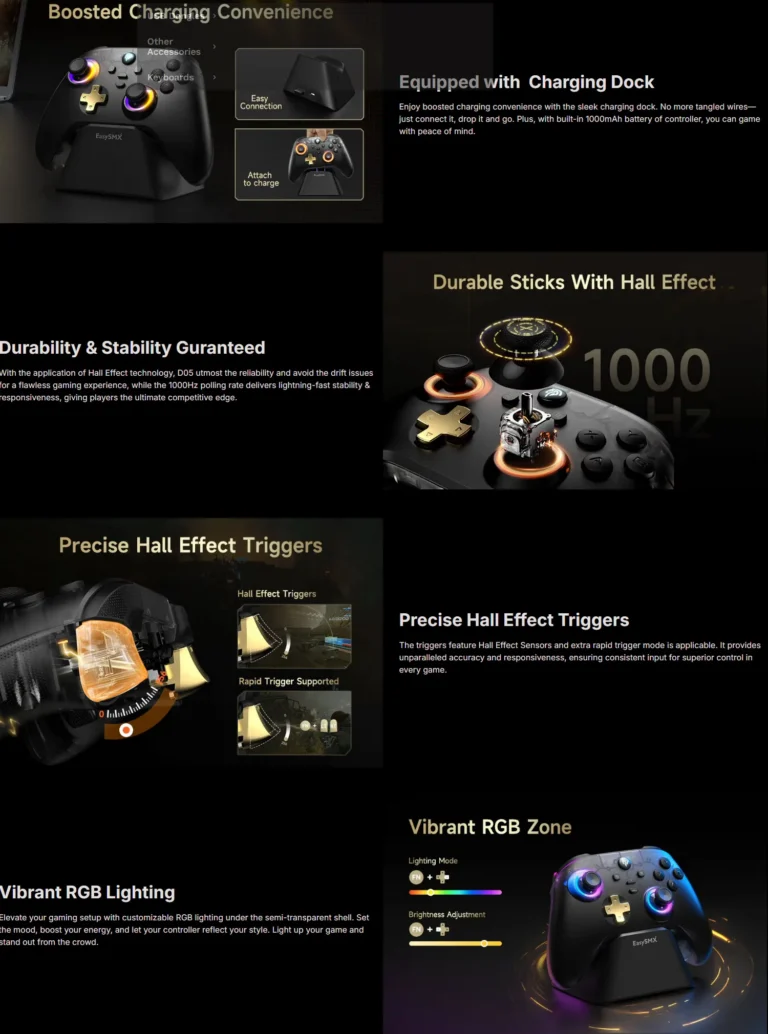
The range here runs deep on one brand. Every pad carries the EasySMX name, so the choice narrows to how a model connects and how its buttons feel under the thumb. Wireless connection runs through much of the shelf, and part of the range swaps the soft membrane contacts of a stock console pad for mechanical buttons. Pricing spans entry level pads through to premium builds, so a household can add a spare controller without paying flagship first party money for it.
Two decisions carry most of the weight.
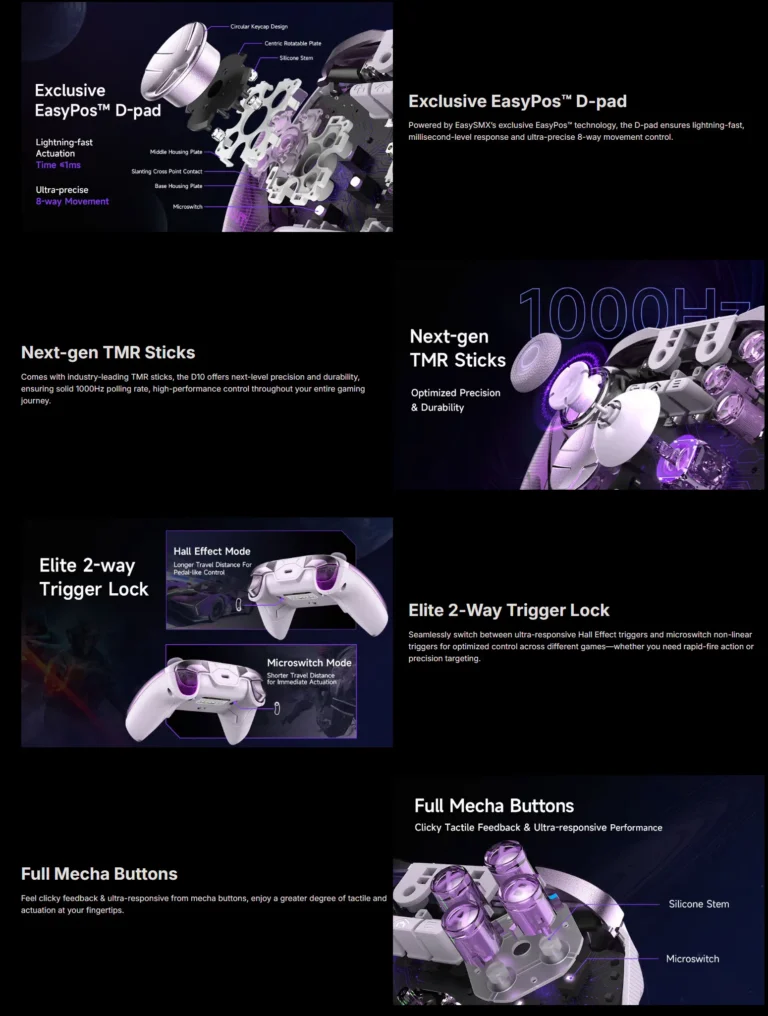
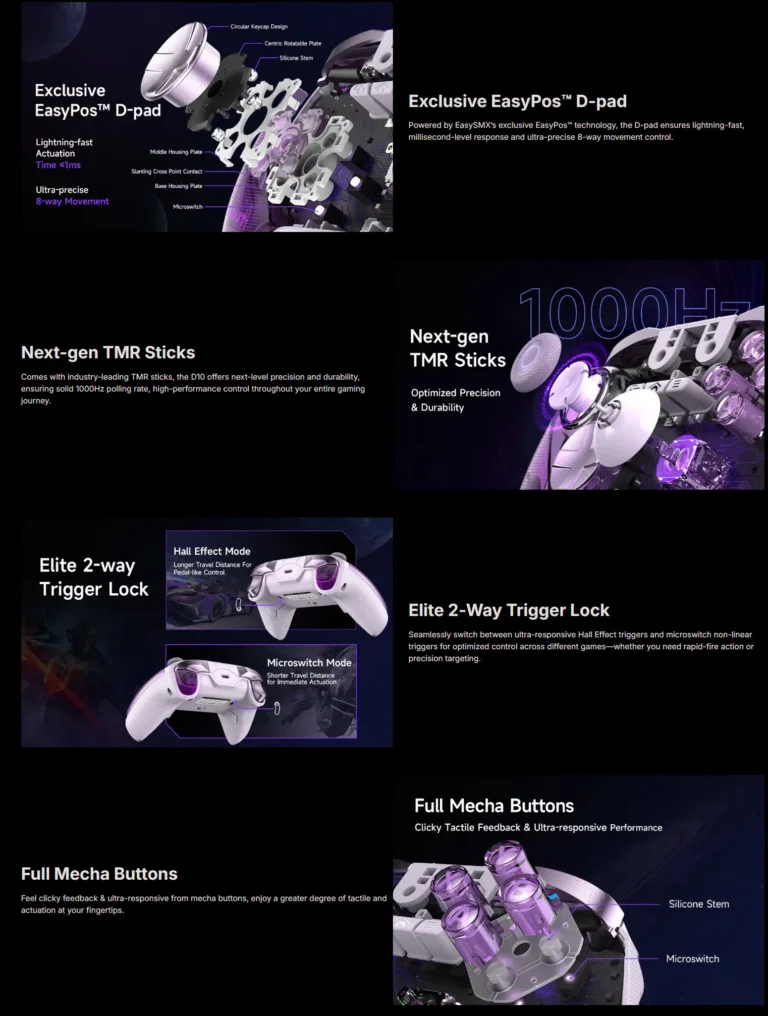
- The first is button type. Mechanical buttons give a short click and a defined actuation point, which suits players who count inputs in fighting games and precision platformers, and they change the sound of the pad in a shared room.
- The second is connection. A wireless pad removes cable drag across a living room setup, and it asks you to work charging into your routine. Settle the platform list you play on before you compare anything else, because a multiplatform pad earns its price only when you use more than one system.
Who each pad suits
A player buying a second controller for local multiplayer can sit at the entry level end and get a wireless pad for it. Someone who plays fighting games or tight platformers should pay up for mechanical buttons, since the button feel is the whole reason to move off a stock pad. Anyone running the same library on a PC and a console gains the most from the multiplatform models, which cut the drawer down to one controller instead of three.
Buyers in Karachi can handle a pad at the showroom and press the buttons before paying for it. Orders travel on nationwide delivery across Pakistan, and you can settle by cash on delivery or online payment. Ask our team to confirm the warranty position on a specific model before you place the order if those terms shape your decision.
A multiplatform pad needs a short setup pass on each system it pairs with, and the mode you put the controller into decides how that machine reads it. Keep a charging cable within reach of your seat as well, because a wireless pad that empties mid match is the trade you accept for cutting the cord.