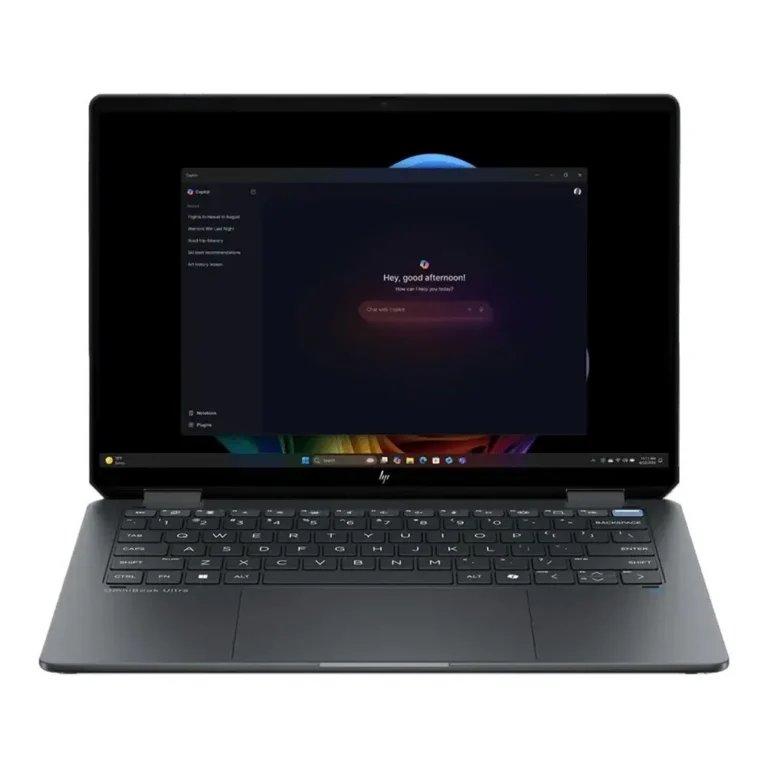
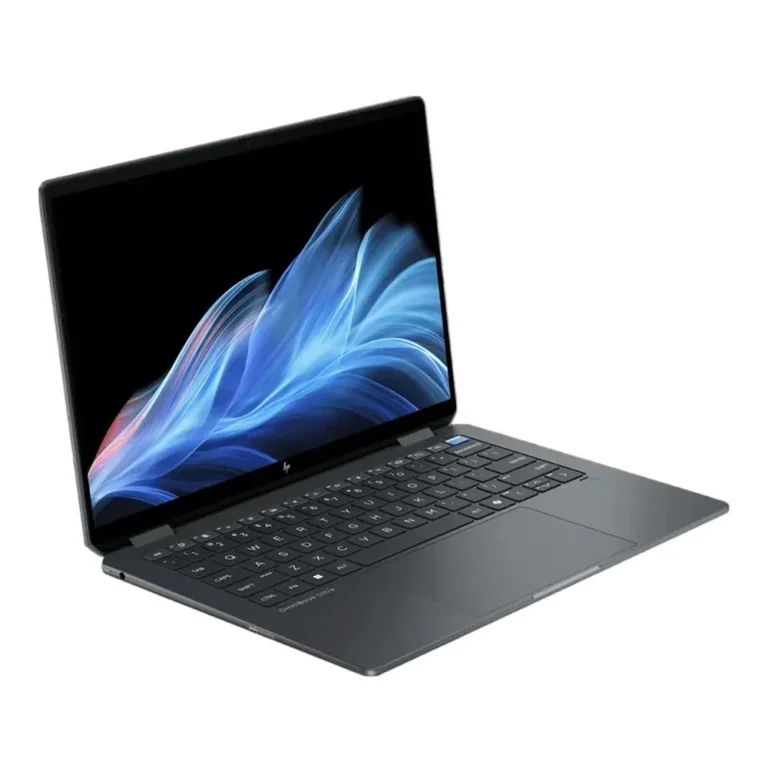
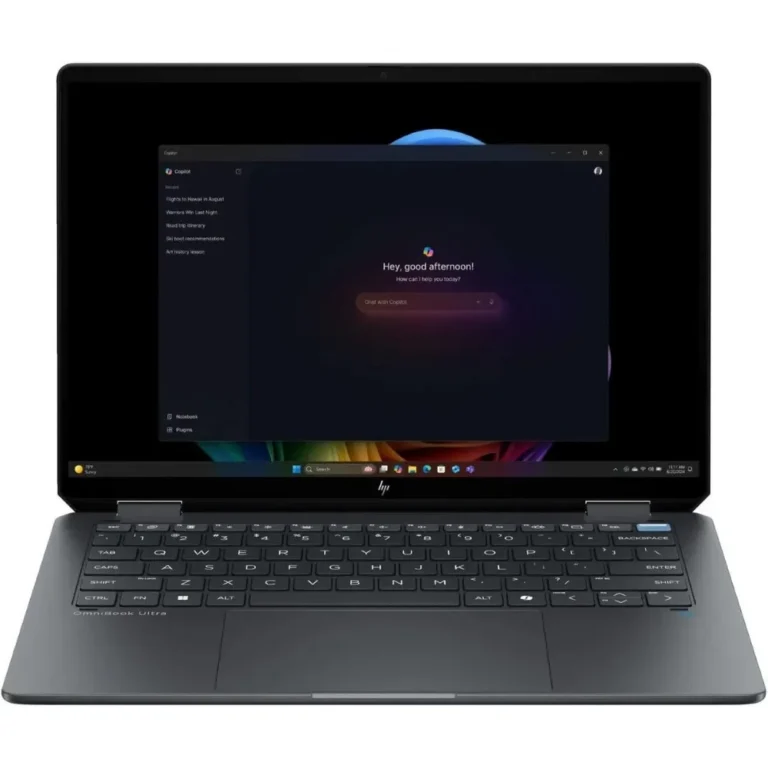
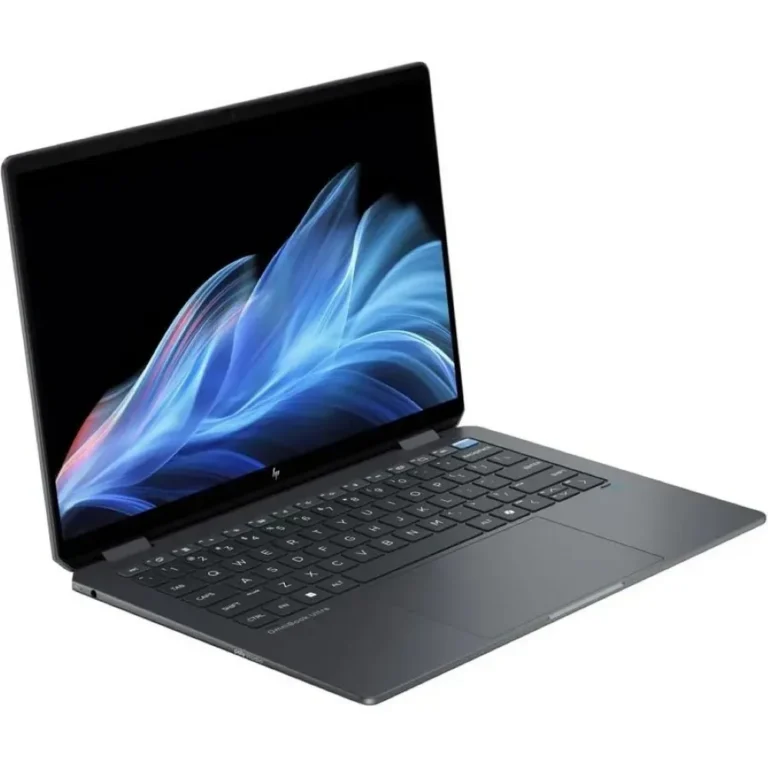
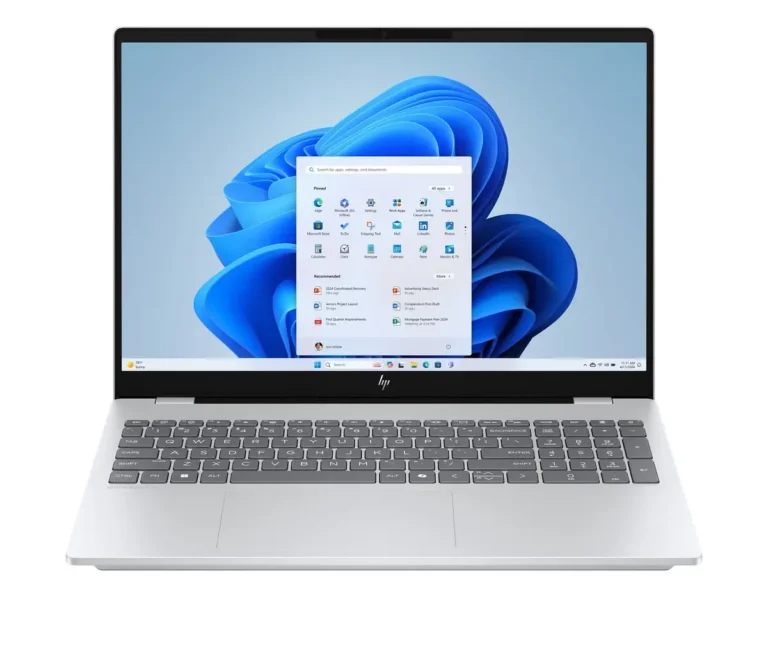
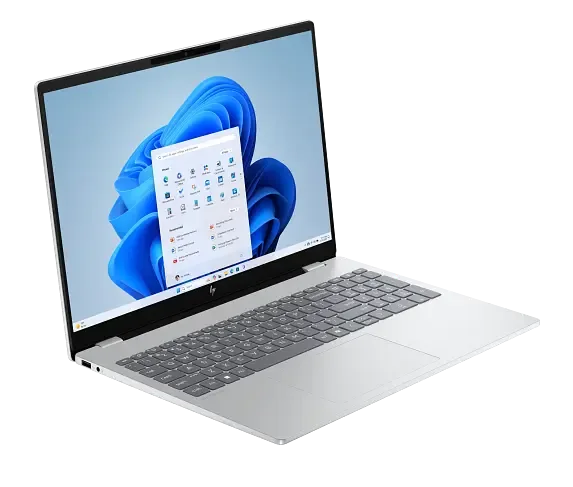
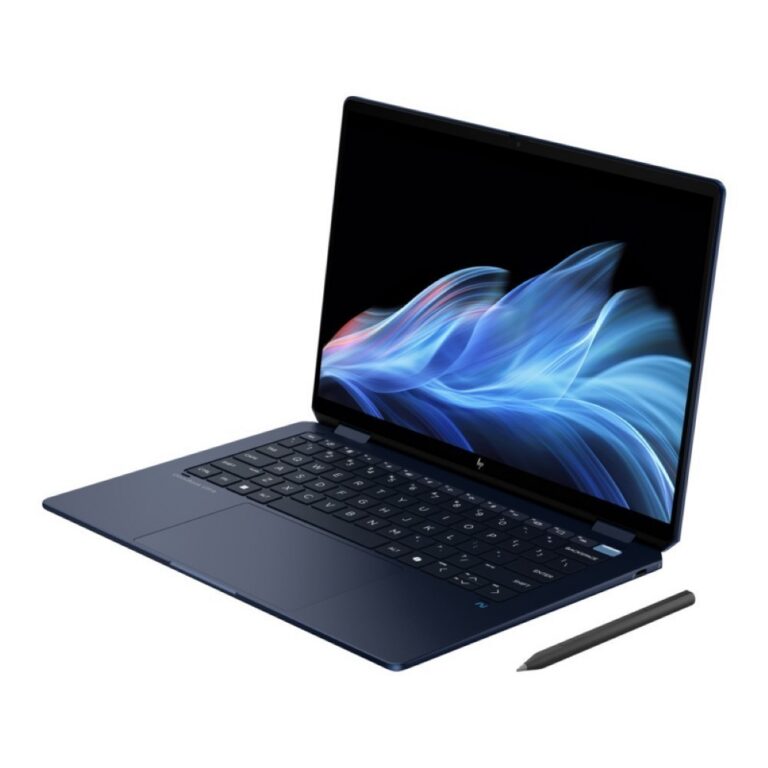
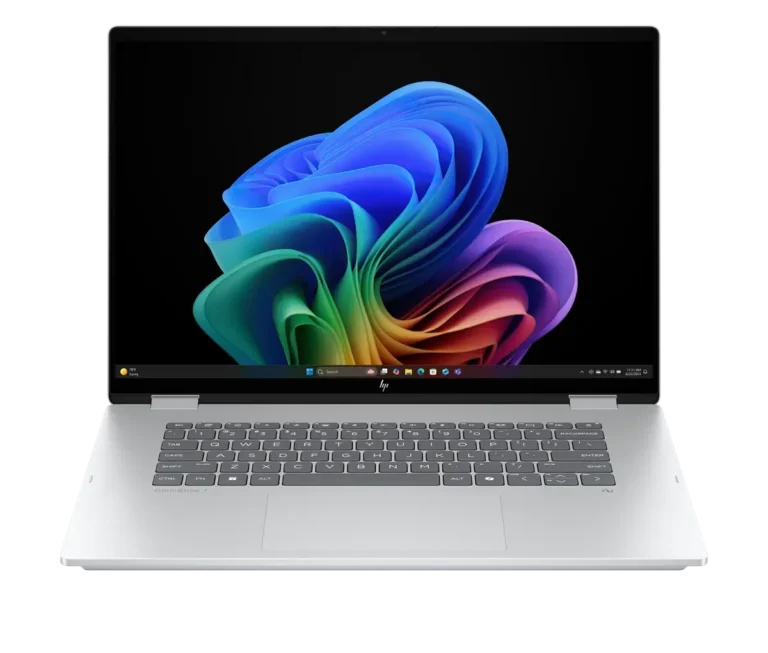
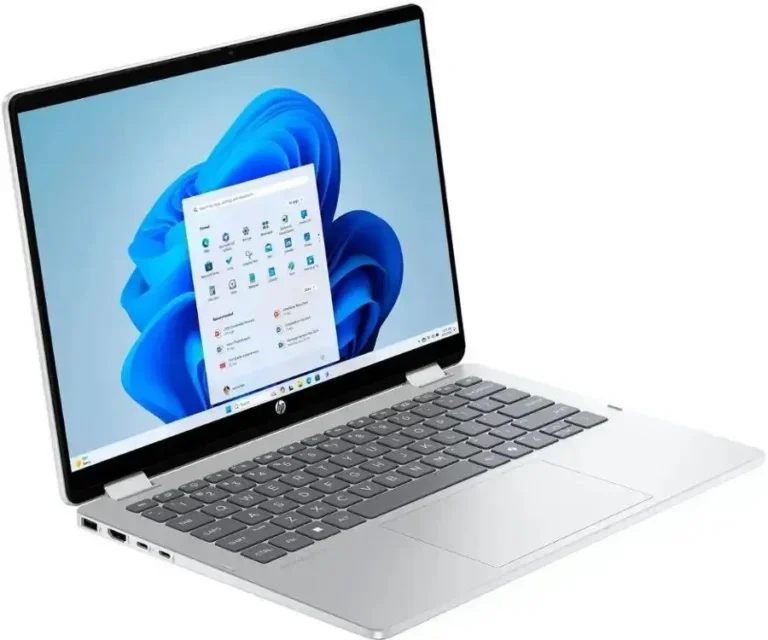
HP OmniBook convertible and clamshell notebooks with OLED touch screens, 16GB or 32GB memory and 1TB to 2TB SSDs, stocked in Karachi with nationwide delivery.
HP OmniBook Laptops
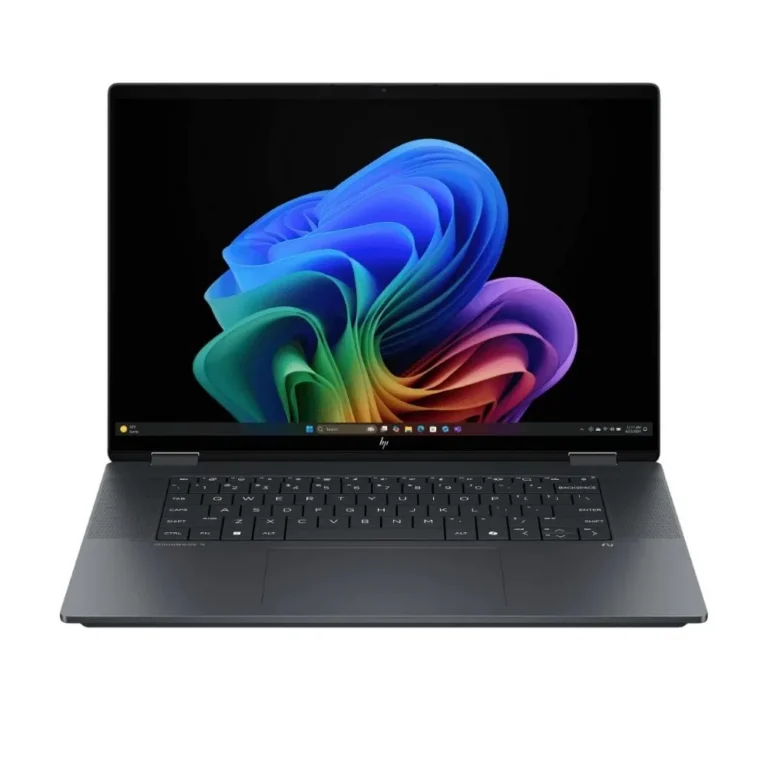
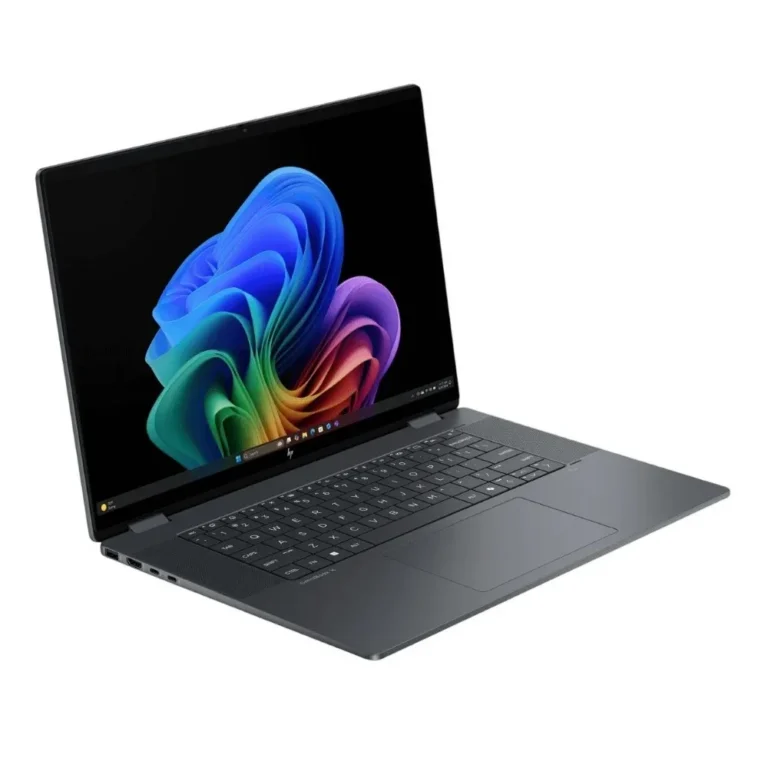
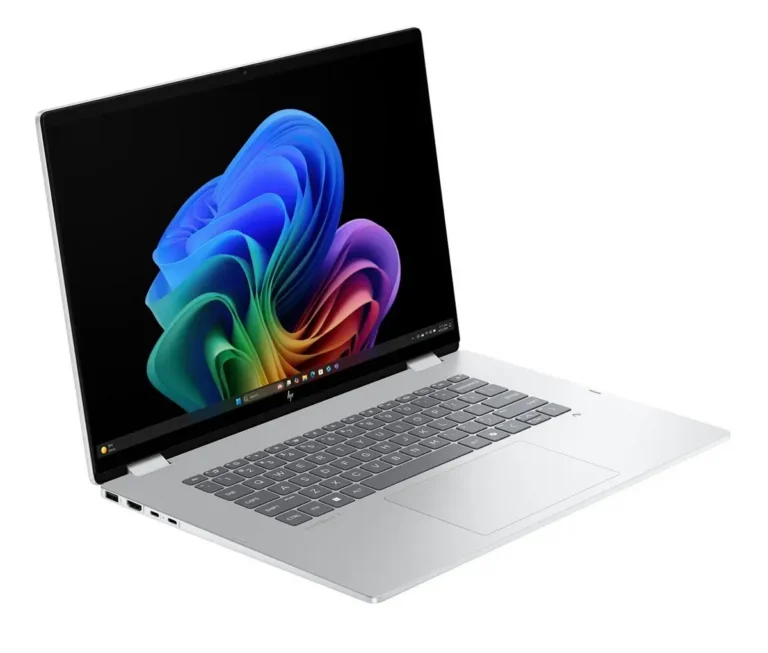
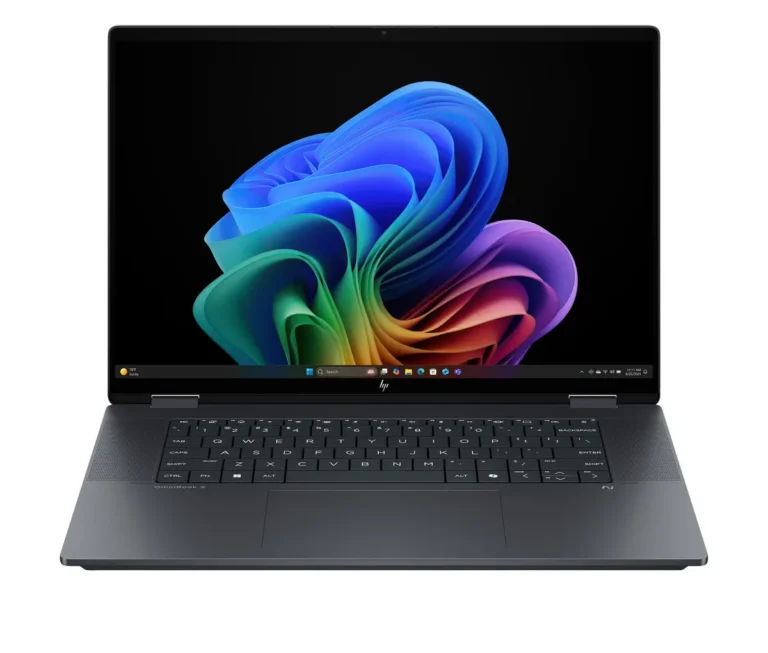
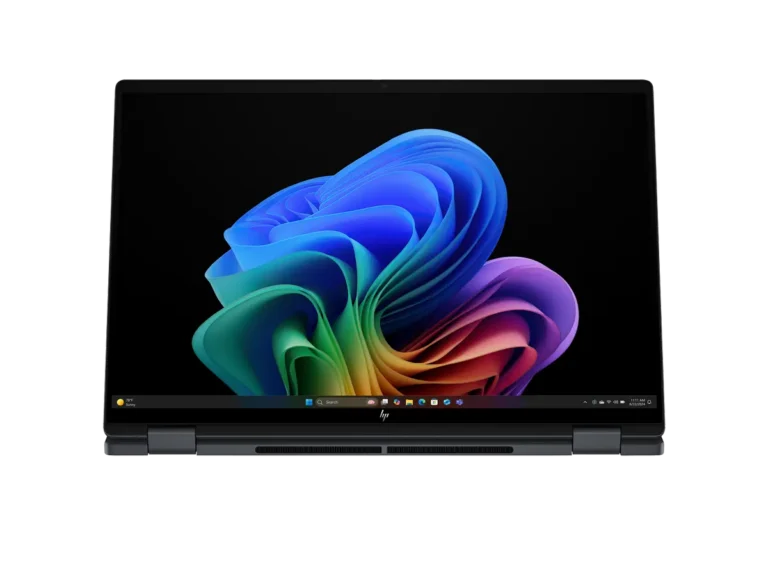
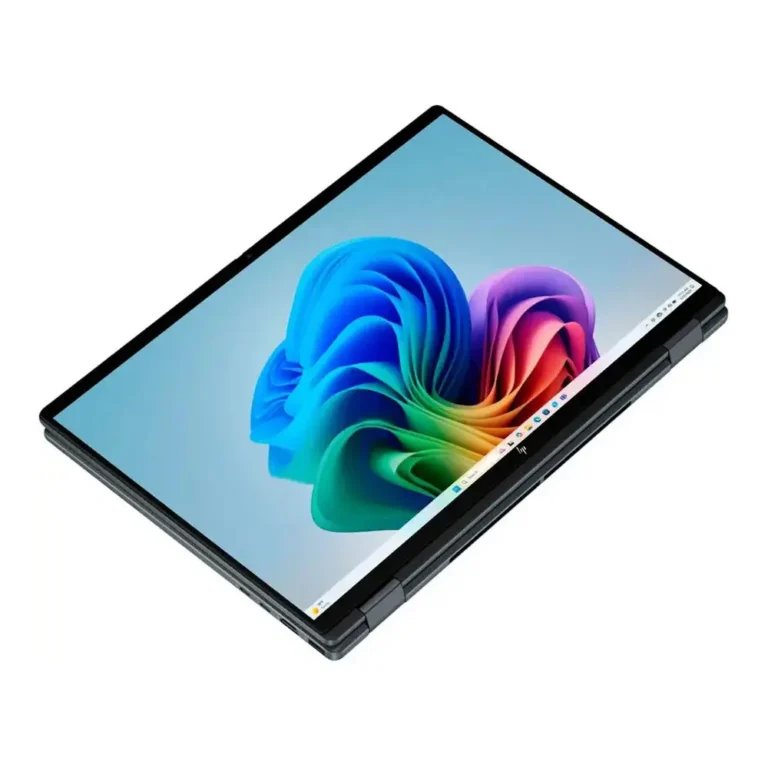
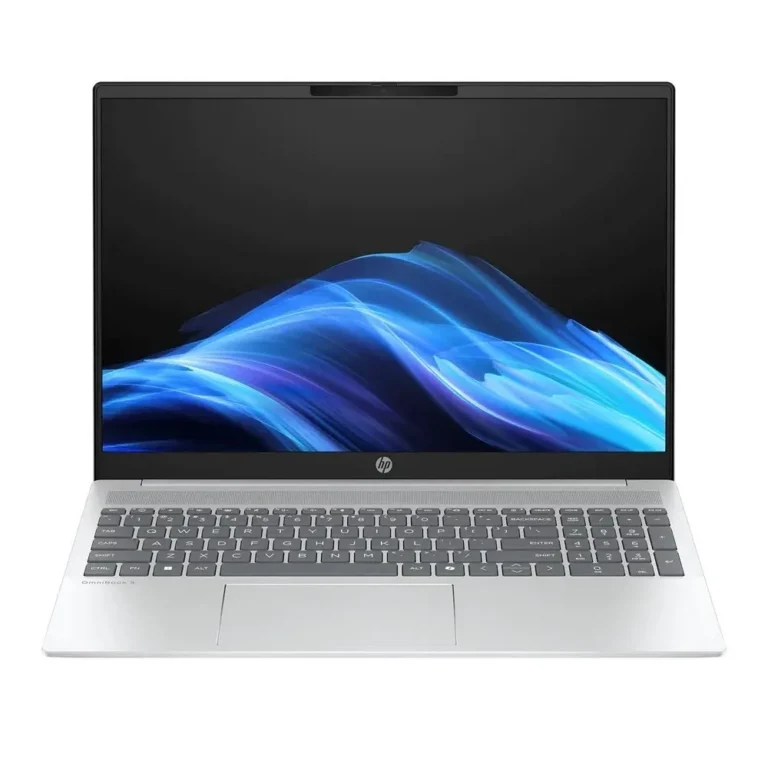
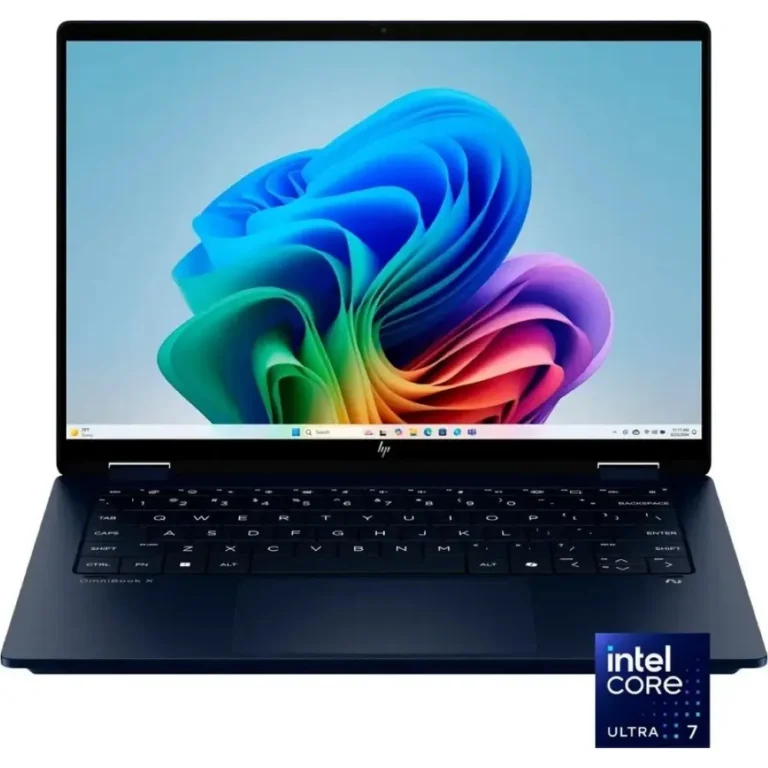
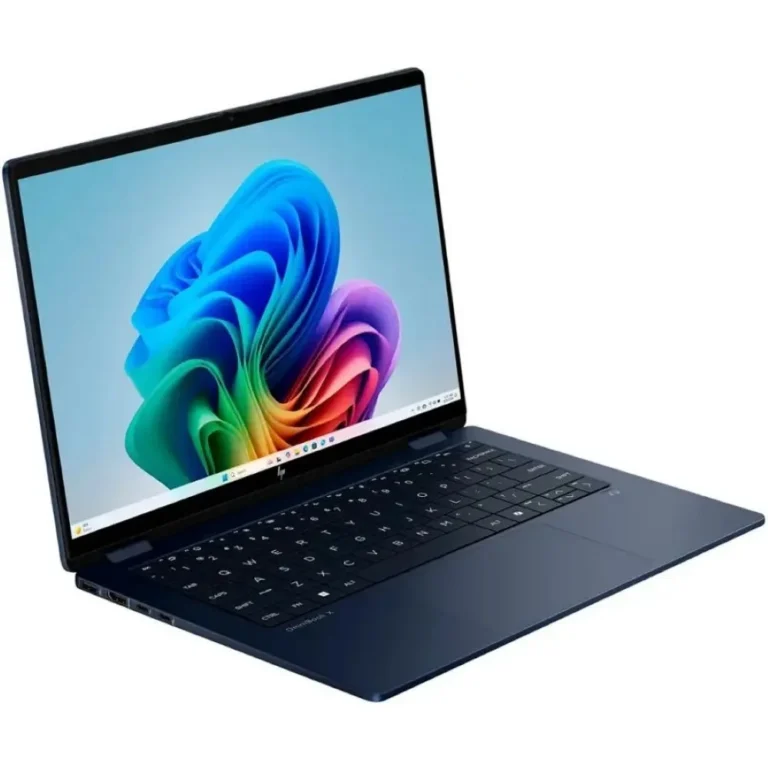
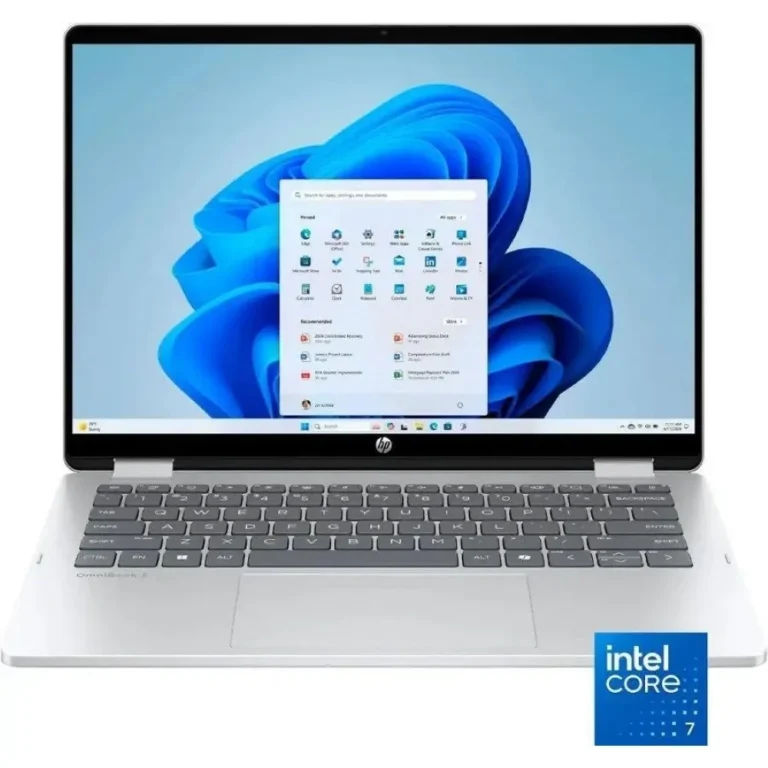
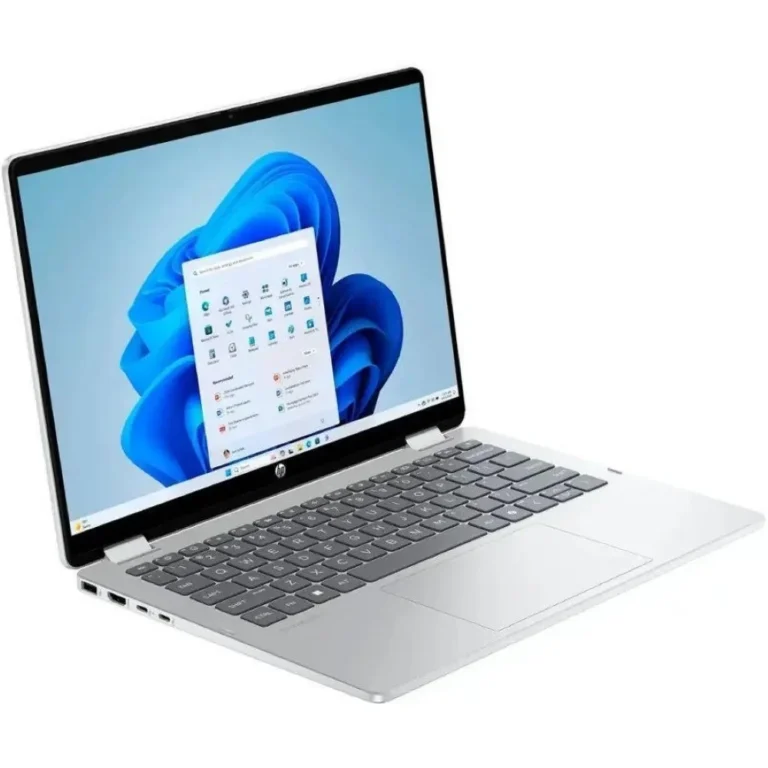
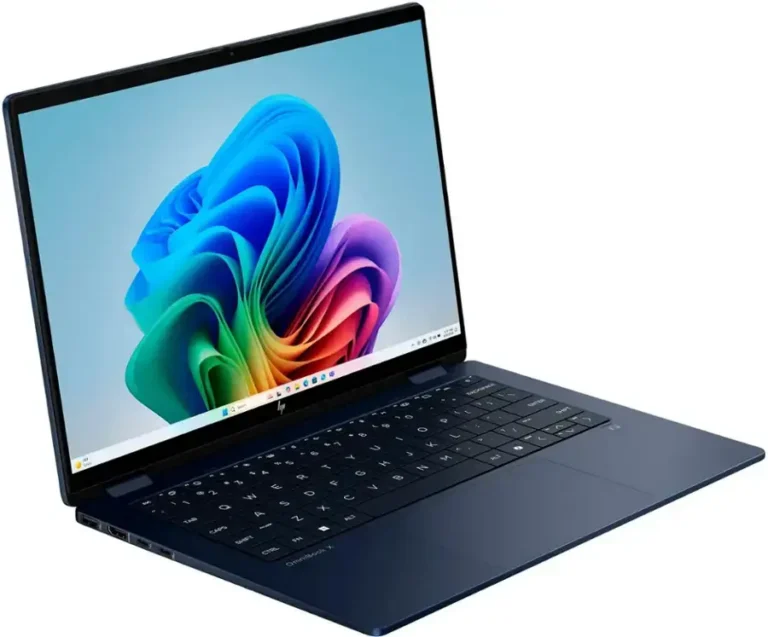
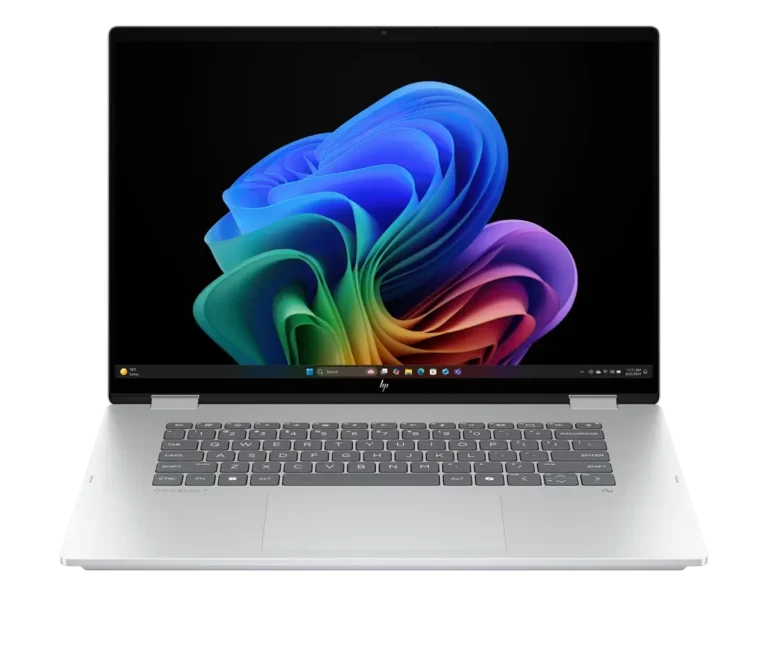
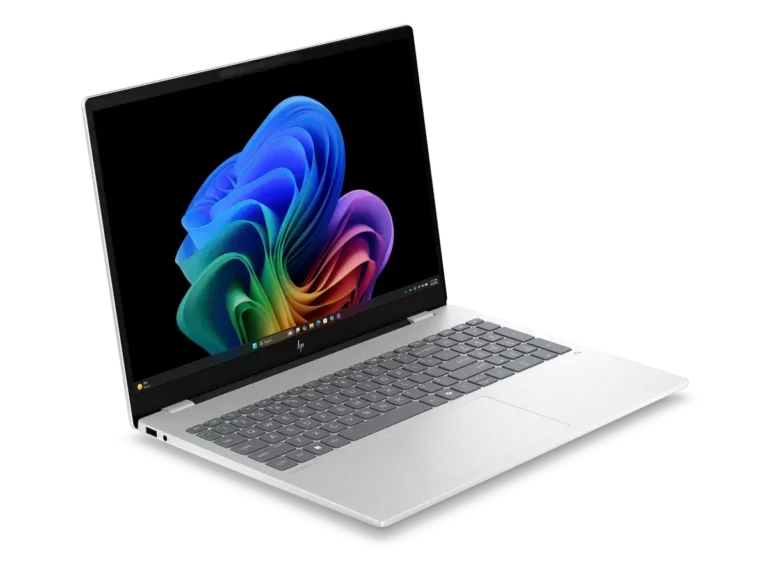
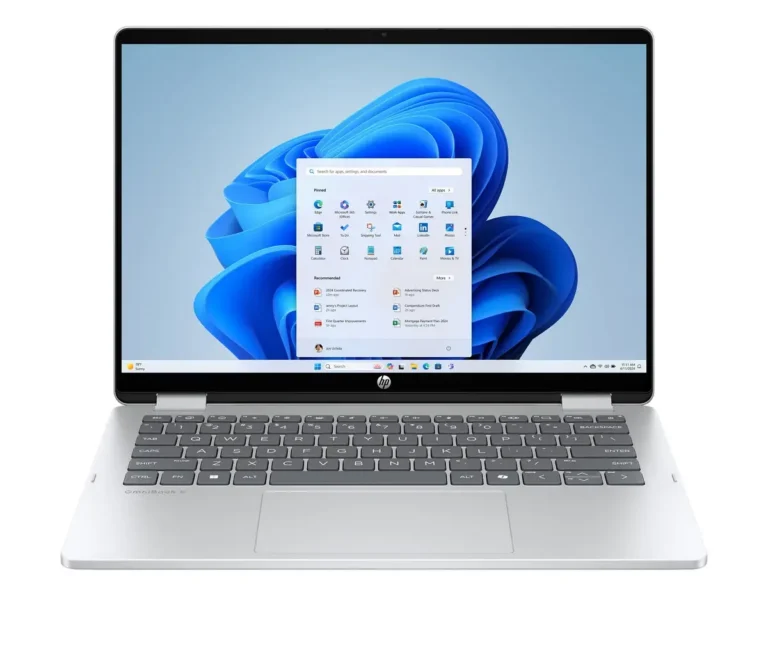
HP OmniBook is the HP notebook line that this page covers, and it splits into two shapes: x360 convertibles that fold flat into tablet mode, and standard clamshells for people who never rotate the screen. Buyers here tend to want a thin machine they carry every day rather than a desk-bound workstation.
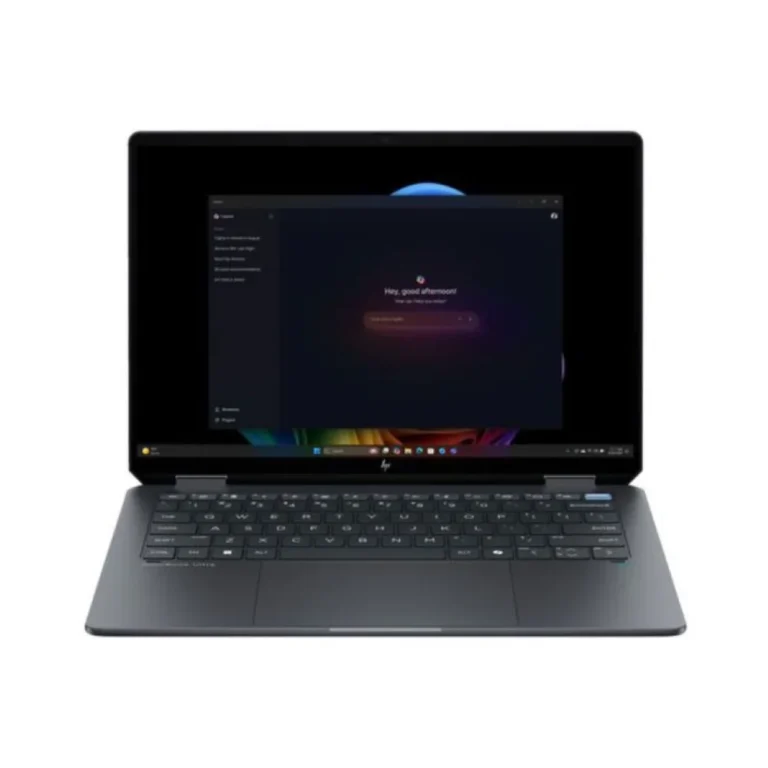
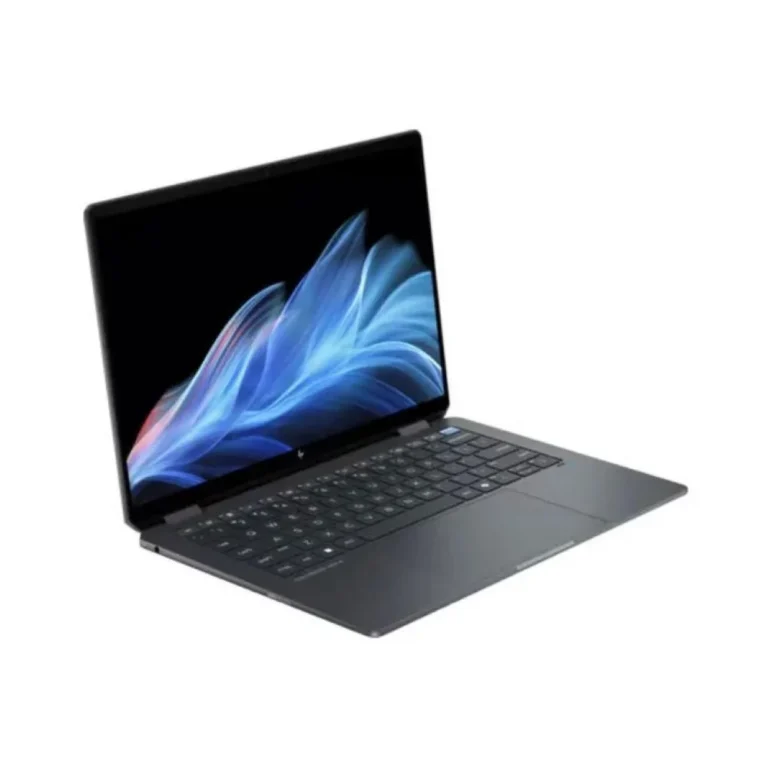
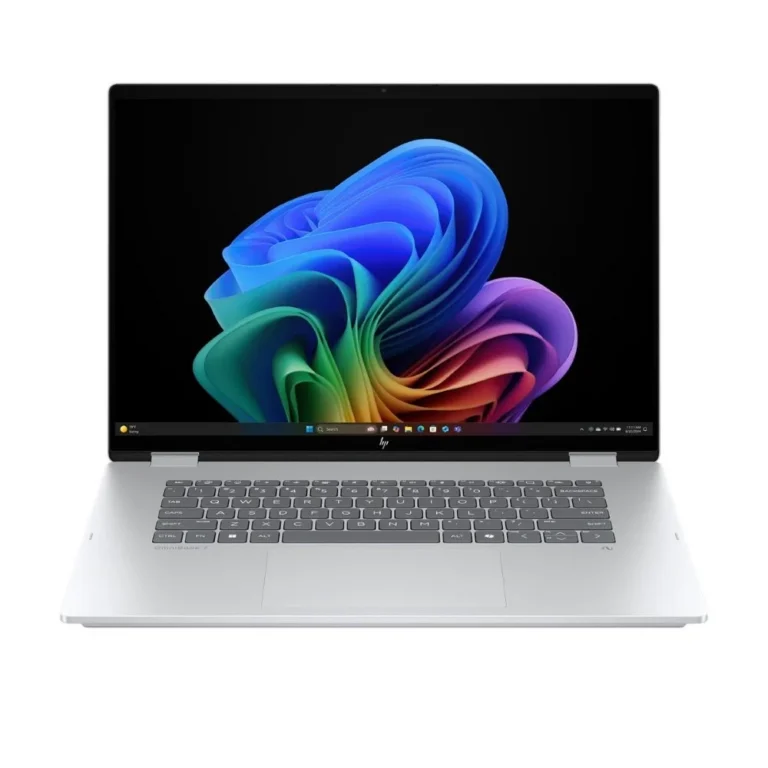
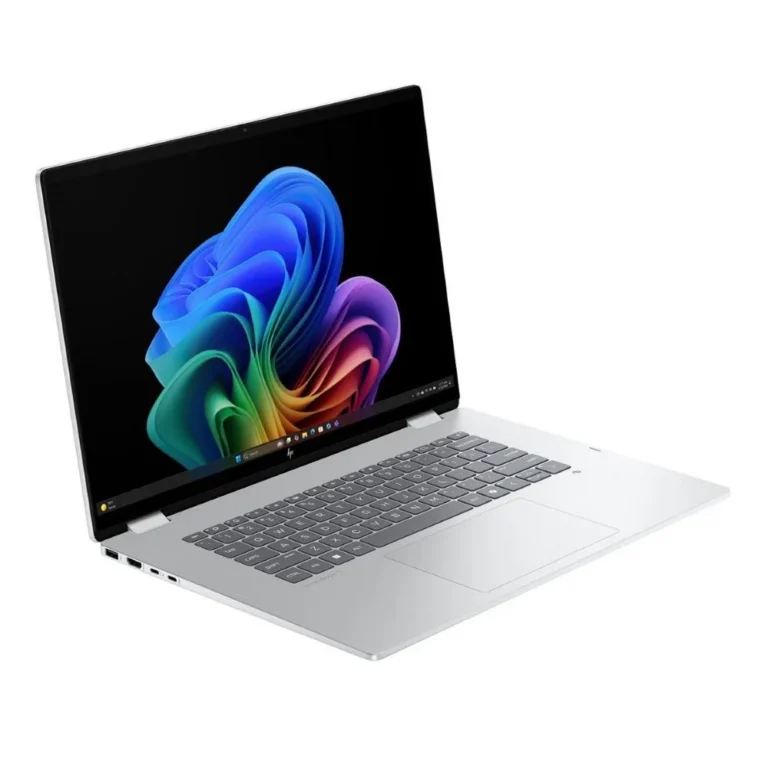
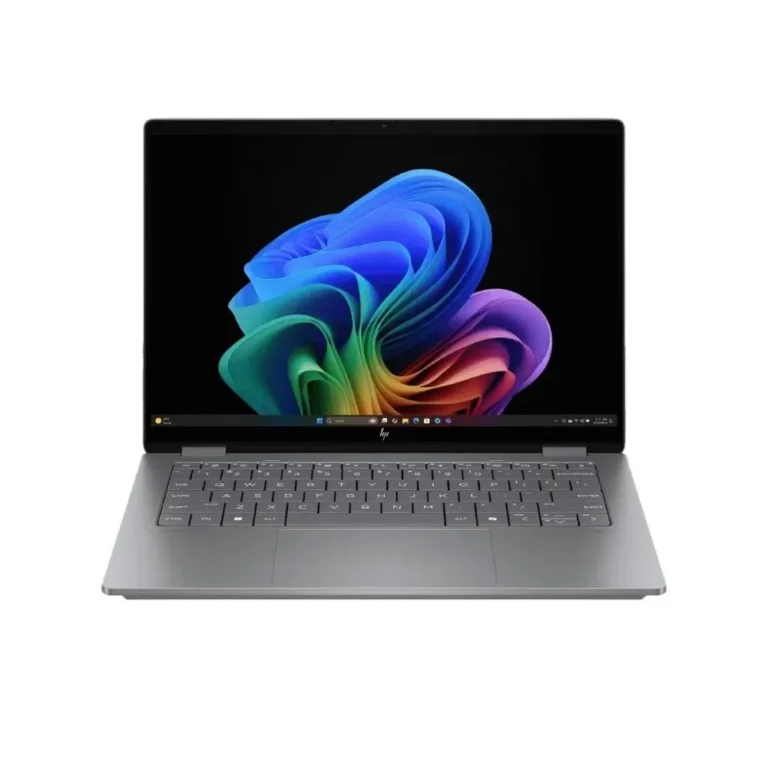
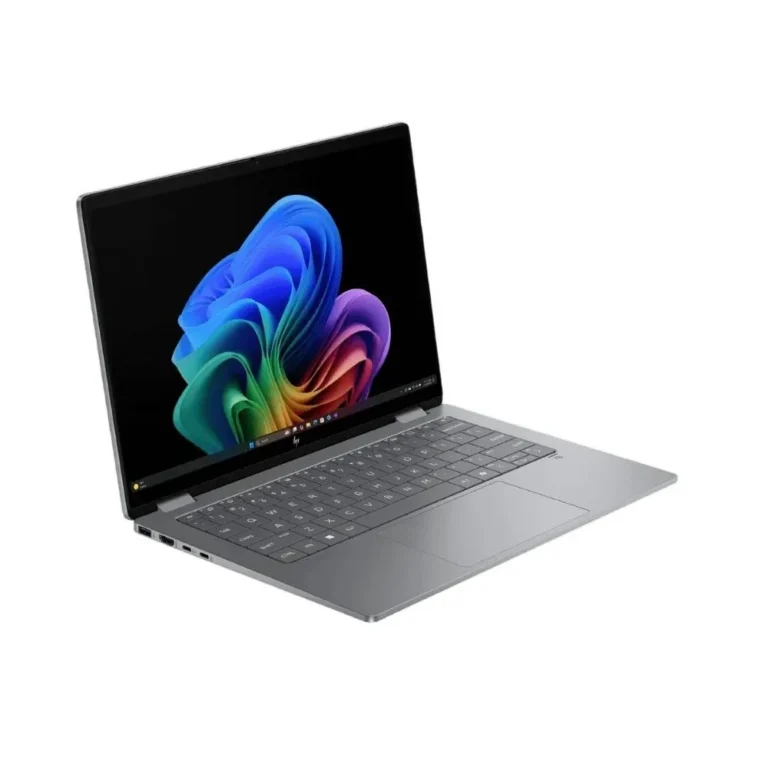
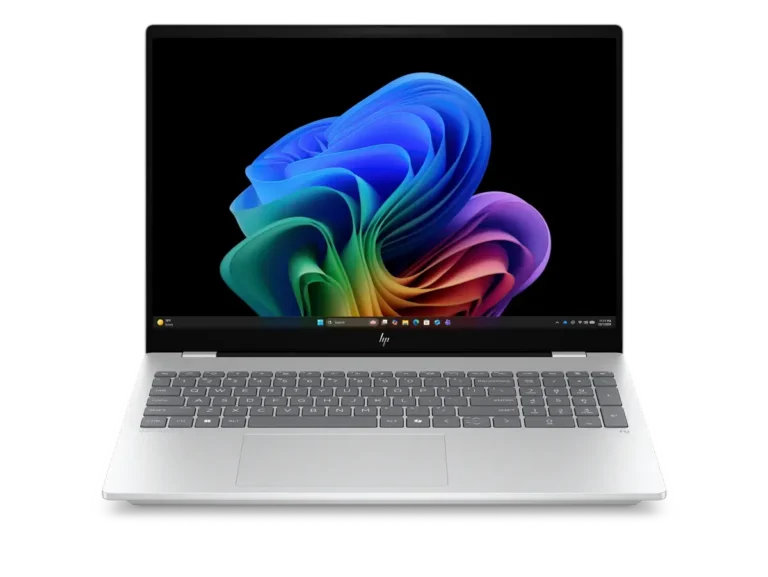
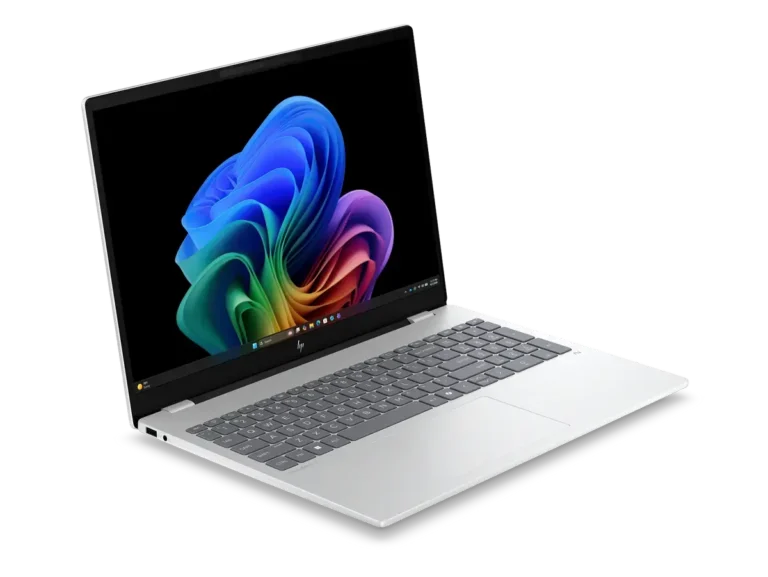
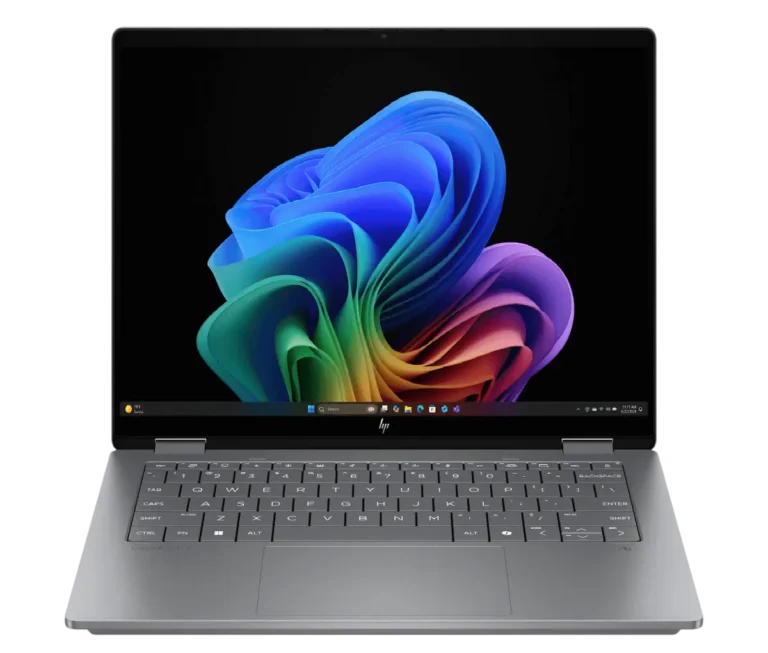
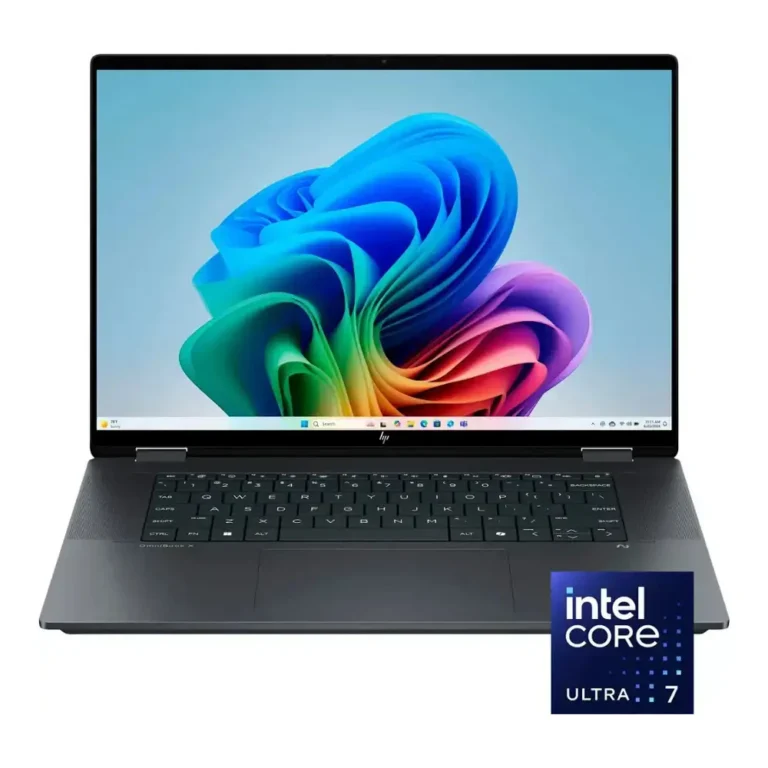
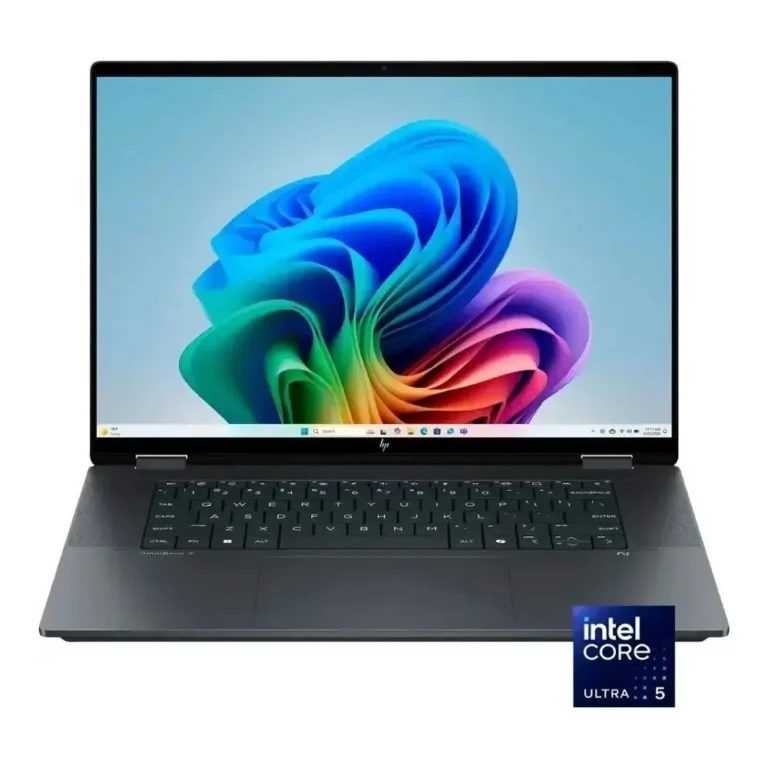
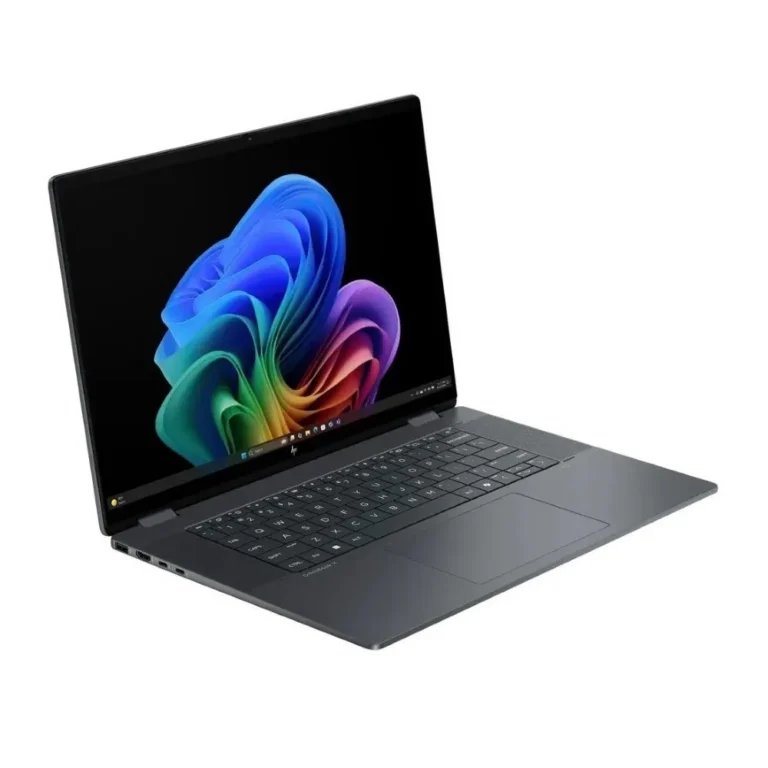
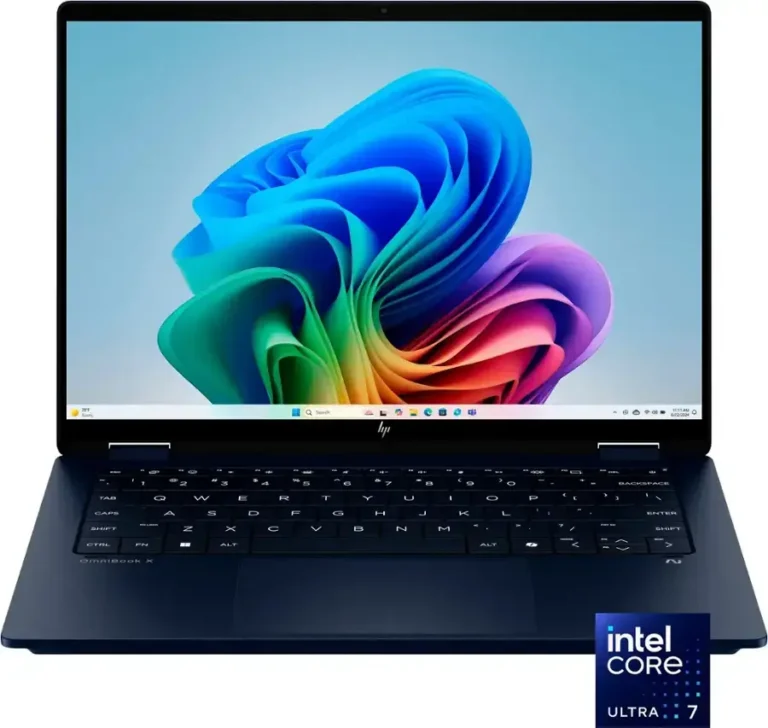
Configurations start at 16GB memory with a 1TB SSD and rise to 32GB DDR5 with a 2TB SSD. Screen sizes run 14 inch on the Ultra Flip models and 16 inch on the larger X Flip and OmniBook 7 units. OLED touch panels appear across most of the flip models, and the price spread runs from entry-level through to premium inside this one family.
Three decisions settle most OmniBook purchases.
- First, the hinge: an x360 convertible costs more and weighs more than a fixed-lid model, so take it only if you write or sketch on the panel.
- Second, the panel: OLED gives deeper black levels for photo and video work, while a standard panel holds up better for long spreadsheet days.
- Third, memory and storage, since these are soldered or fitted at build time on thin chassis, so pick 32GB DDR5 and 2TB now if you plan to keep the machine for years.
Who each configuration suits
Students who annotate PDFs and lecture slides get the most from a 14 inch Ultra Flip, which folds into a writing surface without adding bulk to a bag. Editors and designers grading colour want the OLED touch screens on the 16 inch models, where the extra panel area matters more than the weight saving. Anyone running virtual machines, large project files or dozens of browser tabs against a local dataset should move to the 32GB DDR5 and 2TB SSD builds instead of the 16GB and 1TB entry configurations.
Our showroom in Karachi carries the OmniBook range, and we ship nationwide across Pakistan with cash on delivery and online payment. Some units in this category are supplied with international warranty coverage rather than local warranty, so check the listing title and ask our team before you order if warranty handling matters to you.
One point specific to this family: HP uses the OmniBook name for both the flip models and the flat-lid models, so the name alone does not tell you whether a unit has a touch screen. Read the model listing for x360 or touch wording. Colour finishes across the range include Eclipse Gray and Glacier Silver, which changes nothing about performance but does affect how visible fingerprints are on the lid.

 HPHP 31