Pre-owned Lenovo ThinkPads from the E14, T series, X1 Carbon and P1 lines, with configurations from 8GB DDR4 up to 32GB RAM and 512GB SSD storage.
Used Lenovo Laptops
Used Lenovo laptops in this section come from the ThinkPad line, the range Lenovo builds for people who carry a machine to work every day. Students, developers and small office teams buy from here when they want a higher specification than a new entry level notebook of similar cost gives them.
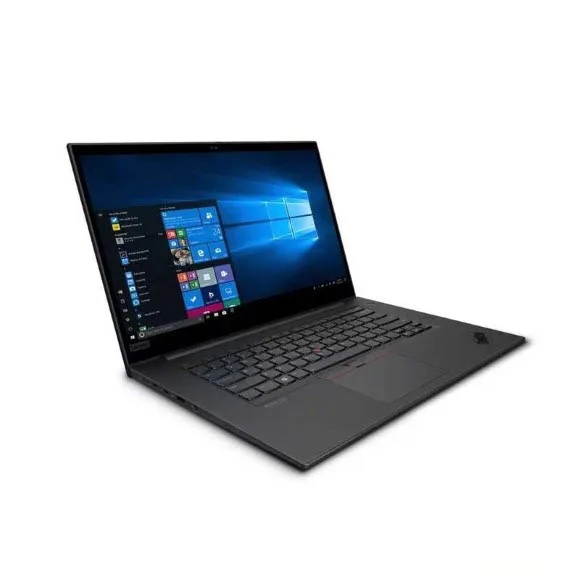
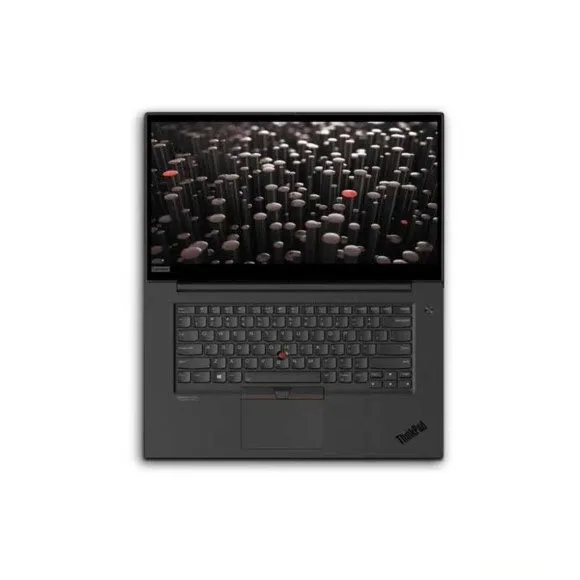
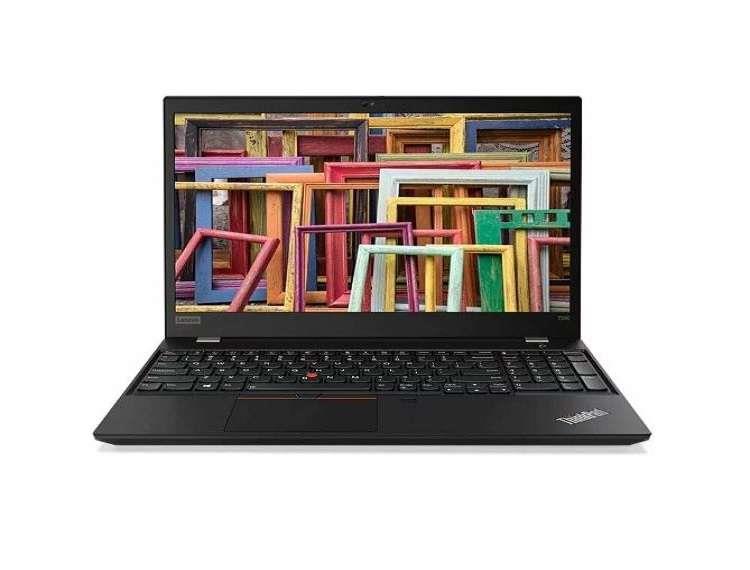
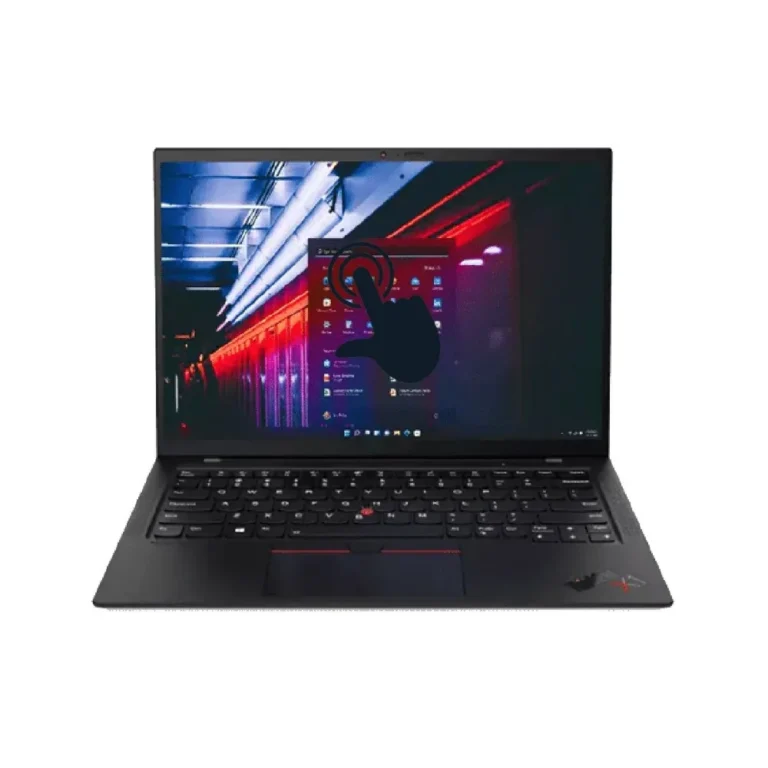
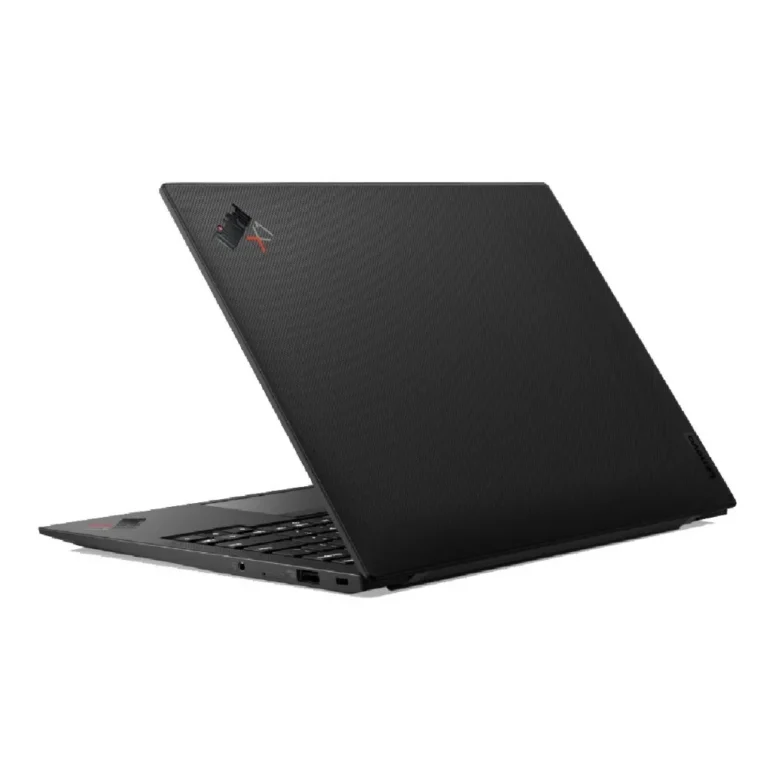
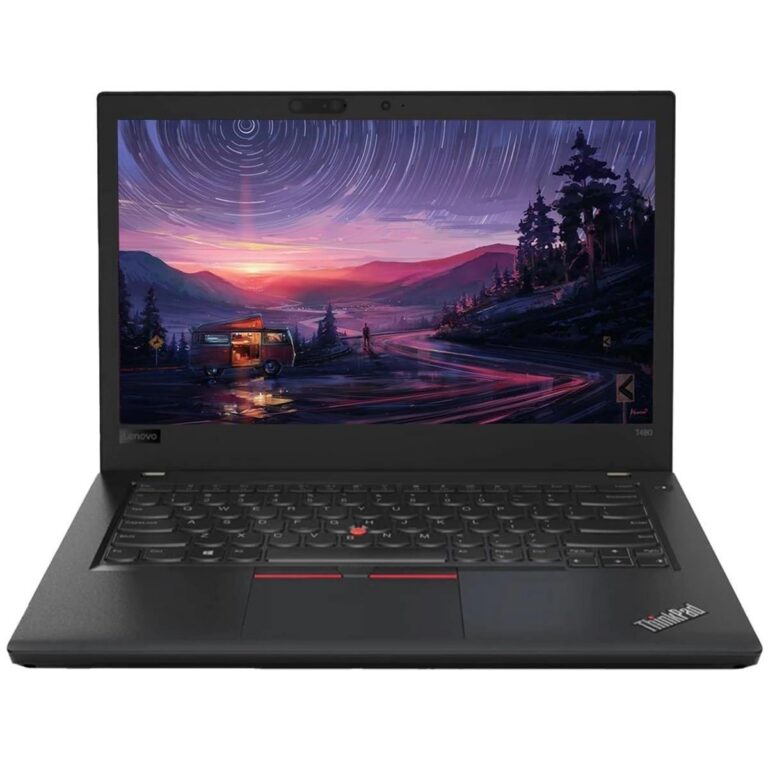
The stock covers four ThinkPad families. The T series covers the middle, with 256GB SSD storage across all of them, 16GB memory on the 14 inch T490s and a 15.6 inch panel on the T590. The X1 Carbon is the thin option, pairing 16GB and a 256GB SSD with a 14 inch 2K display. The E14 Gen 5 covers the entry end with 8GB DDR4, a 256GB SSD, Intel Iris Xe graphics and an IPS panel. At the top sits the P1 Gen 3 mobile workstation, which carries 32GB RAM, a 512GB SSD and a 4GB NVIDIA Quadro T1000 for CAD and 3D work. Prices track that spread, from entry level through to premium.
Three decisions shape the choice.
- Graphics comes first: the P1 Gen 3 is the one unit here with a discrete NVIDIA Quadro card, so anyone running Revit, SolidWorks or GPU rendering needs that model rather than an Intel graphics ThinkPad.
- Memory comes second, since 8GB handles browsing and documents while 16GB and 32GB hold up under virtual machines, large datasets and heavy browser tab loads.
- Screen size settles the rest. The 14 inch T490, T490s, E14 Gen 5 and X1 Carbon fit a backpack and a small desk, and the 15.6 inch T590 and P1 Gen 3 give more panel area for split window work.
Matching a ThinkPad to your work
Someone taking a laptop between campus and home each day gets the most from the T490s or the X1 Carbon, both 14 inch machines built around portability, with the X1 Carbon adding a 2K panel for long reading sessions. Office staff running spreadsheets, email and accounting software will find the E14 Gen 5 with 8GB DDR4 and an IPS screen enough on its own. Engineers, architects and video editors should move straight to the P1 Gen 3 with 32GB RAM and the 4GB NVIDIA Quadro T1000. A 15.6 inch T590 works for anyone who keeps a laptop on a desk and wants the larger screen without the workstation cost.
Mega Computer stocks these ThinkPads at the Karachi showroom, where you can open a unit, test the keyboard and check the screen before buying. Orders ship with nationwide delivery across Pakistan, and payment works through cash on delivery or online payment. Warranty terms on each unit are listed on its own product page, so read that line before you order.
Two setup points are worth planning for. Some units, including the E14 Gen 5, ship with DOS rather than an installed operating system, which means budgeting for a Windows or Linux install. DDR4 memory in the E14 Gen 5 also leaves room to add capacity later if 8GB stops being enough.