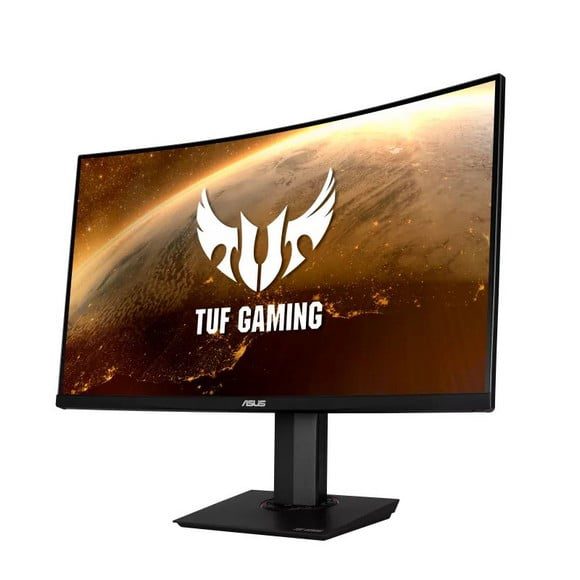
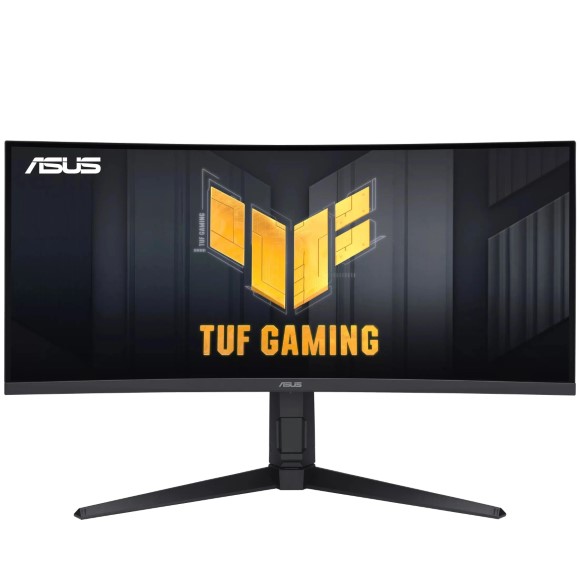
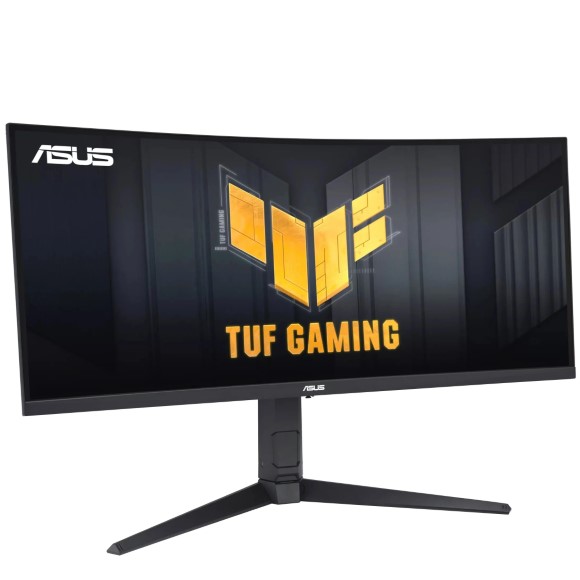
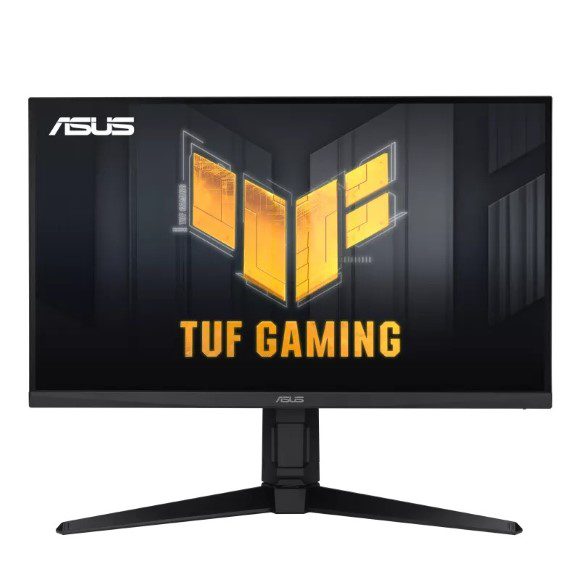
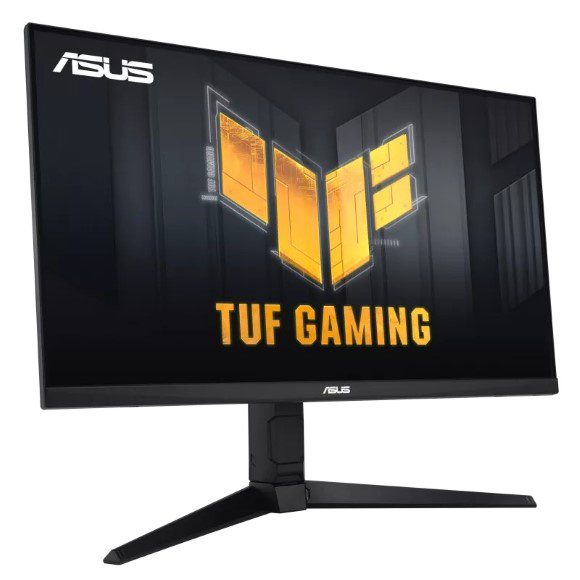
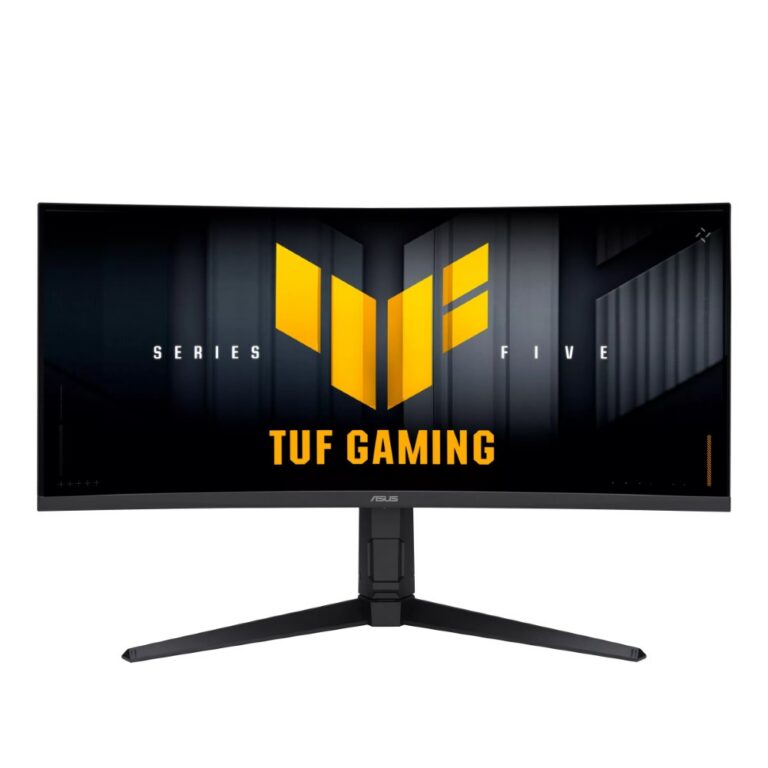
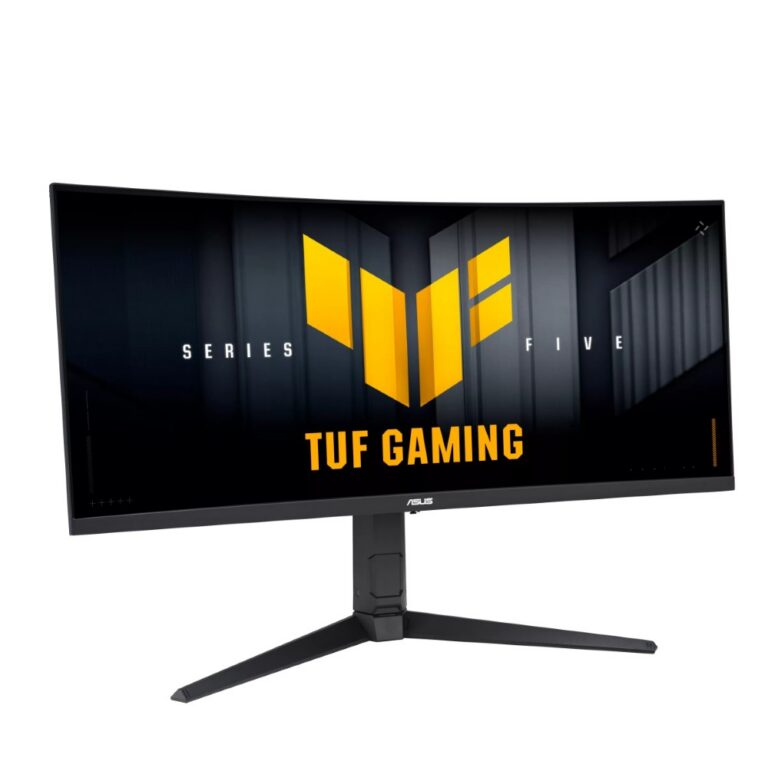
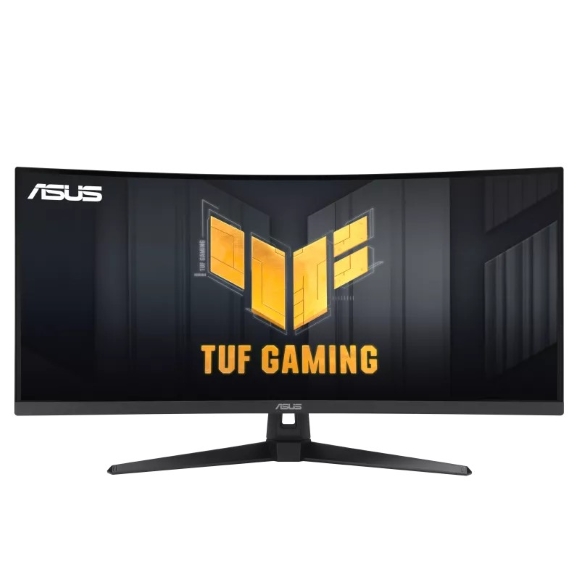
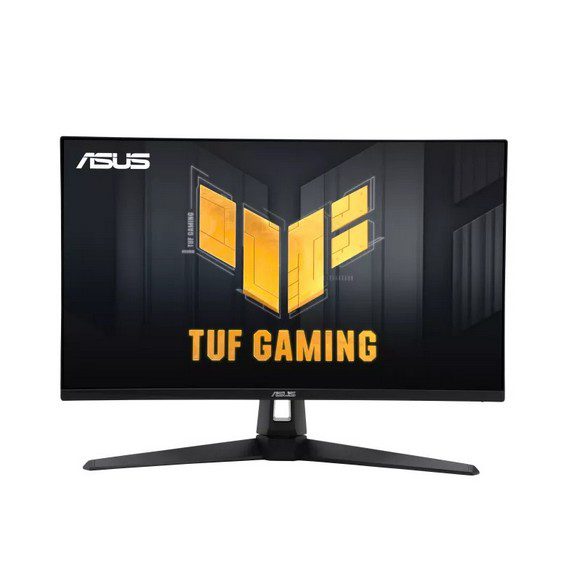
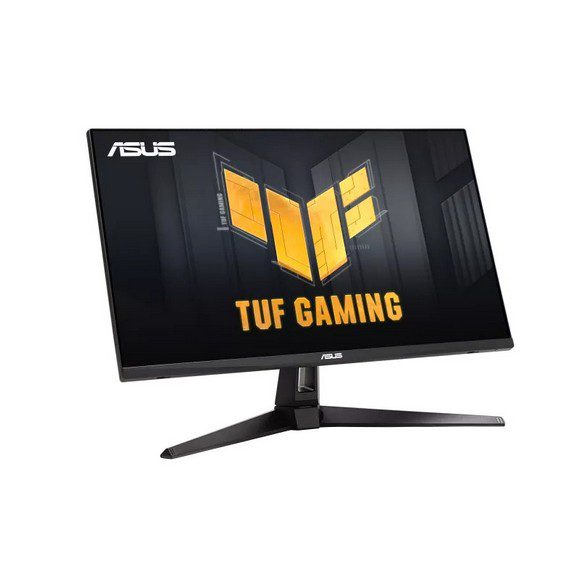
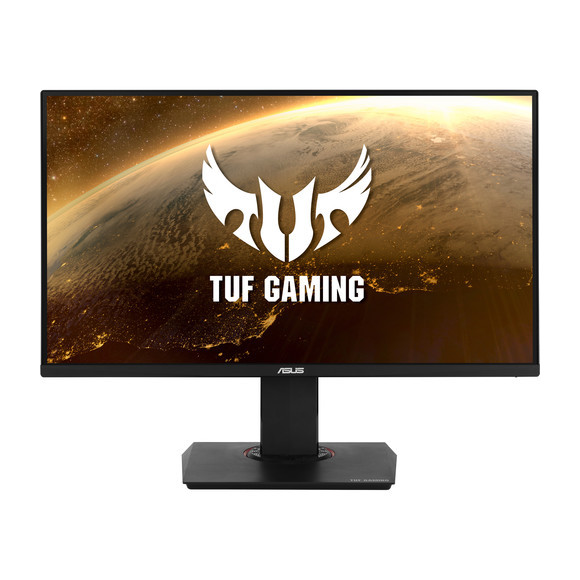
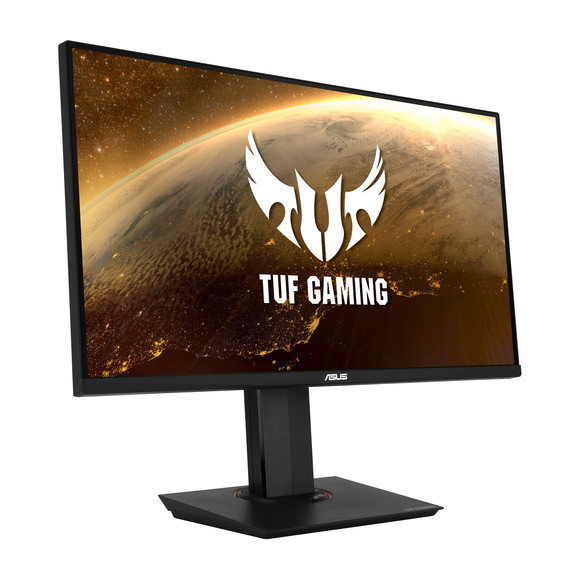
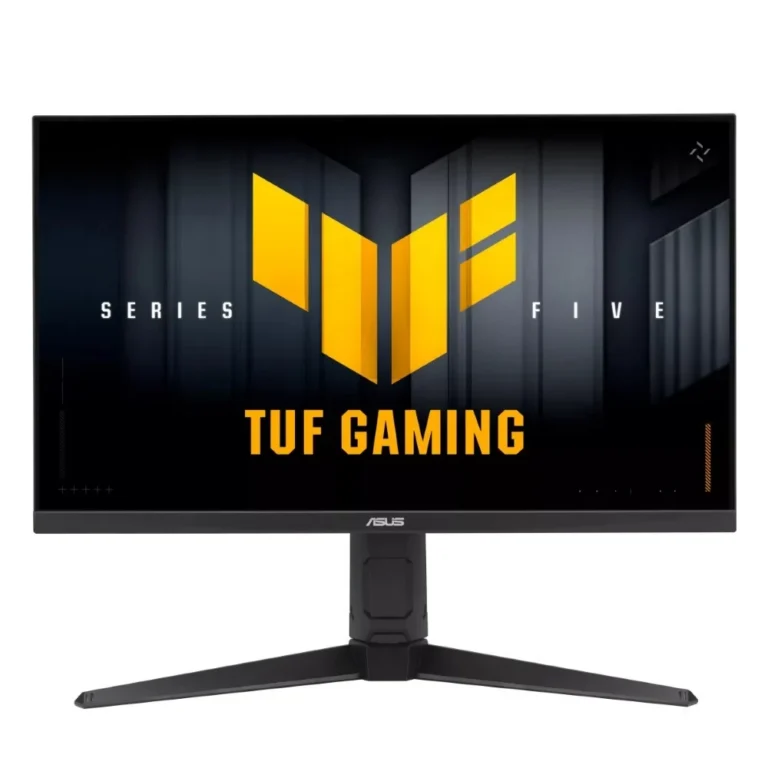
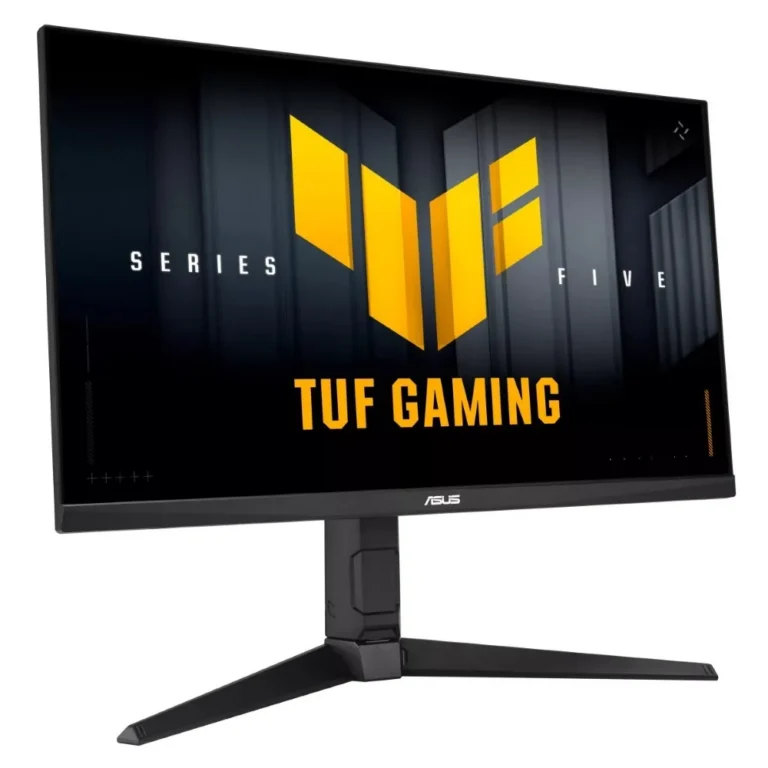
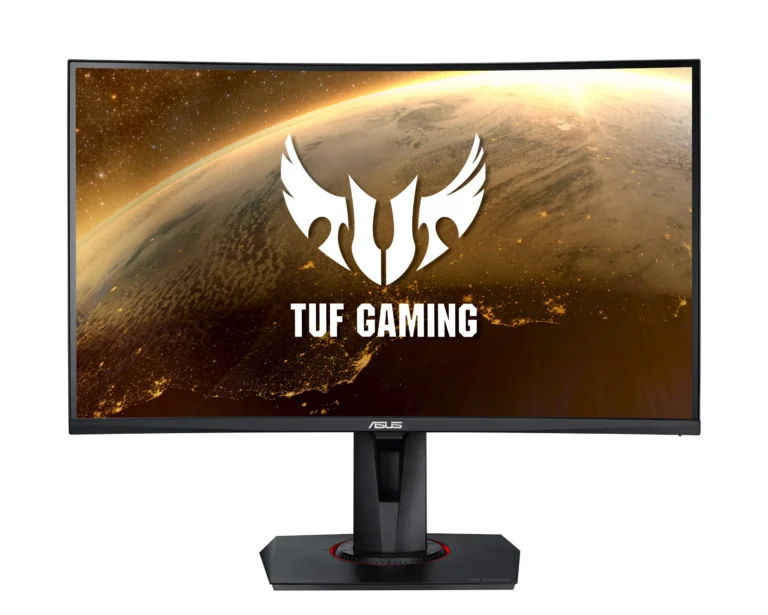
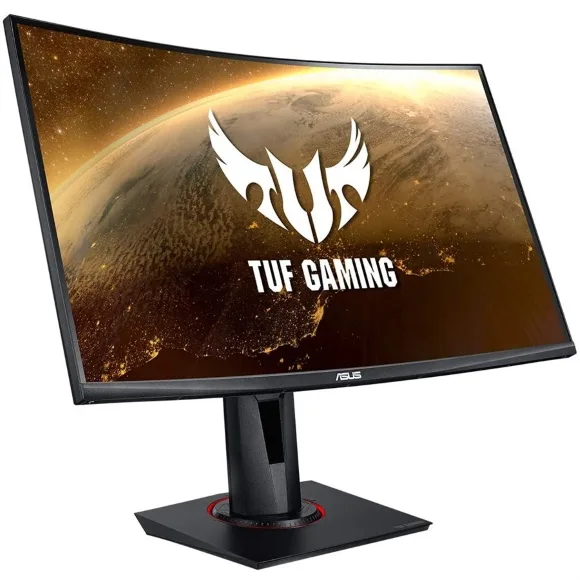
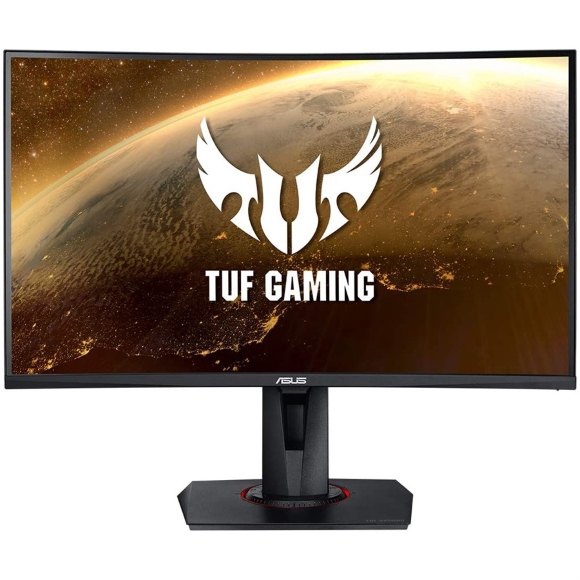
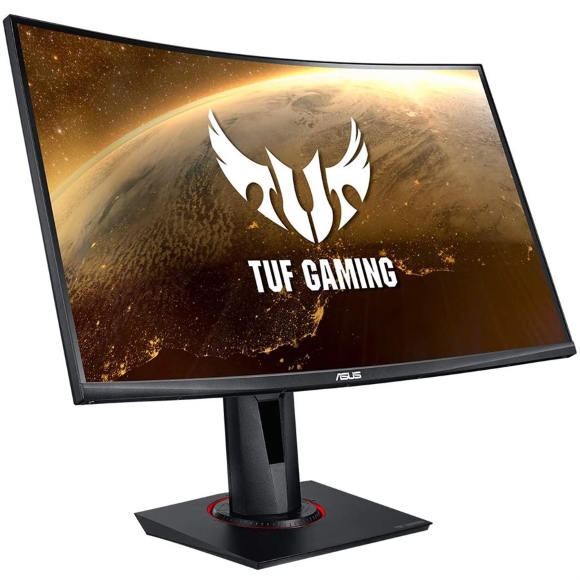
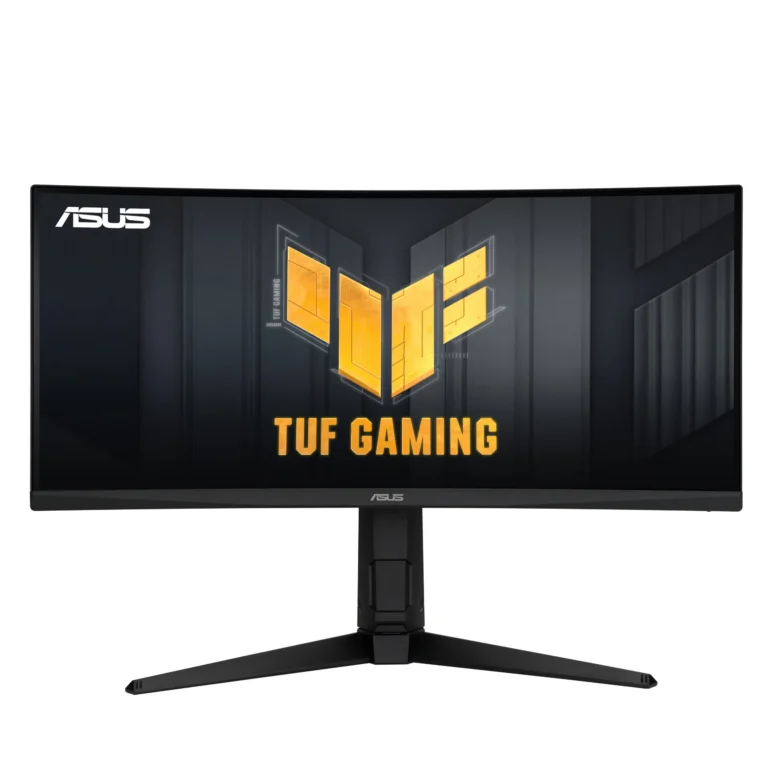
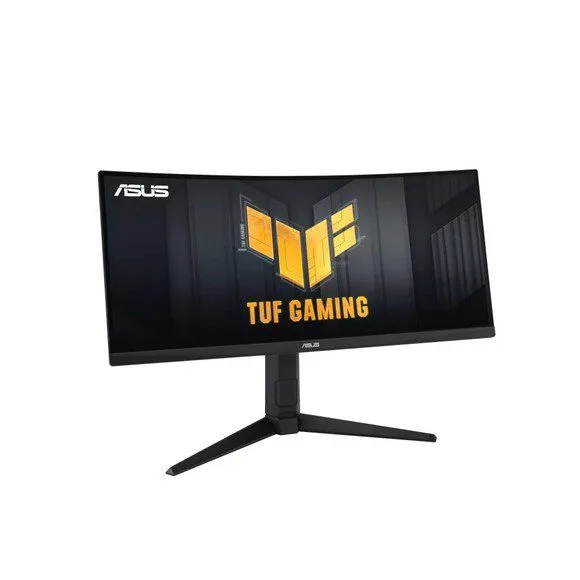
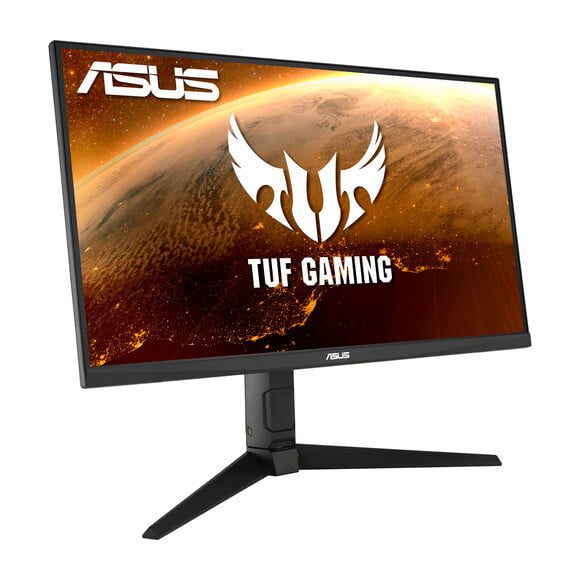
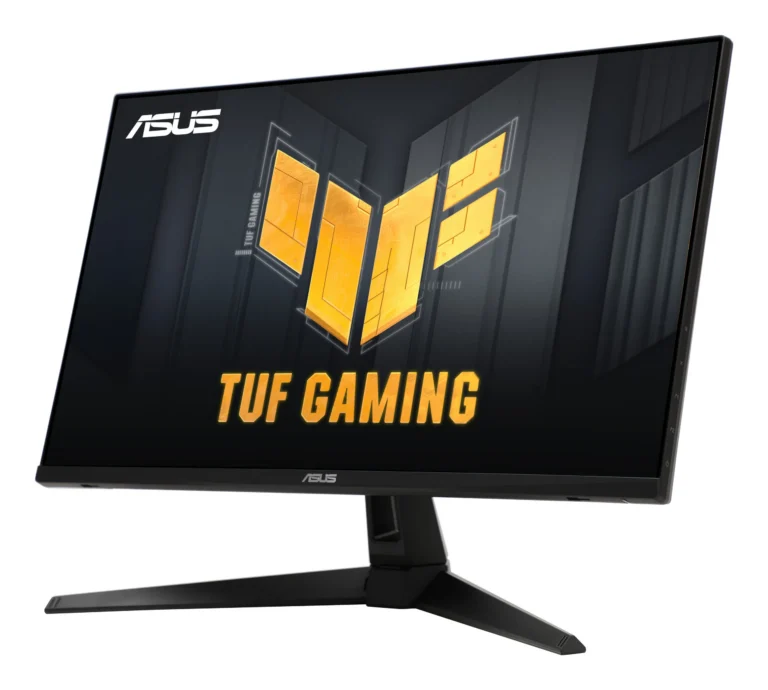
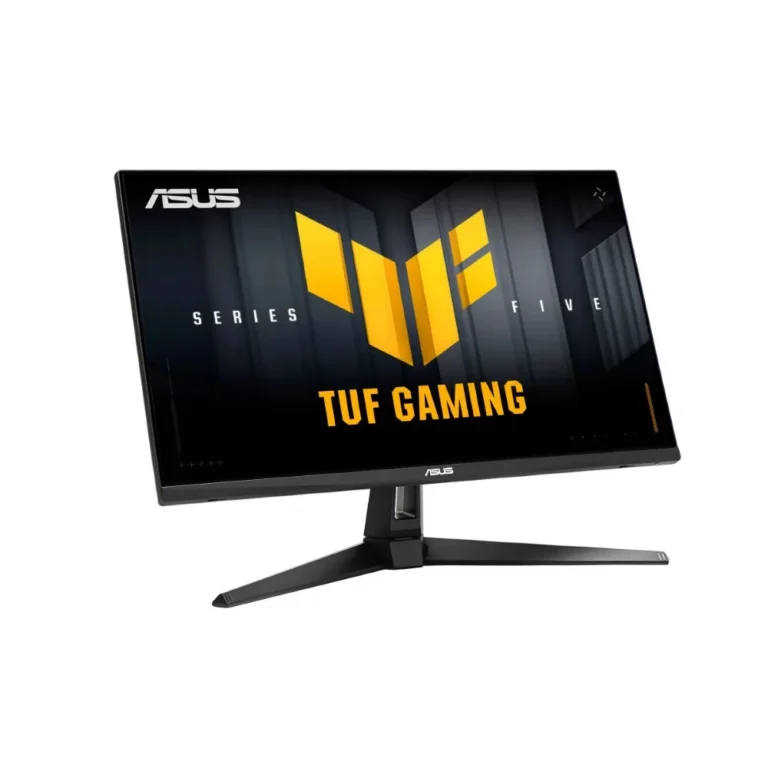
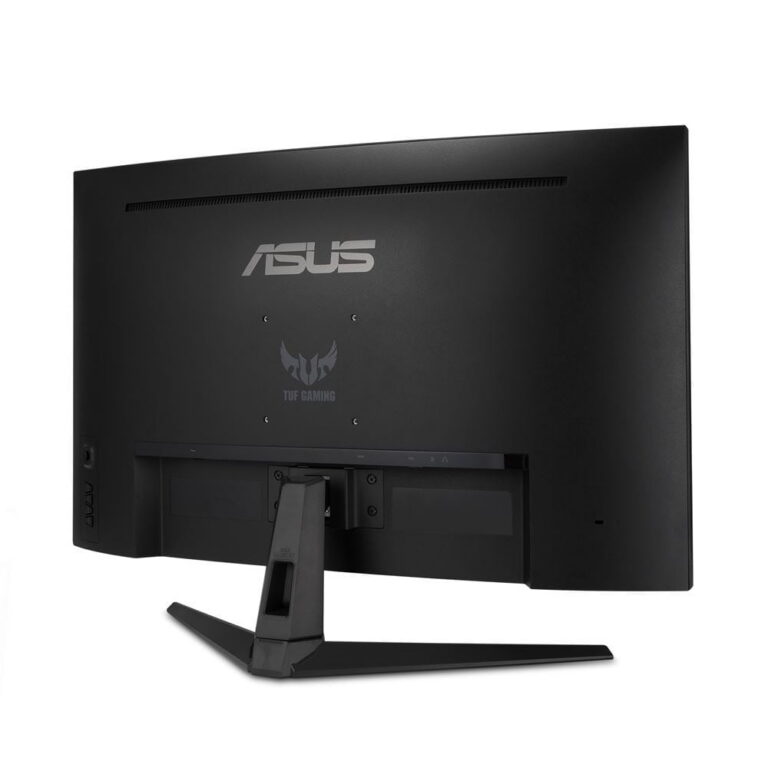
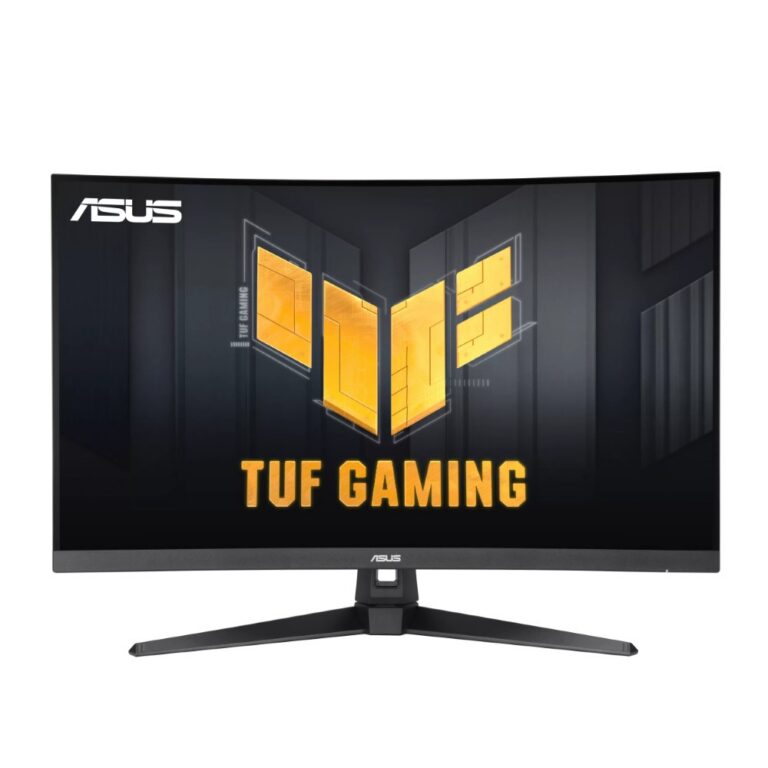
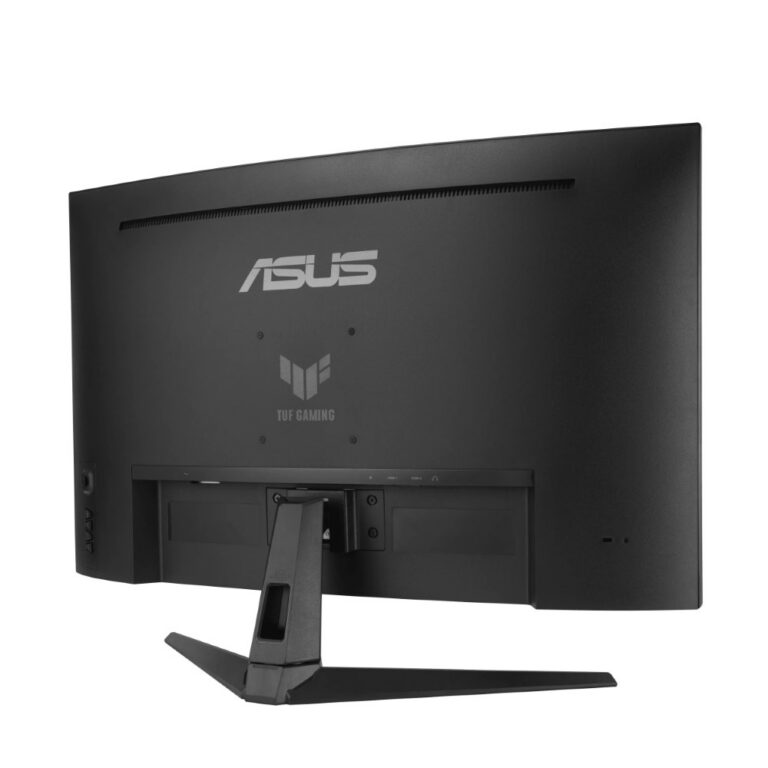
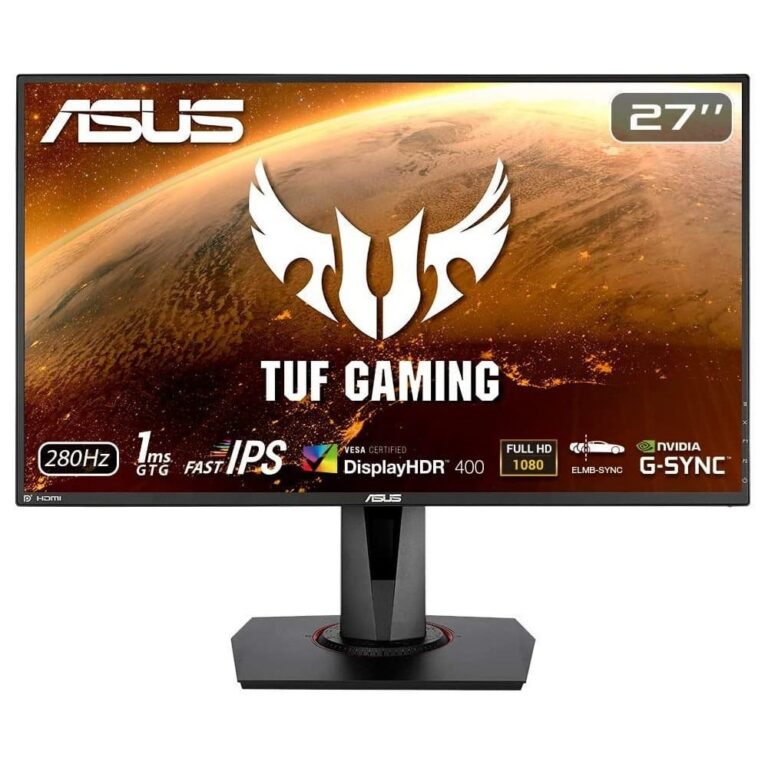
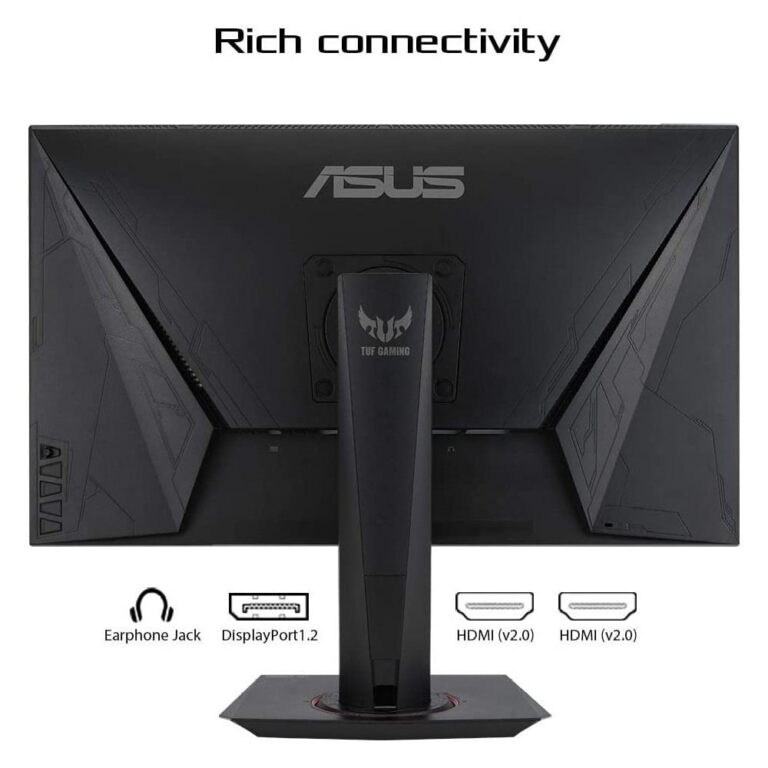
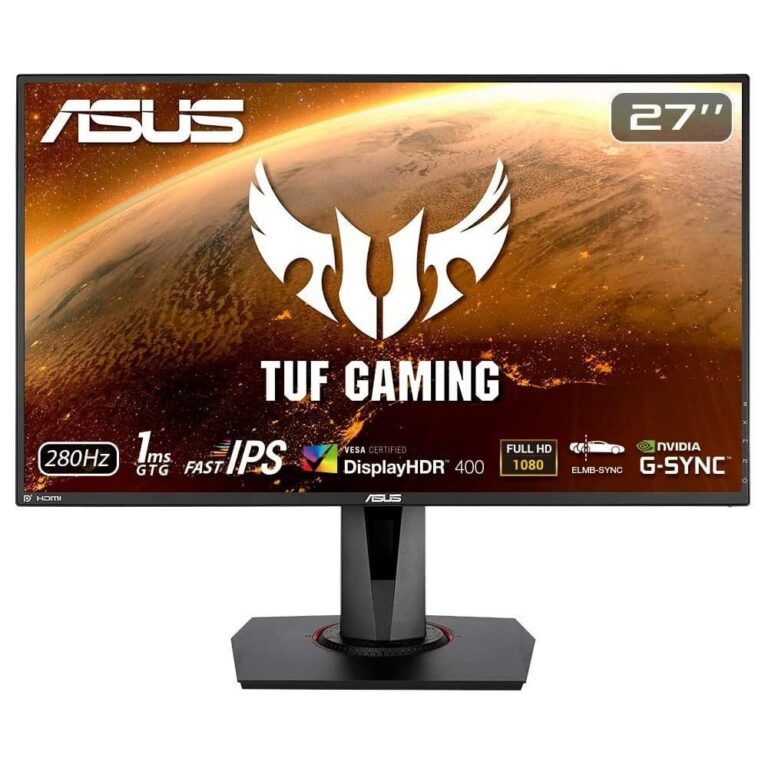
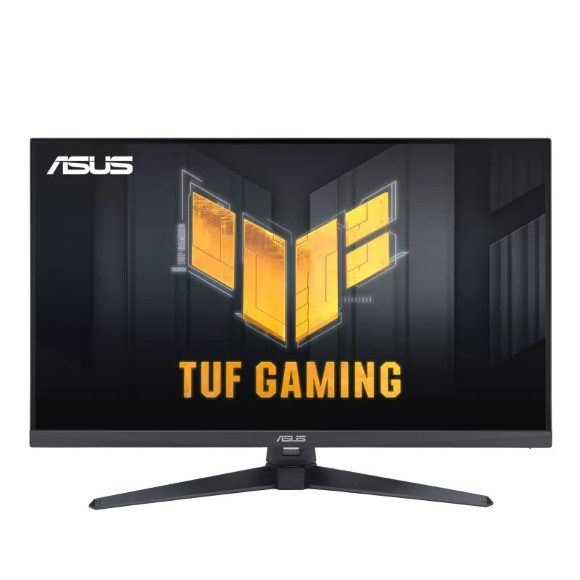
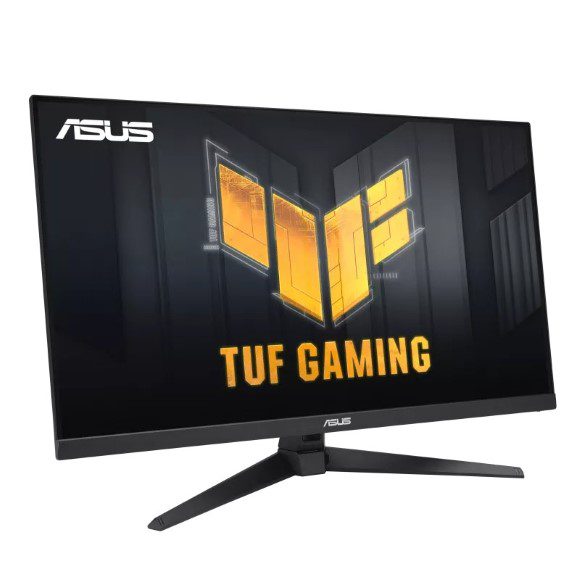
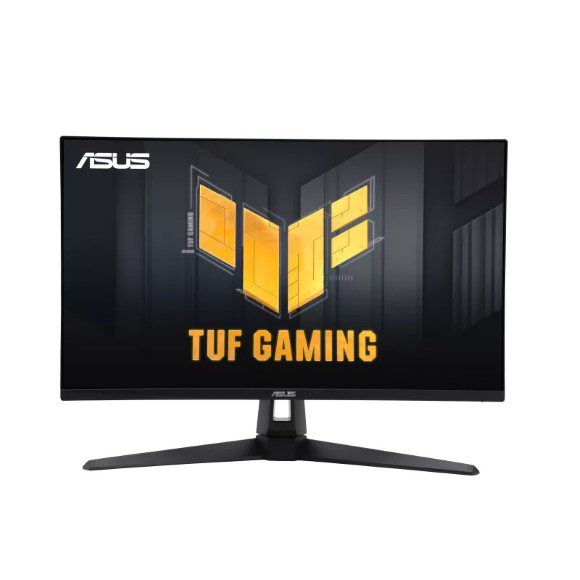
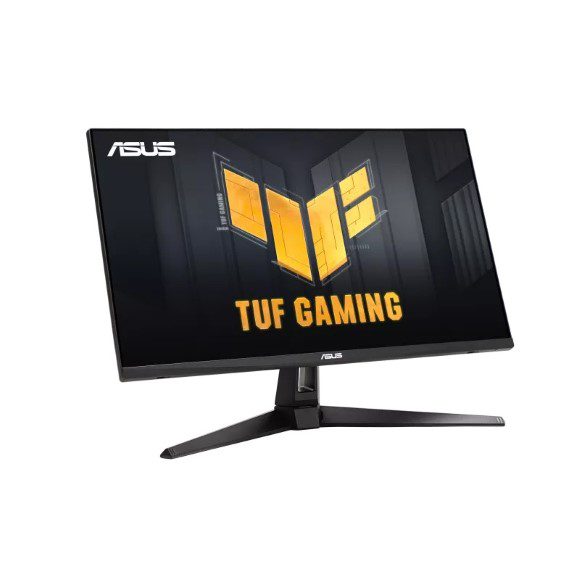
Asus TUF Gaming panels from 27 inch QHD to 35 inch curved WQHD and 4K, with refresh rates from 100Hz up to 180Hz, 1ms response and IPS options.
TUF Gaming Monitors in Pakistan
TUF Gaming monitors are the Asus screens tuned for fast motion, and this section holds the sizes that suit a desktop gaming build. Buyers here tend to be replacing a 60Hz office panel, adding a second screen to a tower they already own, or specifying the display last after the GPU is fixed.
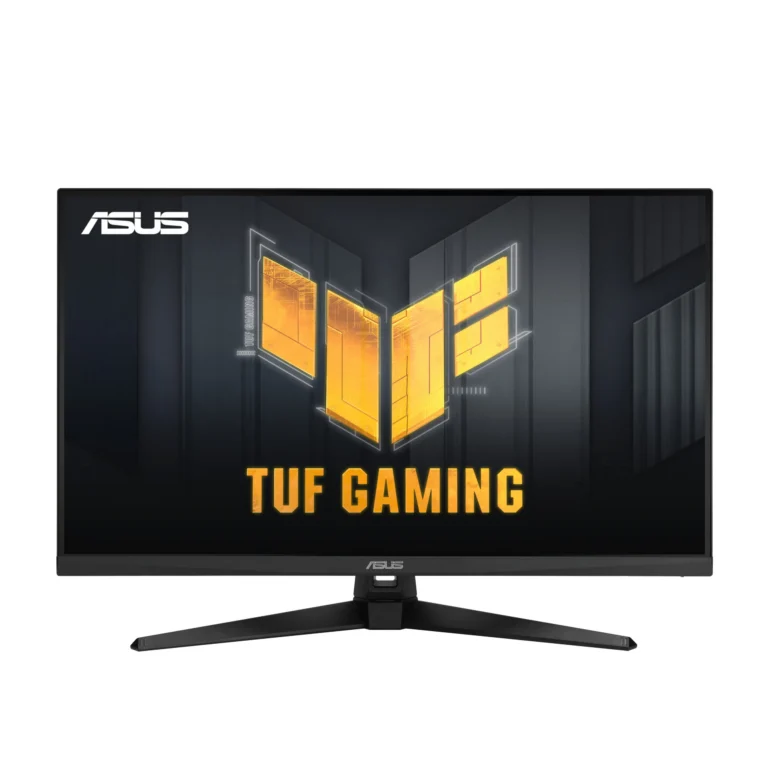
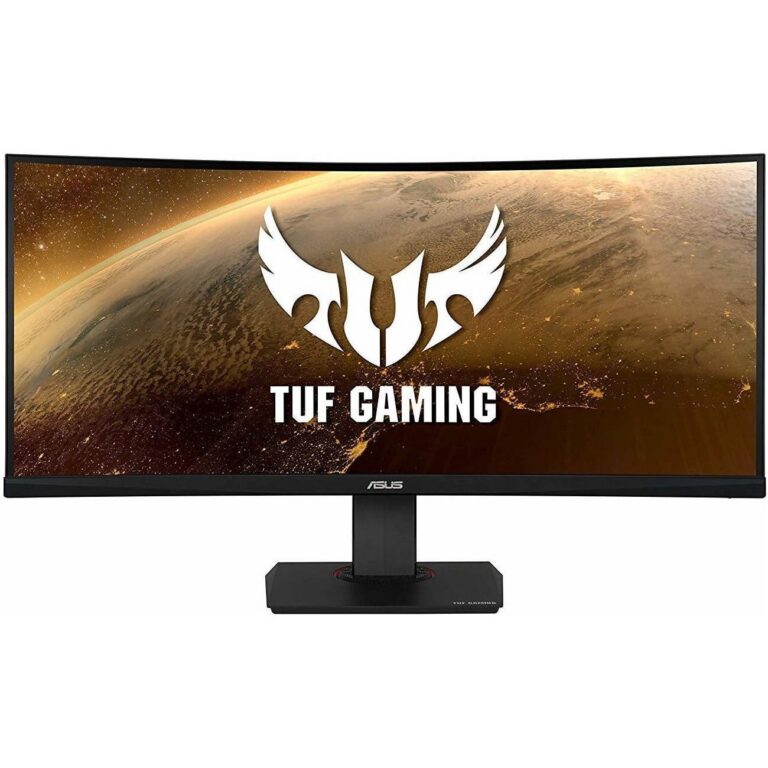
Sizes run from 27 inch panels, through 32 inch models quoted as 31.5 inch viewable, up to a 35 inch curved screen. Resolution tracks the size: QHD and WQHD on the 27 inch and 32 inch panels, 4K on a 32 inch model, WQHD across the curved widescreens. Refresh rates start at 100Hz on the 35 inch curved panel and climb through 144Hz, 160Hz, 165Hz, 170Hz and 180Hz, with 1ms response quoted through the range. IPS shows up on the 27 inch WQHD models. Price runs from entry-level panels to premium 4K, so the shelf covers a first gaming monitor and a final one.
Three decisions settle most of these purchases.
- Start with refresh rate against what your graphics card can push, because a 27 inch WQHD panel at 165Hz or 170Hz asks far less of a GPU than a 32 inch 4K panel overclocked to 160Hz.
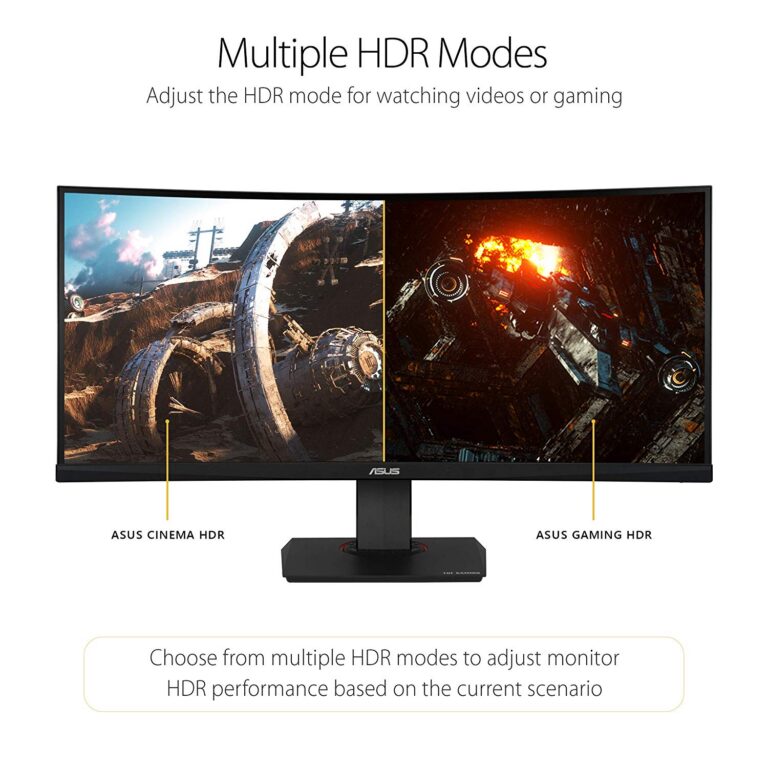
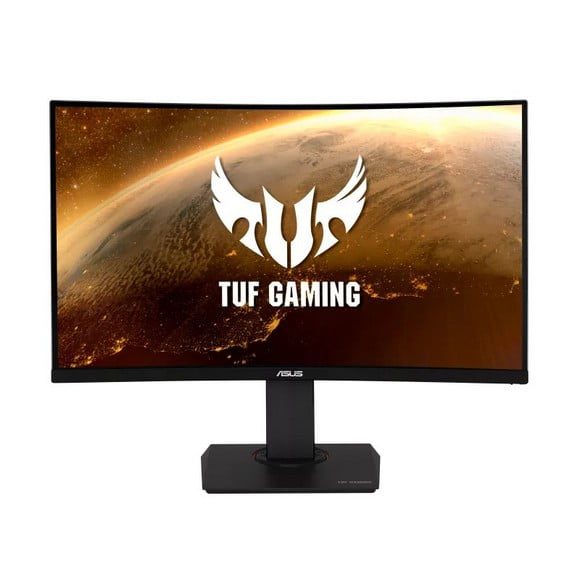
- Then choose panel and shape. IPS on the 27 inch WQHD models holds colour when you look at the screen off-centre, while the curved 32 inch and 35 inch screens bend the edges back toward you.
- Last, match size to desk depth. A 35 inch curved screen at arm’s length makes you turn your head; a 27 inch does not.
Which size suits which setup
Players who run competitive shooters and sit close to one screen take the 27 inch WQHD IPS panels at 165Hz or 170Hz. Anyone driving a console or a strong single-GPU tower and wanting detail over frame count moves to the 32 inch 4K panel at 160Hz. Racing and flight sim players, and people who keep a game on one half of the screen and a browser on the other, go to the curved WQHD widescreens, either the 35 inch at 100Hz or a curved model at 180Hz.
Buying in Pakistan
You can see these panels on the shelf at our Karachi showroom before you commit, which matters more with monitors than with parts that live inside a case. We deliver nationwide across Pakistan, and you can pay cash on delivery or online. Warranty terms differ by model, so read the term stated on the product page for the exact panel you are ordering.

 AsusAsus 54