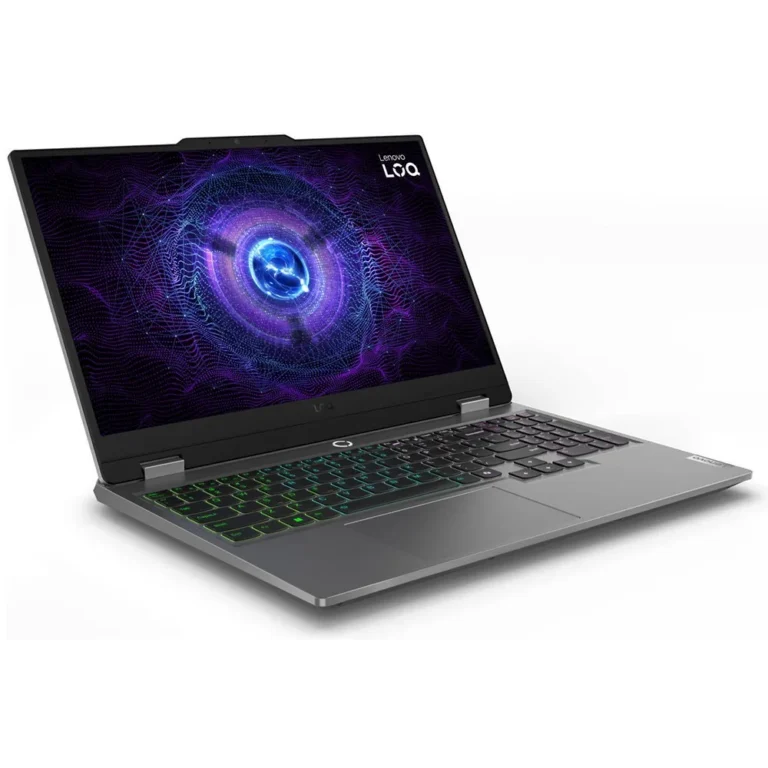
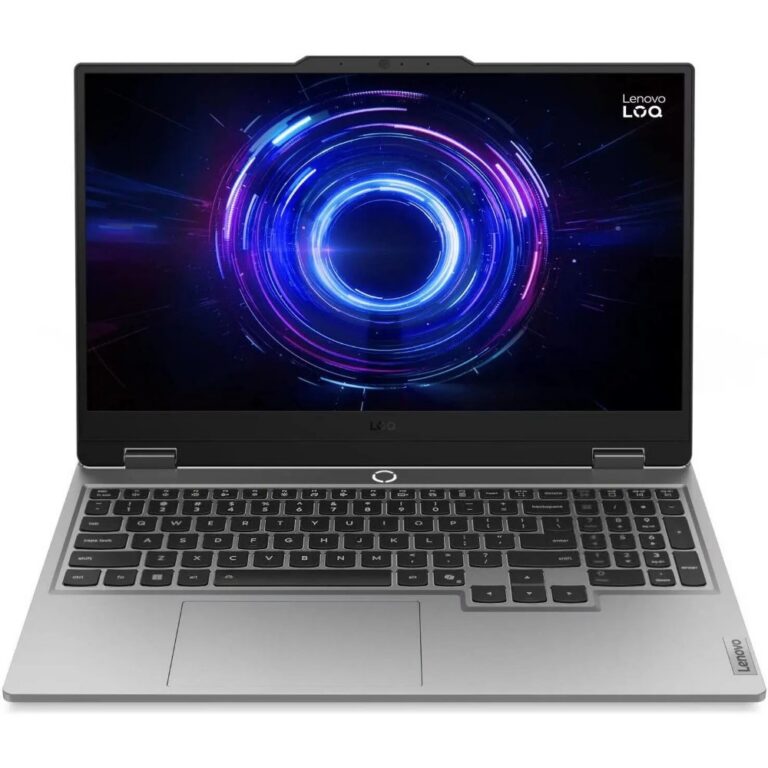
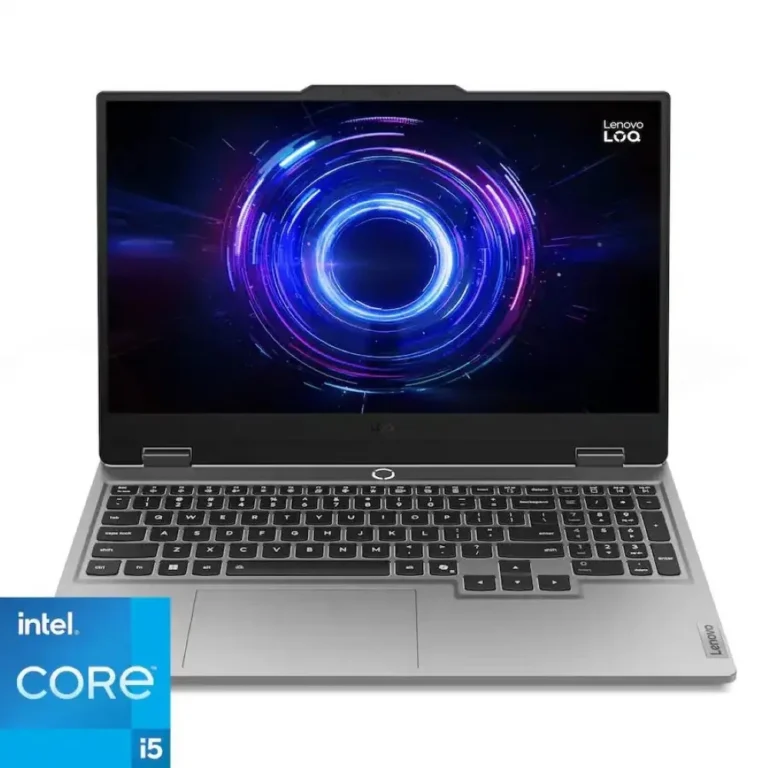
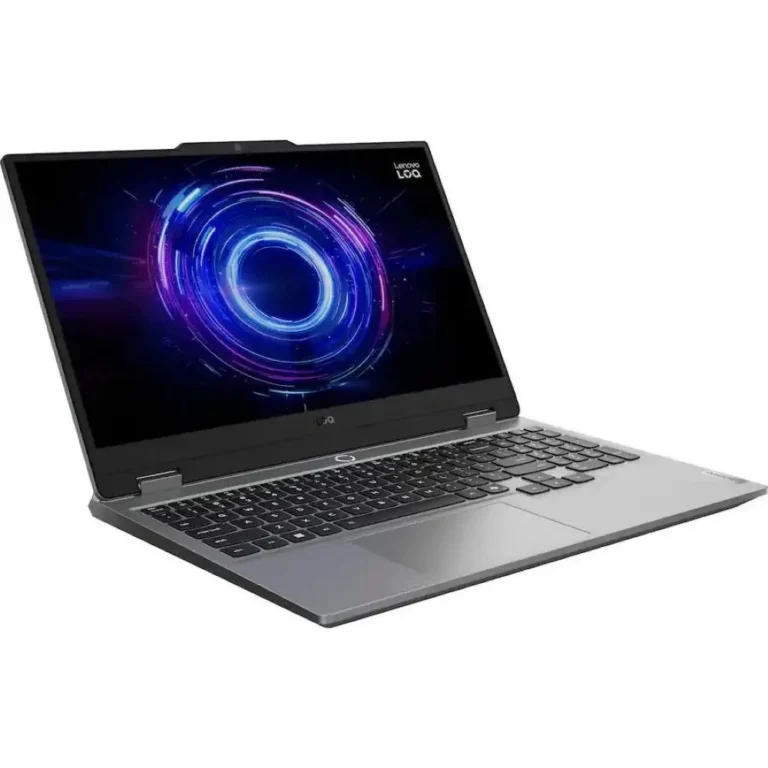
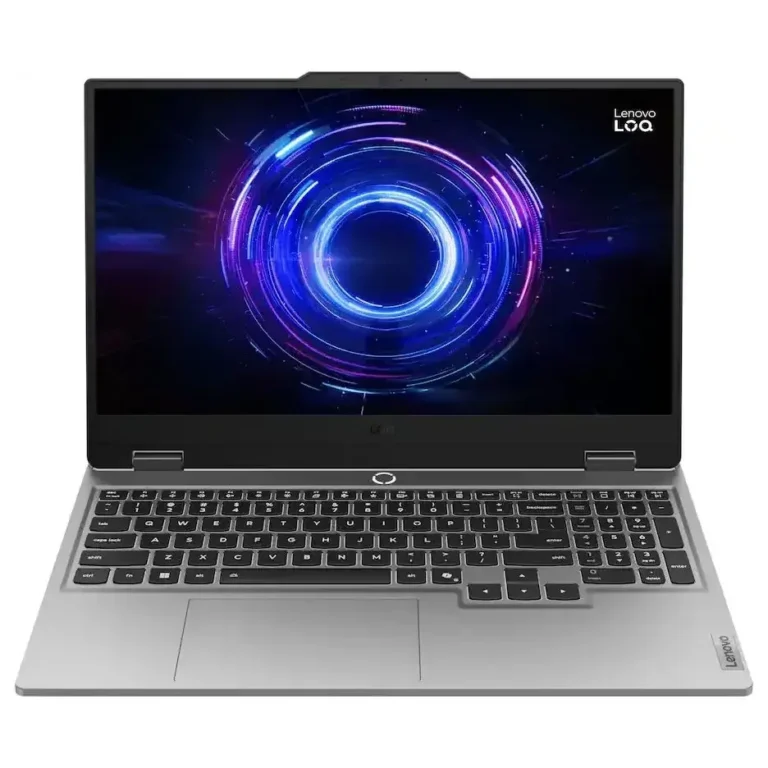
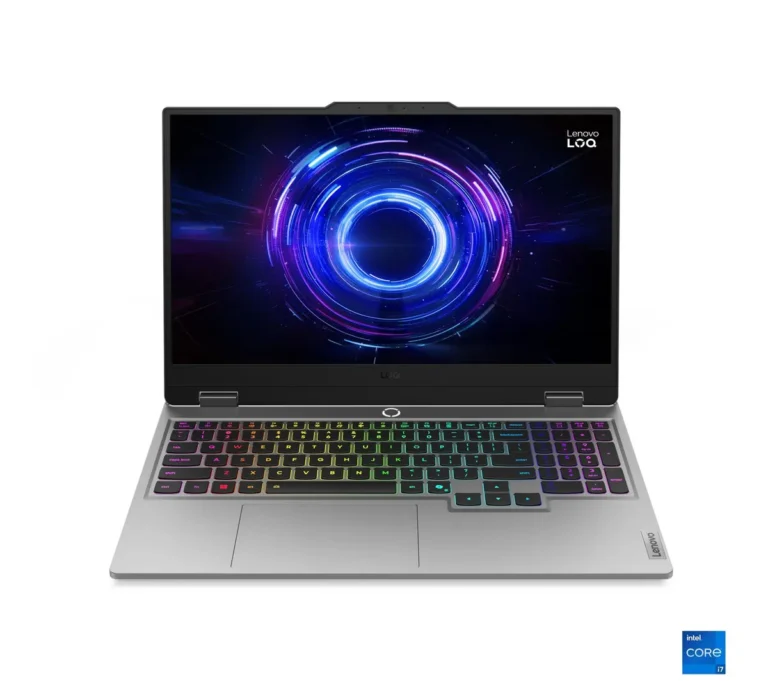
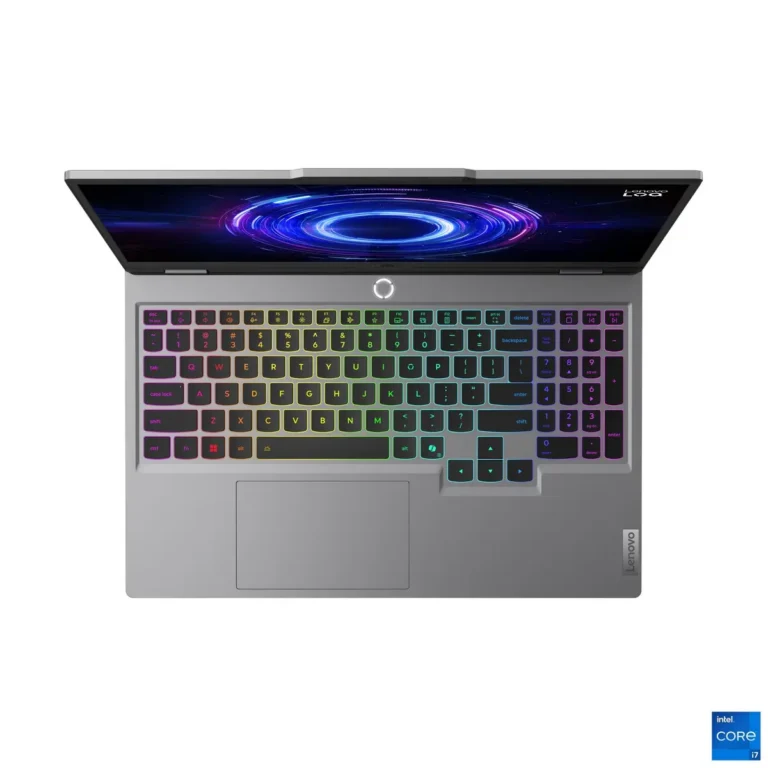
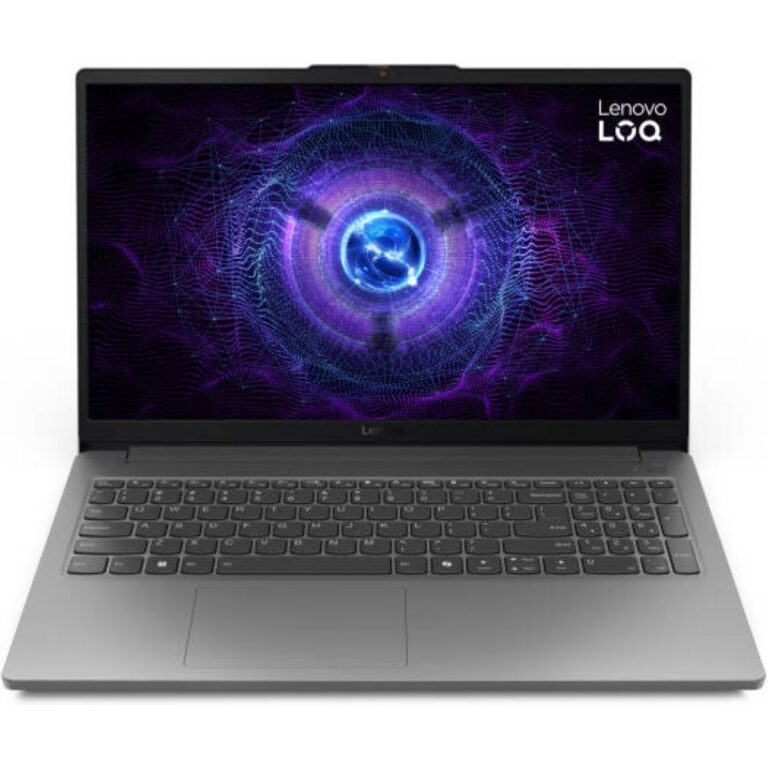
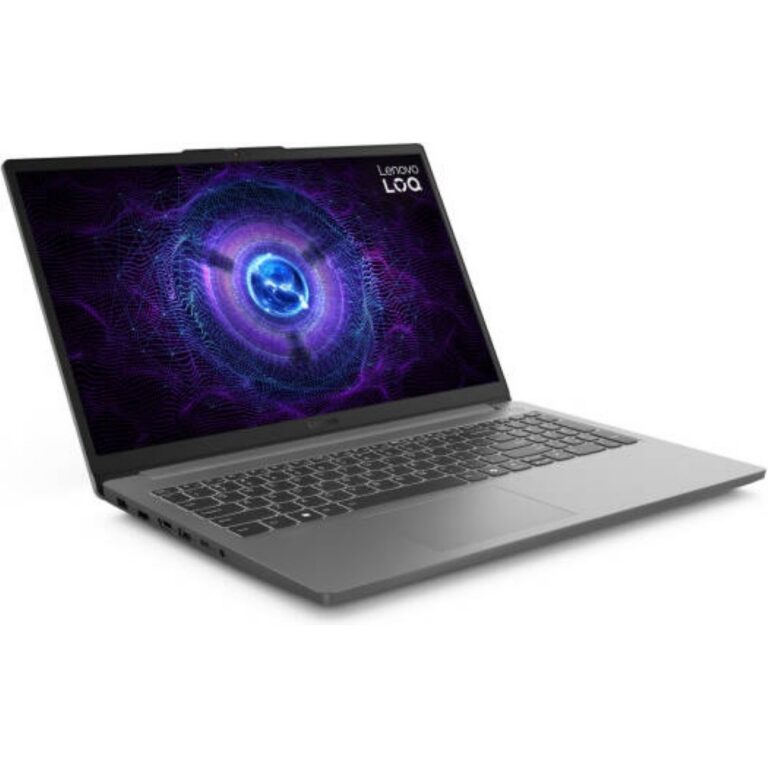
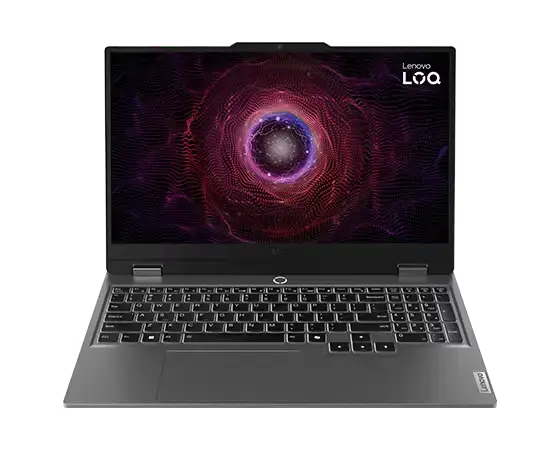
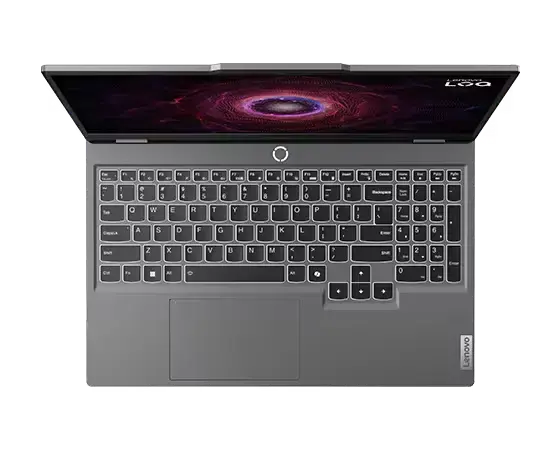
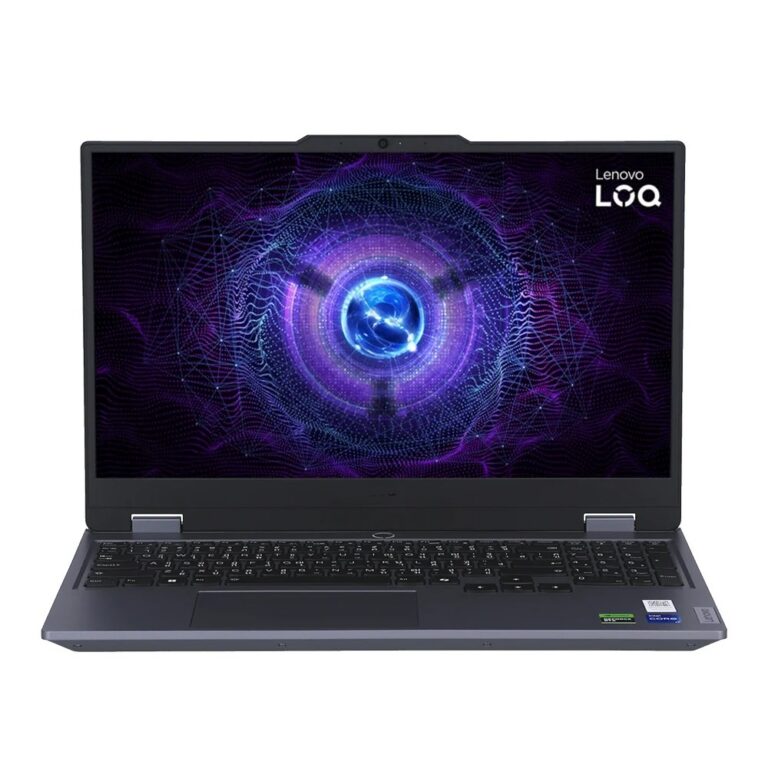
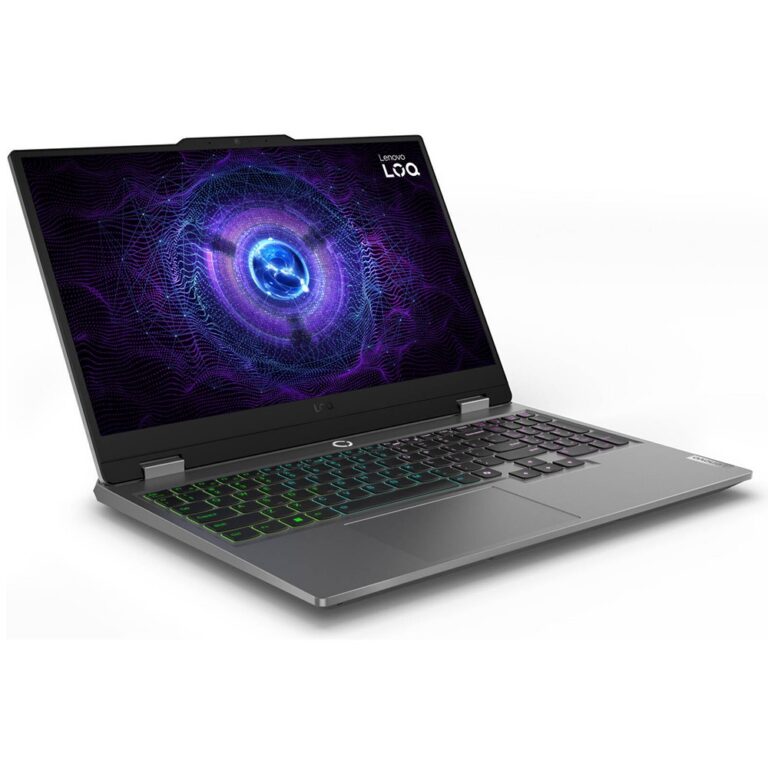
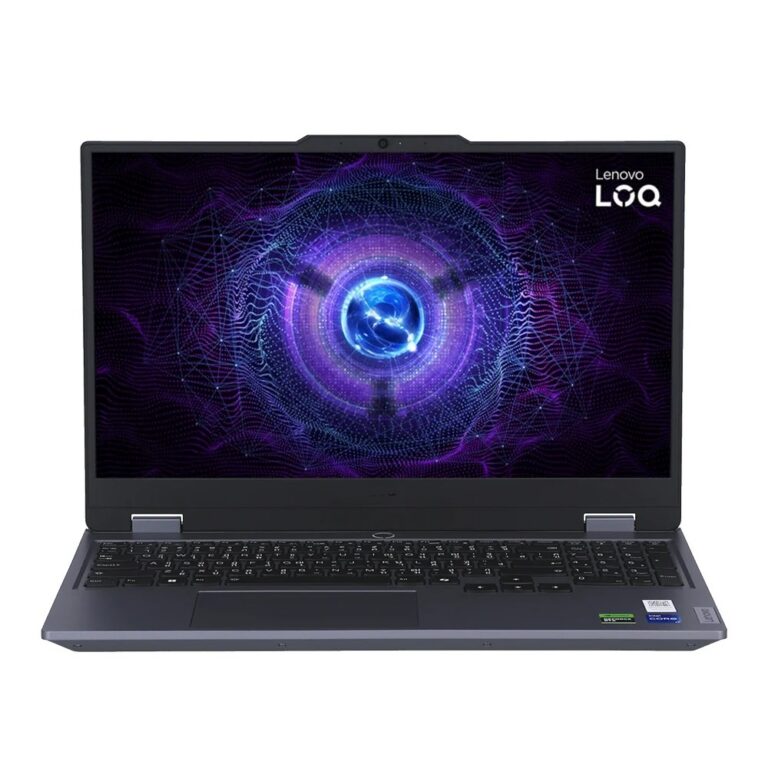
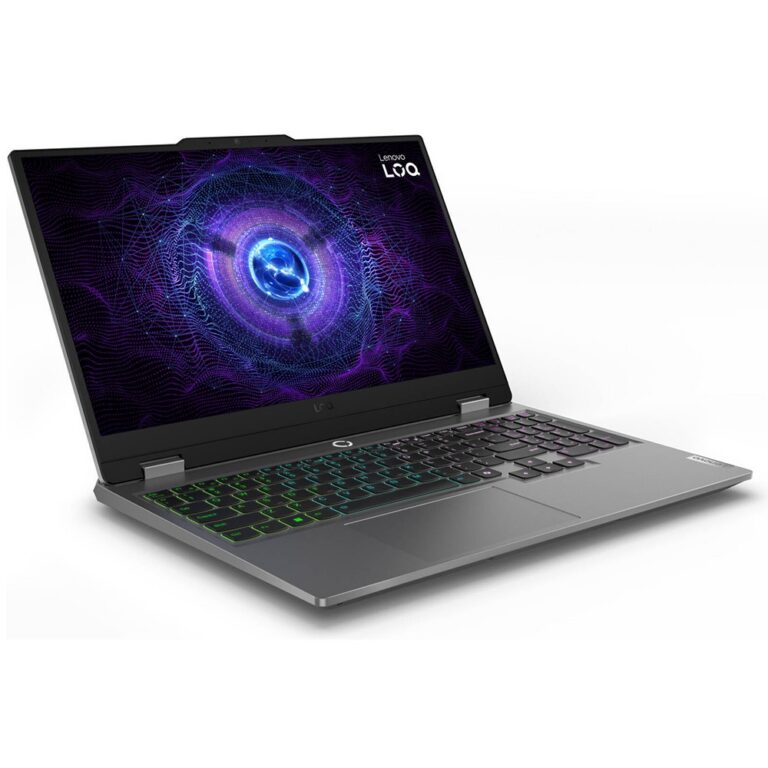
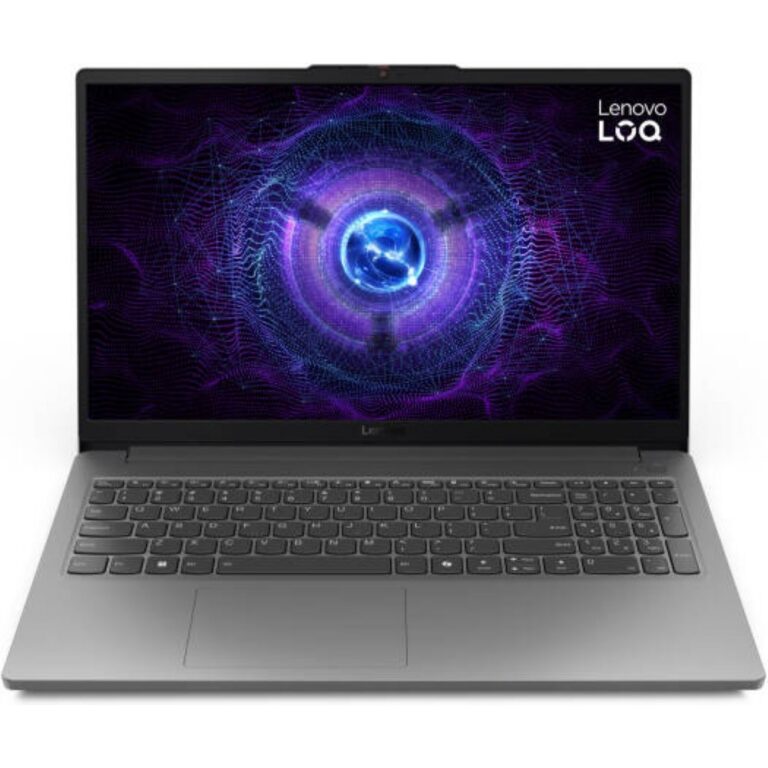
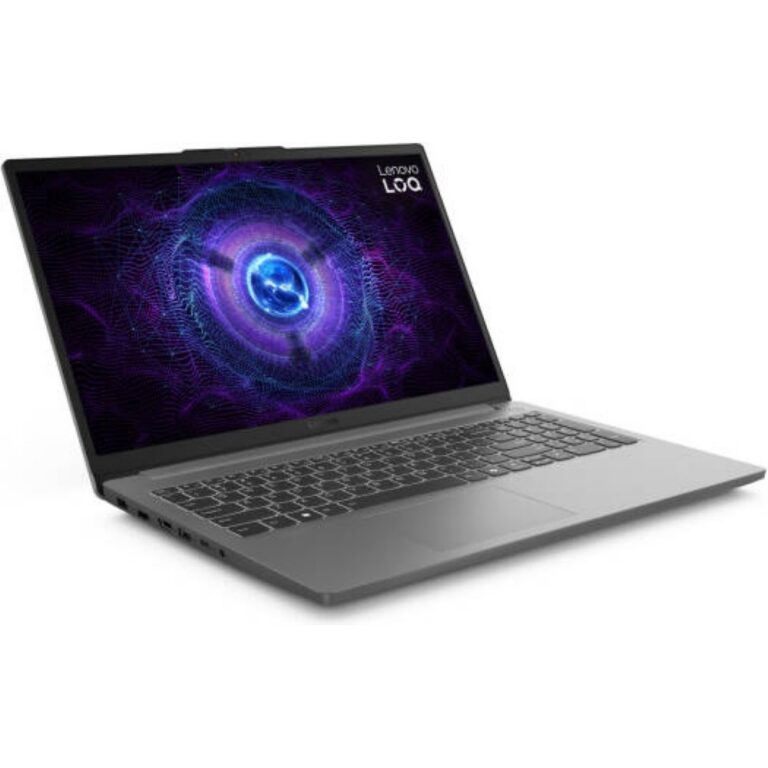
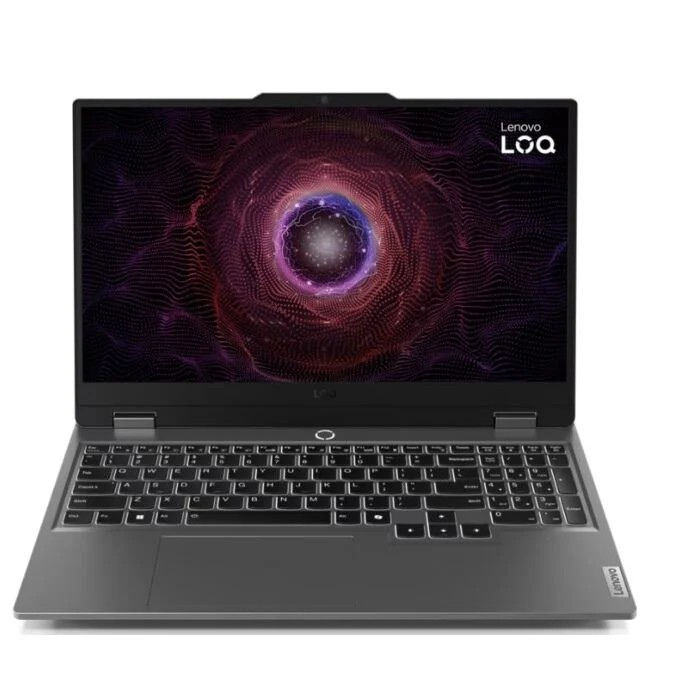
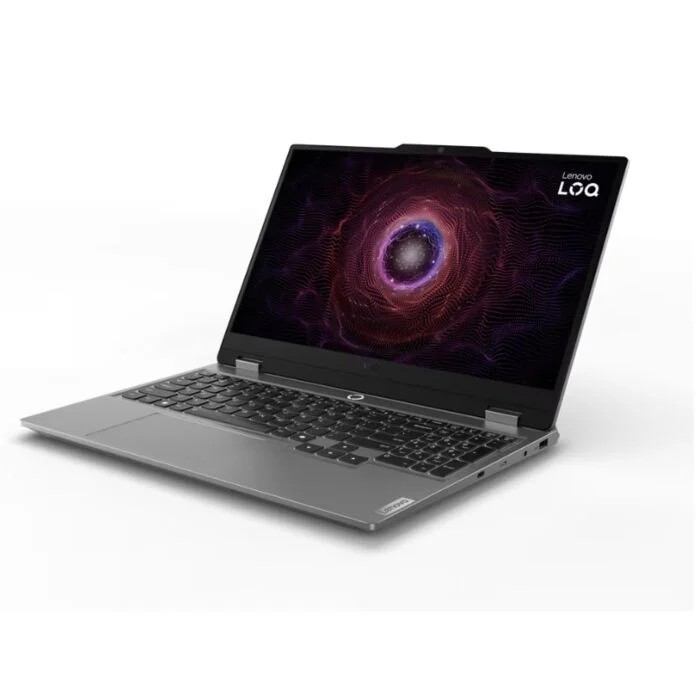
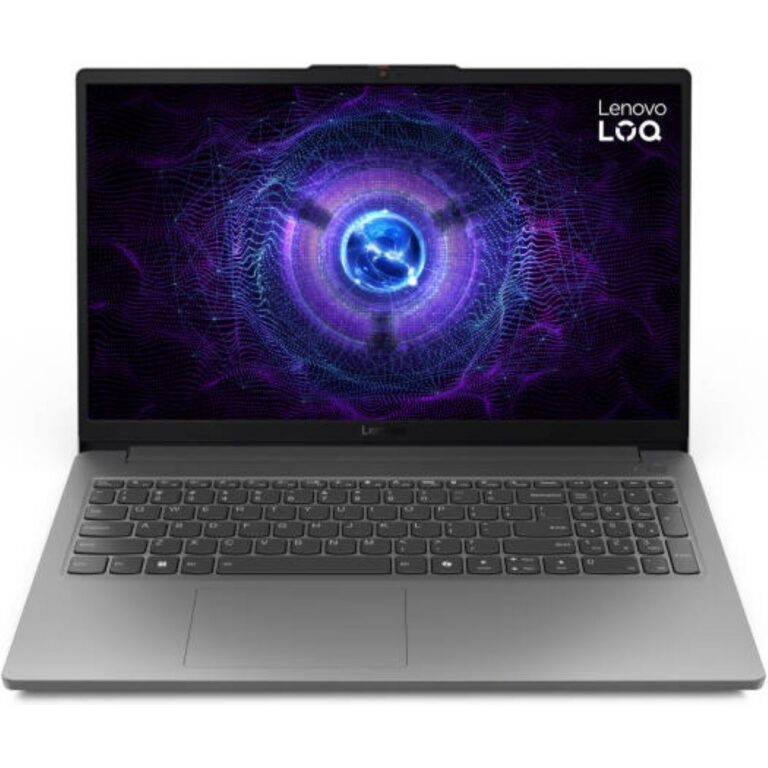
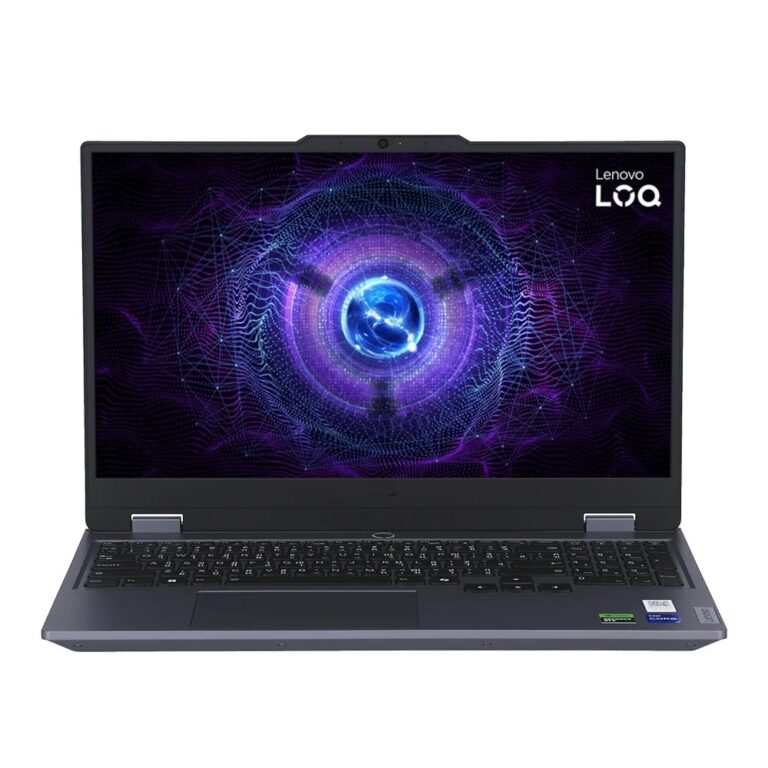
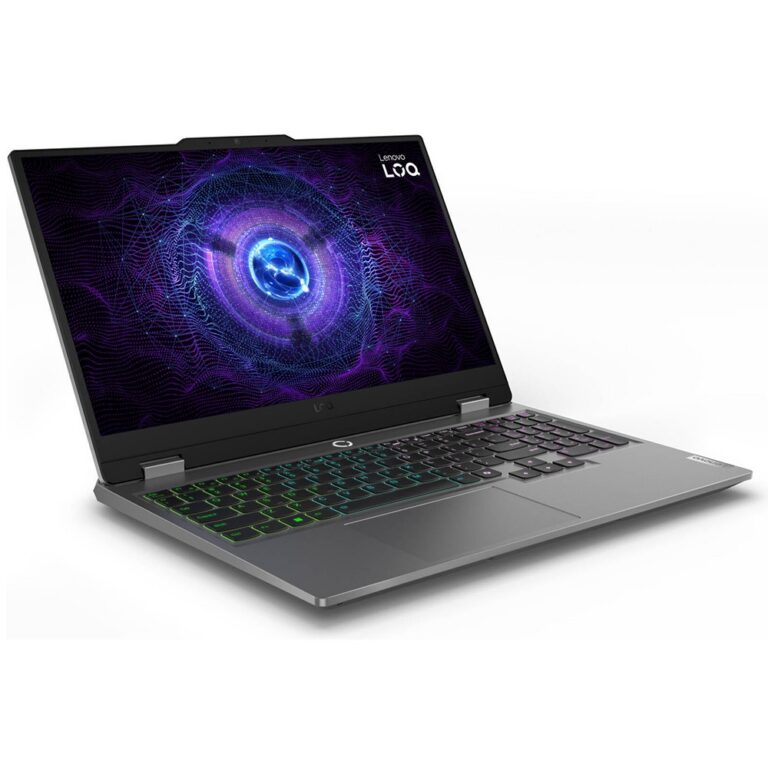
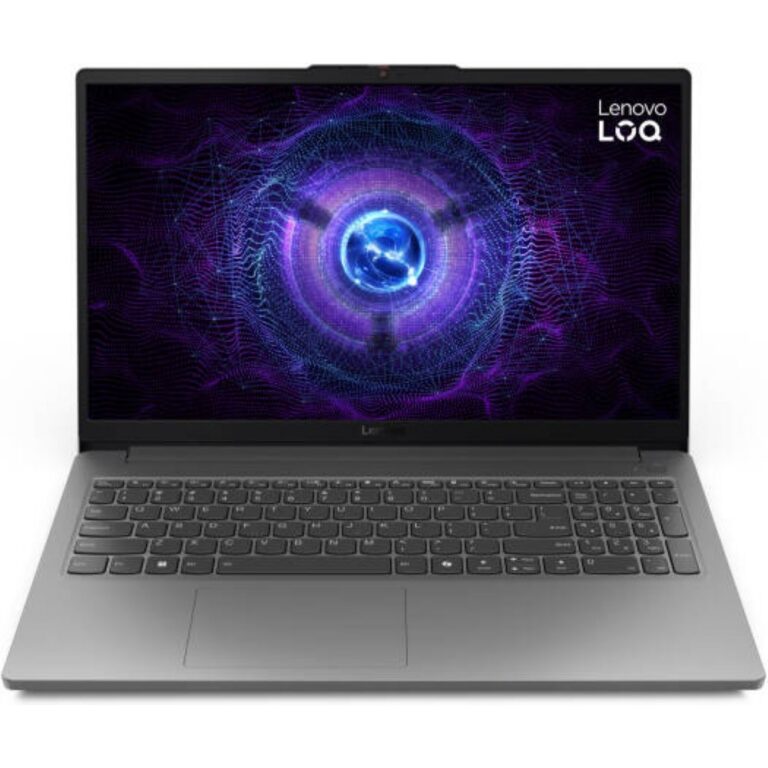
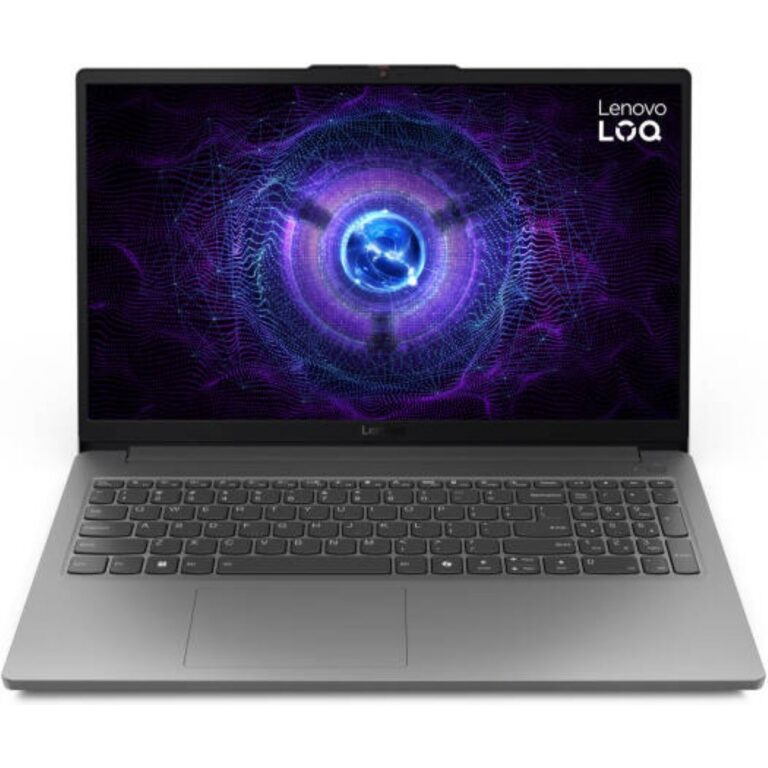
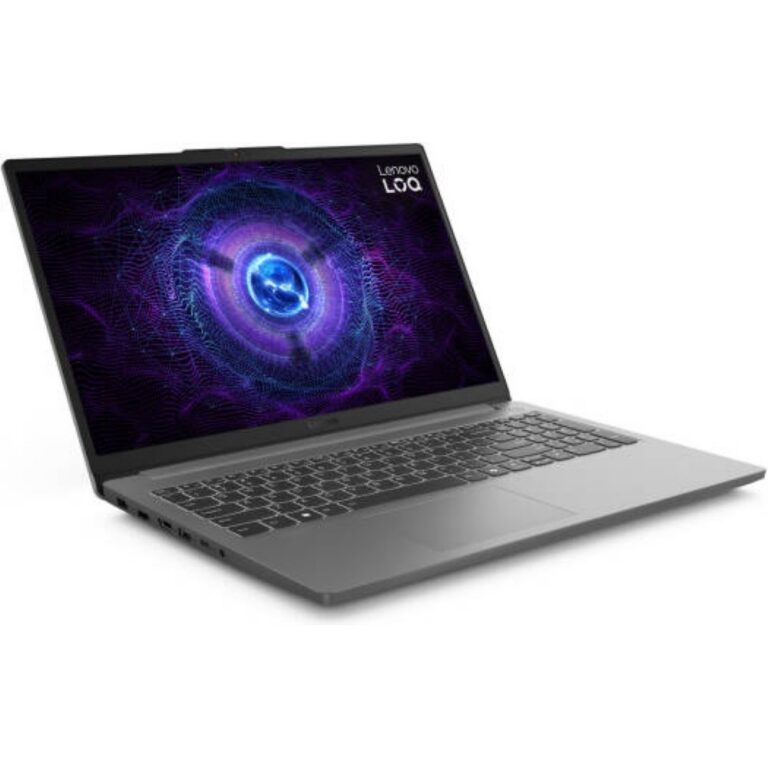
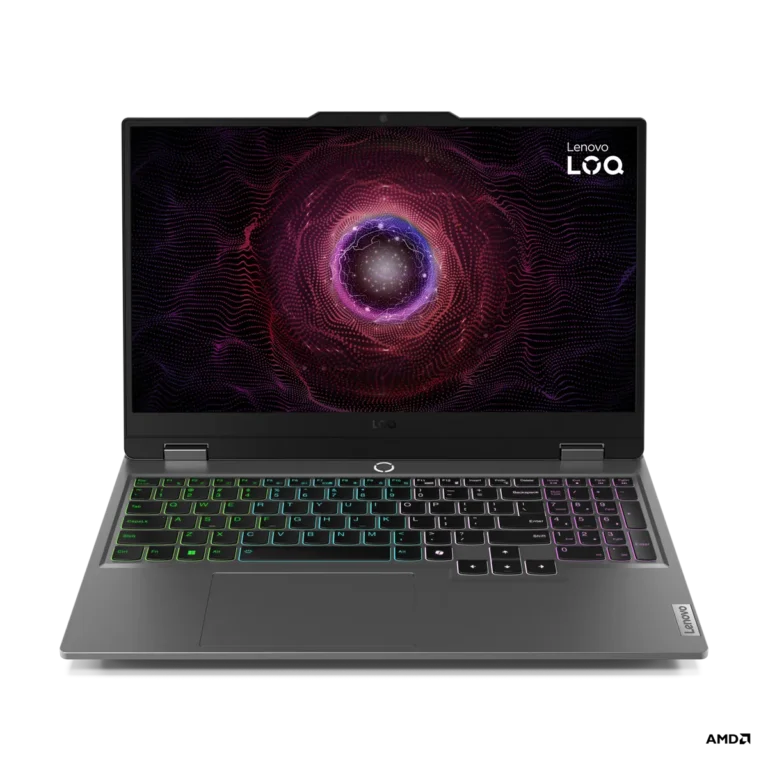
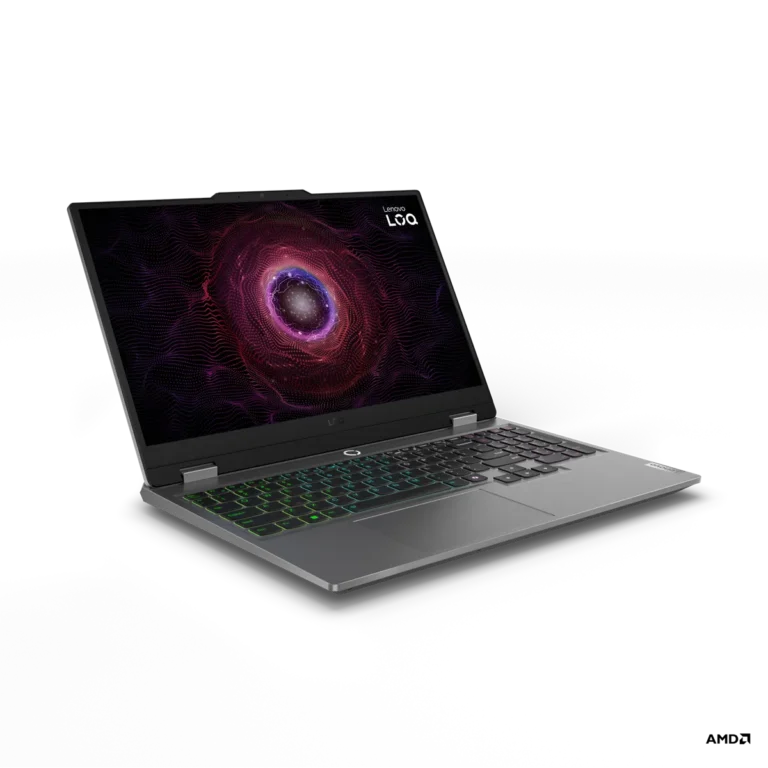
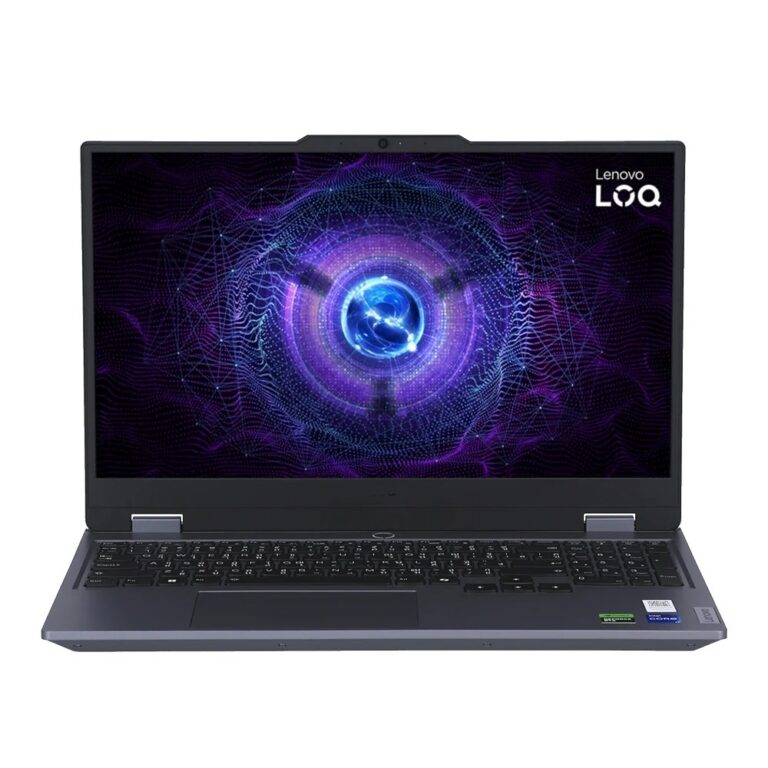
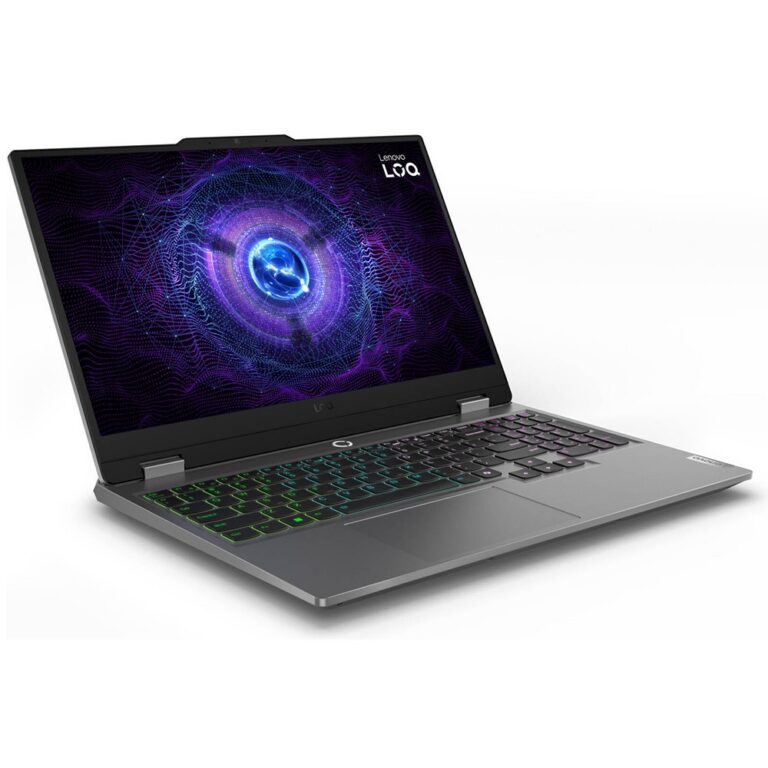
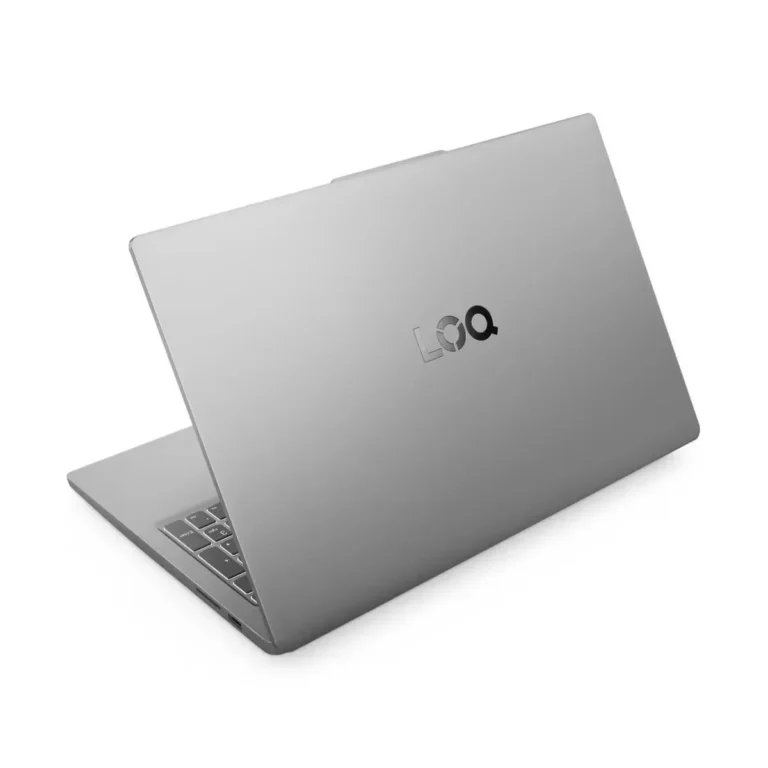
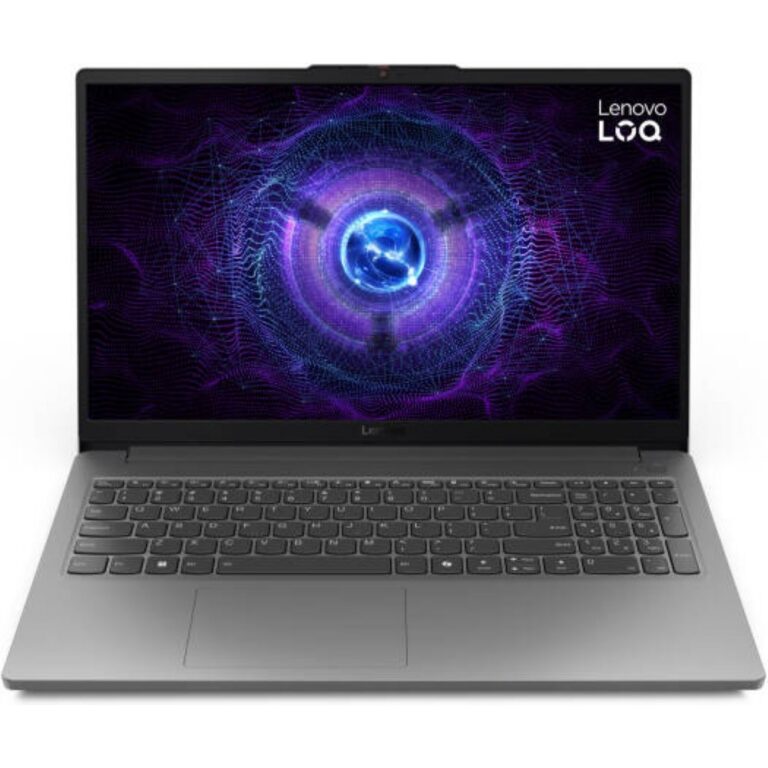
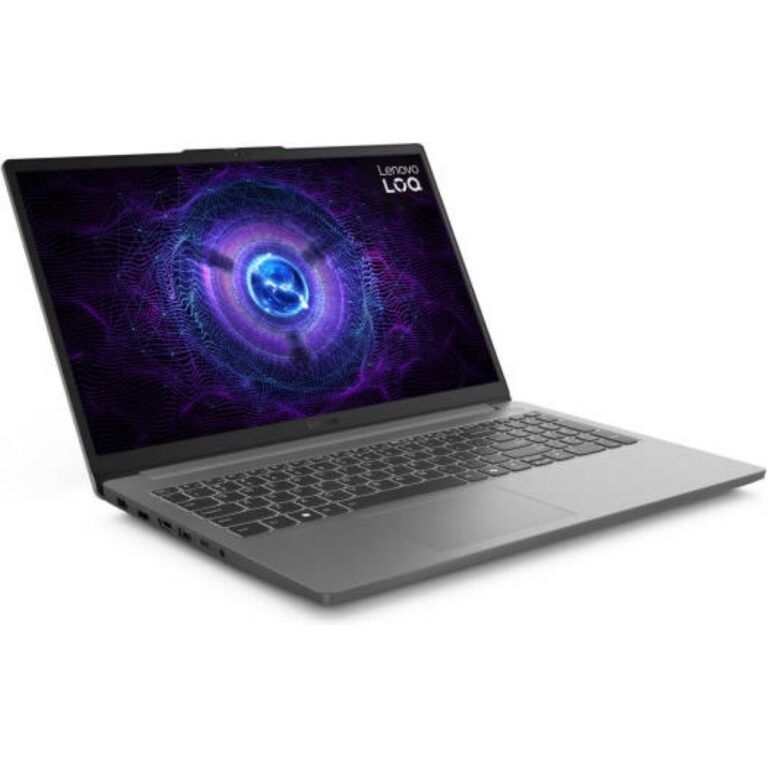
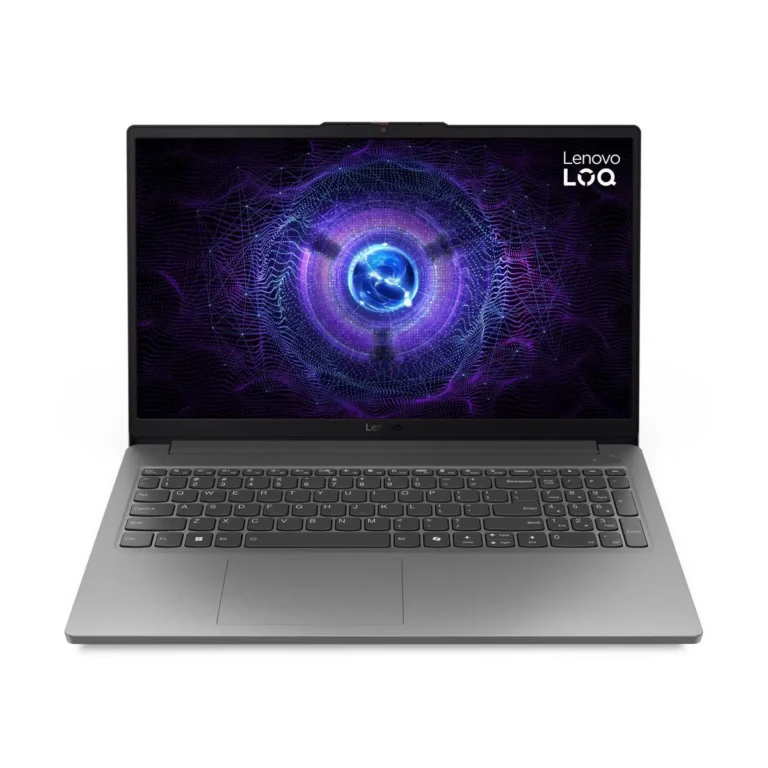
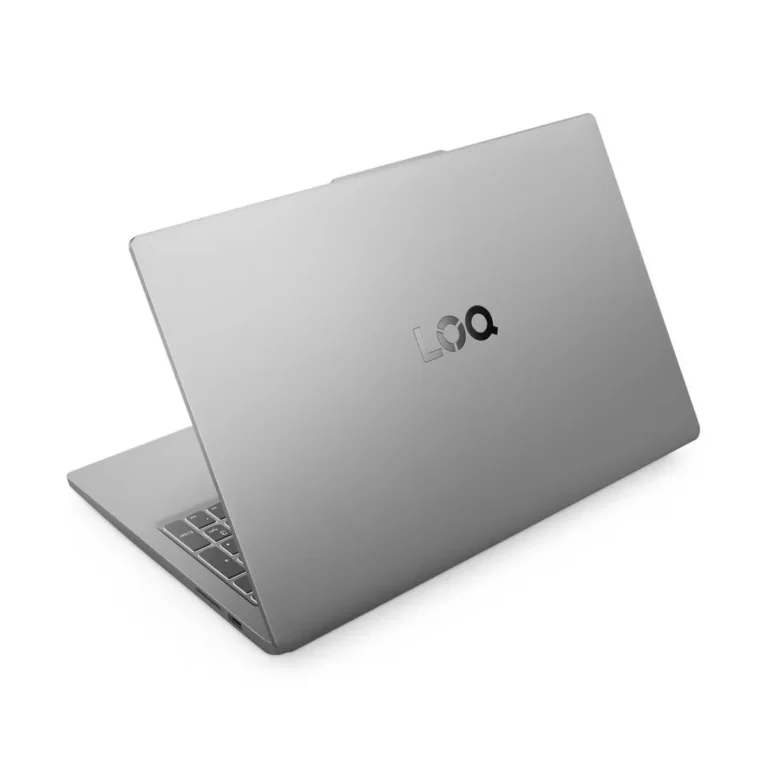
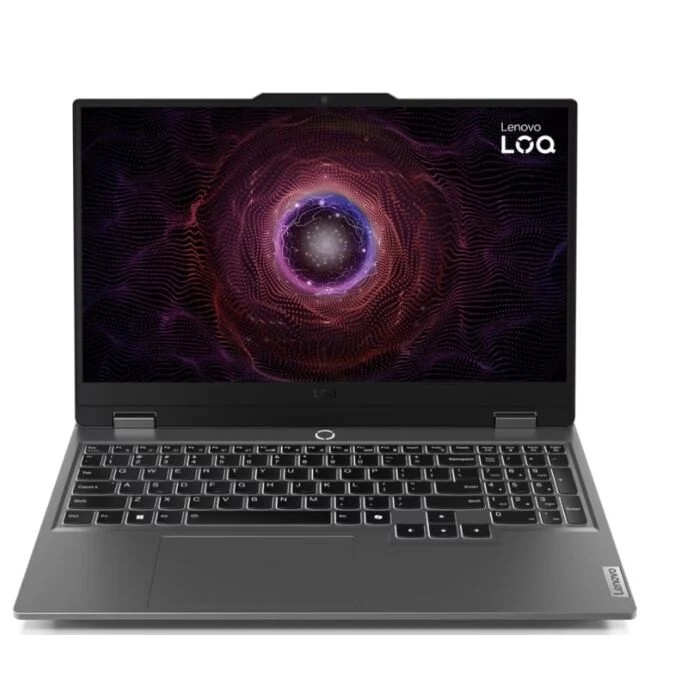
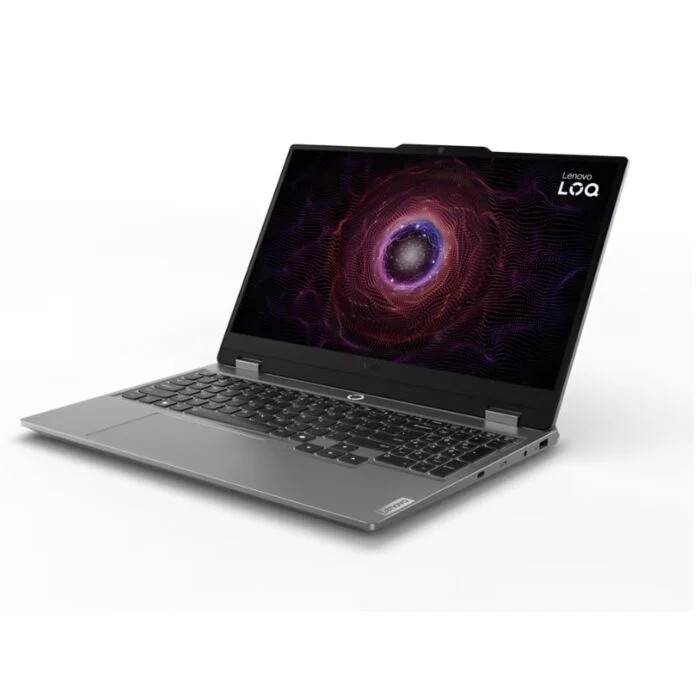
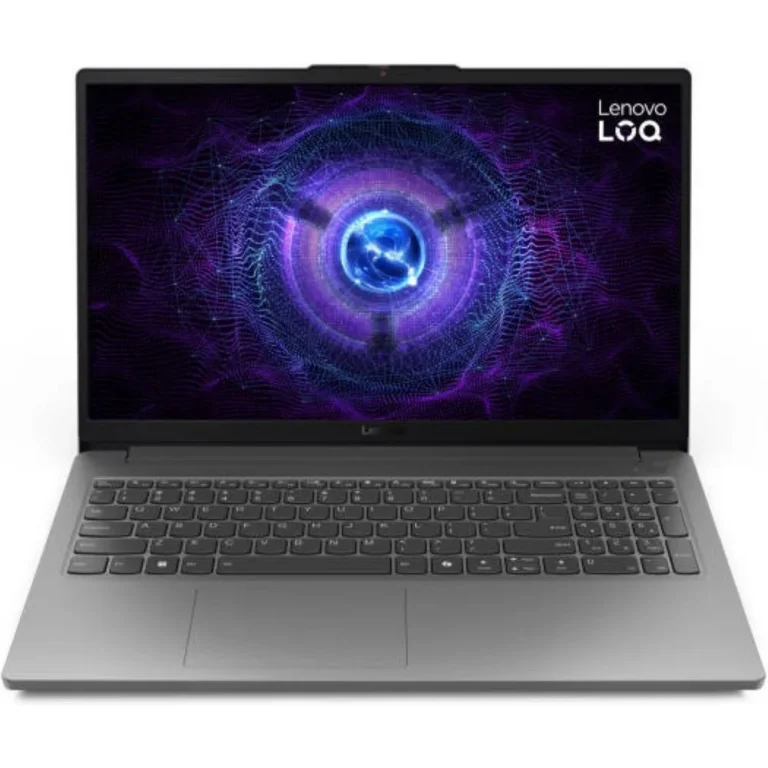
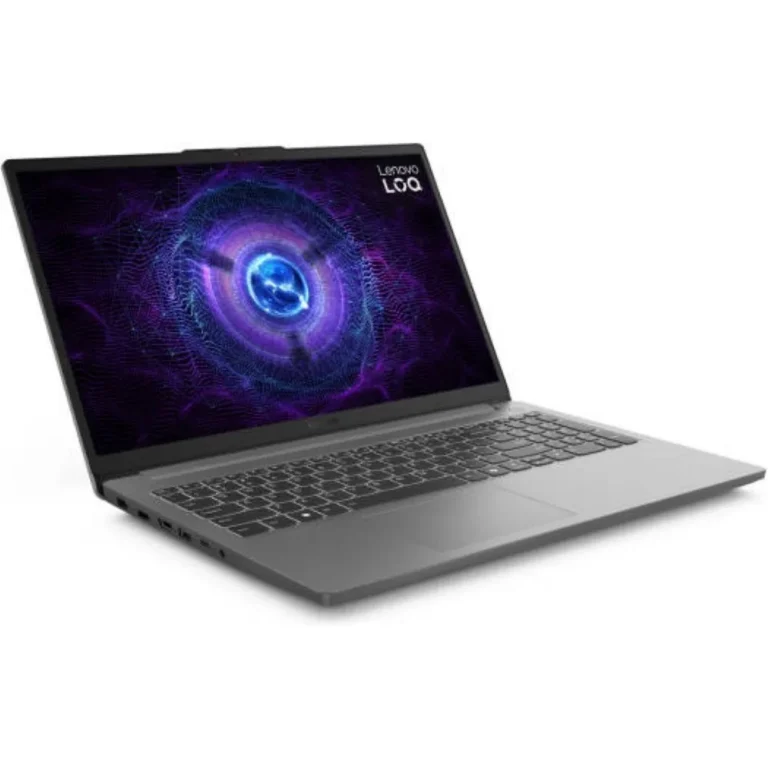
Lenovo's LOQ series pairs 144Hz IPS panels with DDR5 memory and discrete graphics, spanning entry level builds through to higher specified gaming configurations.
Lenovo LOQ Gaming Laptops
Lenovo LOQ gaming laptop models fill this category, and buyers land here when they want a machine that holds a high frame rate in games without paying for a full workstation. Most of the demand comes from students, people building a first gaming setup, and users who game in the evening and cut video or run design software during the day.
Every unit in this listing carries the Lenovo badge, so the differences sit in the configuration rather than the brand. Displays split between FHD and WQHD, most of them IPS panels running at 144Hz. Memory starts at 16GB of DDR5 and climbs to 24GB. Storage arrives as either a 512GB SSD or a 1TB SSD. Graphics memory is 6GB on the lower configurations and 8GB further up the range. The price spread runs from entry level through to premium, so the same chassis family covers a wide budget band.
Three choices decide which LOQ you should take.
- The panel comes first: a 144Hz FHD screen keeps frame rates high in competitive titles and asks less of the GPU, while a WQHD panel sharpens detail and suits slower single player games and photo work.
- Second is graphics memory, where 6GB suits FHD play and 8GB gives you headroom for higher texture settings.
- Third is the storage and memory pairing. A 512GB SSD fills fast once you install two or three large games, so buyers with a big library should look at the 1TB SSD, and anyone running a browser, a game and a render at once benefits from the 24GB DDR5 configurations over 16GB.
Matching a LOQ to how you use it
Students who play competitive shooters and need a portable machine for class work do well on a 144Hz FHD unit with 16GB DDR5 and a 512GB SSD. Someone who installs large open world titles and keeps them installed should move to the 1TB SSD. Buyers who edit video, run virtual machines or keep dozens of tabs open beside a game will feel the 24GB DDR5 option. If your main use is colour work or reading dense timelines and spreadsheets, the WQHD IPS panel earns its cost.
Mega Computer sells the LOQ range from its Karachi showroom, and you can order for nationwide delivery across Pakistan. Payment works through cash on delivery or online payment. Warranty cover varies by unit inside this category: some configurations come with local warranty support, while others carry international warranty, so check the warranty note on the product you pick before you order.
One detail catches buyers out on this range. Some LOQ units ship with DOS rather than a full consumer operating system preinstalled, which is part of why two machines with near identical specifications can sit at different points in the price spread. Factor in the cost of an operating system licence if you choose one of those, or pick a configuration that already includes it.

 LenovoLenovo 22