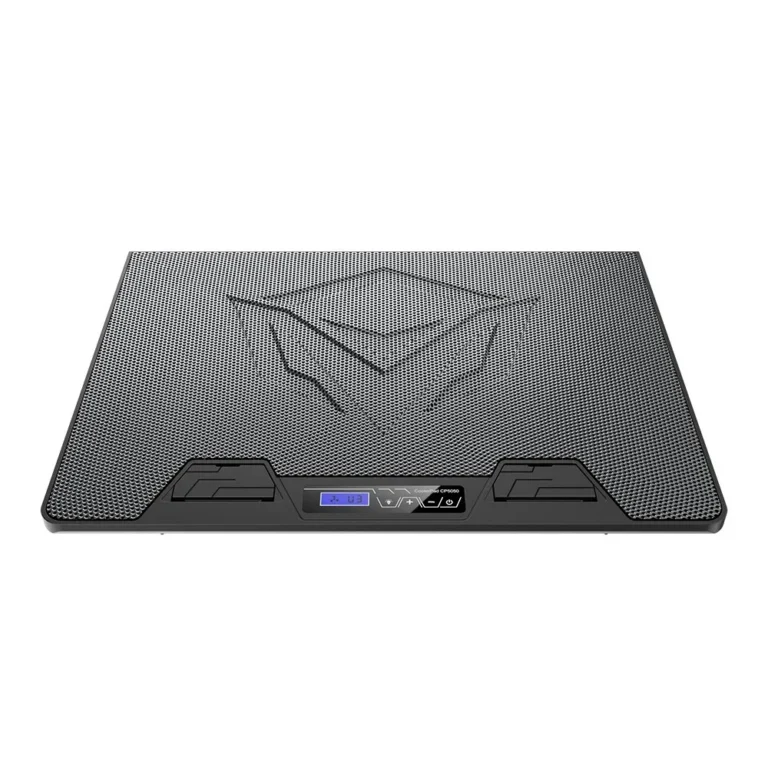
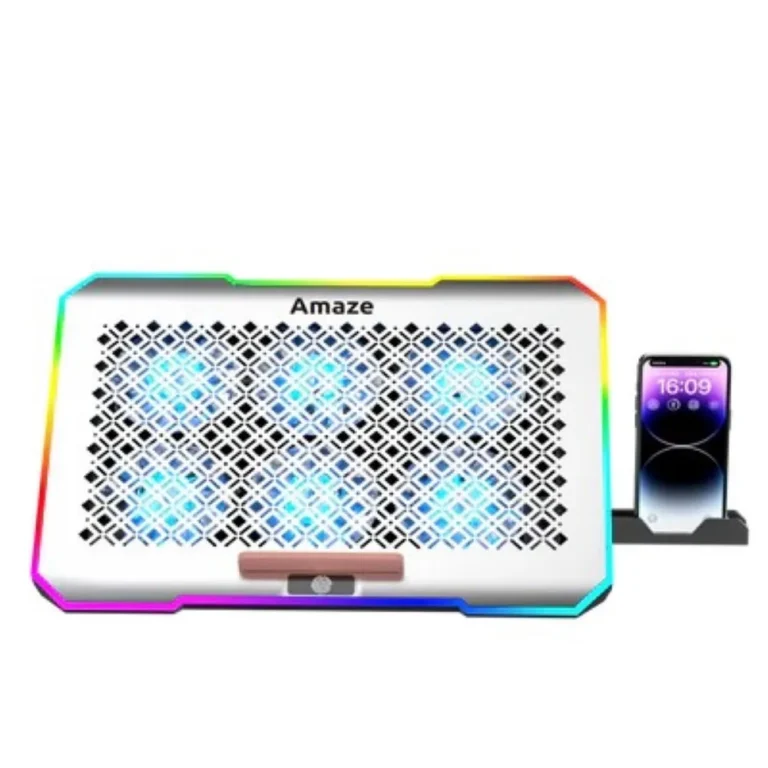
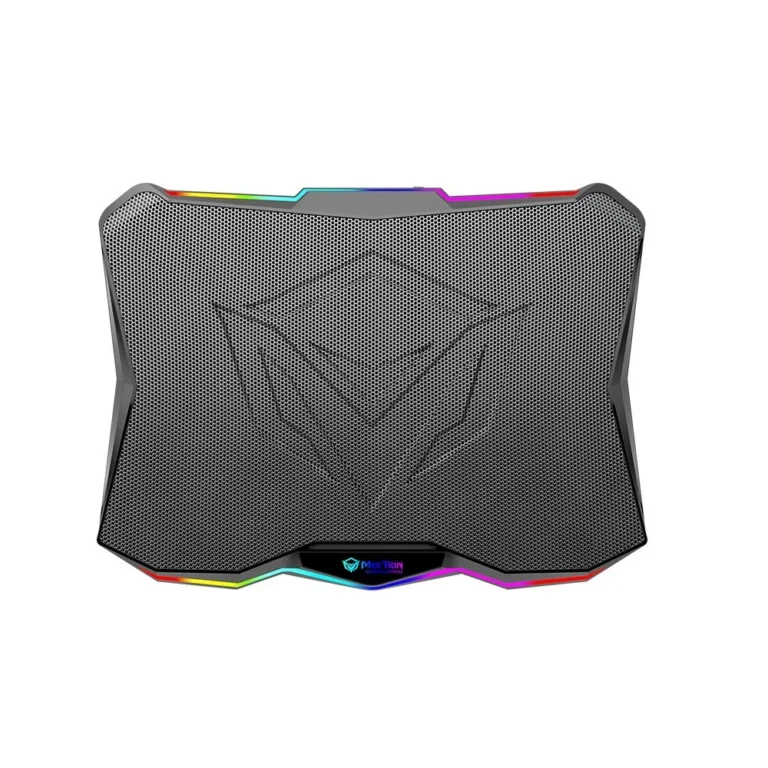
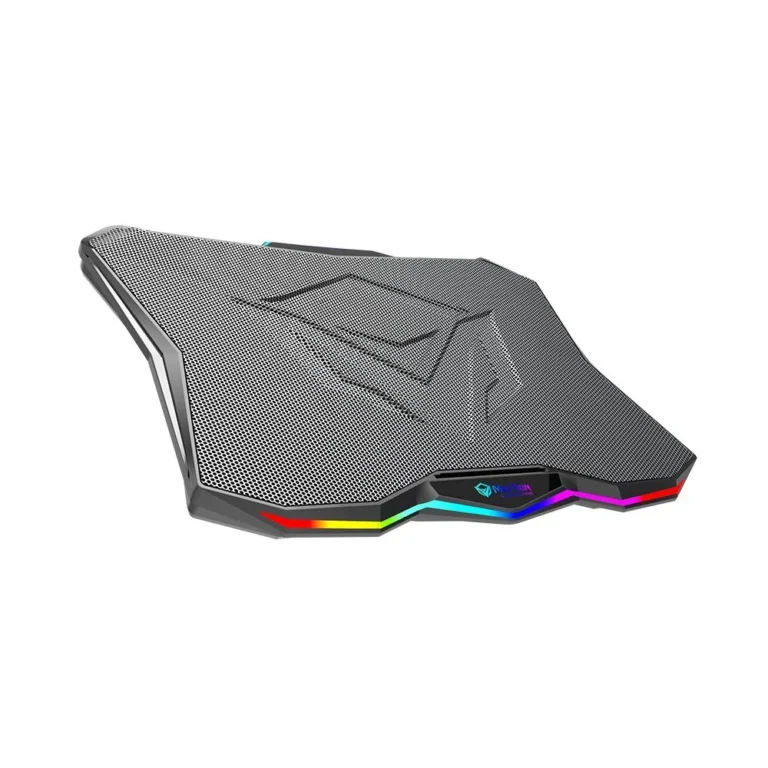
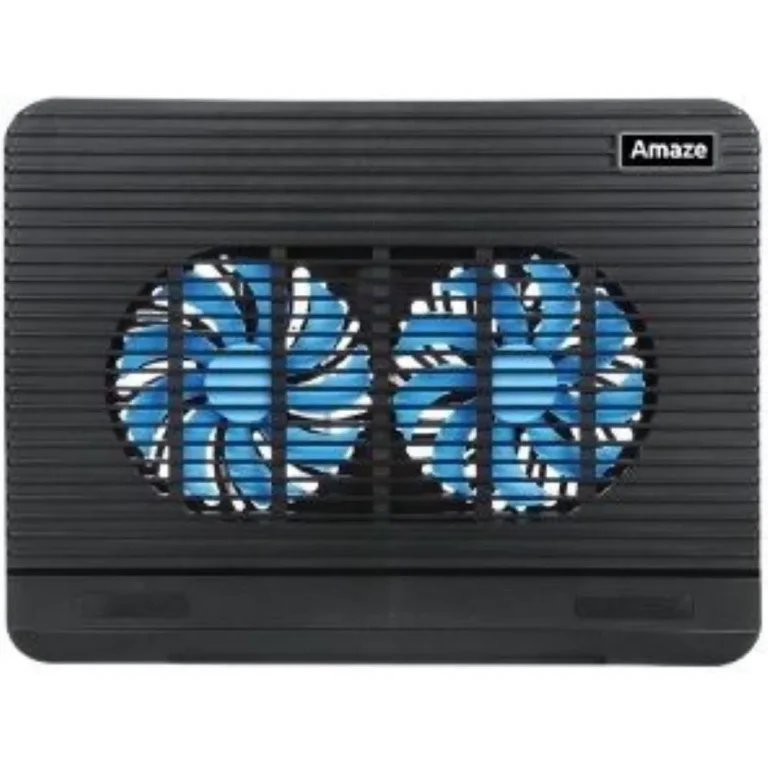
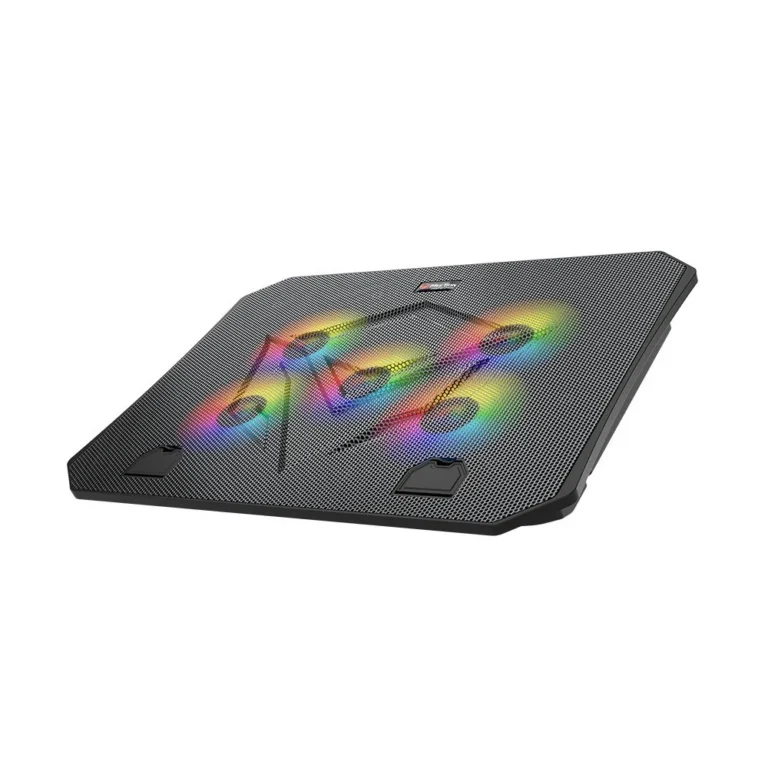
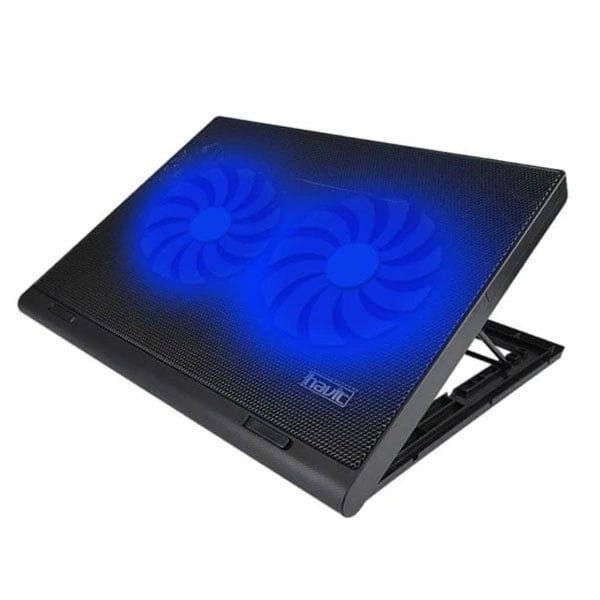
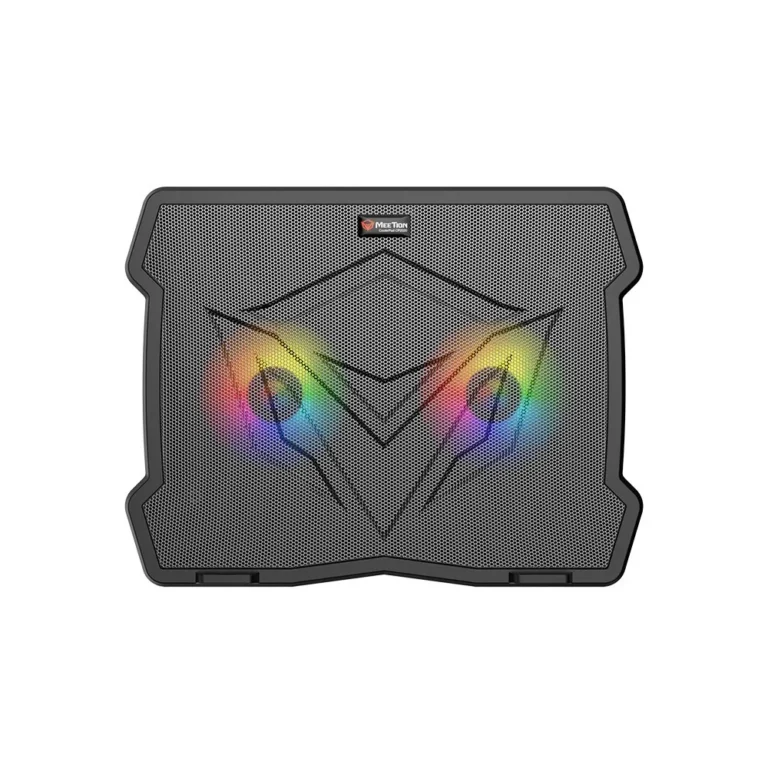
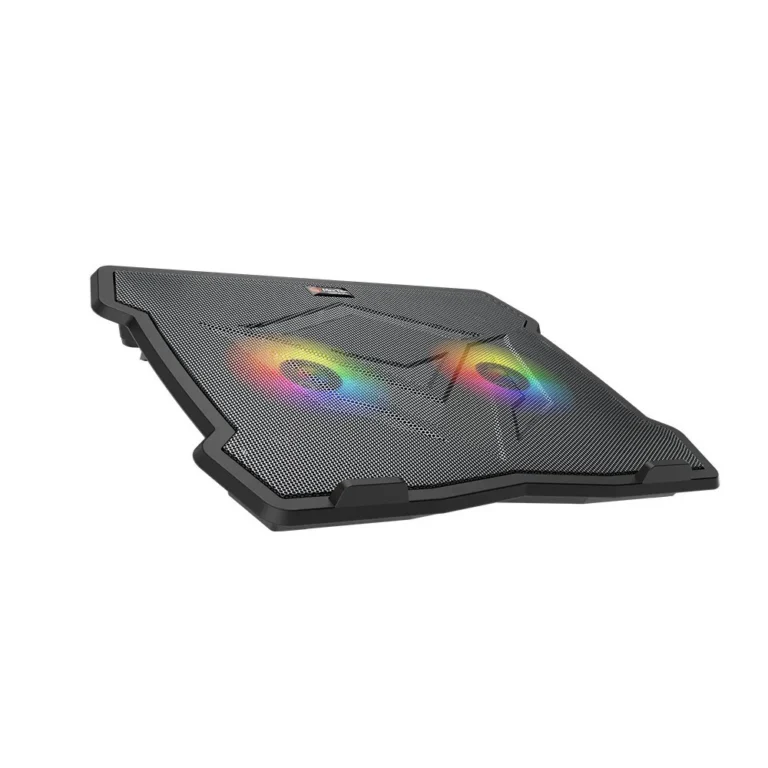
Cooling pads and raised stands from Cooler Master, Amaze and Meetion, with plain fan pads and RGB models, sold across Pakistan with cash on delivery.
Laptop Cooling Pads
Laptop cooling pads sit under the chassis, tilt it toward you and push air at the vents on the underside, which is where most notebooks pull their intake from. Buyers reach for one when a machine throttles during a long render, when the palm rest gets hot in summer, or when a laptop spends its day flat on a desk with no clearance underneath. Gamers, students and office users all end up in the same category for different reasons.
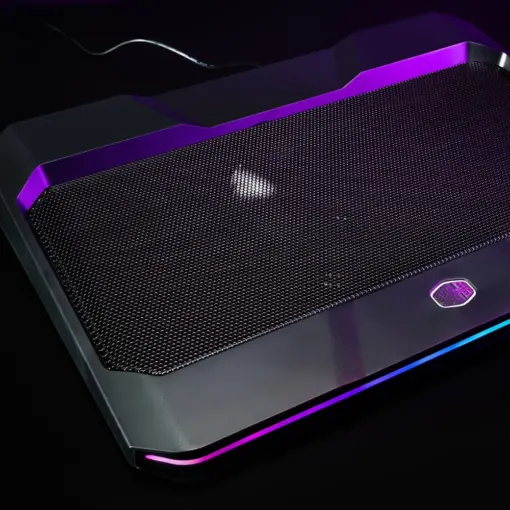
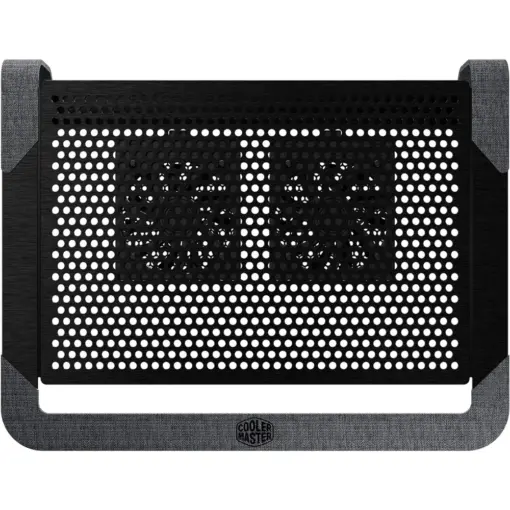
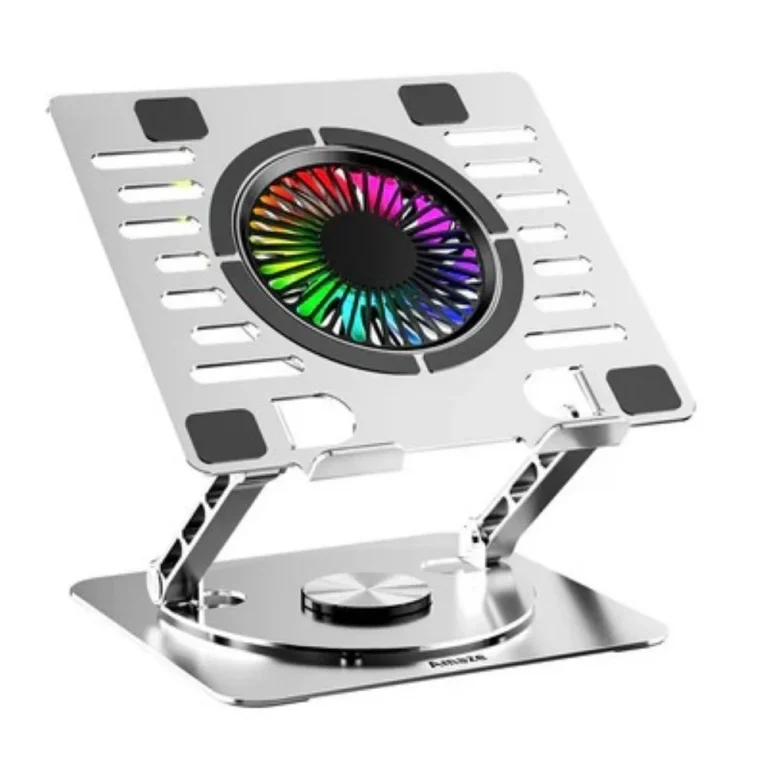
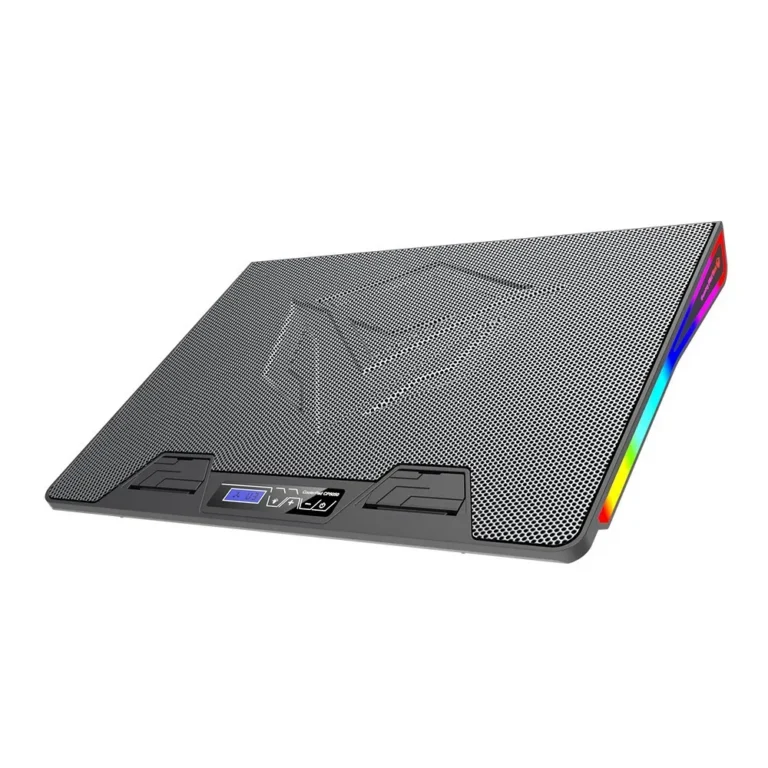
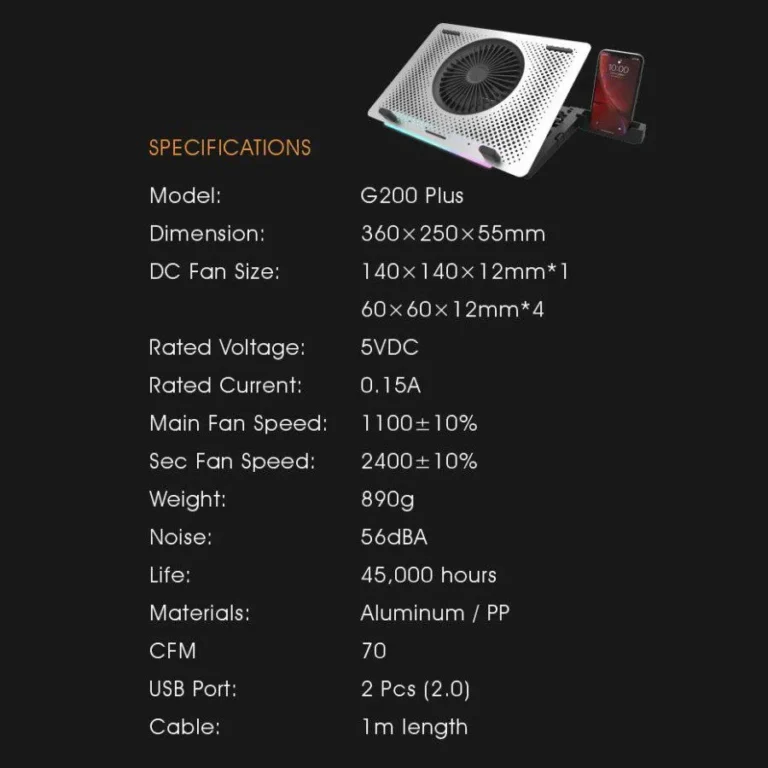
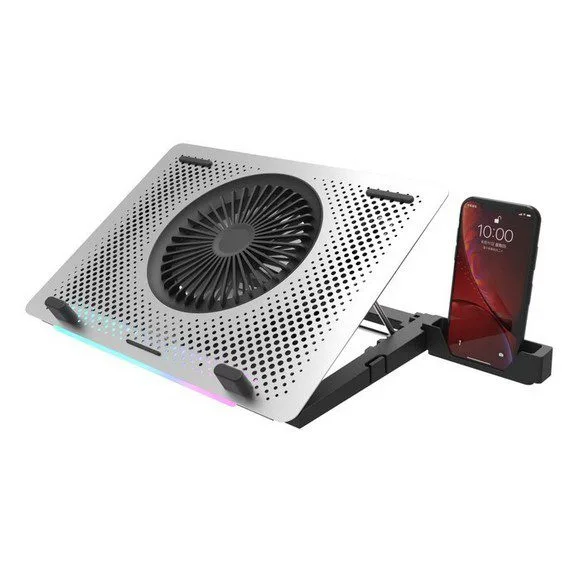
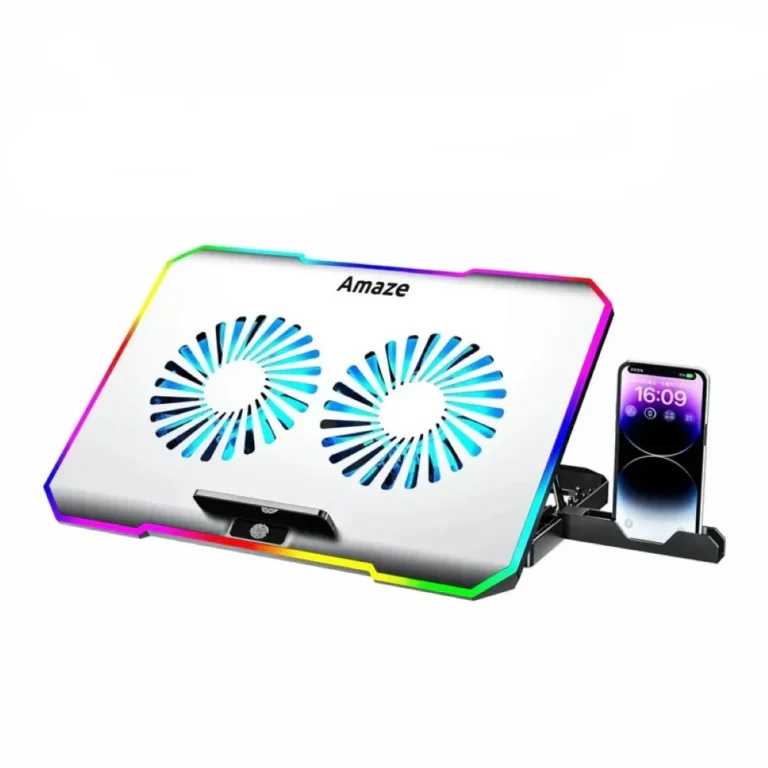
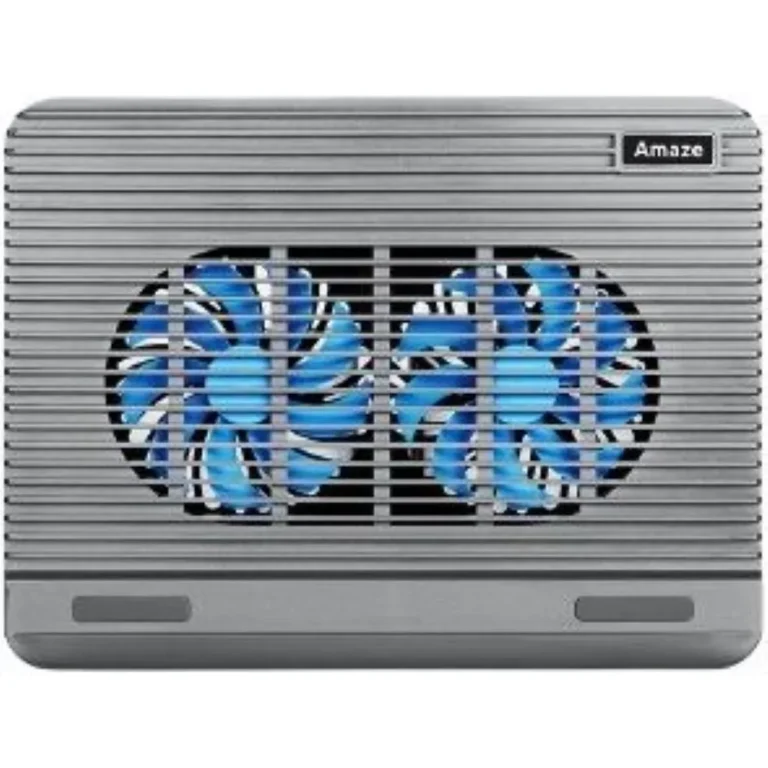
The range here covers three brands. Cooler Master supplies the NotePal line, built around a flat pad body that you set on a desk and leave there. Amaze and Meetion both bring RGB models, including Amaze aluminum rotatable stands with adjustable heights and a phone holder, and Meetion gaming pads that hold their fan noise down. Fan layouts run from a single large fan to six smaller ones. The price spread is wide, from entry-level pads up to premium stands.
Three decisions settle most purchases.
- First, fan size against noise: one large slow fan moves air with less whine than a bank of small fast ones, while a hexa fan layout spreads airflow over a wider footprint for a large chassis.
- Second, flat pad against height-adjustable stand: a flat pad costs less and travels better, a stand lifts the screen toward eye level and takes strain off your neck during eight hour sessions.
- Third, RGB or none: the lighting draws a little extra power over the USB feed and adds nothing to cooling, so skip it if your laptop already runs short on battery.
Matching the pad to how you work
Someone running an esports title on a gaming laptop for hours wants the wider multi fan layouts and a rigid top surface that will not sag under weight. A student who moves between a hostel desk and a lap needs the thin flat pad that slides into a backpack. Anyone editing at a fixed desk gains more from a rotatable aluminum stand at raised height than from raw airflow, since posture becomes the real problem after the third hour. If your laptop vents from the sides rather than the base, treat the stand as a riser and judge it on build, not fan count.
Our Karachi showroom stocks the range, and we ship nationwide across Pakistan. You can pay cash on delivery or settle online before dispatch. Cooling pads carry the manufacturer warranty against fan and motor faults, so keep the box and the invoice. Call or message us with your laptop screen size before you order and we will tell you which pads in stock match that footprint.