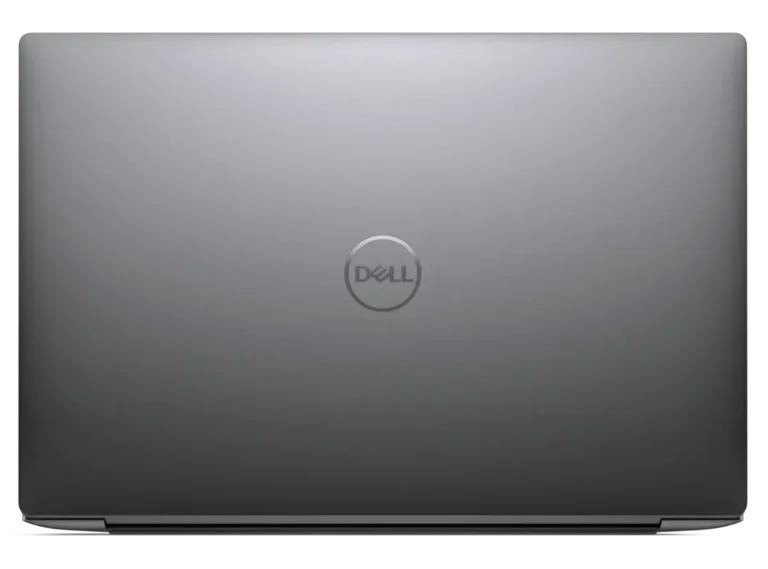
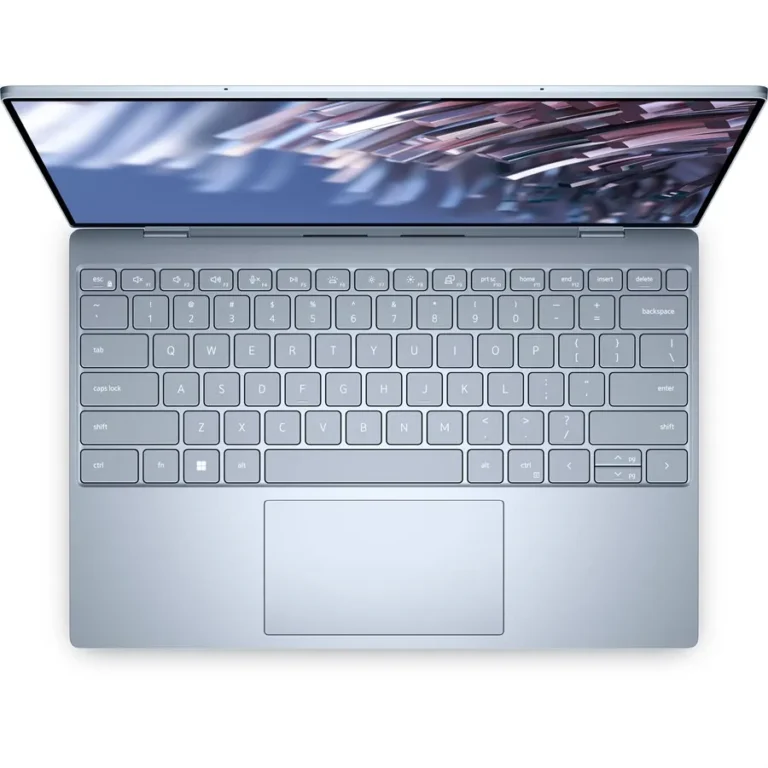
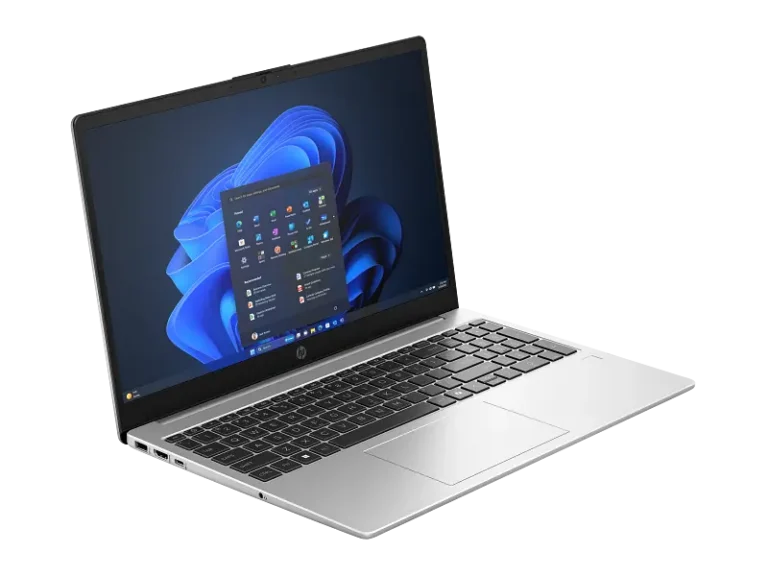
Dell's thin and light XPS line in FHD, 2K IPS and OLED touchscreen builds, with Intel Core i5, Core i7 and Core Ultra 7 processors and SSD storage throughout.
Dell XPS in Pakistan
Dell XPS price in Pakistan starts at entry-level configurations and reaches premium OLED touchscreen builds, which makes this the narrowest of Dell’s ranges in terms of what you give up at the bottom end. Dell keeps the XPS chassis small and puts the money into the screen and the build rather than into discrete graphics. Buyers here carry a machine every day: consultants, architecture and design students, and staff who work from a bag more than a desk.
Configurations start at 8GB memory with a 256GB SSD, move through 16GB with a 512GB SSD, and reach 32GB with a 1TB SSD at the top. Screens cover three tiers: FHD panels, 2K IPS, and OLED touchscreens. On the Intel side the range includes Core i5, Core i7 and Core Ultra 7 parts, with the Dell XPS 14 pairing Core Ultra 7 with 16GB, a 512GB SSD and a 2K IPS panel. Several Dell XPS 13 units combine 32GB, a 1TB SSD and an OLED touchscreen. The gap between the cheapest and the dearest unit here stays tight because every XPS begins from the same premium build.
Three decisions set the price.
- The panel comes first: OLED gives you deeper black levels and a touch layer, 2K IPS holds up better under bright light and asks less of the battery, and FHD keeps the cost down for people who mostly write and browse.
- Memory comes second, and it matters more than usual on this line because XPS memory is soldered, so 8GB stays 8GB for the life of the machine. Pick 16GB if you keep a browser and an office suite open together, 32GB if you run design or video tools.
- Storage is the third call: a 256GB SSD fills fast once you install a creative suite, 512GB suits most people, and 1TB is for anyone holding raw photo or video libraries locally.
Matching an XPS to how you work
For coursework, spreadsheets and remote meetings, a 16GB and 512GB SSD build on an FHD or 2K IPS screen covers the workload without paying for panel quality you will not use. Photographers and designers who grade images should take the OLED touchscreen with 32GB and the 1TB SSD, since colour work and large files punish both a weak panel and a small drive. Anyone flying between client sites should look at the Dell XPS 13 for the smaller footprint. Developers and analysts who keep many windows open will get more from the Dell XPS 14 with Core Ultra 7 and the 2K IPS screen.
Mega Computer runs its showroom in Karachi, where you can put hands on a chassis and compare an OLED panel against an IPS one before you commit. Warranty terms differ by configuration on this line: some XPS units ship with international warranty cover and others carry a local multi-year term, so read the warranty note on the individual listing rather than assuming it across the range. Orders ship with nationwide delivery across Pakistan, and you can pay cash on delivery or online.
Most XPS configurations include a backlit keyboard and a fingerprint reader, which matters if you work in low light or log in dozens of times a day. Touch is tied to the panel choice rather than sold separately, so a touchscreen requirement narrows you to the OLED builds. Check that before you order, because you cannot add it later.

 DellDell 4