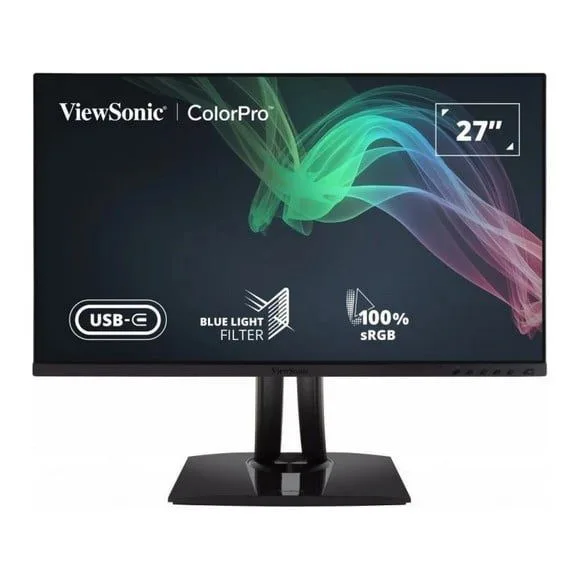
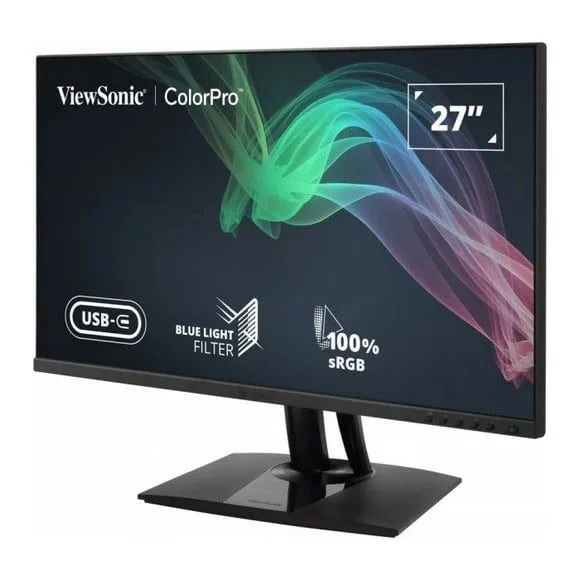
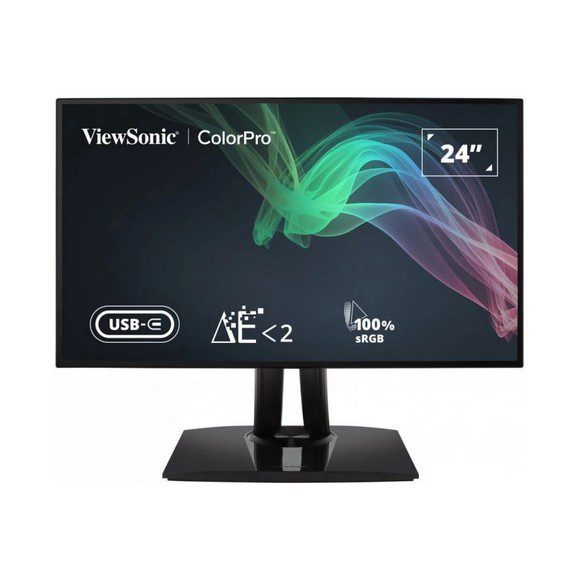
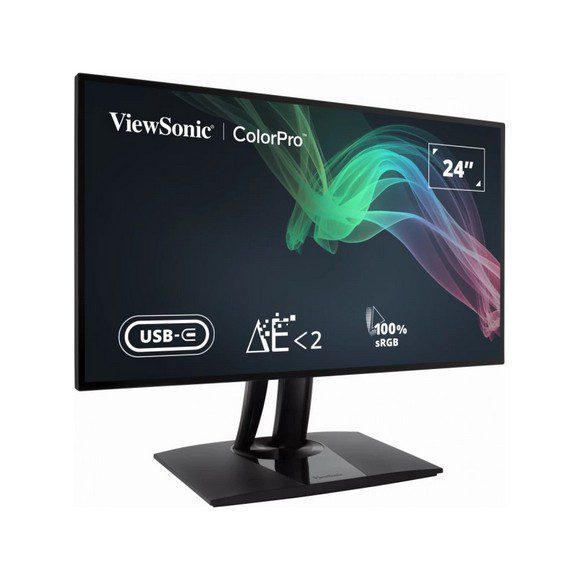
ViewSonic VP monitors built for colour critical work, with 4K UHD IPS panels, wide Adobe RGB coverage and USB Type-C docking. Karachi showroom, delivery Pakistan wide.
ViewSonic VP Series Professional Monitors
The ViewSonic VP series sits at the colour critical end of the ViewSonic line, and the buyers who come to it are photographers, video editors, print production staff and designers who need the screen to agree with the file. These are working displays rather than gaming panels. The ColorPro branding on part of the range points at the same thing, colour that holds up when the job leaves your desk.
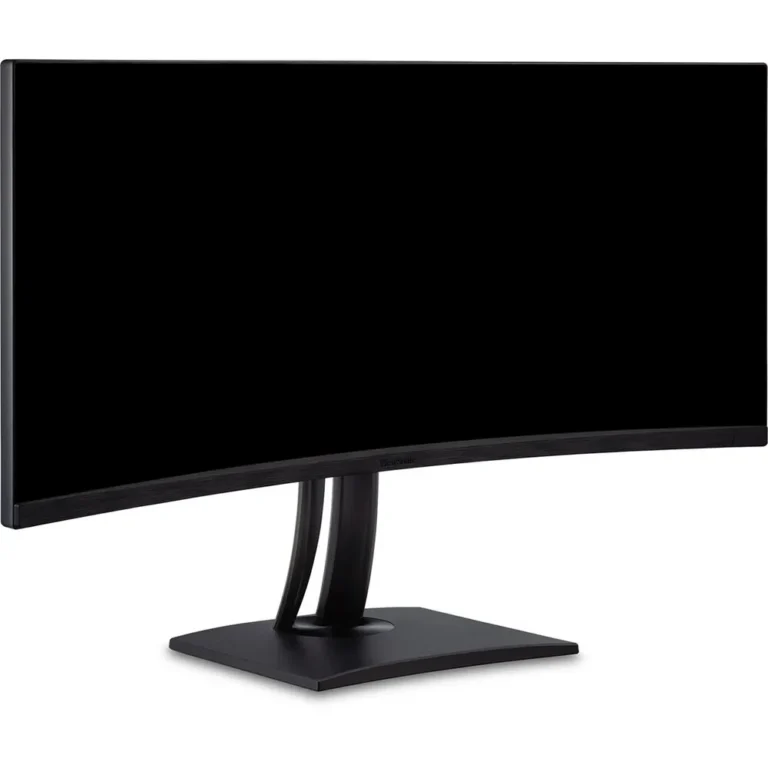
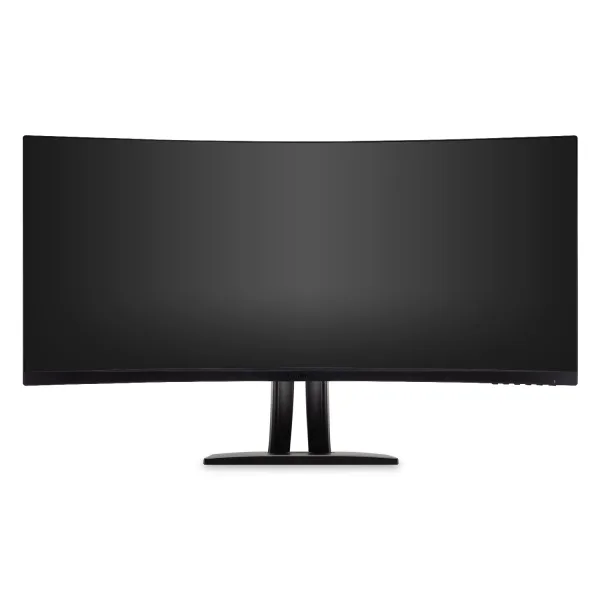
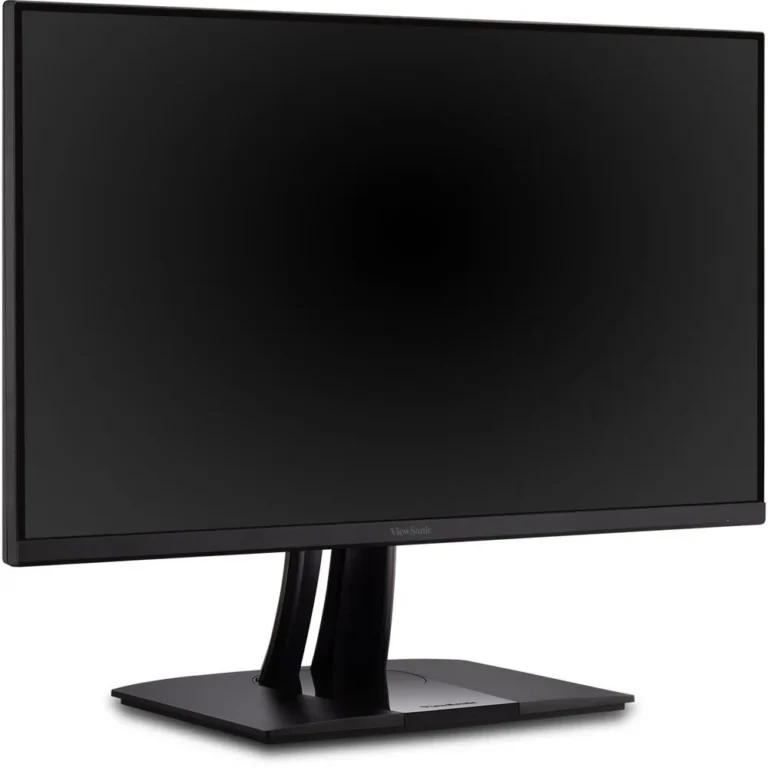
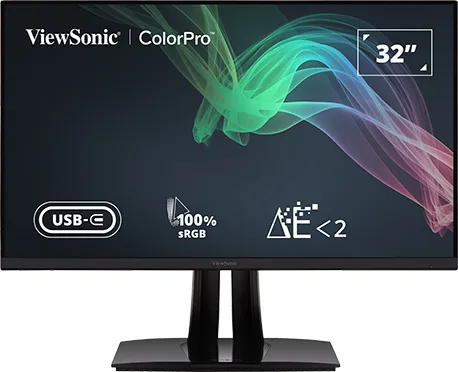
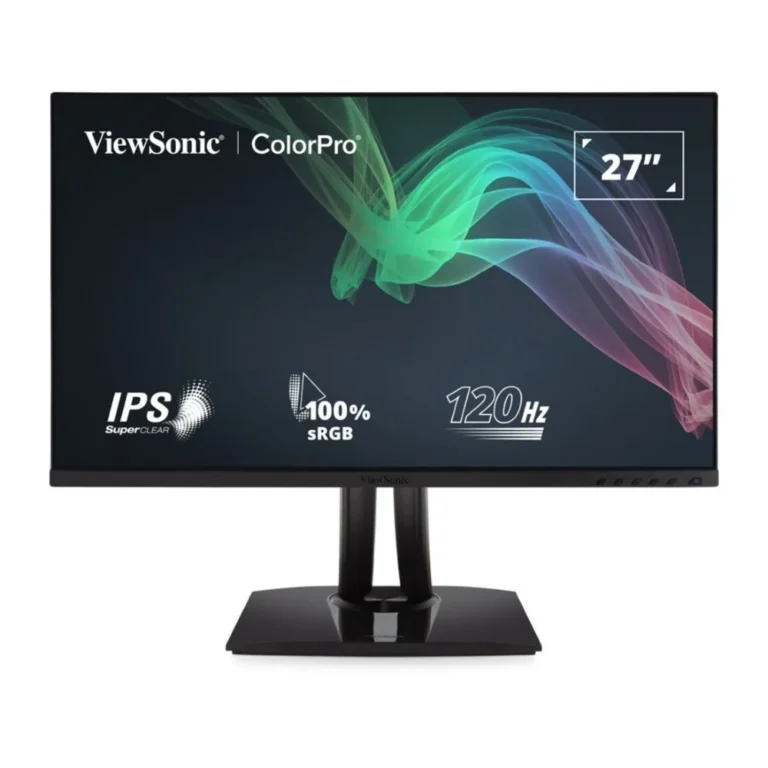
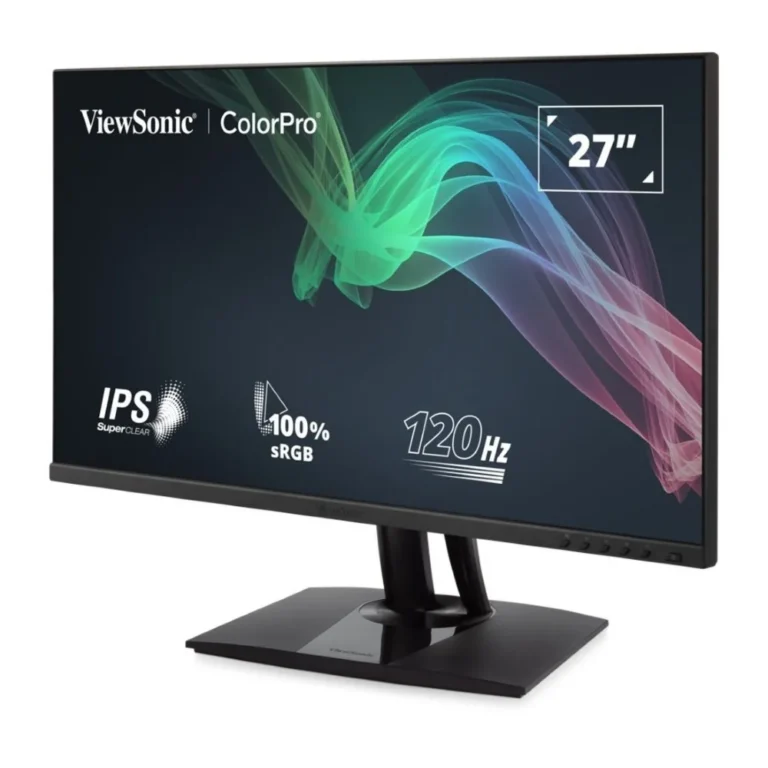
Every monitor in this category carries the ViewSonic badge, so the choice you make here is about panel and connectivity, not about which brand to trust. Most of the range runs 4K UHD resolution on an IPS panel, including 27 inch models and larger 16:9 screens. One model covers 100% Adobe RGB at 27 inch for print and photo work, another is Pantone Validated and adds 60W USB Type-C power for a laptop, and a 21:9 curved option runs FreeSync at 100 Hz with USB Type-C docking. Prices run from entry level through to premium, so a first colour managed screen and a full production monitor both have a place in the range.
Three decisions settle most VP purchases.
- The first is gamut: a 100% Adobe RGB panel matters for print and photo retouching, while an sRGB and Pantone Validated screen fits web, brand and video work.
- The second is refresh rate, since most of this range holds at 60Hz for static colour work while the curved FreeSync model reaches 100 Hz if you also edit motion or play games after hours.
- The third is the cable behind the screen. A monitor with USB Type-C docking and 60W power feeds a laptop and carries video on one cable, which changes how a hot desk or a small studio is wired.
Matching a VP monitor to the work
Retouchers and print houses should start with the Adobe RGB 27 inch panel, because that gamut is what a CMYK proof depends on. Video editors and colourists tend to prefer the larger 4K UHD IPS screens, where a timeline and scopes fit side by side without scaling the interface. Anyone running a MacBook or an ultrabook as their main machine gains most from the USB Type-C docking models, which cut the desk down to one cable. The 21:9 curved screen suits long audio and video timelines and multi window layouts, and its 100 Hz panel keeps cursor movement clean across that width.
We stock the VP range through our Karachi showroom, where you can look at a panel before you commit, which is worth doing when colour is the point of the purchase. We ship nationwide across Pakistan, and you can pay cash on delivery or online. If you are choosing between two VP models, call or message with the work you do and the machine you plan to connect, and we will tell you which panel and which port set fit.